
Pusher design examples
Explore Pusher UI design examples. Build apps, not infrastructure
Product screens
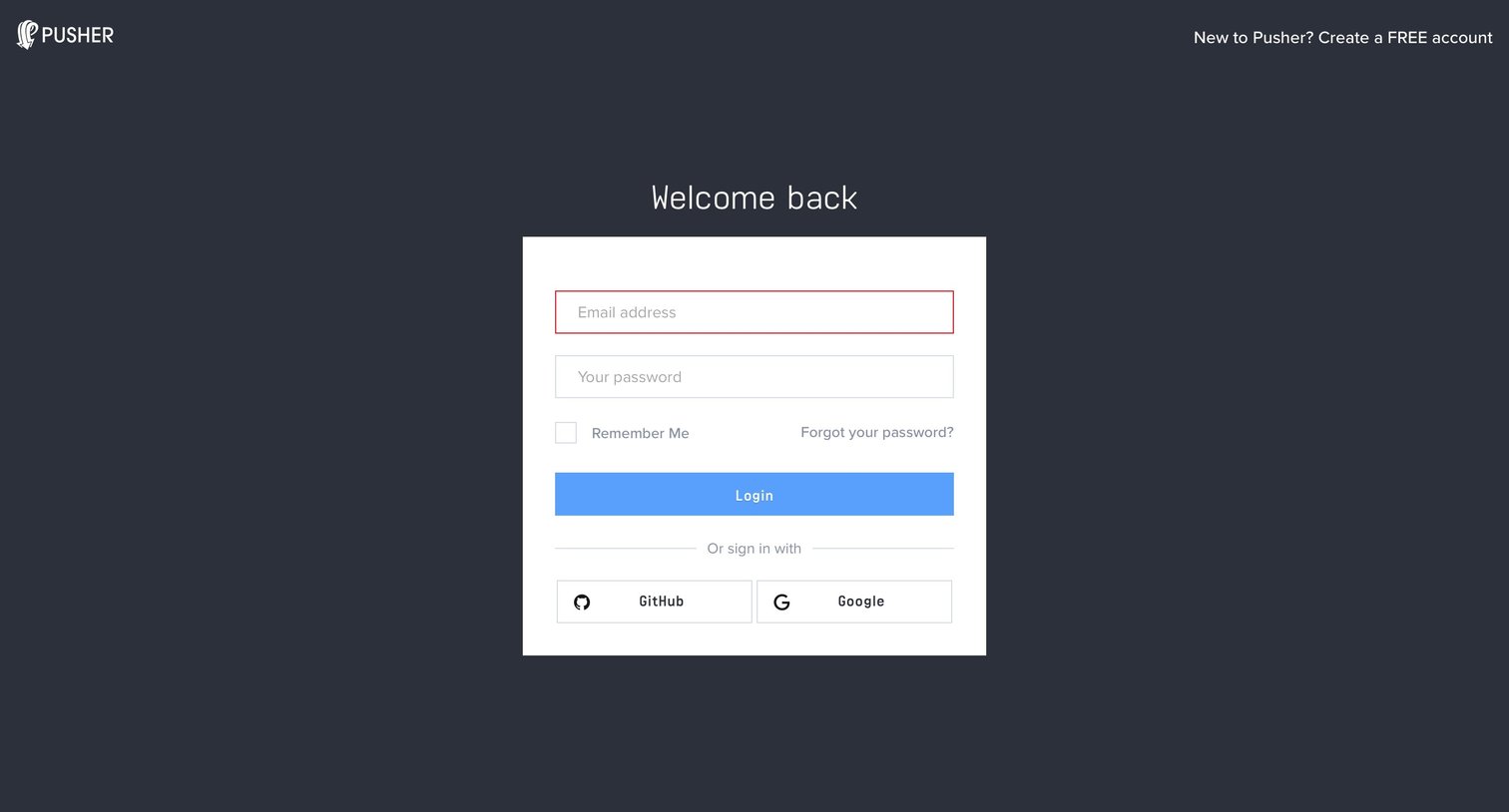
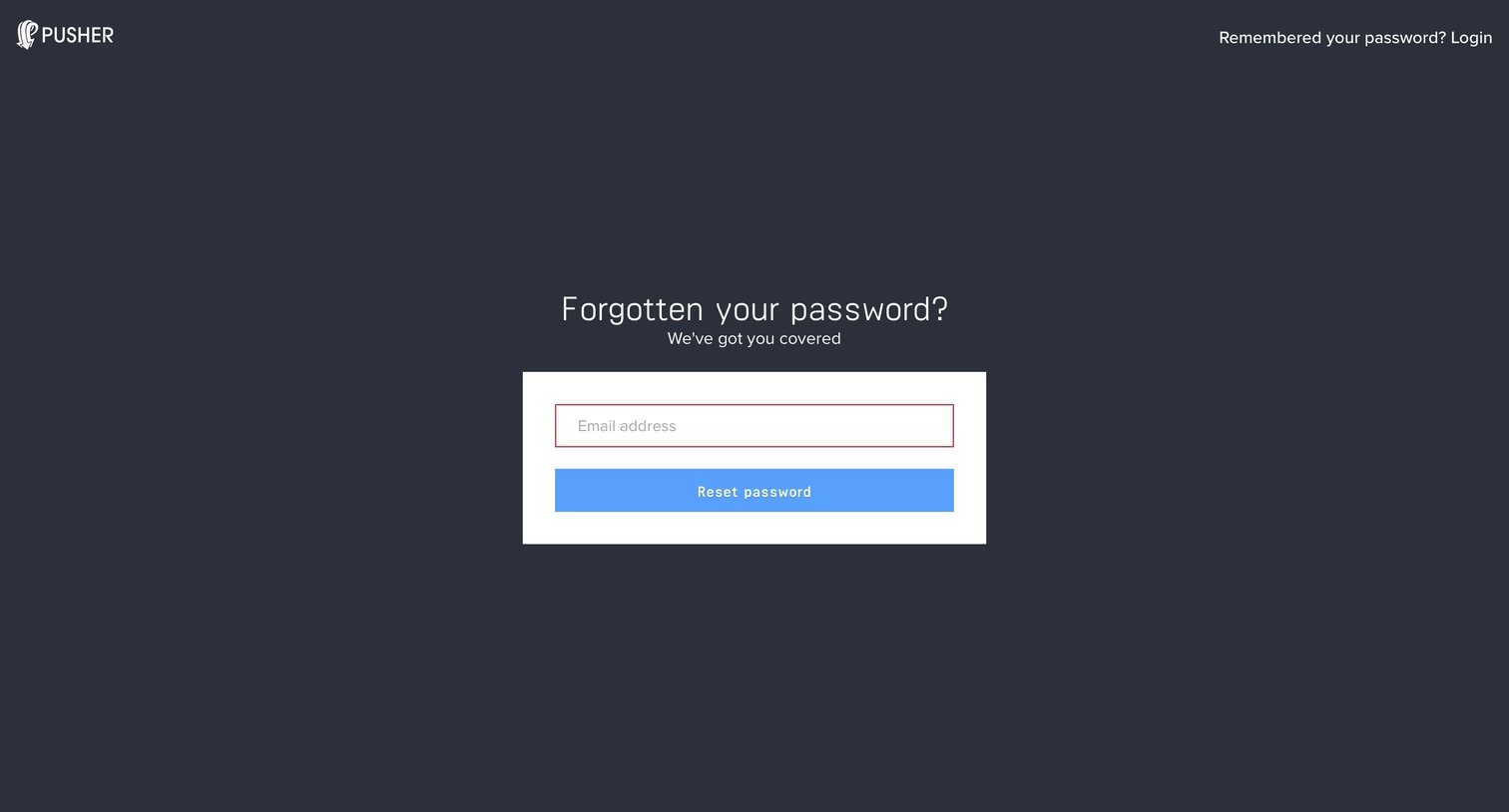
Password recovery screen where the user enters their email address to receive a reset link.
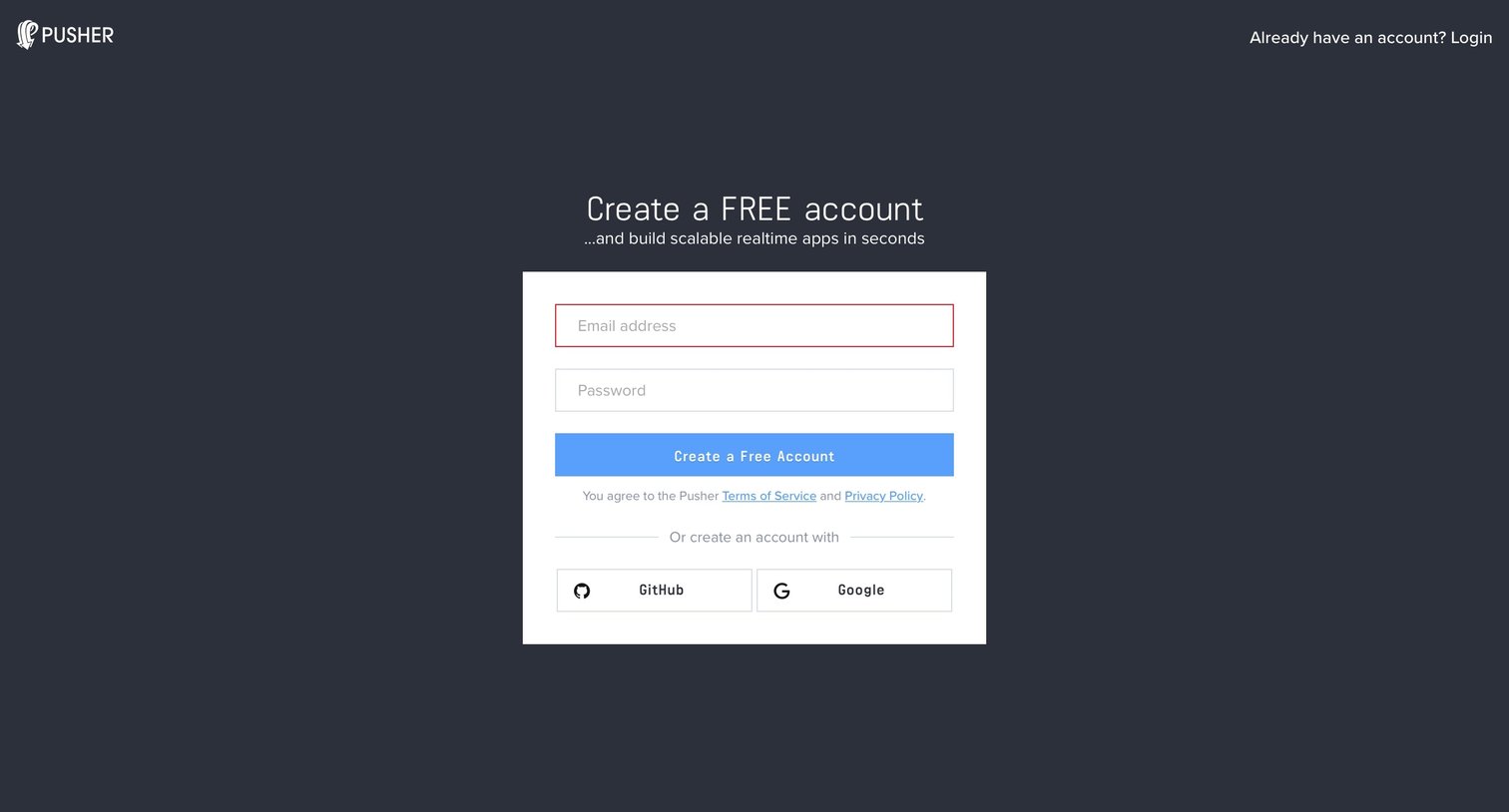
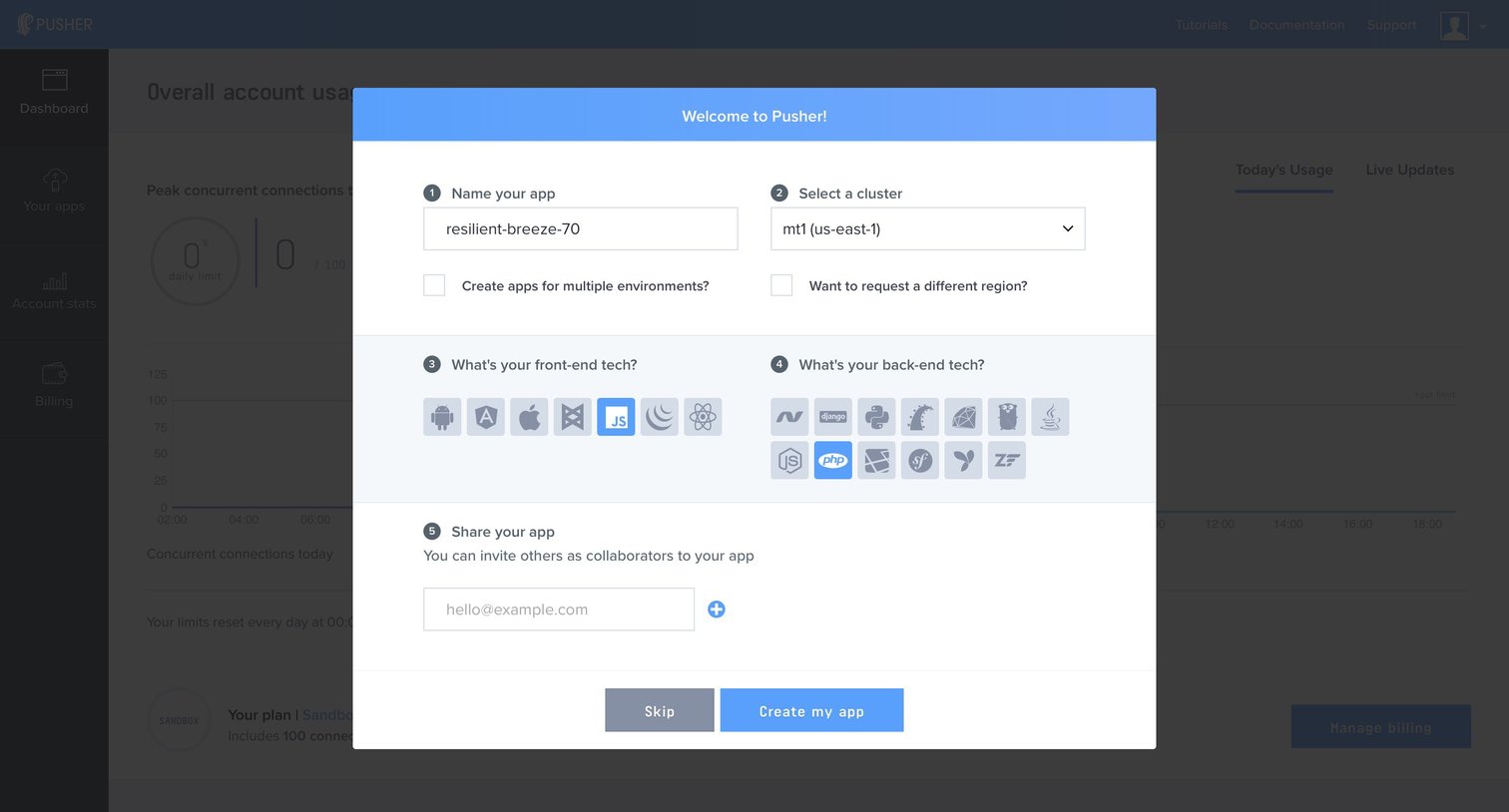
Onboarding modal where the user names their first app, selects a cluster region, indicates their tech stack, and invites collaborators.
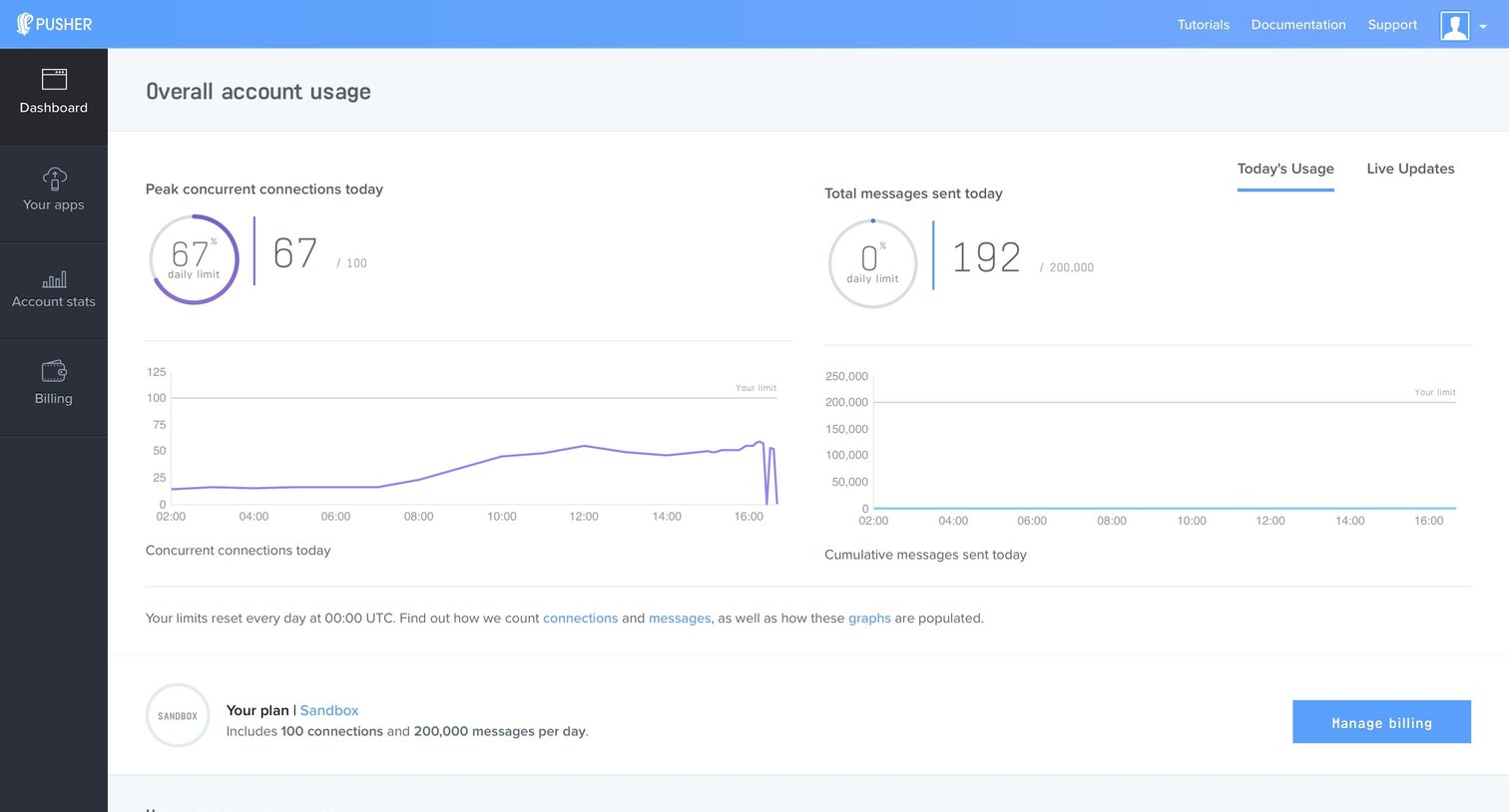
Dashboard Account management
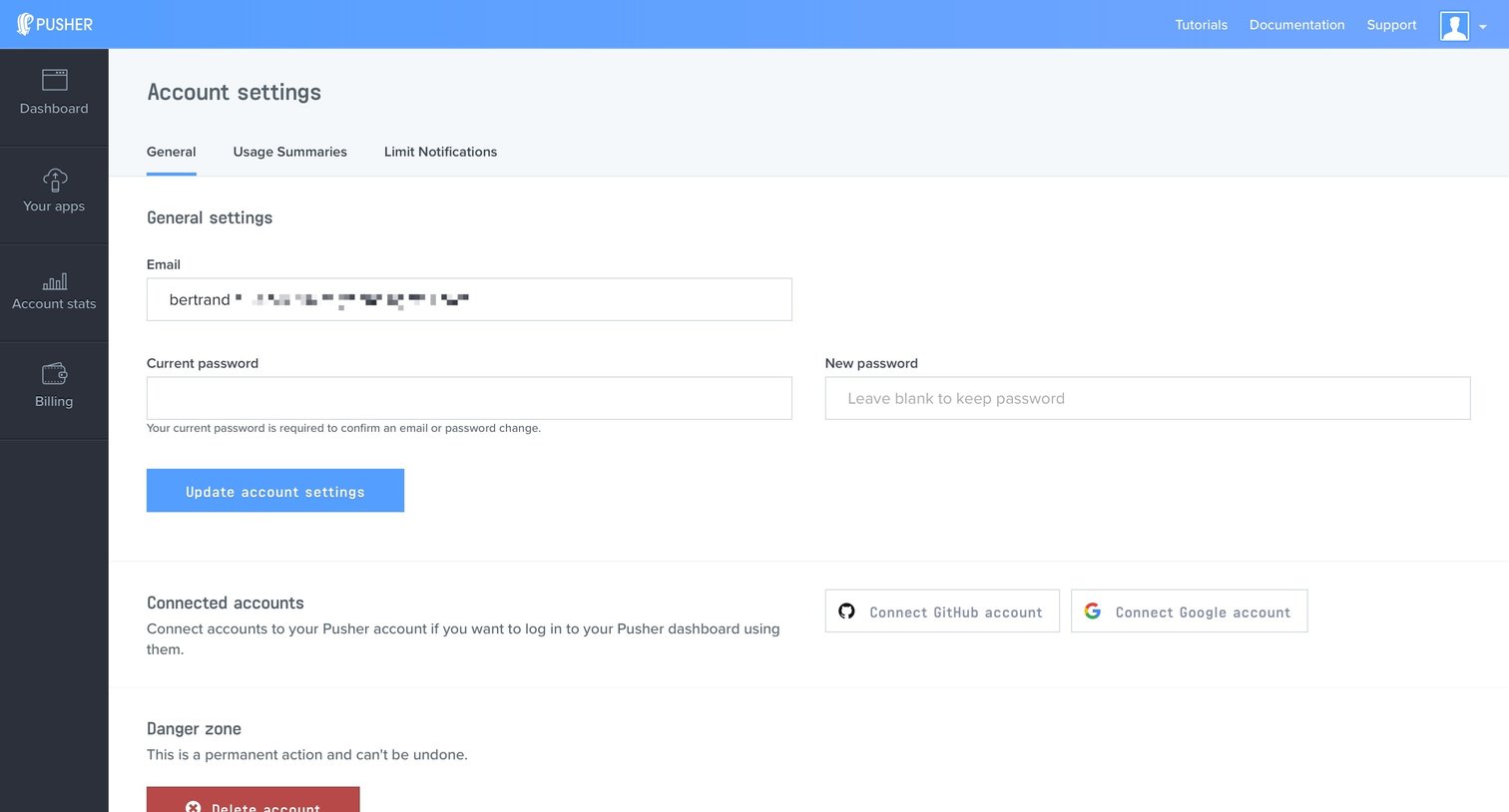
Settings page where the user can update their email, change their password, connect third-party accounts, or delete their account.
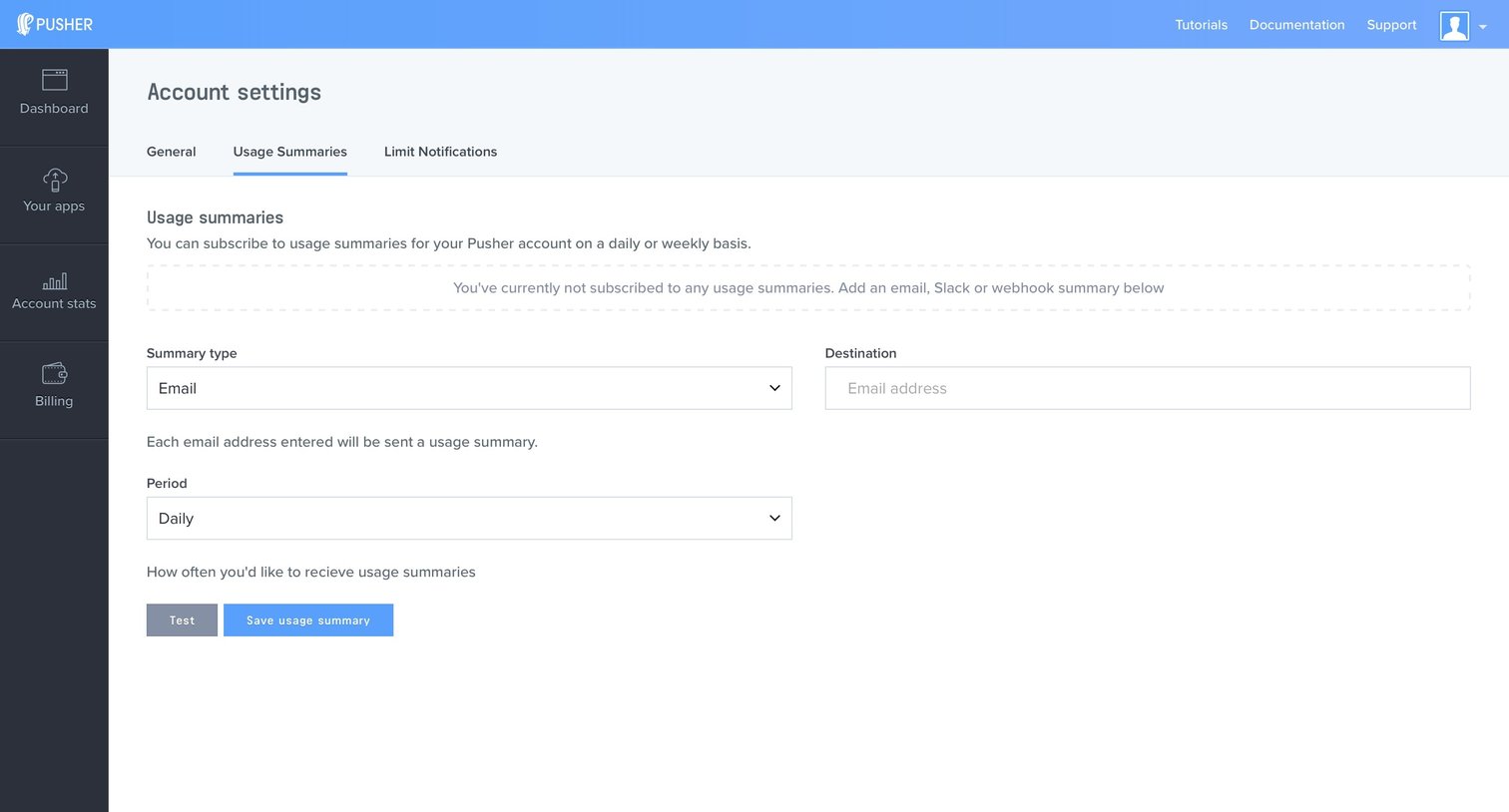
Settings page where the user configures daily or weekly usage summaries to be sent via email, Slack, or webhook.
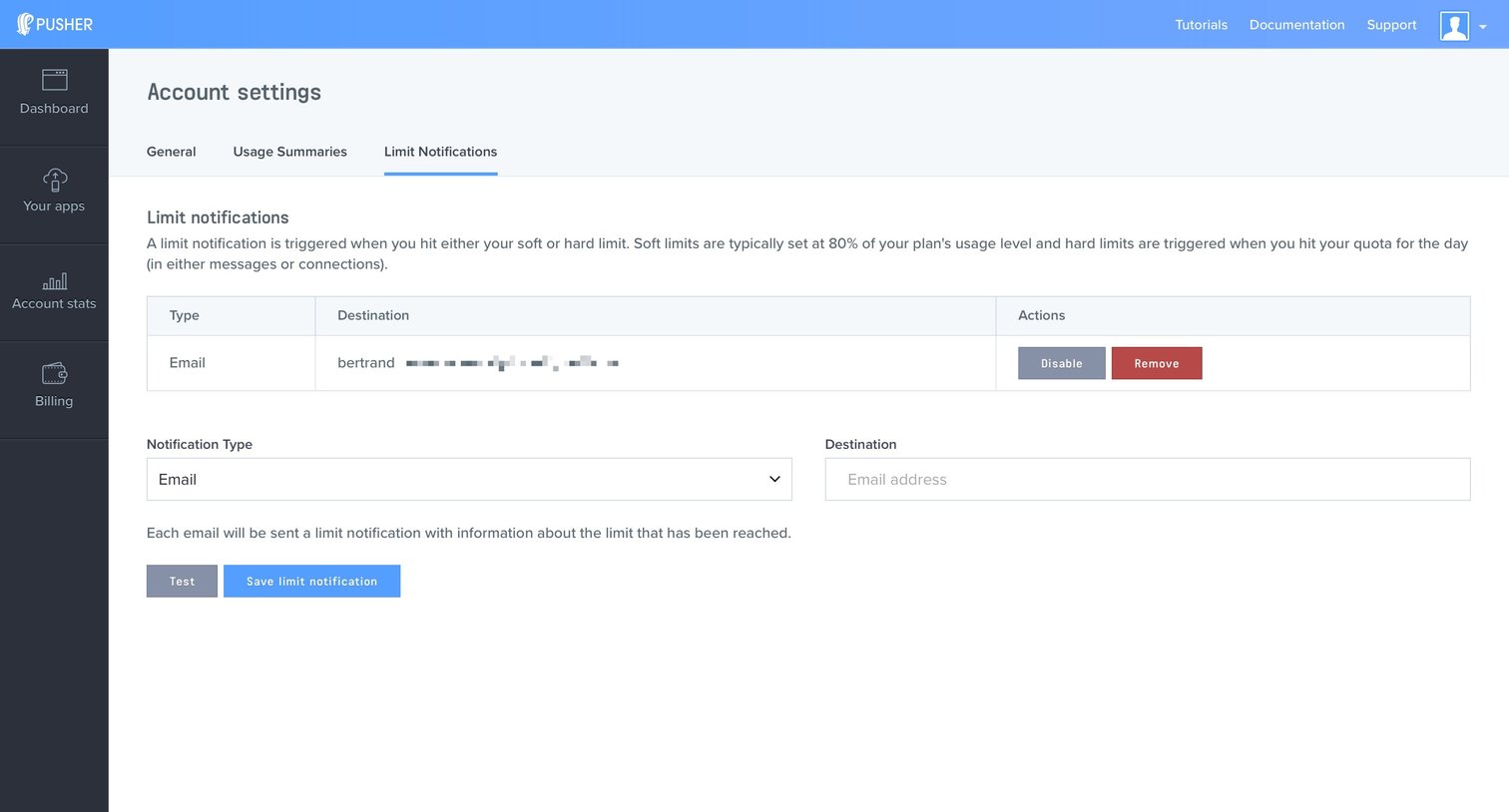
Settings page where the user configures email notifications for when their account hits soft or hard usage limits.
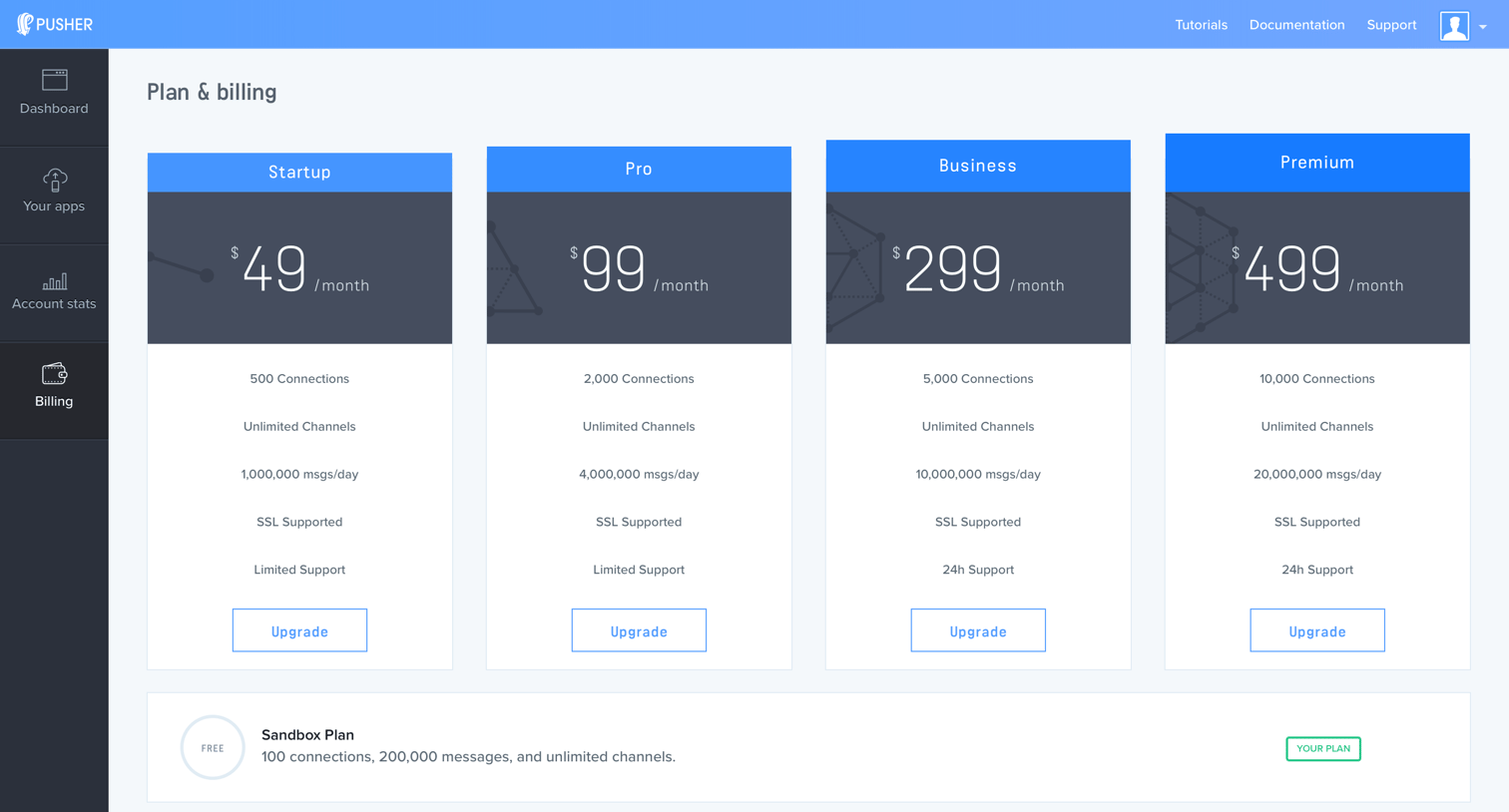
Settings page where the user views their current Sandbox plan and can upgrade to Startup, Pro, Business, or Premium subscription tiers.
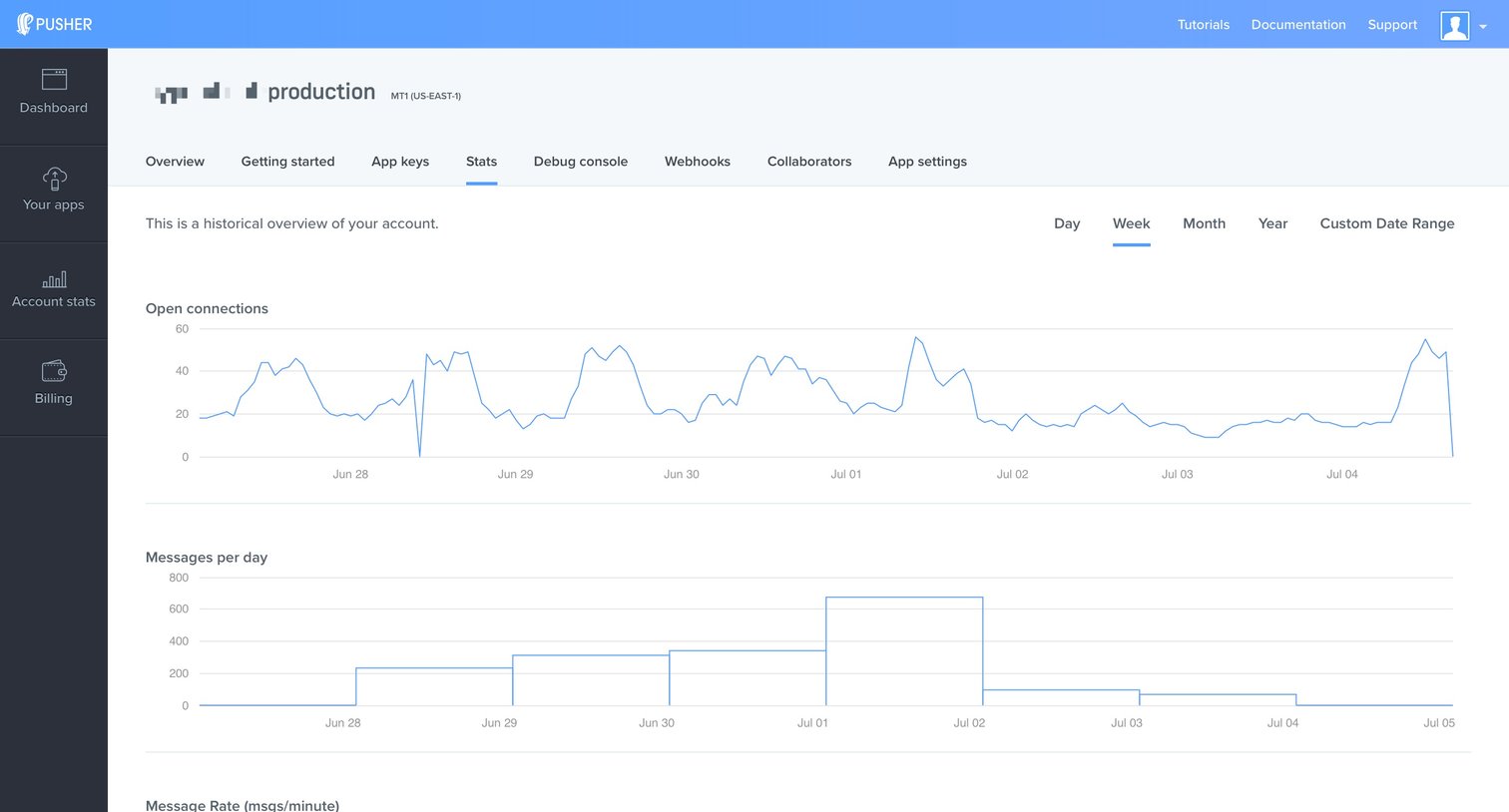
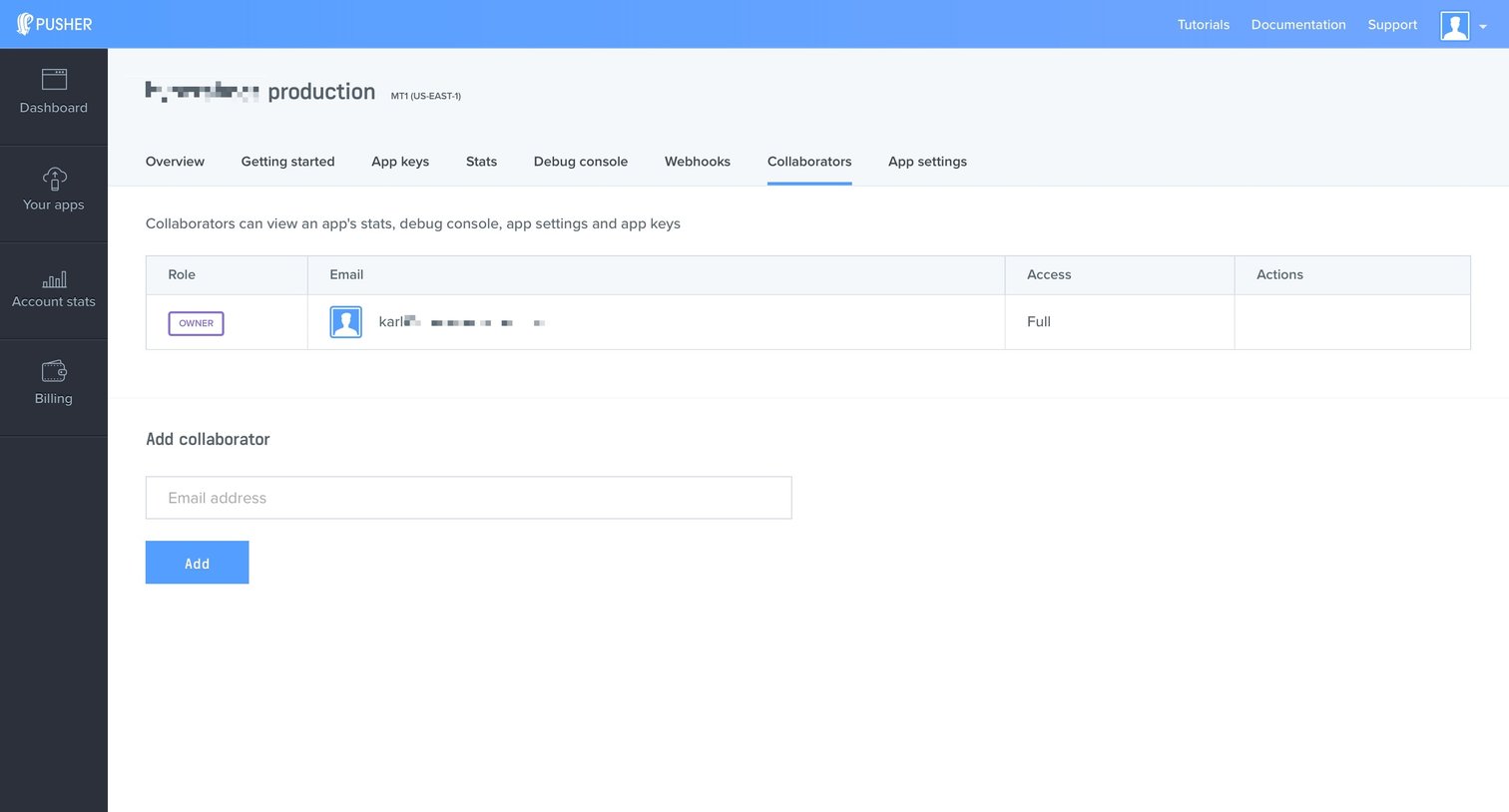
Settings page where the user manages collaborators for a specific app by viewing existing roles and inviting new members via email.
Browse the full SaaS app library
Explore real SaaS apps with their product screens, marketing screens, flows, and components.
Trusted by the best teams







