Kit design examples
Explore Kit UI design examples. For creators who mean business
Product screens
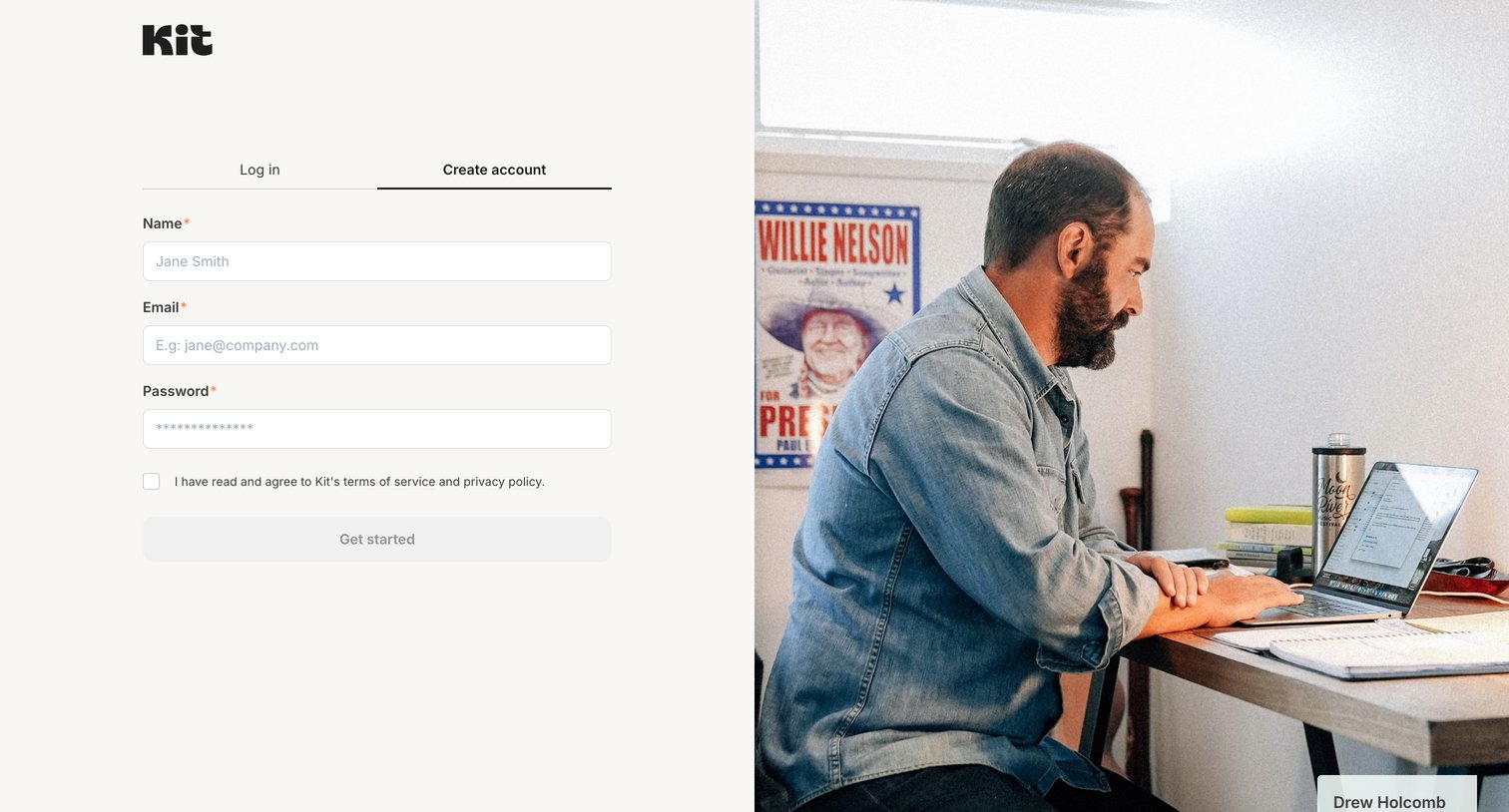
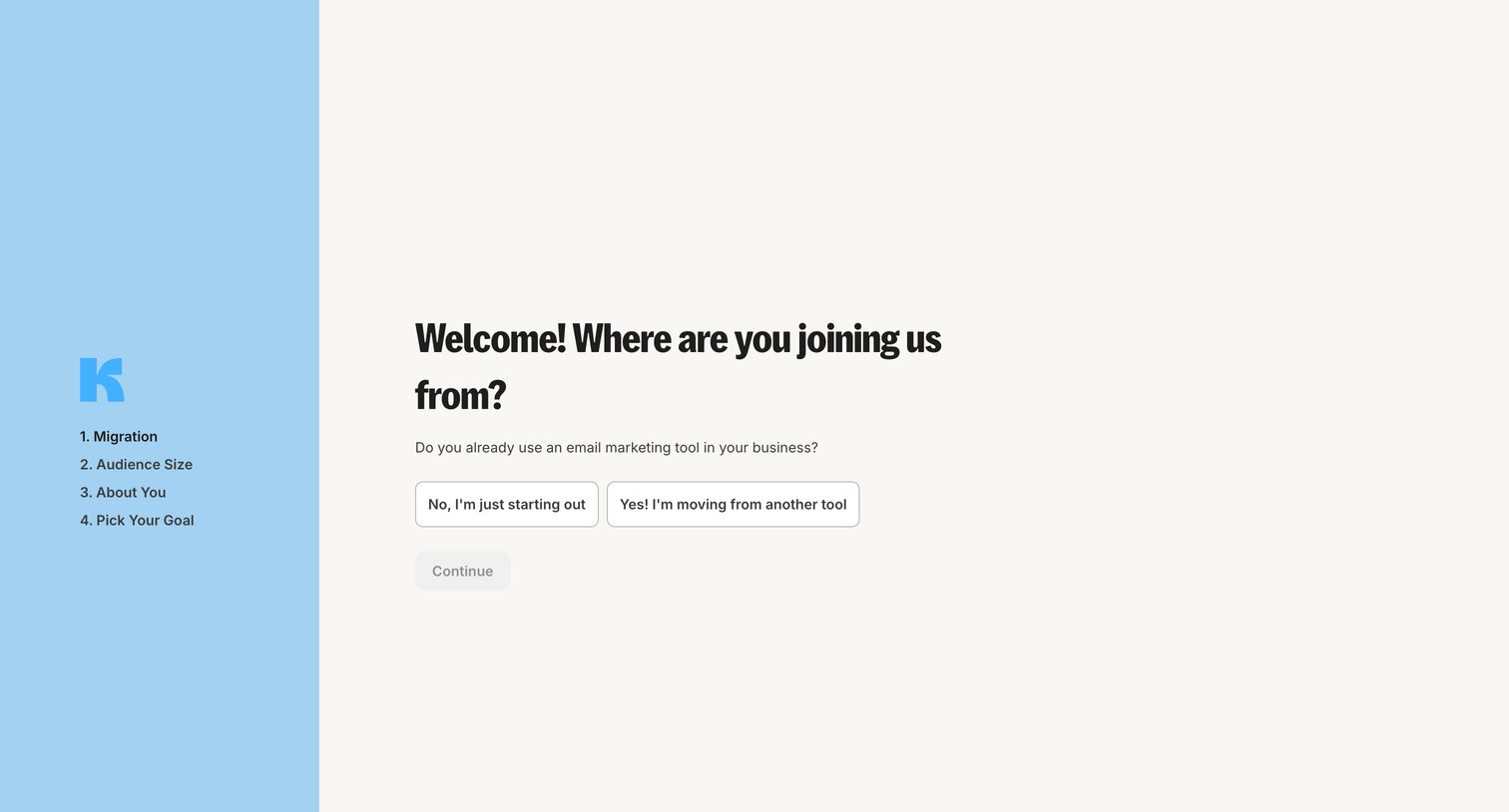
Onboarding step where the user indicates if they are migrating from another email marketing tool or just starting out.
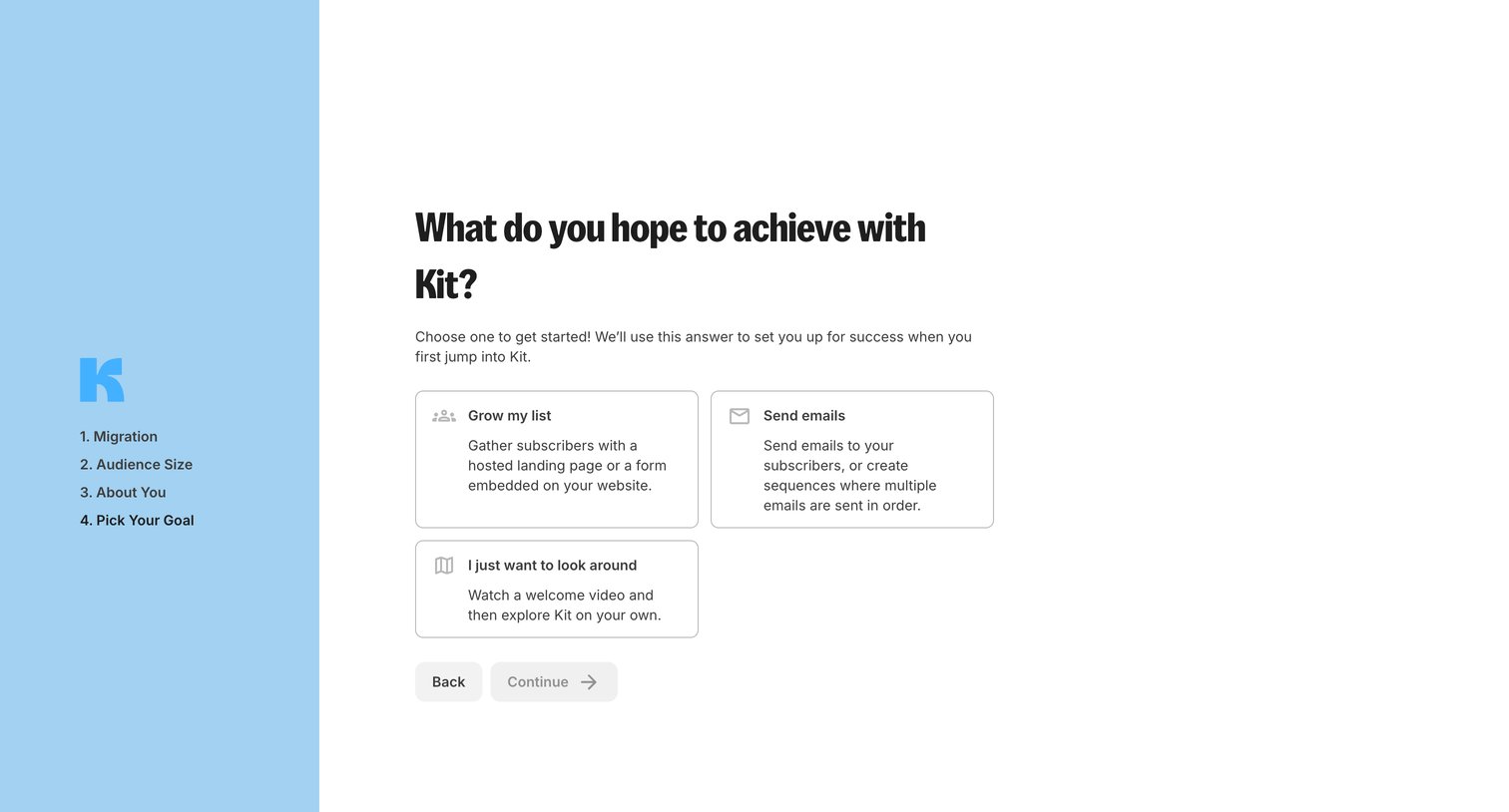
Onboarding step where the user selects their primary goal between growing a list, sending emails, or exploring the product.
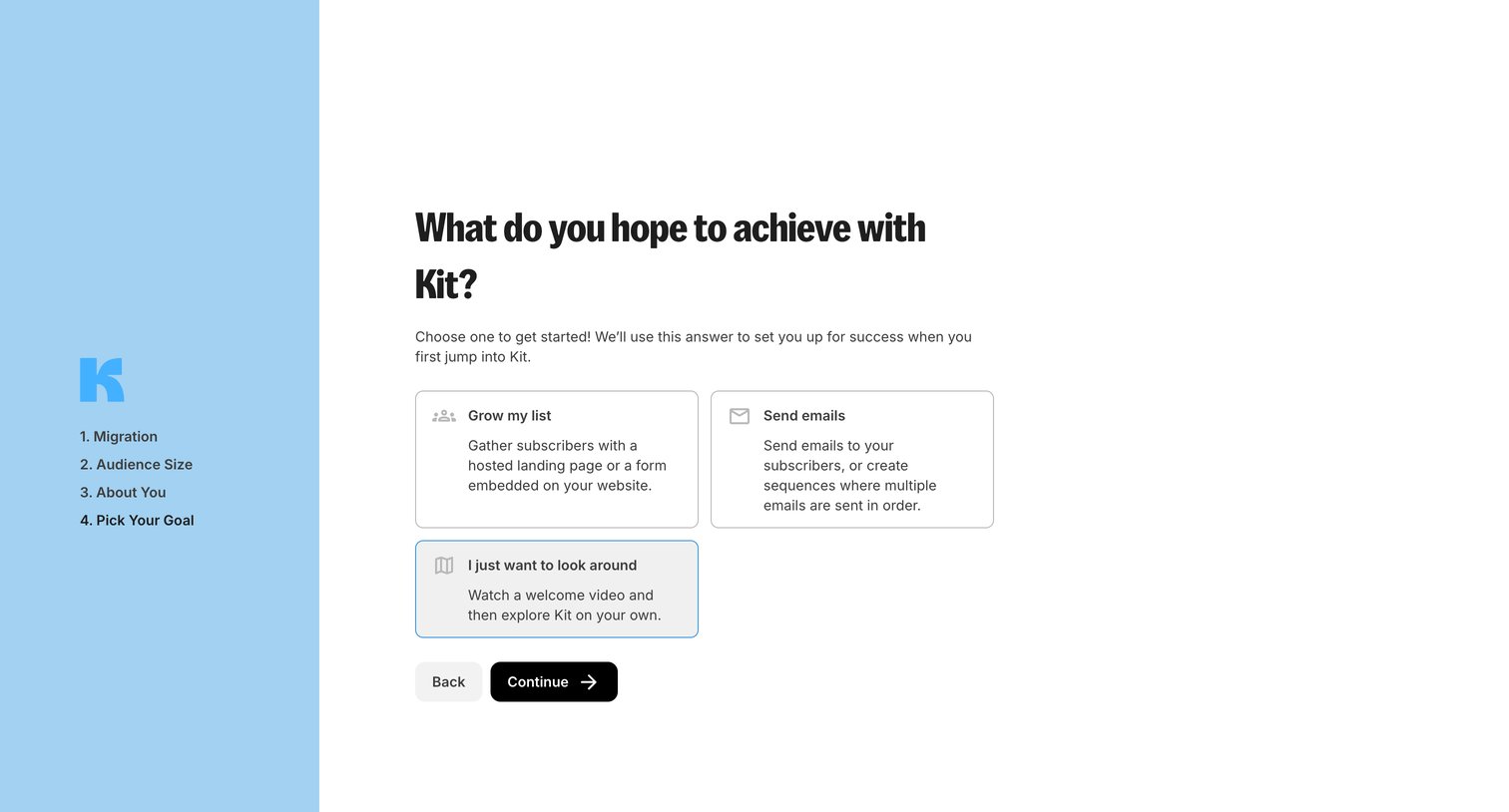
Onboarding step where the user selects their primary goal, such as growing a list or sending emails, to customize their initial experience.
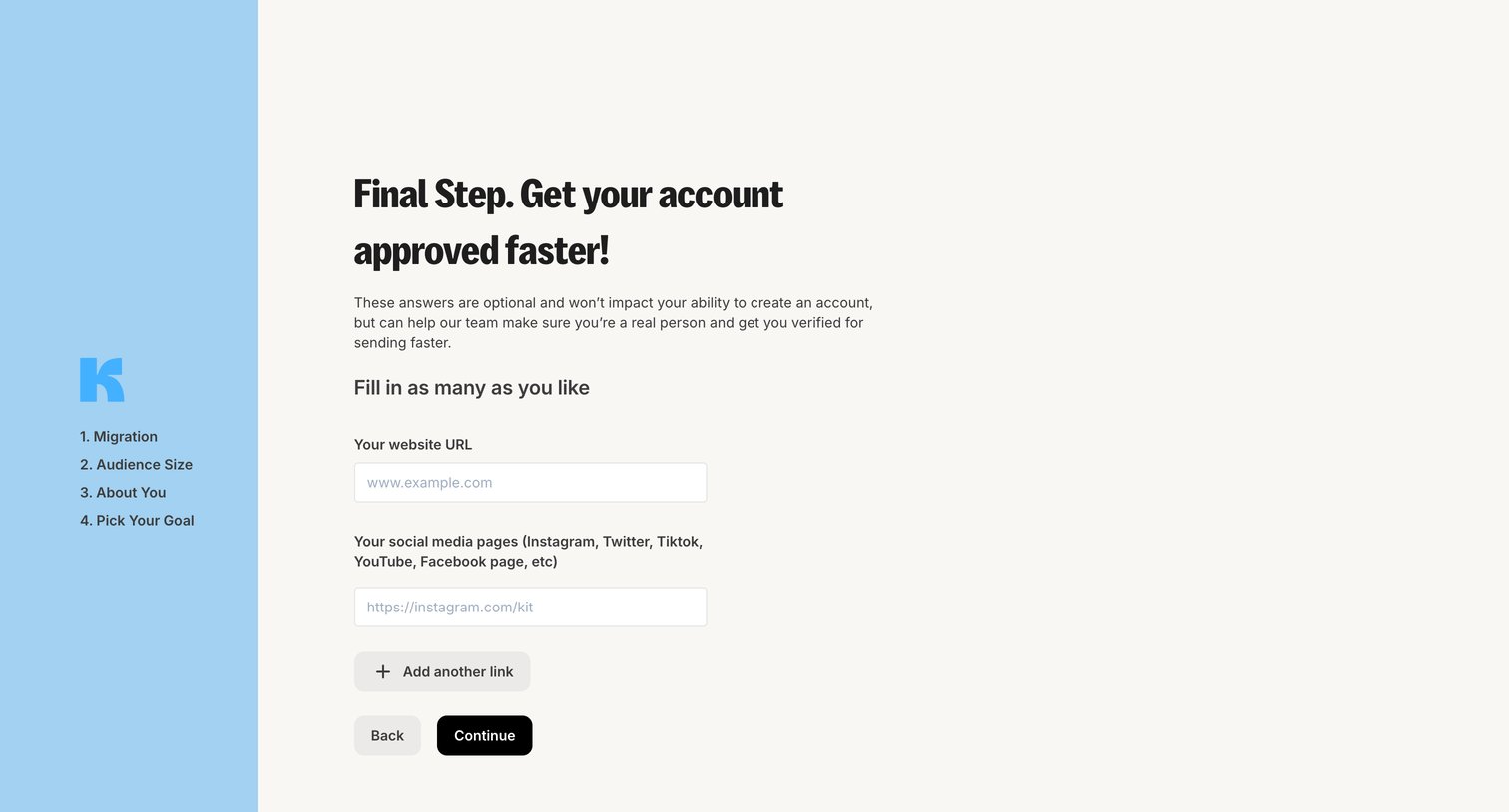
Onboarding step where the user provides optional website and social media URLs to expedite account approval.
Onboarding step where the system displays a loading state while creating forms and email templates for the user's workspace.
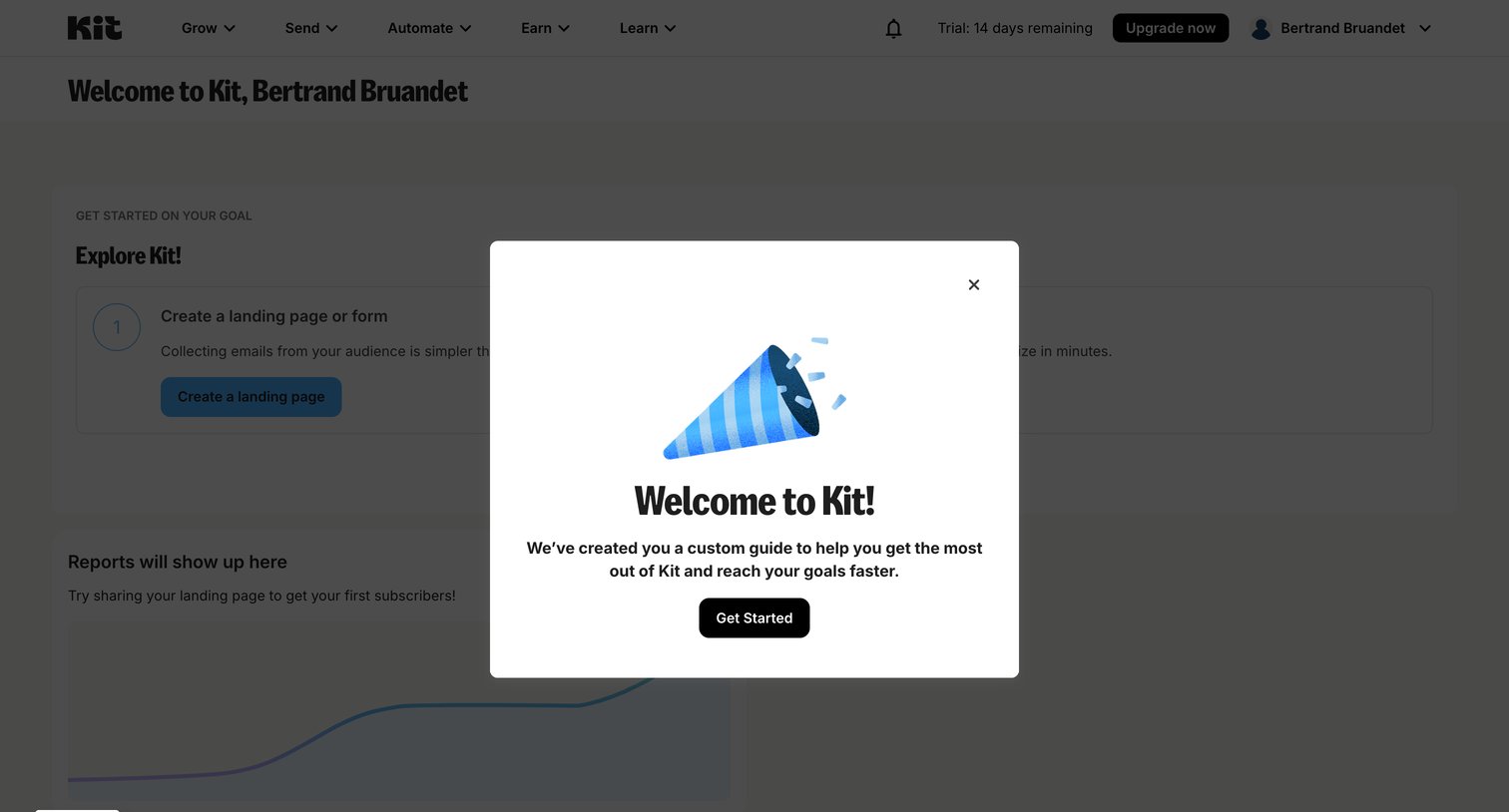
Dashboard with a welcome modal offering a custom guide to help the user get started.
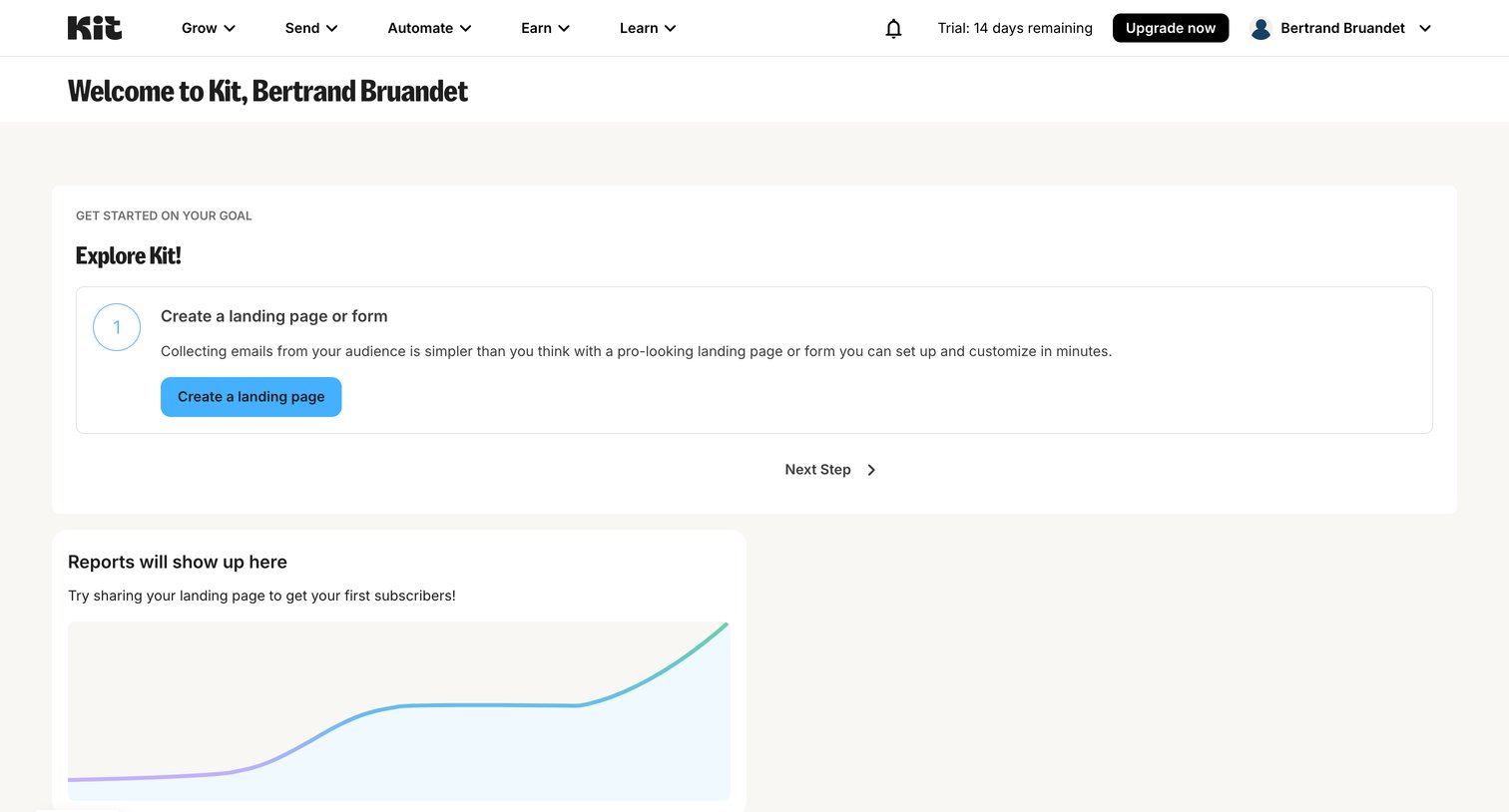
Dashboard with a getting-started checklist prompting the user to create a landing page and an empty state for reports.
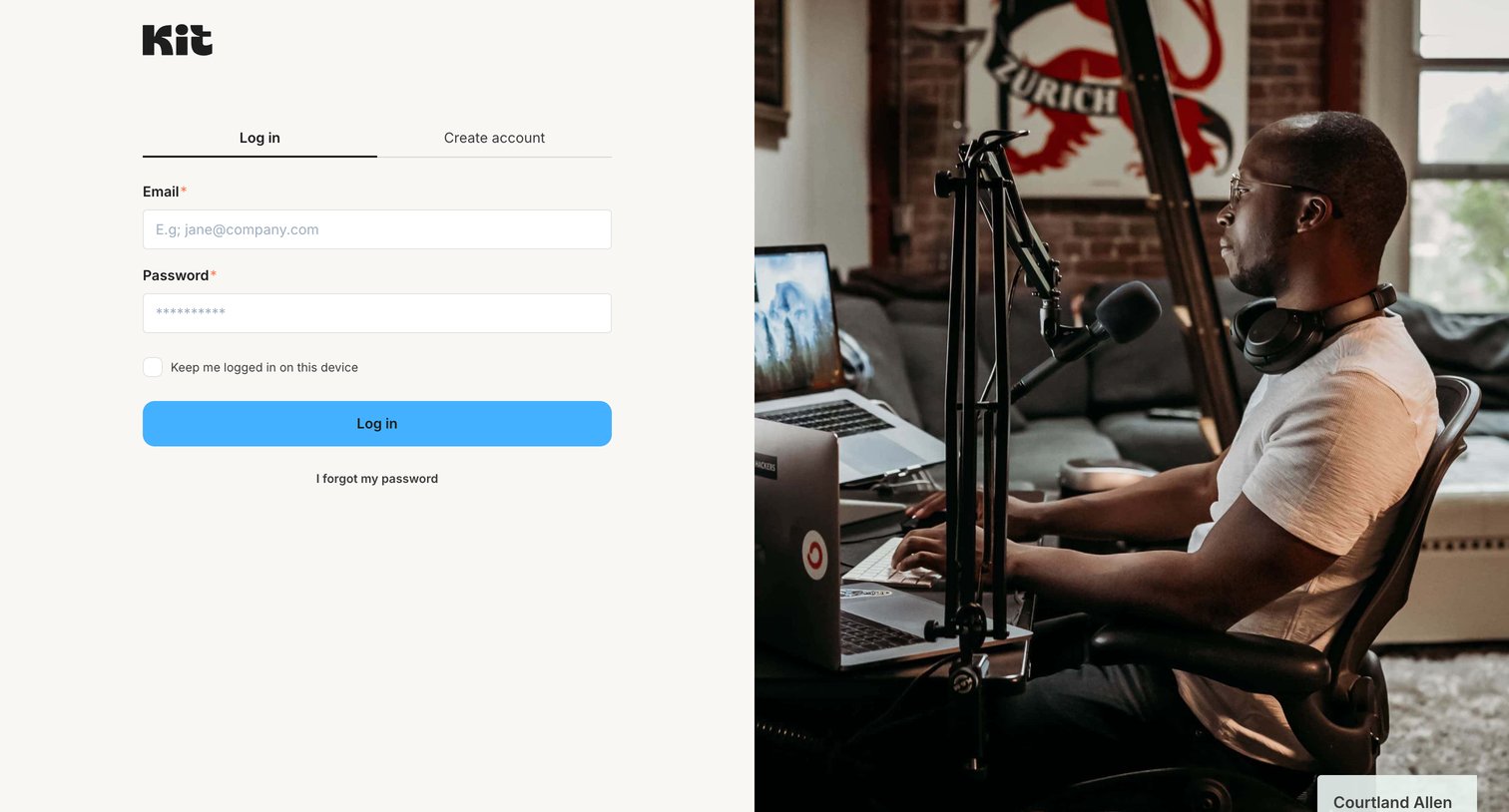
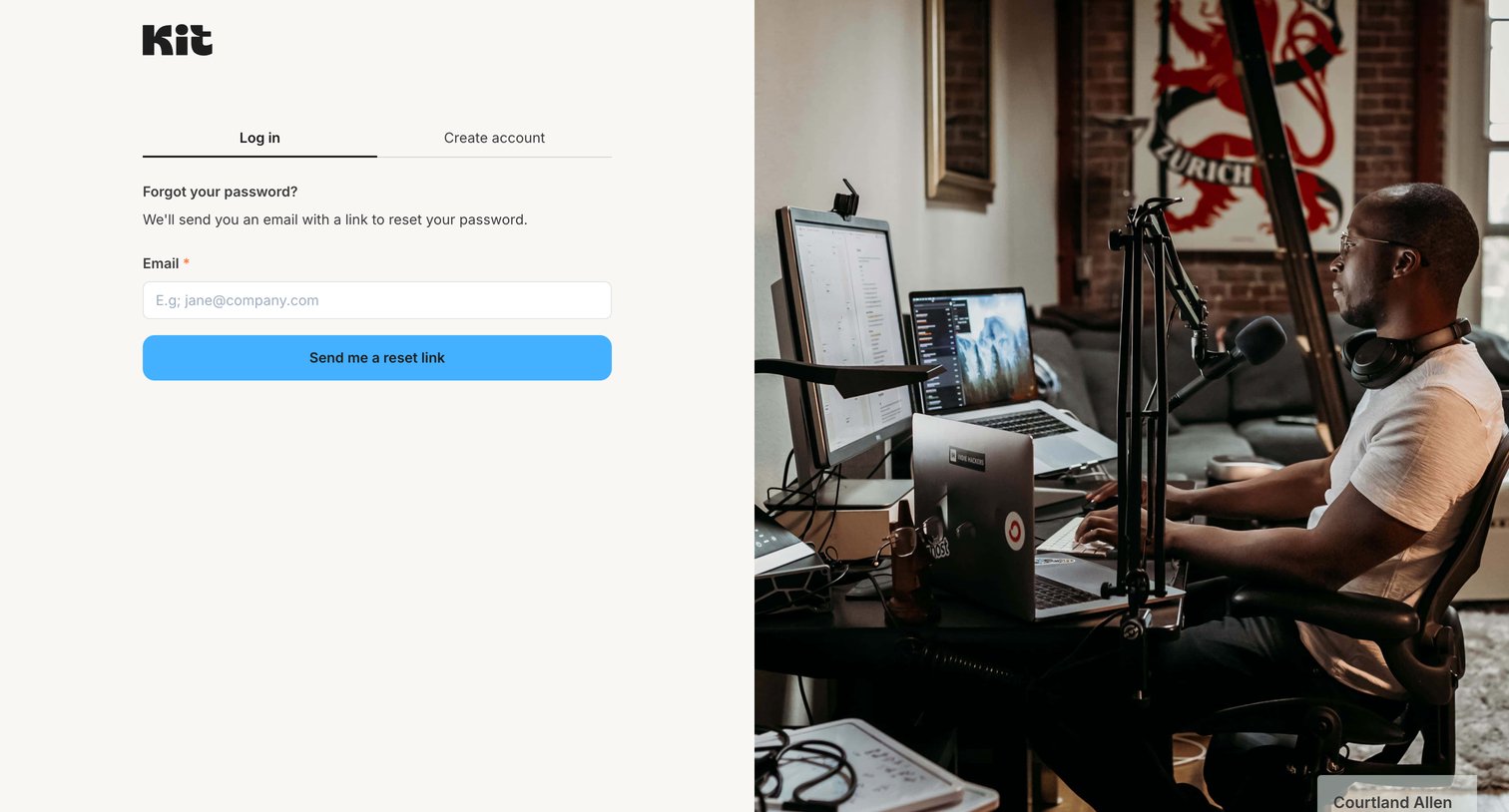
Password recovery screen where the user enters their email address to receive a reset link, accompanied by a full-bleed customer photograph.
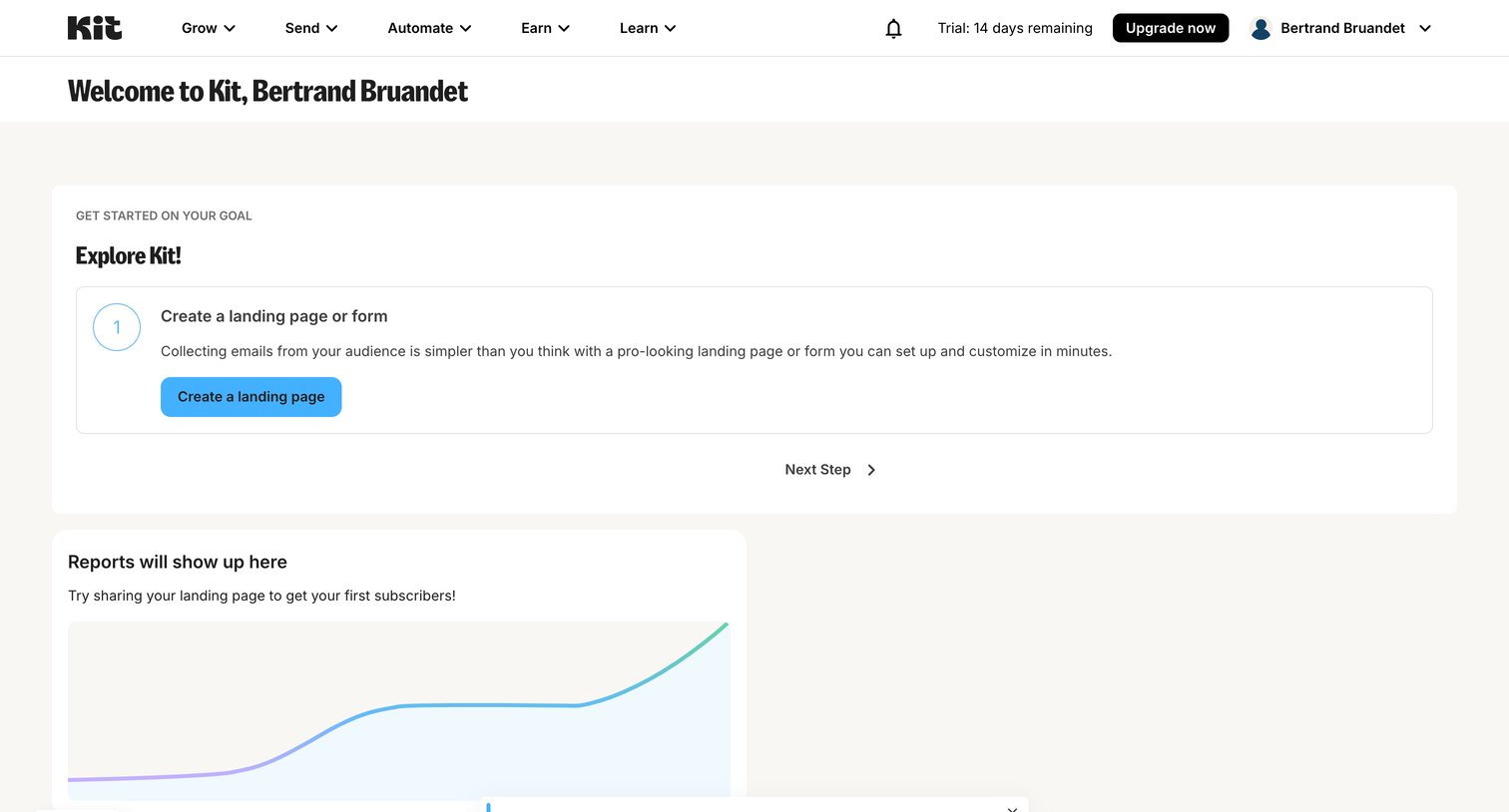
Dashboard where a new user is guided to create a landing page and views an empty reports placeholder.
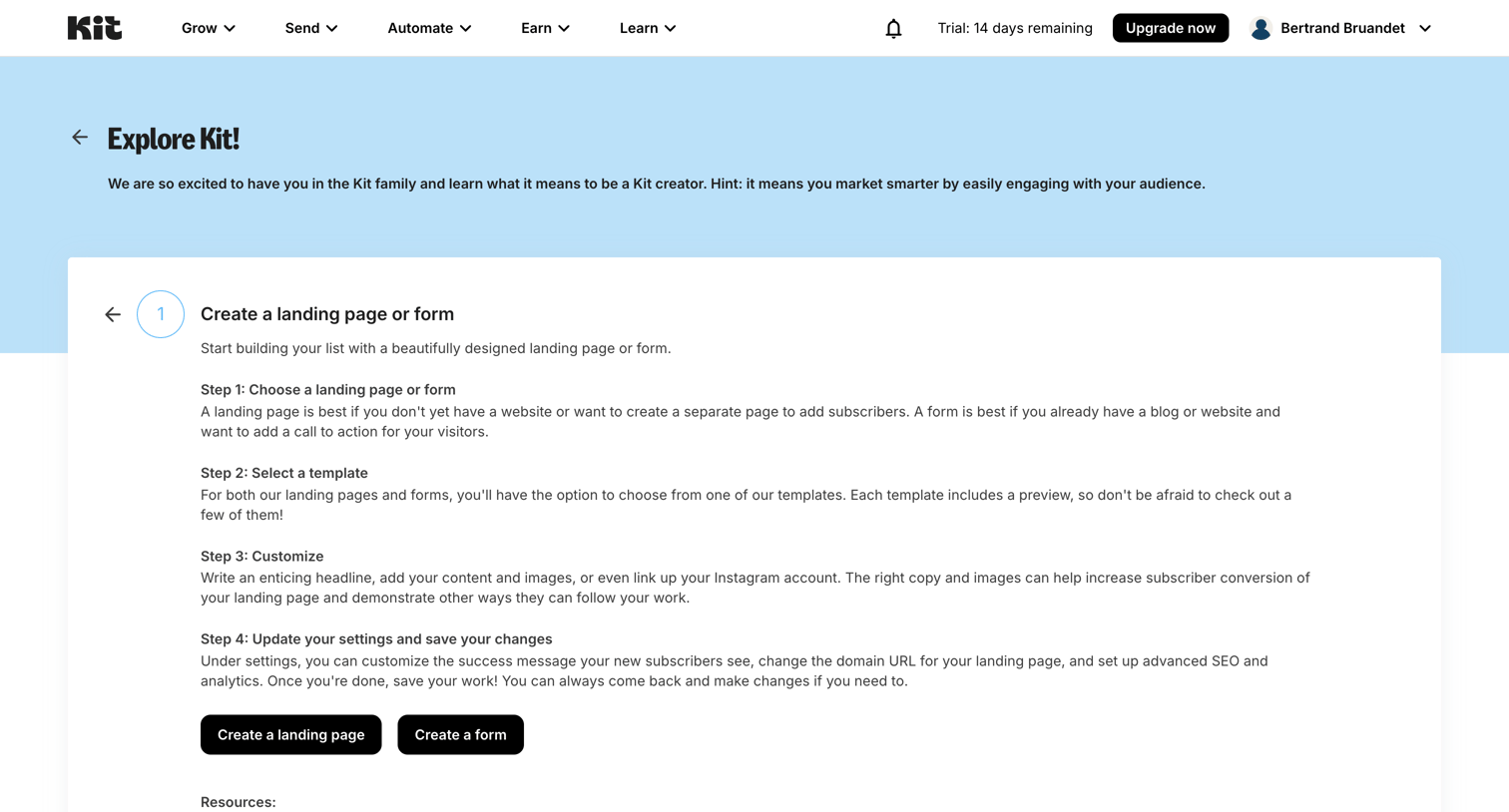
Onboarding step where the user reads instructions on how to create a landing page or form, with options to start either action.
Browse the full SaaS app library
Explore real SaaS apps with their product screens, marketing screens, flows, and components.
Trusted by the best teams







