Kit product screens examples
Browse Kit screen design examples. Preview the interface screenshots and explore related UI patterns. For creators who mean business
Explore the examples
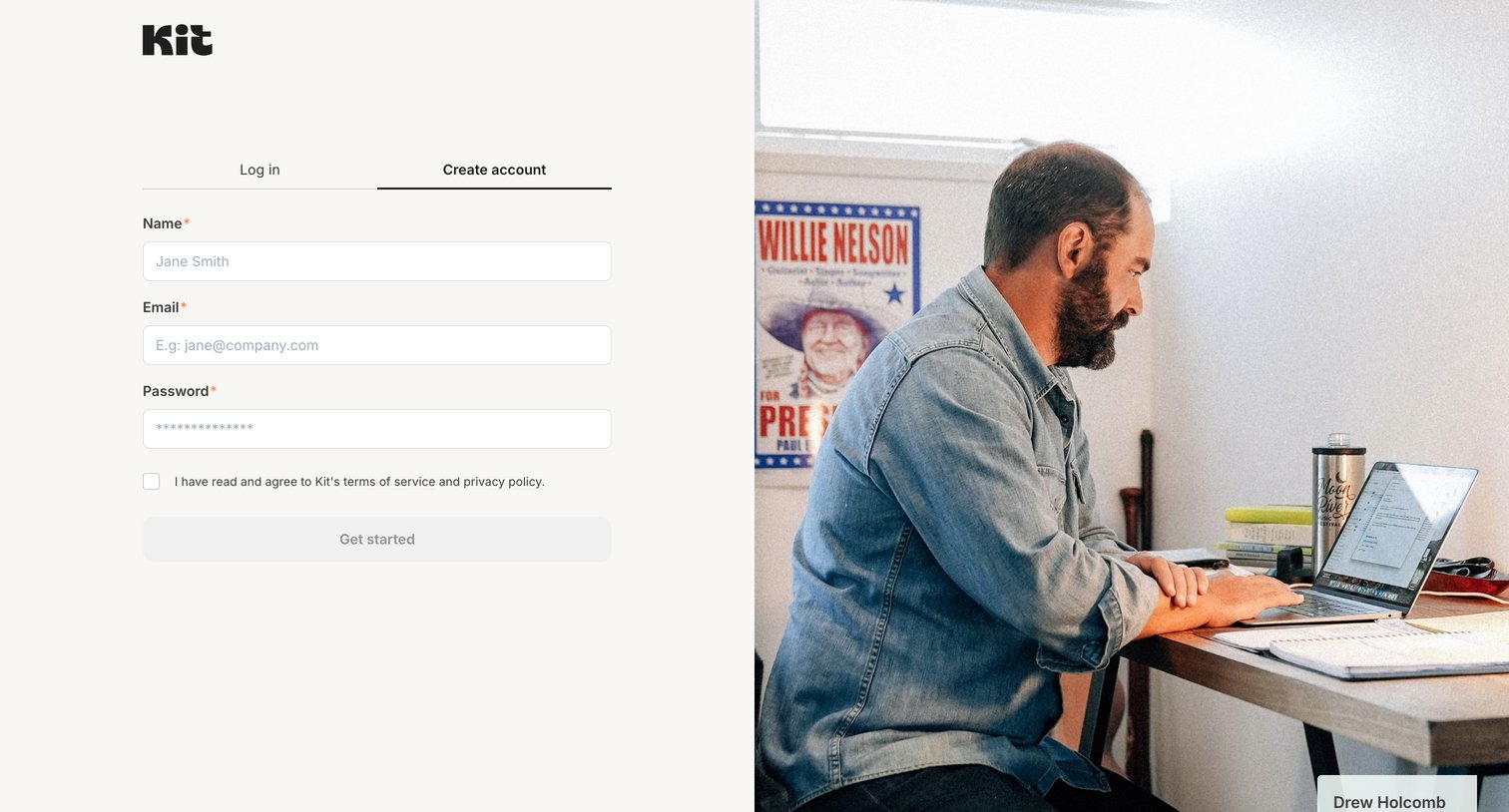
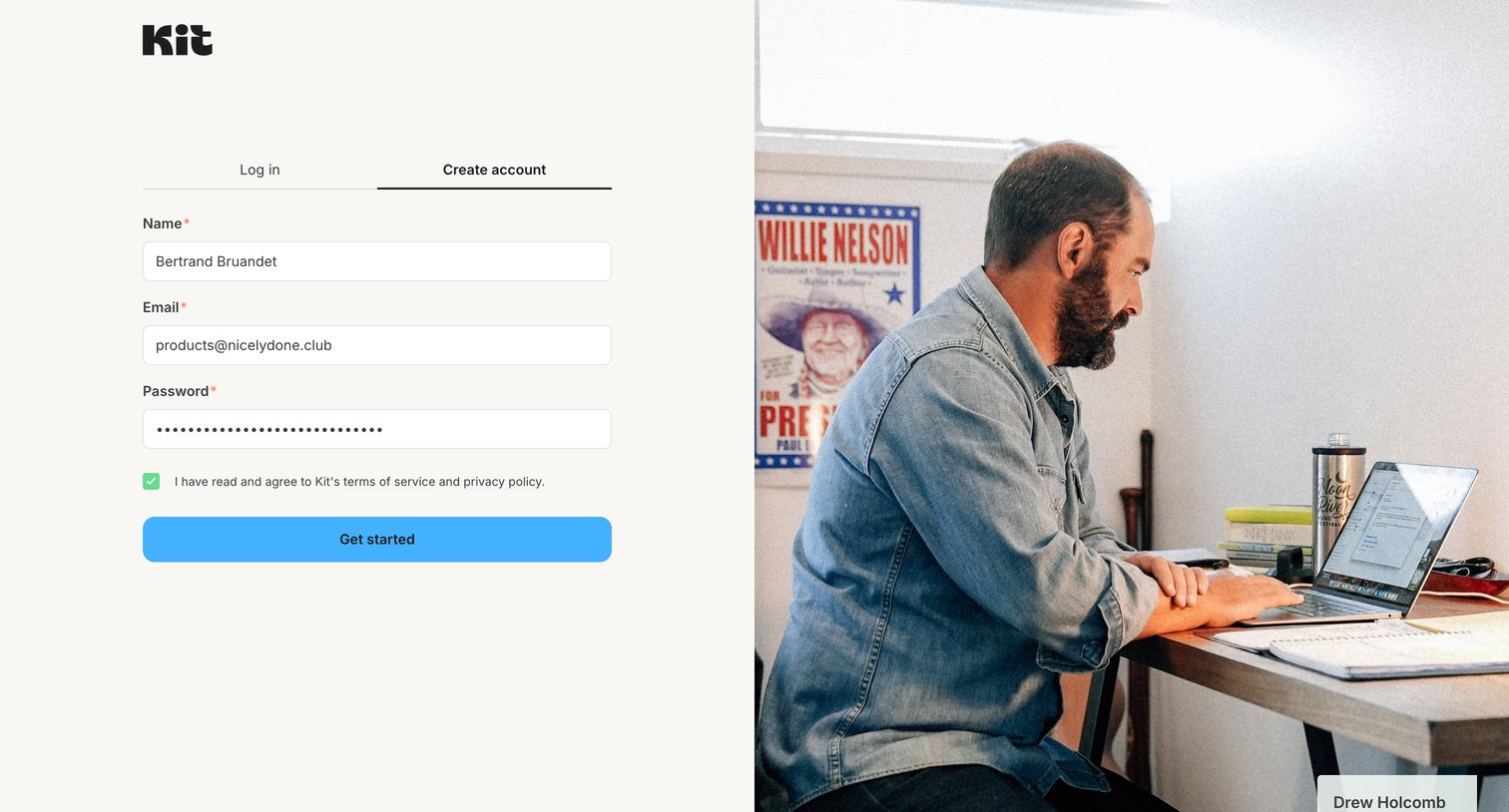
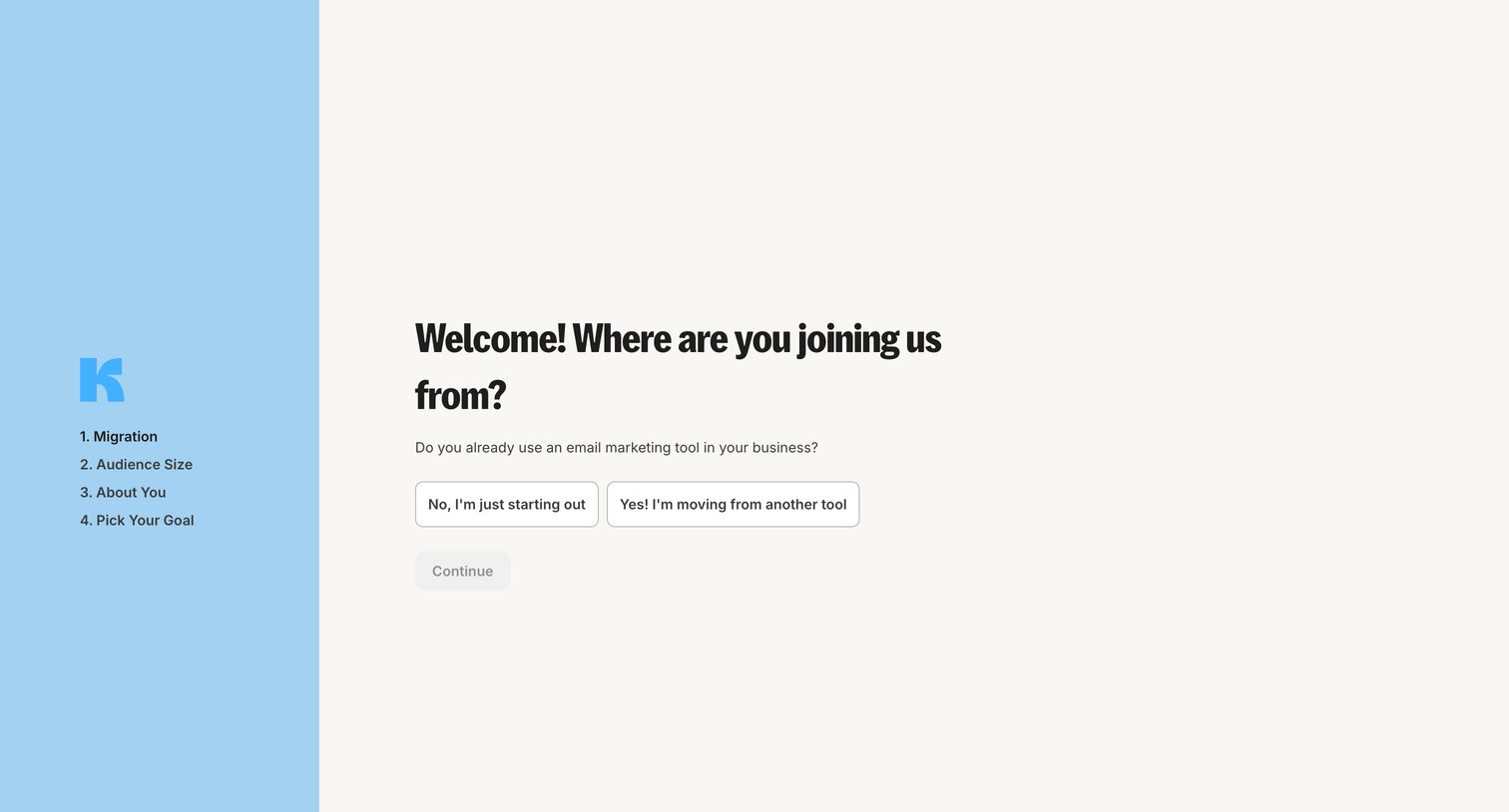
Onboarding step where the user indicates if they are migrating from another email marketing tool or just starting out.
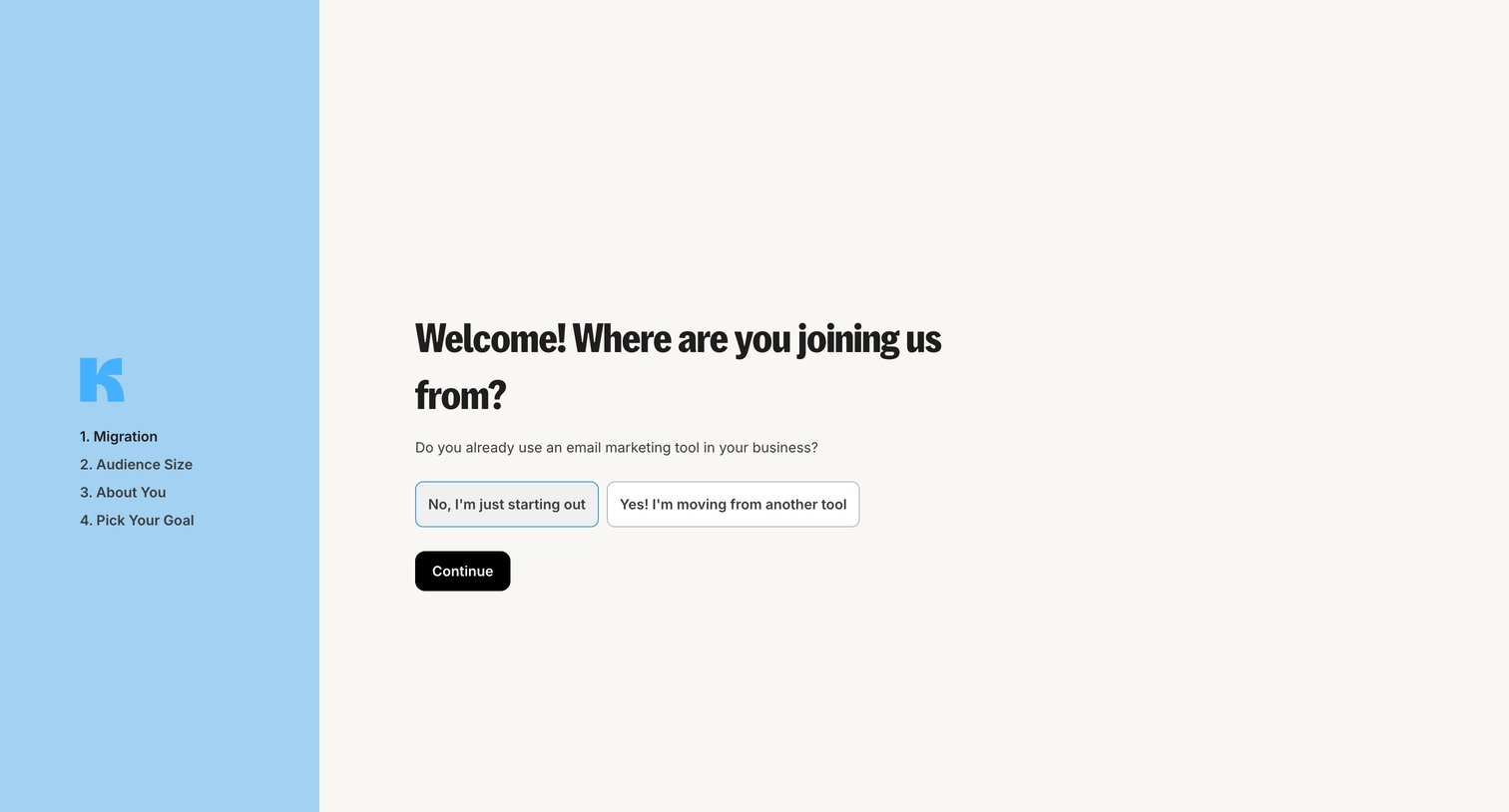
Onboarding step where the user selects whether they are starting fresh or migrating from another email marketing tool.
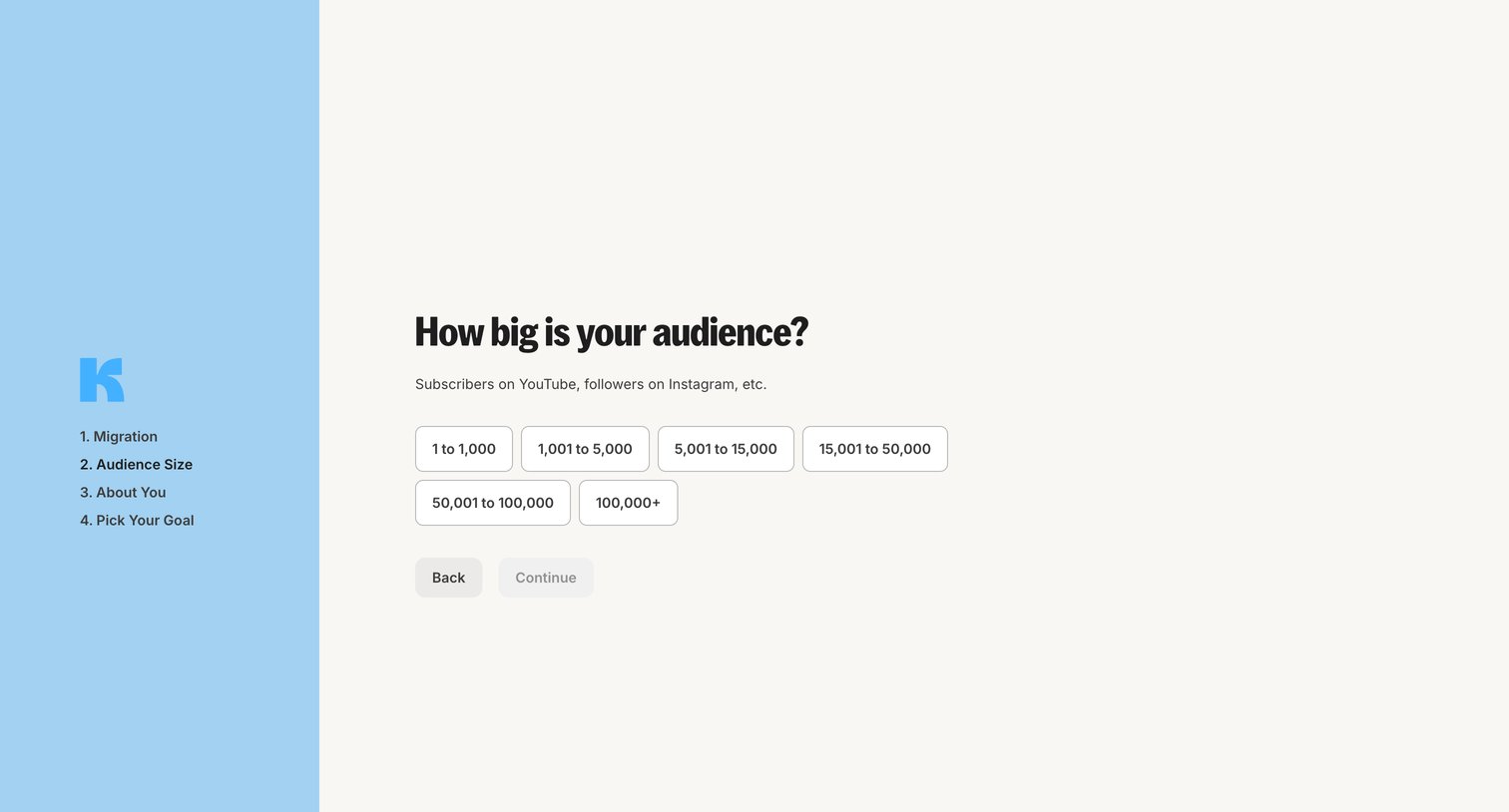
Onboarding step where the user selects their current audience size from a set of predefined ranges to customize their account setup.
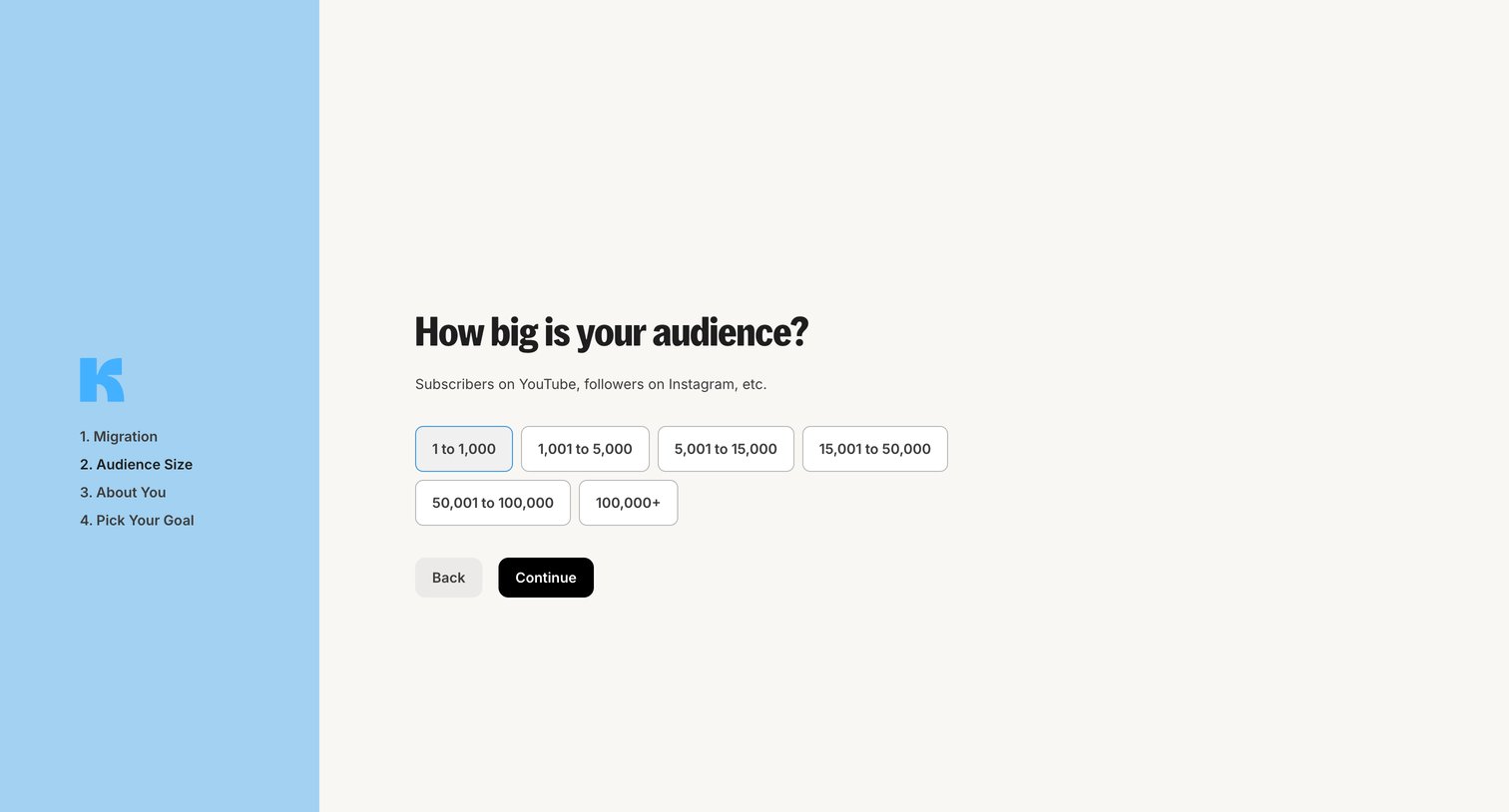
Onboarding step where the user selects their current audience size from a set of ranges to tailor their account setup.
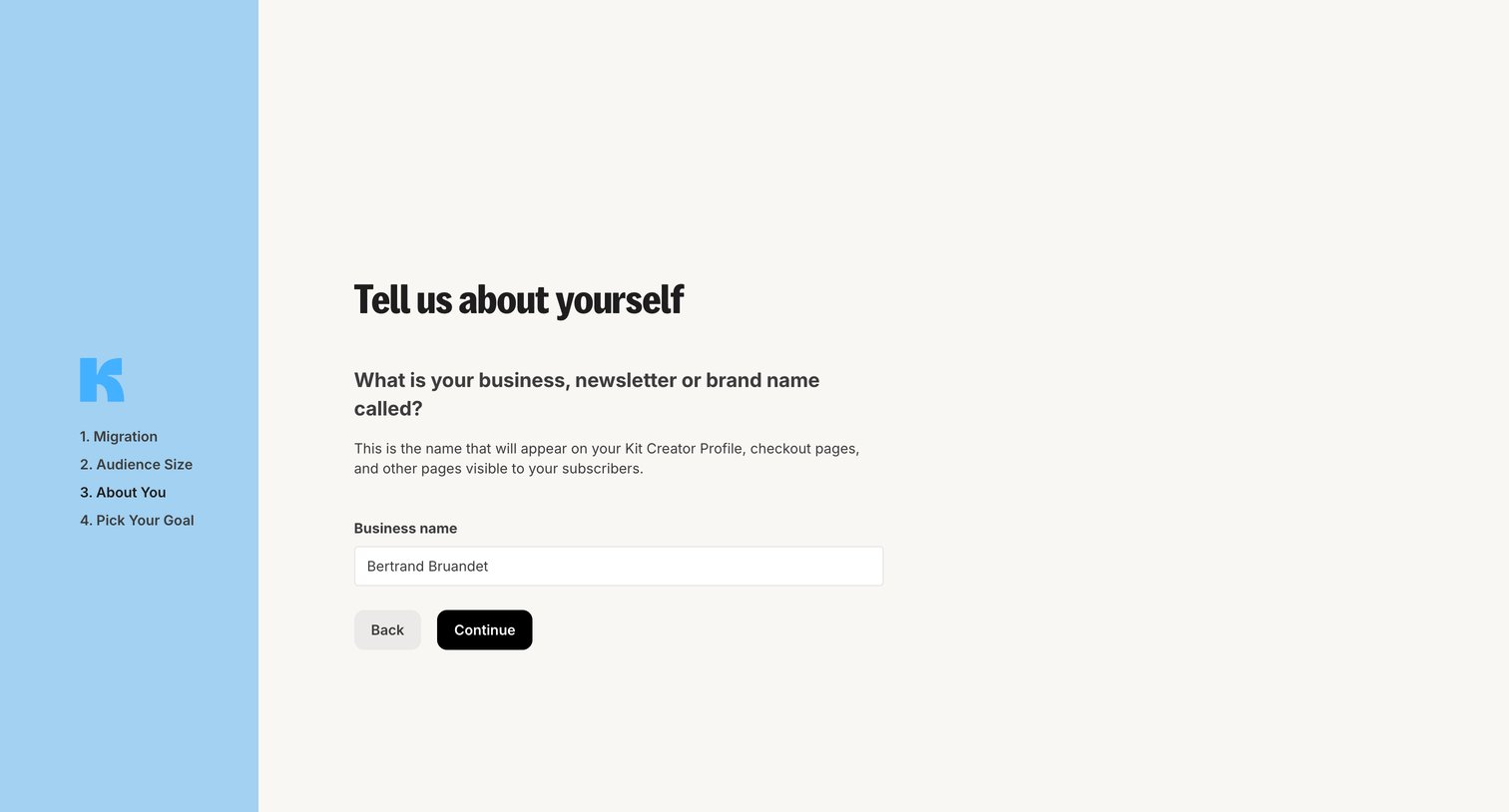
Onboarding step where the user enters their business, newsletter, or brand name to set up their creator profile.
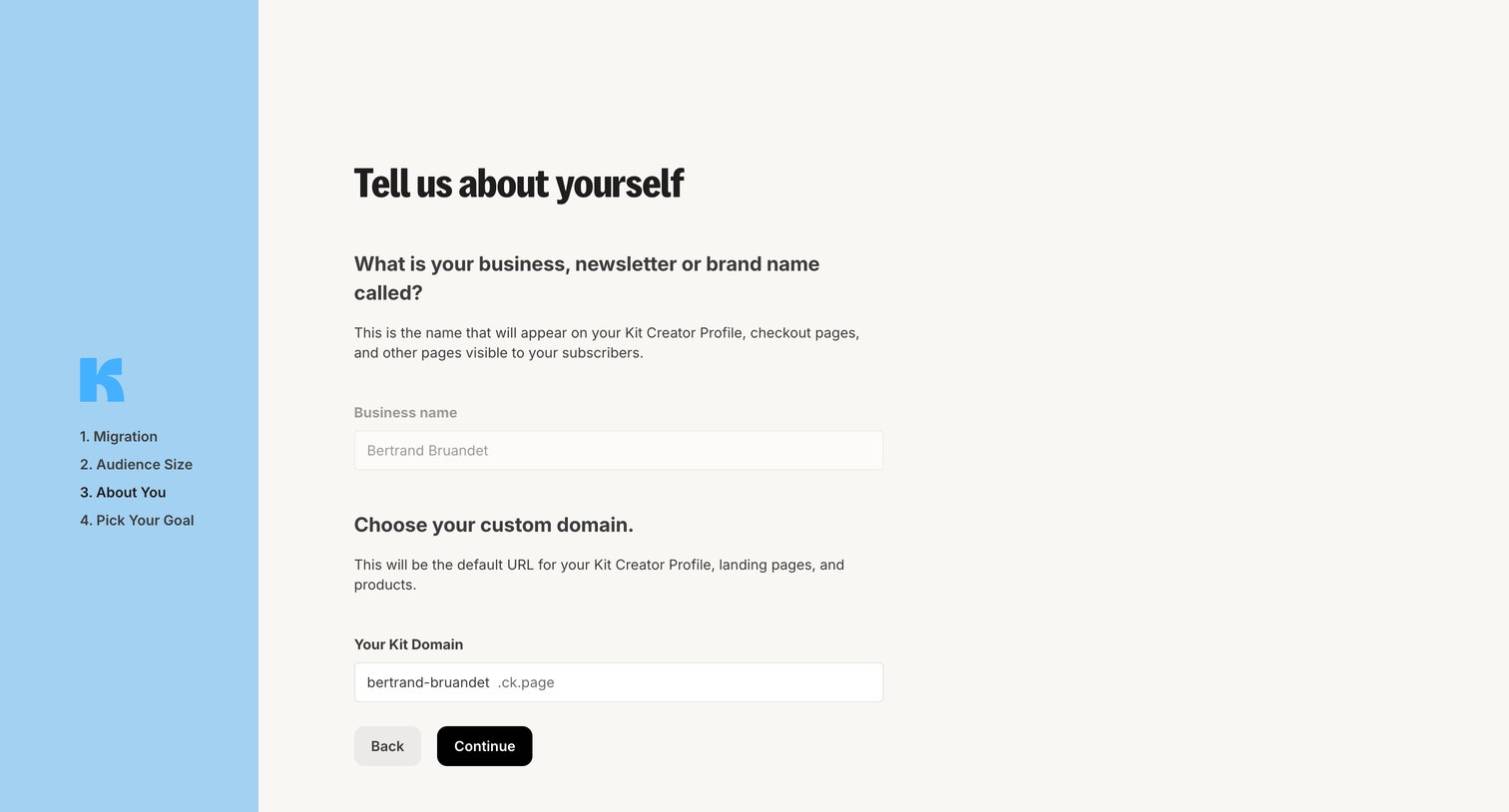
Onboarding step where the user enters their business name and chooses a custom domain for their creator profile.
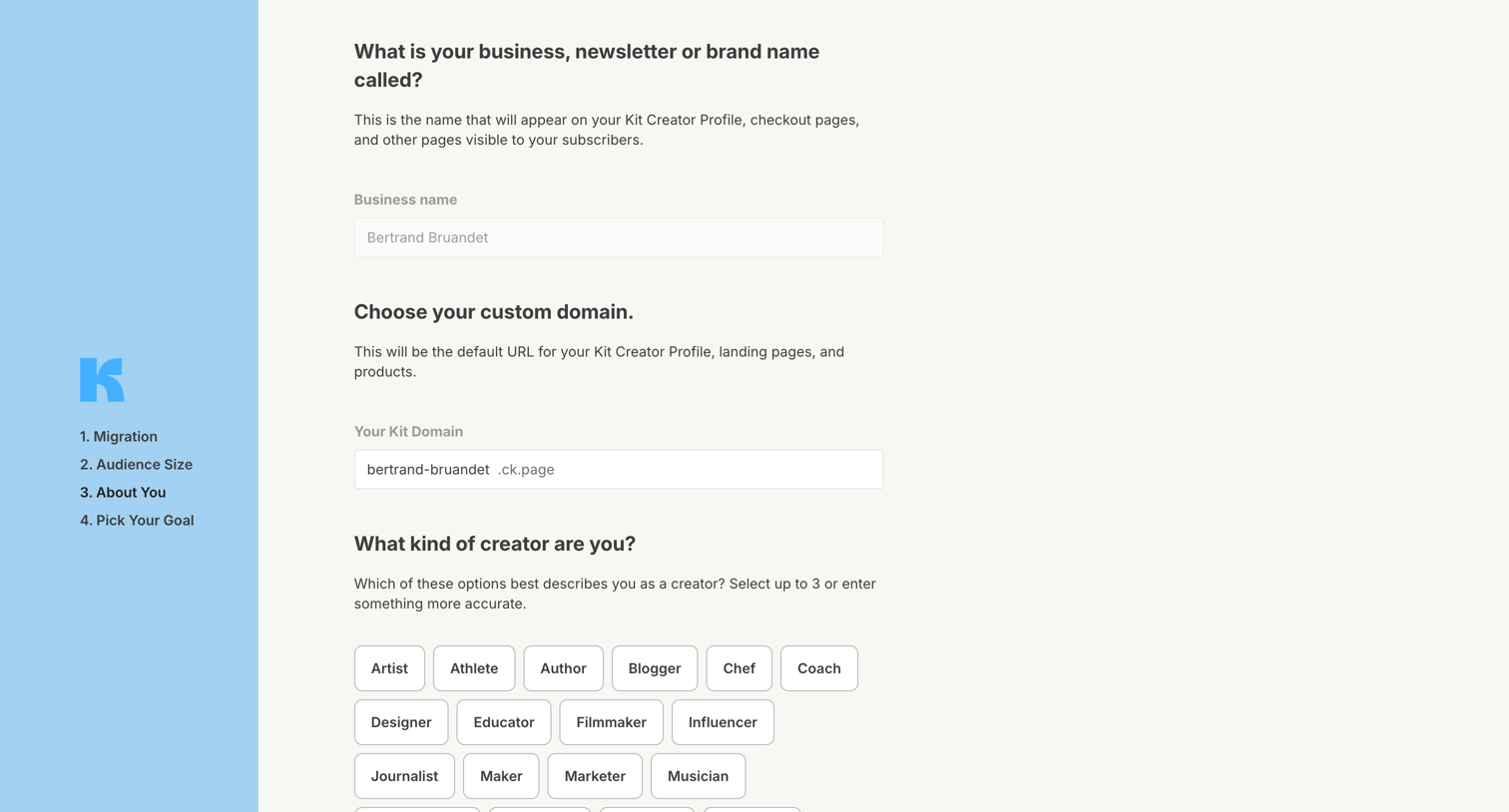
Onboarding step where the user sets their business name, chooses a custom domain, and selects their creator type.
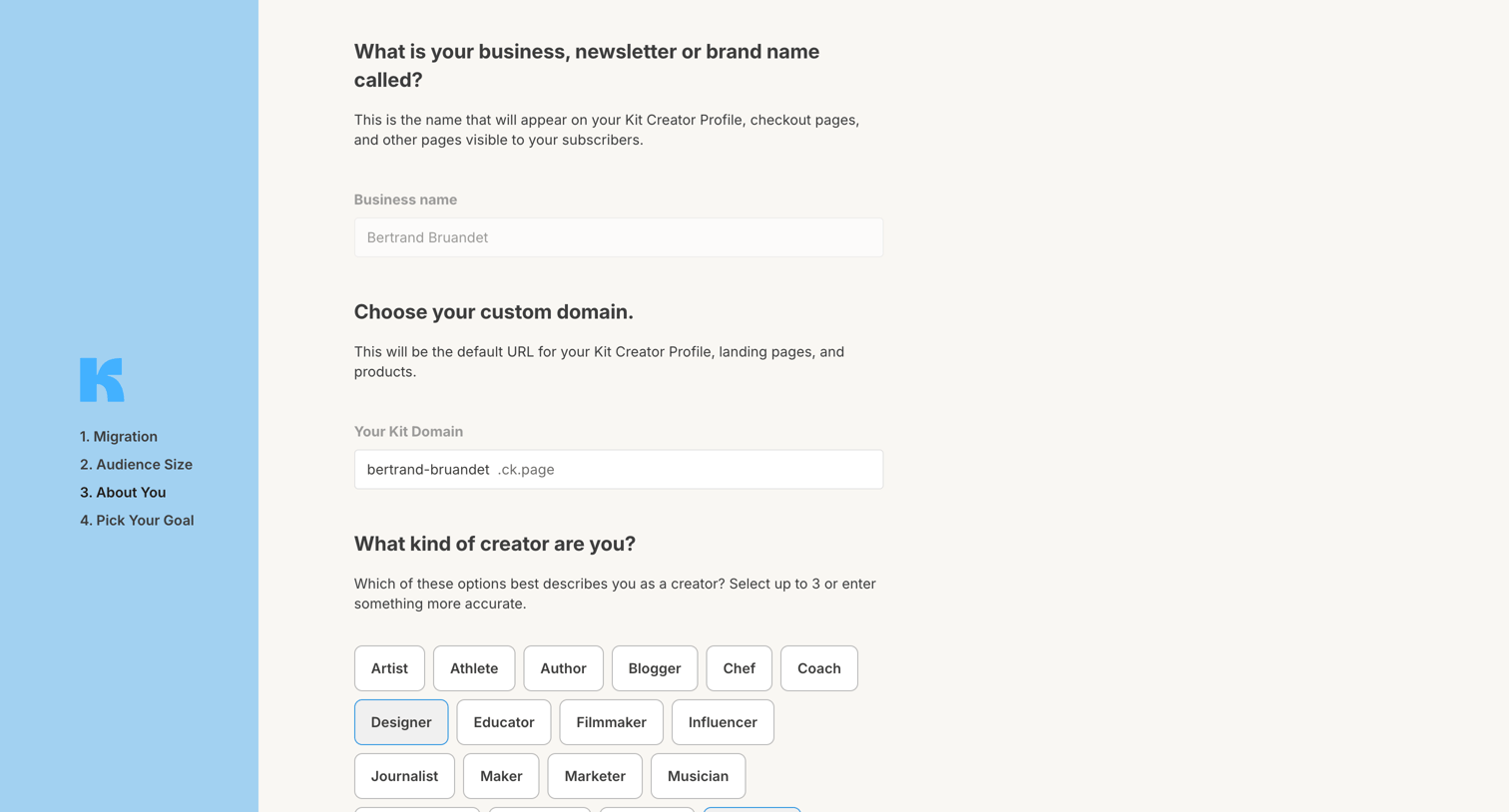
Onboarding step where the user sets their business name, custom domain, and selects up to three creator types to describe themselves.
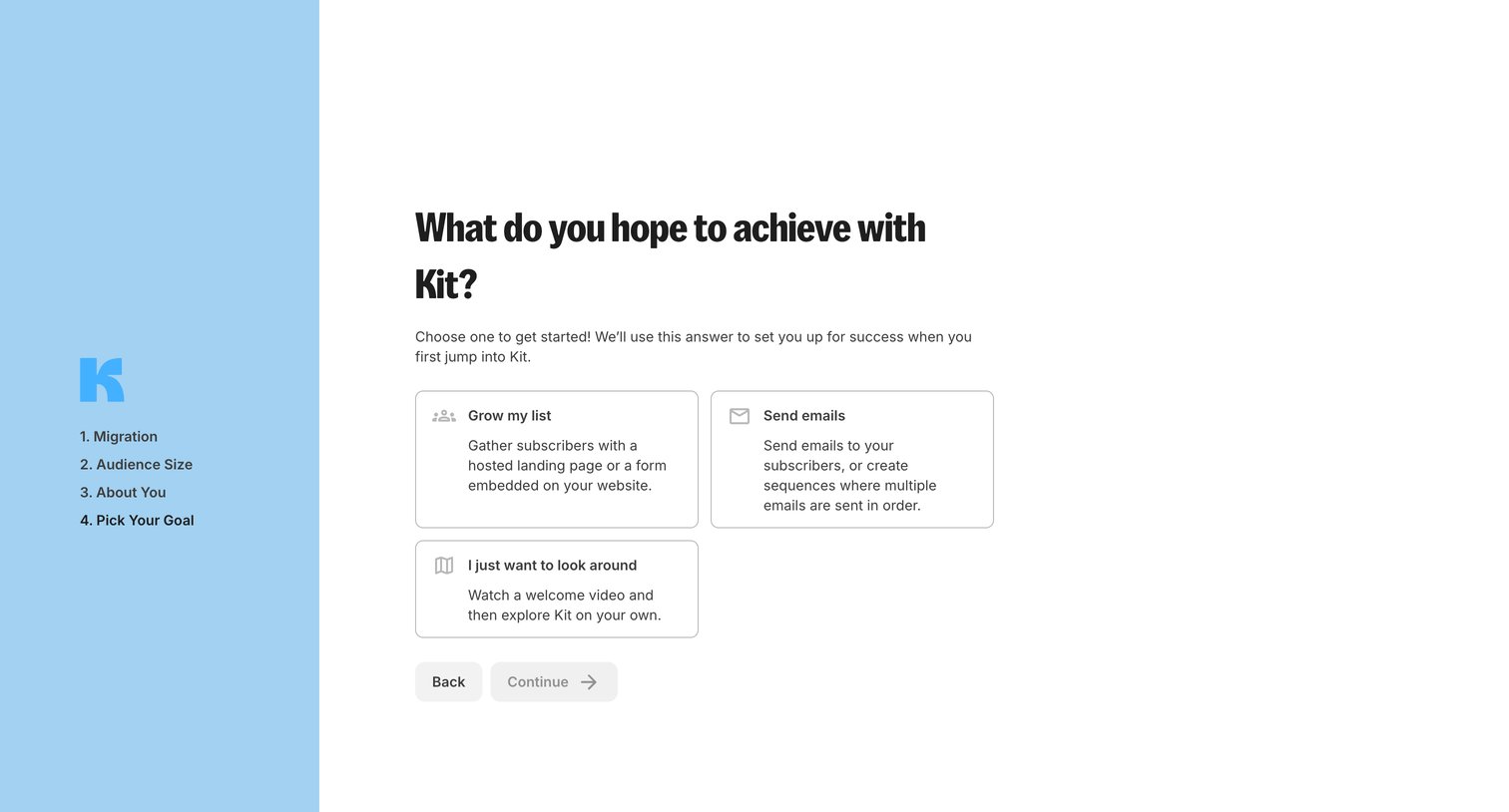
Onboarding step where the user selects their primary goal between growing a list, sending emails, or exploring the product.
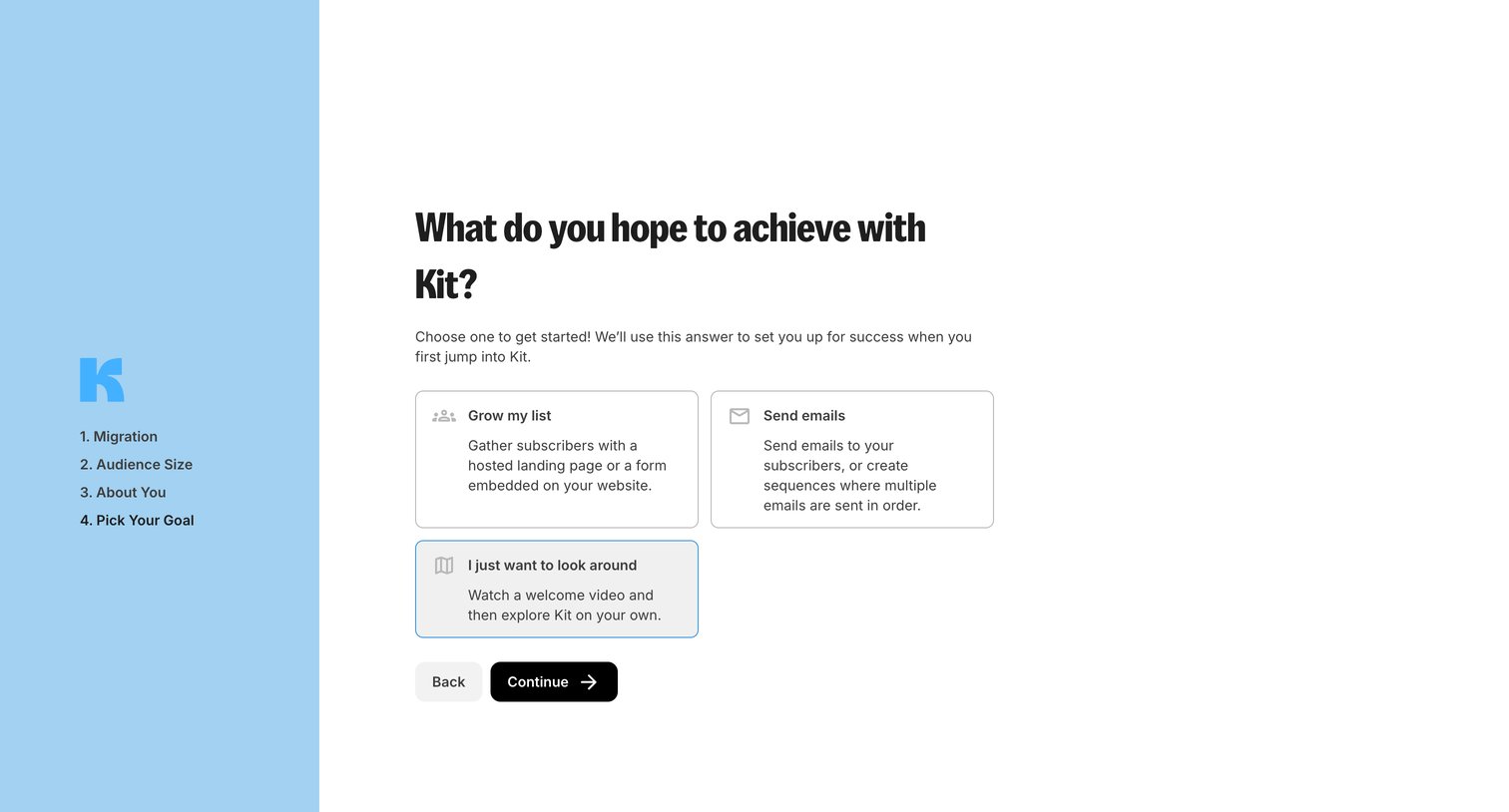
Onboarding step where the user selects their primary goal, such as growing a list or sending emails, to customize their initial experience.
Explore the full SaaS screen library
Upgrade to unlock the full library.
Trusted by the best teams







