
Github design examples
Explore Github UI design examples. Where the world builds software
Product screens
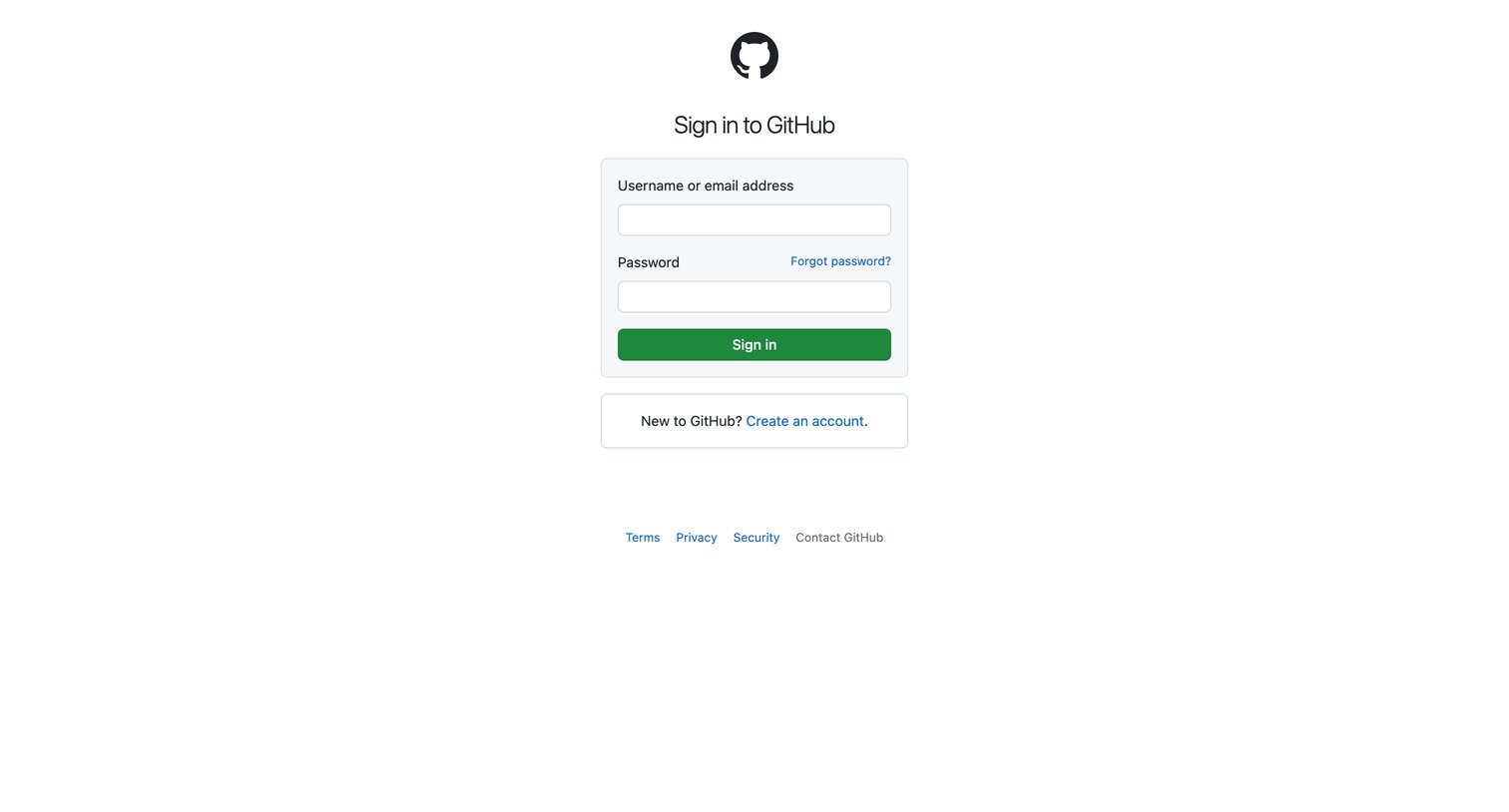

Password recovery screen where the user enters their verified email address and waits for a captcha to load before submitting the request.
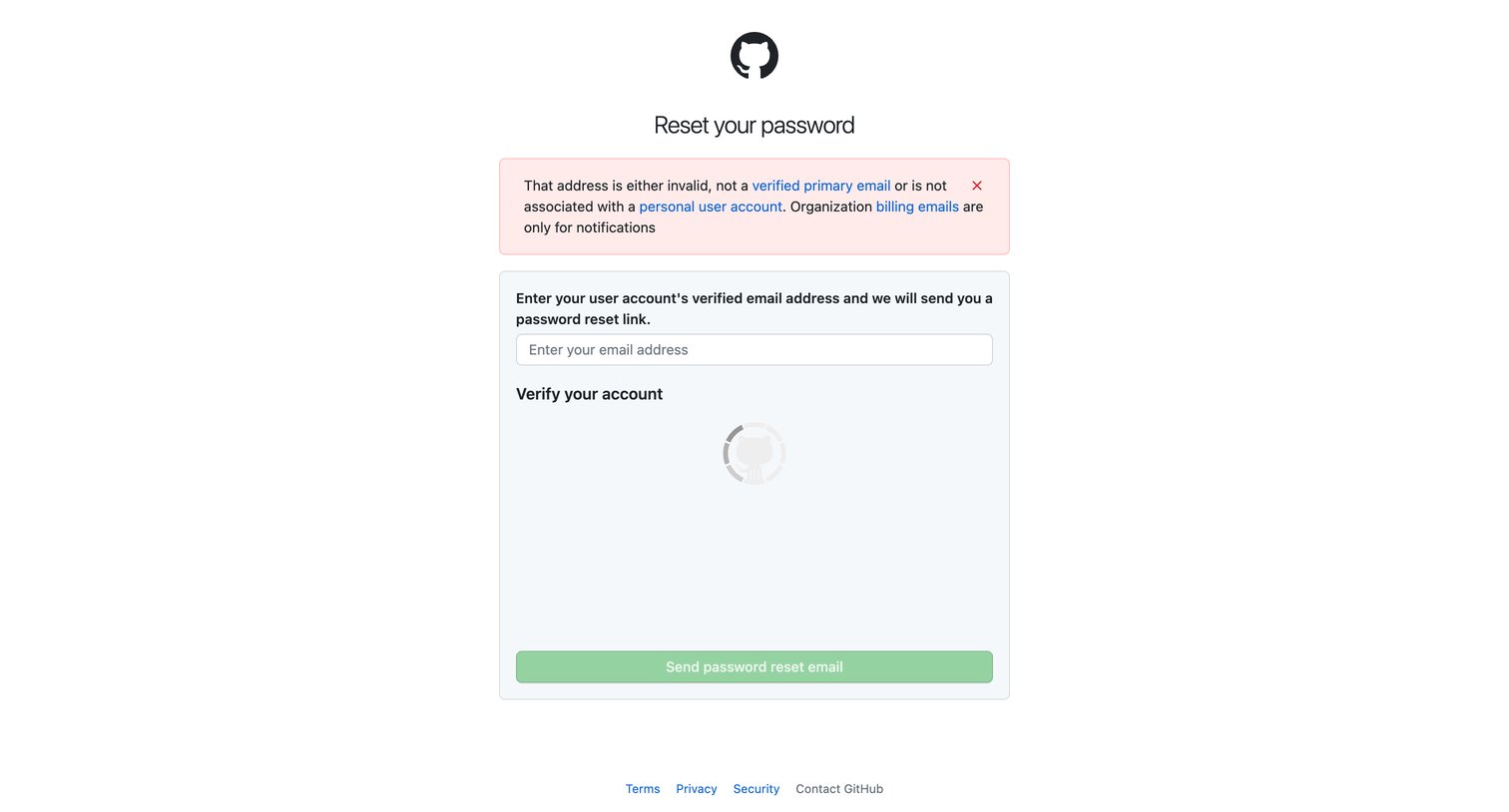
Password recovery screen where the user is prompted to enter their verified email address after an invalid attempt.
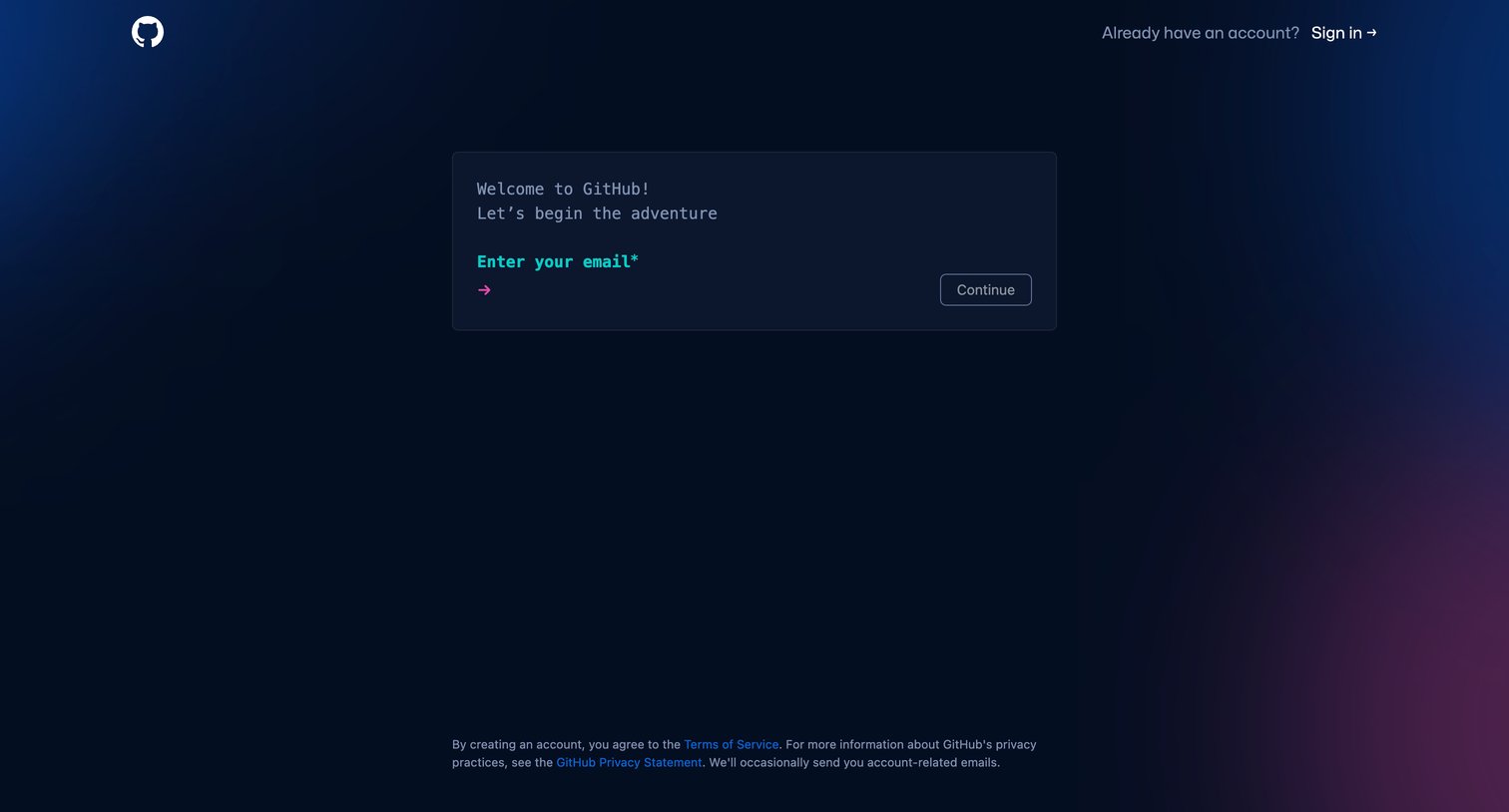
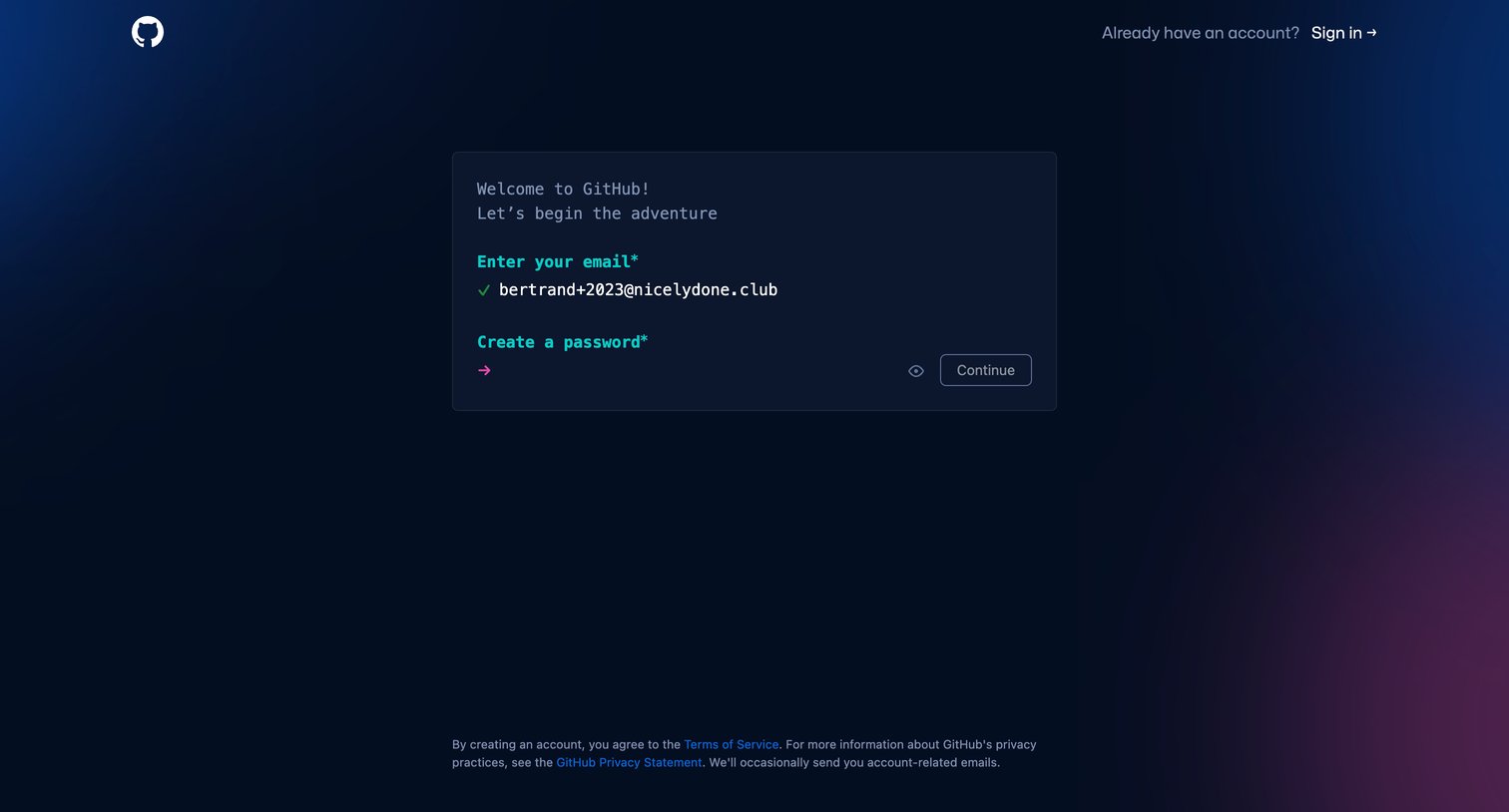
Signup screen where the user enters their email and creates a password within a terminal-themed interactive card.
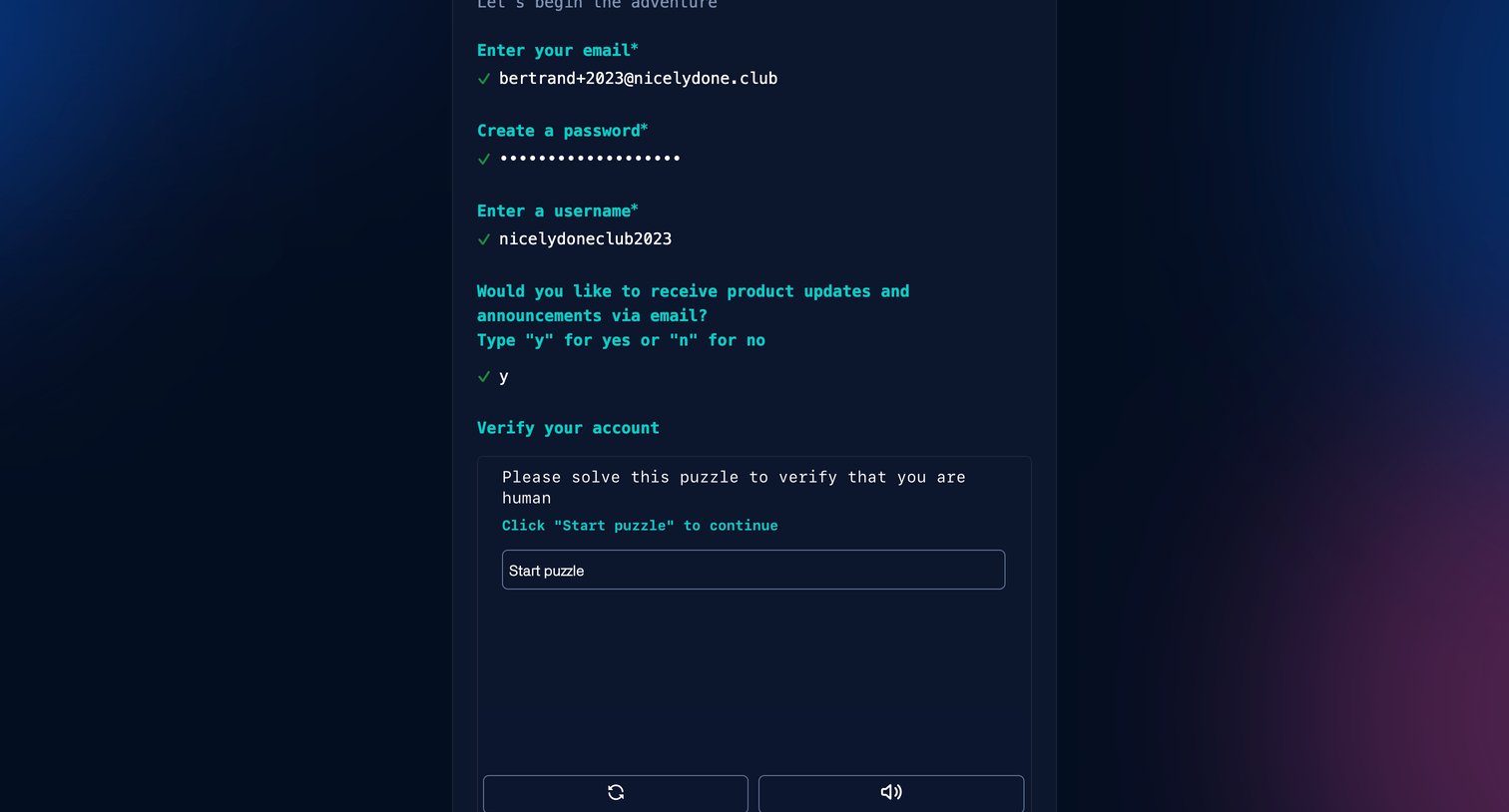
Signup page where the user completes a terminal-style form for email, password, and username before encountering a human verification puzzle.
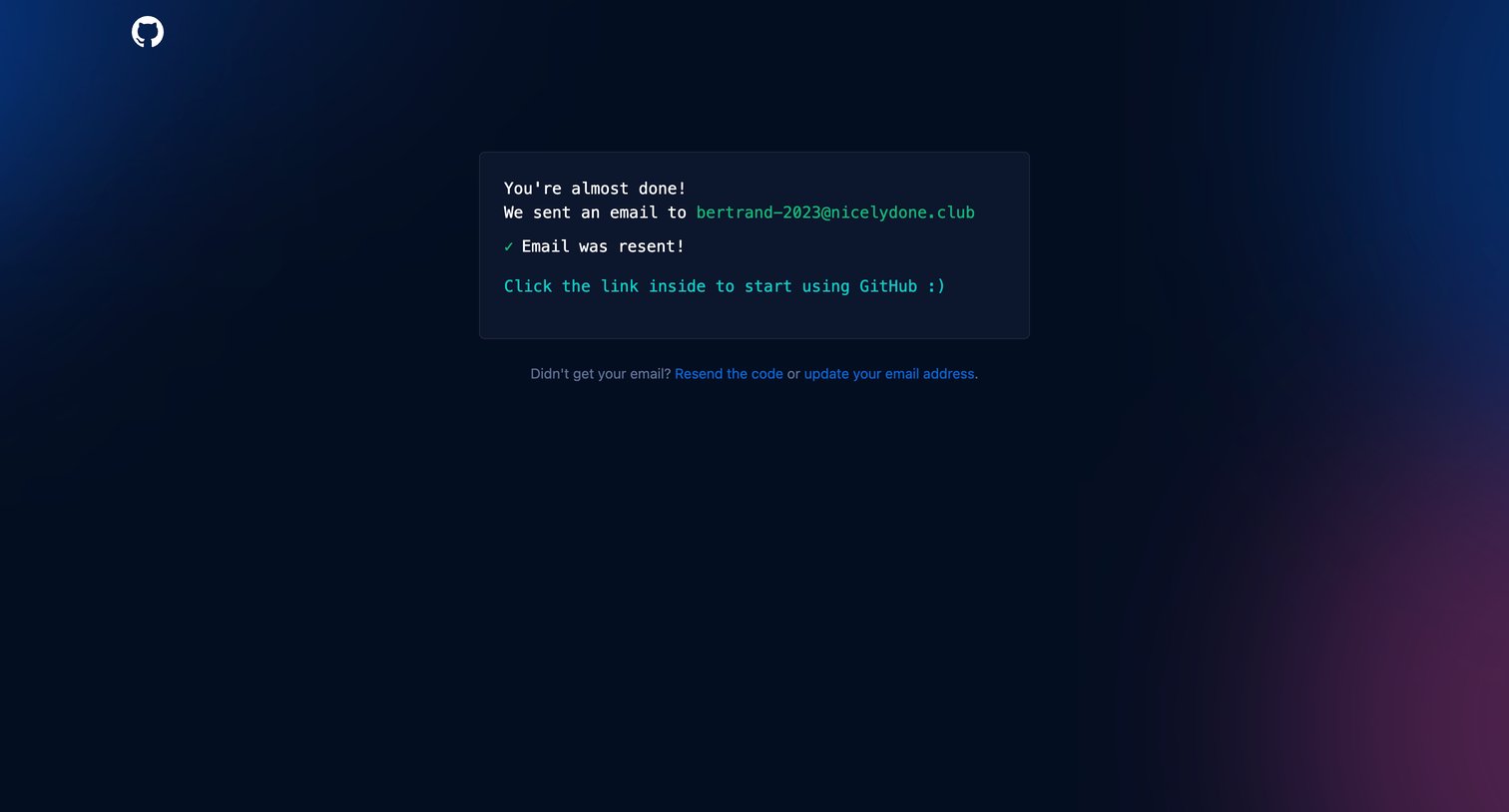
Verification screen where the user is notified that an email has been resent and instructed to click the link inside to access their account.
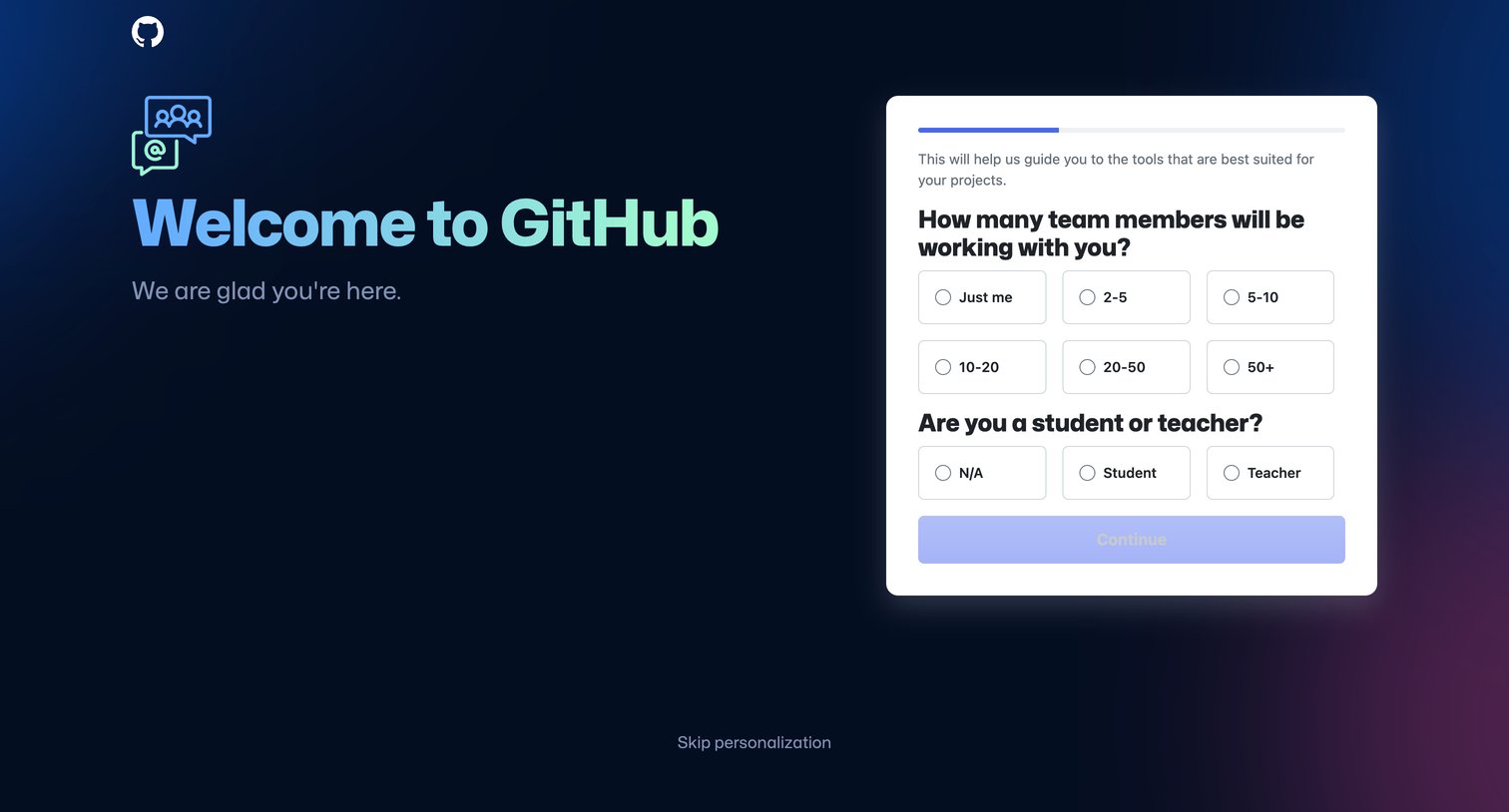
Onboarding step where the user personalizes their GitHub experience by selecting their team size and student or teacher status.
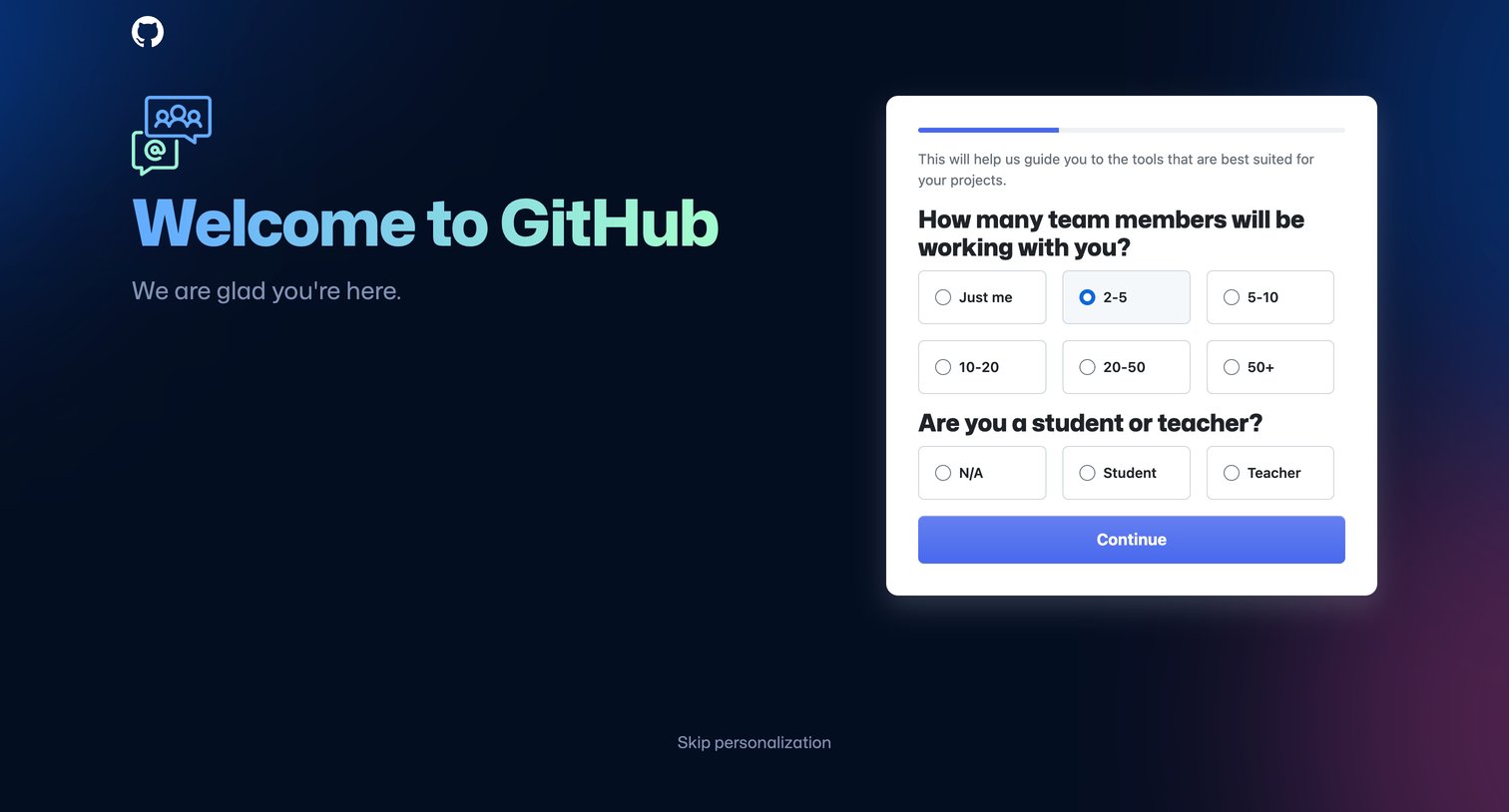
Onboarding screen where the user answers questions about their team size and role to personalize their GitHub experience.
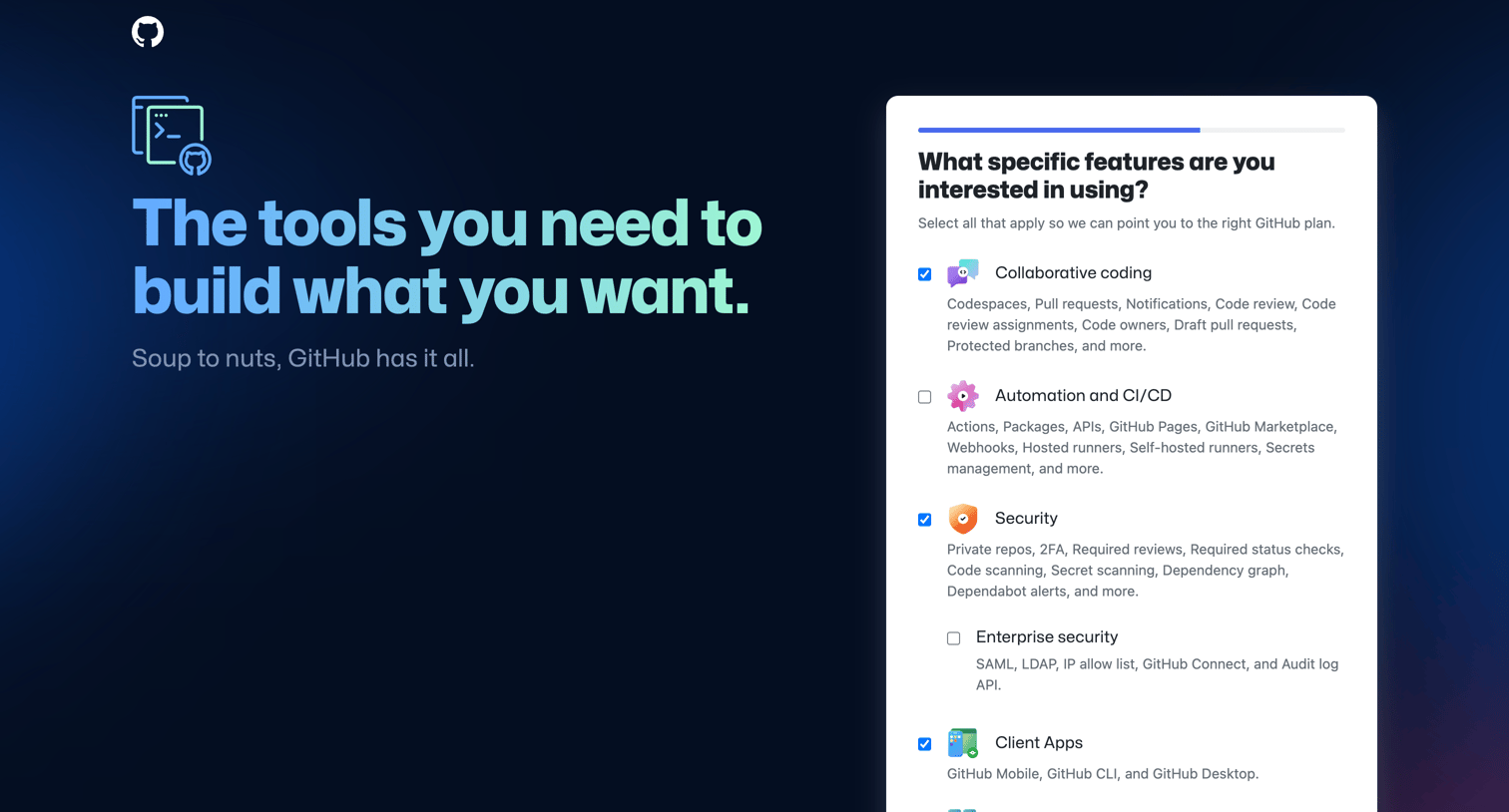
Onboarding step where the user selects specific features like collaborative coding, security, and CI/CD to get a recommended GitHub plan.
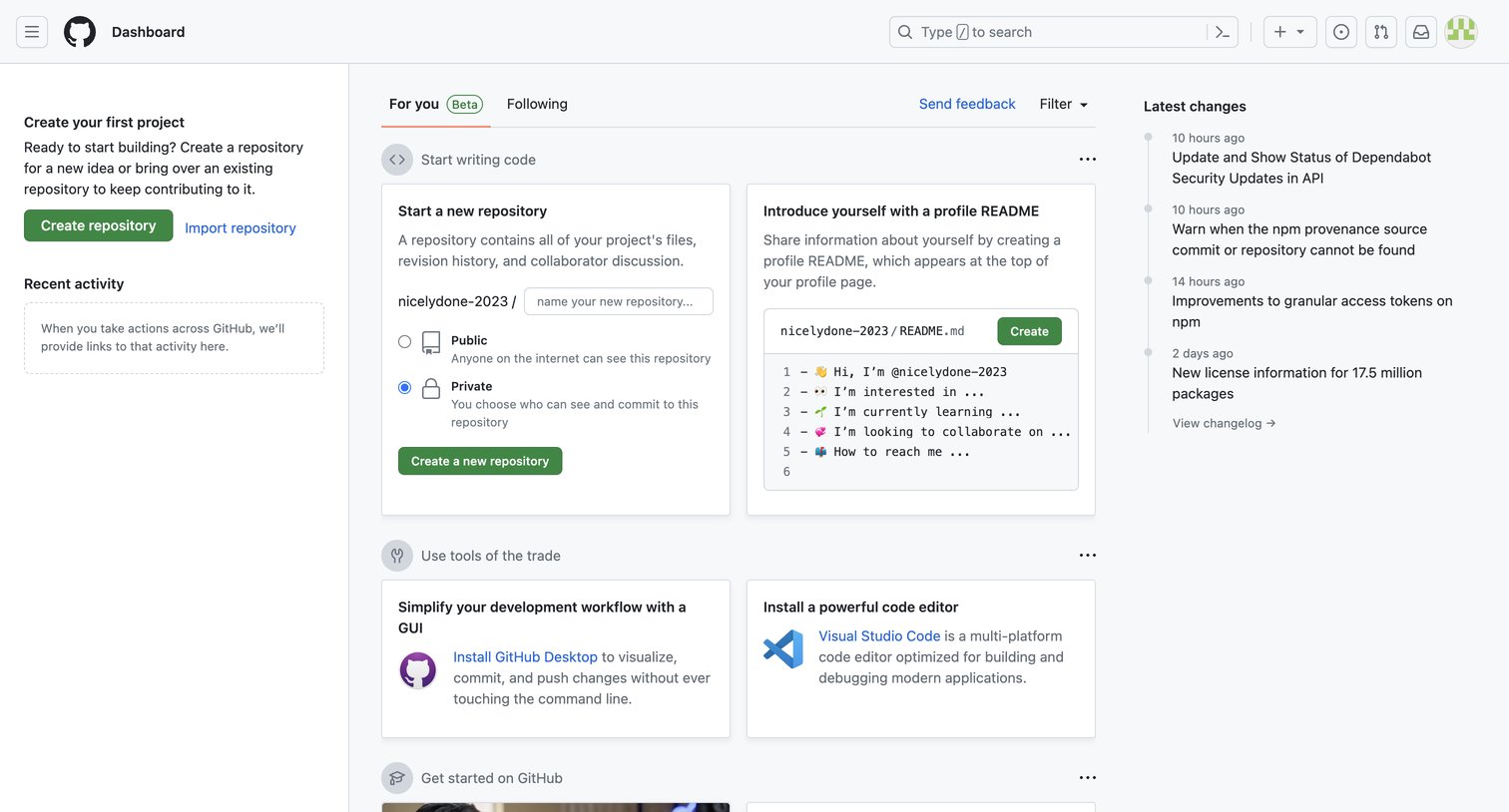
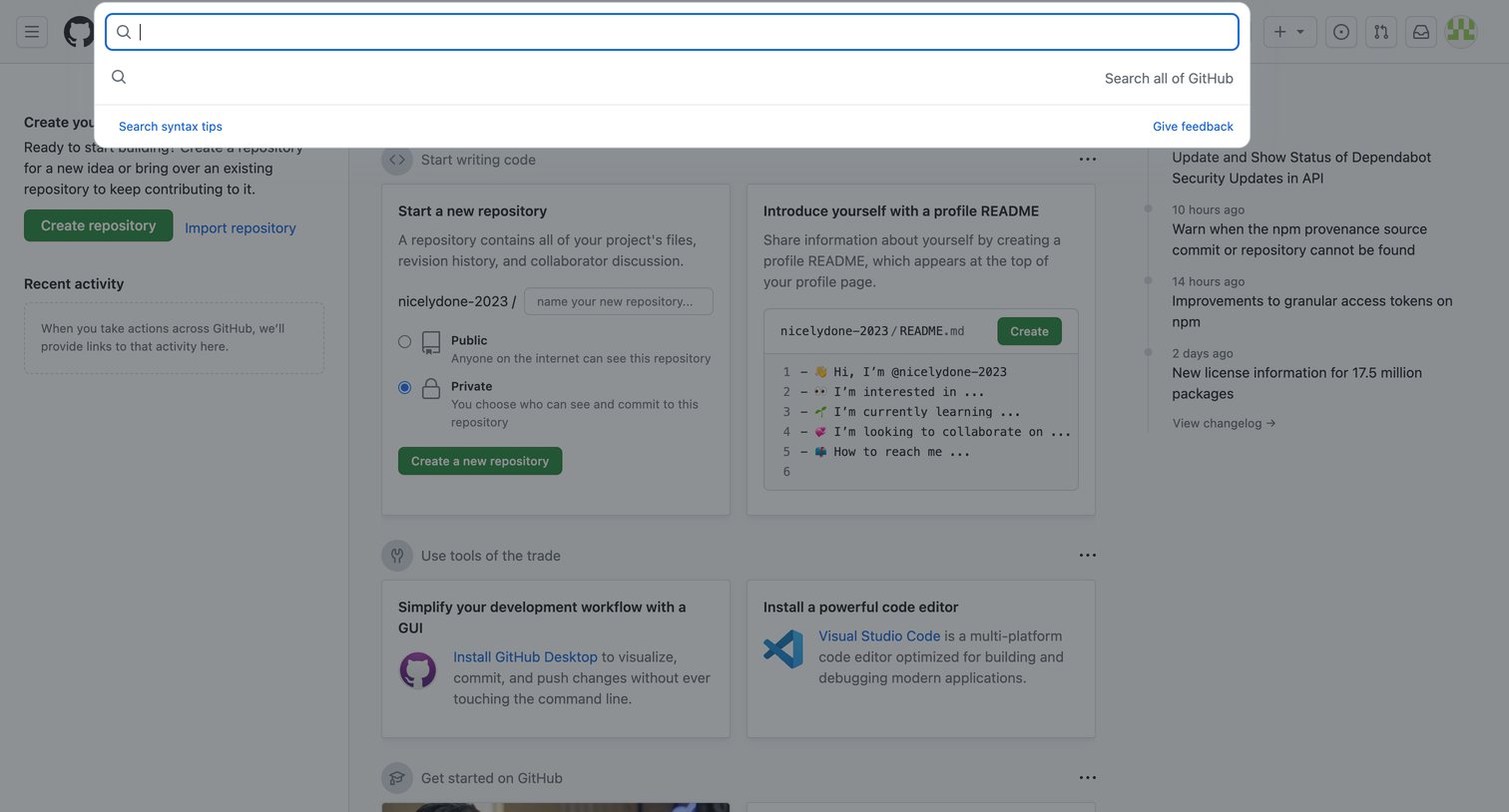
Global search overlay triggered from the top navigation, allowing the user to search all of GitHub or view syntax tips, displayed over a new-user onboarding dashboard.
Browse the full SaaS app library
Explore real SaaS apps with their product screens, marketing screens, flows, and components.
Trusted by the best teams







