Github user flows examples
Explore Github user flow examples. Preview the opening screens and steps for each task. Where the world builds software
Preview these flows




This sequence guides a user through the process of signing up for a GitHub account, including email input, password creation, username selection, communication preferences, and account verifi
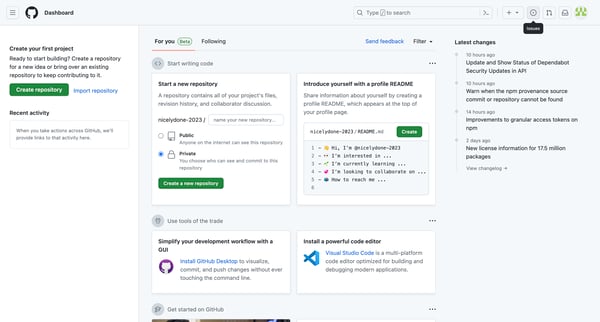
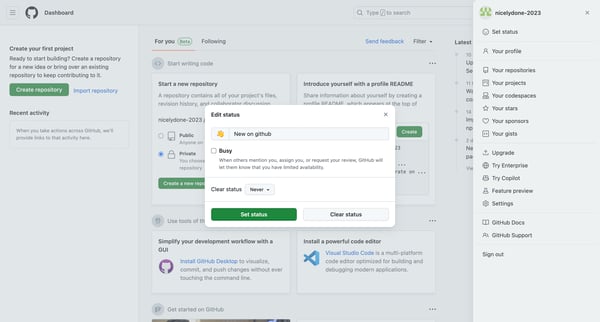
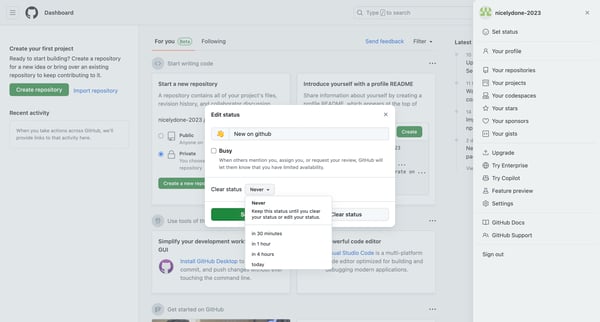
This flow allows a user to set their status on GitHub, indicating their availability to other users.
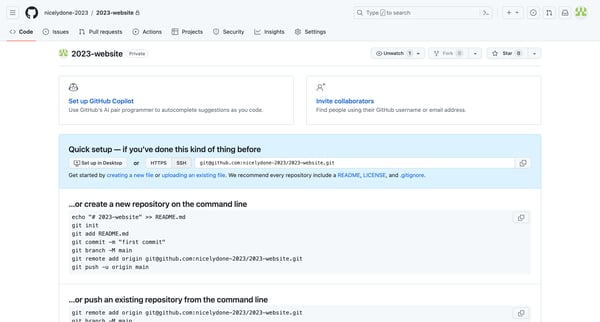
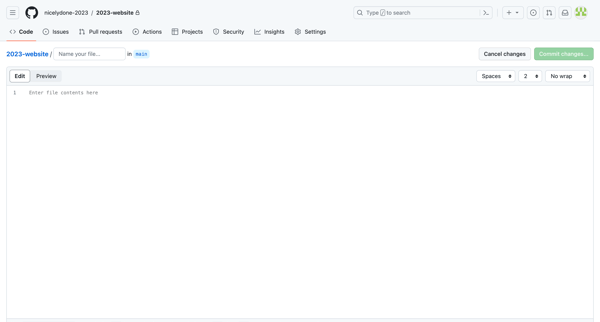
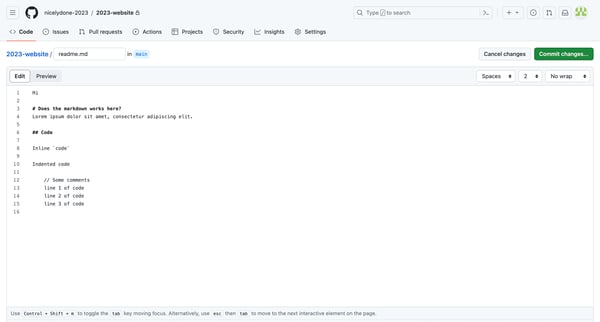
The flow guides users through creating and committing a new readme.md file in a GitHub repository.
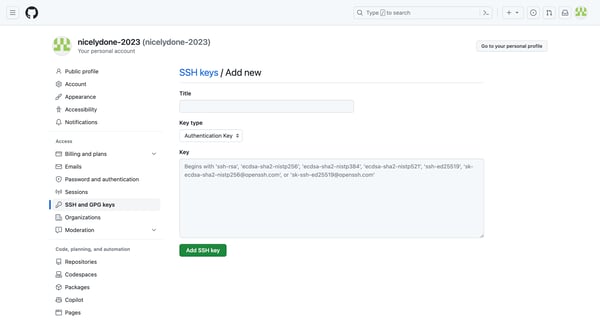
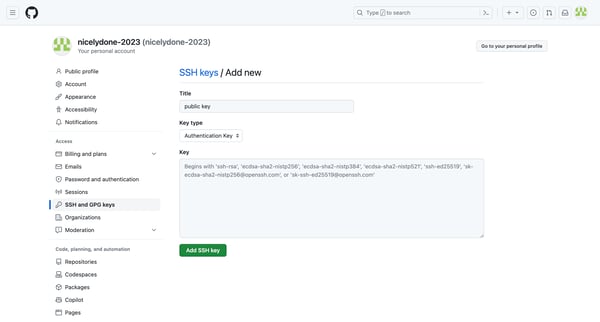
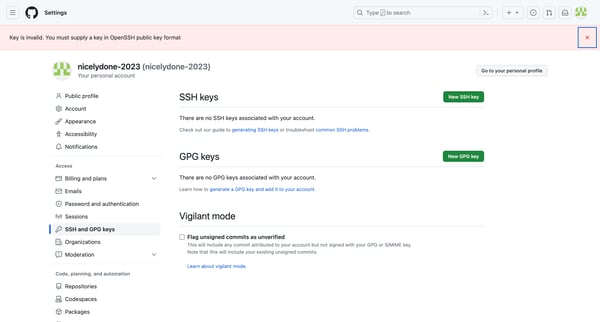
This flow enables users to add an SSH key to their Github account for secure authentication.
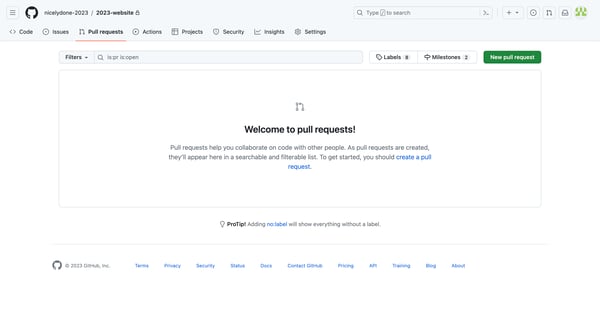
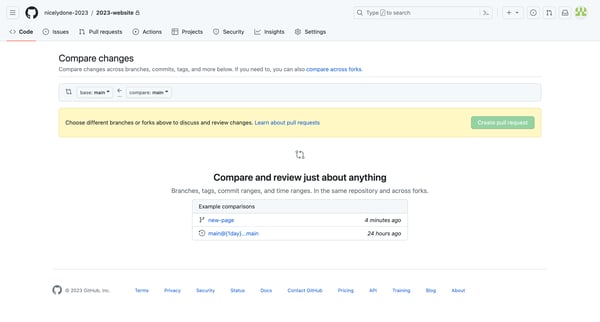
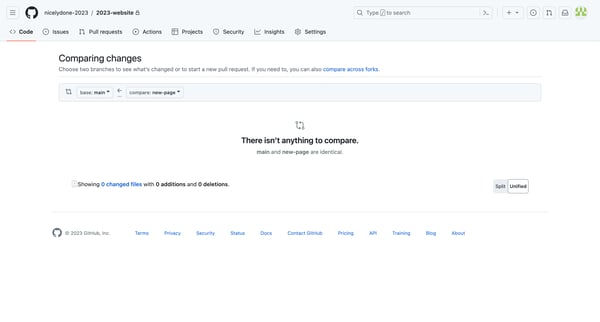
This flow guides users through the process of creating a pull request on GitHub, from comparing branches to finalizing the request details.
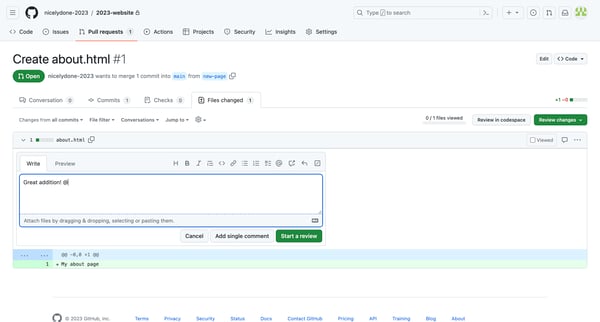
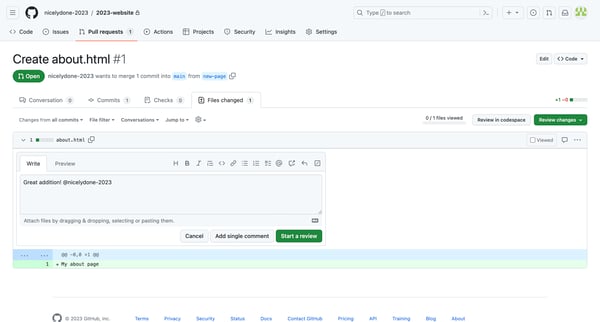
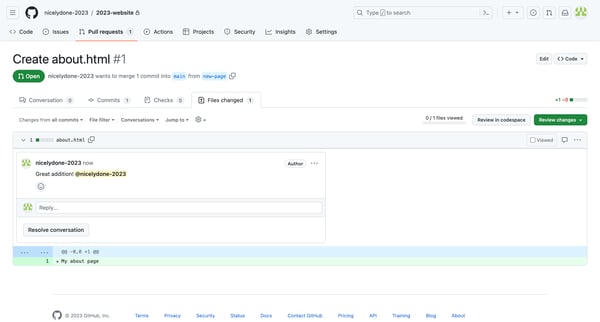
This flow demonstrates the process of reviewing and commenting on a pull request in GitHub.
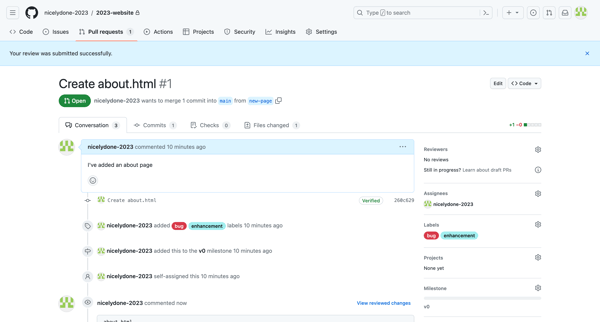
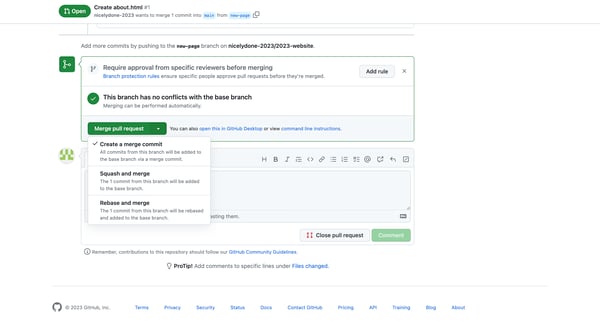
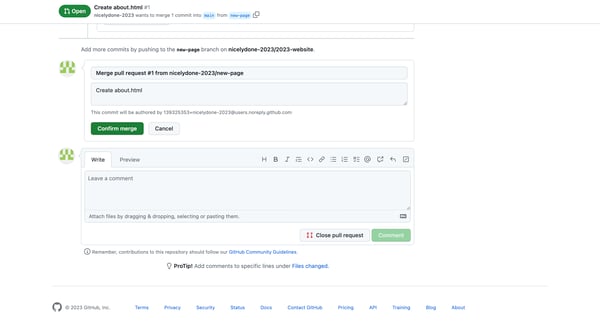
This flow demonstrates the process of merging a pull request on GitHub, from reviewing changes to confirming the merge and deleting the branch.
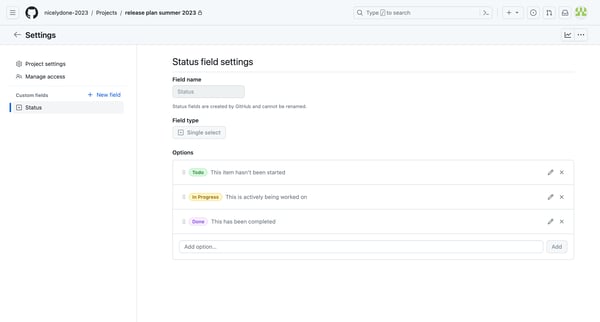
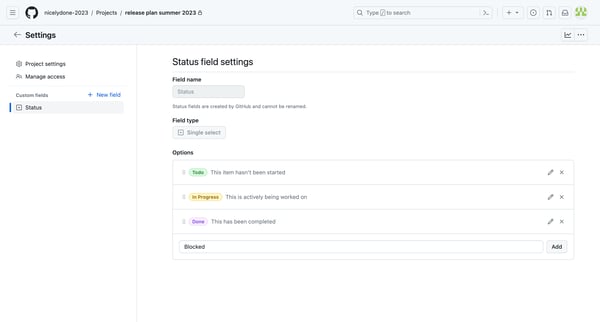
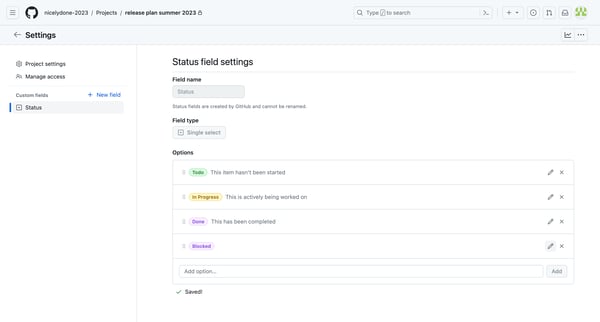
This flow shows the process of adding and editing a new status option in a GitHub project's custom field settings.
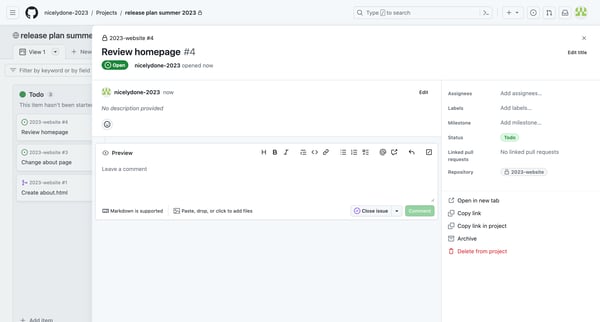
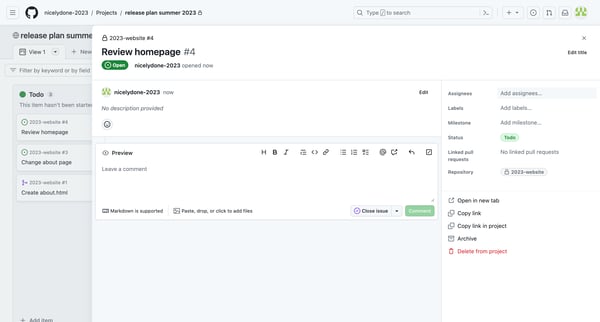
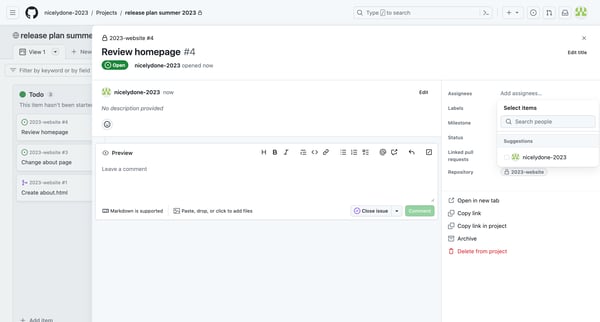
The flow enables users to edit and manage various aspects of an issue in a GitHub project.
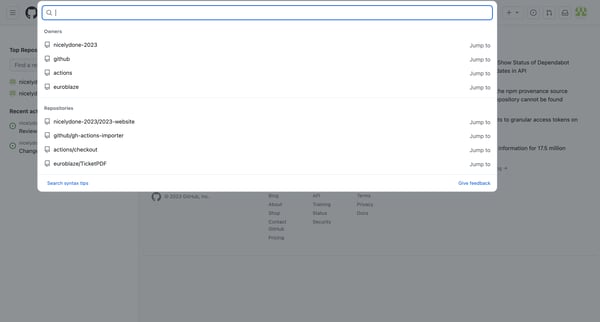
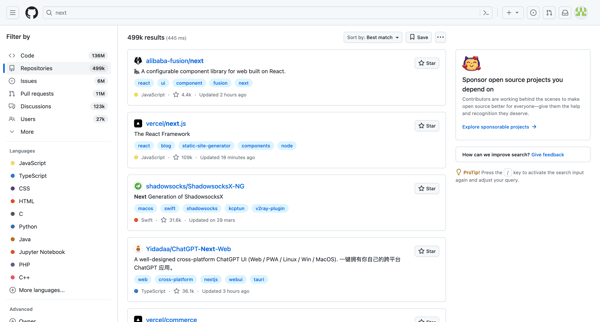
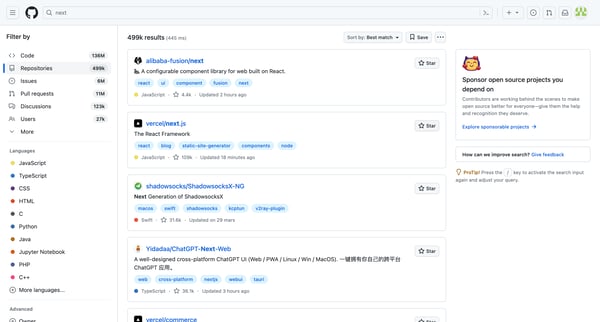
This flow allows users to search, filter, and sort GitHub repositories based on various criteria like language, stars, and other advanced options.
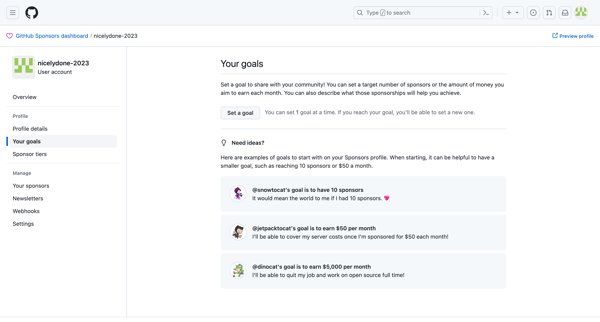
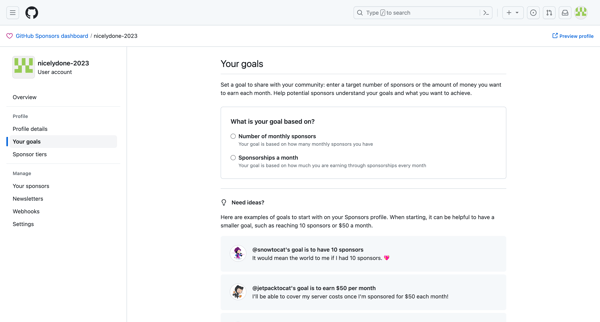
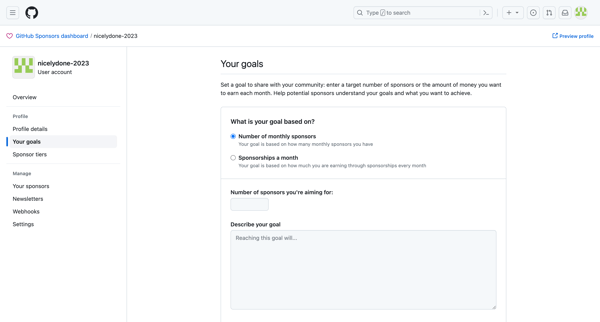
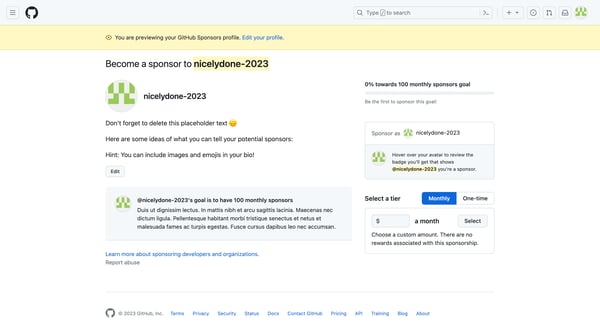
Setting up a sponsorship goal on GitHub Sponsors dashboard to share with the community.
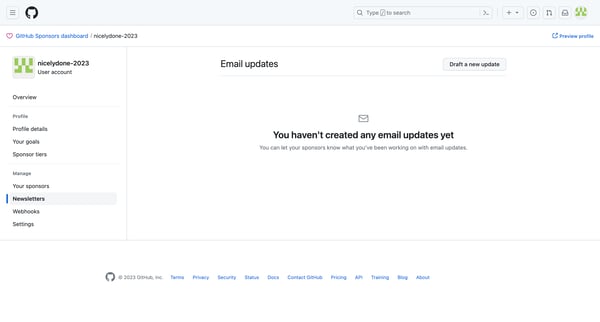
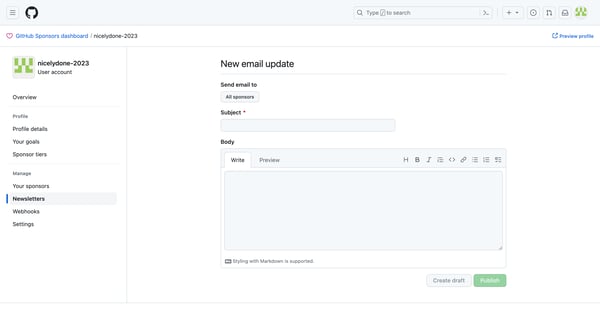
Create and send email updates to sponsors on GitHub Sponsors dashboard.
Explore the full SaaS flow library
Browse the full SaaS flow library.
Trusted by the best teams







