Skip to content
Flow logo

Flow design examples

Explore Flow UI design examples. Task management software that doesn't feel like work

Product screens
Free Trial | Project & Task Management Tools - Flow from Flow
Flow logo
Flow

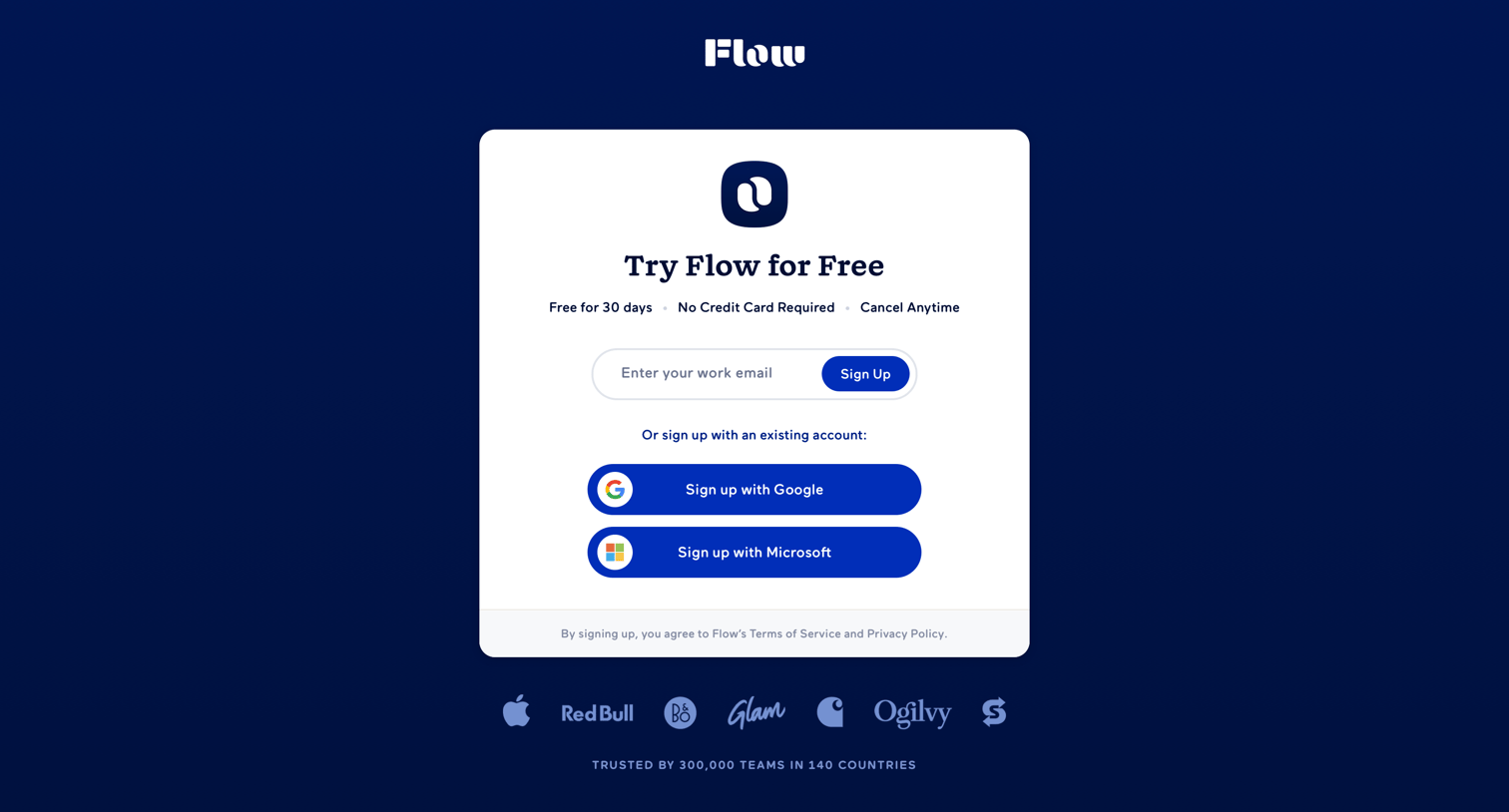
Signup screen where the user can start a free trial by entering a work email or authenticating with Google or Microsoft.

Login · Flow from Flow
Flow logo
Flow

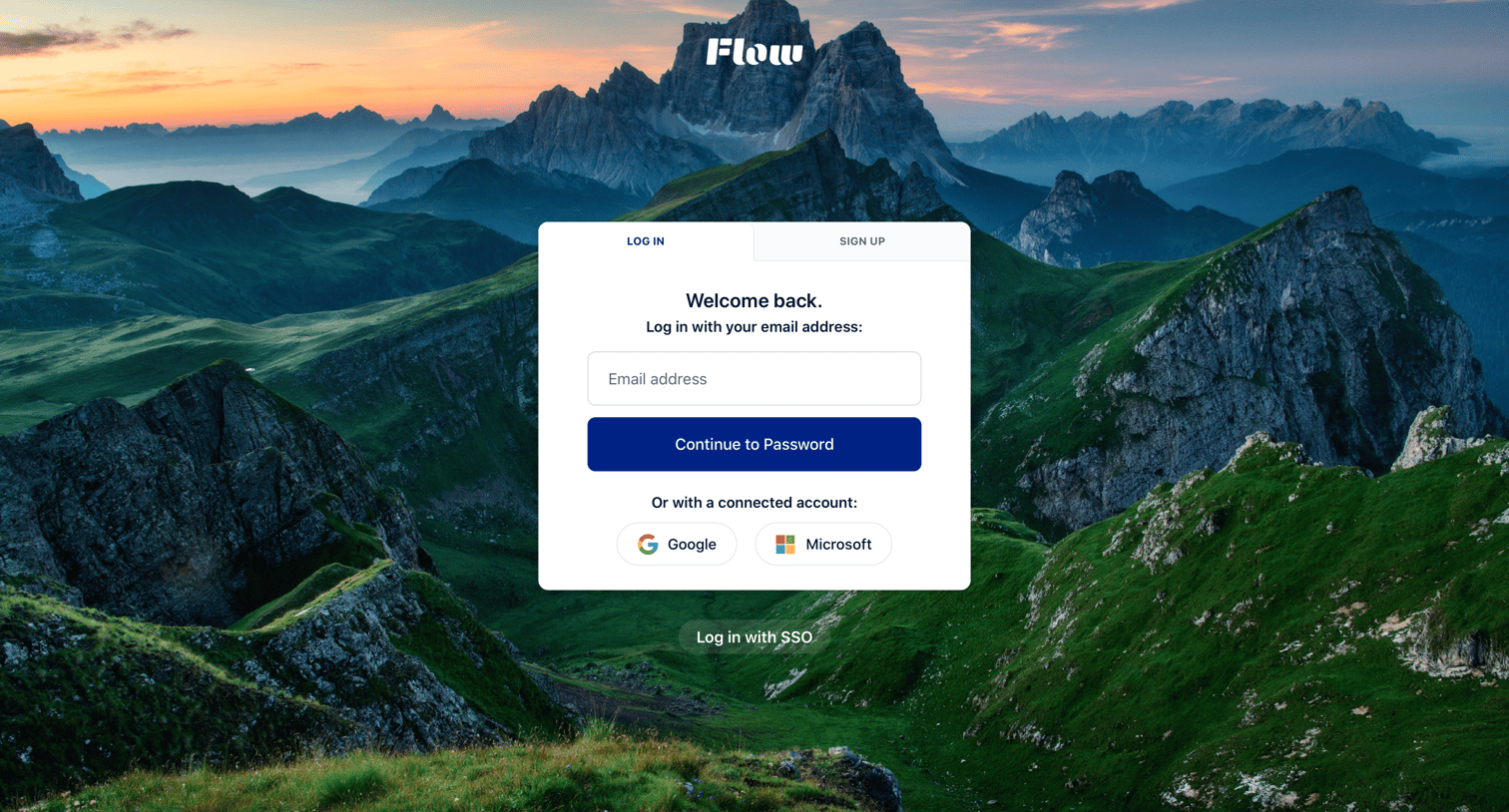
Sign-in screen where the user enters their email to continue to a password step or authenticates with Google, Microsoft, or enterprise SSO.

Free Trial | Project & Task Management Tools - Flow from Flow
Flow logo
Flow

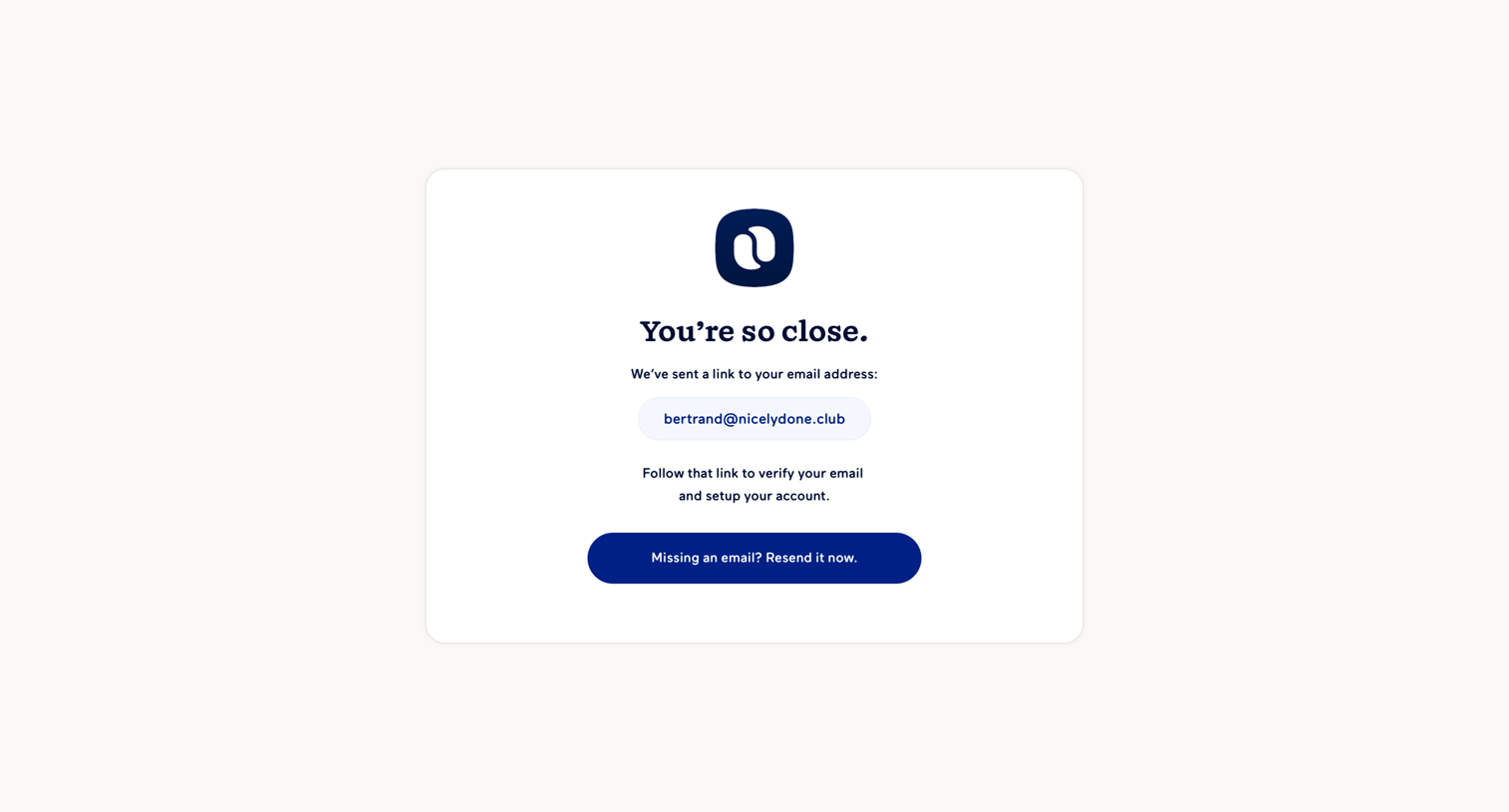
Verification screen where the user is instructed to check their inbox for a link sent to their email address, with an option to resend it.
Continue Signup · Flow from Flow
Flow logo
Flow

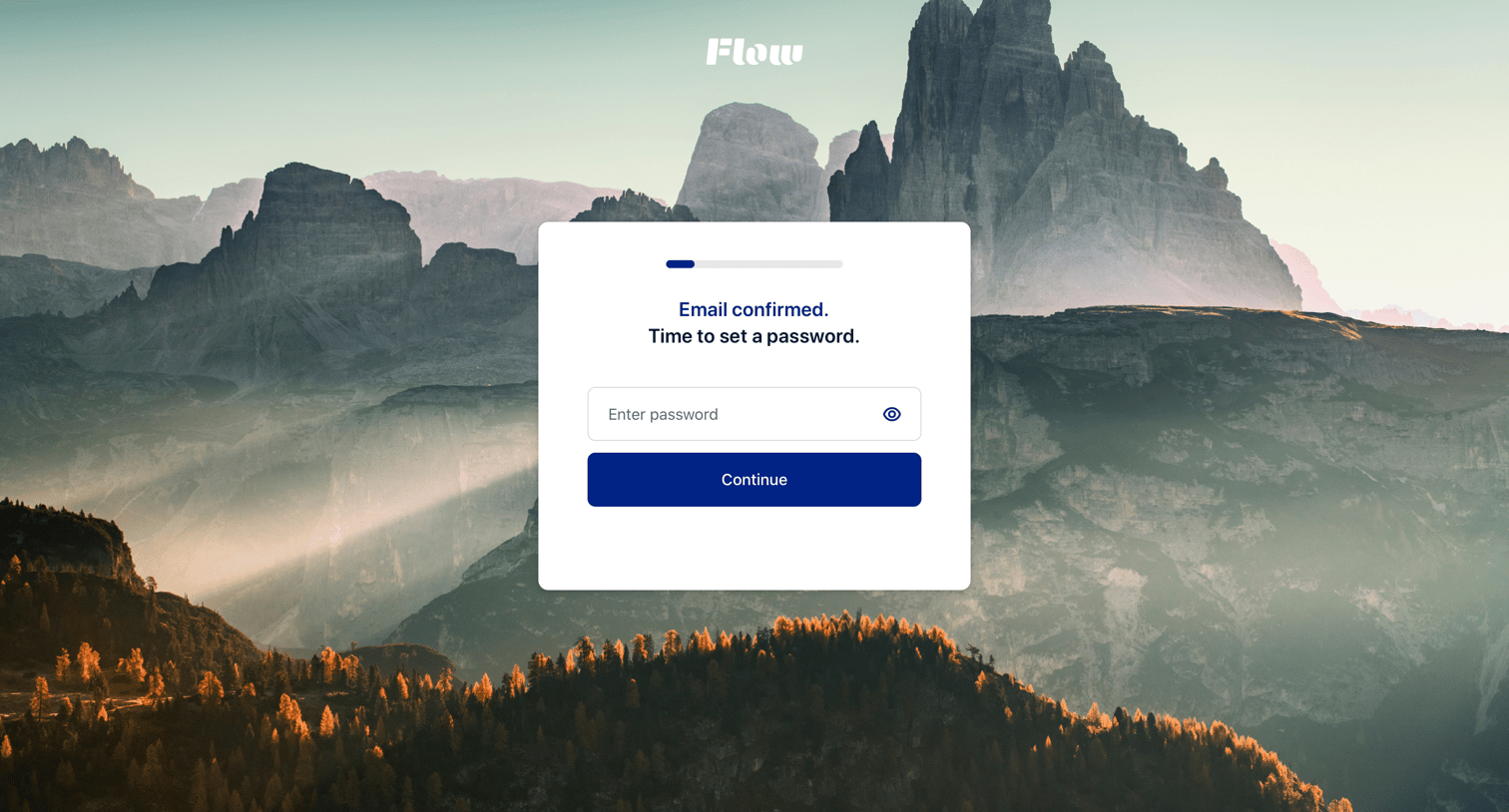
Signup step where the user sets their password after confirming their email address.
Continue Signup · Flow from Flow
Flow logo
Flow

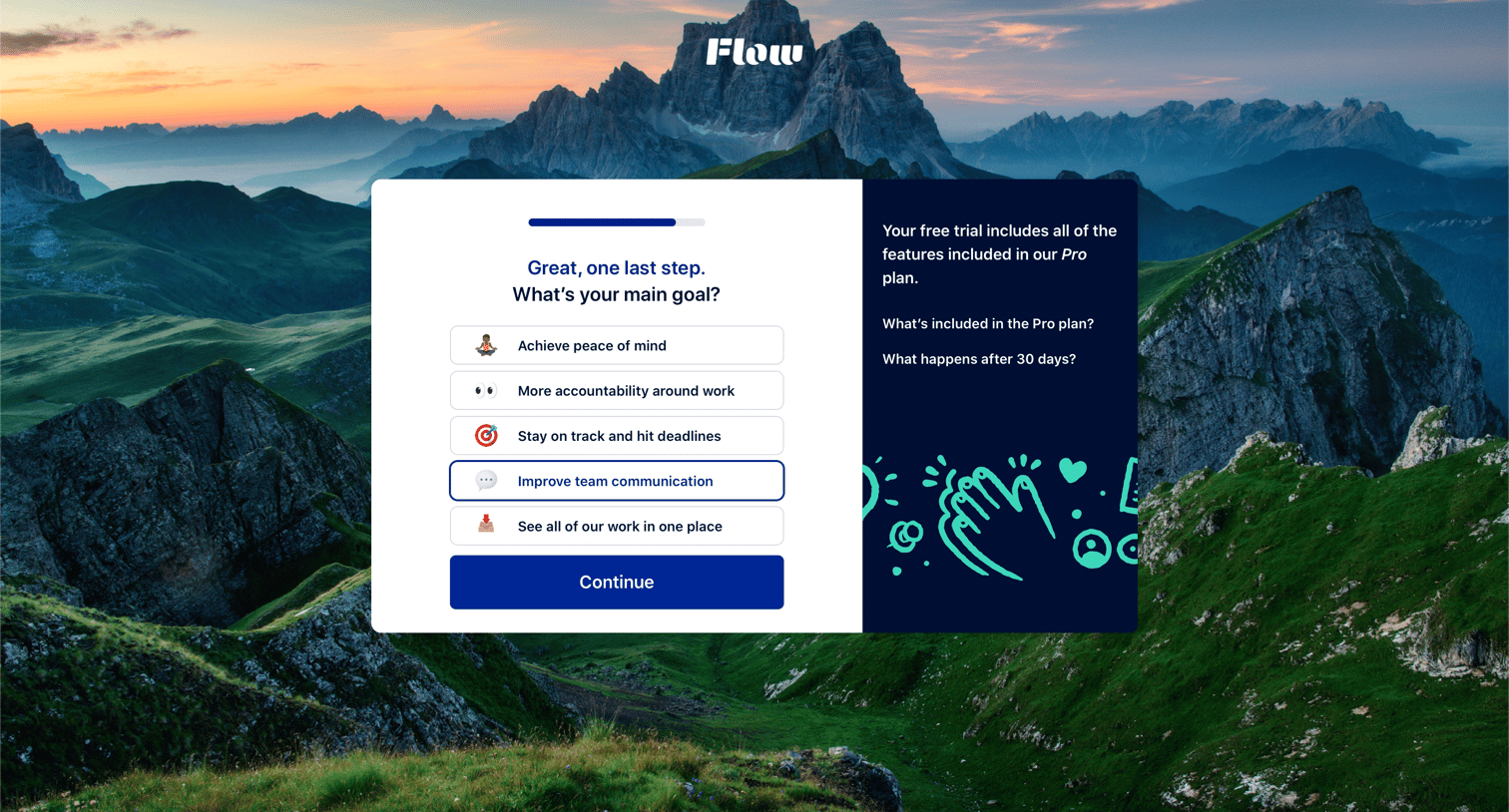
Onboarding step where the user selects their primary goal to personalize their experience before starting a free trial.
Continue Signup · Flow from Flow
Flow logo
Flow

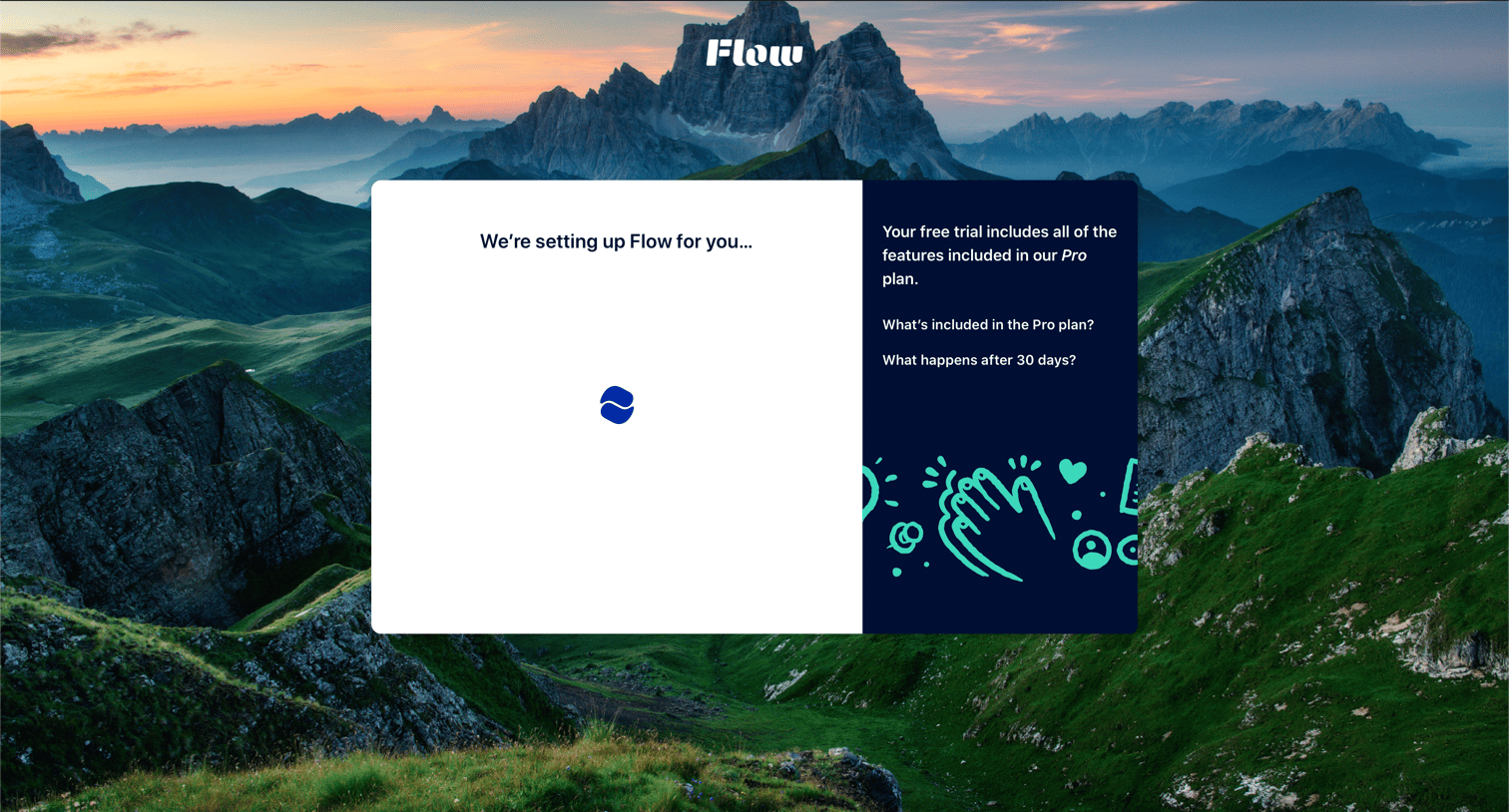
Onboarding screen where the user waits while their account is set up, featuring a split card with trial details and frequently asked questions.

Redirecting… from Flow
Flow logo
Flow

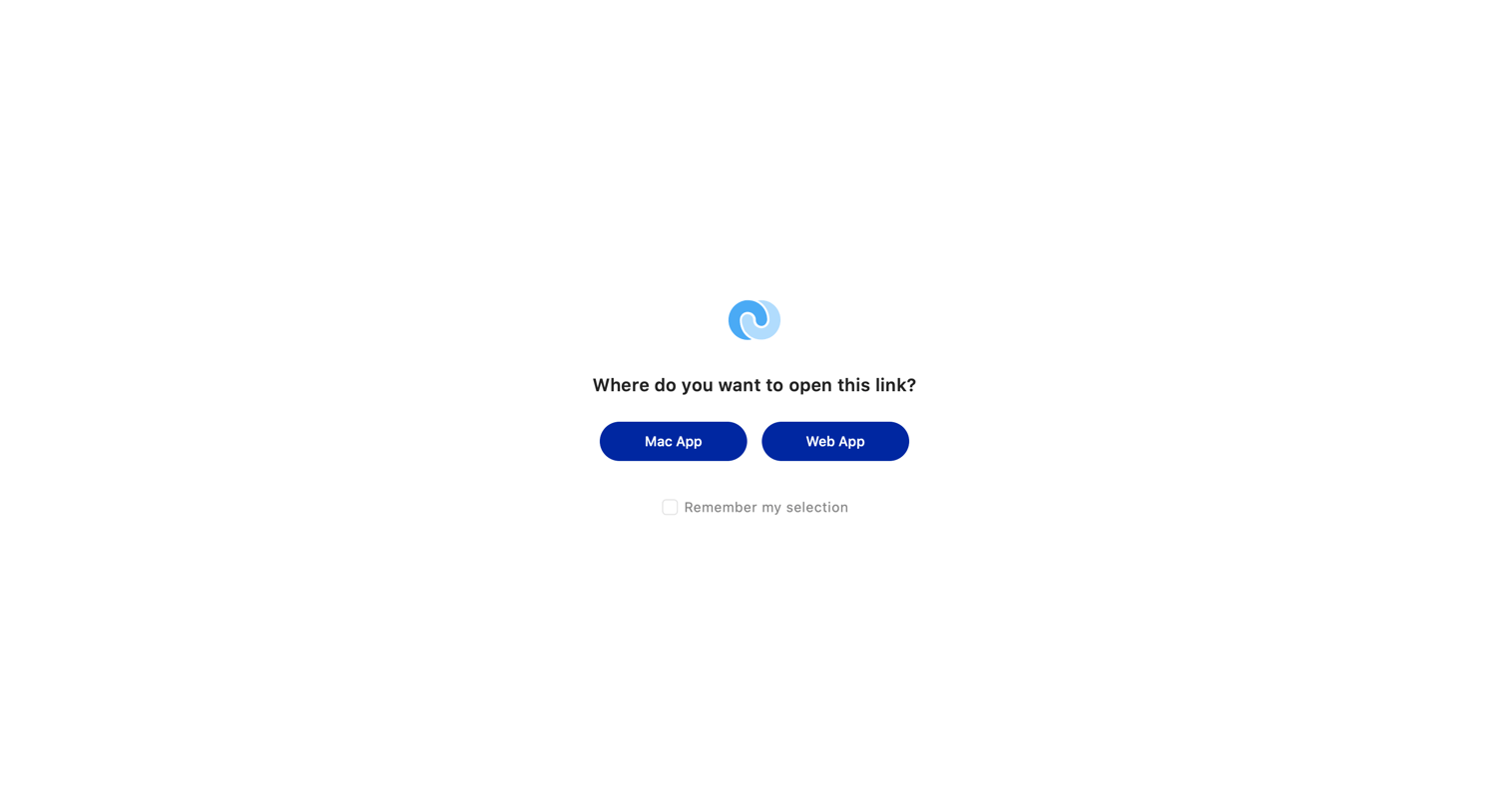
Interstitial screen where the user chooses whether to open a link in the Mac App or Web App, with an option to remember the selection.
Your First Project from Flow
Flow logo
Flow

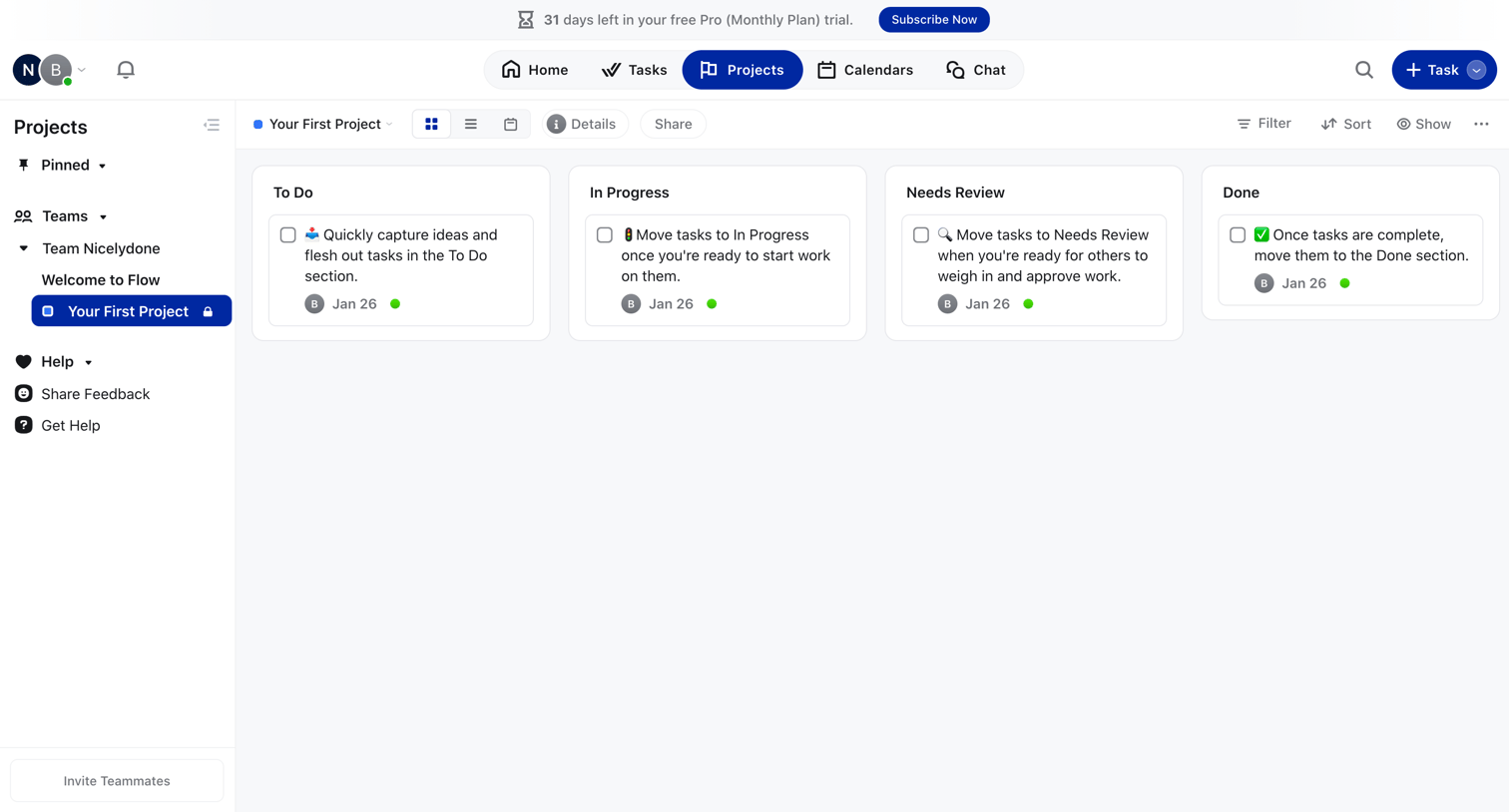
Project management board where the user organizes tasks into To Do, In Progress, Needs Review, and Done columns.

Your First Project from Flow
Flow logo
Flow

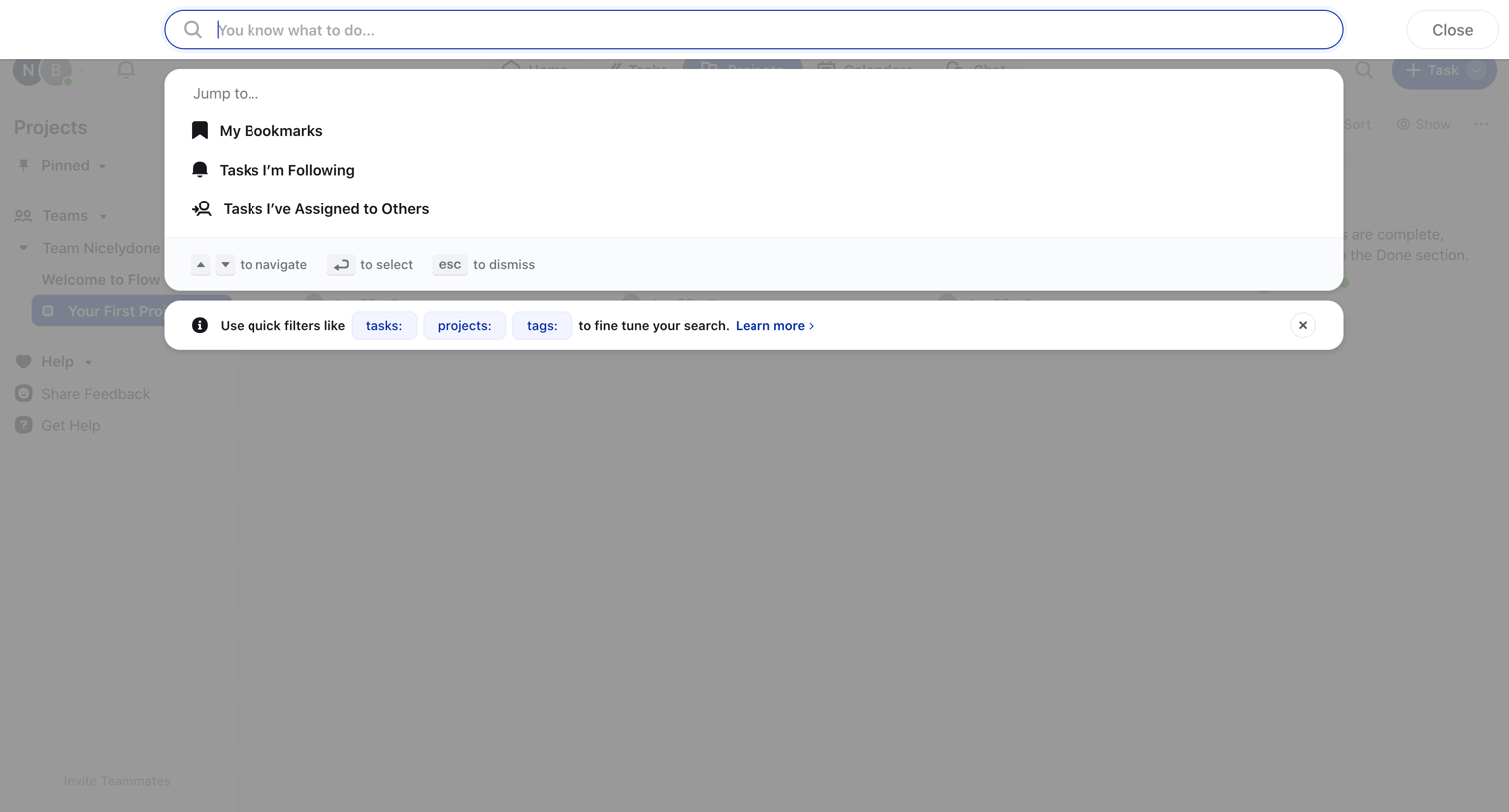
Search overlay where the user jumps to bookmarks, followed tasks, or assigned tasks, with a tip for using quick filters.
Your First Project from Flow
Flow logo
Flow

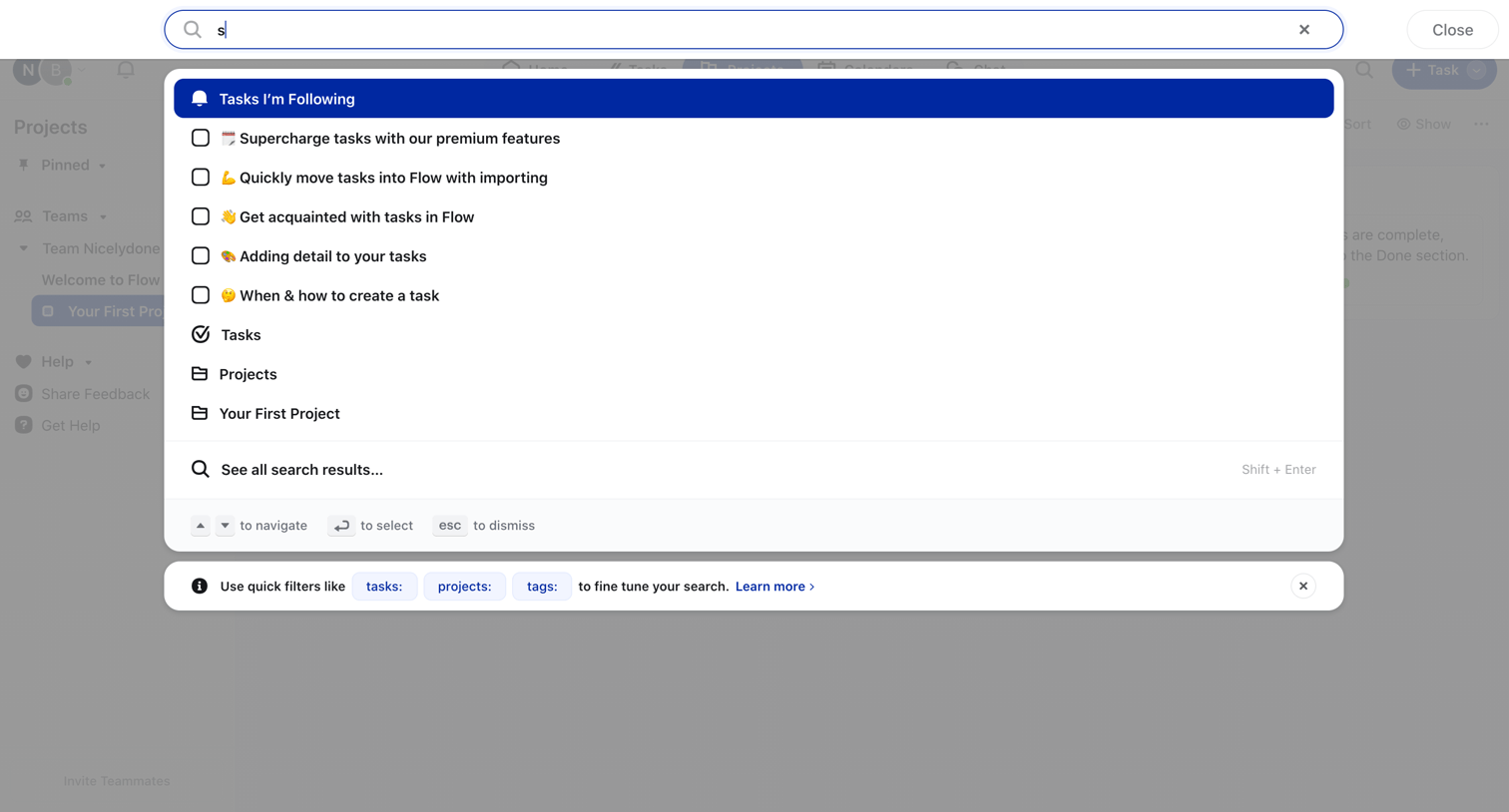
Search overlay where the user searches across tasks and projects, featuring keyboard navigation hints and a tip for using quick filters.
Your First Project from Flow
Flow logo
Flow

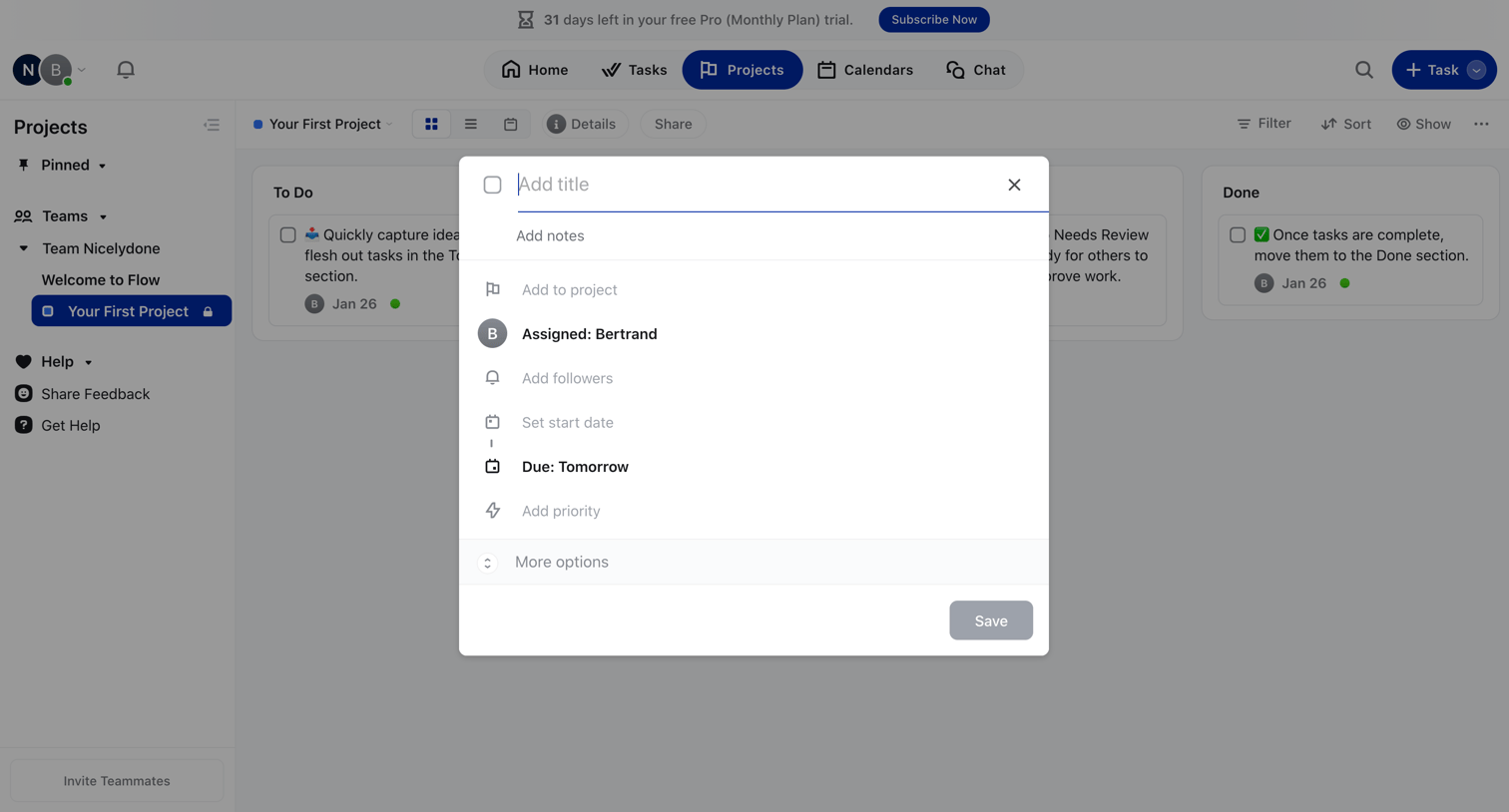
Task creation modal over a project kanban board where the user can set a title, notes, assignee, and due date.
Your First Project from Flow
Flow logo
Flow

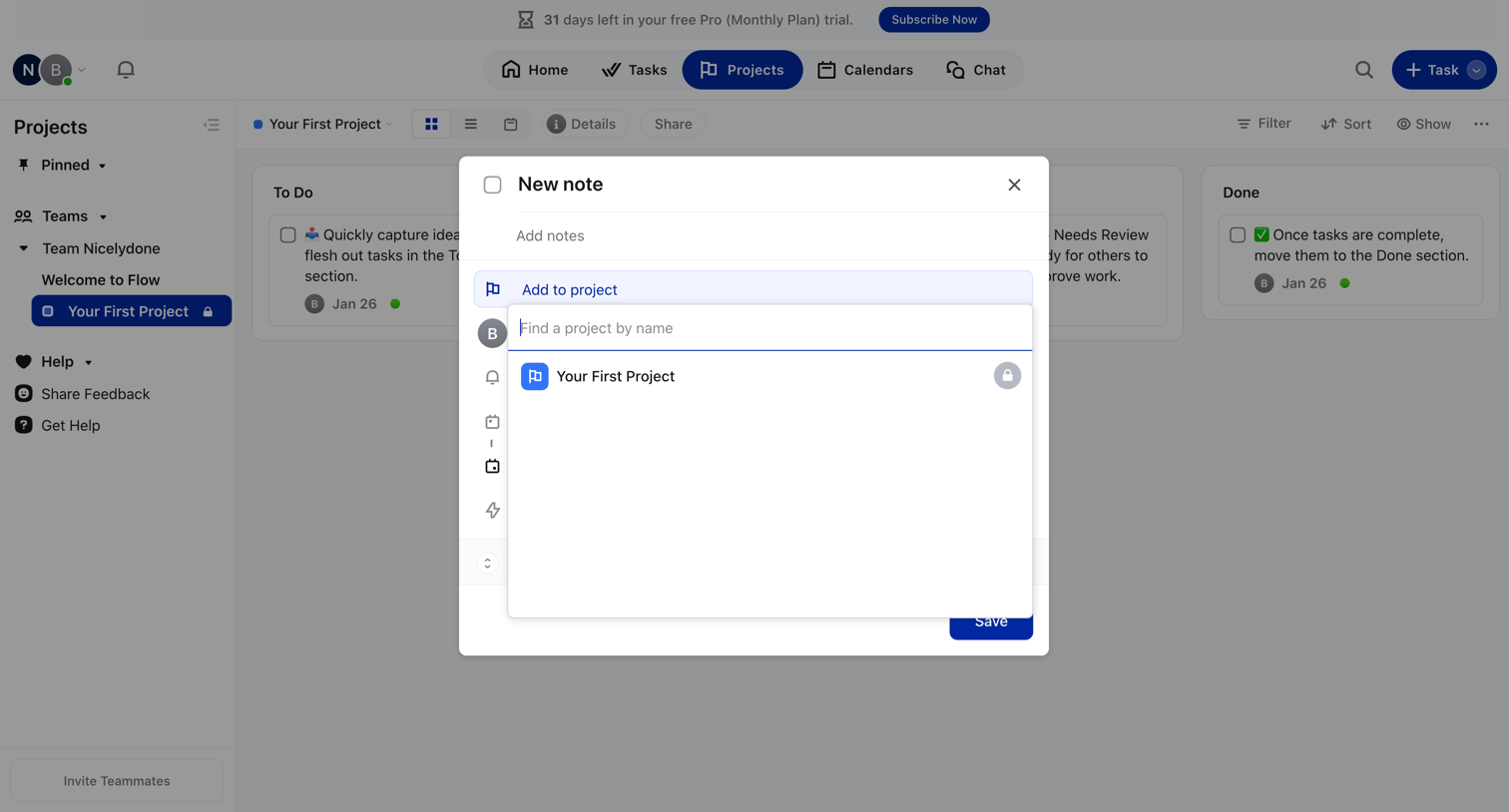
List view where the user creates a new note and assigns it to a specific project via a search combobox.

Browse the full SaaS app library

Explore real SaaS apps with their product screens, marketing screens, flows, and components.

Trusted by the best teams

More from Flow