
Eventbrite design examples
Explore Eventbrite UI design examples. The world's largest event technology platform
Product screens
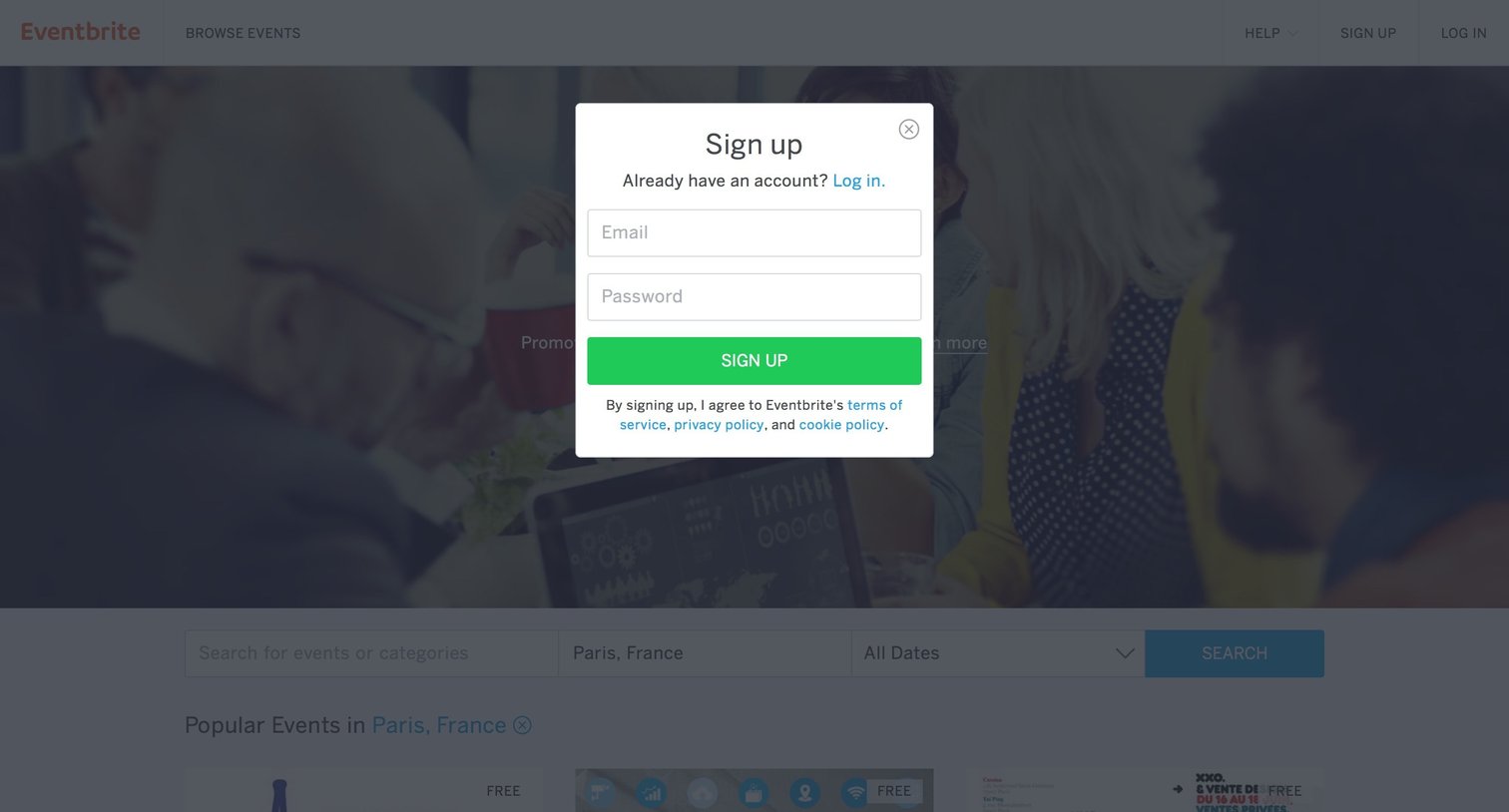
Authentication overlay where the user can create a new account using their email and password.

Authentication screen where the user enters their email and password to log in, featuring options to sign up or recover a forgotten password over a dimmed marketing background.

Landing page for an event marketplace where the user can search for local events, browse personalized recommendations in their city, and explore top categories.

Logged-in home page where the user can search for events by location and date, view personalized recommendations, or start creating their own event.

Search results page where the user views events matching 'futur' in Paris, with an open autocomplete dropdown suggesting related local events and popular queries.

Product page where the user views details for the Futur en Seine 2016 event, browses social media activity, and can register for a ticket.

Detail page where the user selects ticket quantities for an event before proceeding to checkout.

Detail page where a modal confirms the user's event registration is complete and prompts them to share it on Facebook.

Detail page where a user views their upcoming, saved, and past event registrations, with options to edit their profile or create a new event.
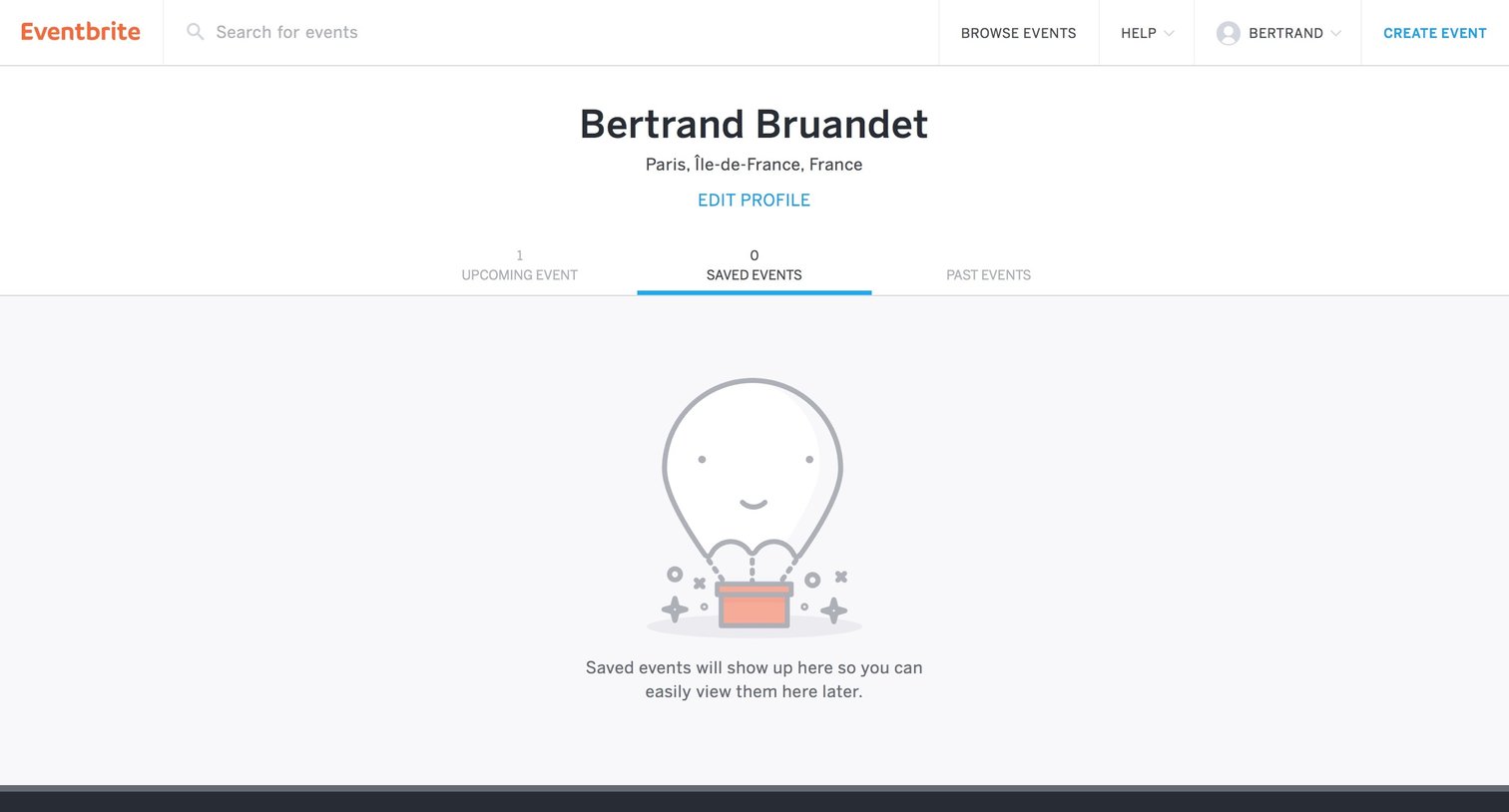
User profile page showing an empty state for saved events, with tabs to navigate between upcoming, saved, and past events.
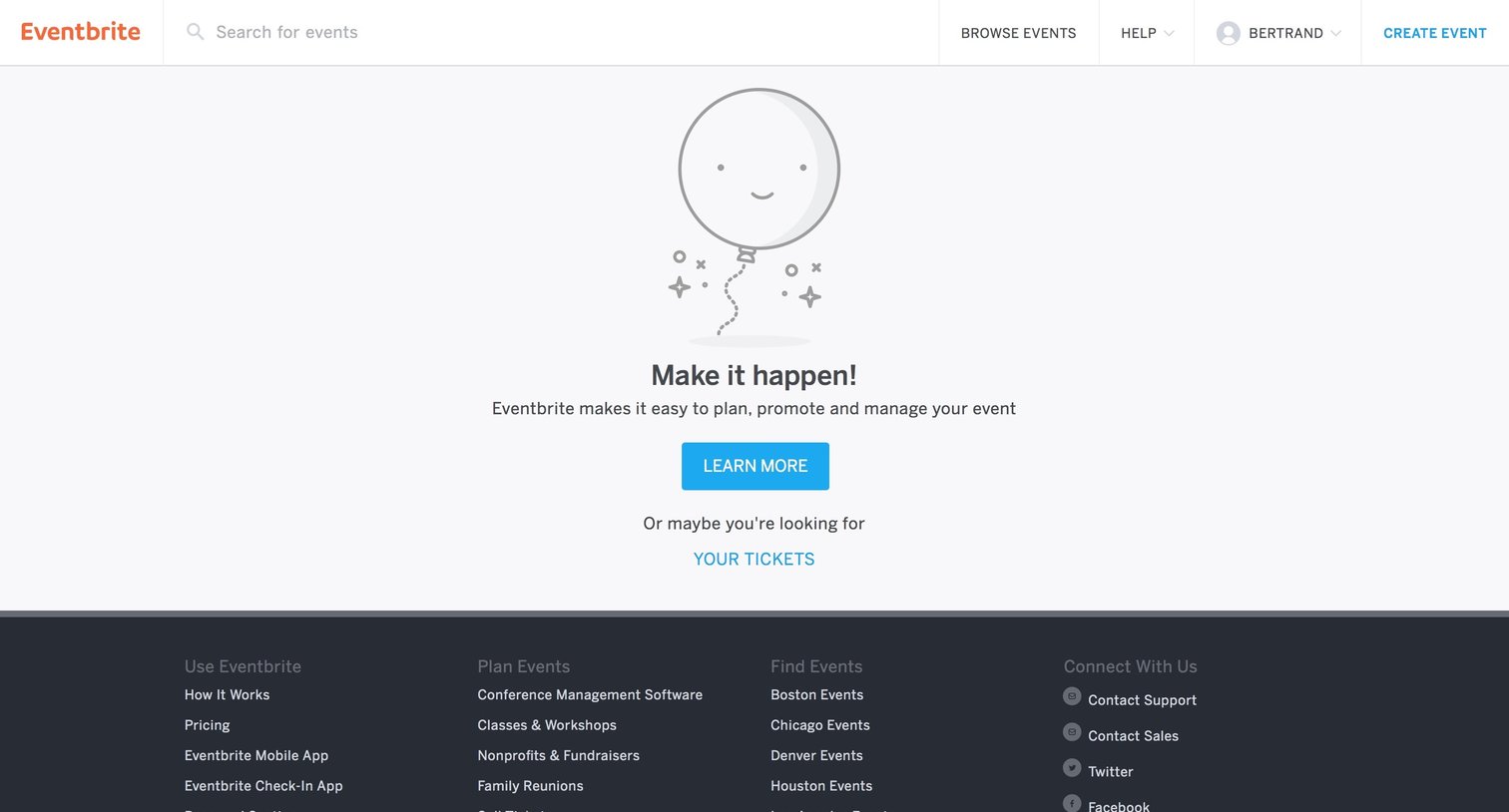
Dashboard empty state encouraging the user to plan and promote their first event or view their purchased tickets.
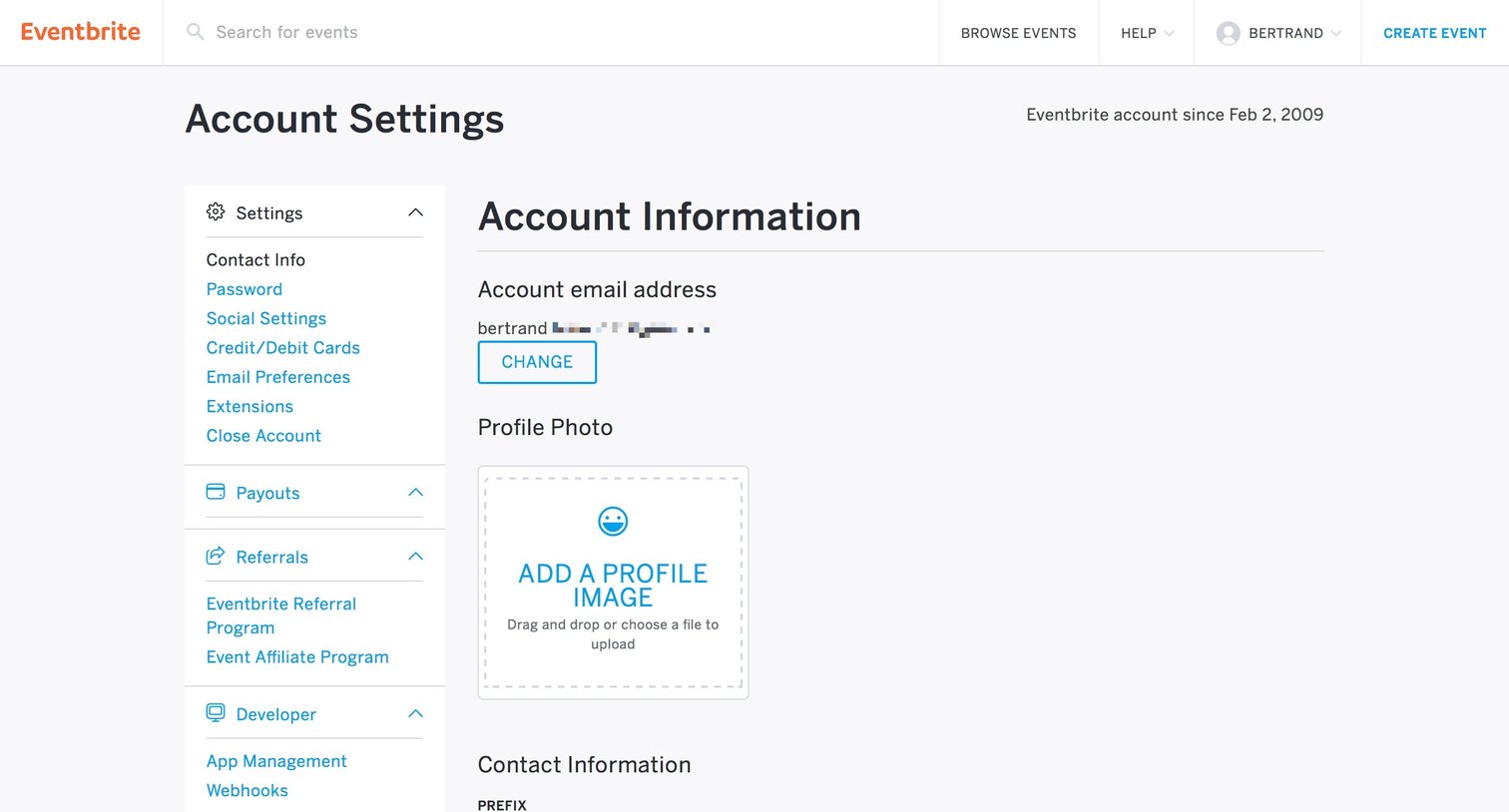
Settings page where the user updates their personal details, profile photo, and multiple physical addresses.
Browse the full SaaS app library
Explore real SaaS apps with their product screens, marketing screens, flows, and components.
Trusted by the best teams







