Templates screen examples
Templates screen design examples from SaaS apps. See how apps present reusable starting points for new work. Explore how template previews, descriptions, and categories help people choose a design or…
Explore the examples
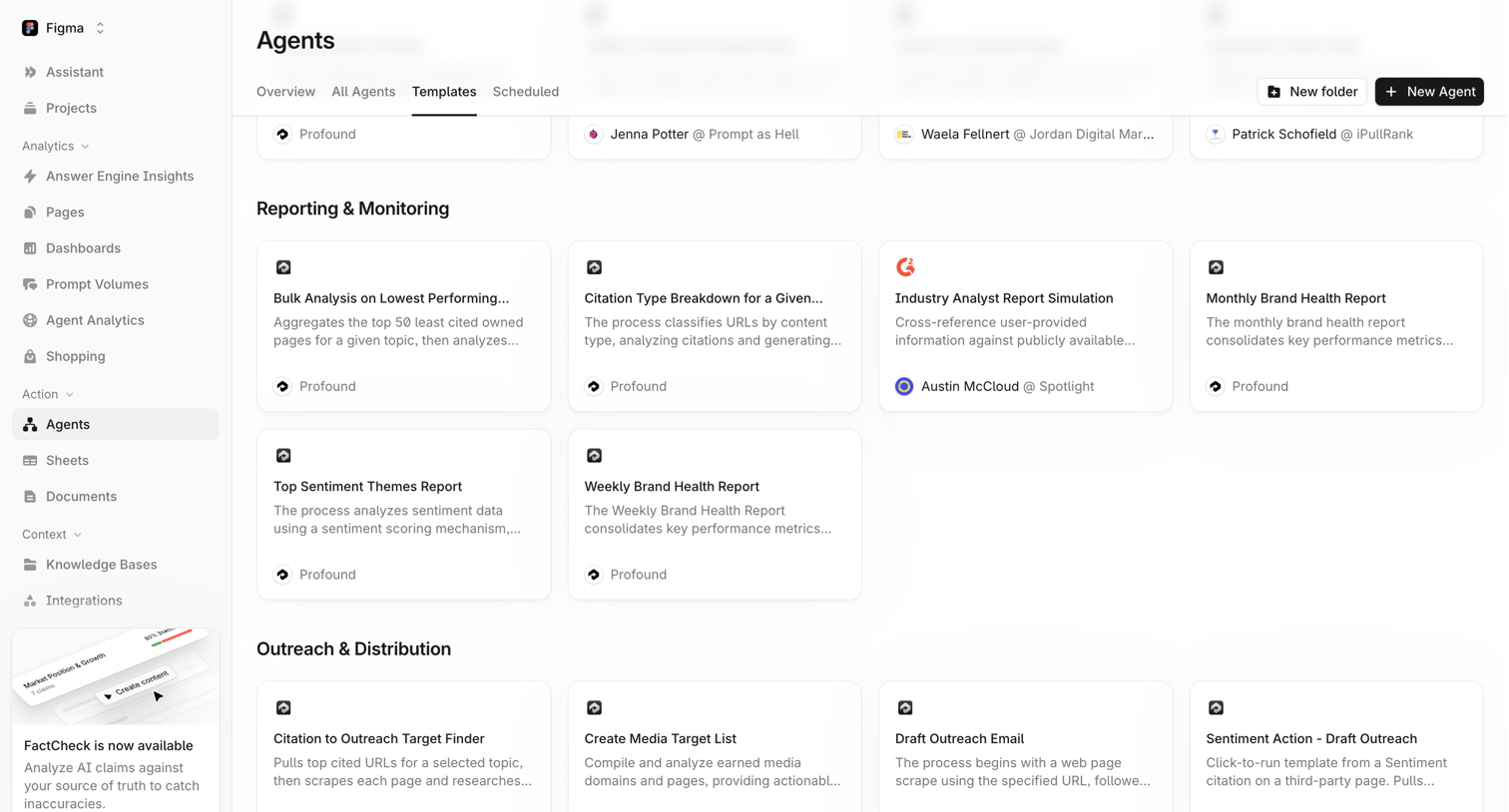

List view where the user browses and selects pre-built AI agent templates organized by categories like Reporting & Monitoring and Outreach & Distribution.
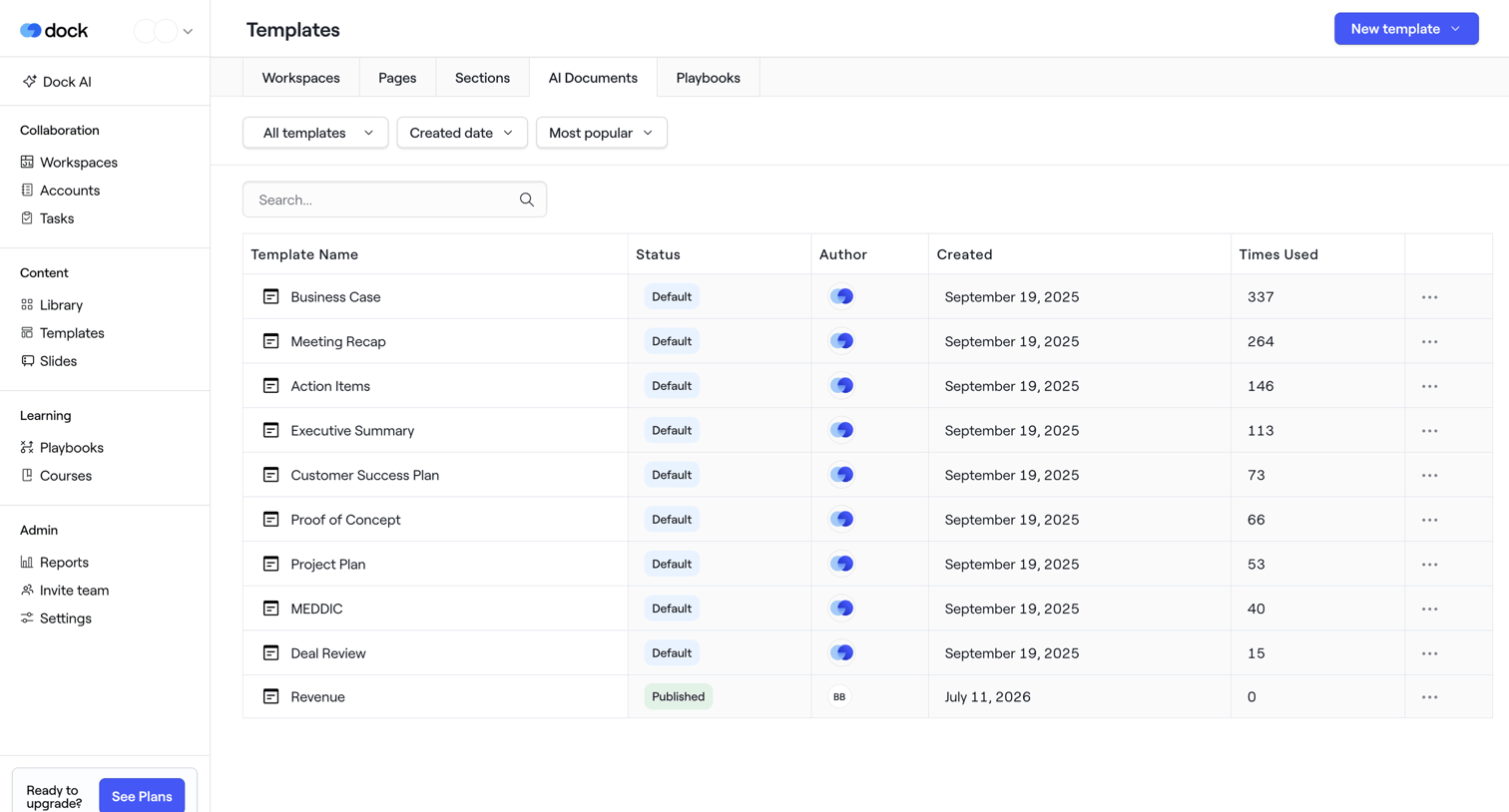

List view where the user manages and searches their workspace, page, and section templates.
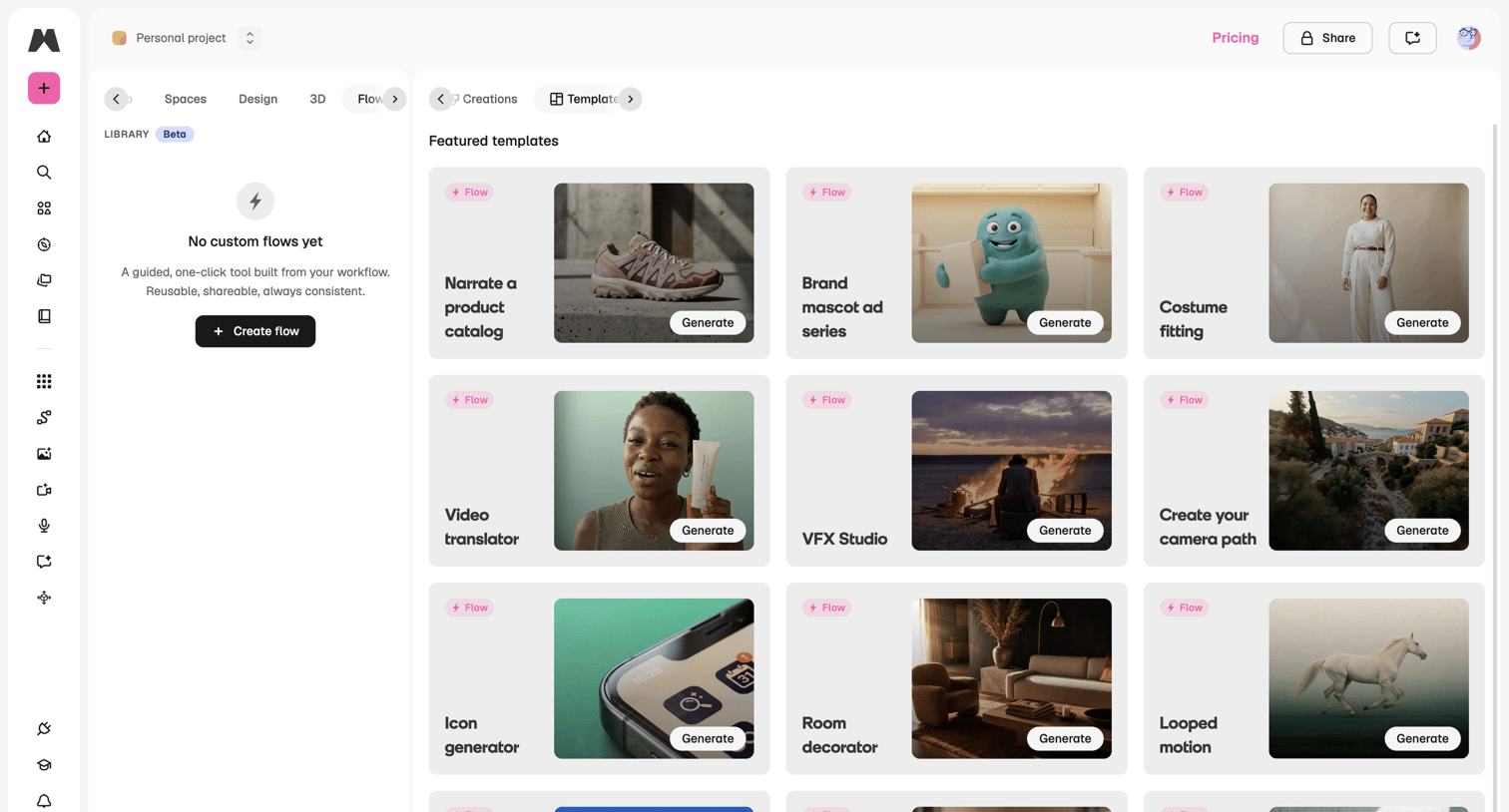

Template library where the user browses and selects pre-built AI generation workflows for tasks like video translation and product catalogs.
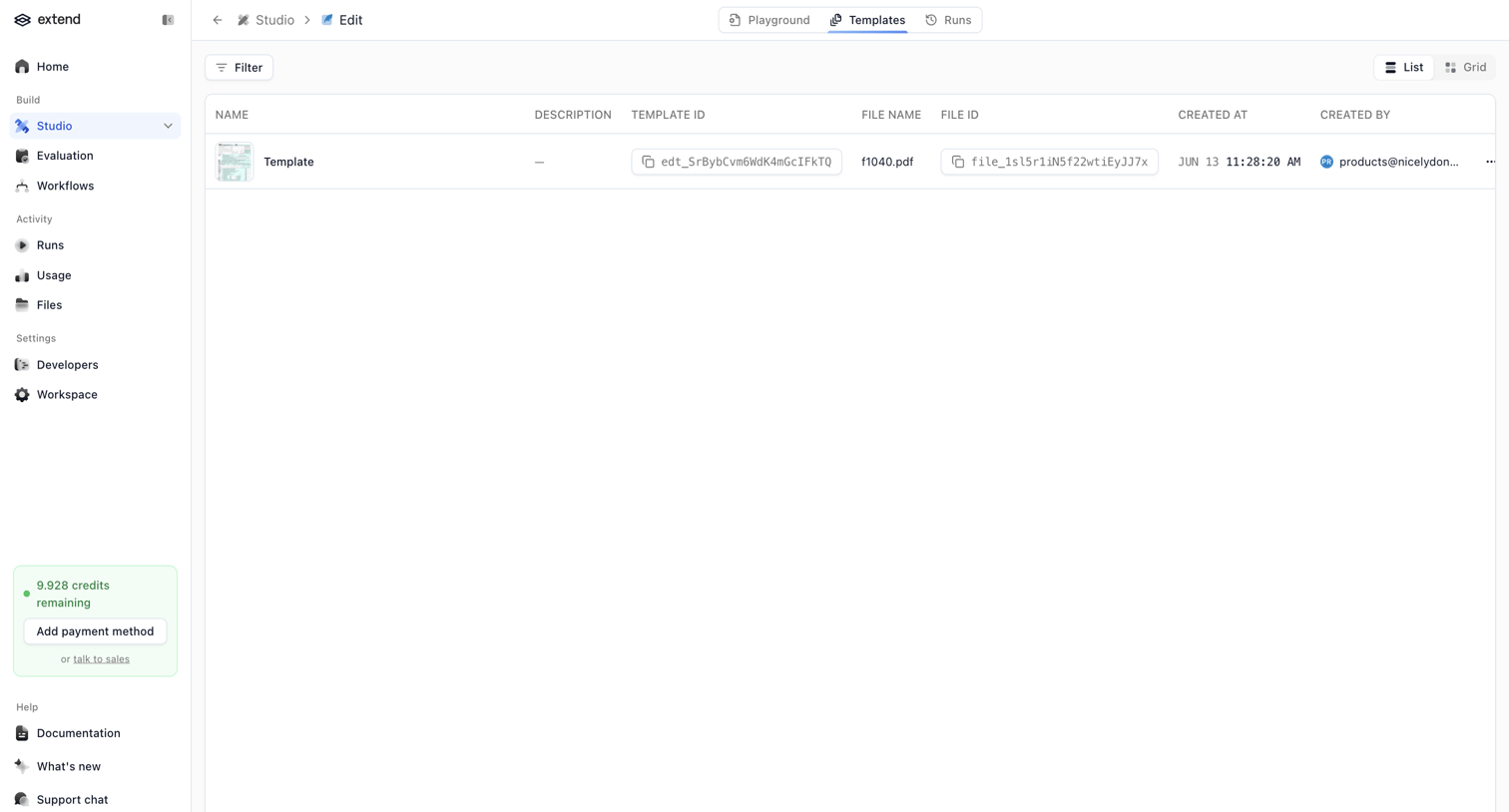

List view where the user manages saved templates within the AI studio, with quick access to copy template and file IDs.
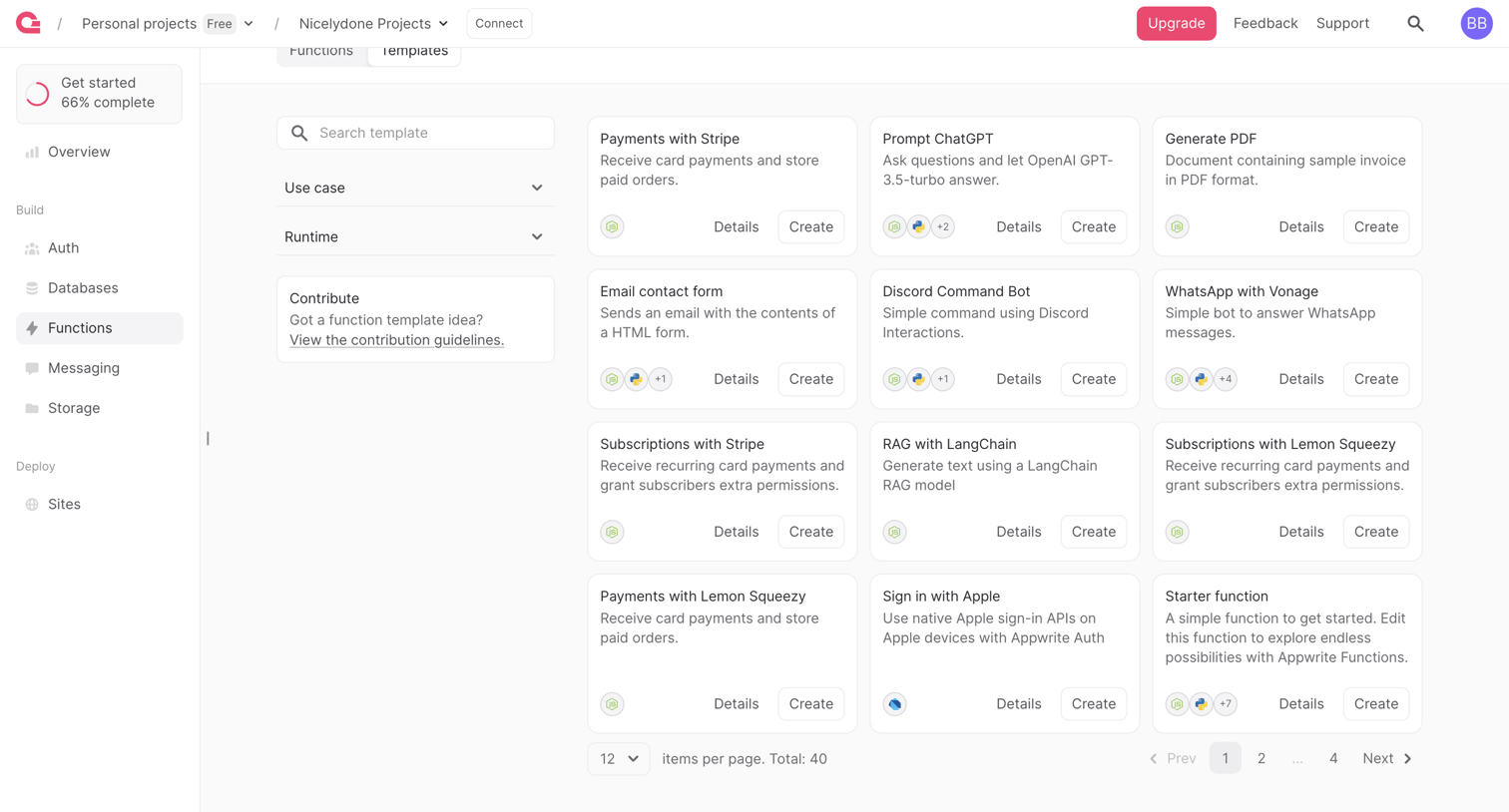

Template picker where the user browses and selects a starter function to deploy, filtering by use case and runtime.
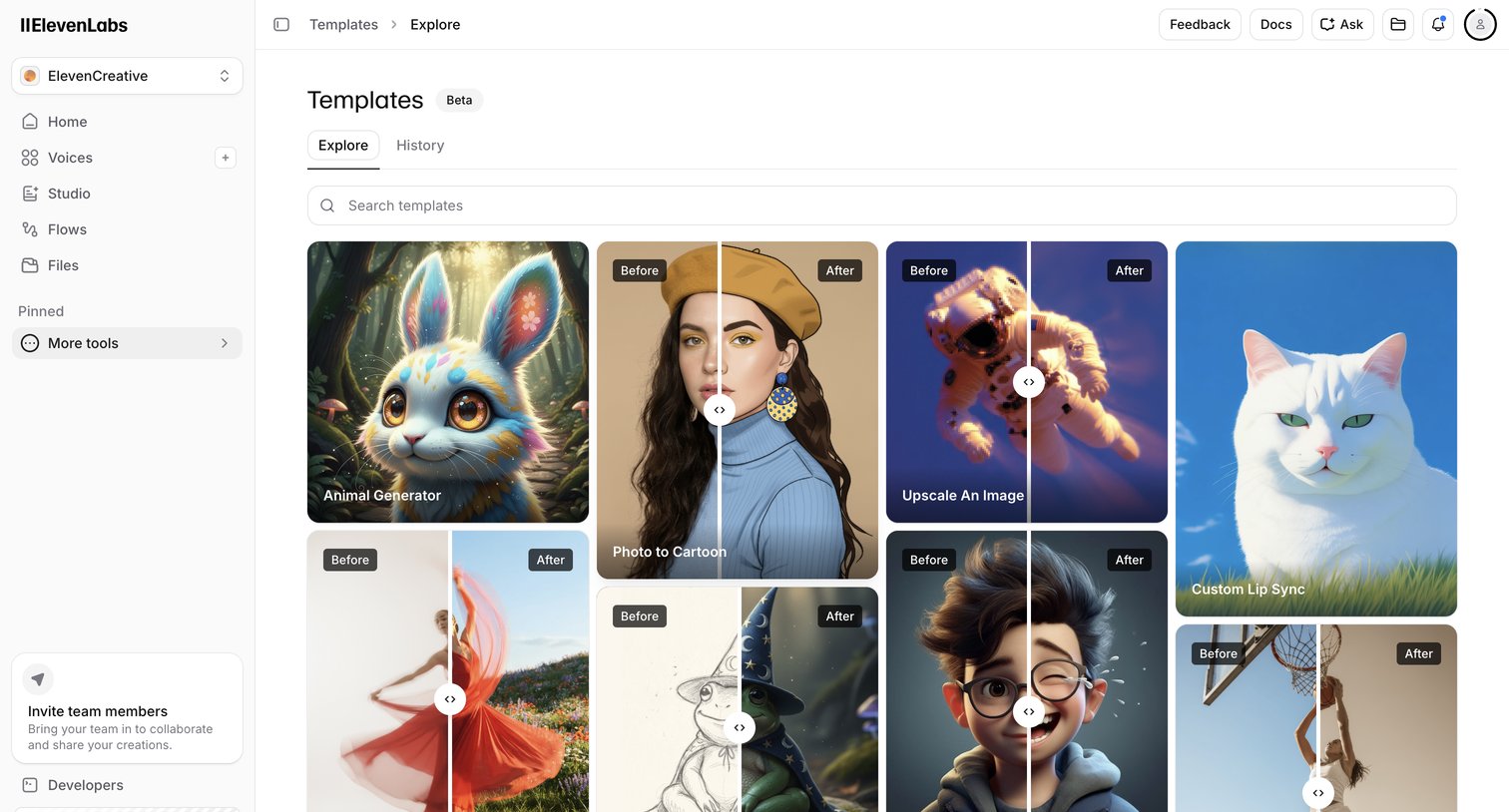

List view where the user browses and searches for AI generation templates like custom lip sync and photo to cartoon.
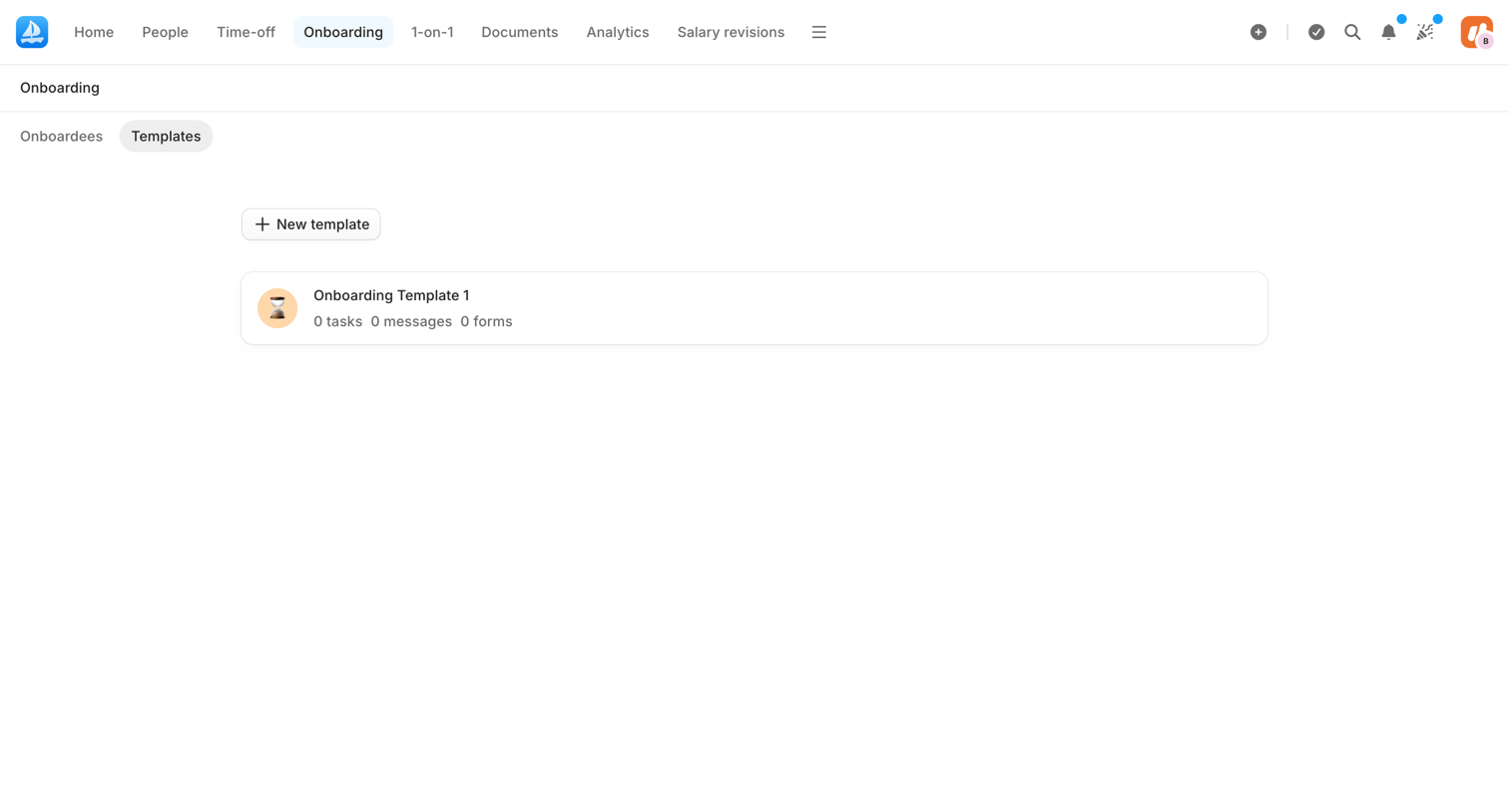

List view where the user manages onboarding templates, showing existing templates and an option to create a new one.
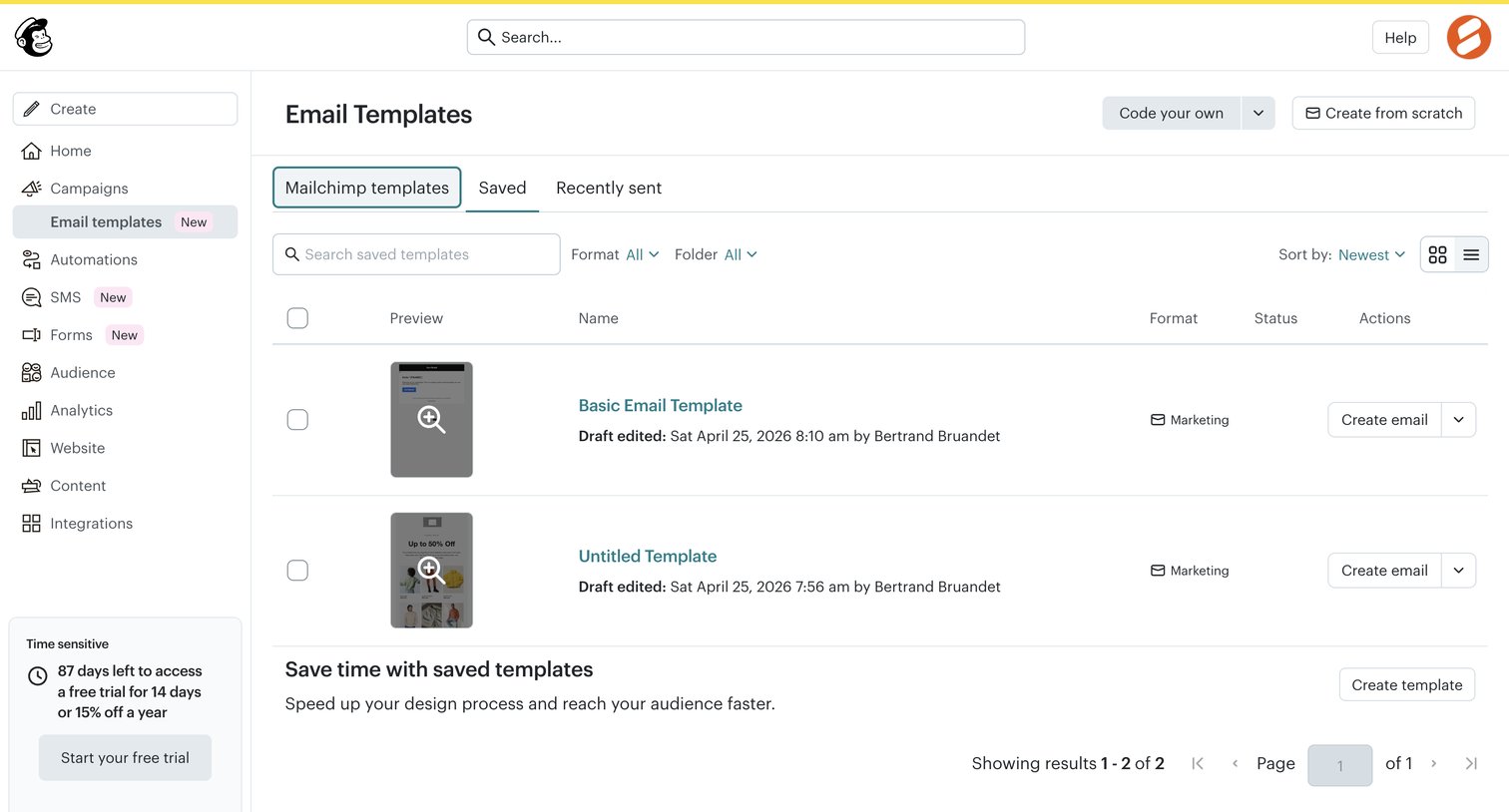

List view where the user manages their saved email templates, with options to create new ones, organize by folders, and edit existing drafts.
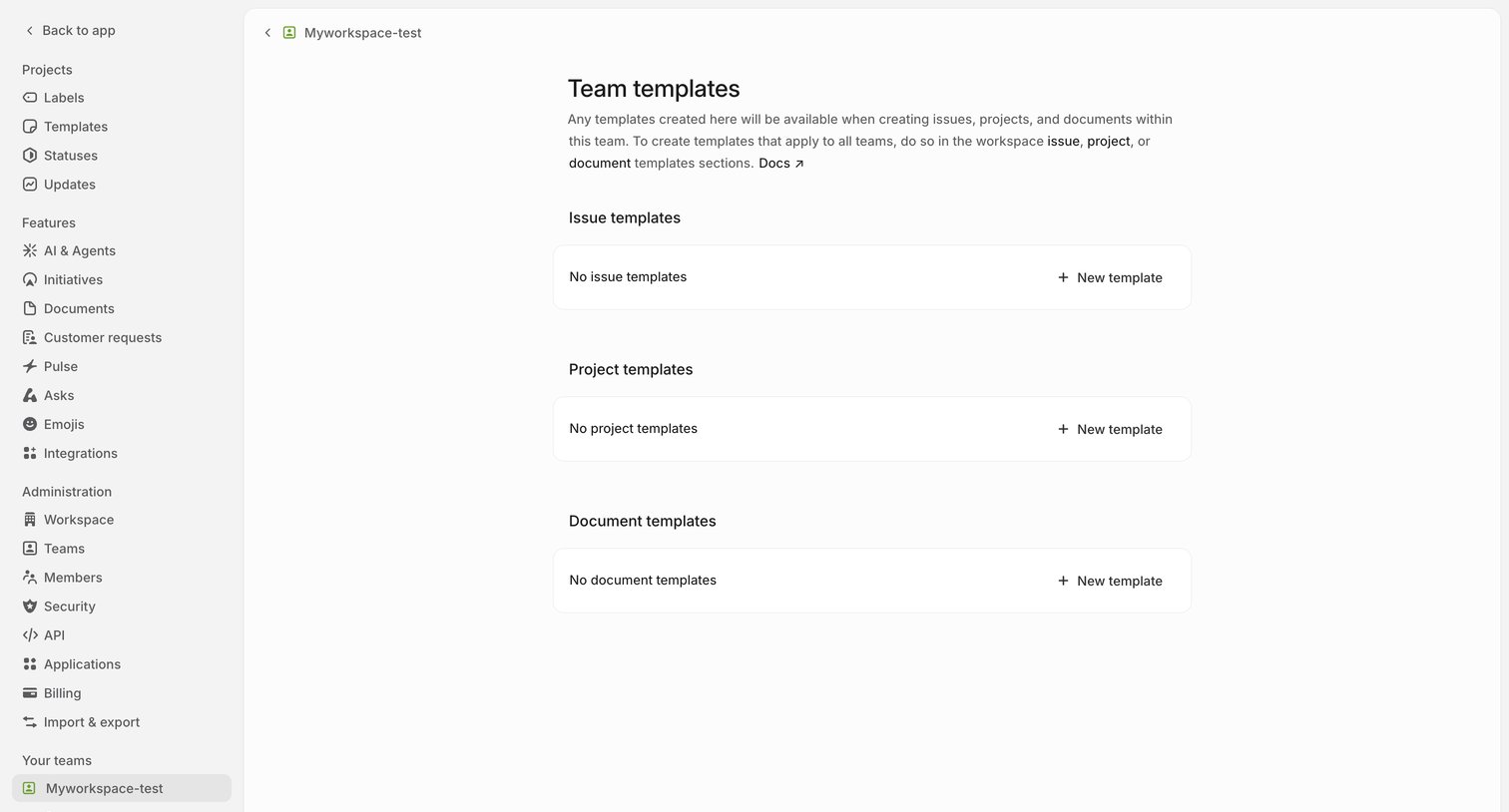

Settings page where the user can create and manage issue, project, and document templates for their specific team, currently showing empty states for all three categories.
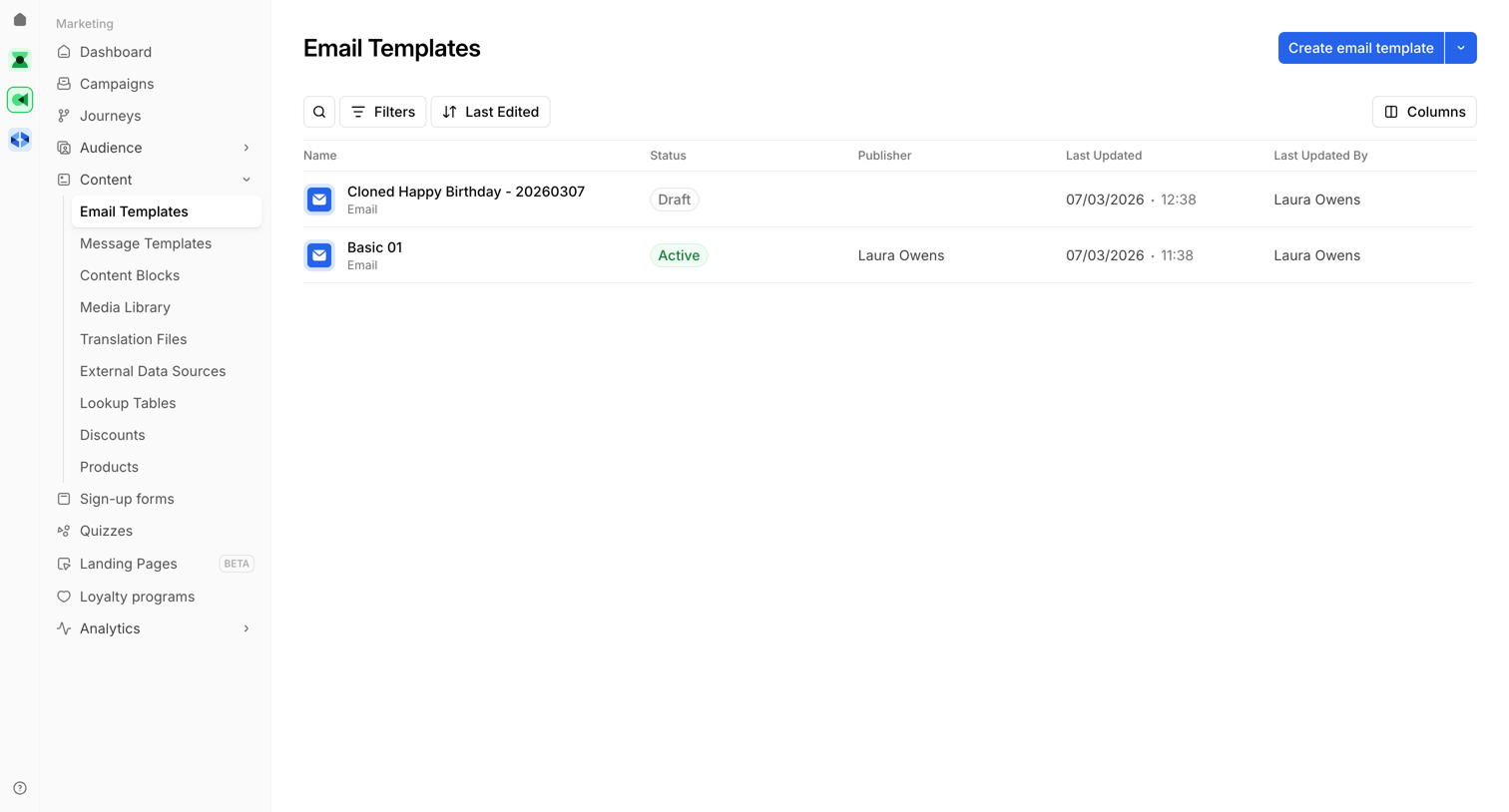

List view where the user manages email templates, showing status, publisher, and last updated details.
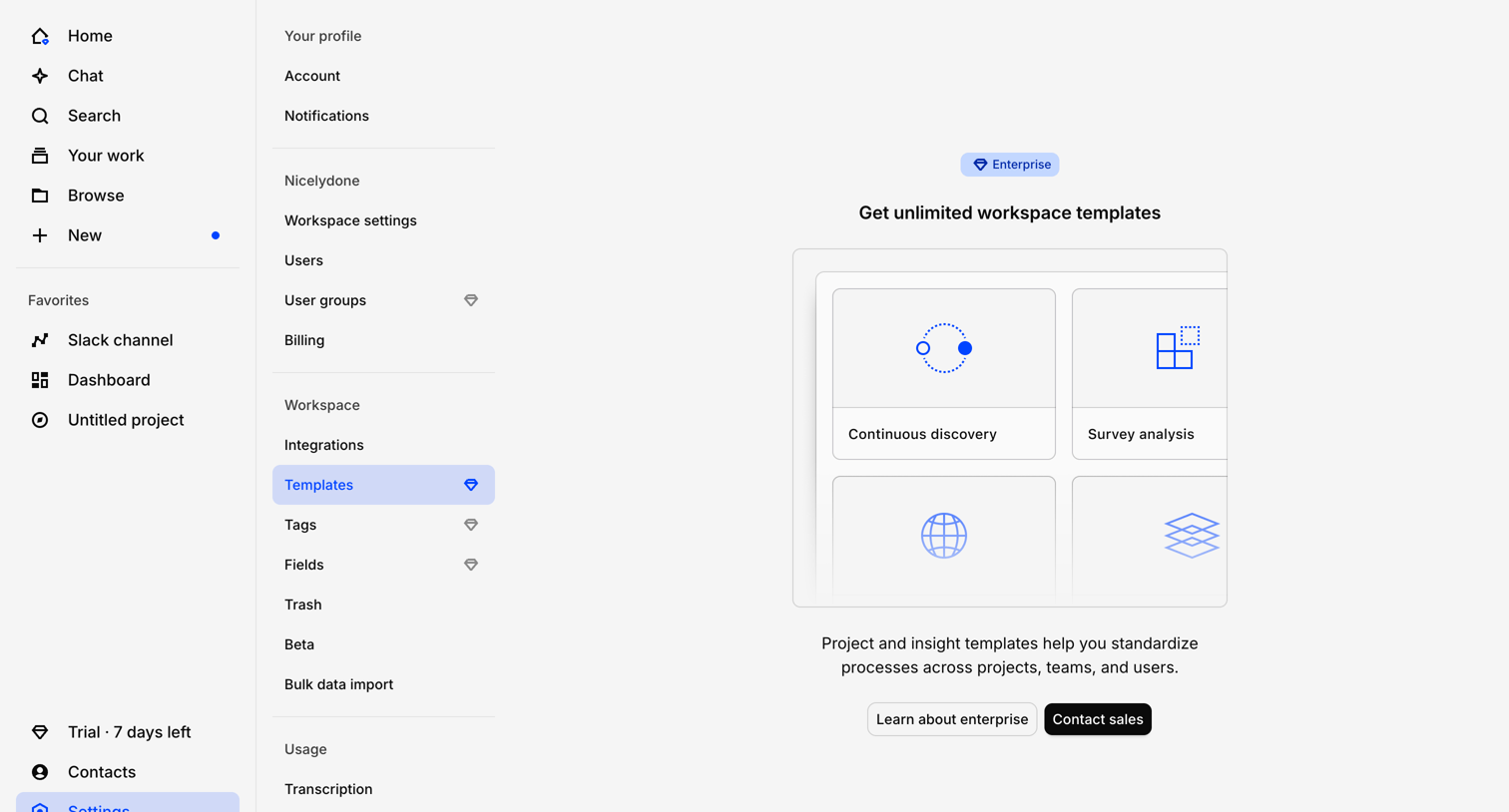

Settings page where the user is blocked from accessing workspace templates and prompted to contact sales for an Enterprise plan.
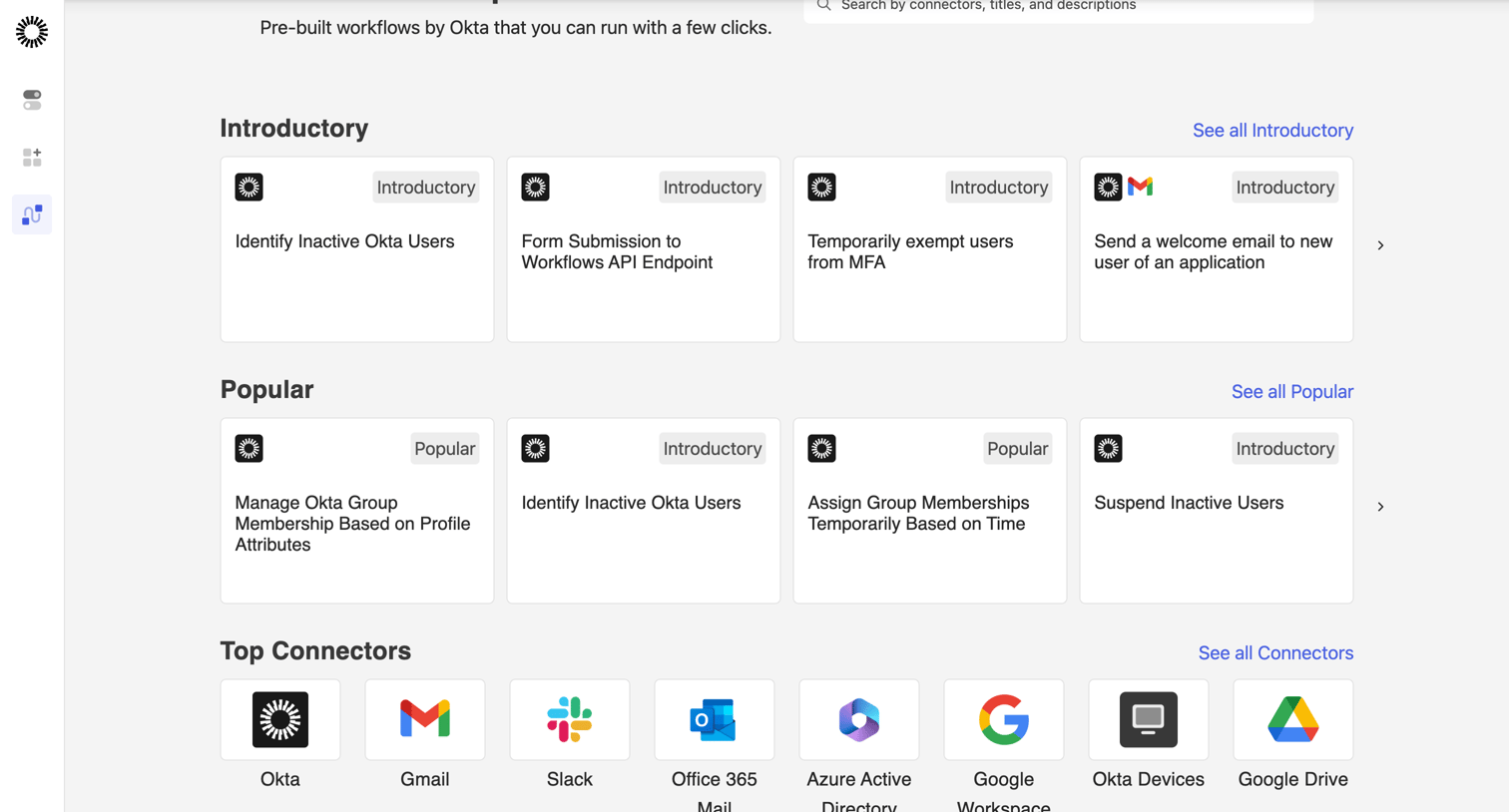

Explore the full SaaS screen library
Upgrade to unlock the full library.
Trusted by the best teams








About Templates
See how apps present reusable starting points for new work. Explore how template previews, descriptions, and categories help people choose a design or structure to begin with.