Empty State screen examples
Empty State screen design examples from SaaS apps. See how SaaS apps explain a space that has no content yet. Browse designs that introduce what belongs there and offer a relevant first step, such as adding…
Explore the examples
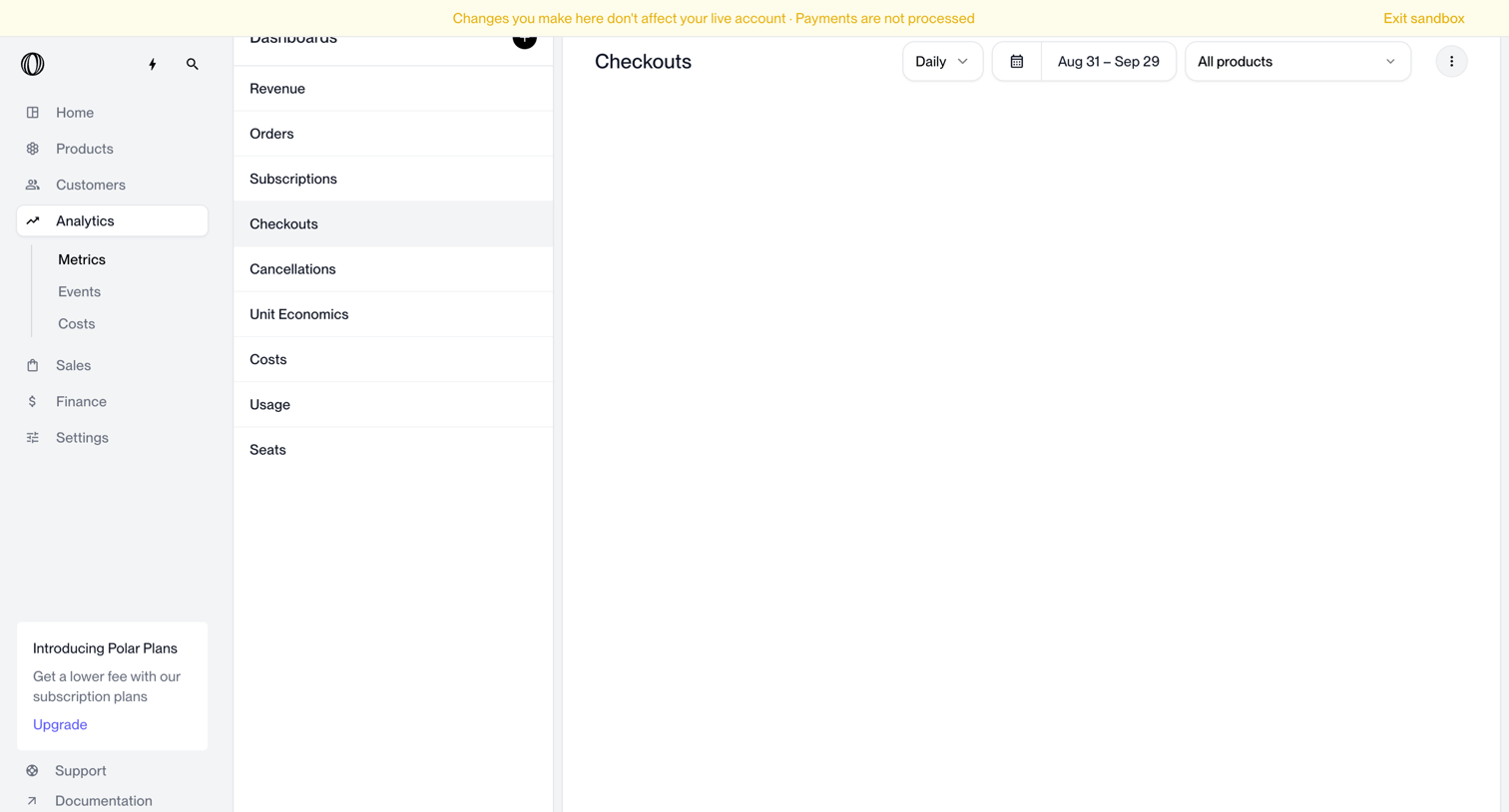

Analytics dashboard for checkouts where the user can filter by date range, frequency, and product, currently showing no data.
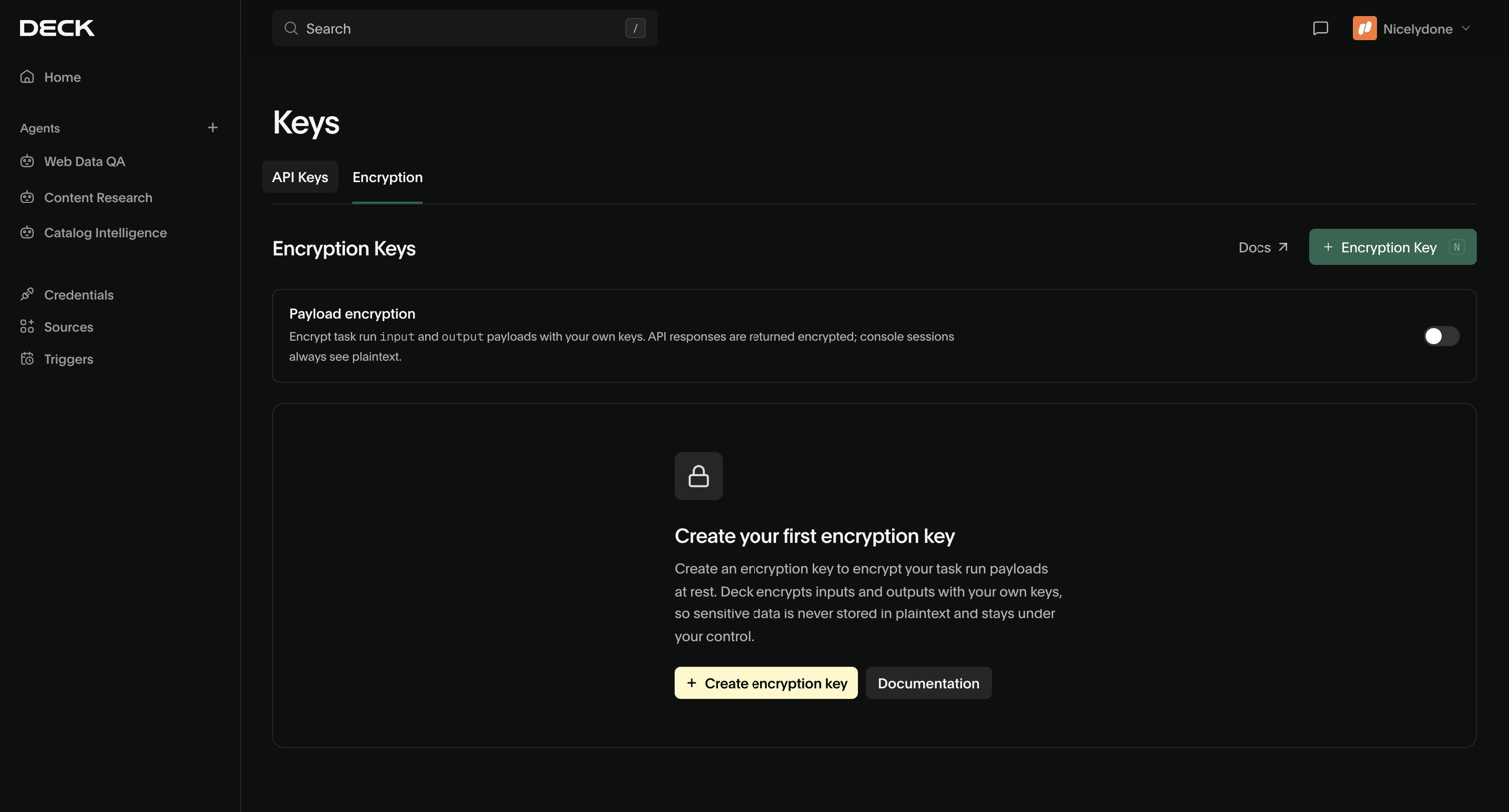

Settings page where the user can enable payload encryption and create their first encryption key.
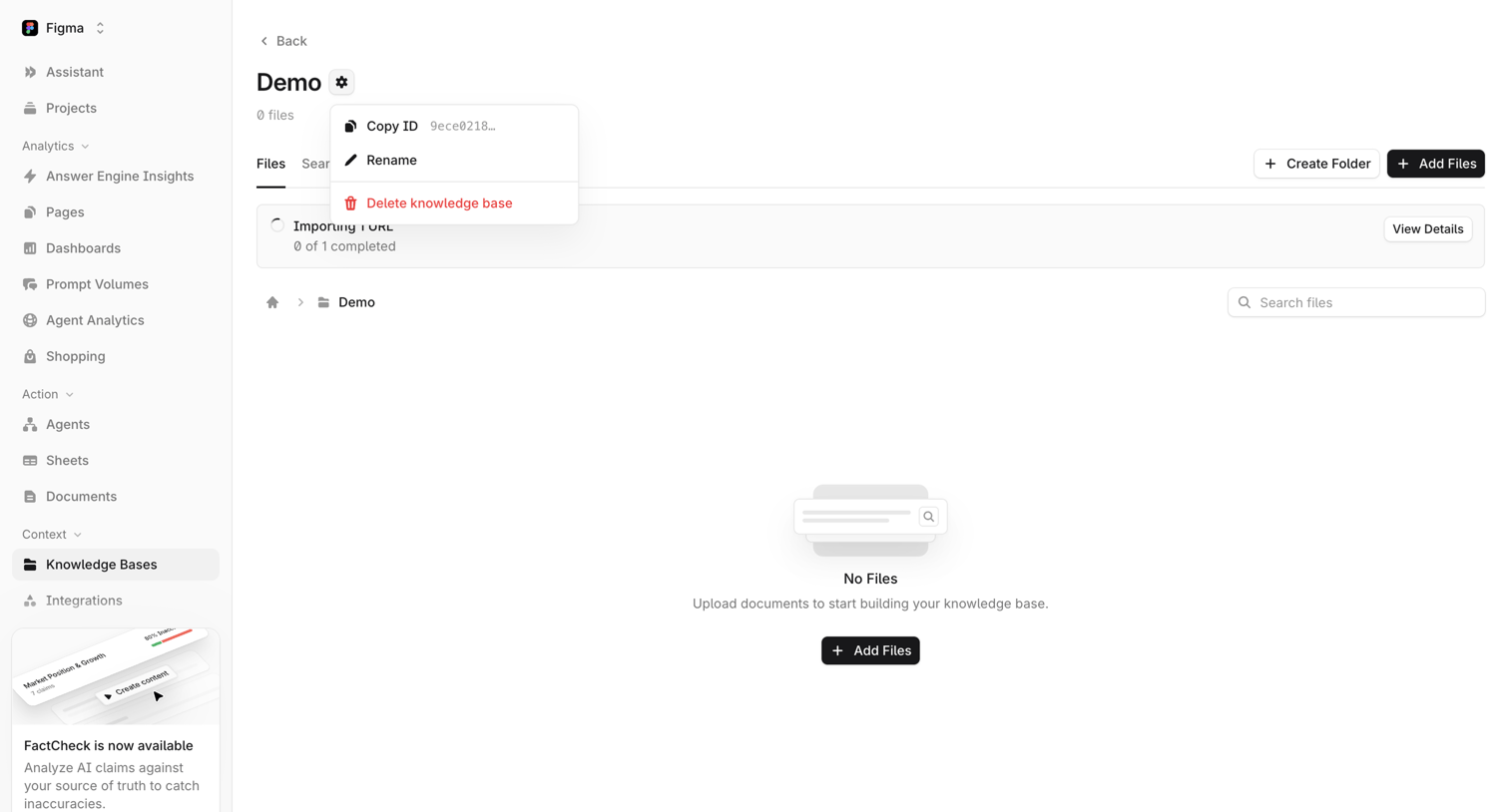

Knowledge base folder view showing an empty state with a prompt to upload documents, while an import process runs in the background.
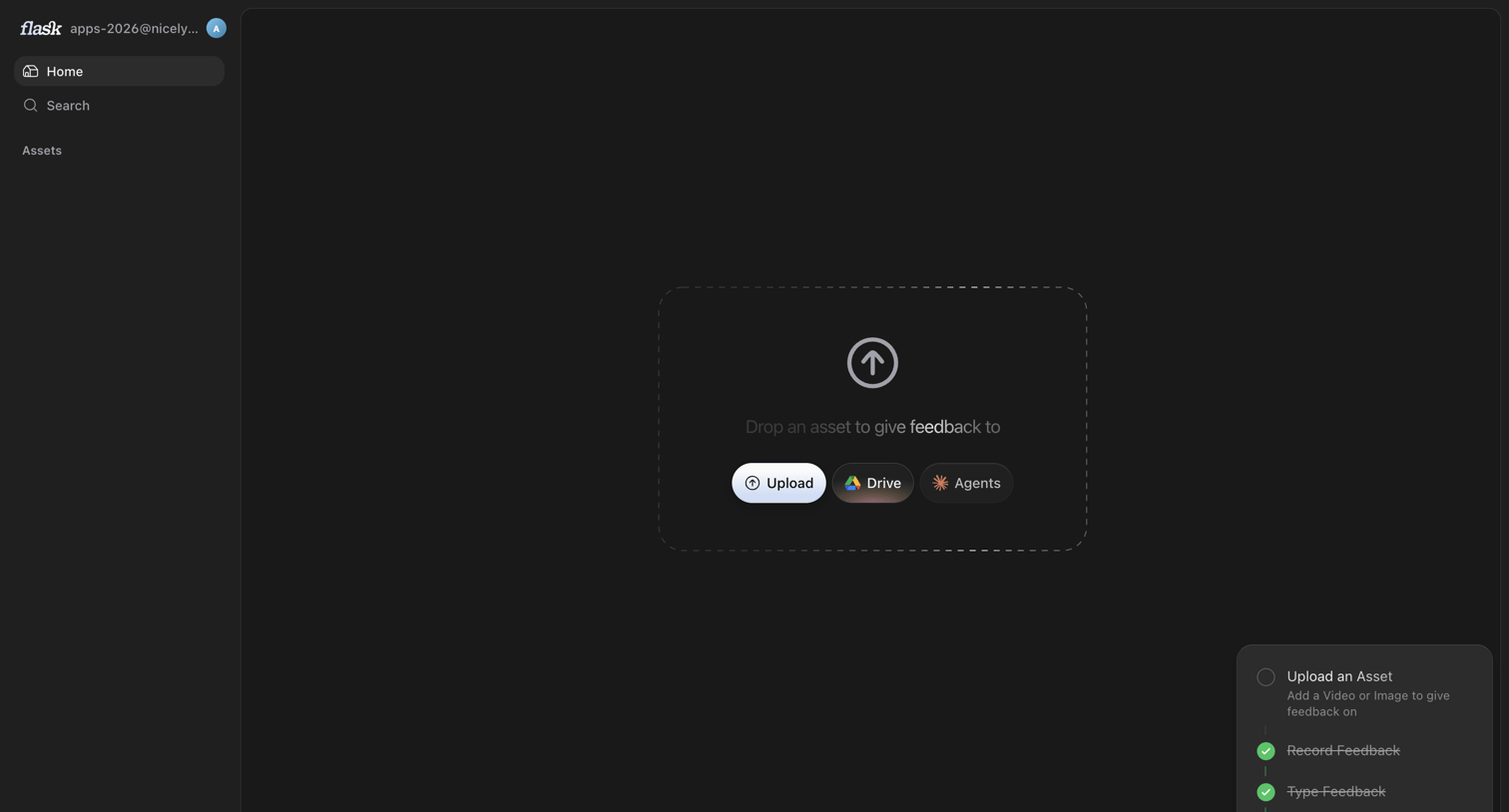

Home screen in an empty state where the user is prompted to upload an asset via local file, Google Drive, or Agents, while an onboarding checklist tracks their setup progress.
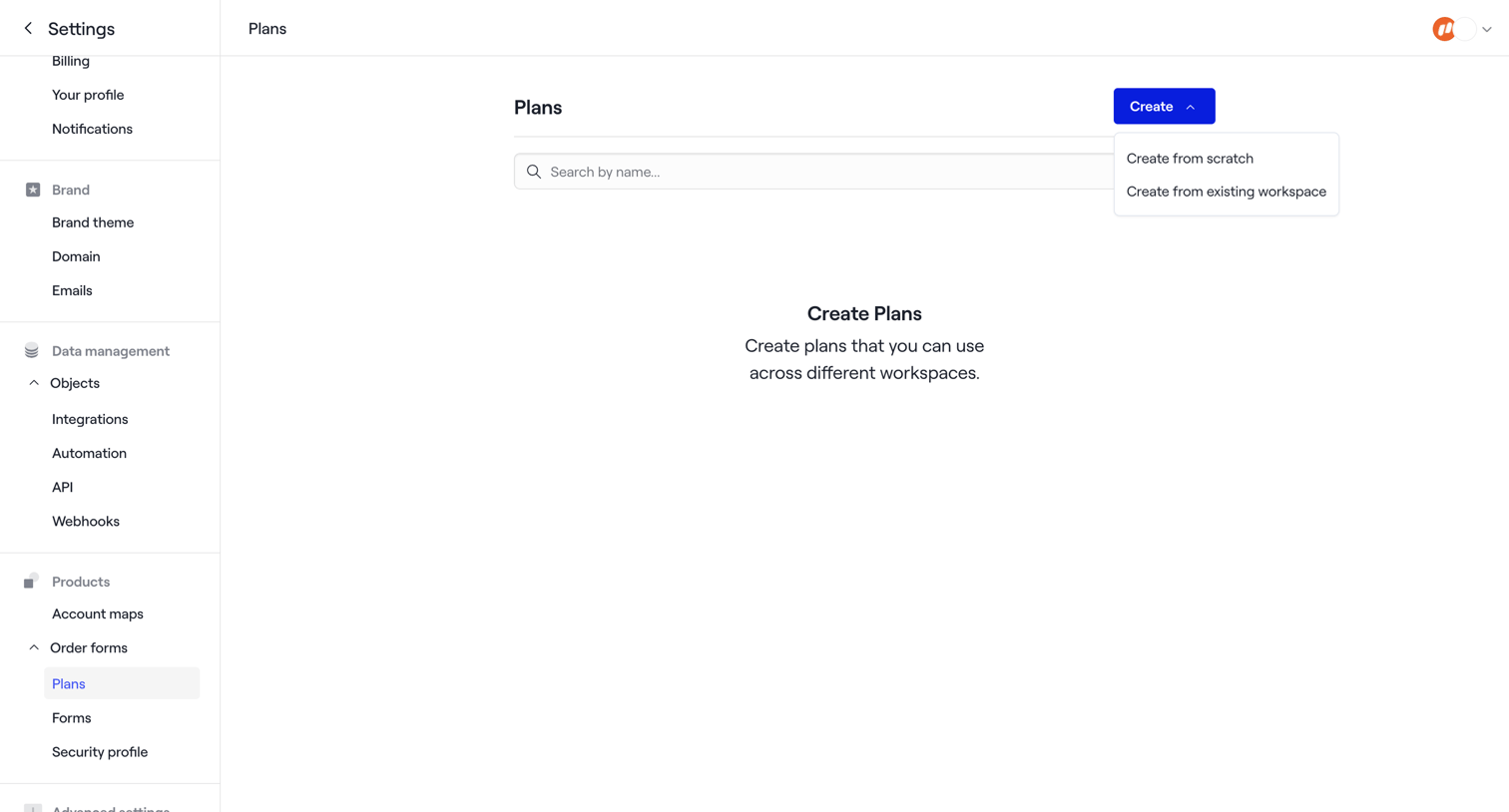

Settings page where the user manages order form plans, currently showing an empty state with a prompt to create a new plan from scratch or an existing workspace.
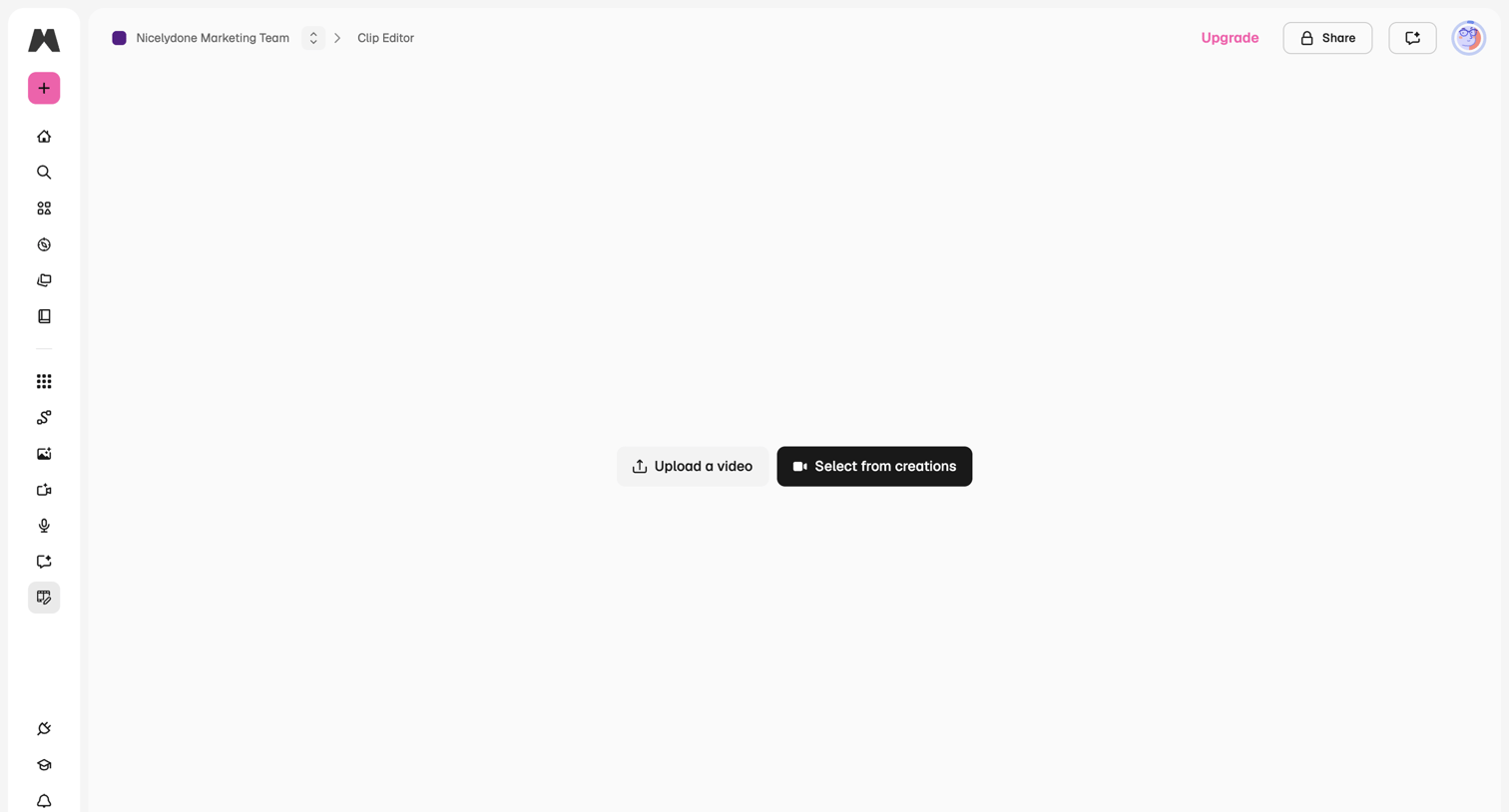

Video editor empty state prompting the user to either upload a new video file or select from existing creations to begin editing.
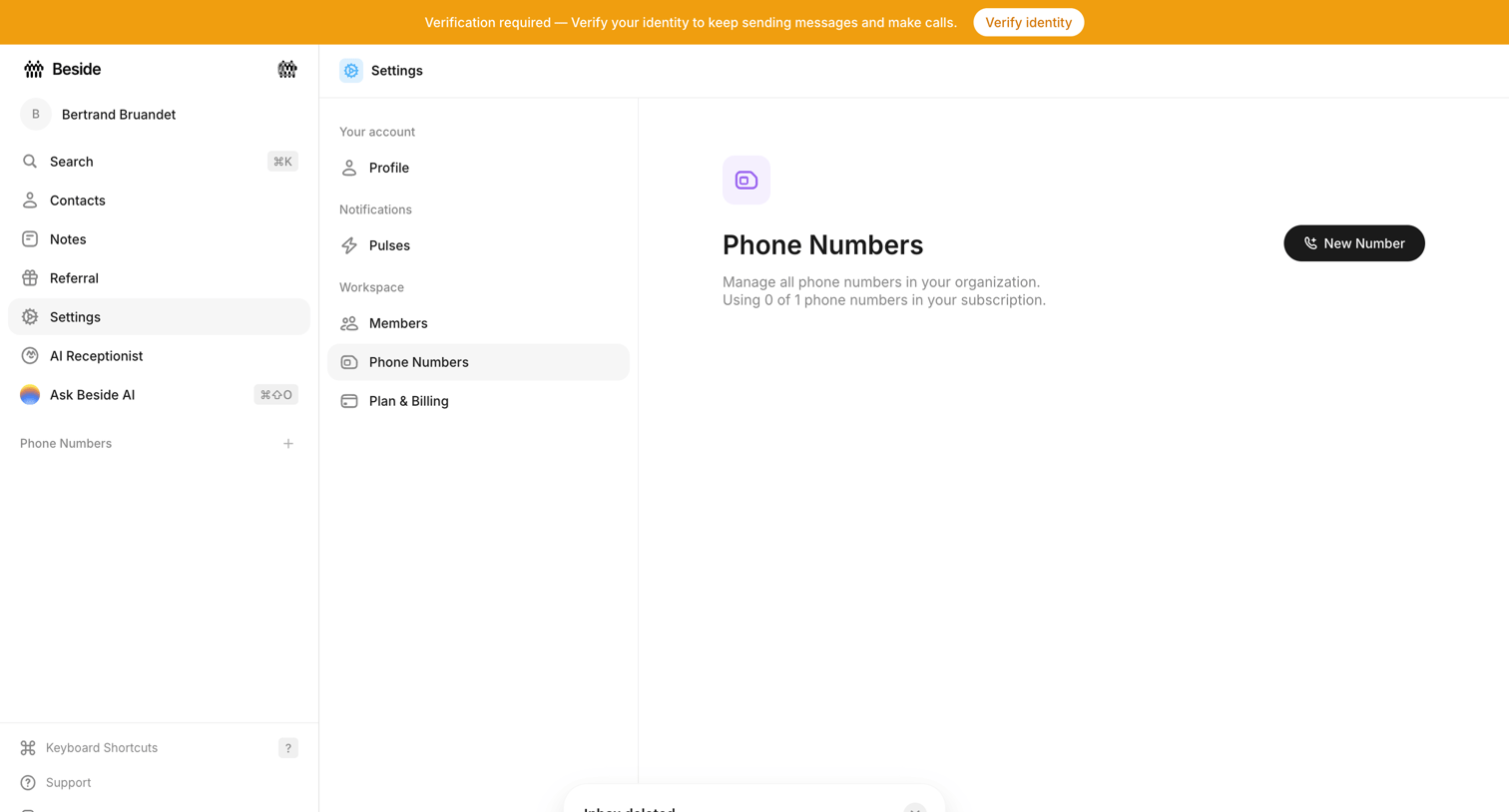

Settings page where the user manages workspace phone numbers, currently showing an empty state with a prompt to add a new number and a system banner requiring identity verification.
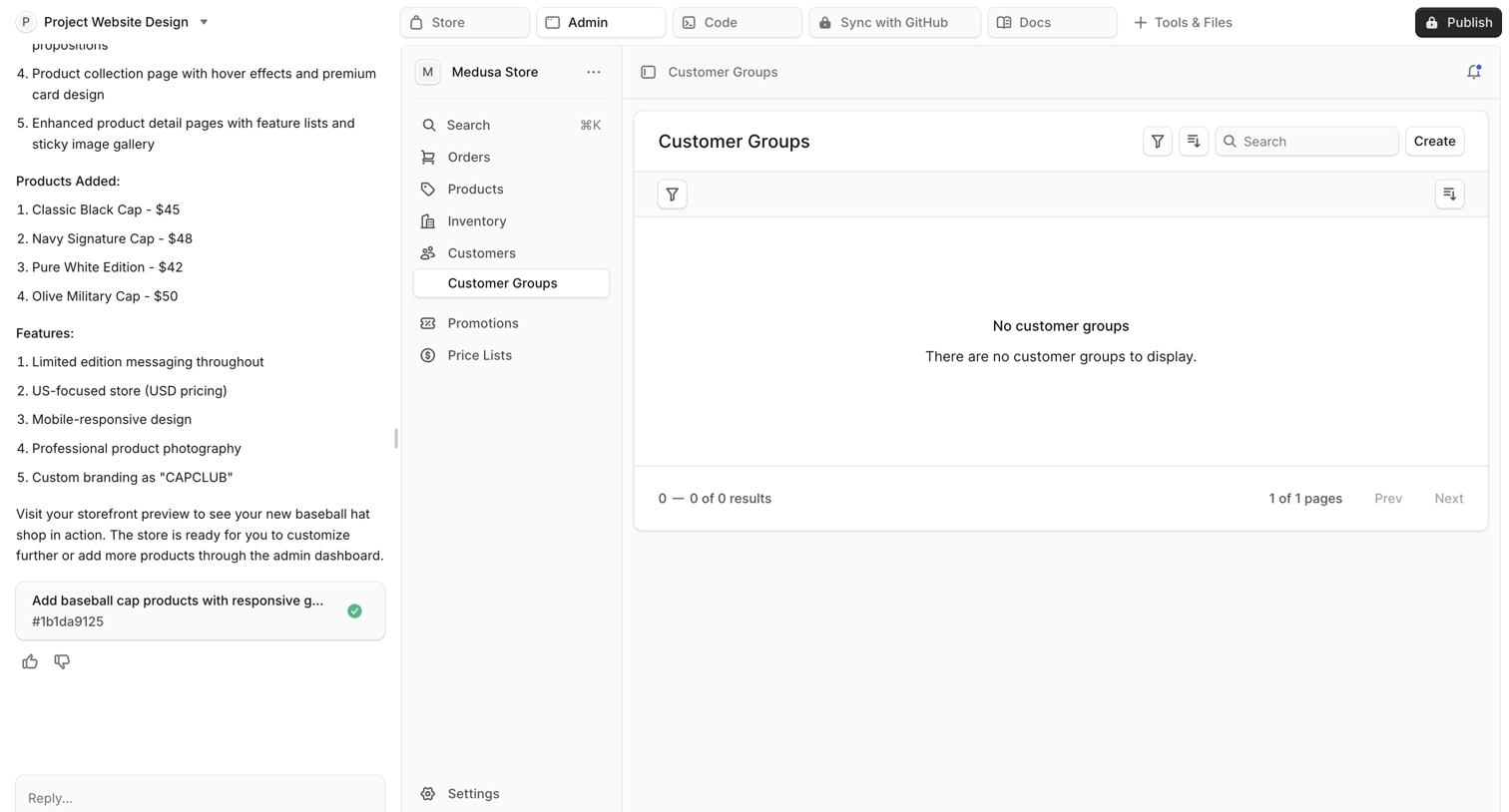

List view where the user manages customer groups, currently showing an empty state with no records to display.
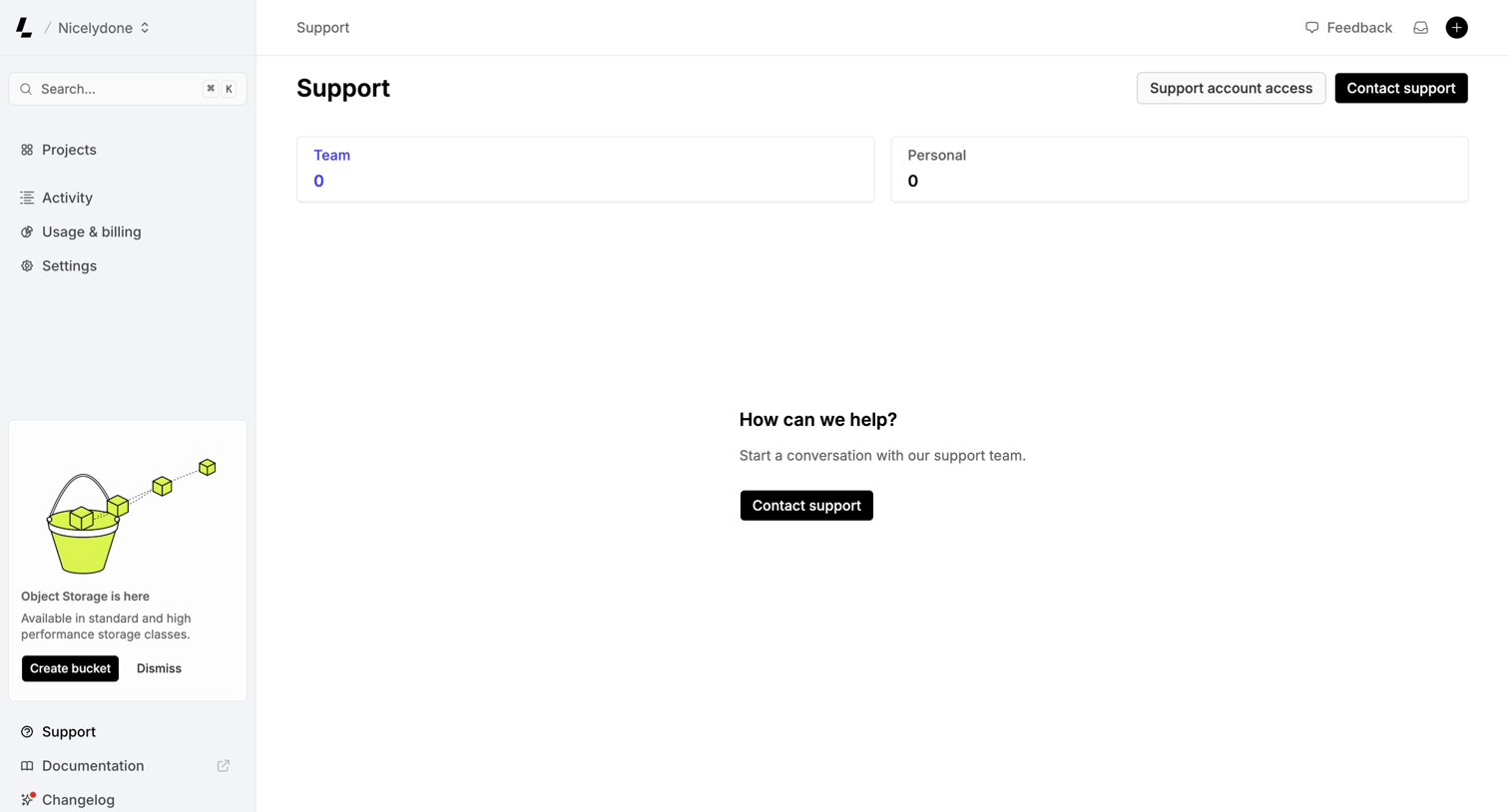

Support inbox where the user can view team or personal tickets and start a new conversation with the support team.
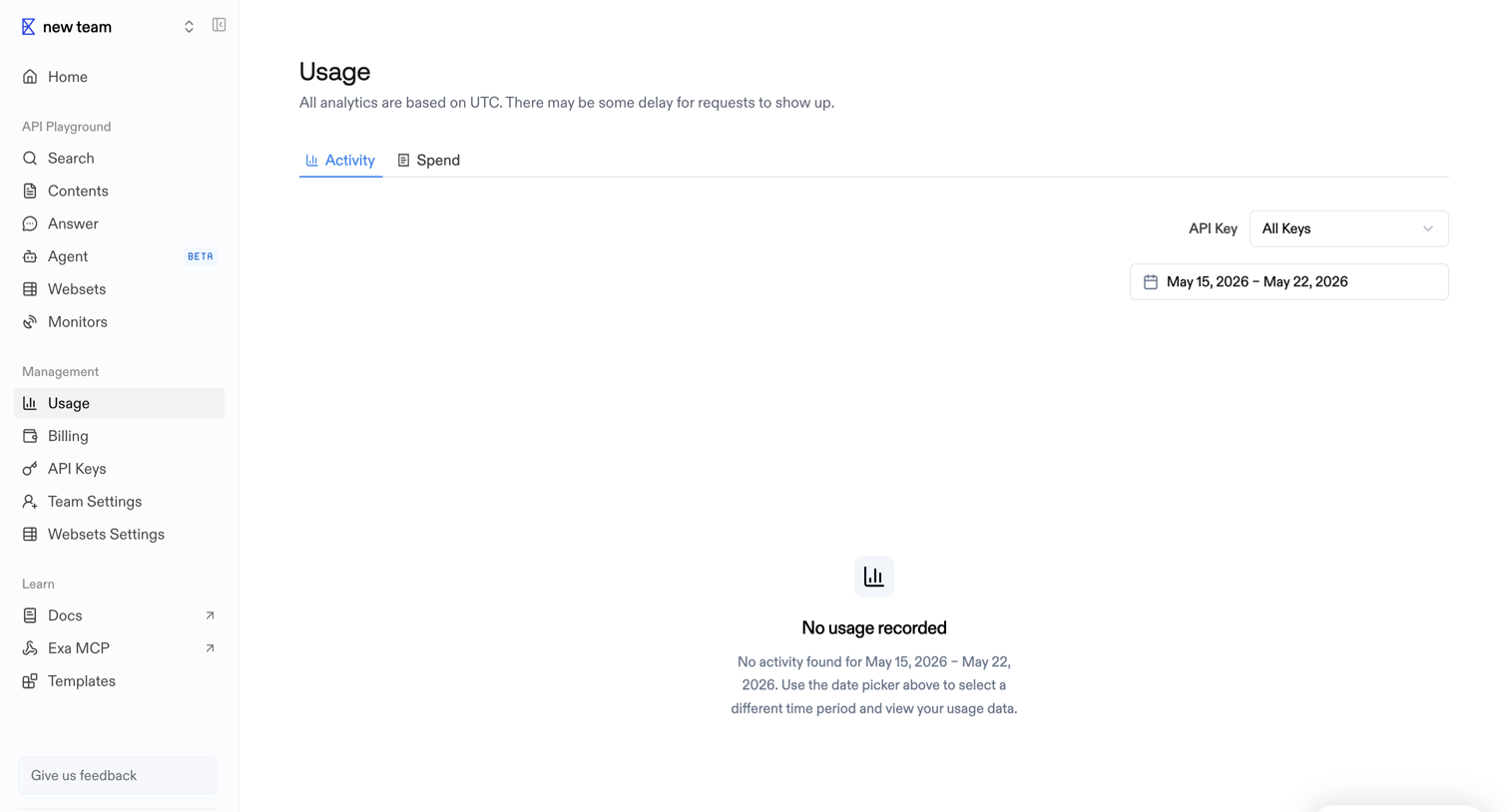

Settings page where the user views API activity and spend, currently showing an empty state because no requests were recorded for the selected date range.
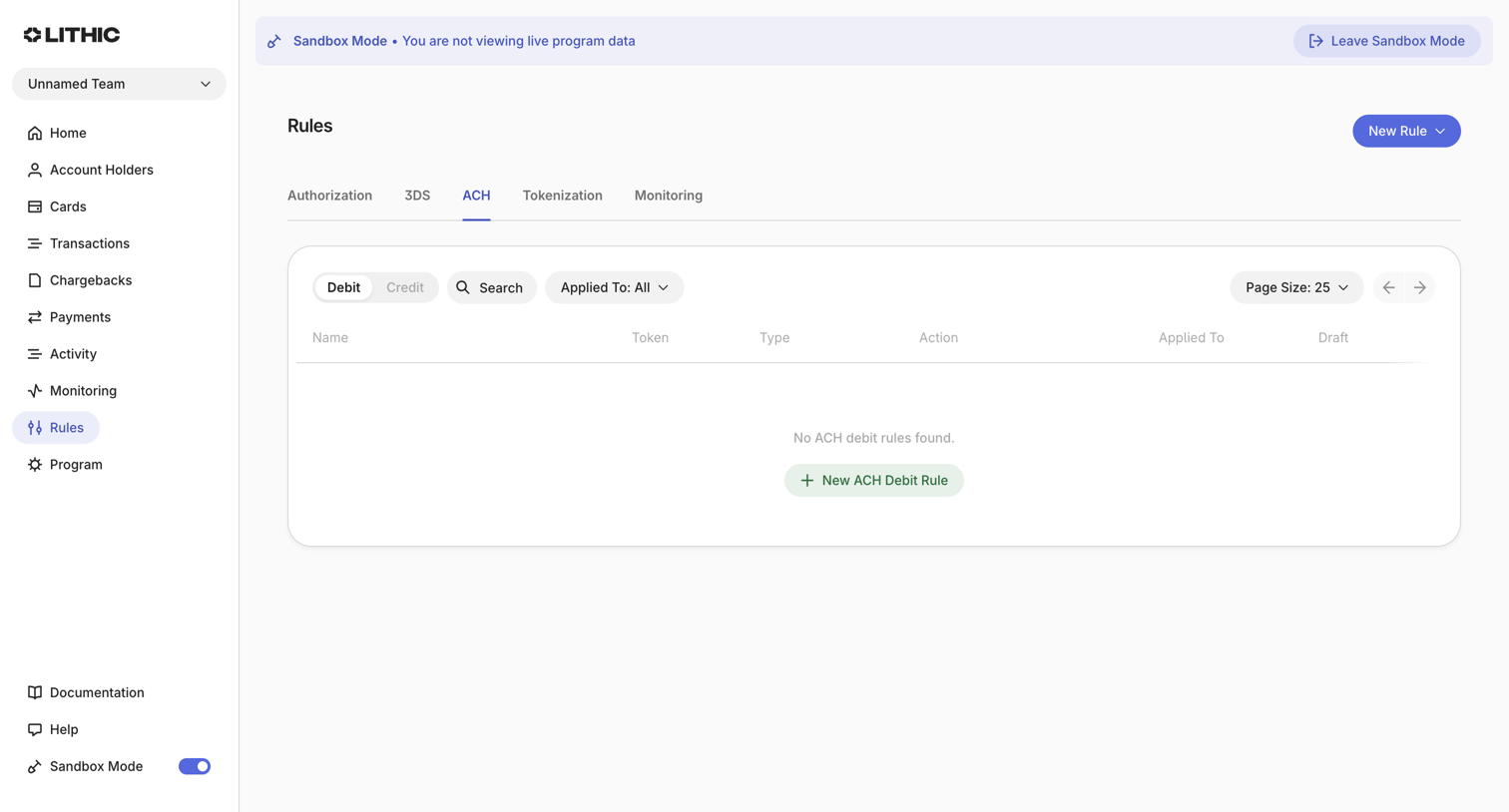

List view where the user manages ACH debit rules for a fintech program, currently showing an empty state with a prompt to create a new rule under the ACH tab.
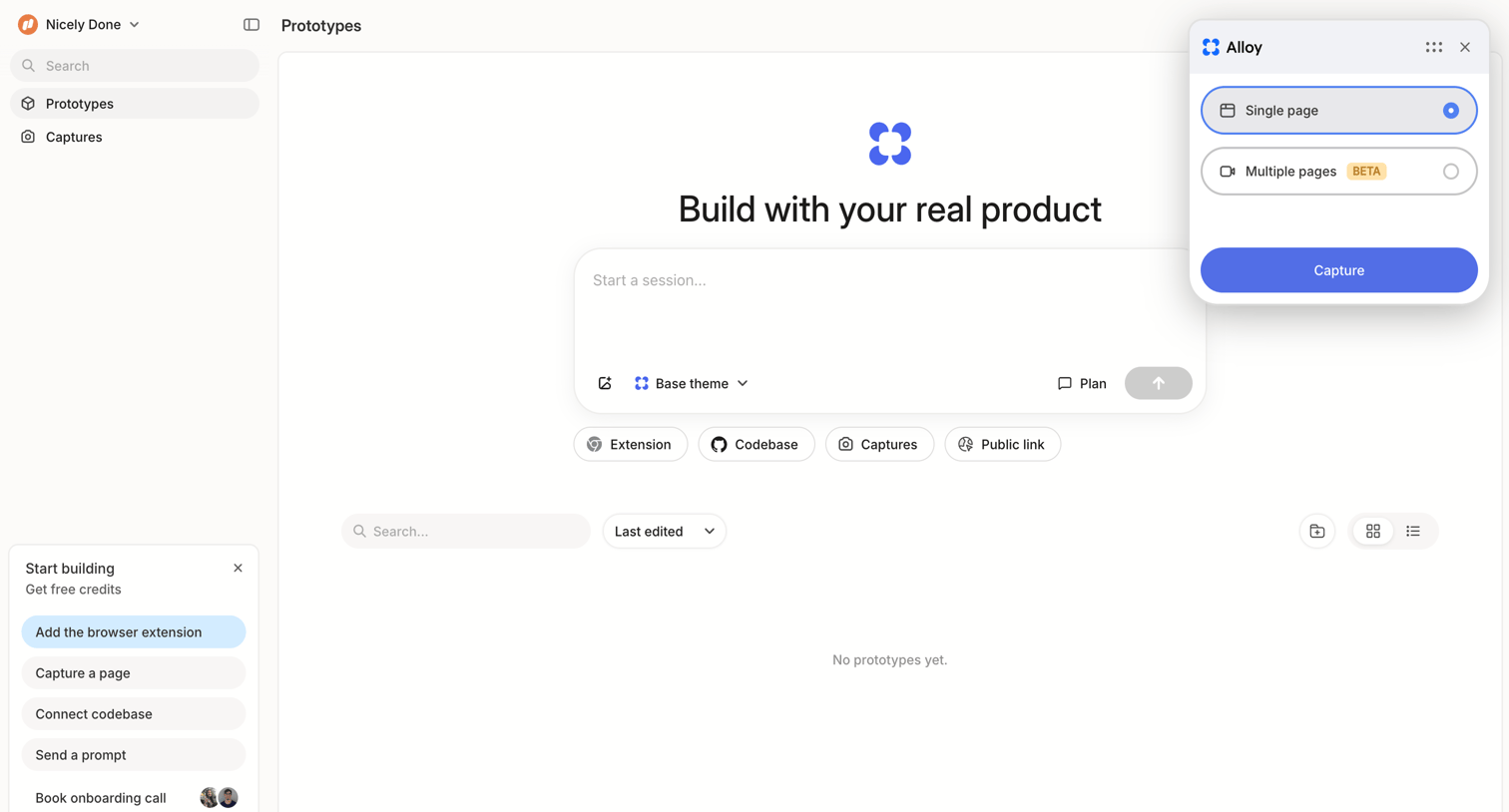

List view empty state where the user can start a new prototyping session via a prompt input or use the browser extension to capture a page.
Explore the full SaaS screen library
Upgrade to unlock the full library.
Trusted by the best teams








About Empty State
See how SaaS apps explain a space that has no content yet. Browse designs that introduce what belongs there and offer a relevant first step, such as adding an item.