Account Setup screen examples
Account Setup screen design examples from SaaS apps. See how SaaS apps collect the details needed to get an account ready. Explore layouts for profile information, workspace preferences, and initial…
Explore the examples
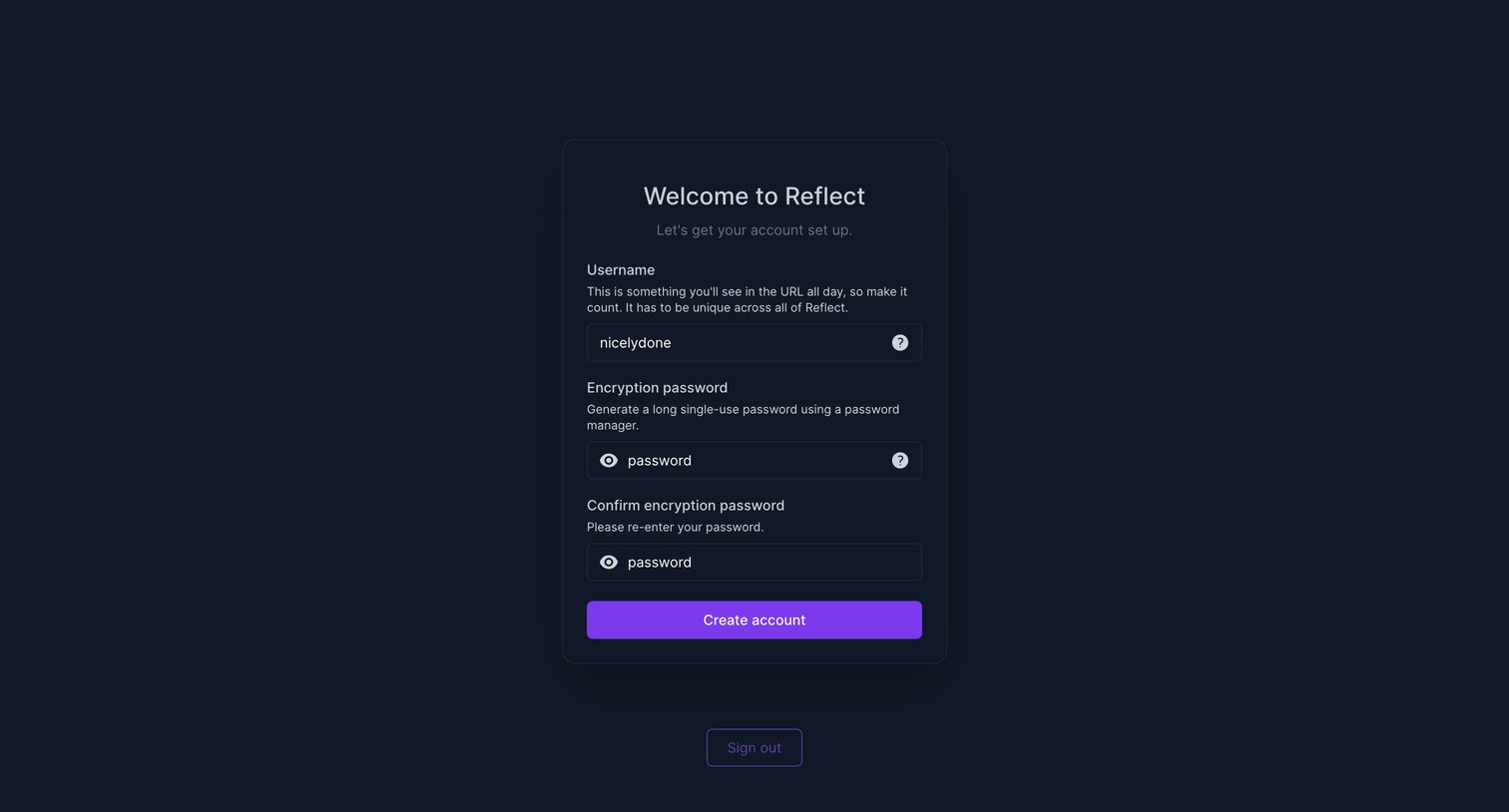

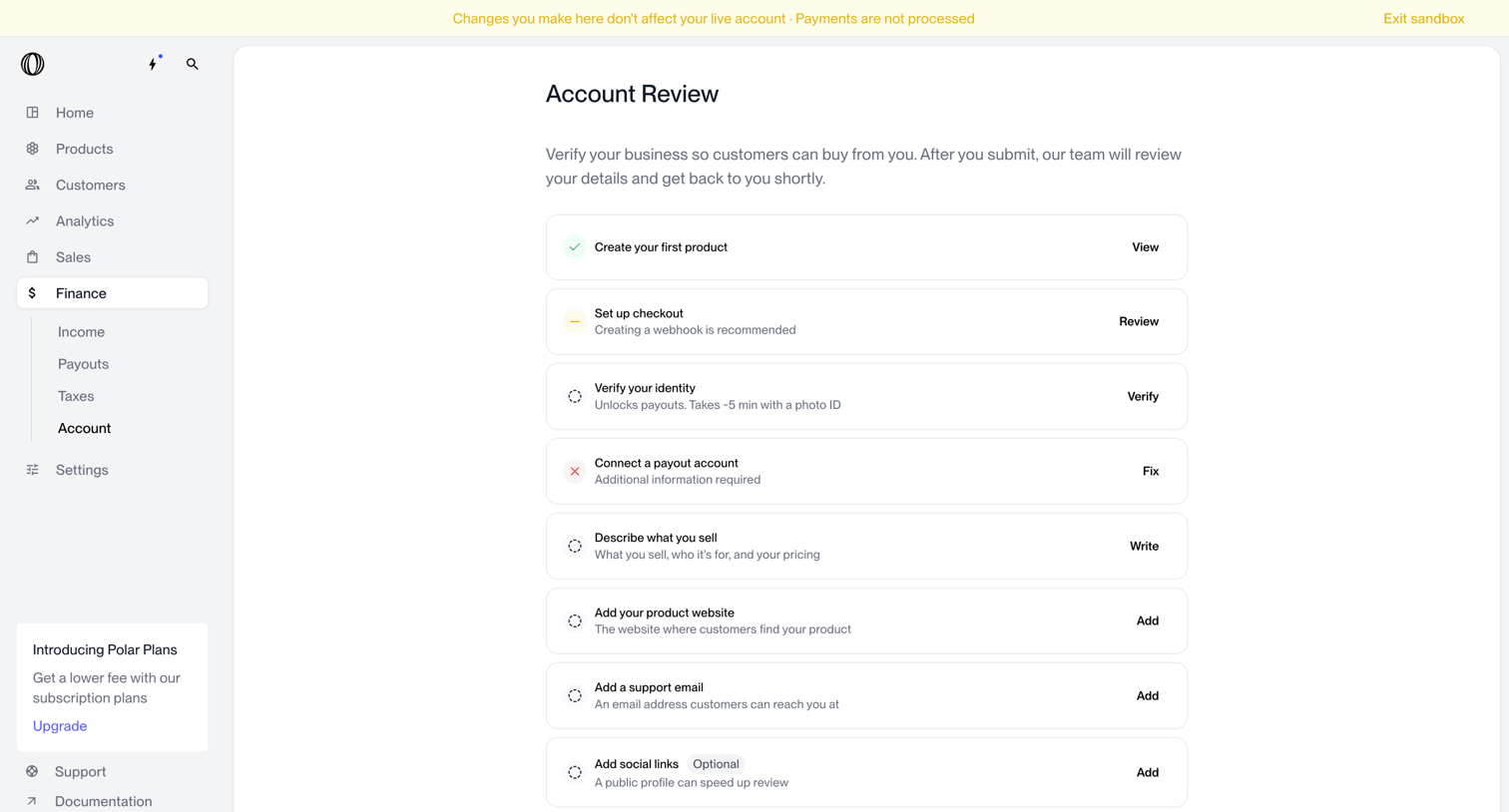

Dashboard setup checklist where the user completes required steps like verifying identity, setting up checkout, and adding product details to submit their account for review.
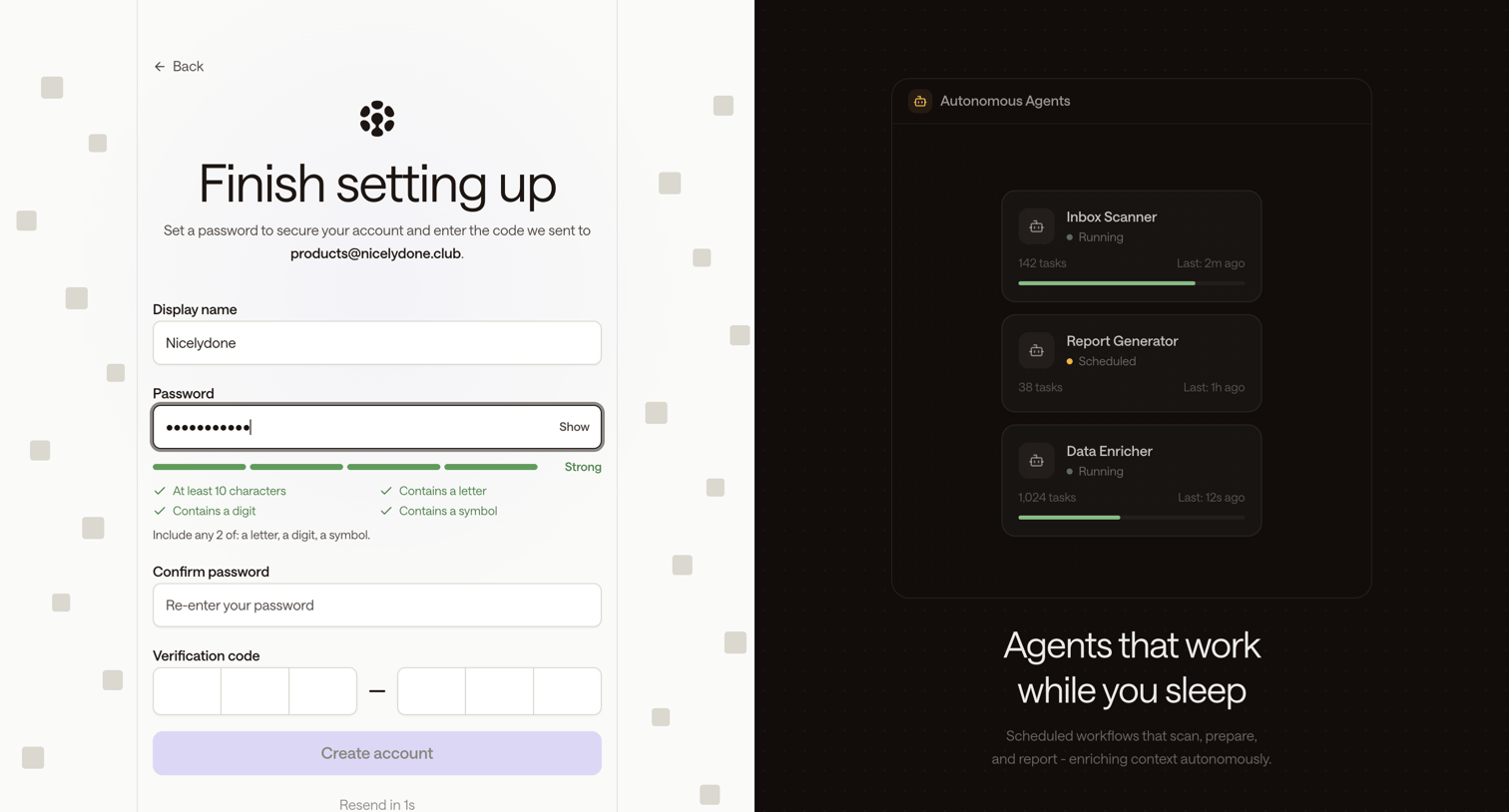

Signup page where the user sets their display name, creates a strong password, and enters an email verification code to finish account setup.
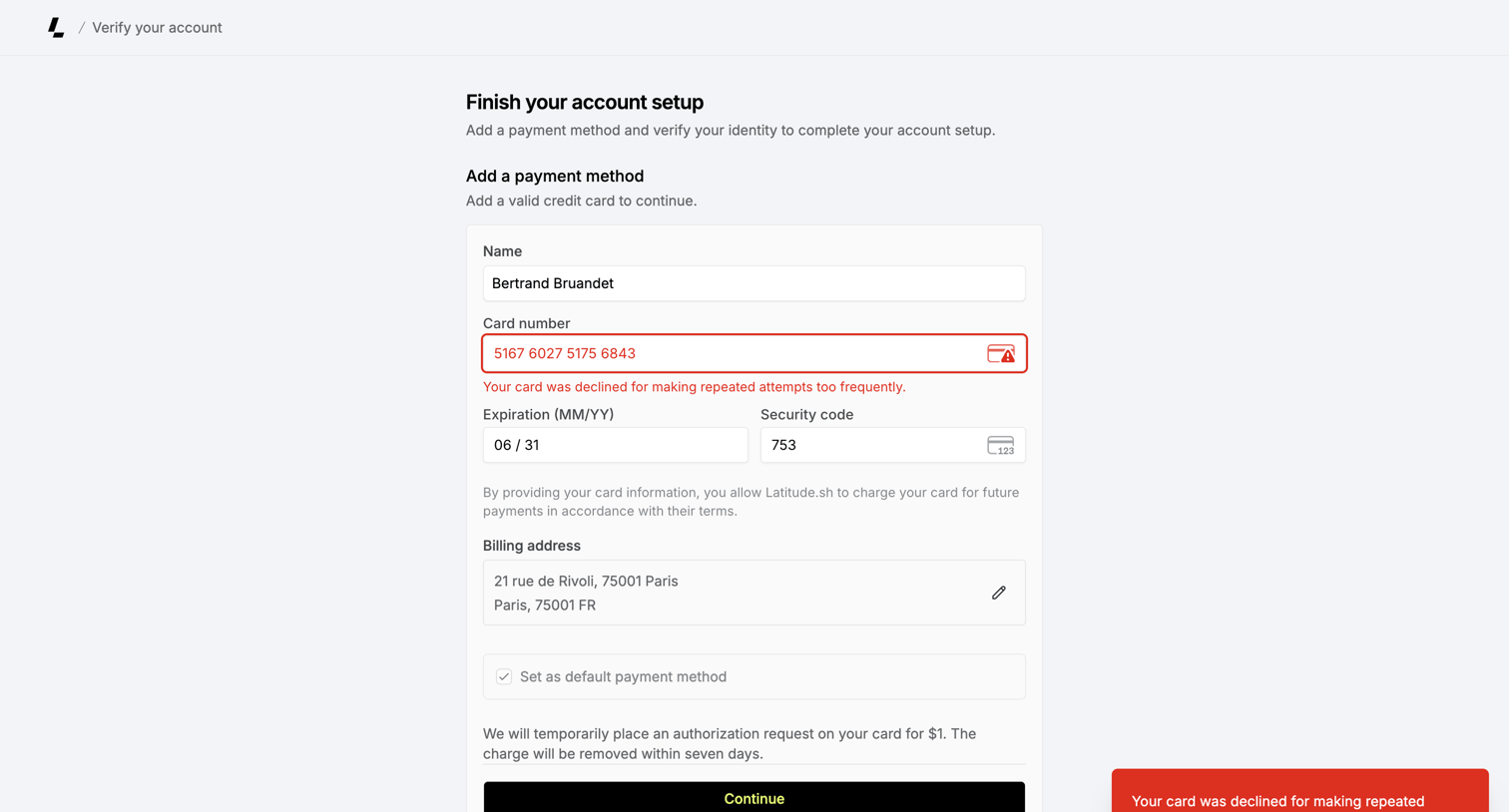

Onboarding step where the user adds a credit card to finish their account setup, currently showing a declined-card error.
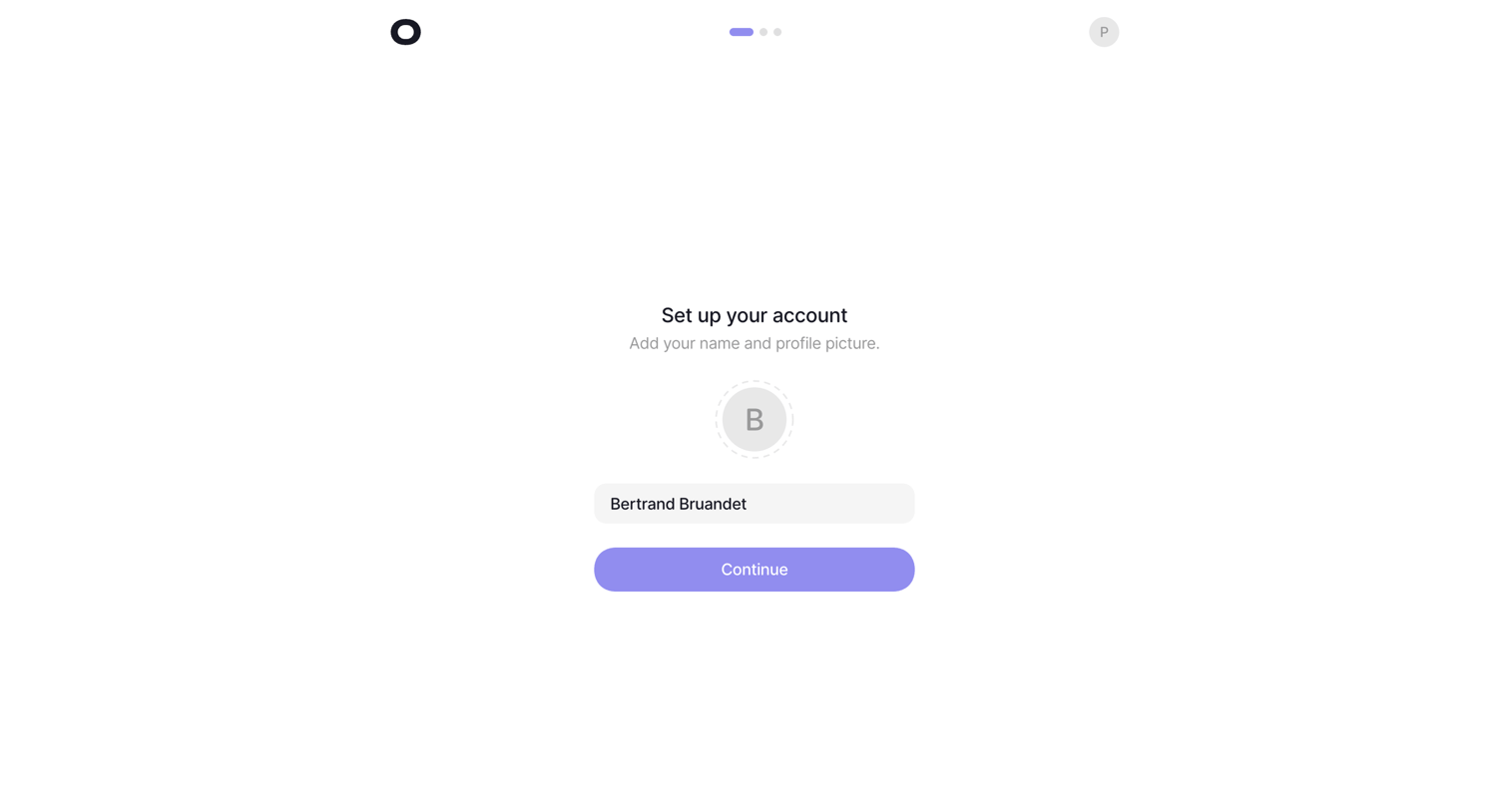



Onboarding step where the user selects their role and company size from grid-based radio cards to shape their experience.
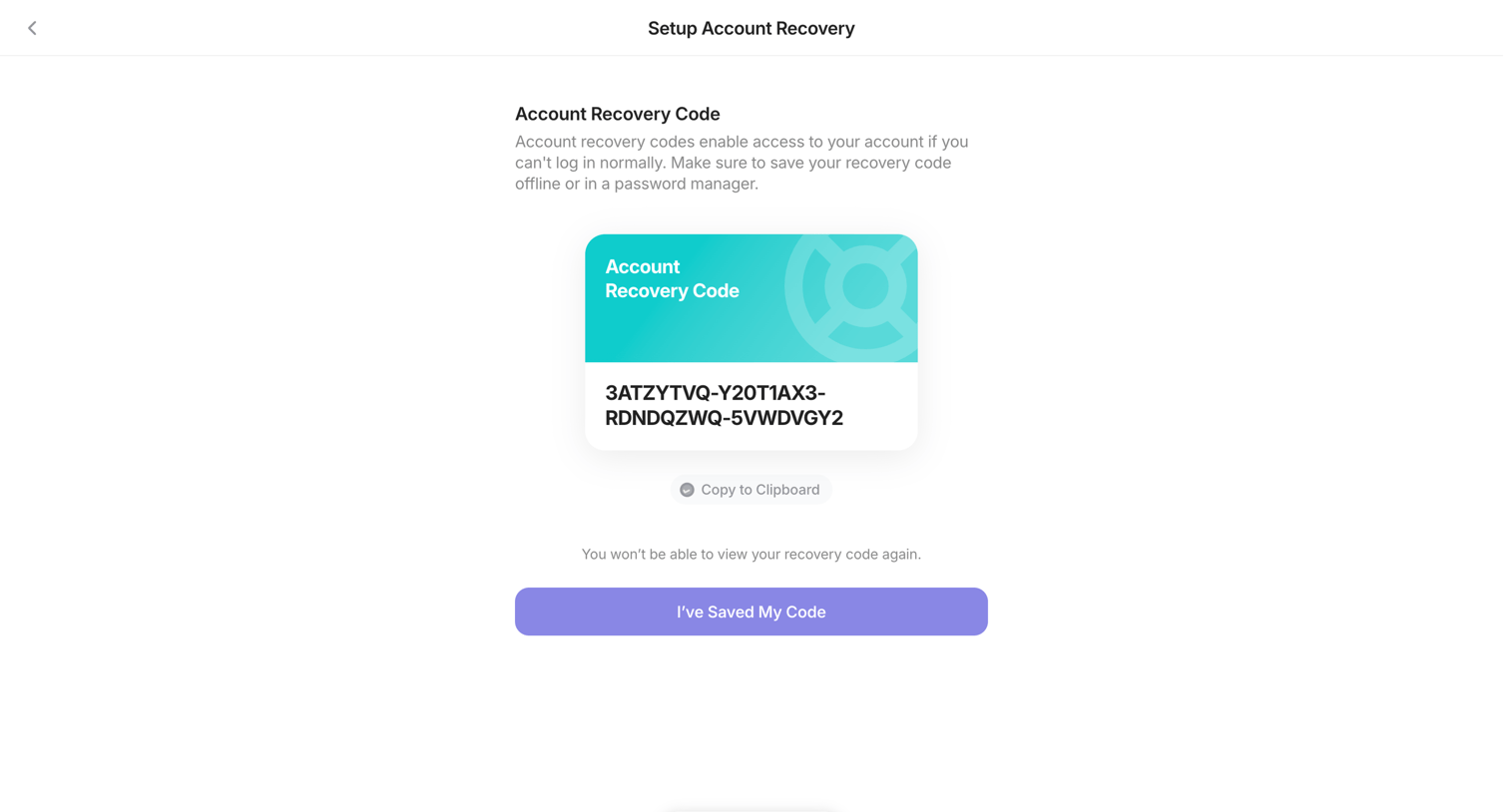

Settings flow where the user generates and saves a backup recovery code, confirming they have stored it securely.
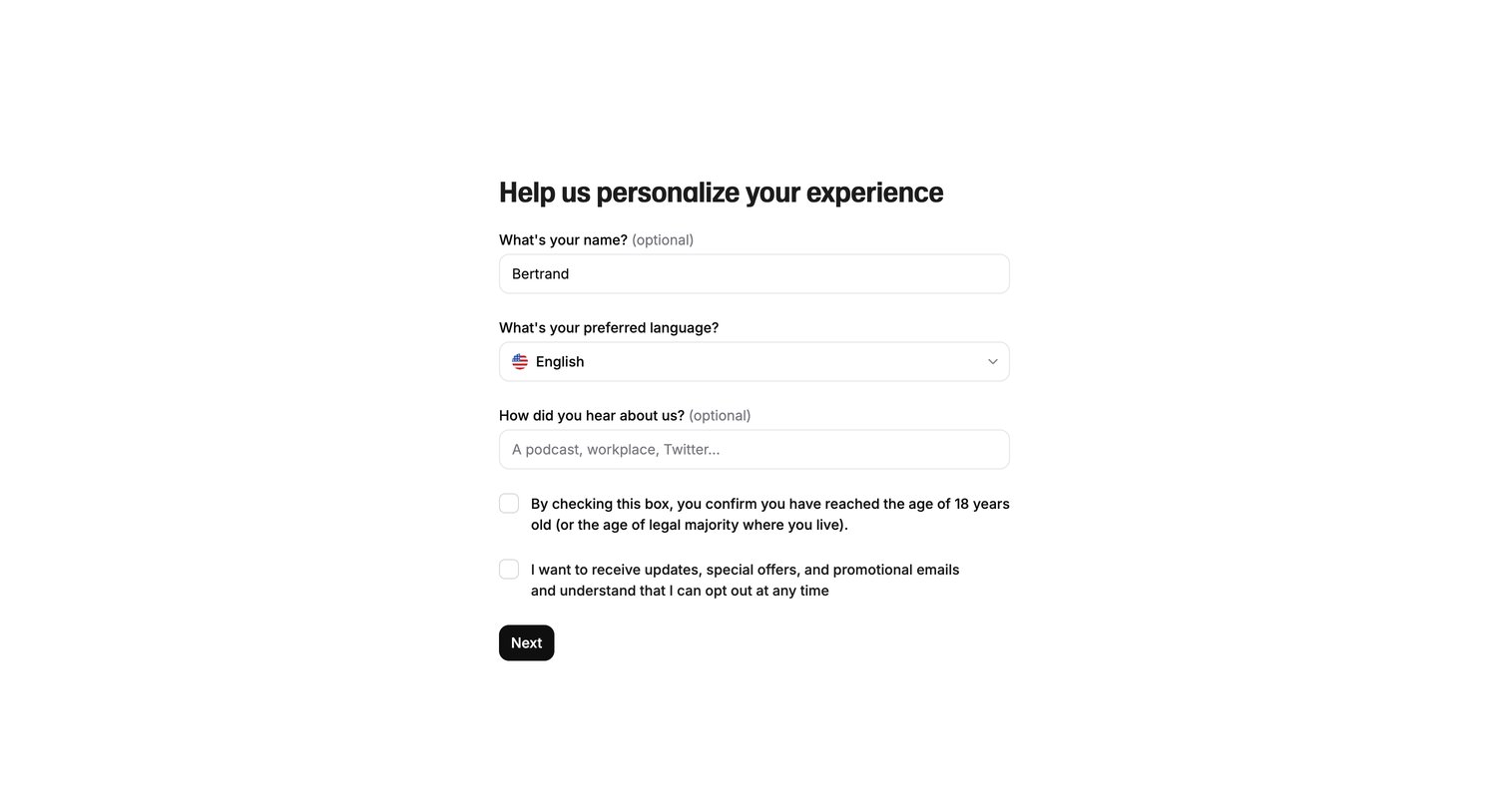

Onboarding step where the user provides their name, preferred language, and discovery source before accepting legal terms.
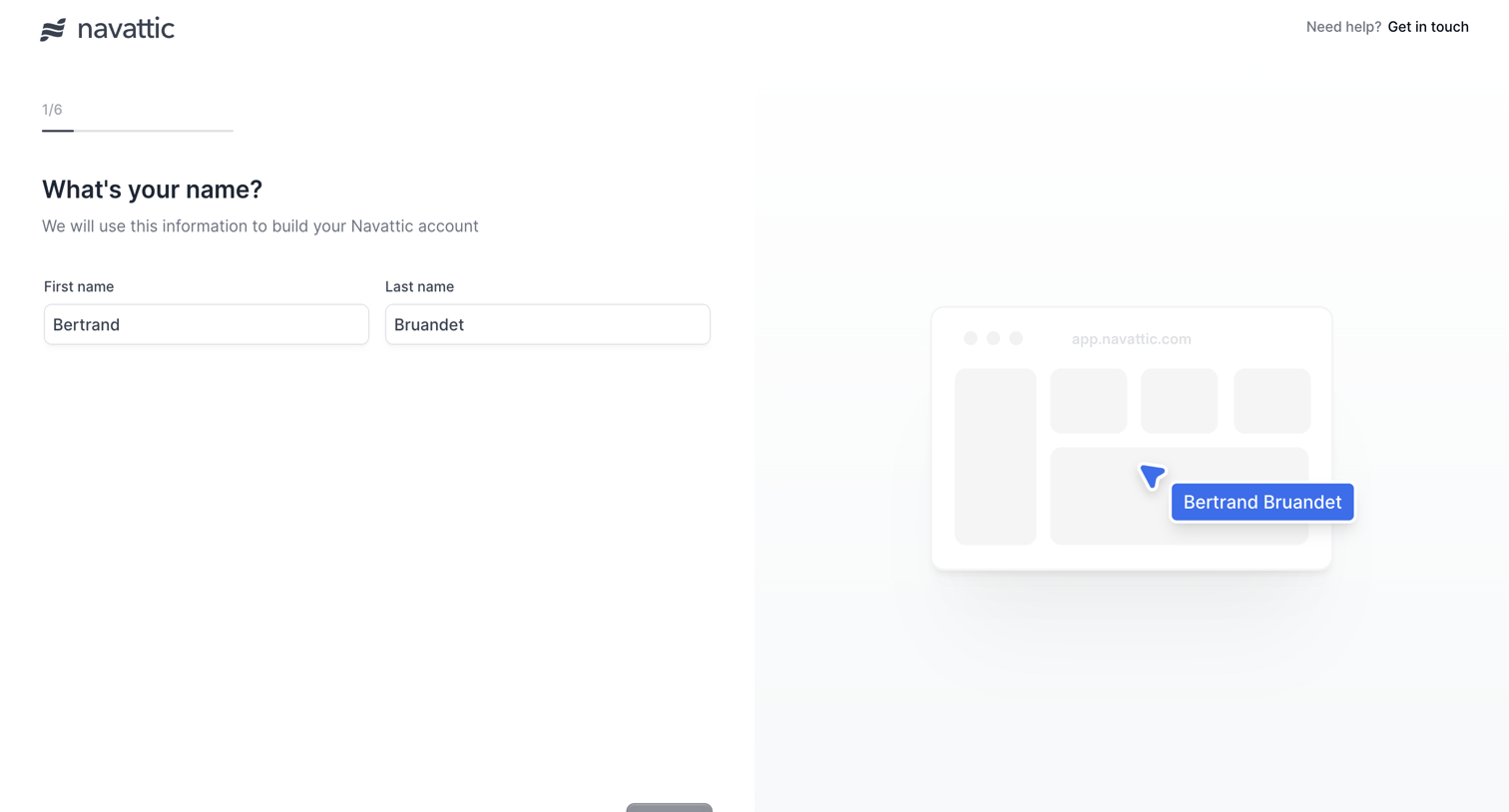

Onboarding step where the user enters their first and last name to build their account, accompanied by a live preview reflecting their input.
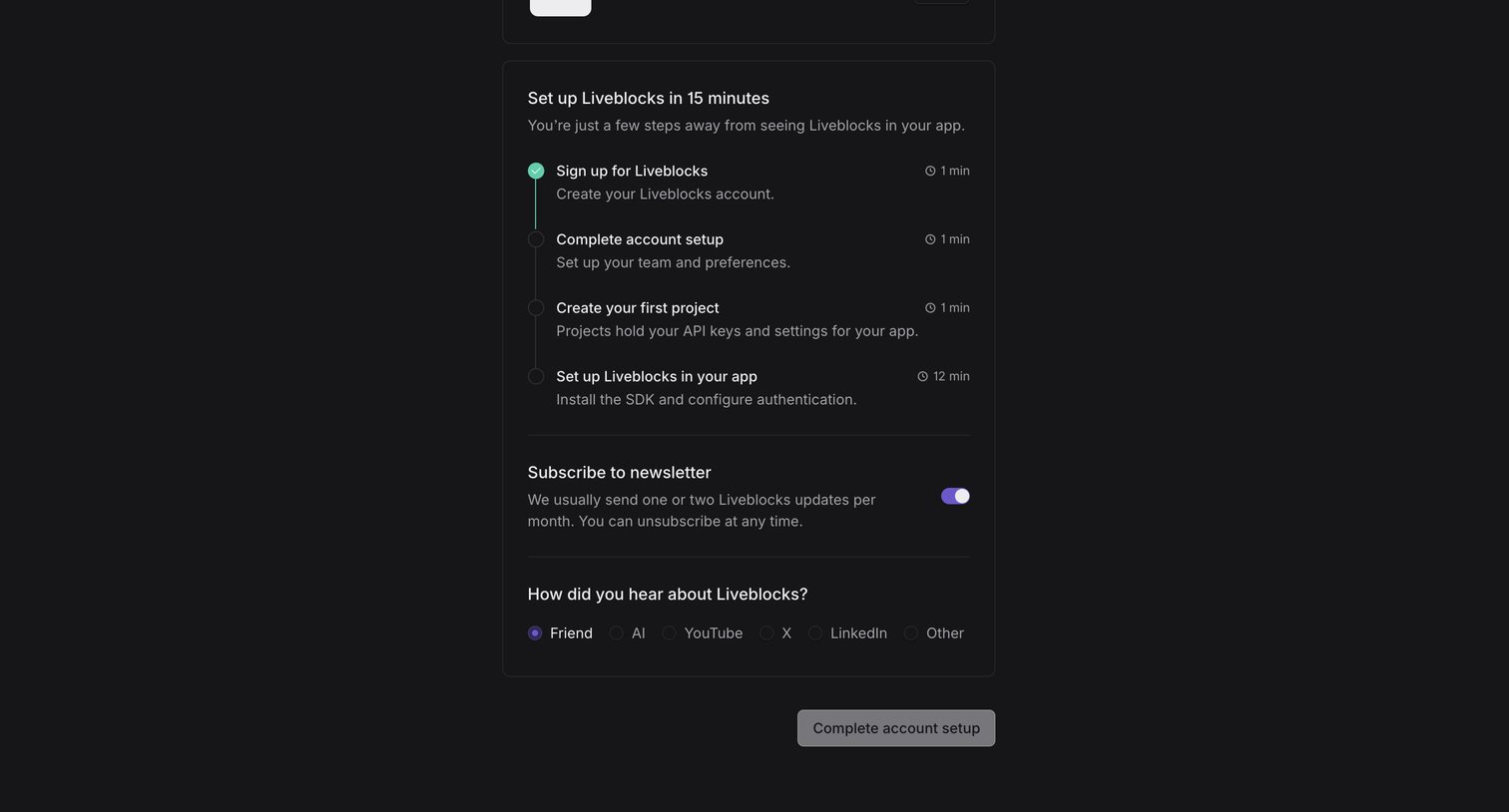

Onboarding screen where the user completes their account setup by following a 15-minute checklist, subscribing to a newsletter, and answering a discovery survey.
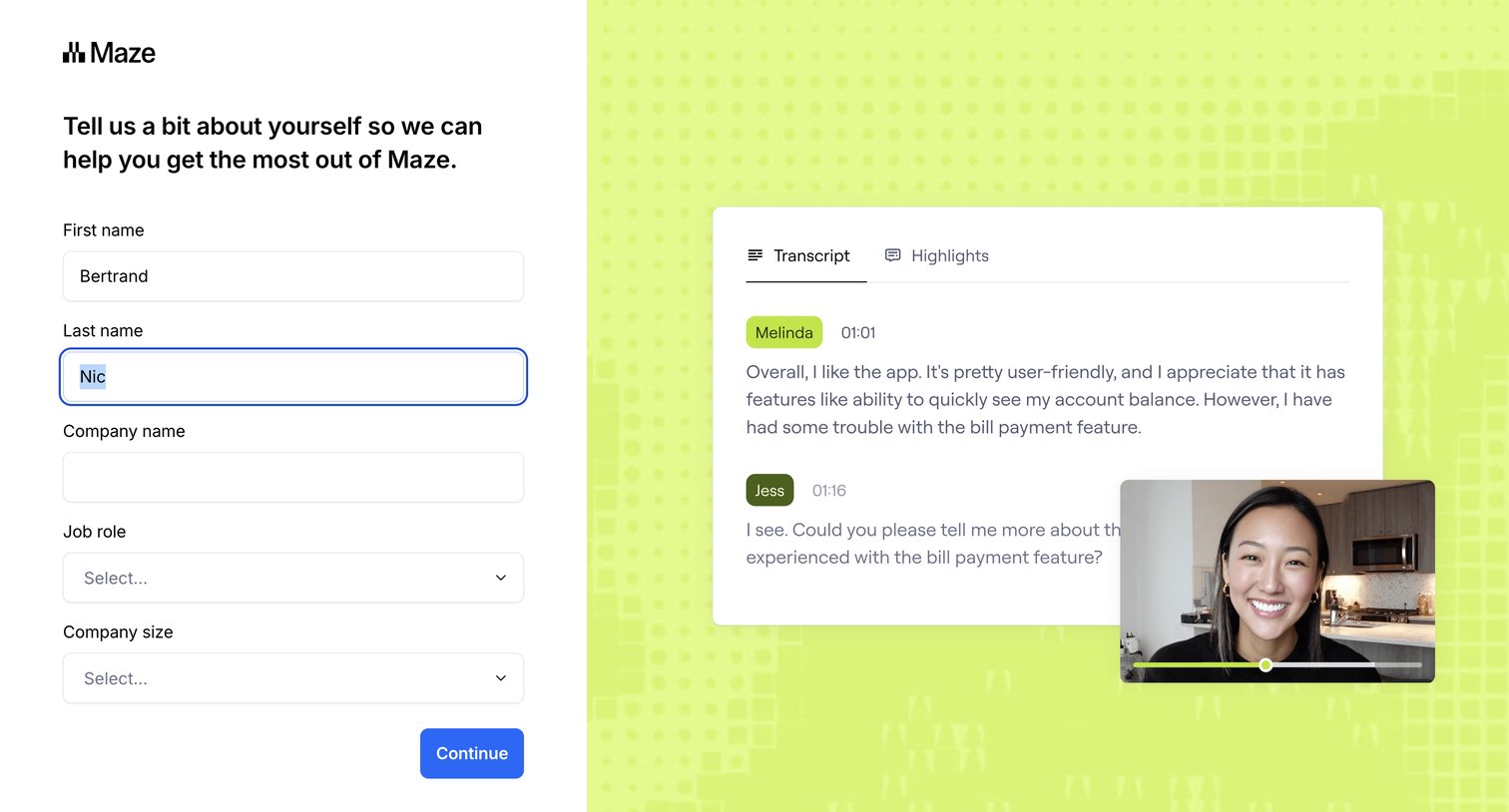

Signup step where the user provides their name, company, and role to personalize their experience, alongside a product preview.
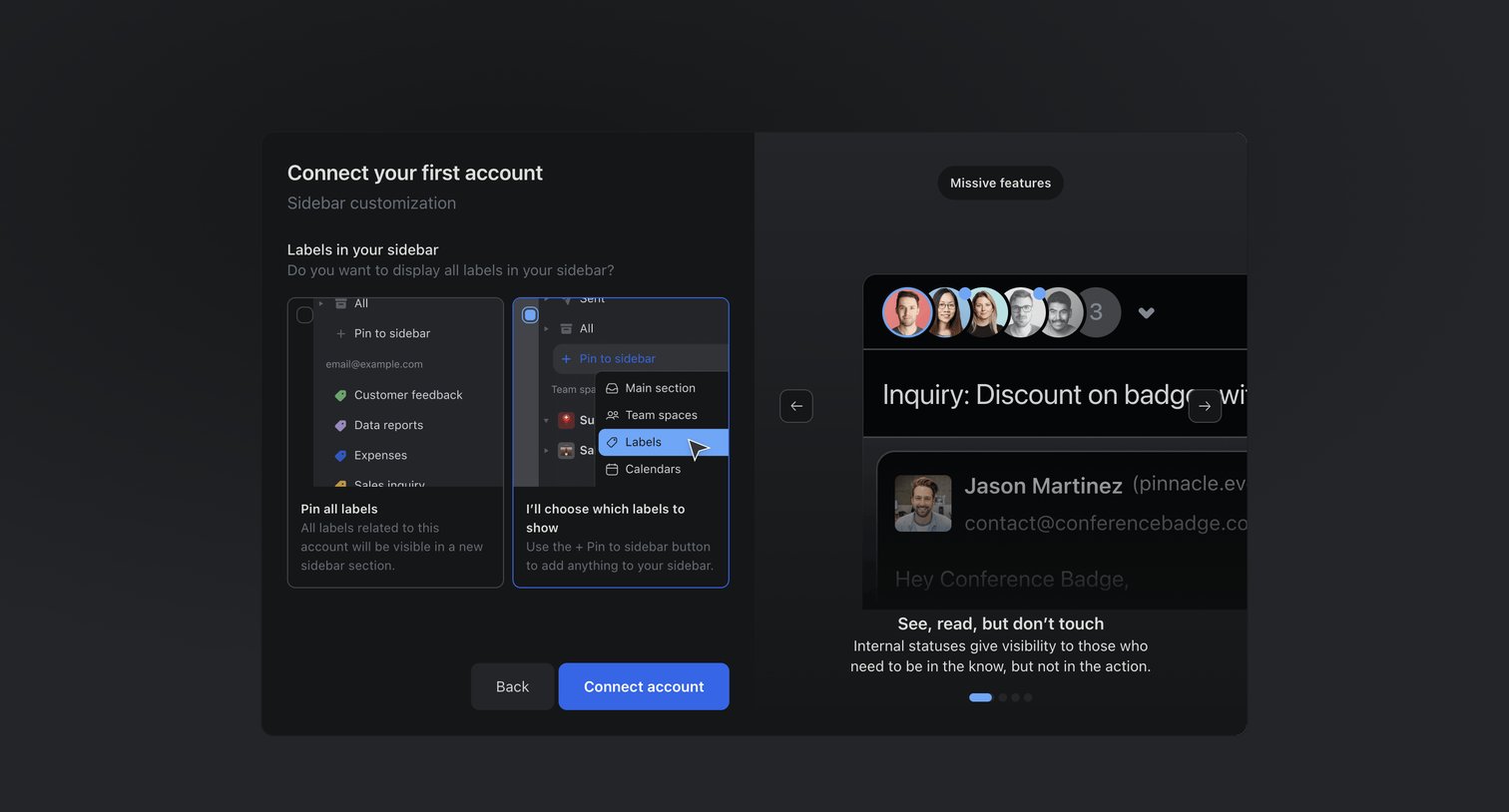

Onboarding step where the user configures their sidebar by choosing between pinning all labels or selecting them manually, alongside a carousel highlighting product features.
Explore the full SaaS screen library
Upgrade to unlock the full library.
Trusted by the best teams








About Account Setup
See how SaaS apps collect the details needed to get an account ready. Explore layouts for profile information, workspace preferences, and initial configuration before people start their main task.