Gusto Flow Example: Canceling account
This flow guides the user through the process of canceling their Gusto account, including providing a reason for leaving, handling remaining tax obligations, and confirming the cancellation.

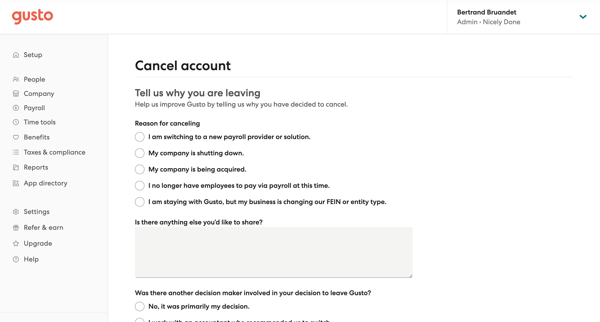
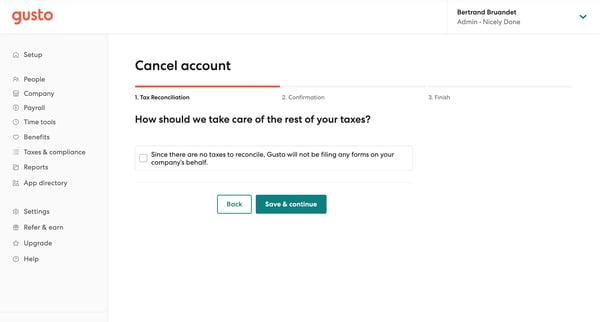
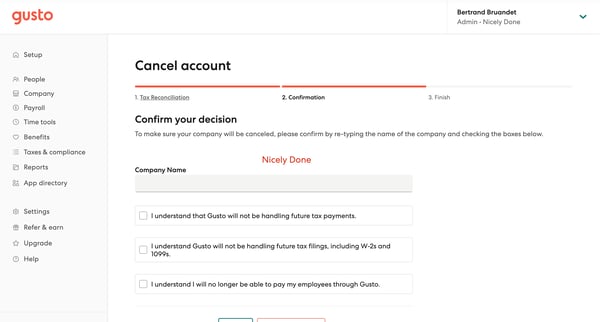
This flow guides the user through the process of canceling their Gusto account, including providing a reason for leaving, handling remaining tax obligations, and confirming the cancellation.
Related user flows

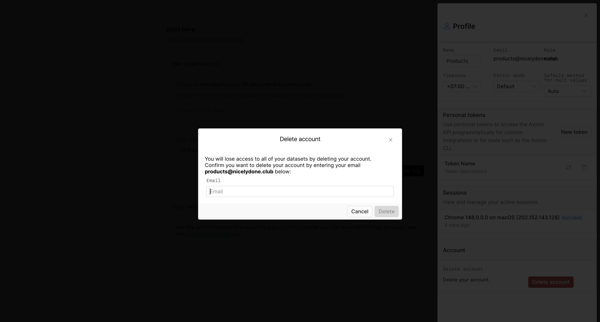
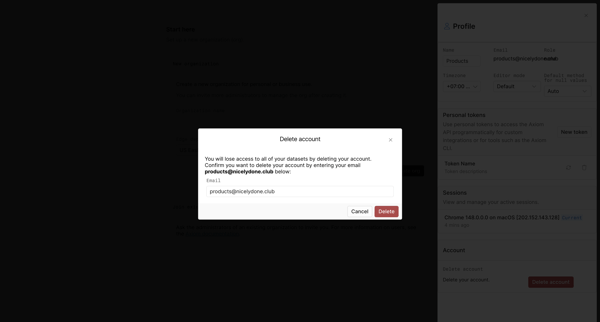
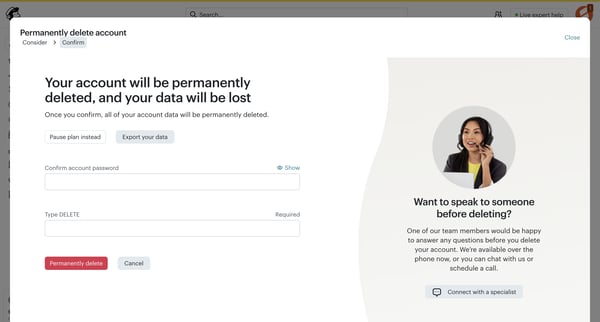
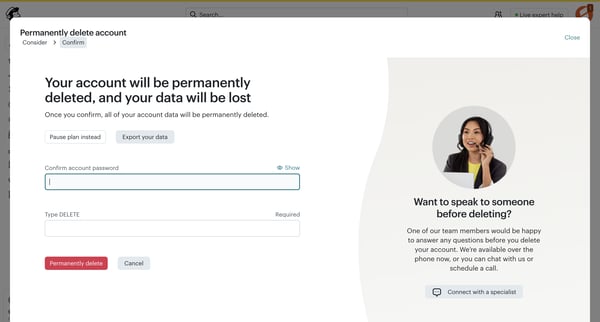
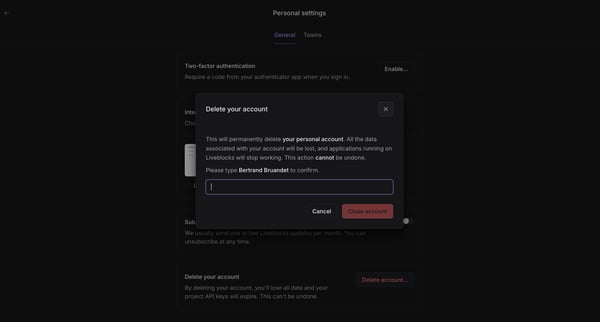
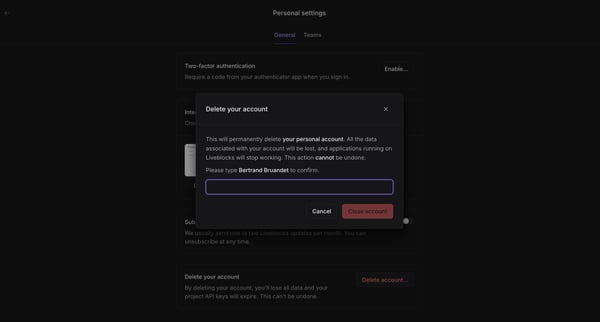
Confirming permanent account deletion via typed email in settings profile modal



Explore the full SaaS flow library
Browse the full SaaS flow library.
Trusted by the best teams







