Gusto design examples
Explore Gusto UI design examples. The all-in-one people platform for Payroll, Benefits, HR
Product screens

Signup screen where the user creates a new company account using Google SSO or by providing their name, work email, company details, and a password.
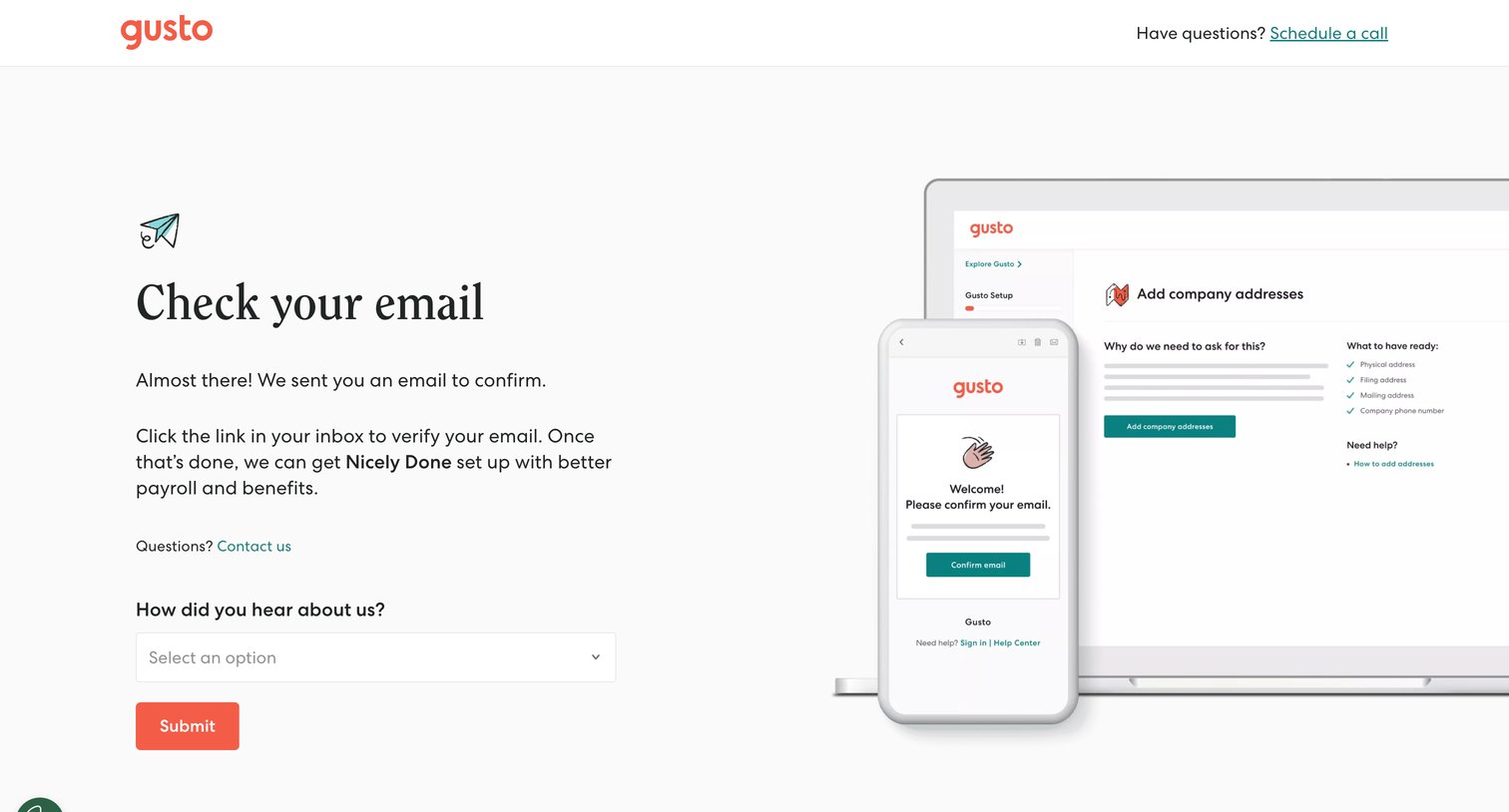
Verification screen where the user is prompted to check their email for a confirmation link and can optionally submit an attribution survey.
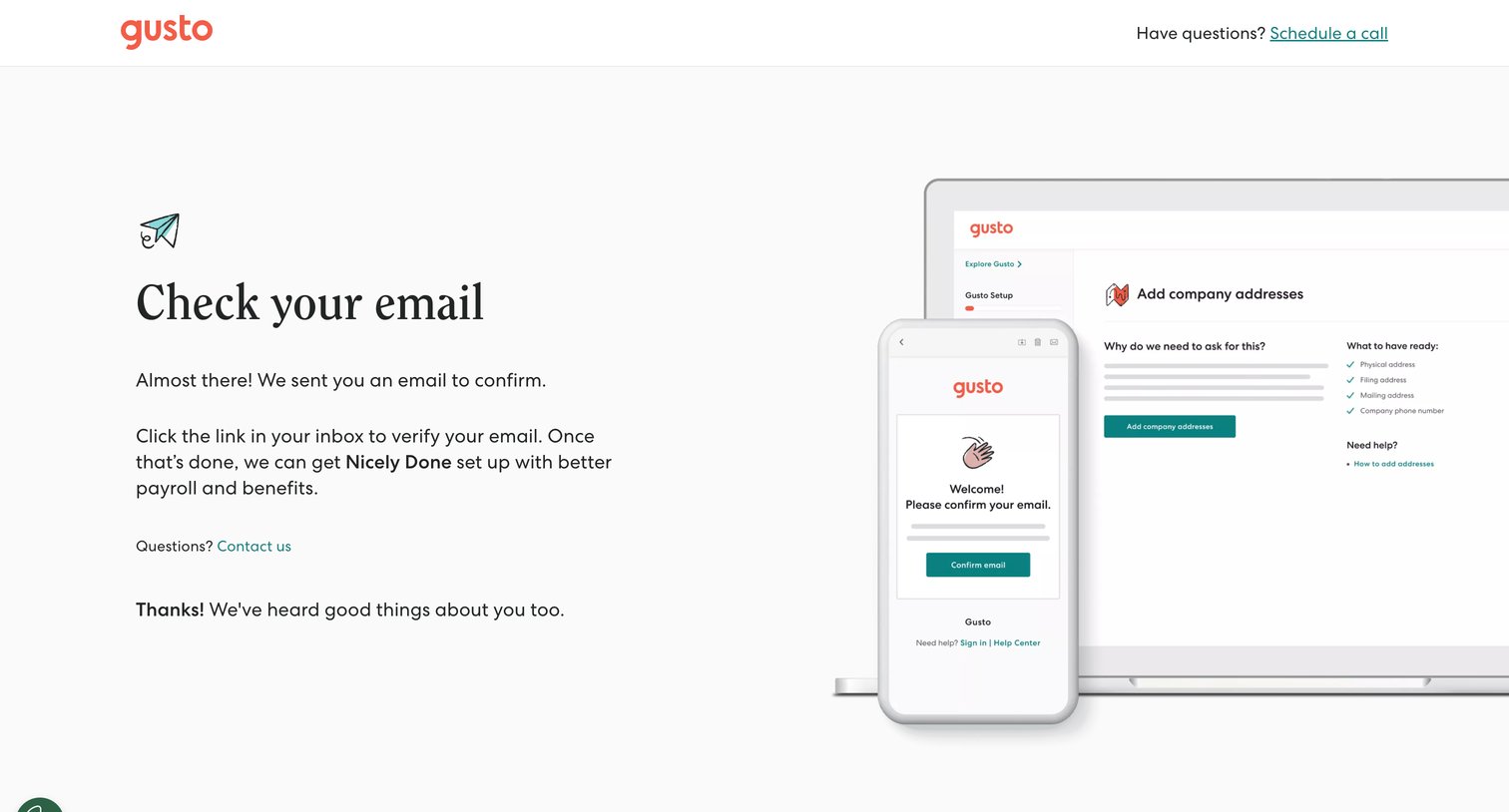
Verification screen where the user is instructed to check their inbox for a confirmation link to proceed with setting up their company.
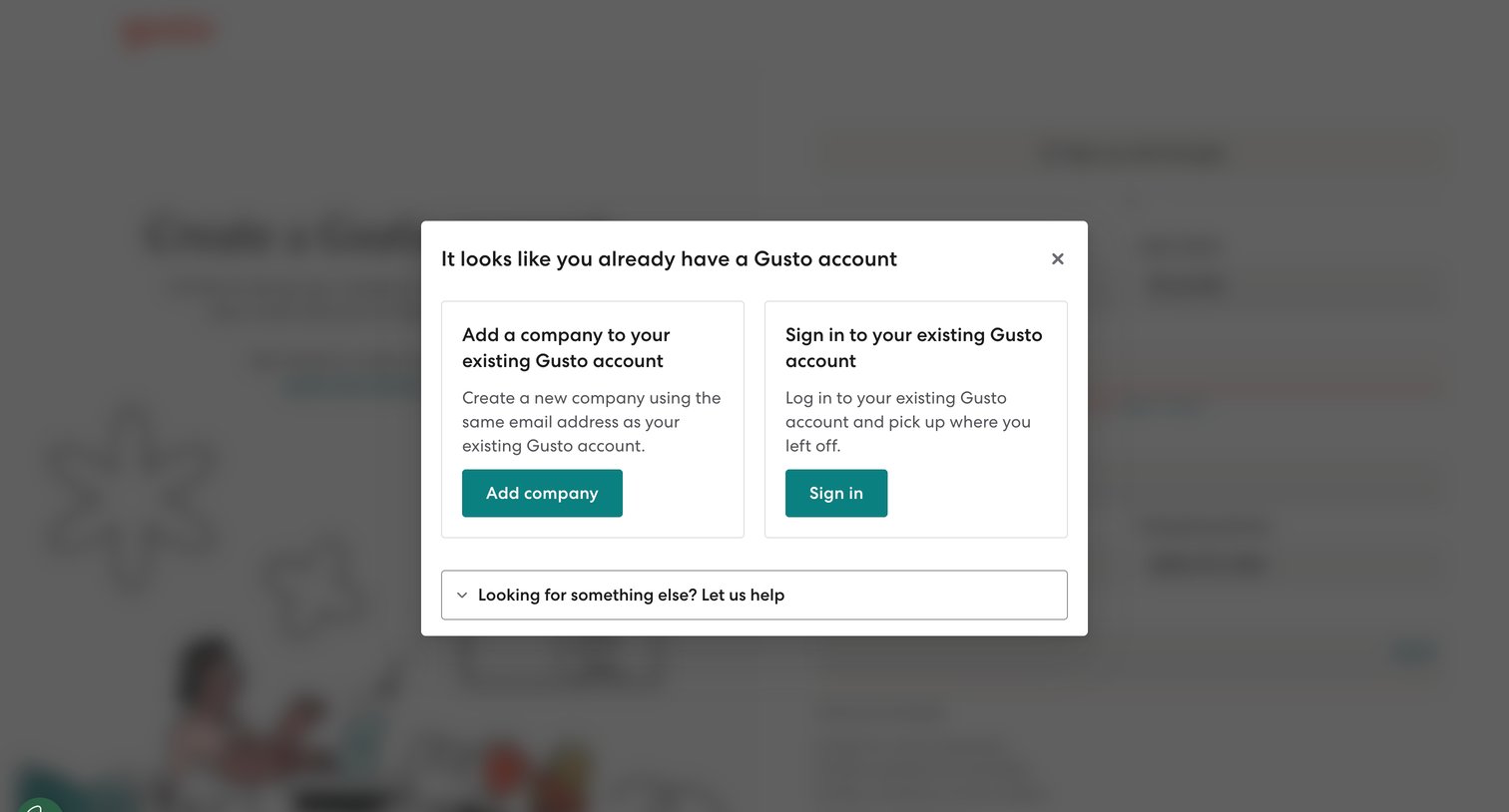
Signup flow intercepted by a modal prompting the user to either add a new company to their existing account or sign in, because their email is already registered.
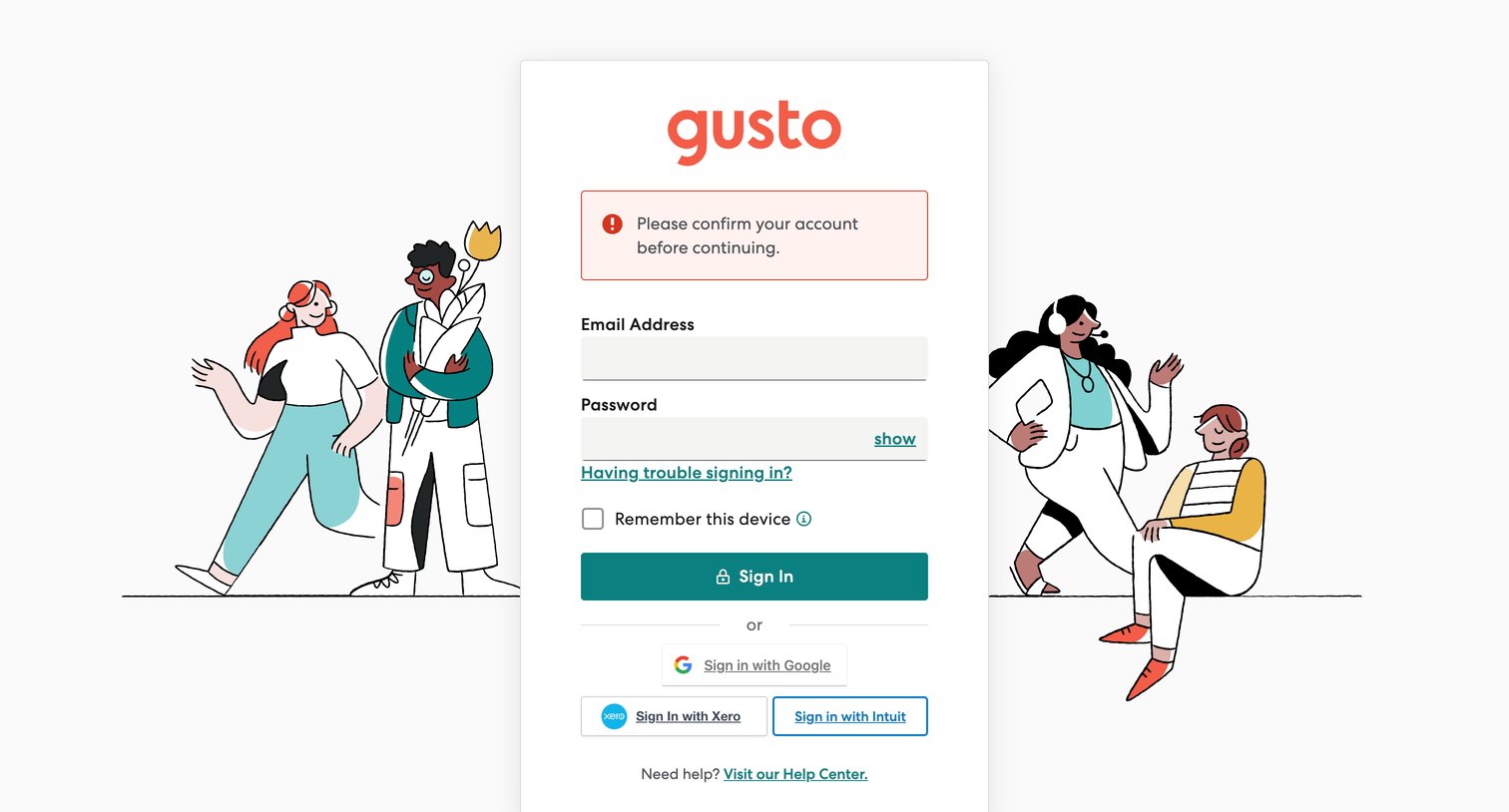
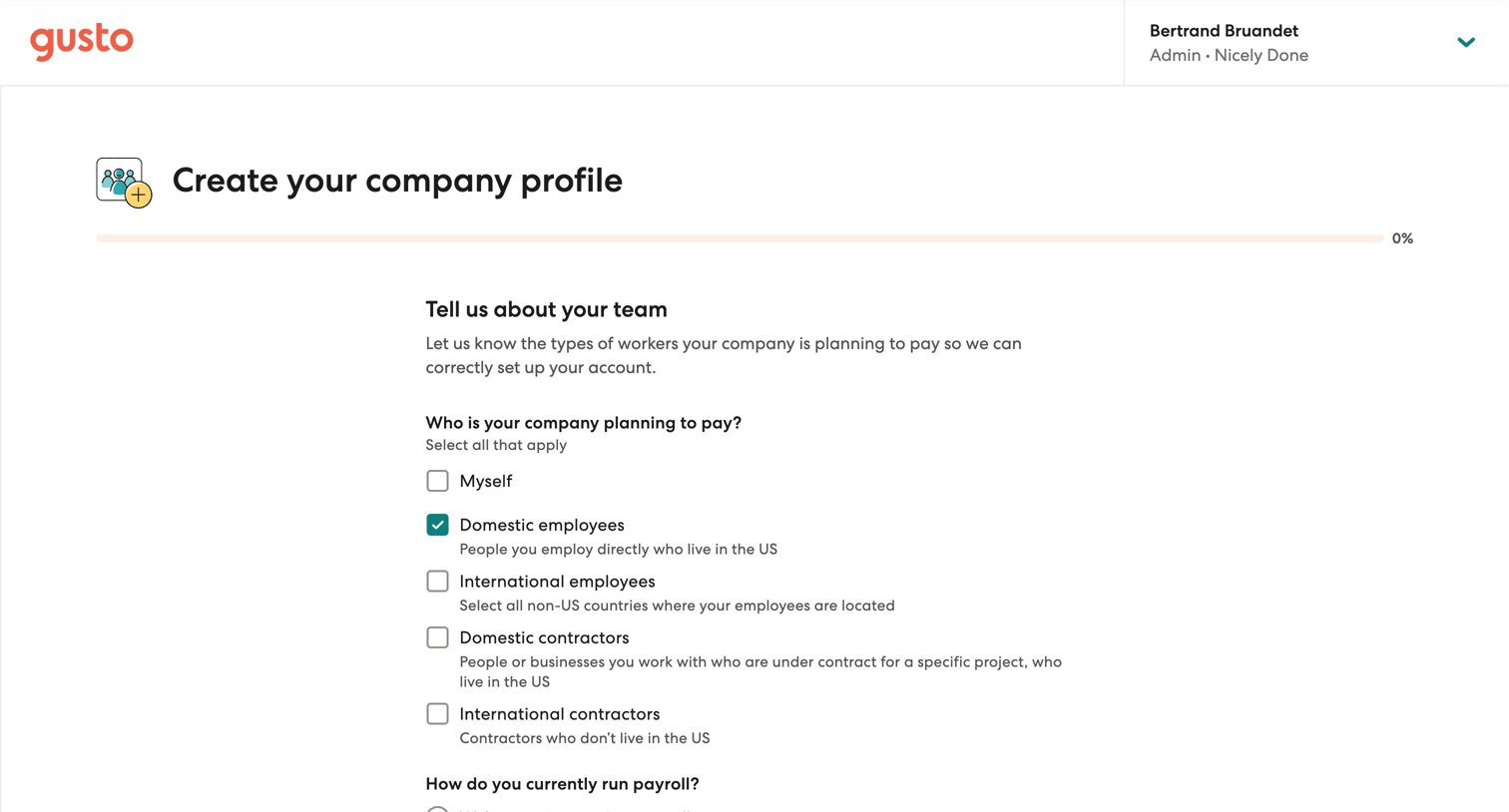
Onboarding step where the user selects the types of workers they plan to pay and their current payroll method to configure their account.
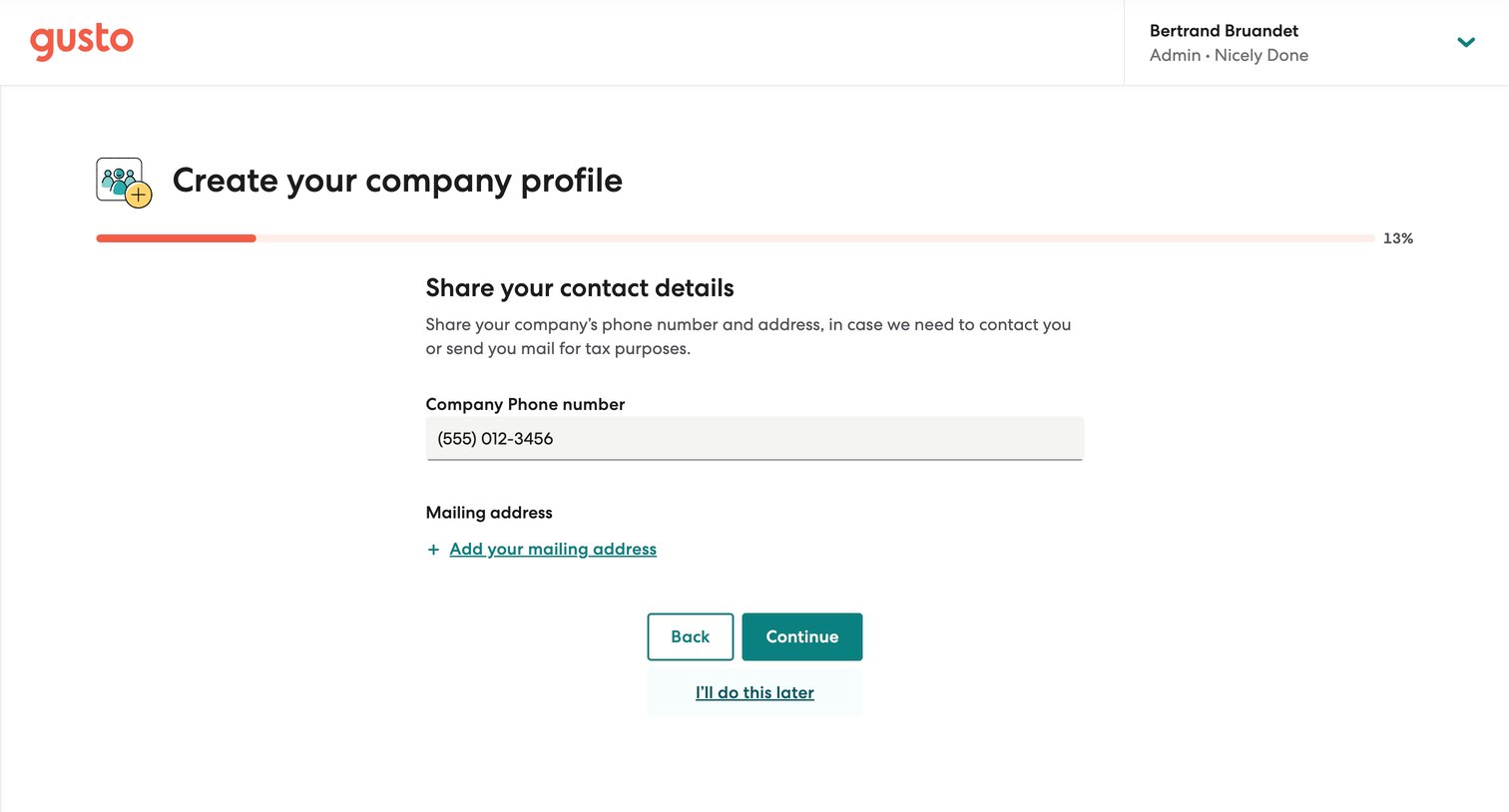
Onboarding step where the user provides their company phone number and mailing address for tax purposes.
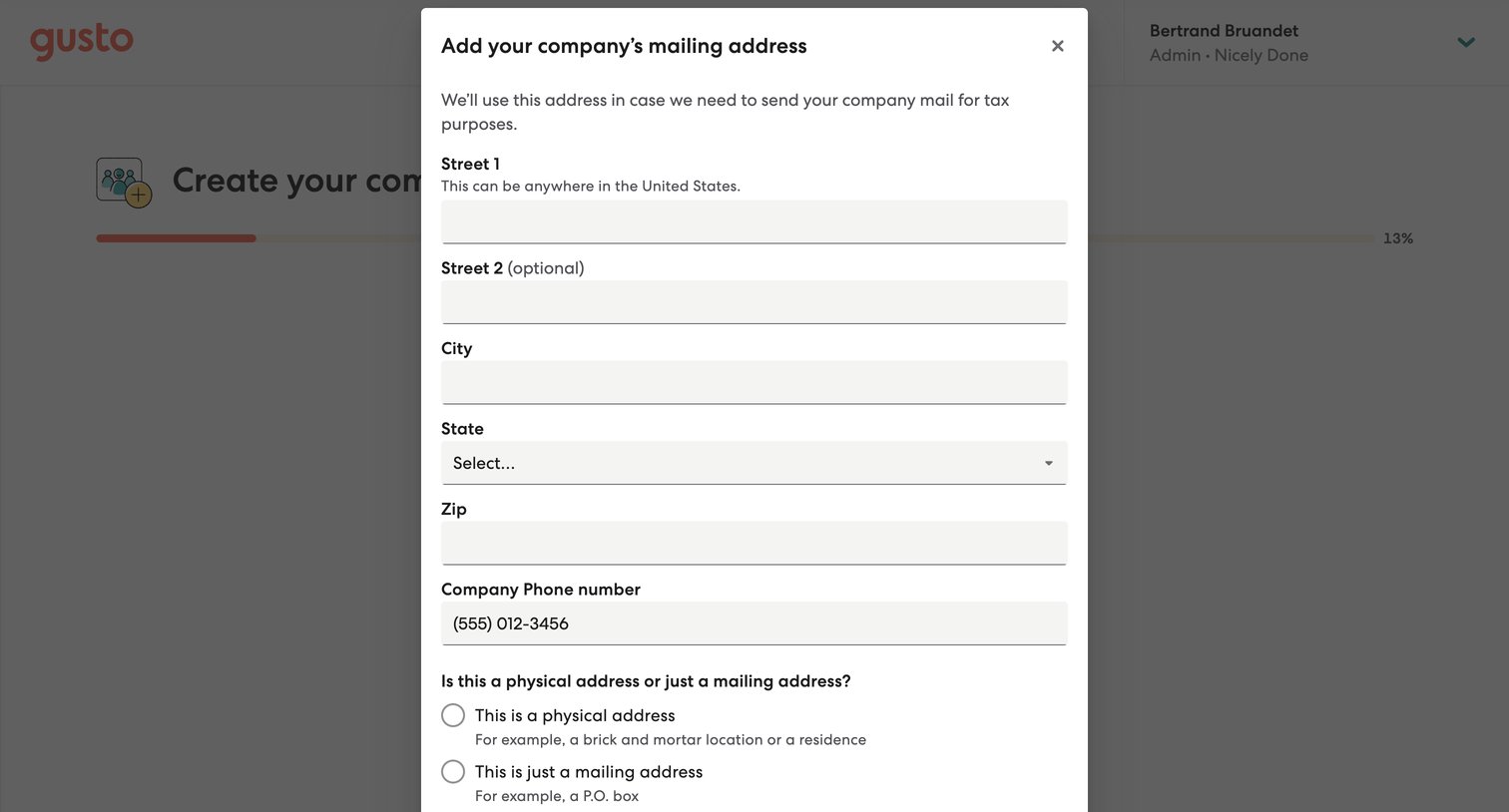
Onboarding step where the user enters their company's mailing address, phone number, and address type in a modal.
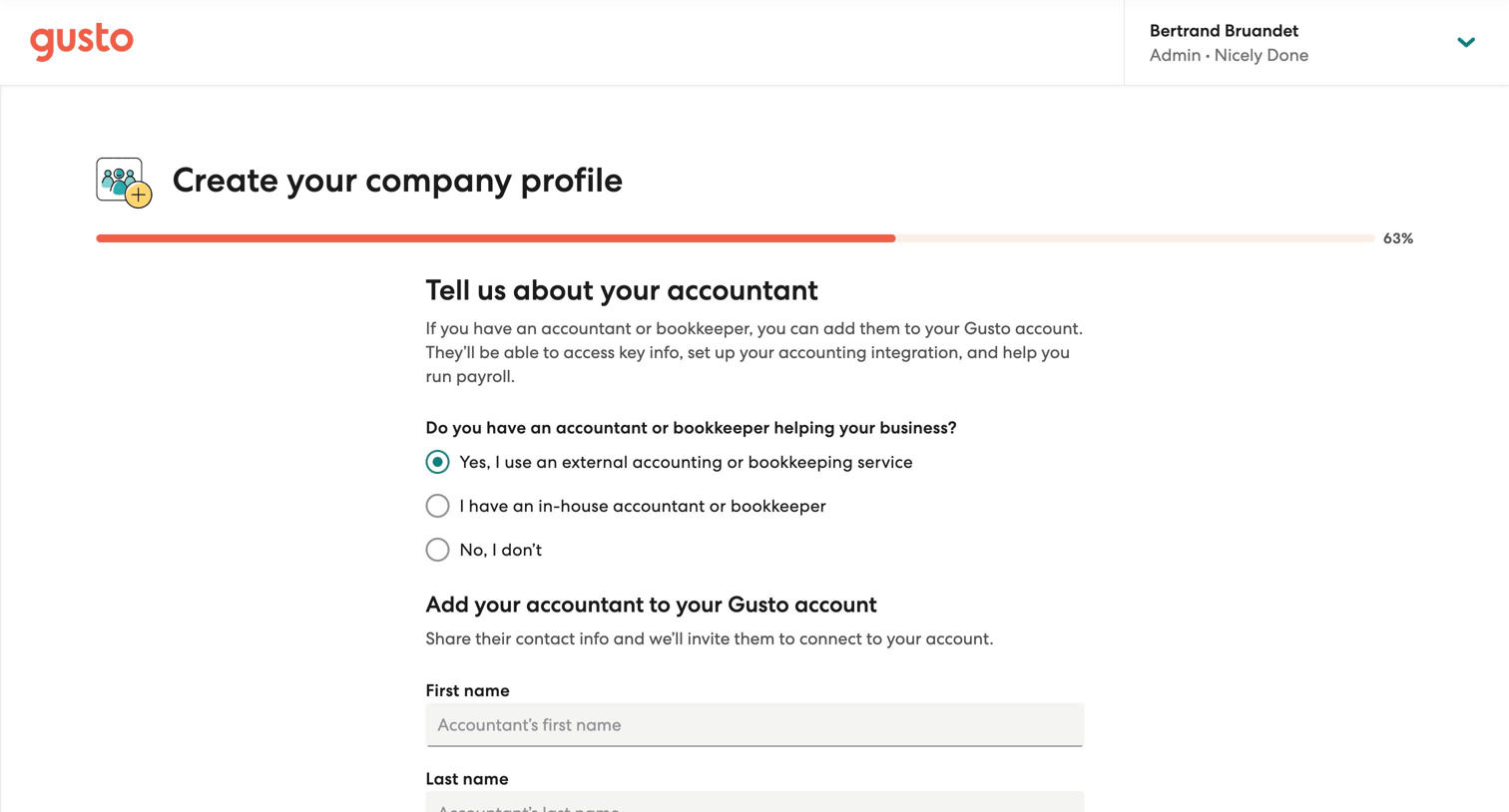
Onboarding step where the user indicates if they use an external accountant and provides their contact information to send an invite.
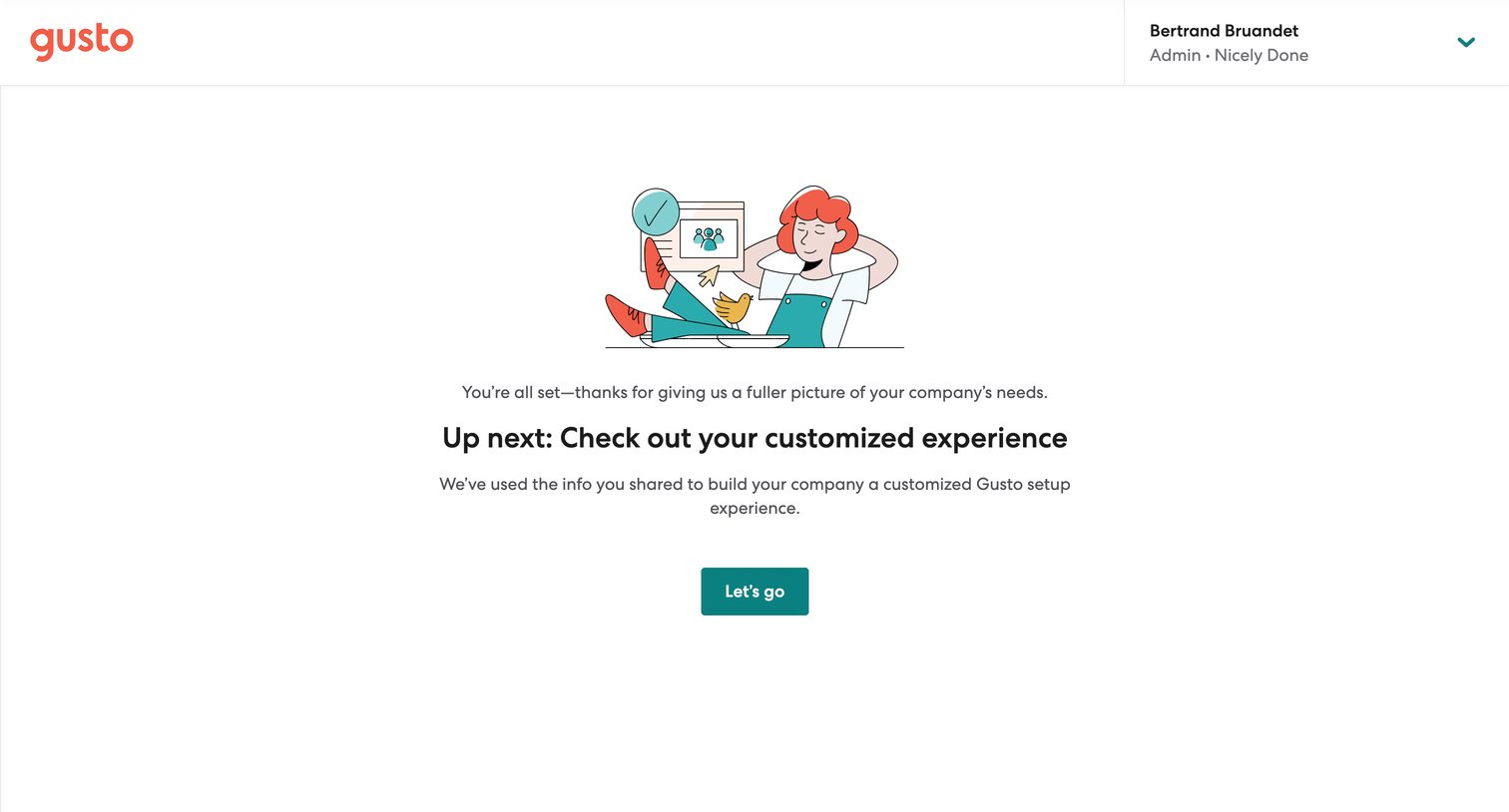
Onboarding success screen where the user finishes their company profile and is prompted to proceed to their customized setup experience.
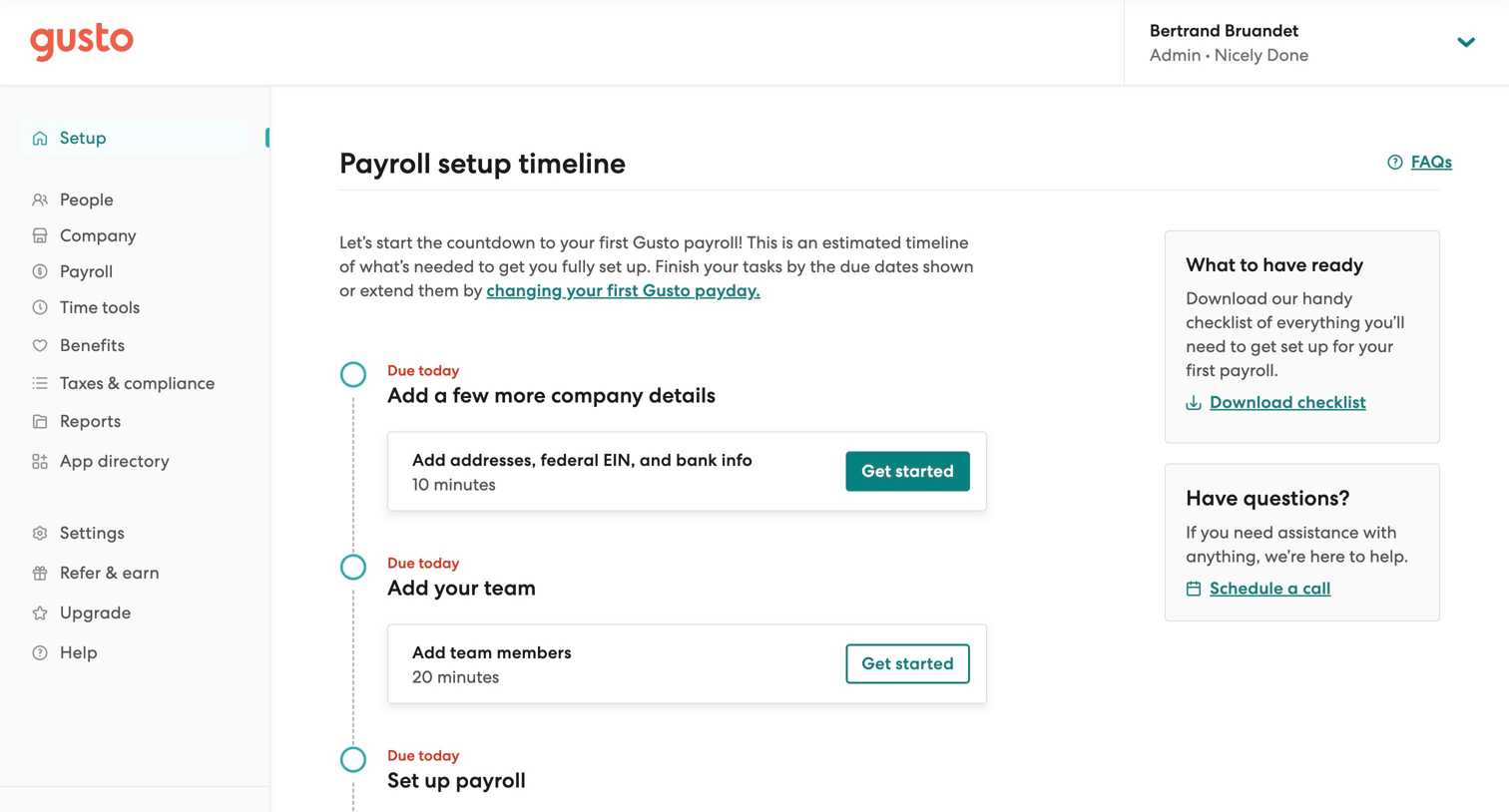
Onboarding page where the user follows a timeline checklist to set up payroll, add company details, and invite team members.
Browse the full SaaS app library
Explore real SaaS apps with their product screens, marketing screens, flows, and components.
Trusted by the best teams







