
Gusto user flows examples
Explore Gusto user flow examples. Preview the opening screens and steps for each task. The all-in-one people platform for Payroll, Benefits, HR
Preview these flows
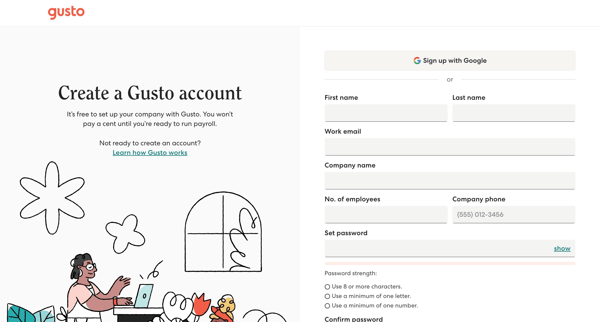
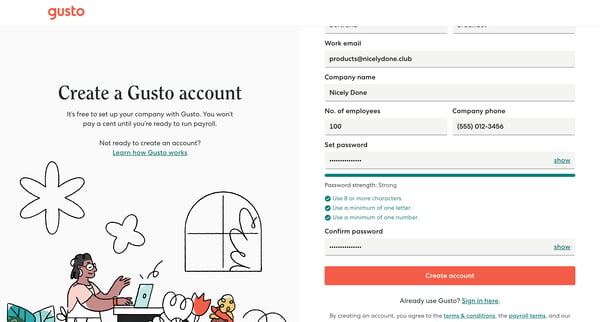
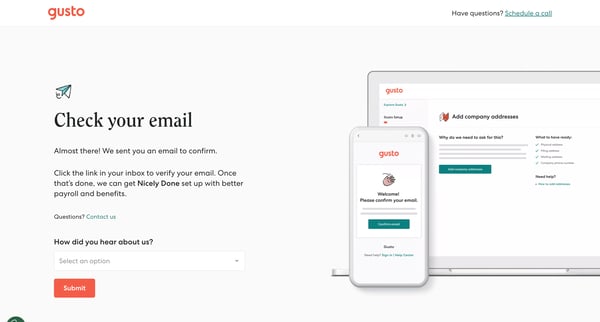
This is an onboarding user flow for Gusto, guiding users through the process of creating a company account, verifying their email, and preparing for payroll setup.
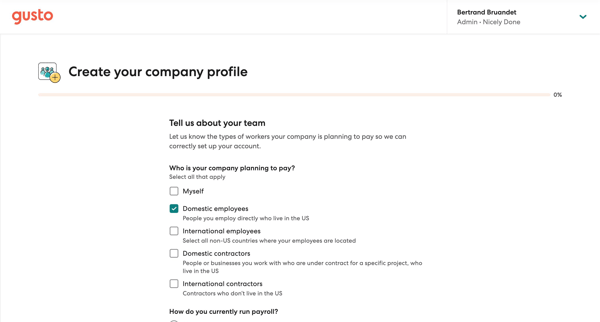
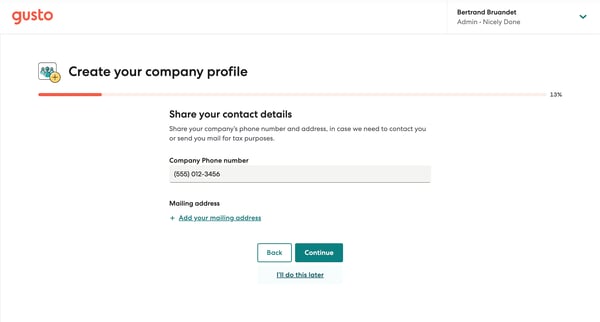
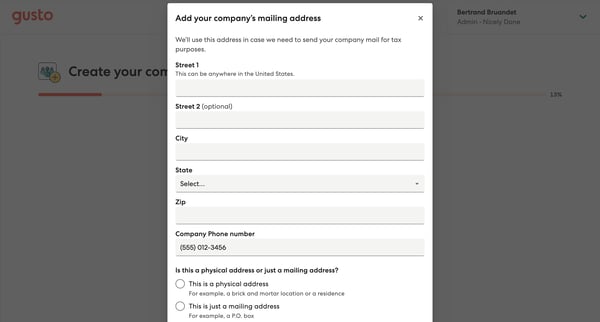
This flow guides users through the process of setting up their company's profile on Gusto, collecting necessary information for payroll and benefits administration to tailor the user's Gusto
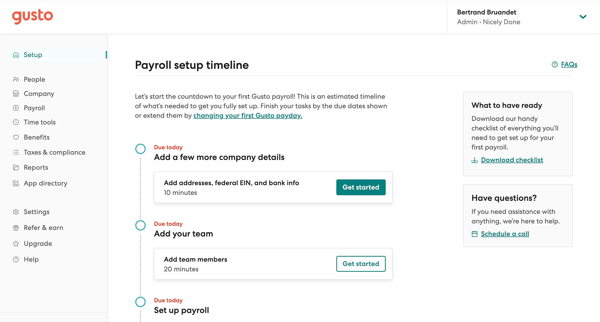
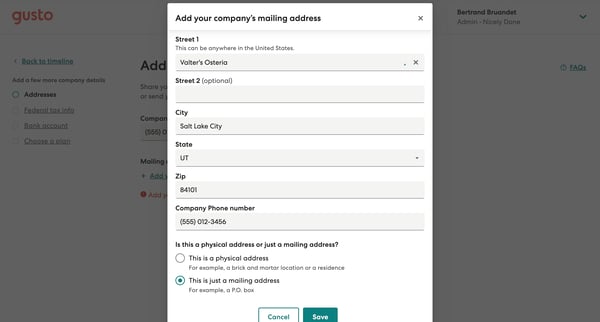
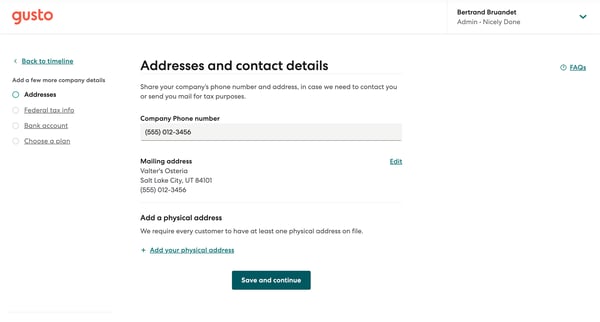
This flow guides a new user through the process of setting up their Gusto account by adding company details, choosing a plan, and preparing for the first payroll run.
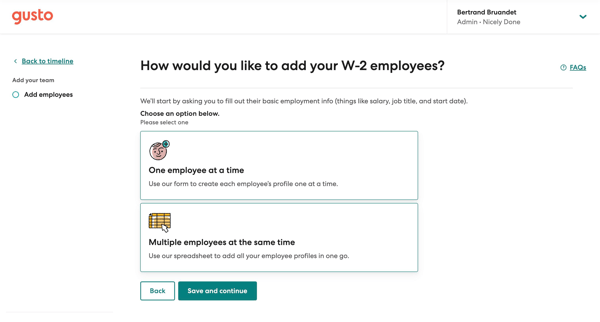
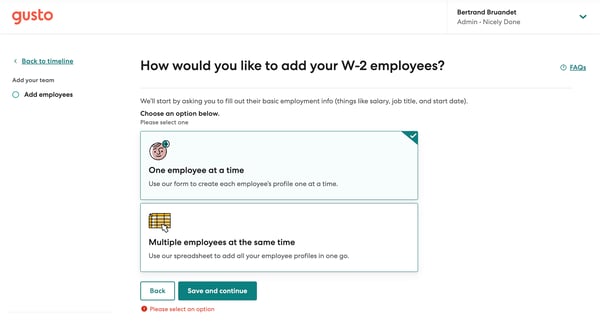
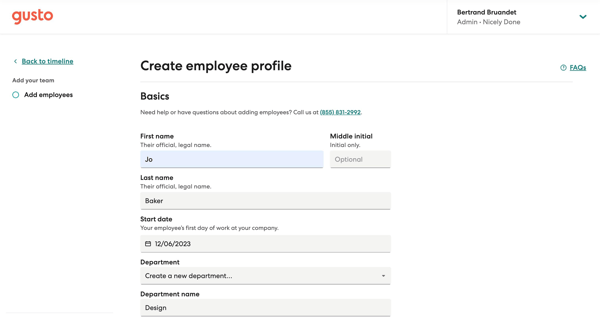
This user flow guides a user through the process of inviting teammates to Gusto by selecting how to add employees, entering employee details, reviewing documents for the employee to sign, and
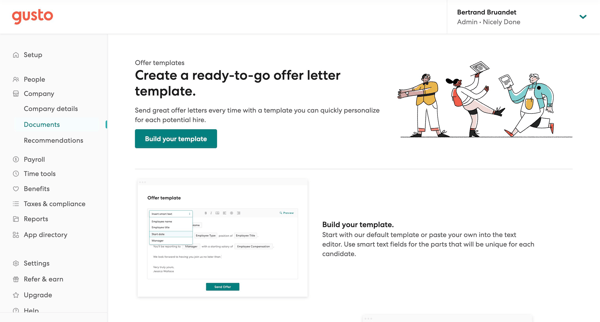
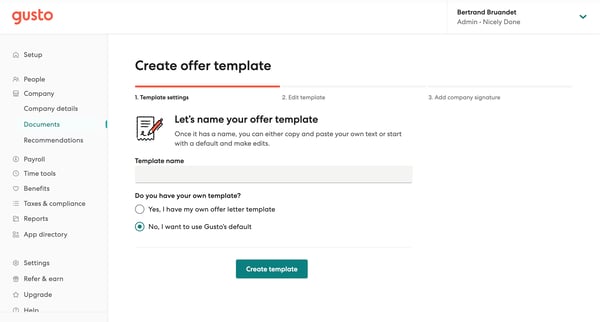
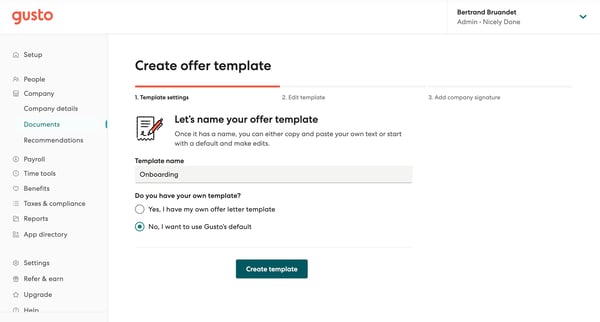
This flow outlines the process of creating and customizing a job offer template that can be personalized and sent to potential hires, with features like smart text fields for easy customizati
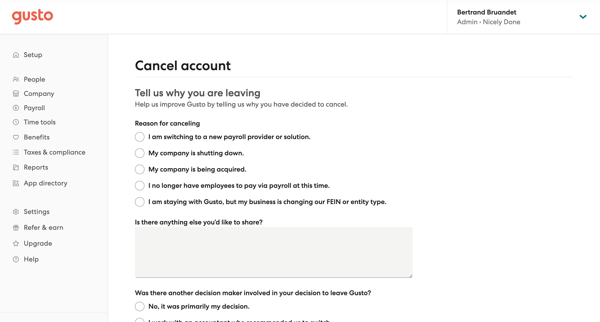
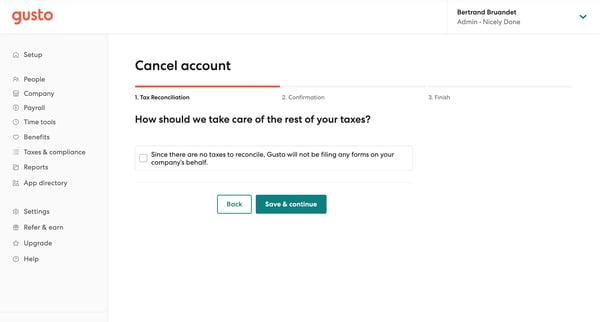
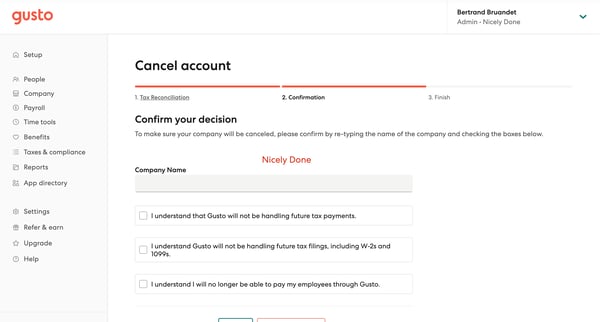
This flow guides the user through the process of canceling their Gusto account, including providing a reason for leaving, handling remaining tax obligations, and confirming the cancellation.
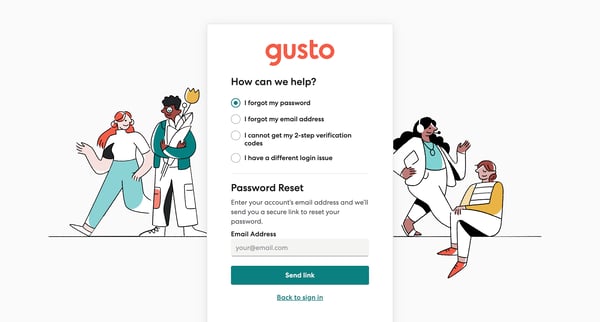
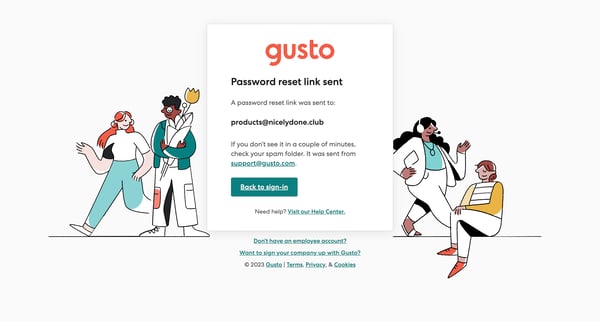
This flow guides the user through the process of resetting their password, providing them with a pathway to regain access to their account.
Explore the full SaaS flow library
Browse the full SaaS flow library.
Trusted by the best teams







