Harvest Flow Example: Exporting people
This flow guides the user through the process of exporting employee data from the Harvest platform, including selection of export format and confirmation of the download.

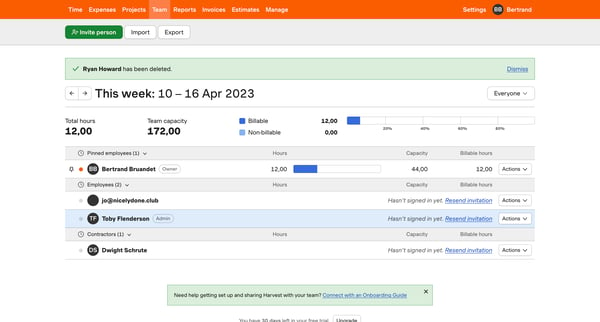
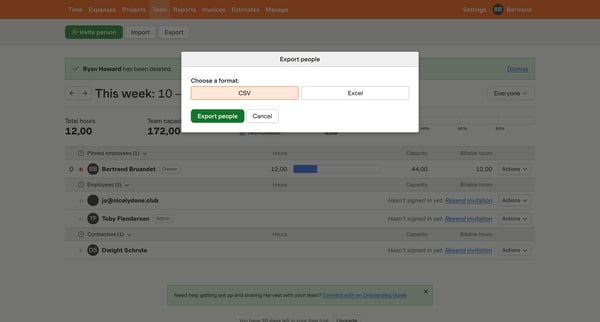
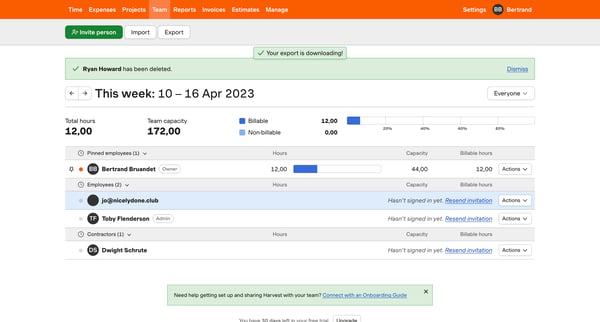
This flow guides the user through the process of exporting employee data from the Harvest platform, including selection of export format and confirmation of the download.
Related user flows

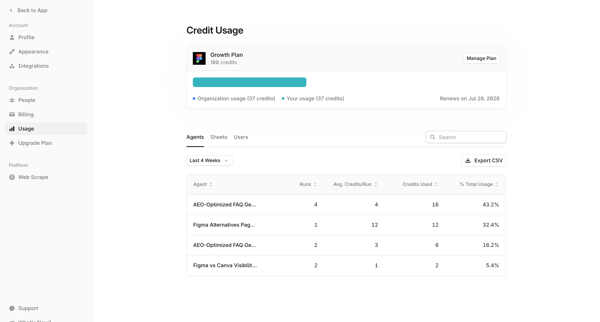
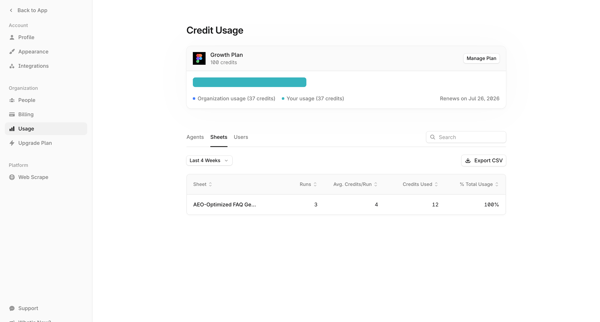
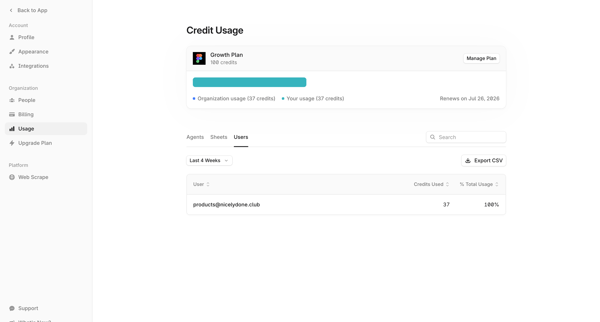
User accesses organization usage settings to view credit consumption breakdown by agents, sheets, and users with filtering, search, and CSV export options



User views hero marketing pages offering direct download links for Magnific Adobe Photoshop and After Effects plugins

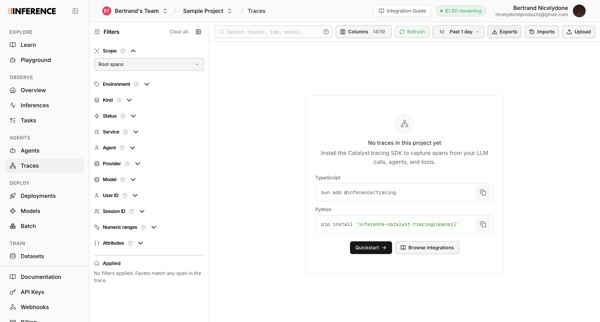
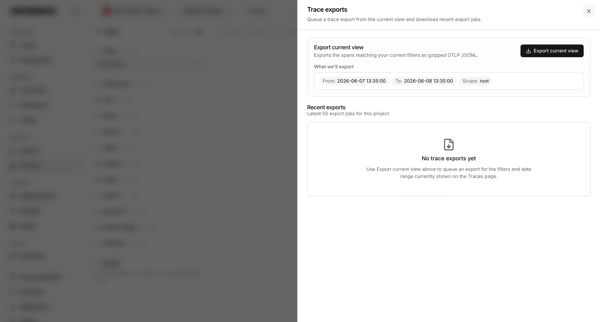
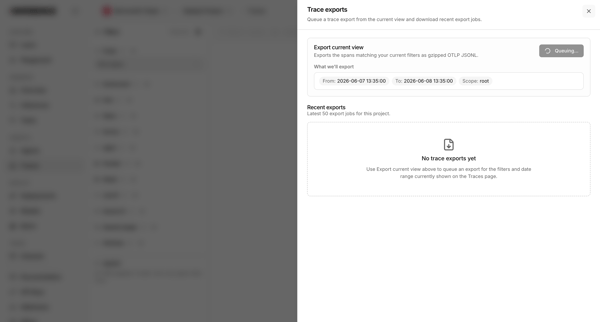
User opens export drawer from traces list to queue an export of current filters and view recent export jobs

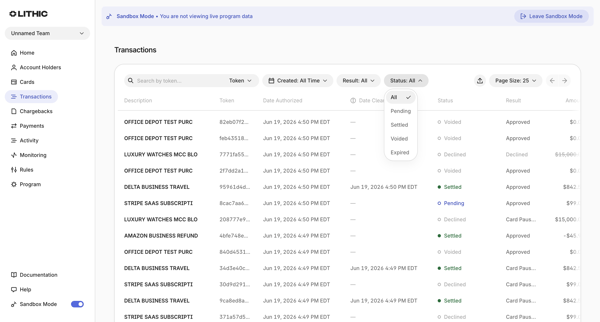
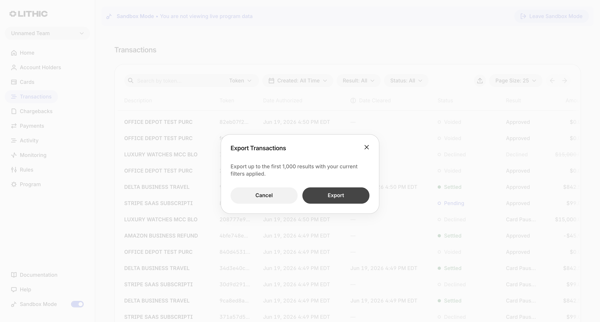
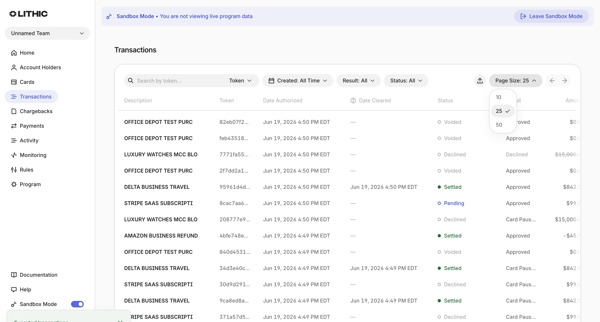
From Transactions List in sandbox, user opens export modal confirming up to 1,000 filtered results then sees success toast on list view
Explore the full SaaS flow library
Browse the full SaaS flow library.
Trusted by the best teams







