
Harvest design examples
Explore Harvest UI design examples. Time tracking software with invoicing
Product screens
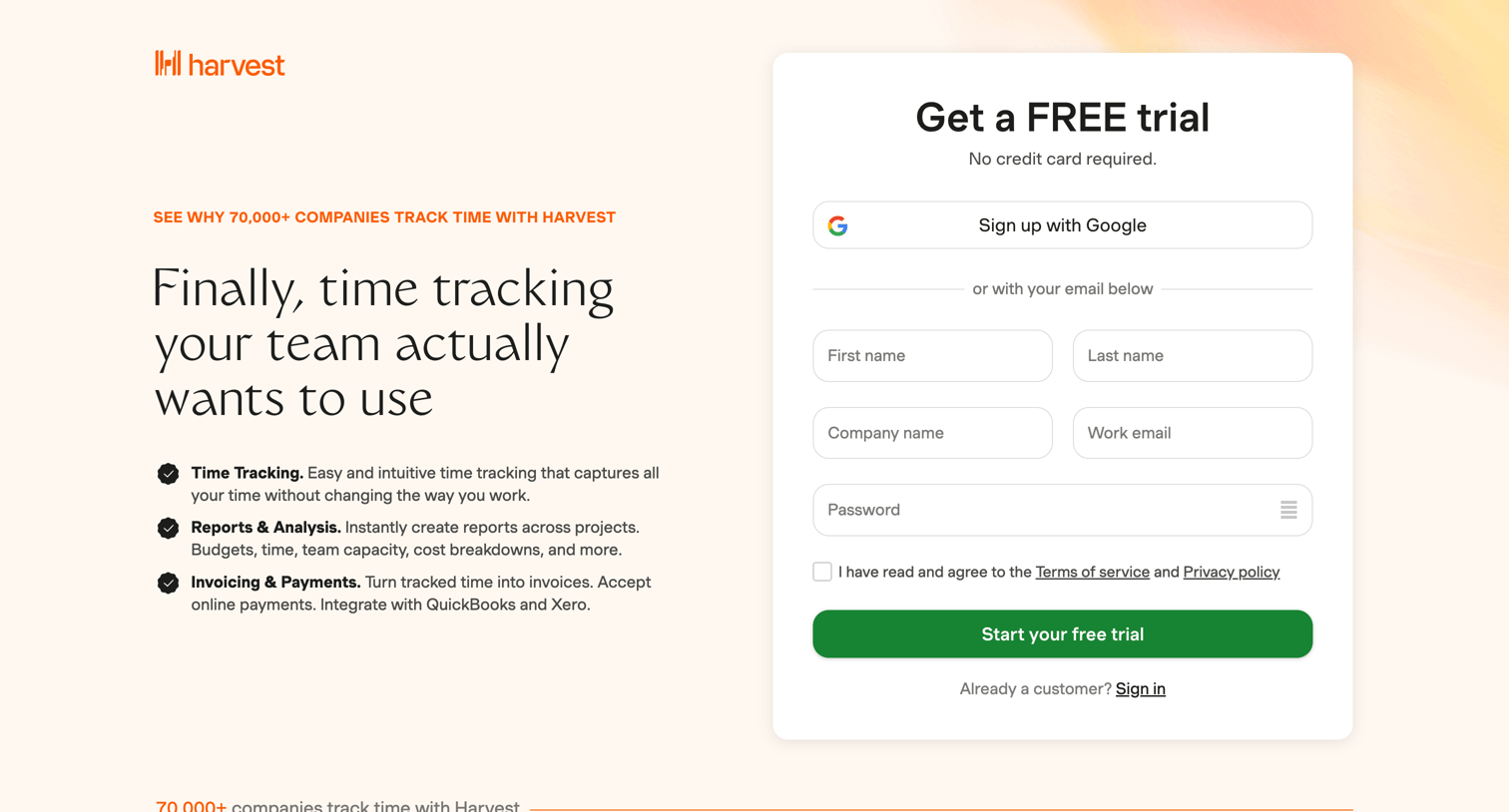
Signup page where the user creates an account for a free trial using Google or an email and password, alongside feature highlights and social proof.
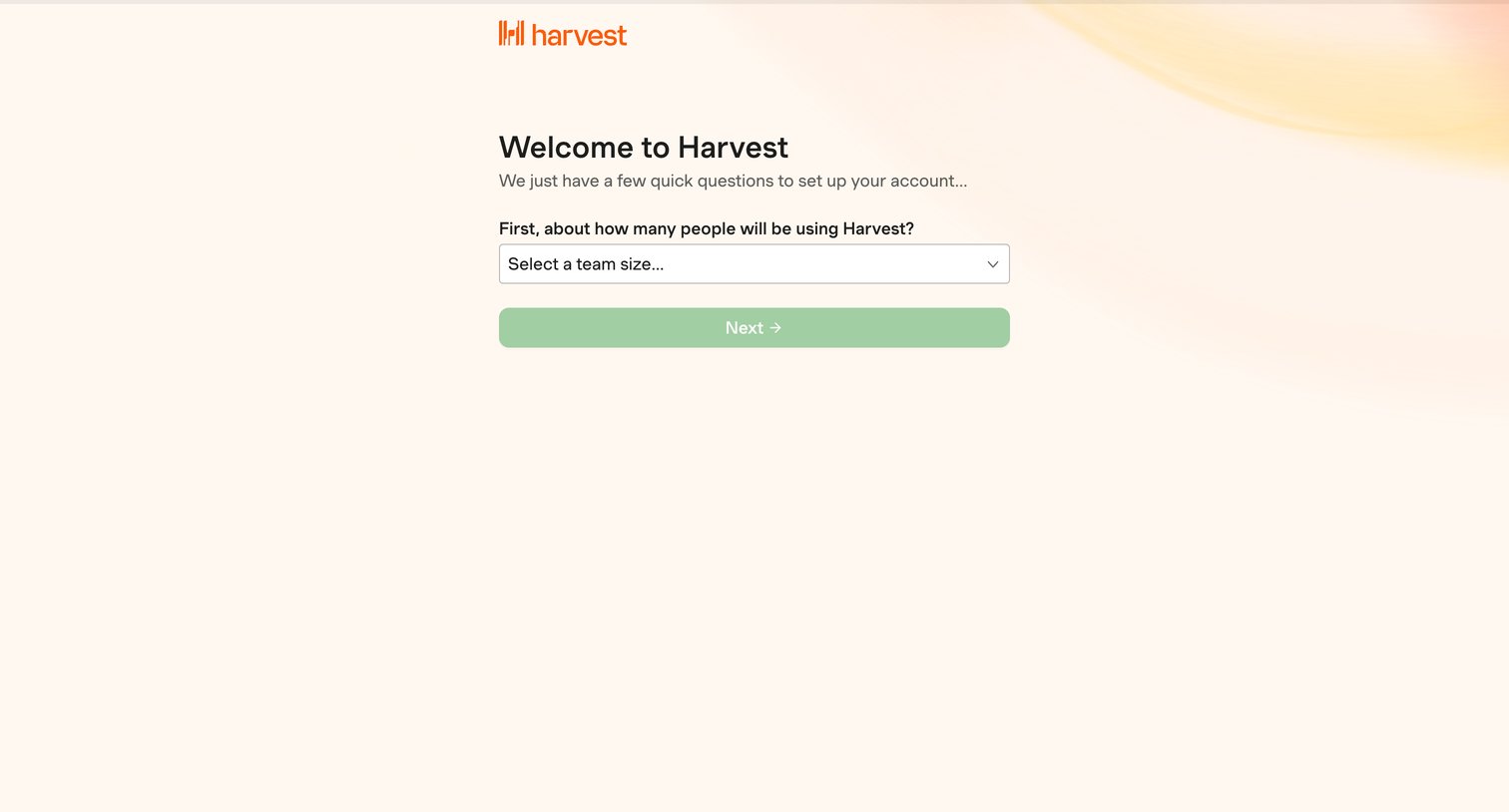
Onboarding step where the user selects their expected team size to begin setting up their account.
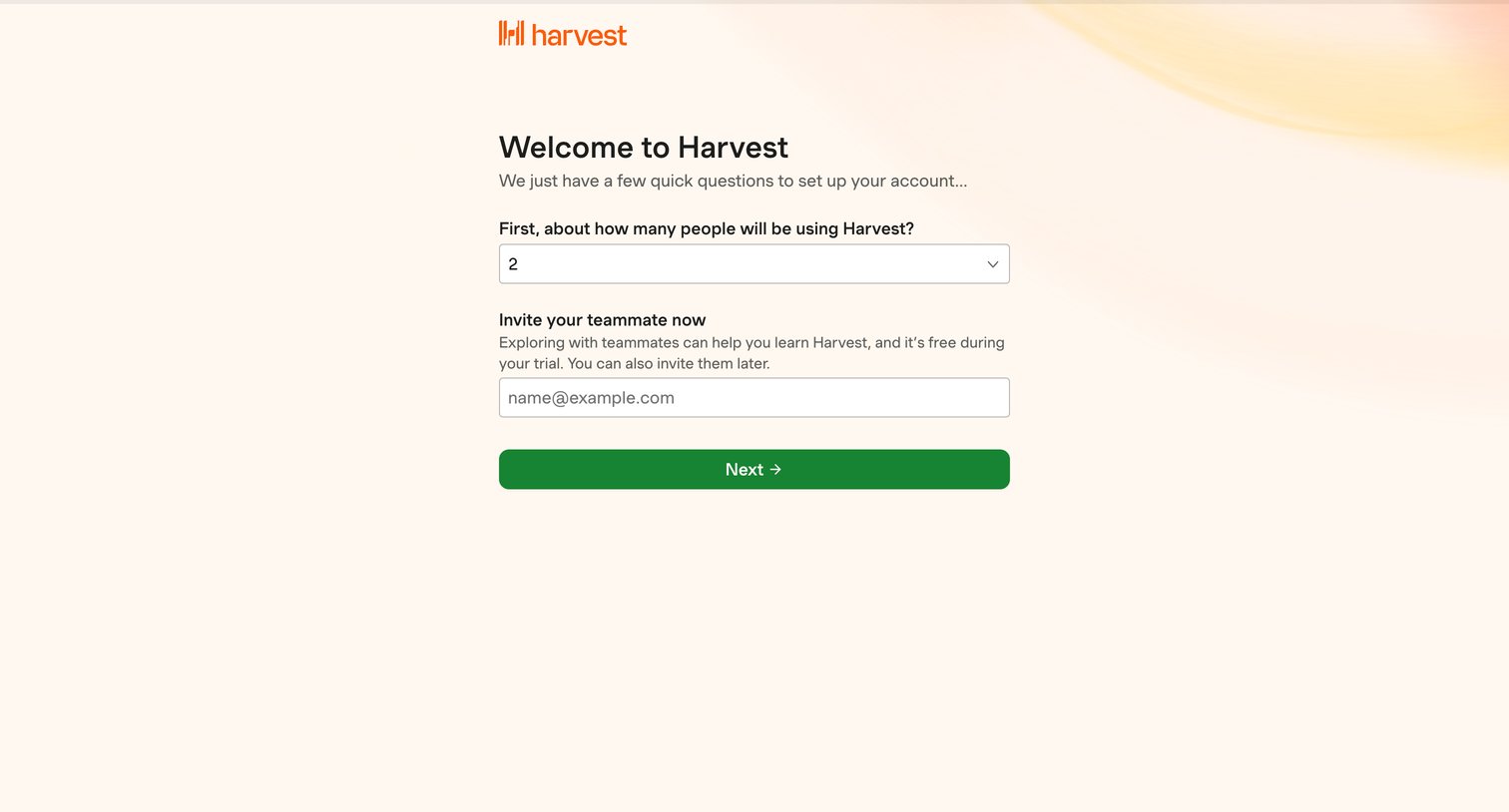
Onboarding step where the user specifies their team size and can optionally invite a teammate by email.
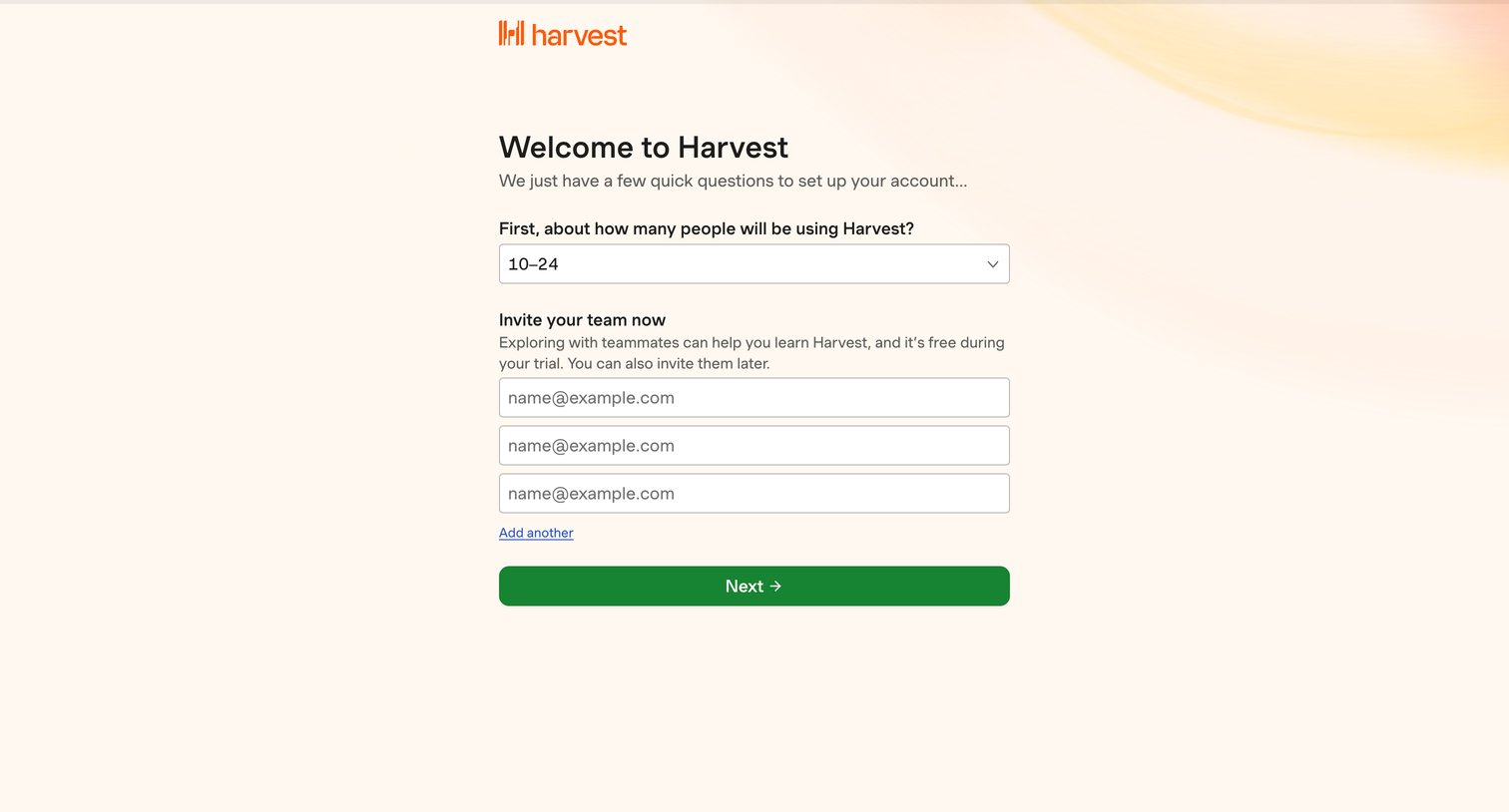
Onboarding step where the user selects their expected team size and invites initial teammates via email.
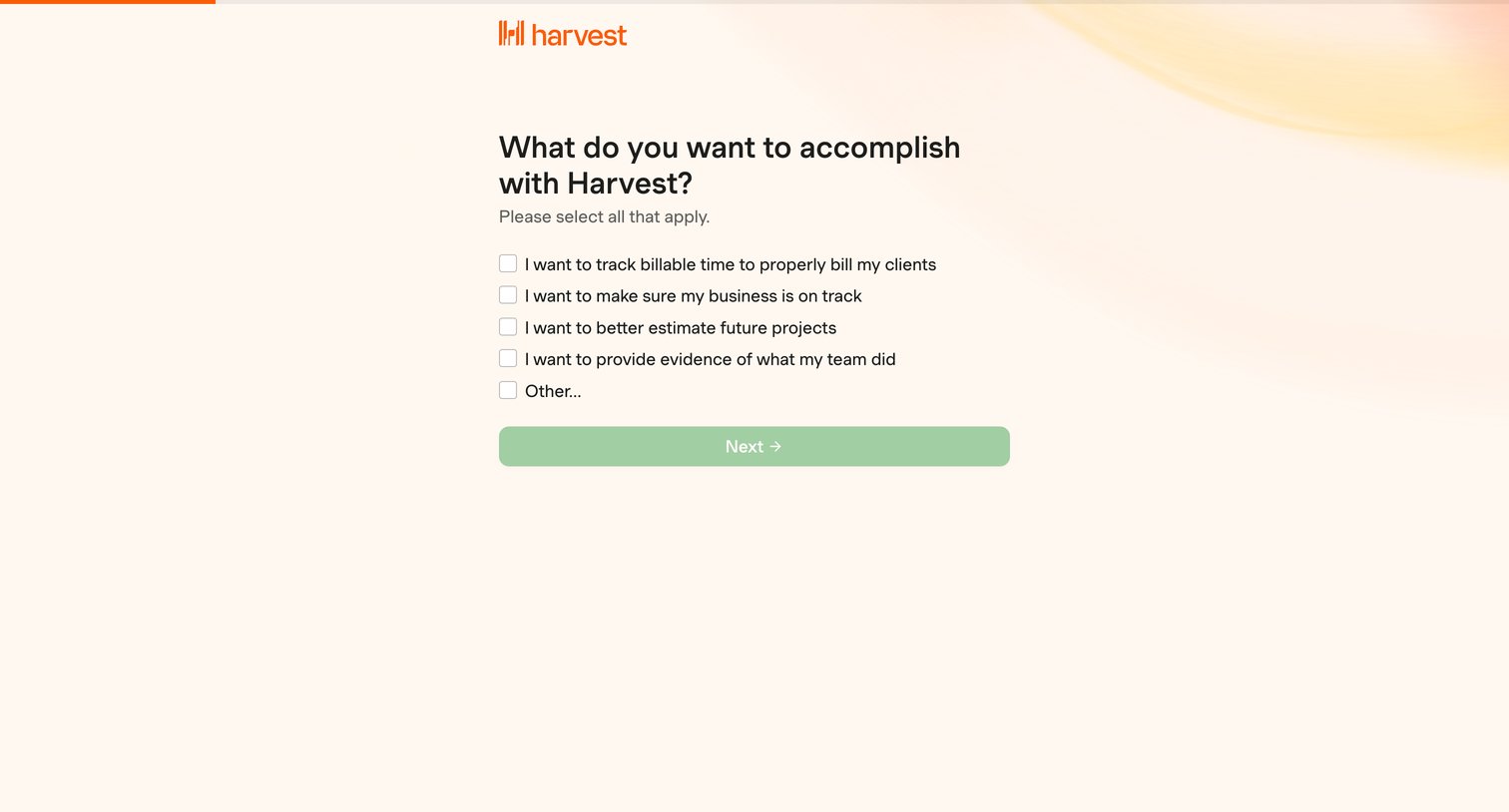
Onboarding step where the user selects their primary goals for using Harvest from a list of checkboxes.
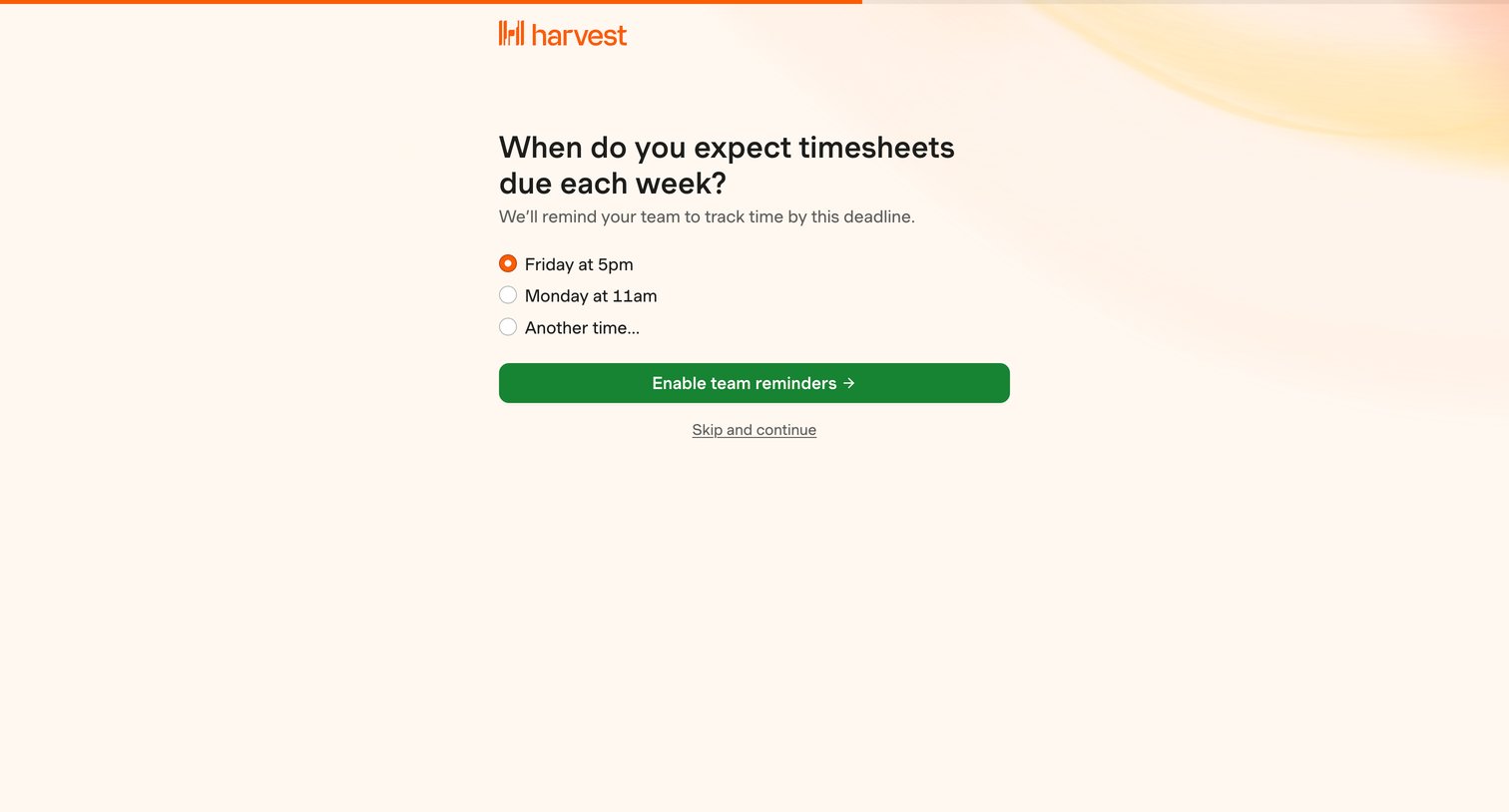
Onboarding step where the user configures the weekly deadline for timesheet reminders.
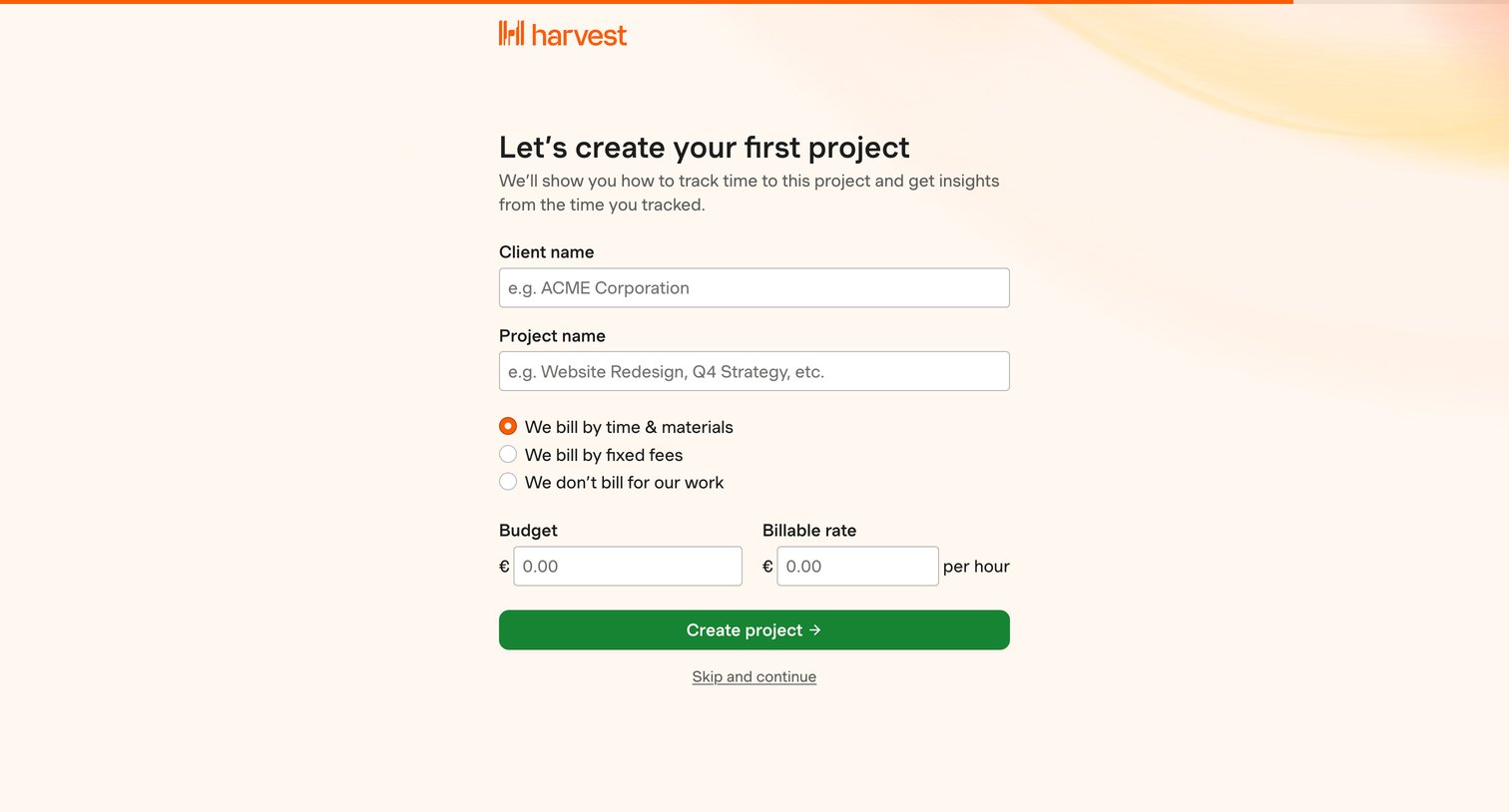
Onboarding step where the user creates their first project by entering client details, billing preferences, and budget.
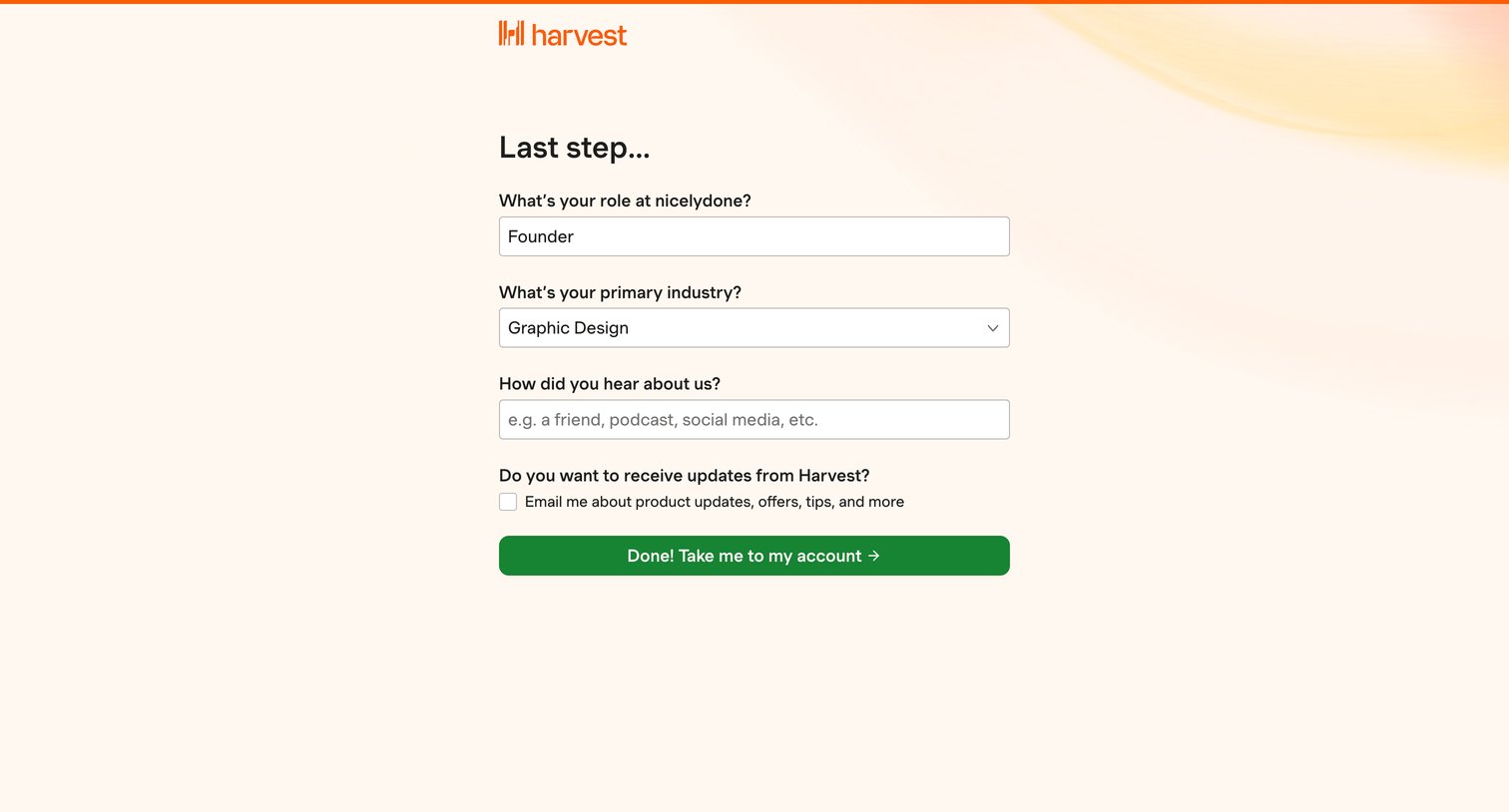
Onboarding step where the user provides their role, industry, and marketing attribution before entering their account.
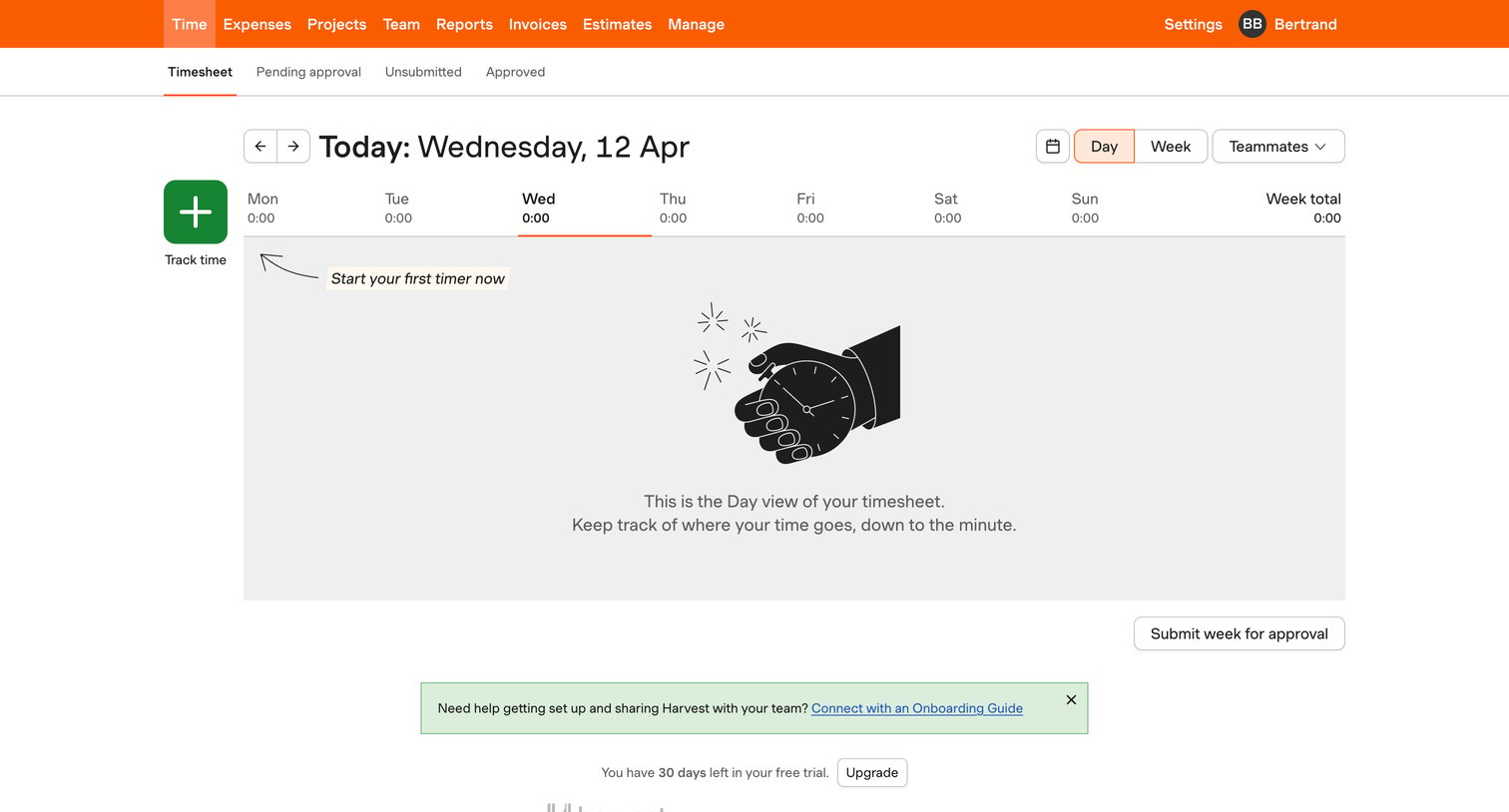
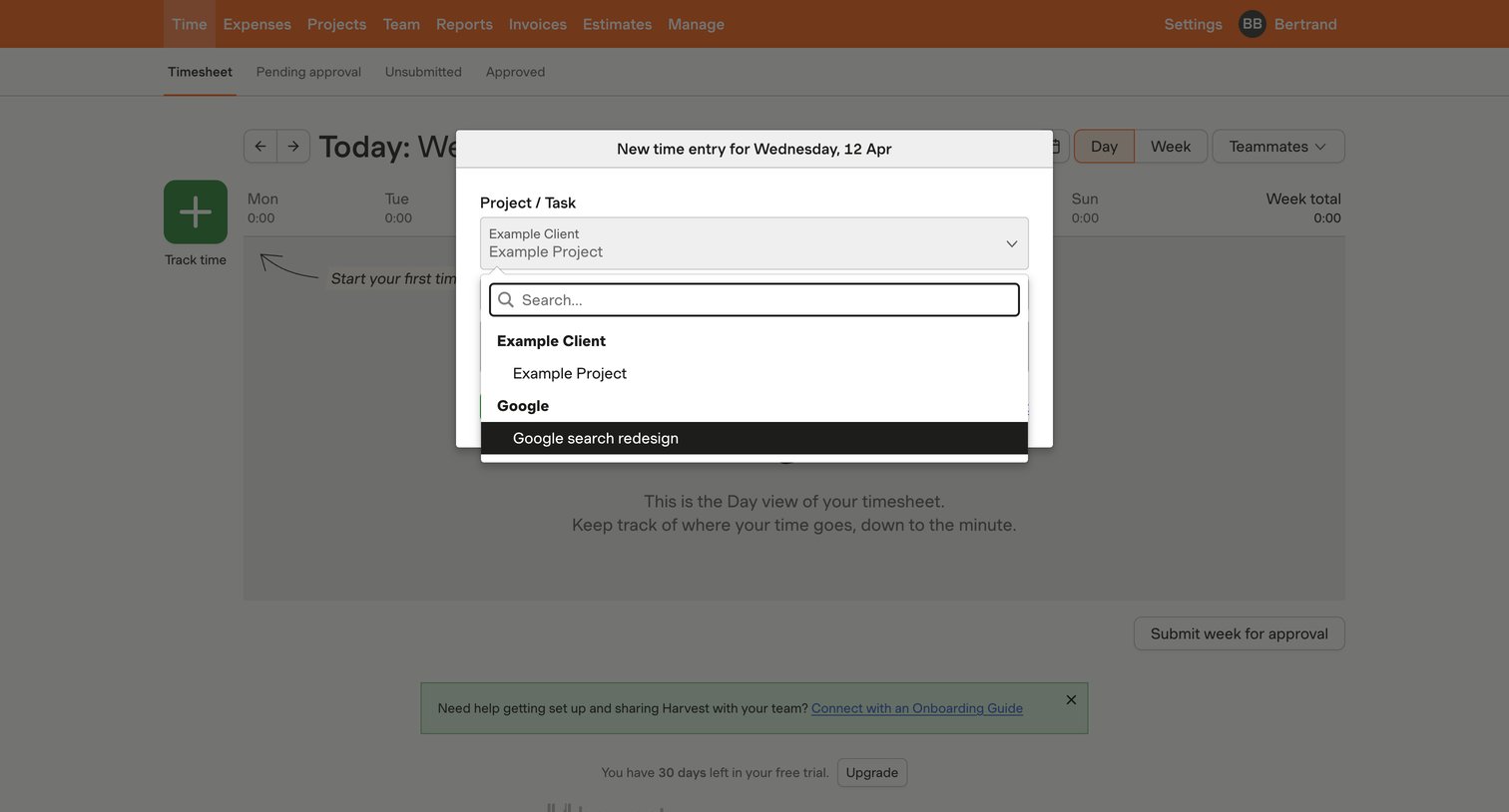
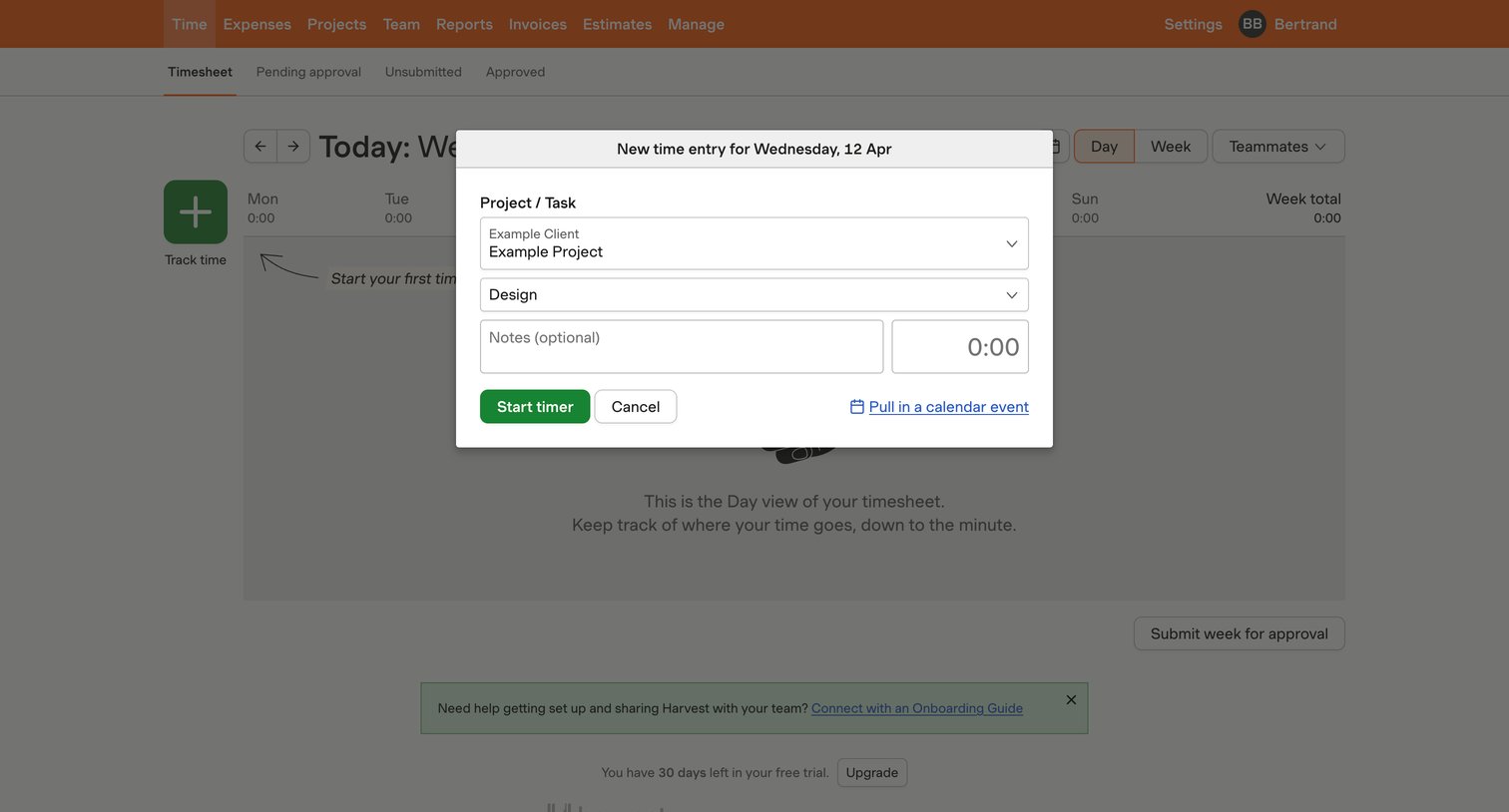
Timesheet view where the user is prompted to start their first timer on an empty day, with options to switch between day and week views or filter by teammates.
Browse the full SaaS app library
Explore real SaaS apps with their product screens, marketing screens, flows, and components.
Trusted by the best teams







