Harvest product screens examples
Browse Harvest screen design examples. Preview the interface screenshots and explore related UI patterns. Time tracking software with invoicing
Explore the examples
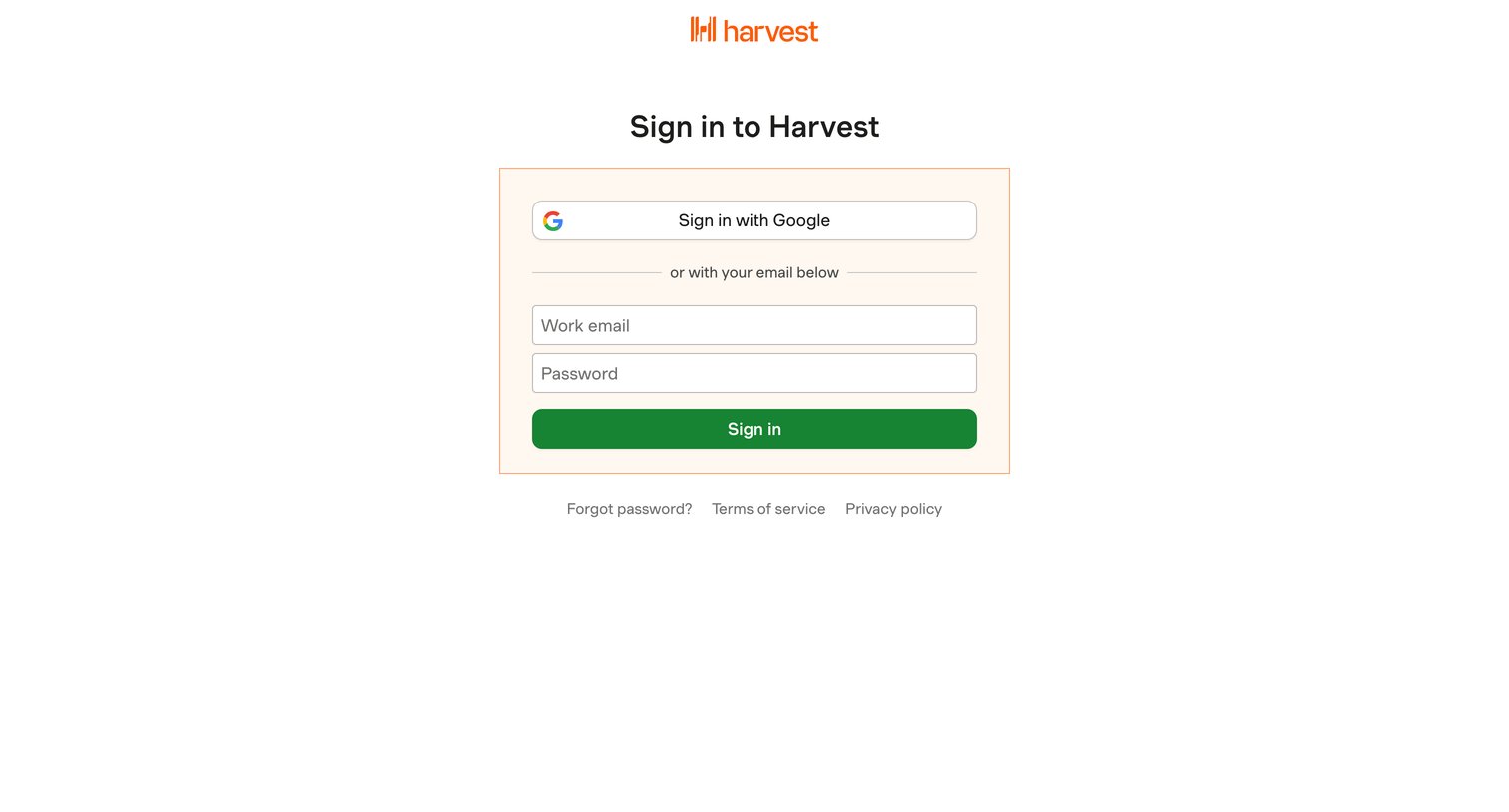
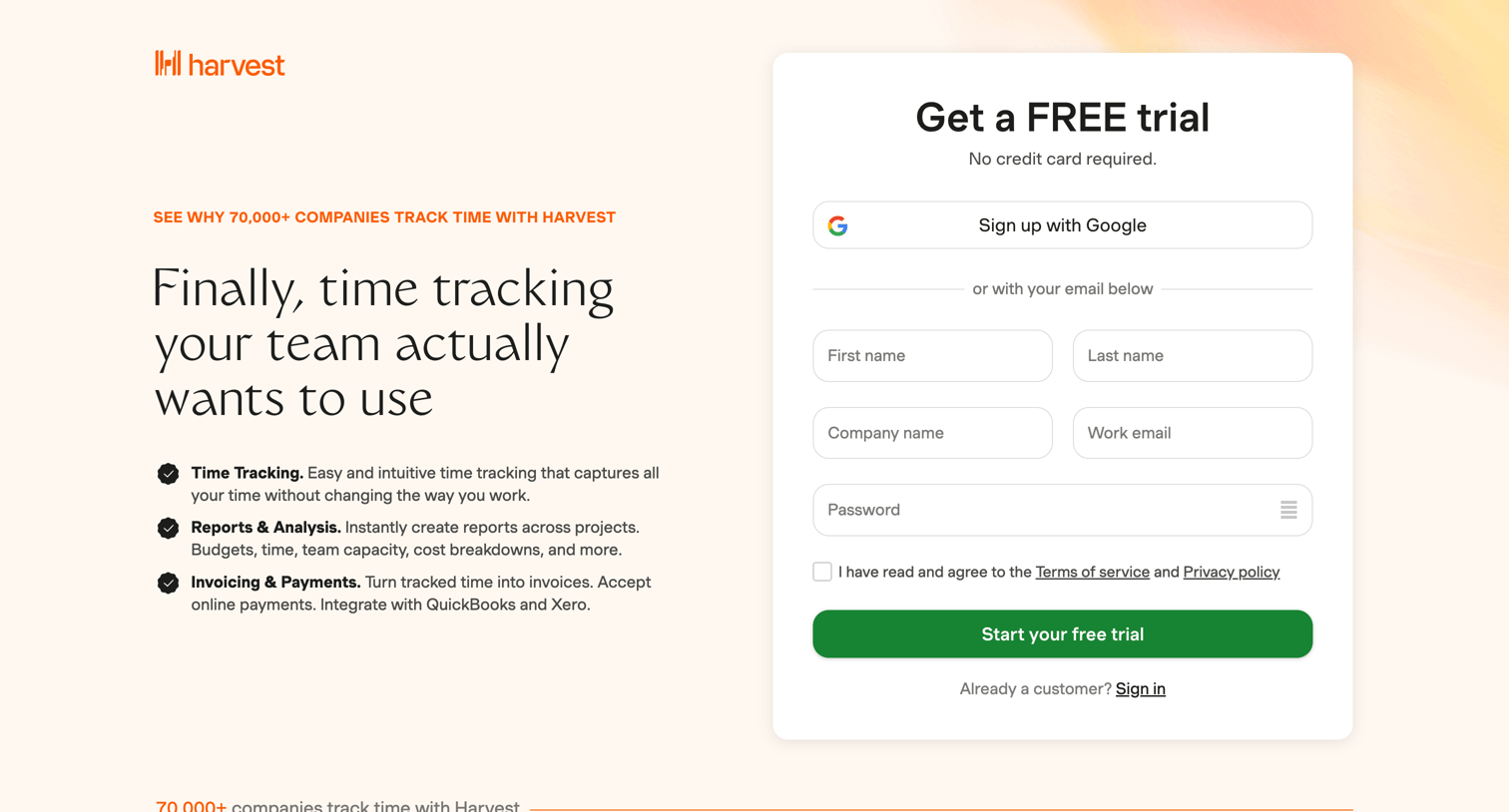

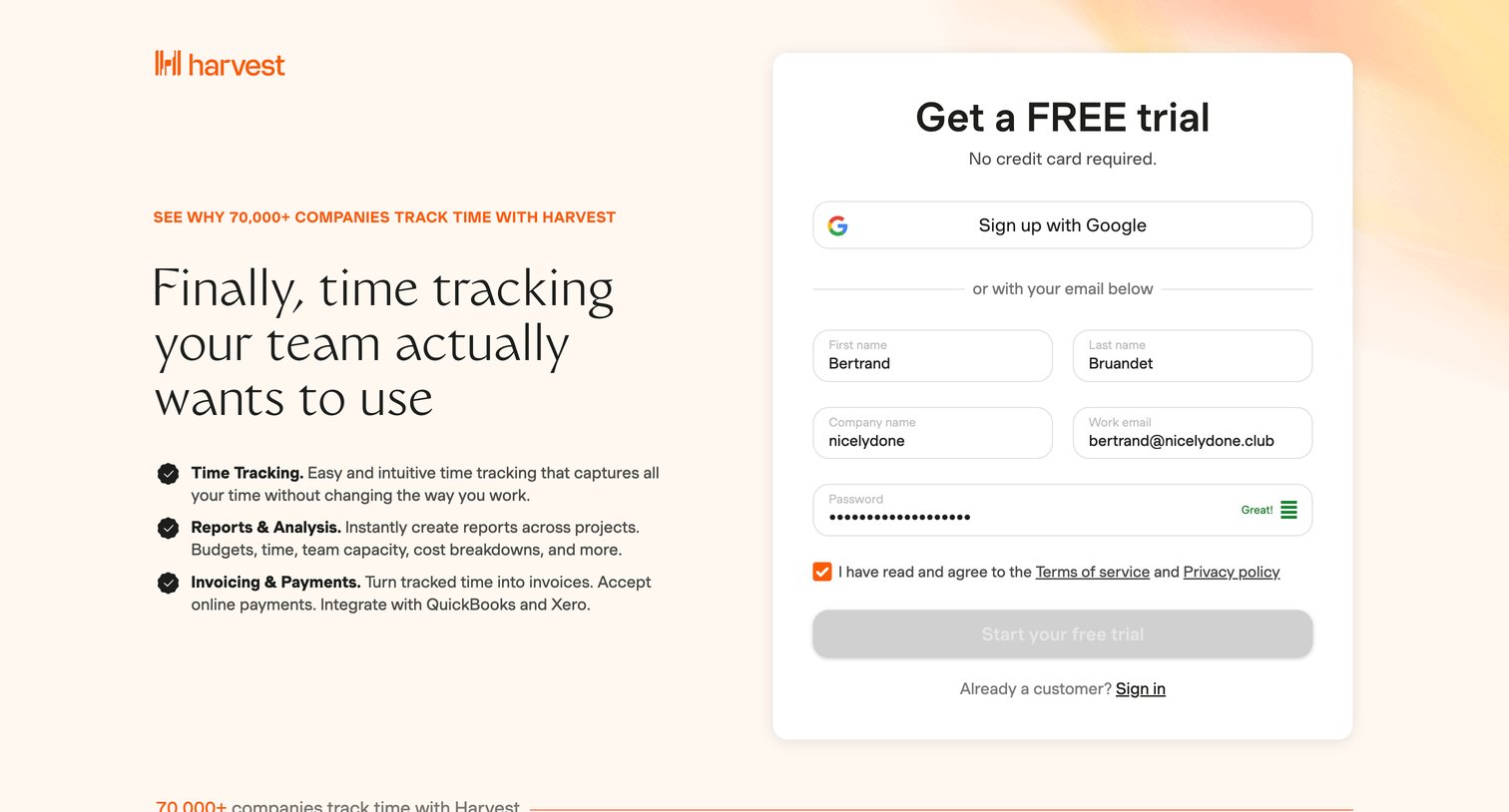
Signup page where the user creates an account for a free trial using Google or an email and password, alongside feature highlights and social proof.
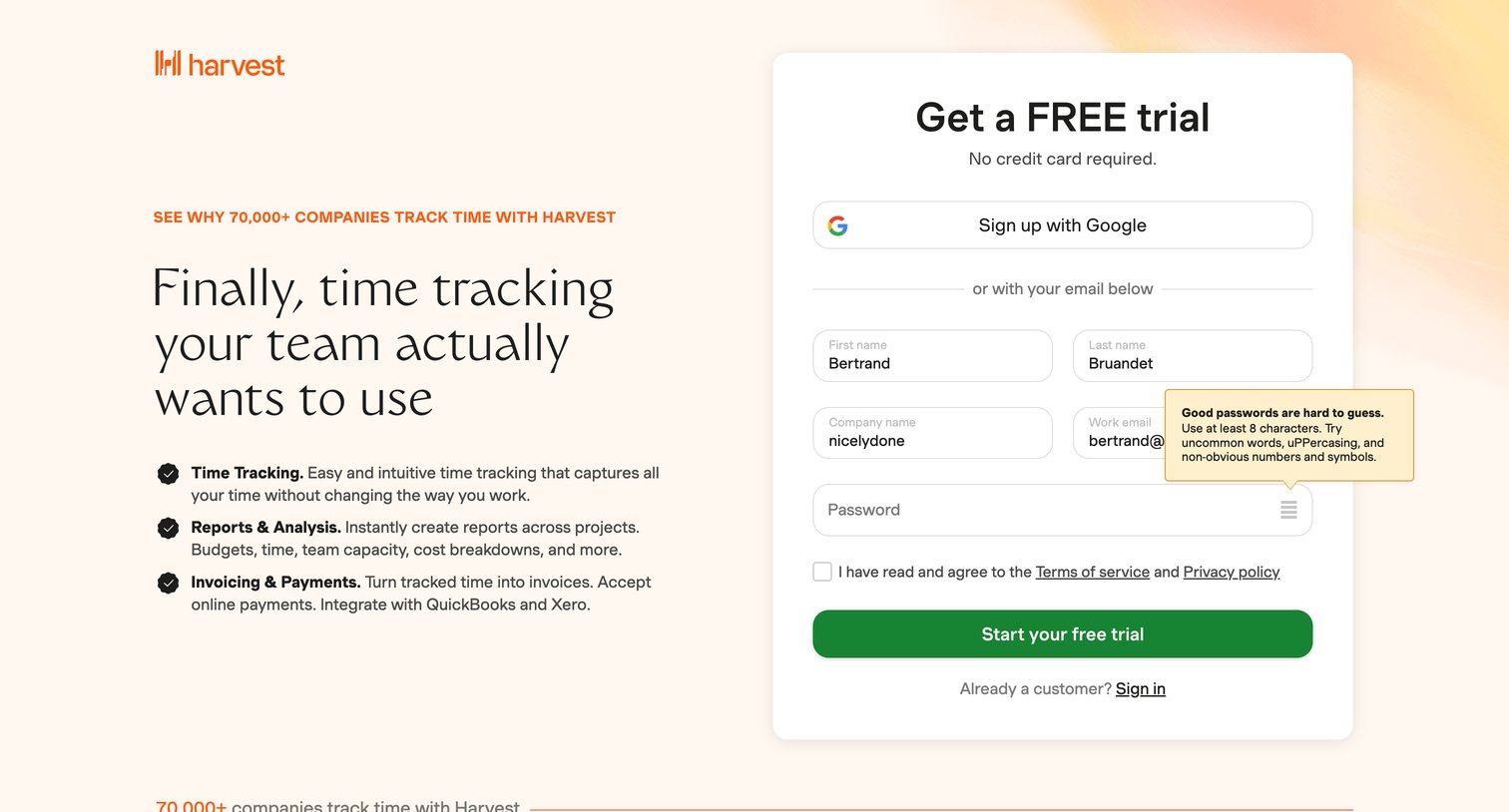
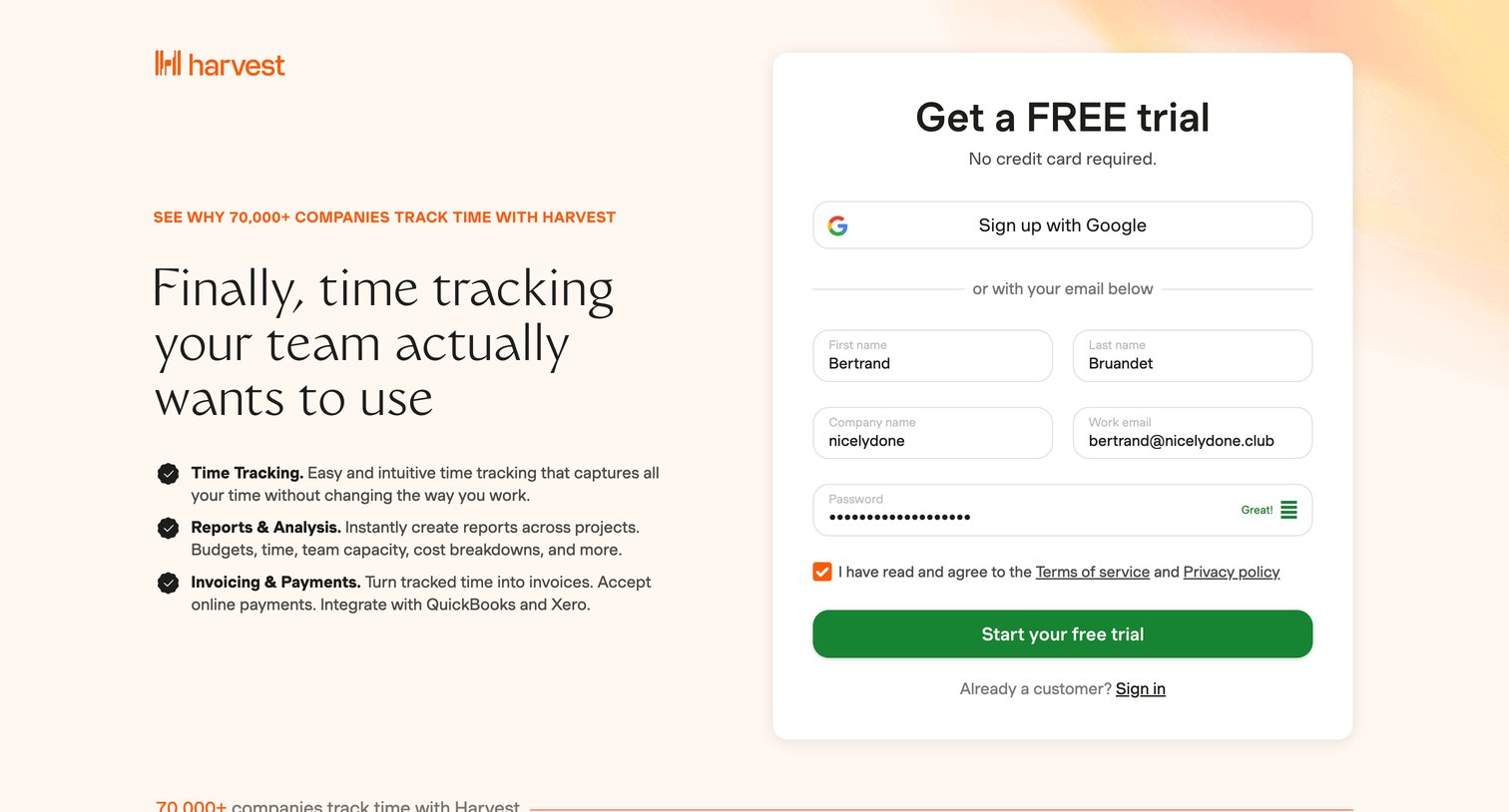
Signup page where the user creates an account for a free trial using Google or email, featuring a password strength indicator and marketing copy.
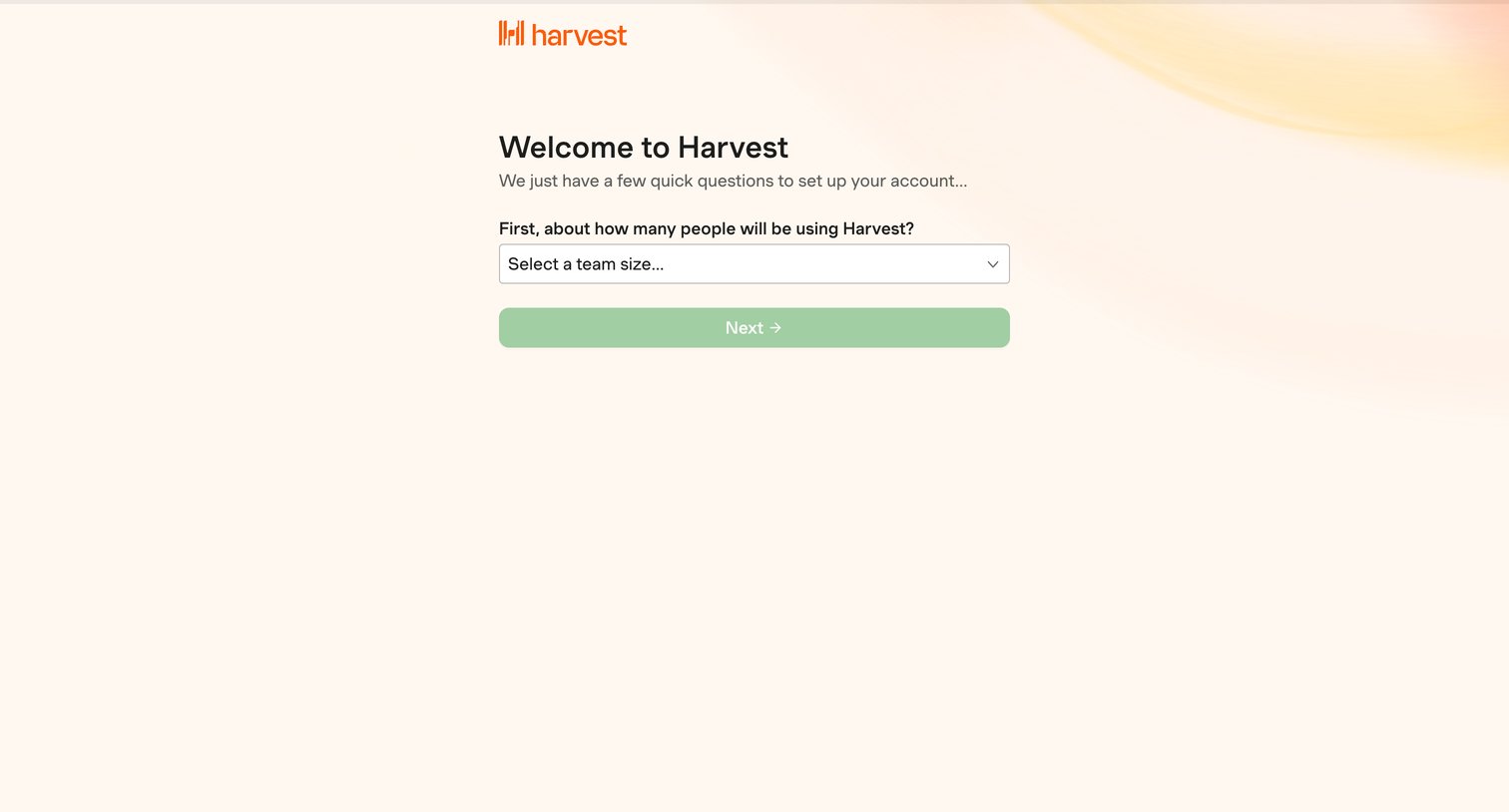
Onboarding step where the user selects their expected team size to begin setting up their account.
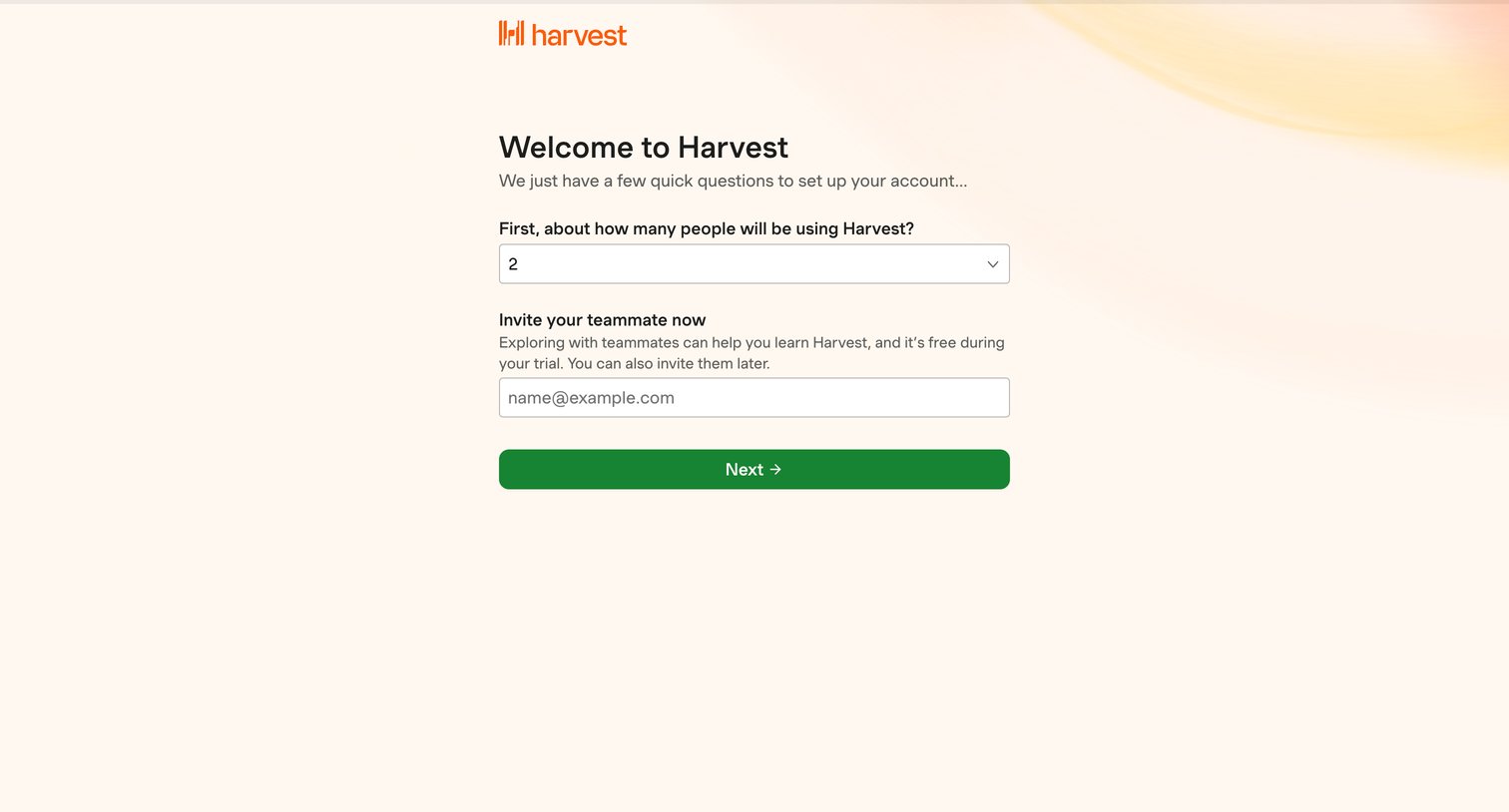
Onboarding step where the user specifies their team size and can optionally invite a teammate by email.
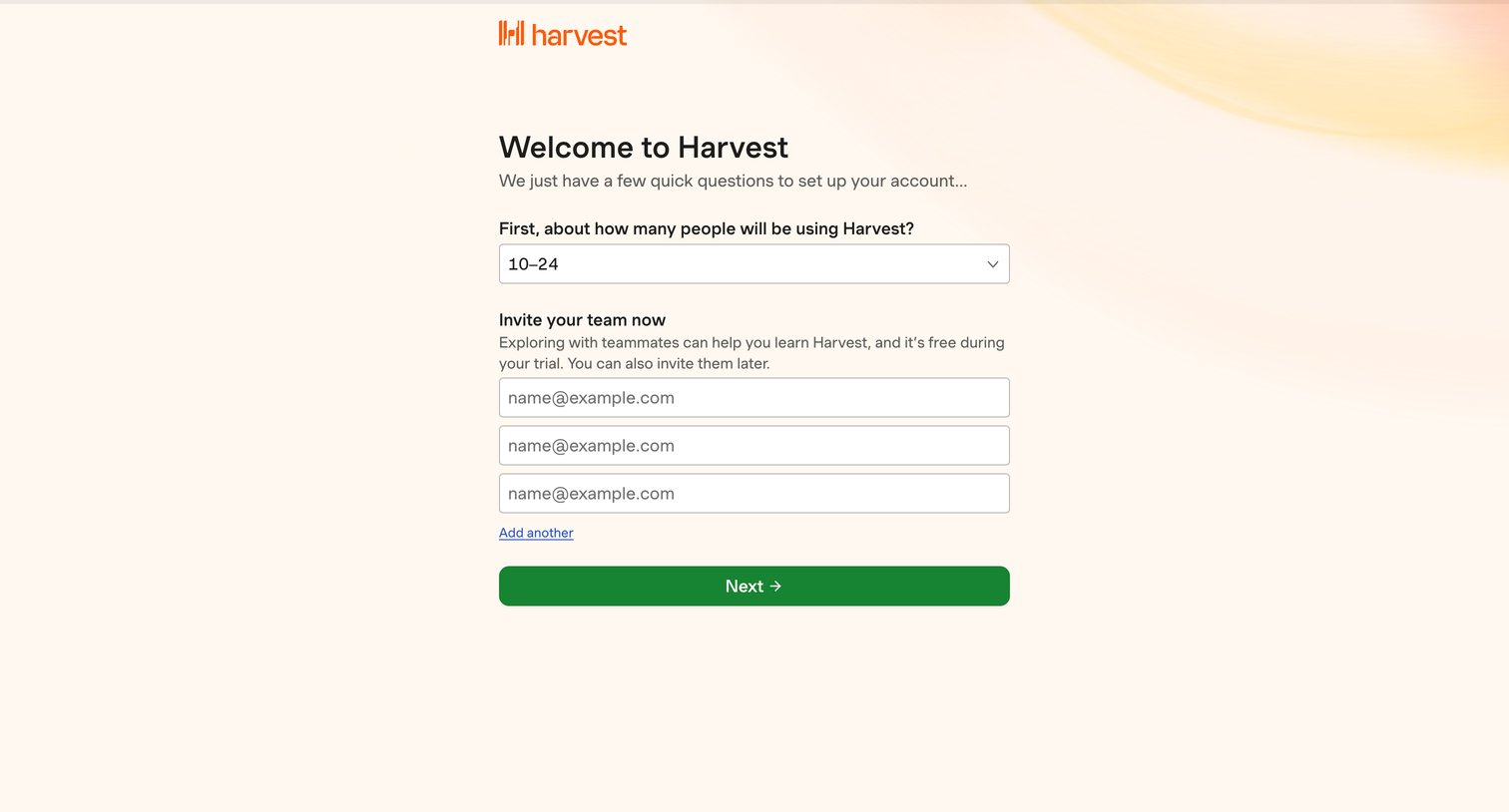
Onboarding step where the user selects their expected team size and invites initial teammates via email.
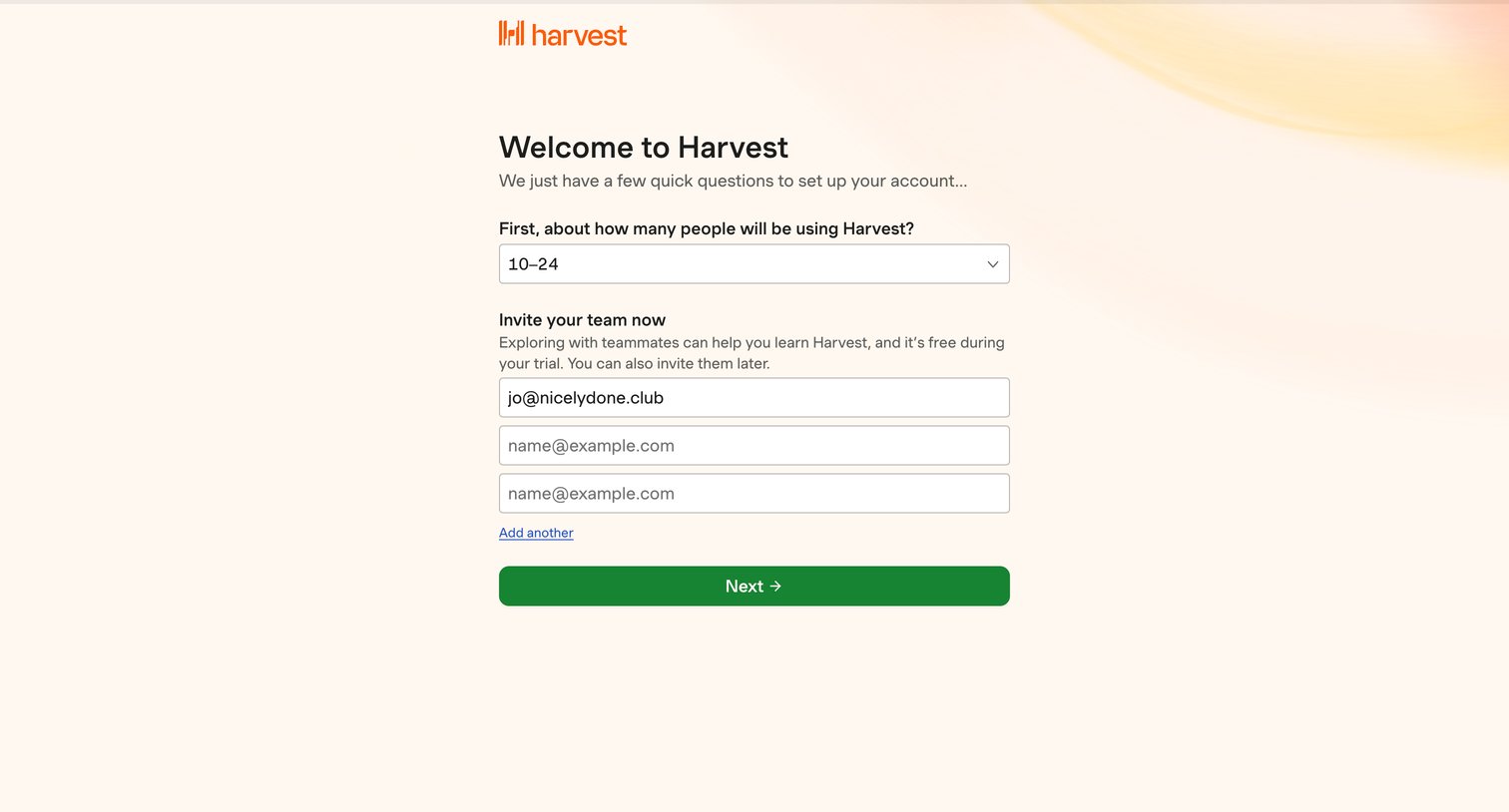
Onboarding step where the user selects their expected team size and invites initial teammates by email.
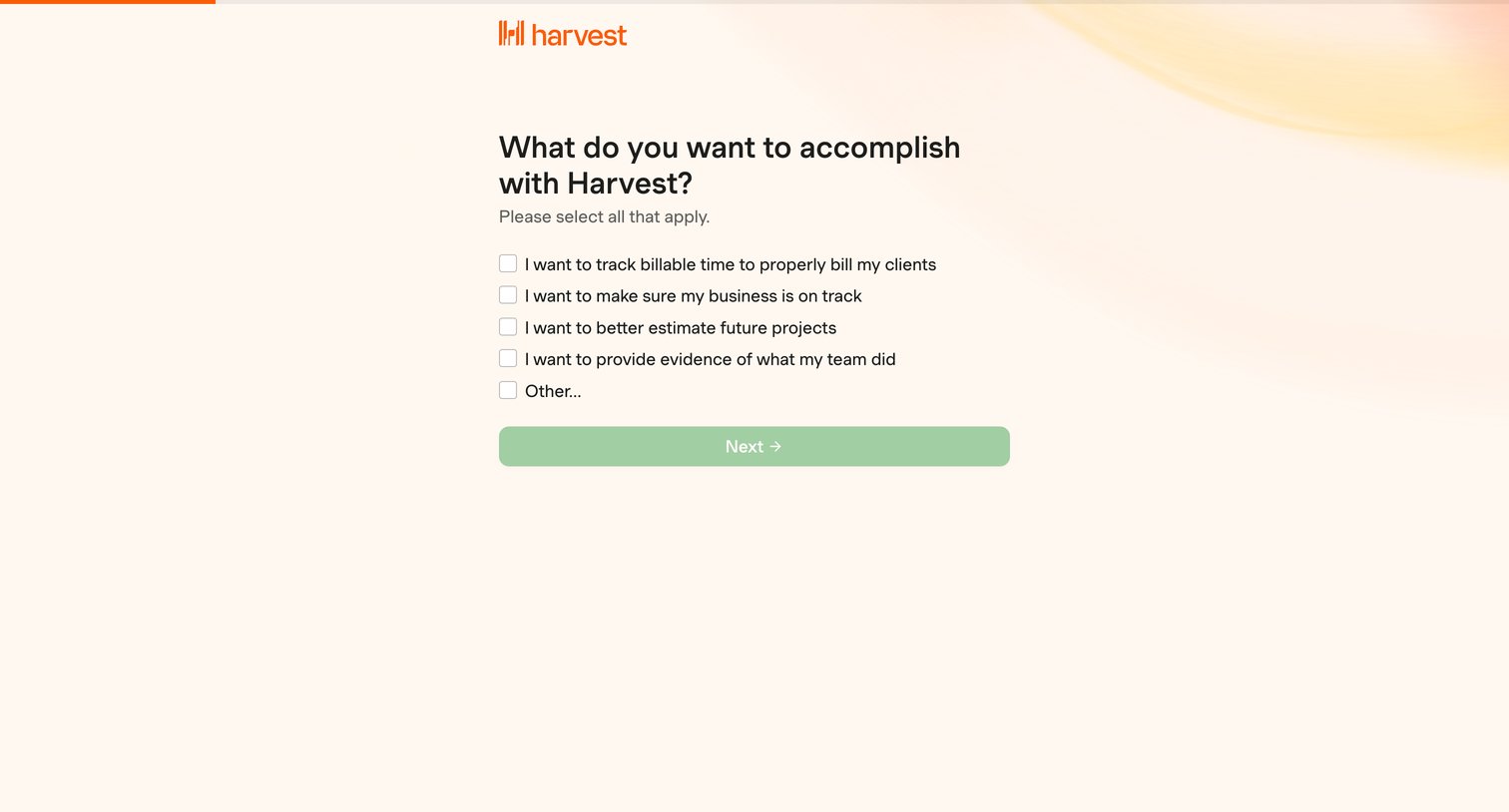
Onboarding step where the user selects their primary goals for using Harvest from a list of checkboxes.
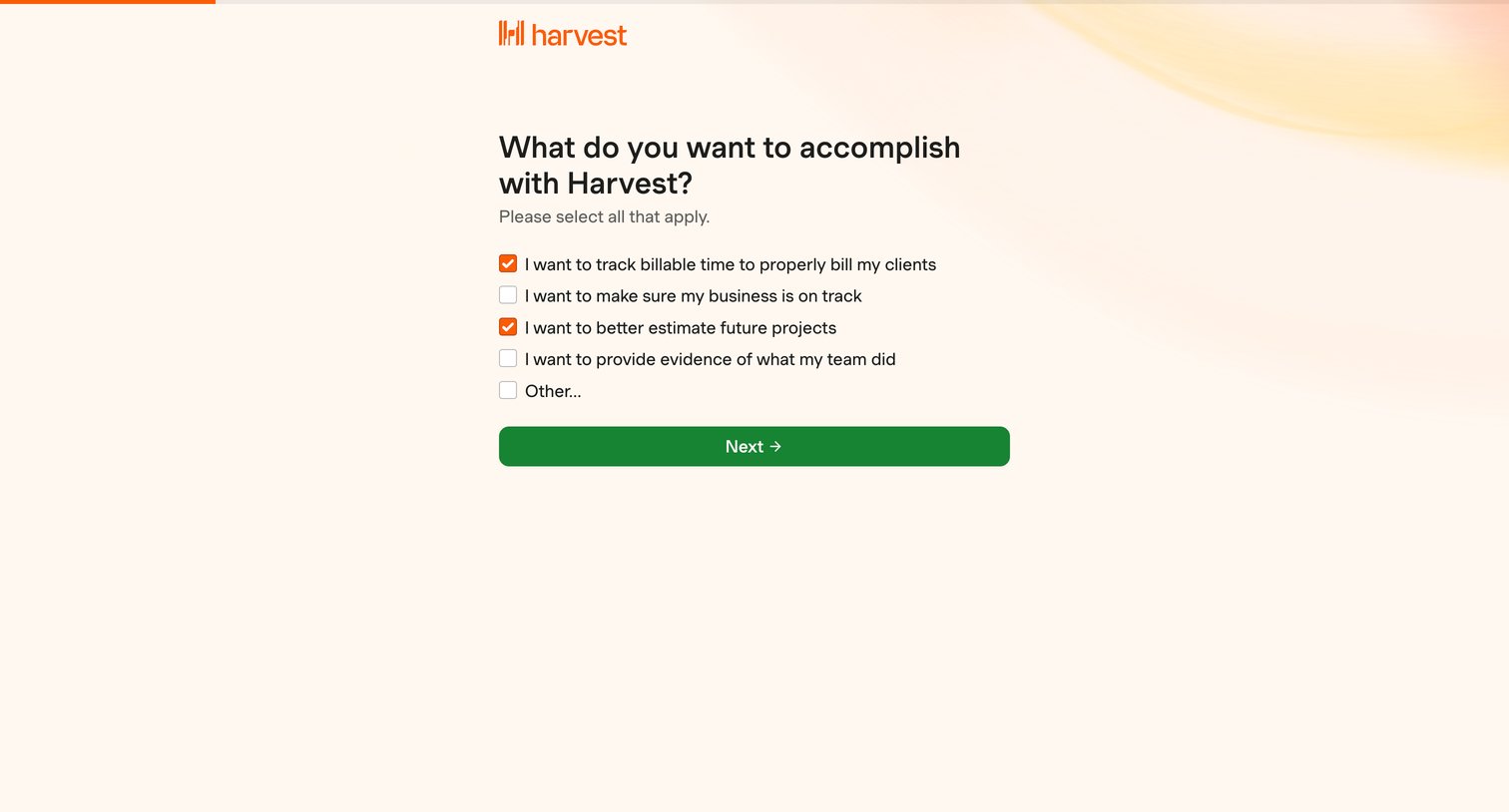
Onboarding step where the user selects their primary goals for using the product, such as tracking billable time or estimating future projects, to personalize their setup.
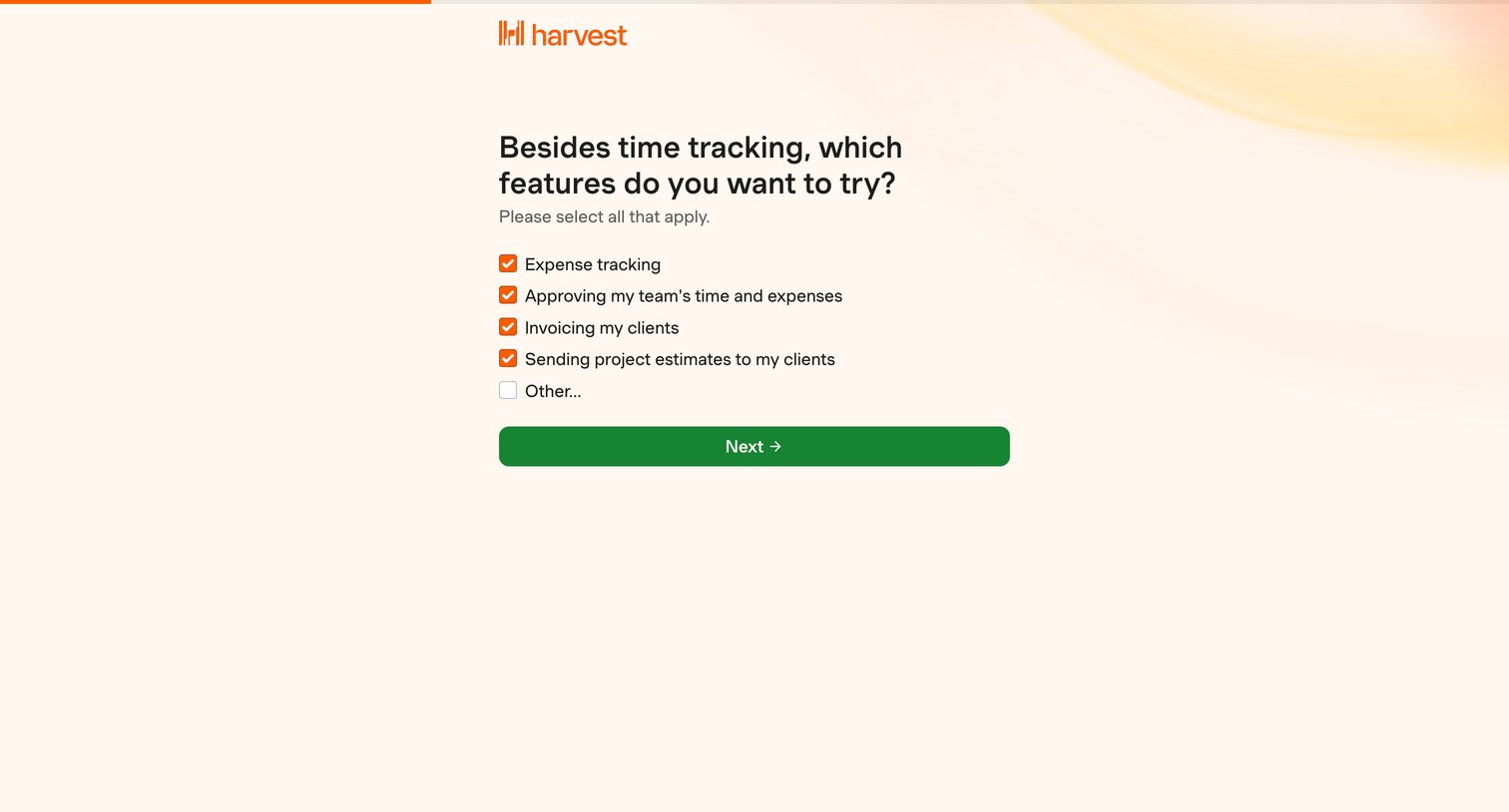
Onboarding step where the user selects which additional features they want to try, such as expense tracking and invoicing.
Explore the full SaaS screen library
Upgrade to unlock the full library.
Trusted by the best teams







