Harvest user flows examples
Explore Harvest user flow examples. Preview the opening screens and steps for each task. Time tracking software with invoicing
Preview these flows

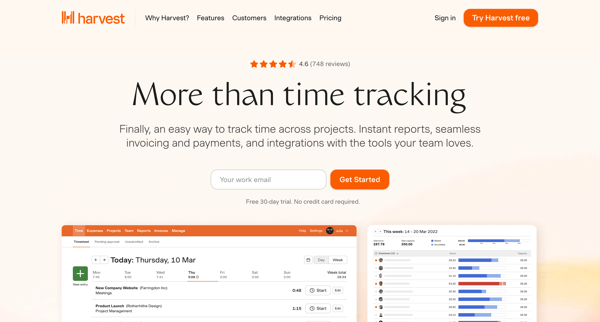
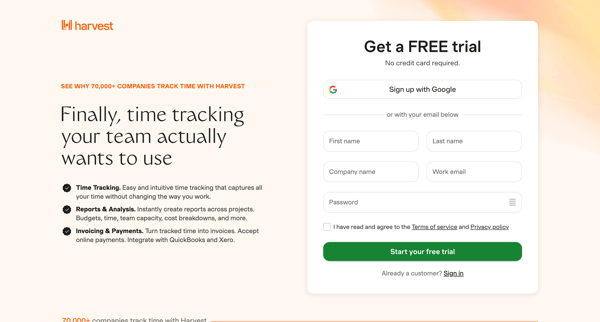
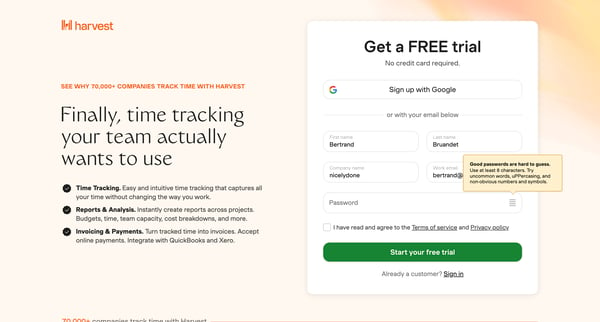
This onboarding user flow introduces new users to Harvest, guiding them through account creation, team setup, project initiation, and account customization, culminating in the activation of t
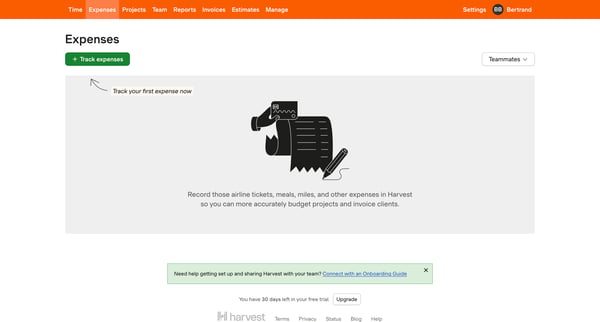
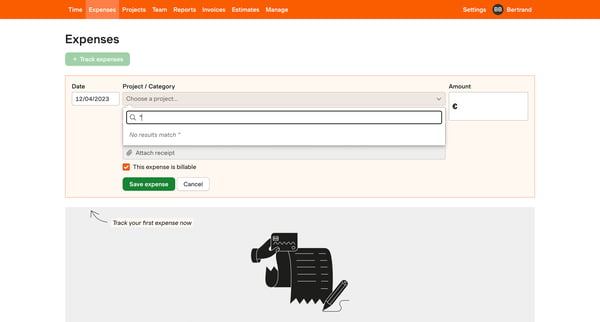
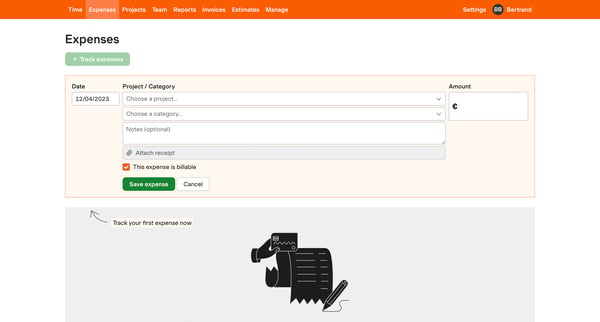
This flow guides users through the process of tracking their first expense in Harvest, from navigating the empty state to facing an error when attempting to submit an expense for approval wit
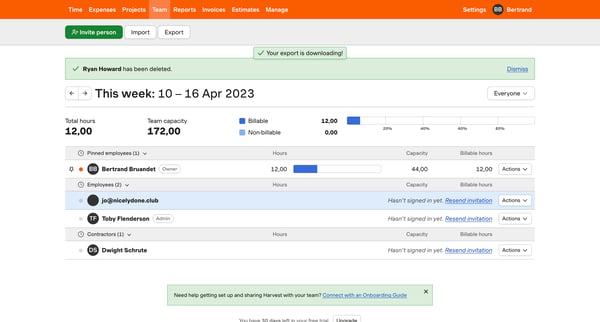
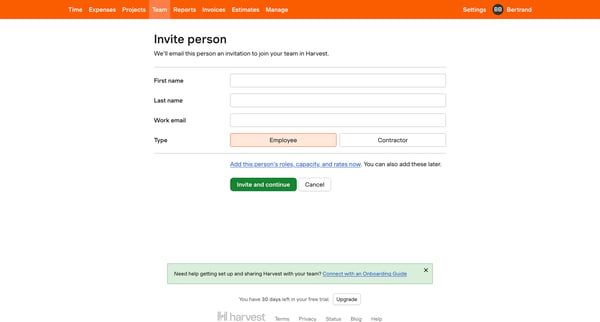
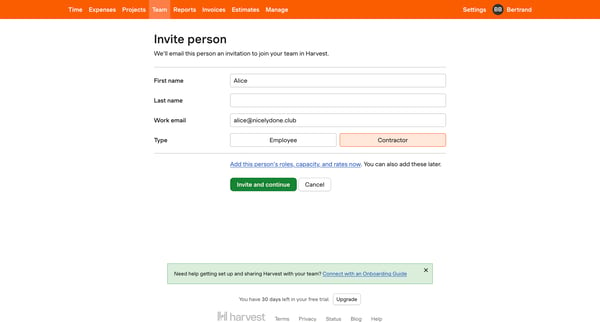
This flow guides a user through the process of inviting a new teammate to join the Harvest platform, which includes entering teammate information, selecting permissions, assigning to projects
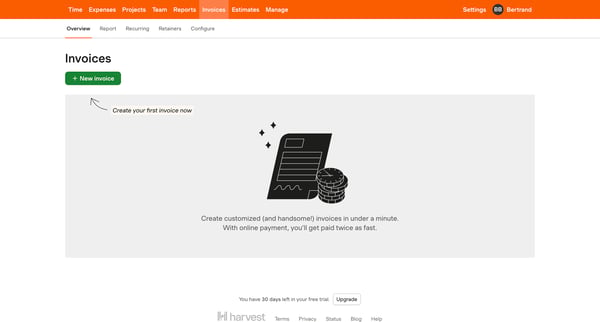
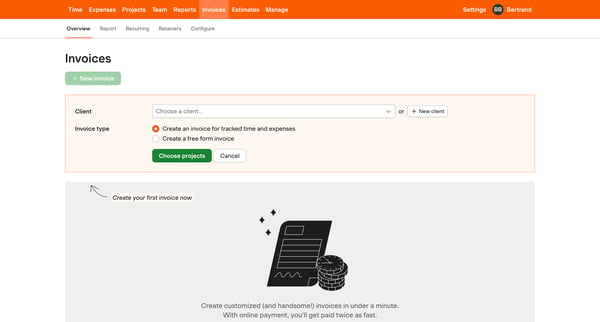
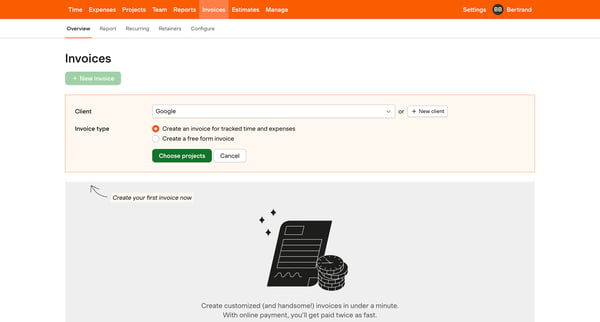
This flow guides users through the process of creating a new invoice, starting from the initial option to create, selecting invoice details and clients, configuring invoice settings, to the f
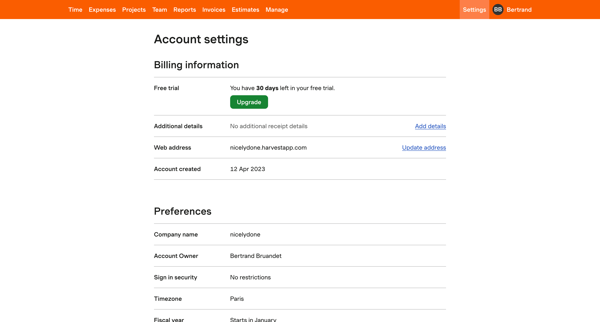
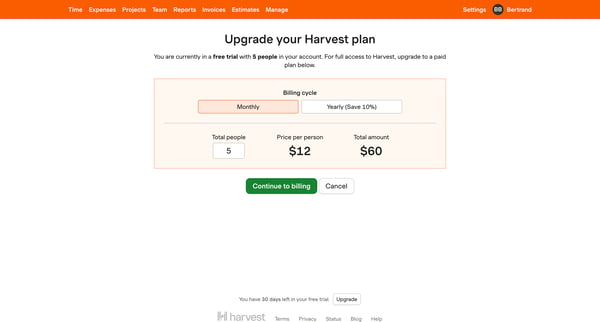
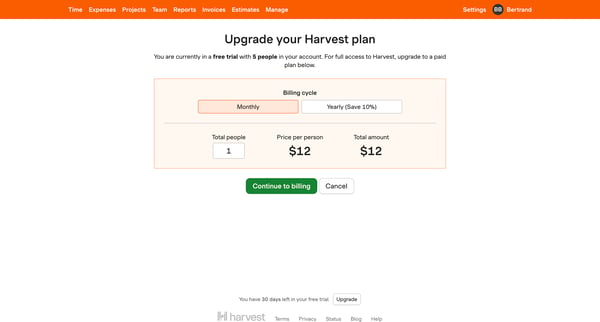
This flow guides the user through upgrading their subscription on Harvest, from reviewing current plan details, managing team size, entering payment information, to confirmation of the upgrad
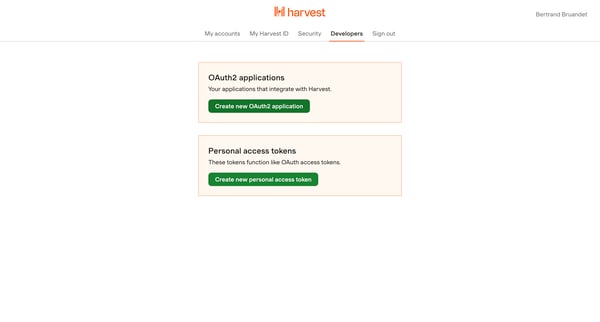
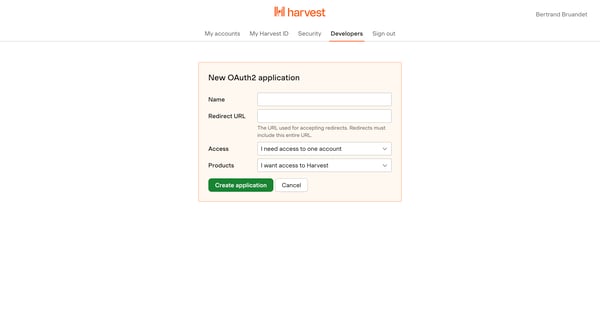
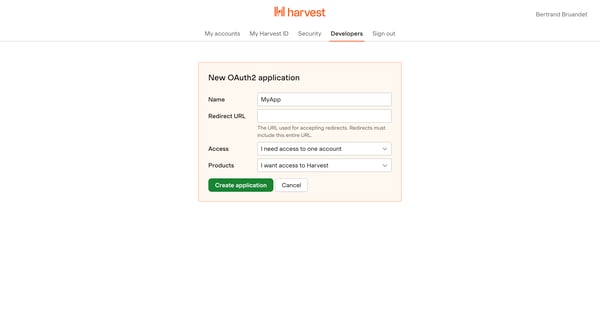
This flow outlines the process of creating and configuring a new OAuth2 application within the Harvest platform, including handling errors and successful creation.
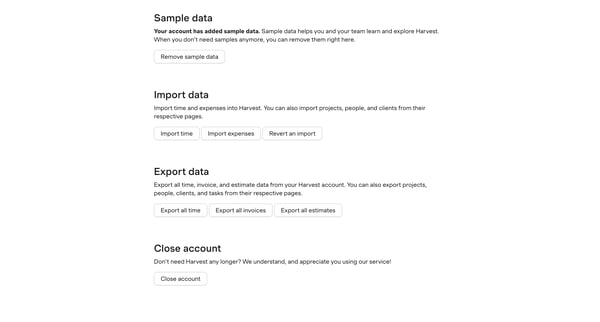
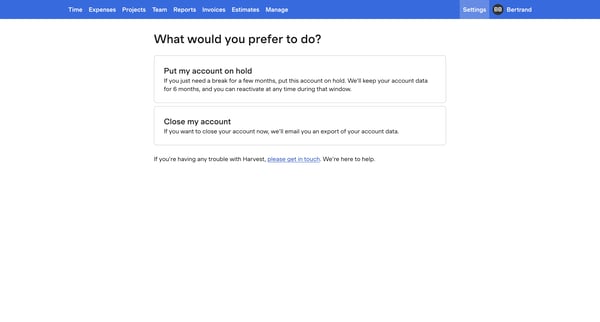
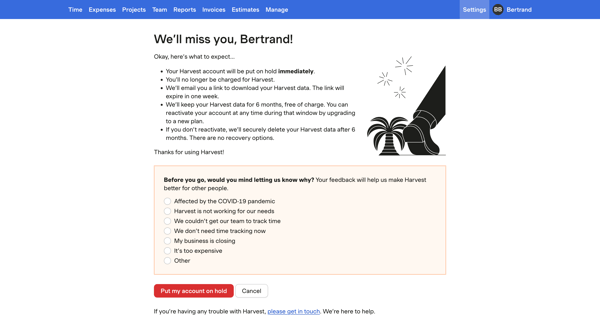
This flow facilitates the process for a user to put their Harvest account on hold, detailing what to expect during the hold period and offering a chance to provide feedback on why they are le
Explore the full SaaS flow library
Browse the full SaaS flow library.
Trusted by the best teams







