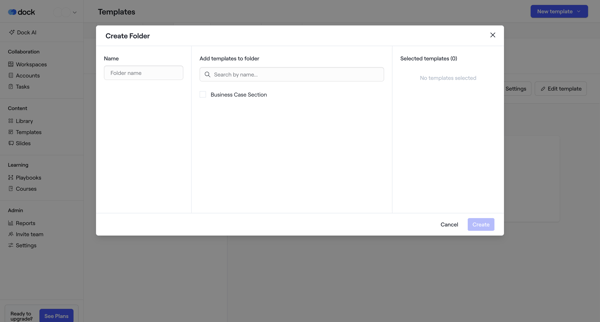
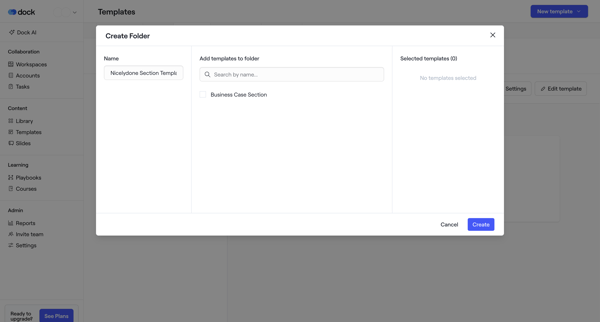
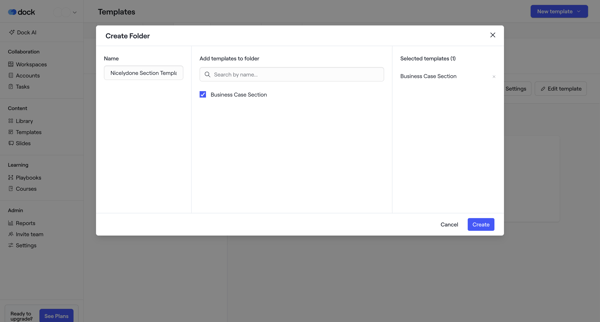
Tango Flow Example: Moving workflow to folder
This user flow facilitates the organization and management of digital workspace content, allowing users to navigate collections, modify content properties, and relocate workflows within a sha




This user flow facilitates the organization and management of digital workspace content, allowing users to navigate collections, modify content properties, and relocate workflows within a sha
Related user flows

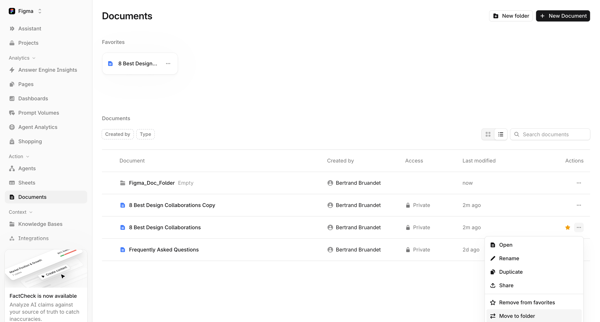
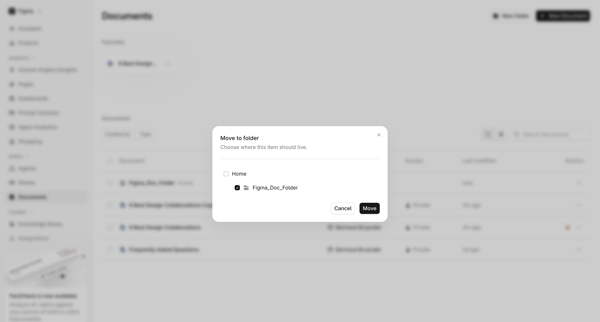
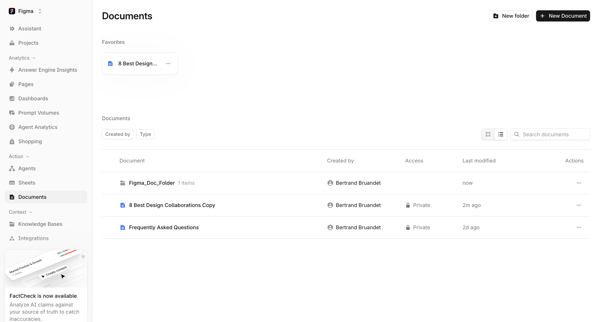
User opens move to folder modal from document context menu in list view, selects destination folder, and returns to updated documents list

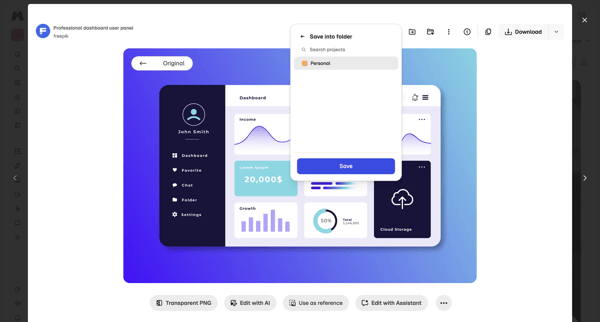
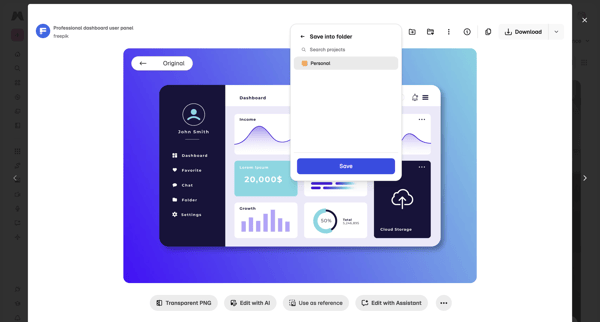
Saving a stock asset from asset detail modal into a personal project folder via popover and dialog

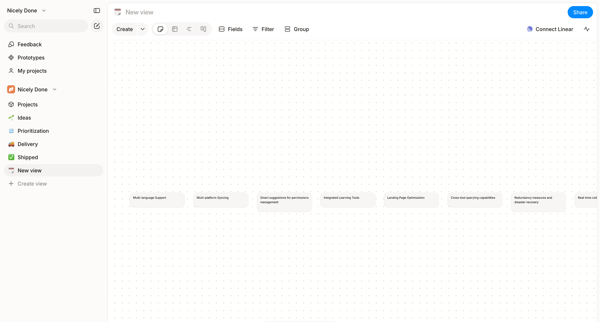
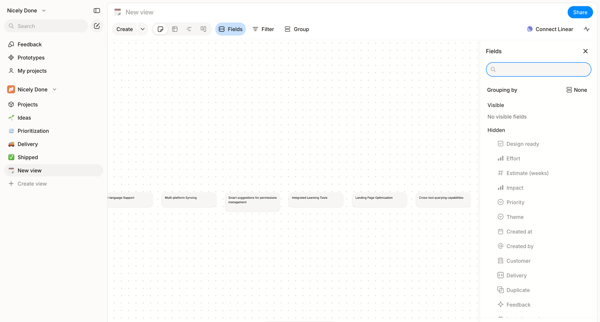
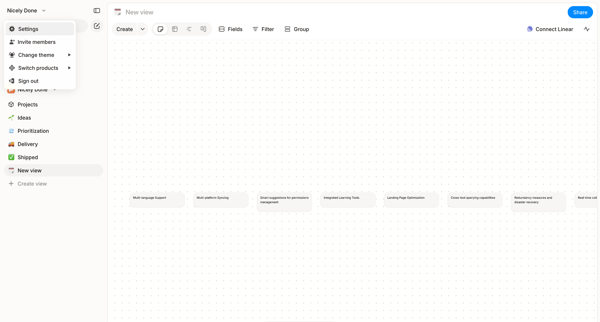
Arranging text cards, project features, and nodes on an infinite dot-grid canvas using drag, inspector panels, and tool palettes in Alloy's whiteboard editor.

Explore the full SaaS flow library
Browse the full SaaS flow library.
Trusted by the best teams







