
Tango design examples
Explore Tango UI design examples. Interactive walkthroughs, created in seconds
Product screens
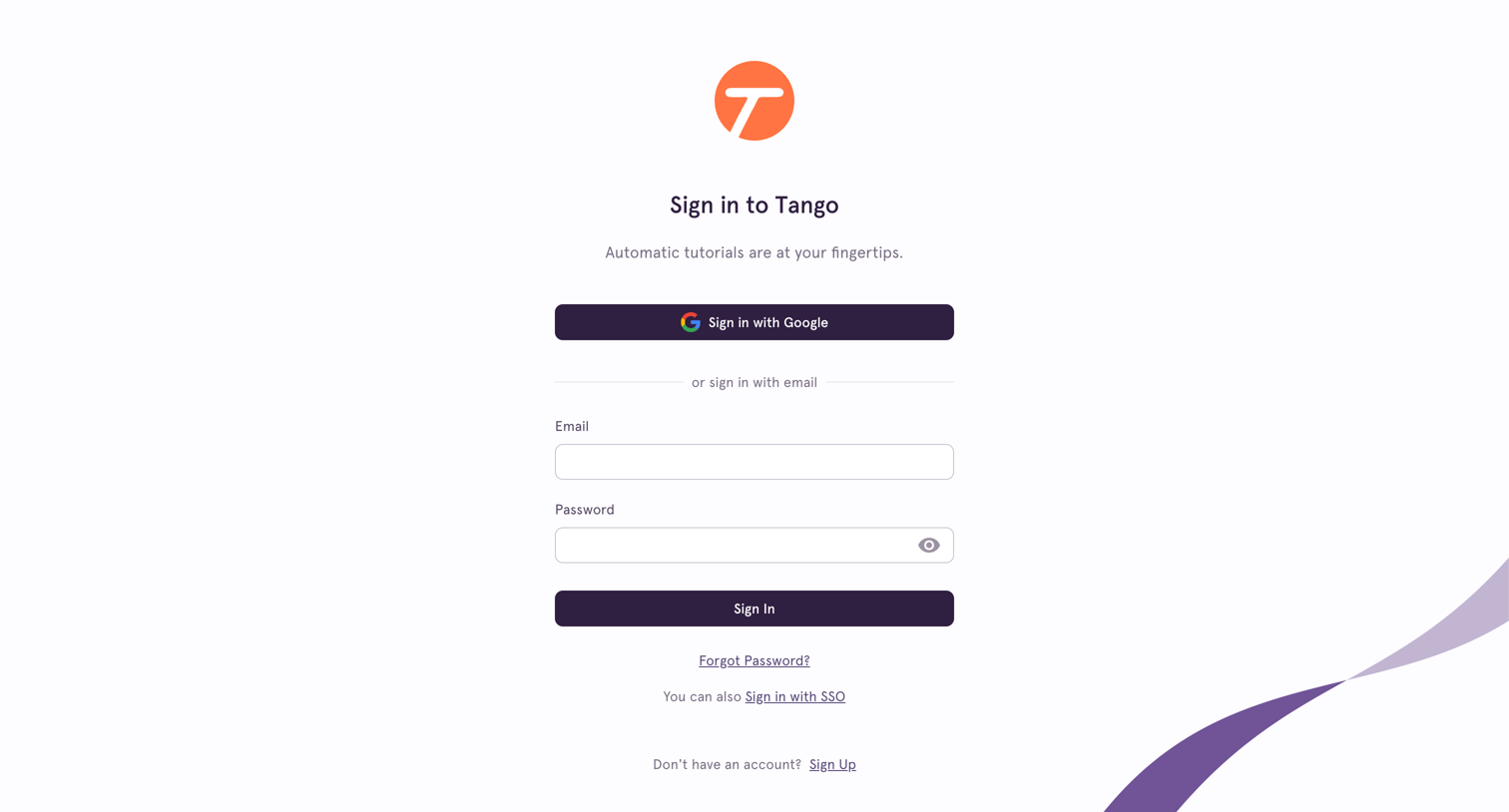
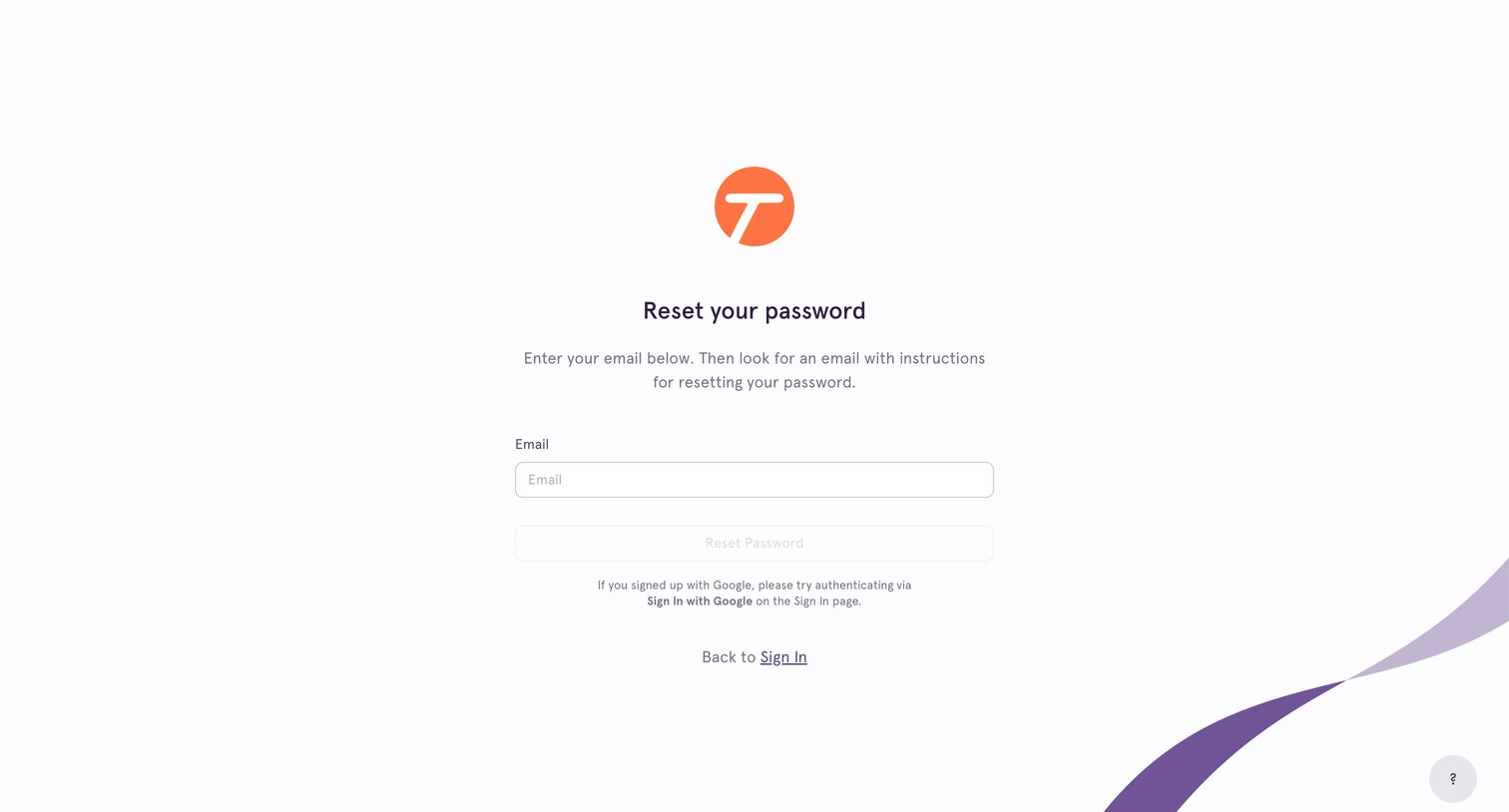
Password recovery screen where the user enters their email address to receive reset instructions, with an alternative link to return to the sign-in page.
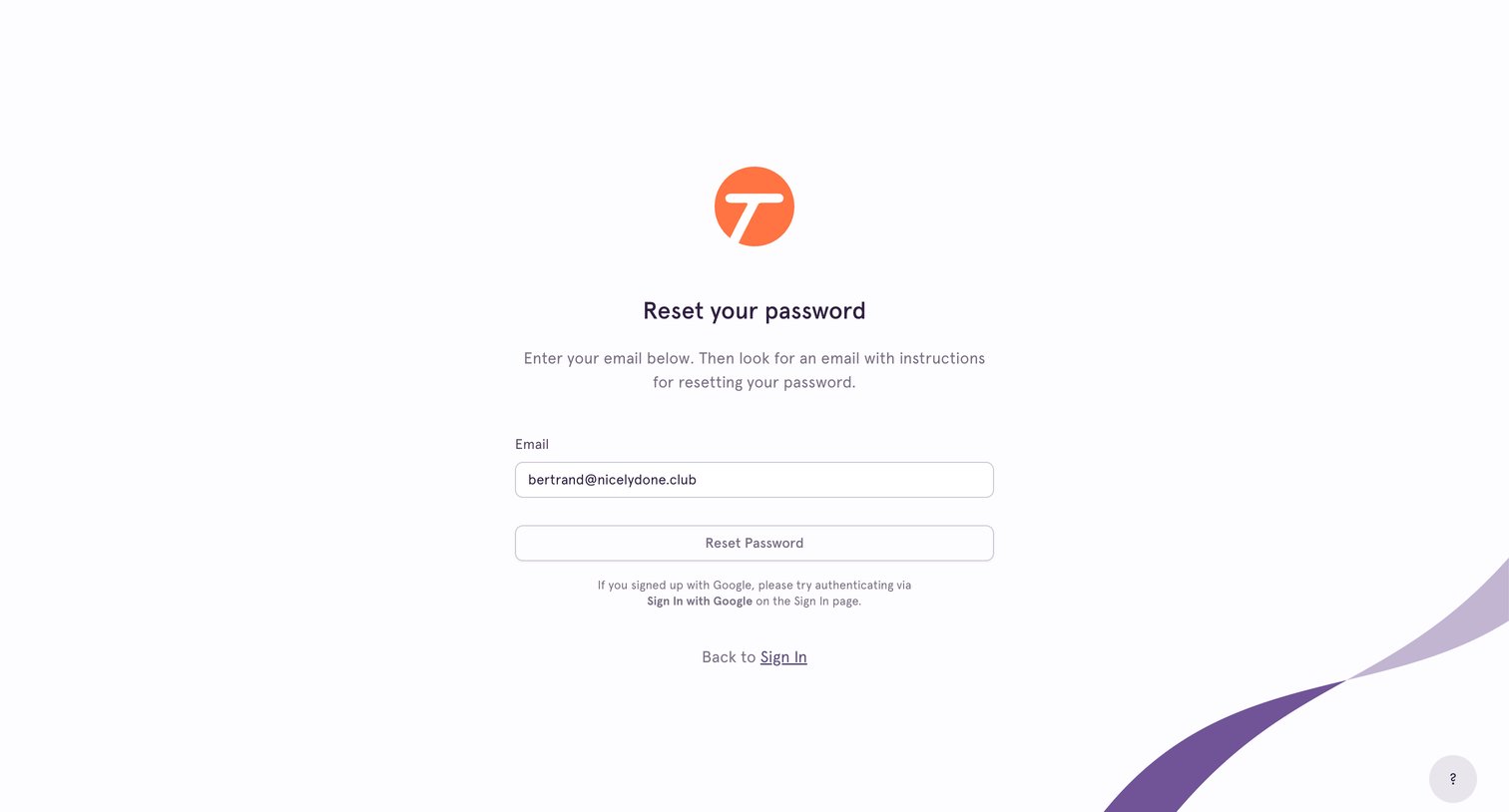
Password recovery screen where the user enters their email address to receive reset instructions.
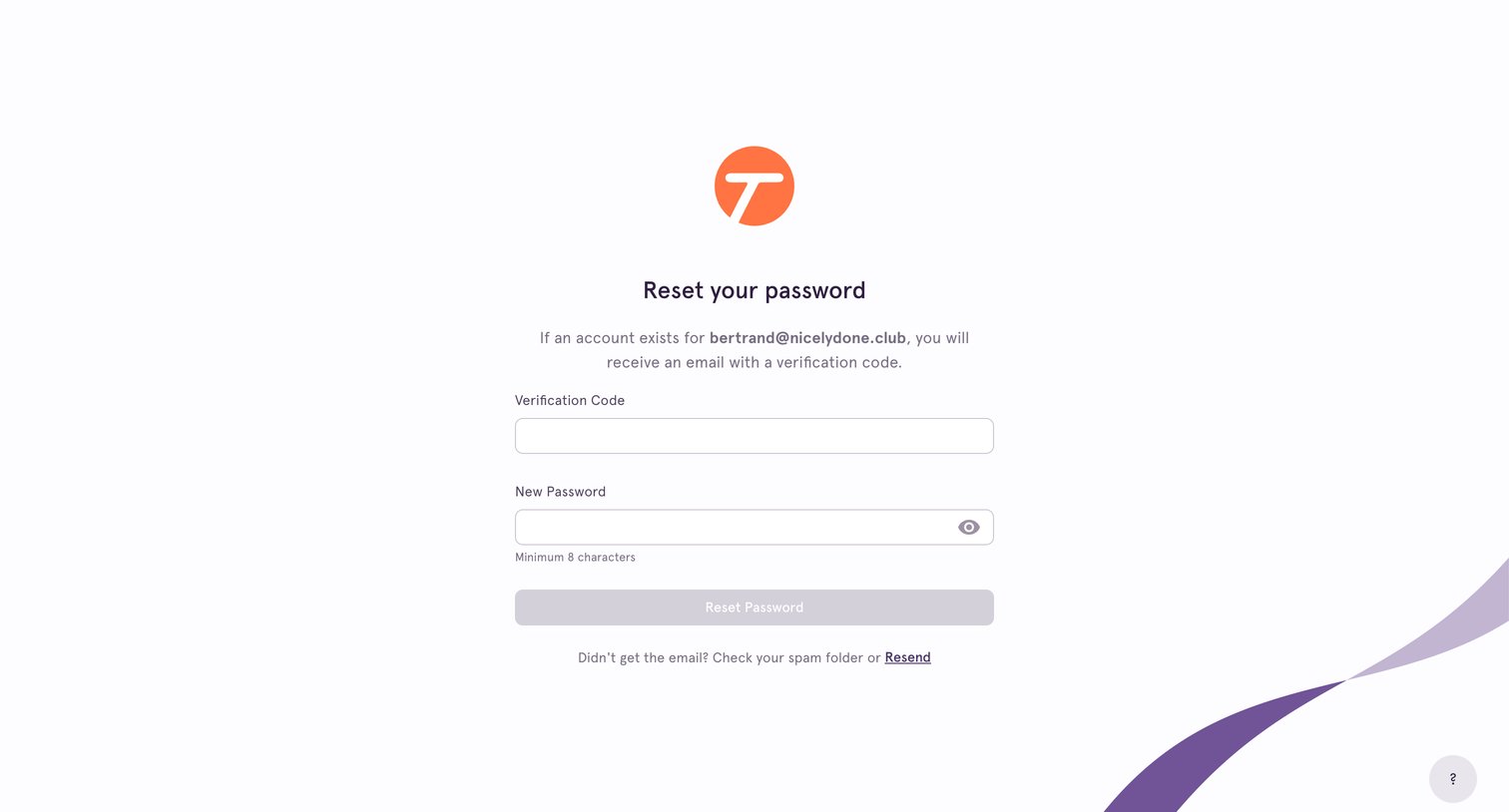
Password recovery screen where the user enters a verification code sent to their email and sets a new password.
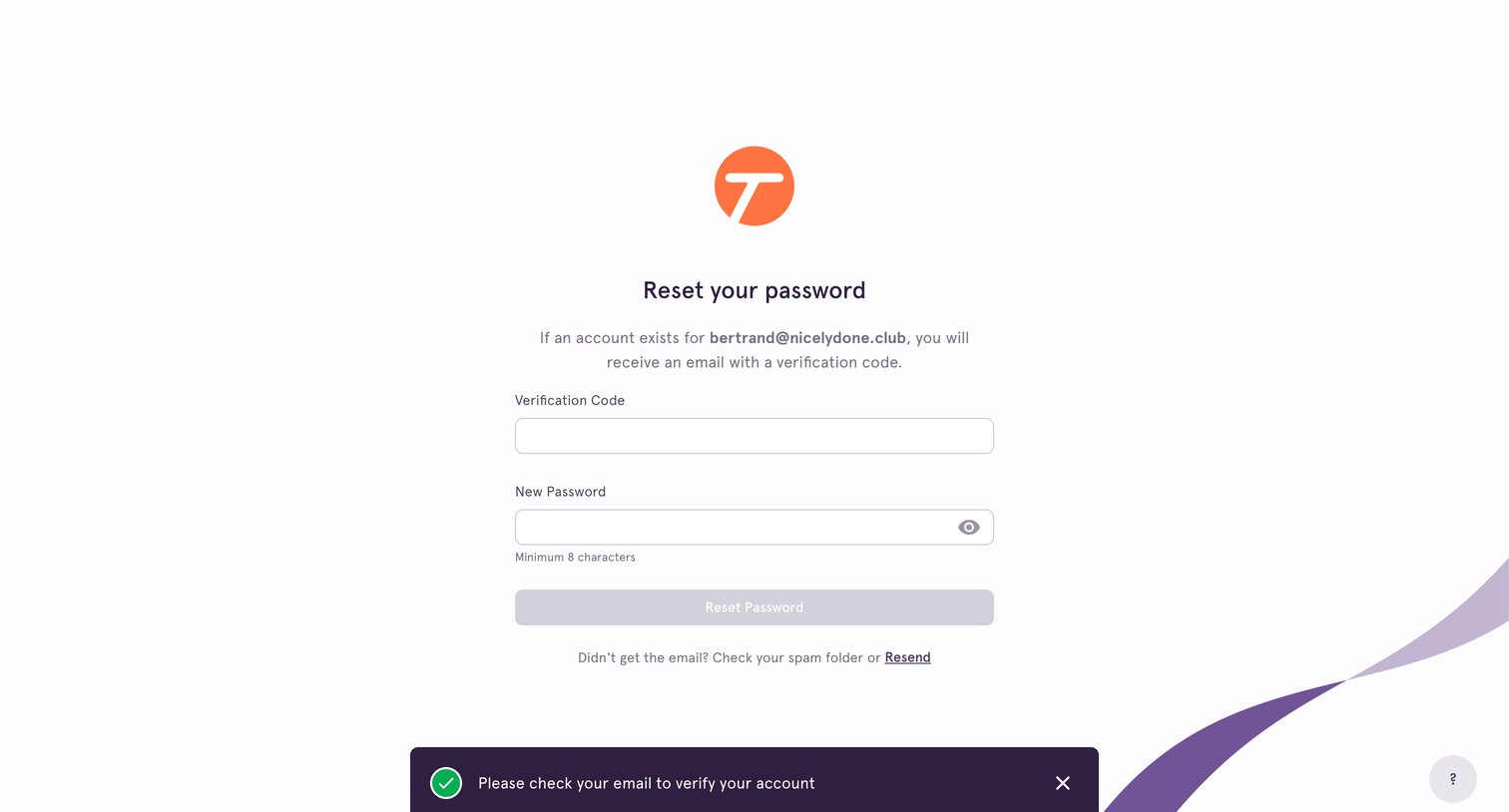
Password recovery screen where the user enters an email verification code and sets a new password, featuring a success toast notification.
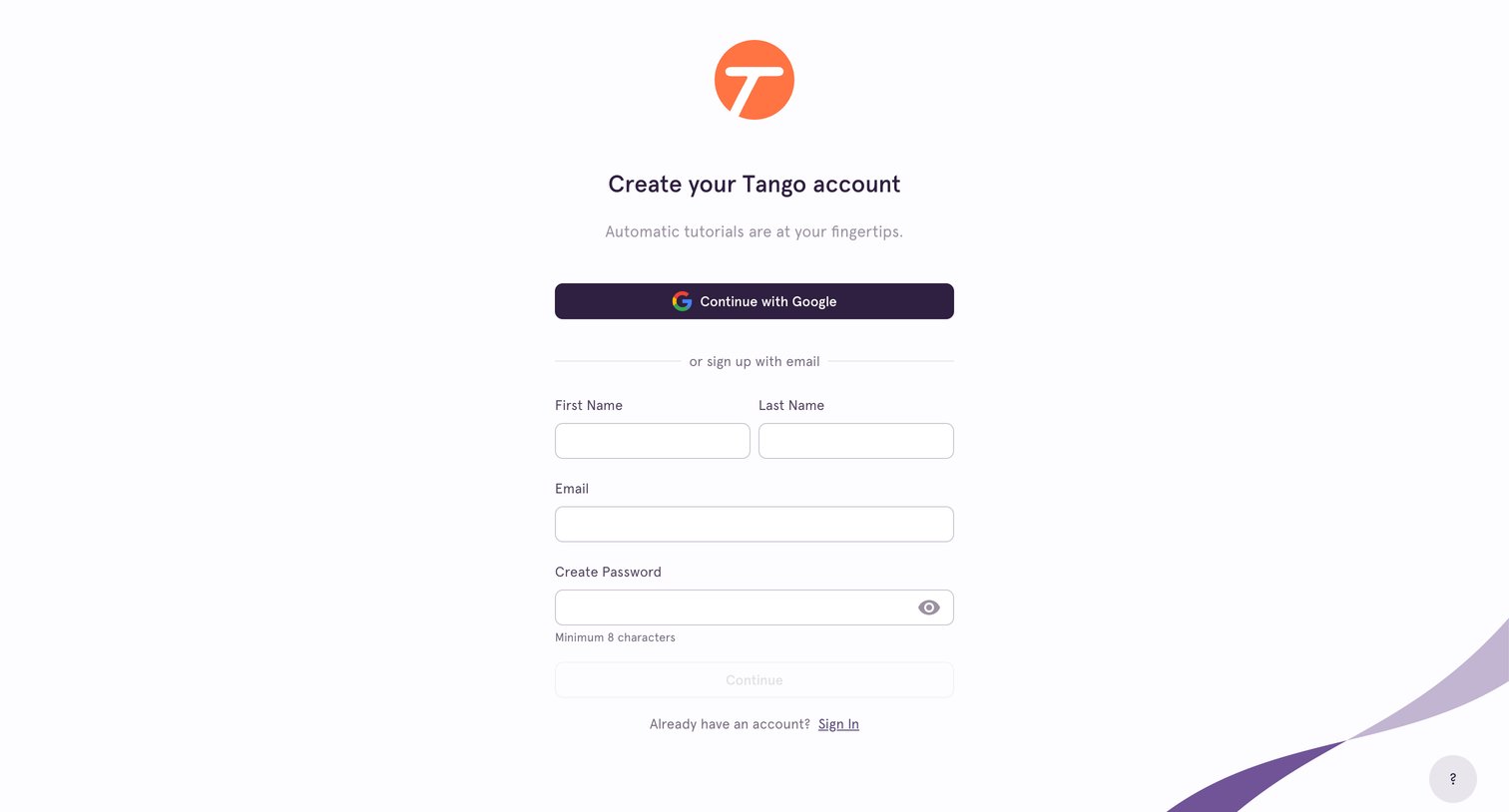
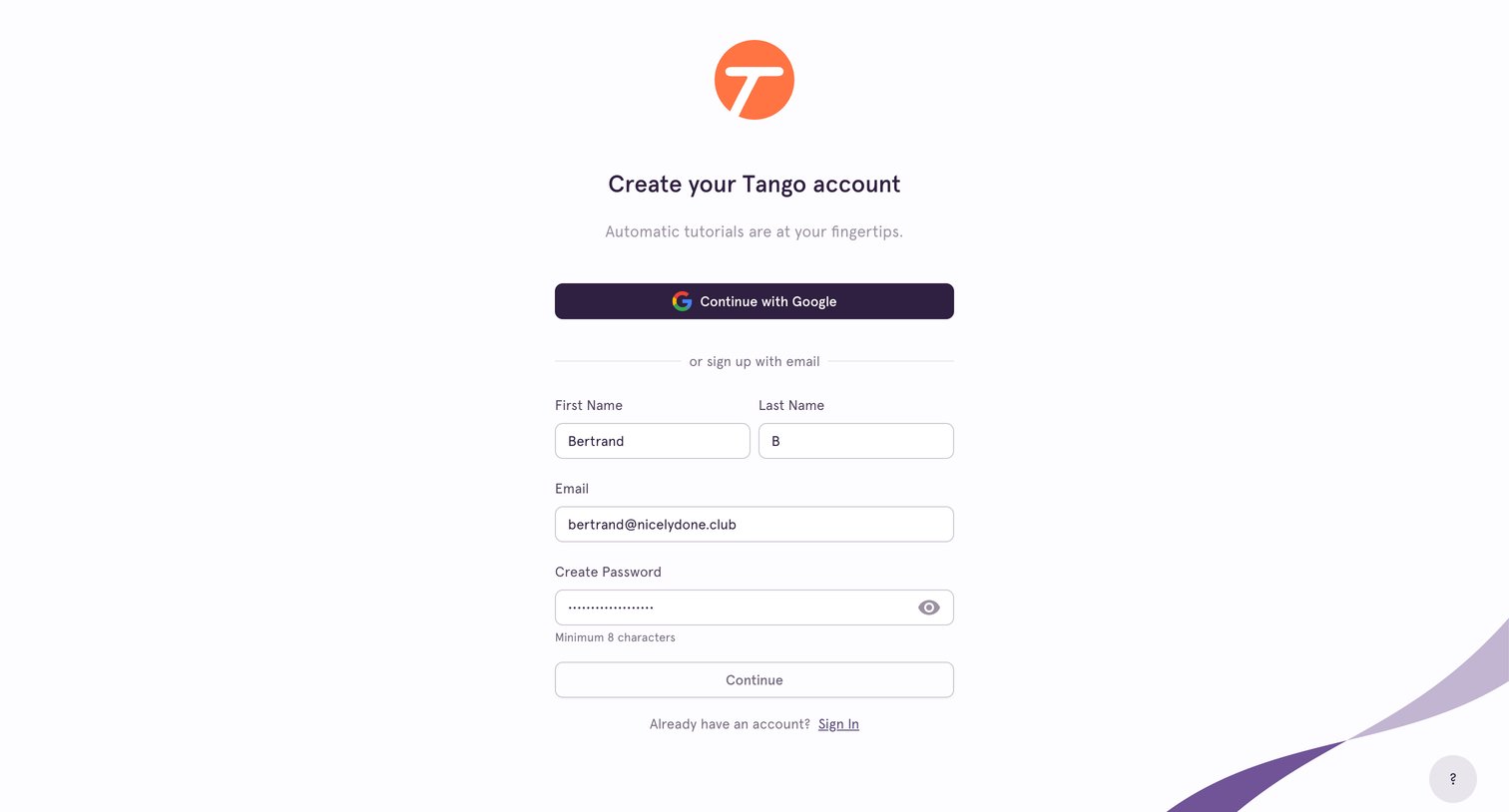
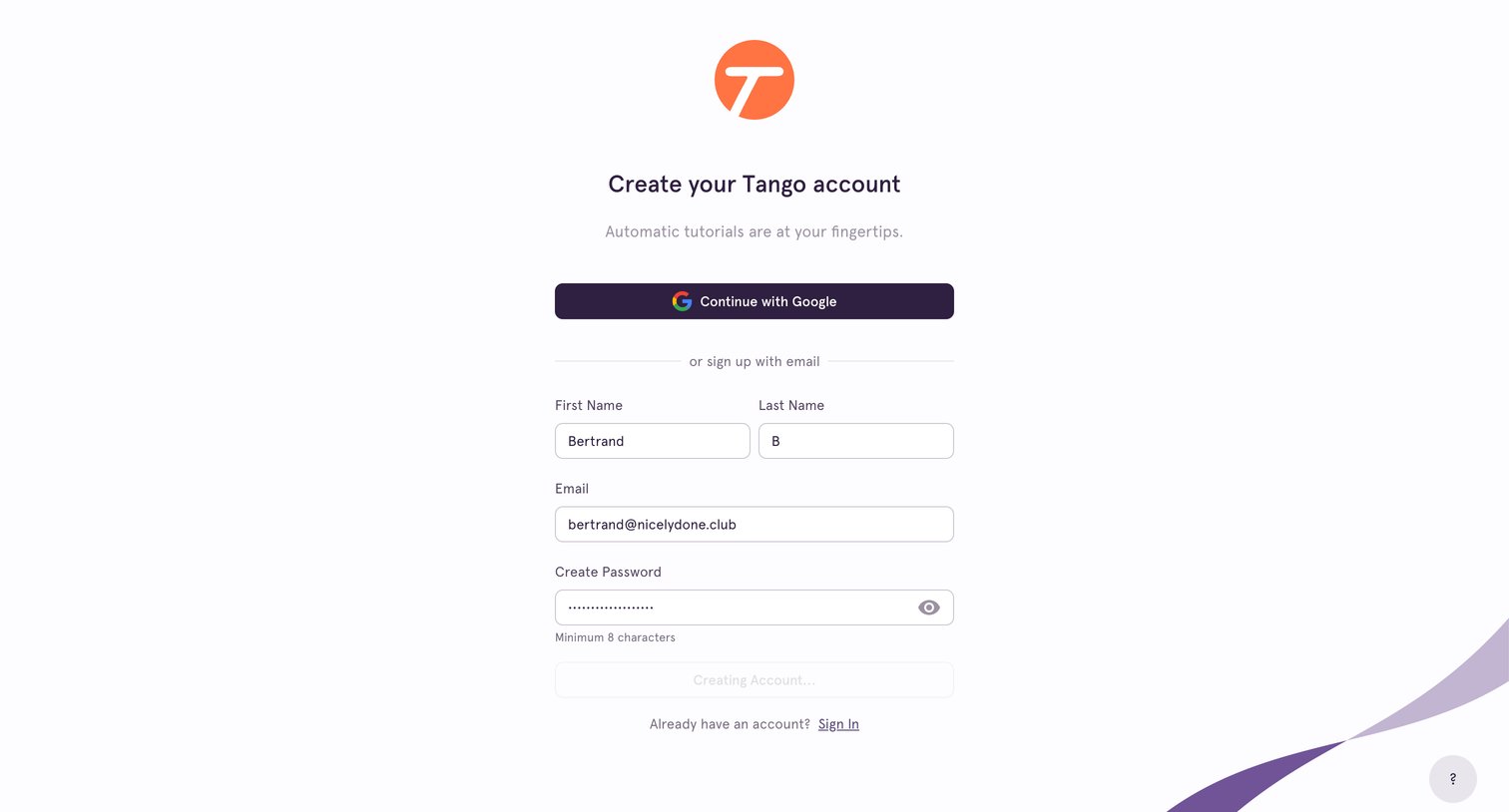
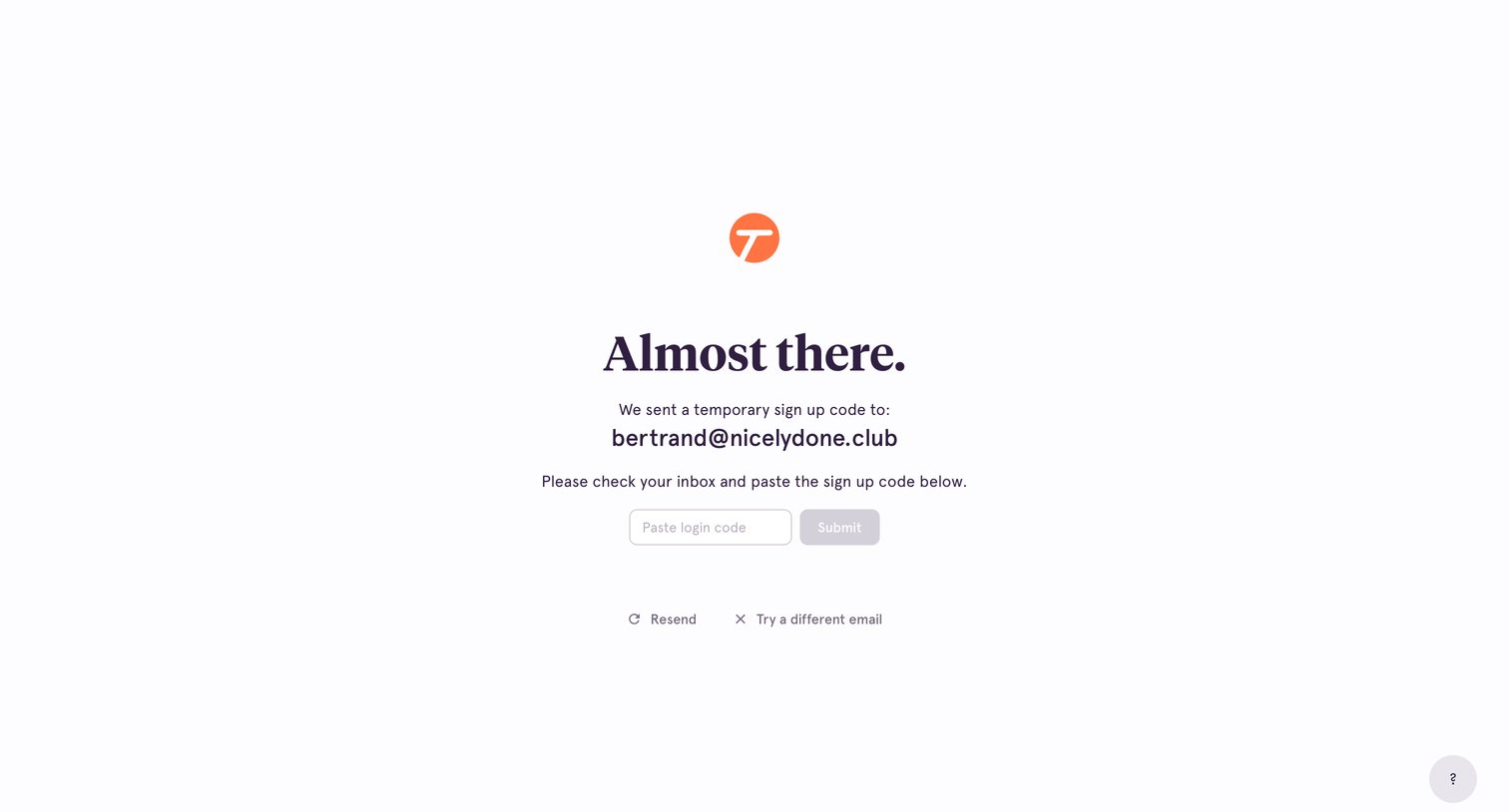
Verification screen where the user must paste a temporary sign-up code sent to their email address to complete registration.
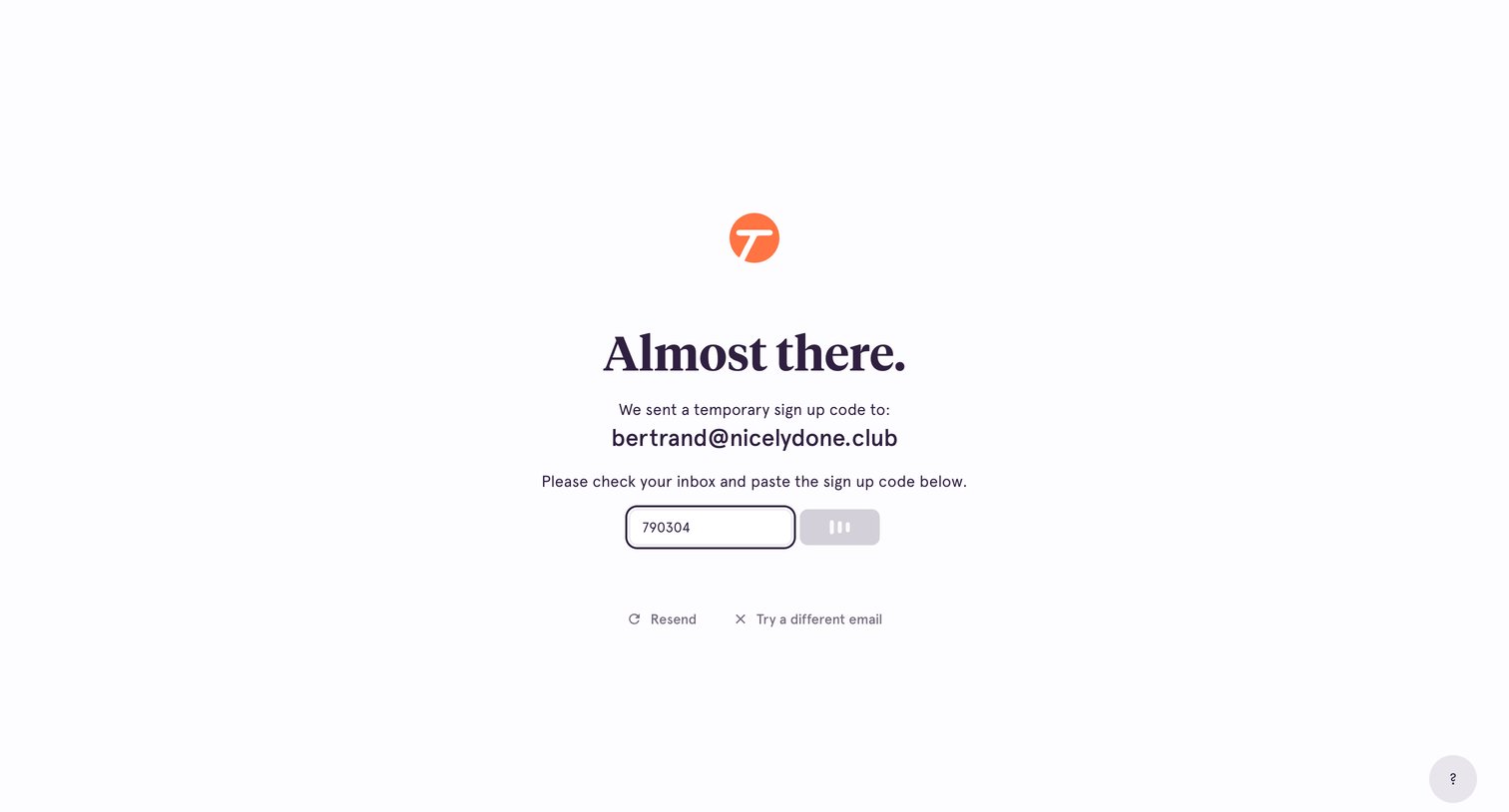
Email verification screen where the user enters a temporary sign-up code sent to their inbox to complete registration.
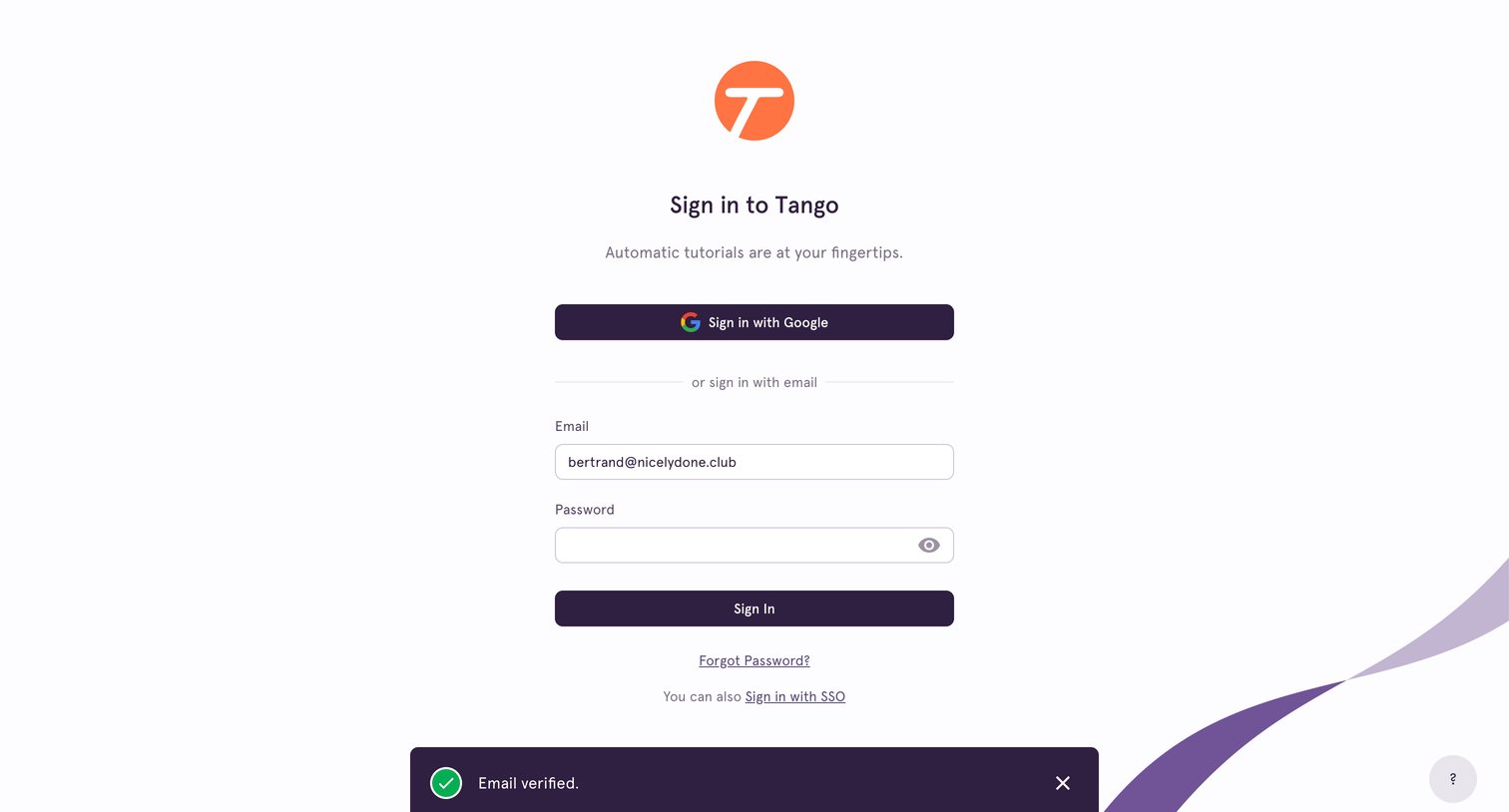
Sign-in screen where the user authenticates with Google, email, or SSO, featuring a successful email verification toast.
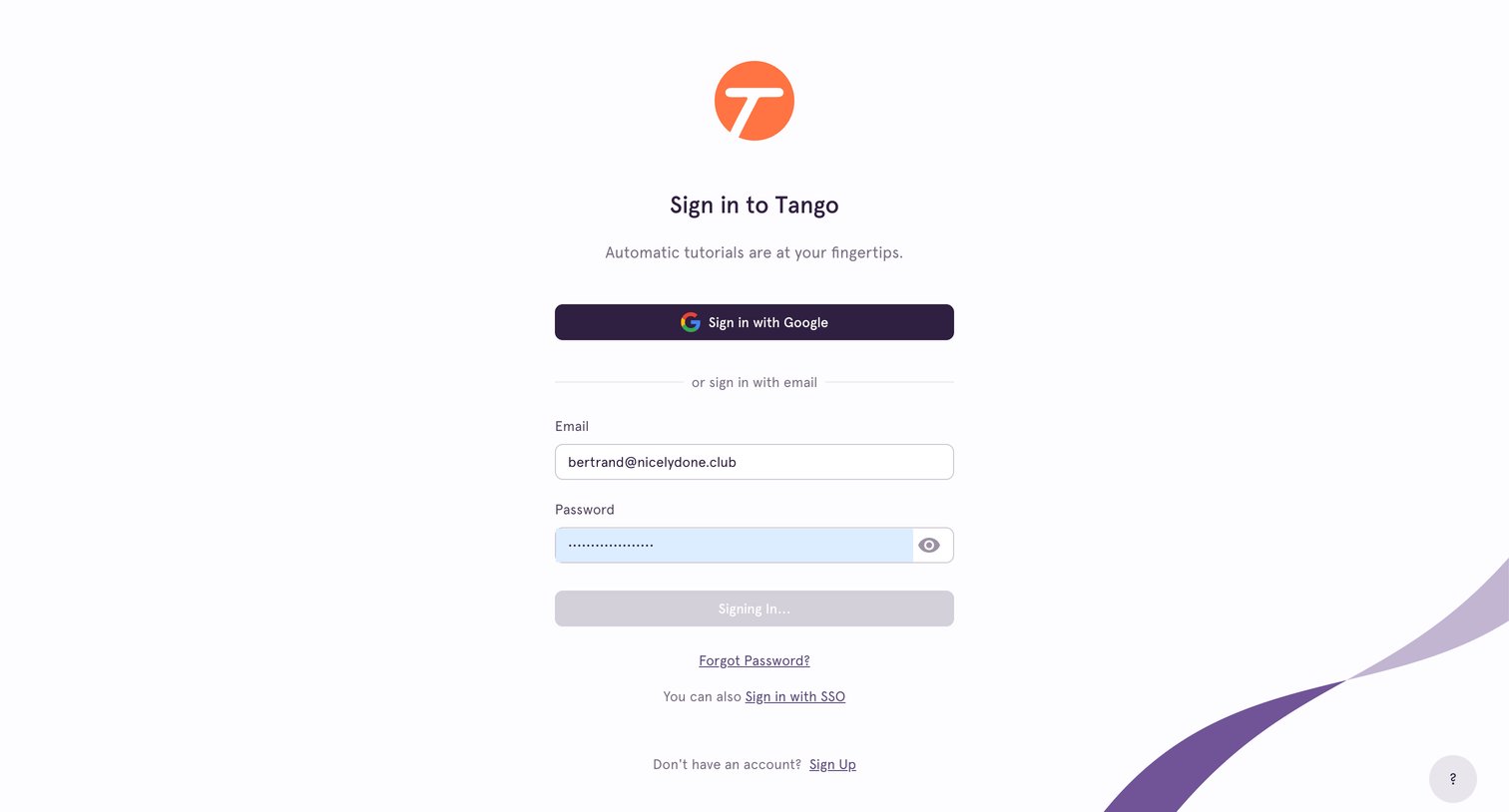
Browse the full SaaS app library
Explore real SaaS apps with their product screens, marketing screens, flows, and components.
Trusted by the best teams







