
Tango user flows examples
Explore Tango user flow examples. Preview the opening screens and steps for each task. Interactive walkthroughs, created in seconds
Preview these flows

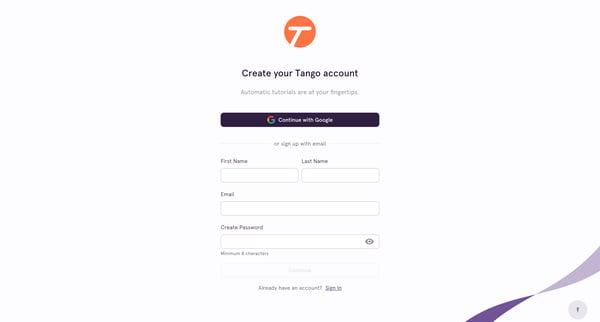
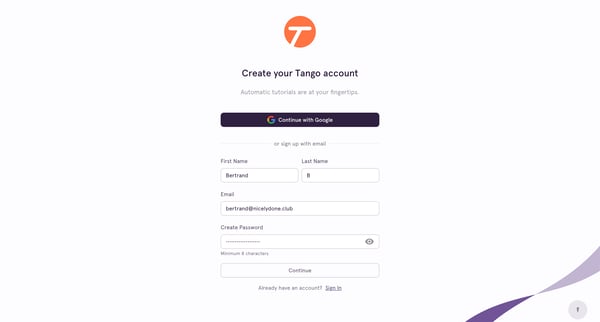
This user flow takes a new user through the process of signing up for Tango, verifying their account, and getting started by customizing their workspace and capturing their first workflow.
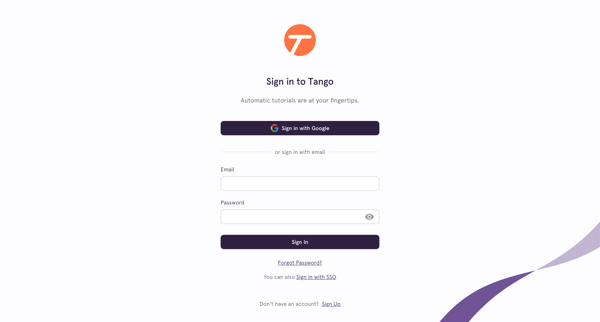
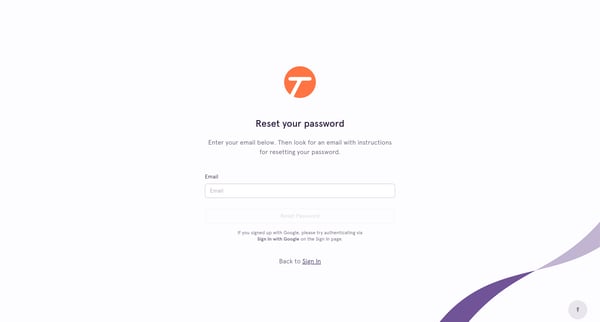
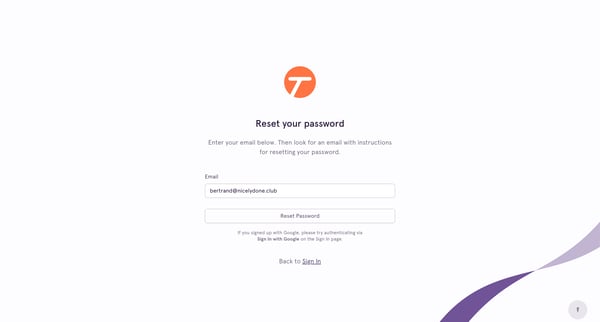
This flow guides the user through the process of resetting their password, starting from initiating the reset to receiving a verification code and setting a new password.
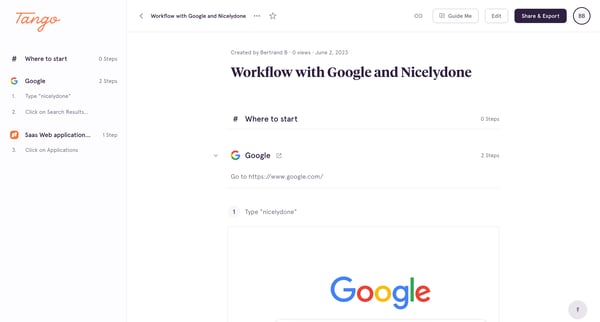
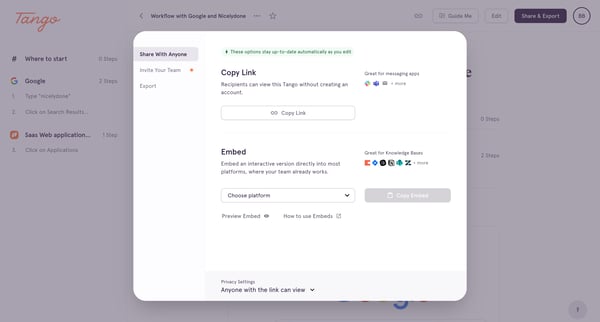
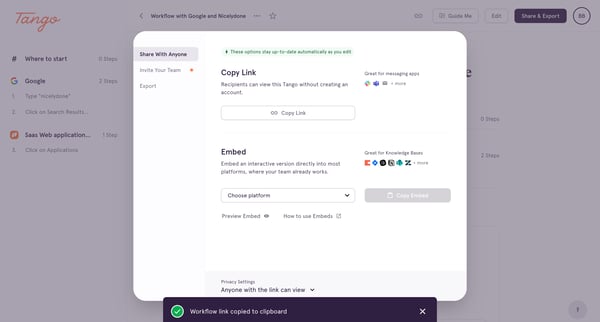
This user flow enables users to share a detailed workflow guide from Tango through various modalities, including link sharing, embeds, and email invitations to team members, while ensuring th
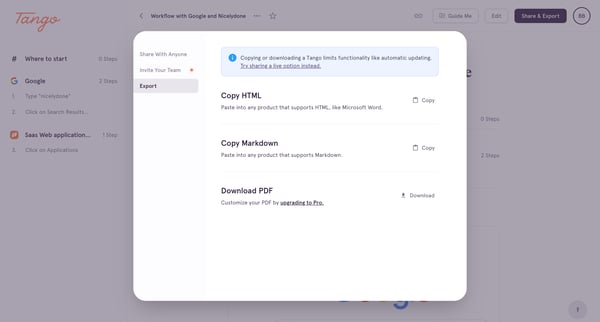
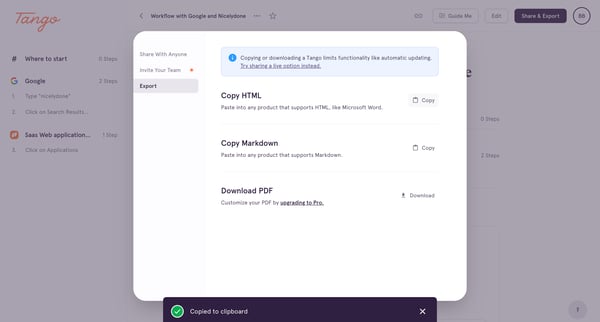
This flow facilitates the process of exporting documentation or guides from Tango by offering various formats such as HTML, Markdown, and PDF, while also enabling content sharing.
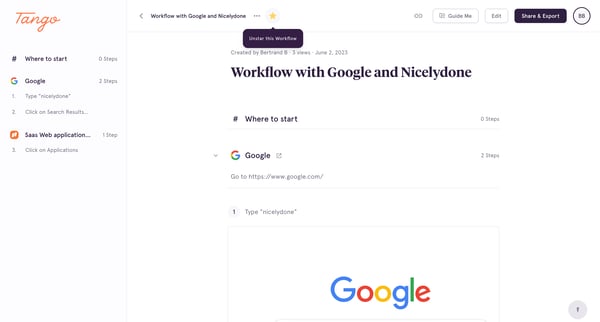
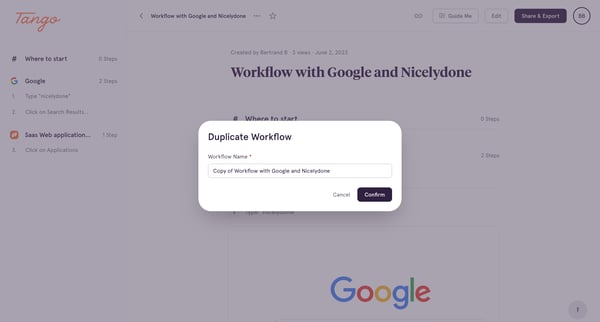
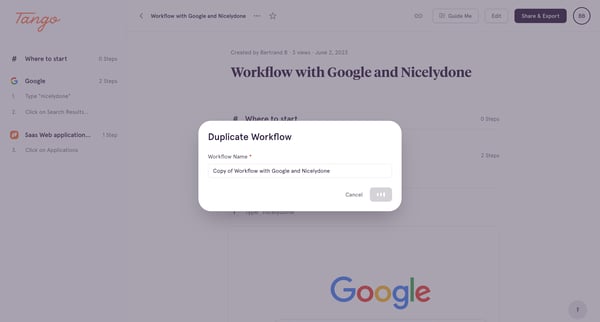
This user flow enables the duplication of an existing workflow within an application, allowing users to create a new instance of a workflow with the option to rename it.
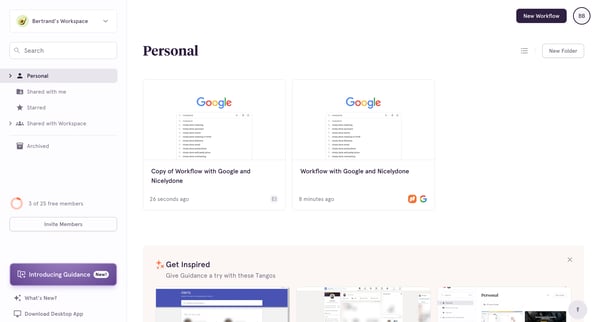
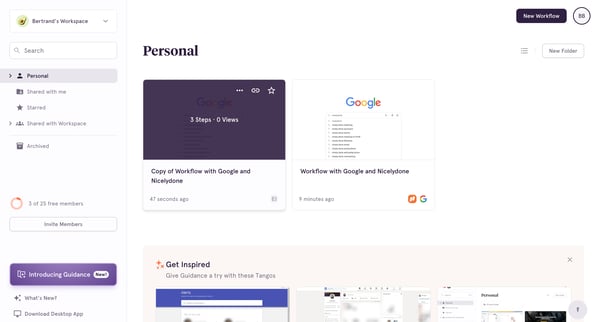
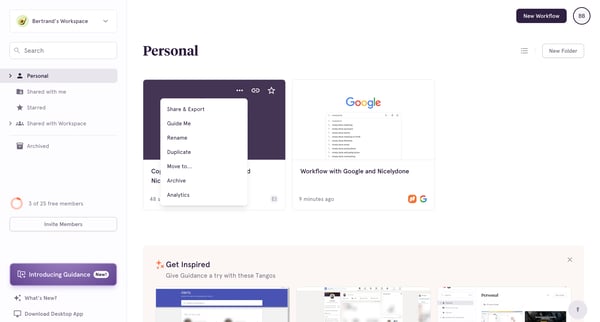
This user flow facilitates the organization and management of digital workspace content, allowing users to navigate collections, modify content properties, and relocate workflows within a sha
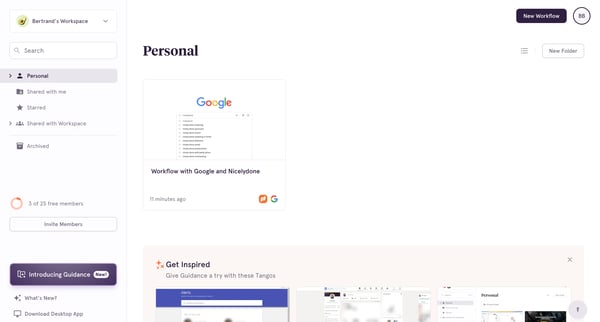
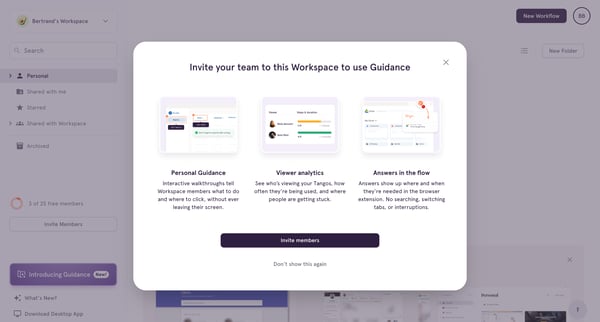
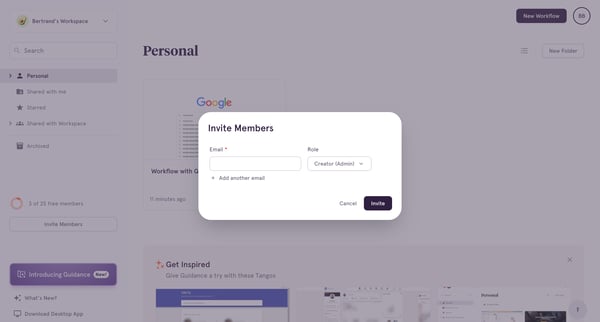
This flow facilitates the process of inviting new members to a workspace, guiding the user through the invitation steps and successfully adding a new team member.
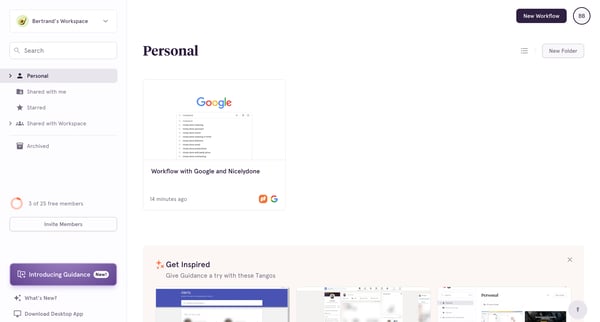
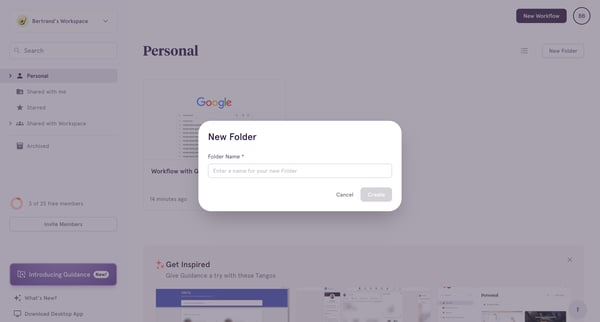
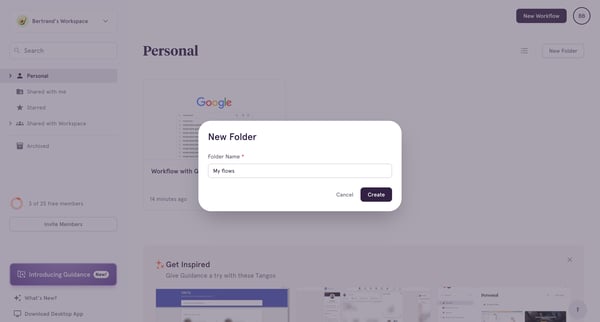
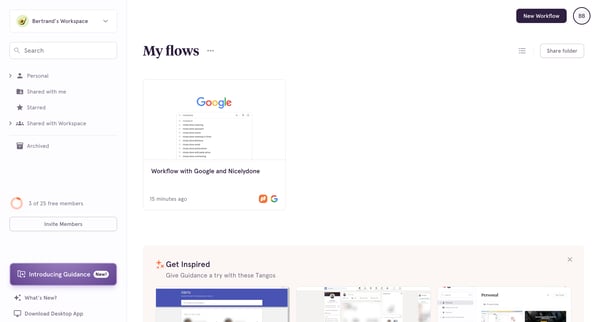
This flow guides the user through the process of creating a new folder within a workspace, enabling them to organize their content more efficiently.
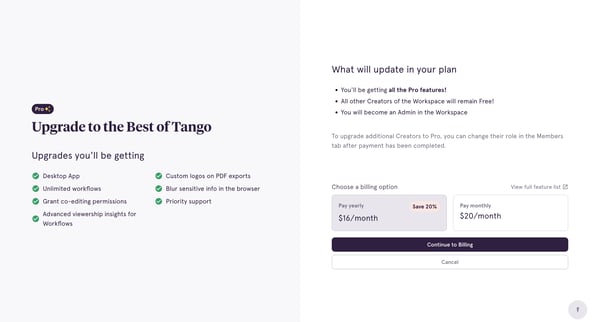
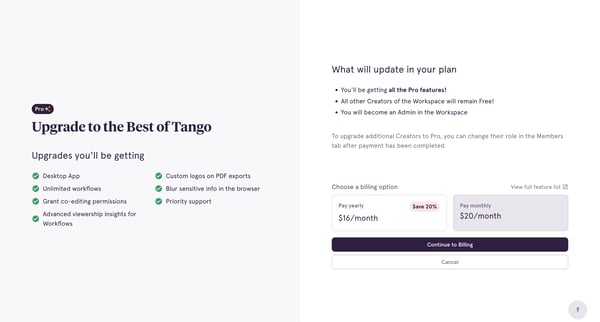
This user flow guides a user through the process of upgrading their subscription to Tango Pro, detailing features, billing options, and finalizing the upgrade.
Explore the full SaaS flow library
Browse the full SaaS flow library.
Trusted by the best teams







