Skip to content
Tango logo

Tango design examples

Explore Tango UI design examples. Interactive walkthroughs, created in seconds

Product screens
Tango - Sign In screen
Tango logo
Tango

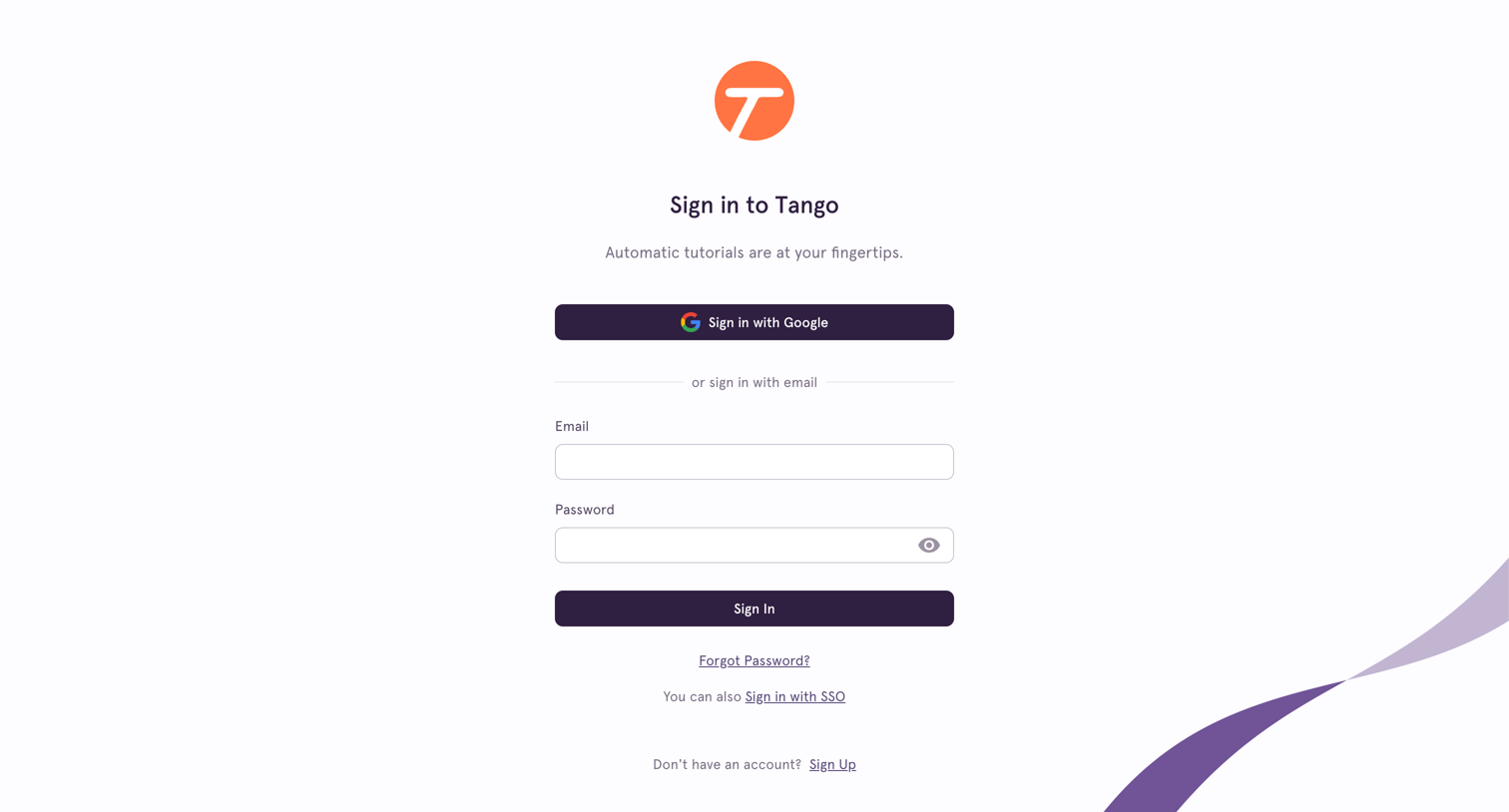
Sign-in screen where the user authenticates with Google, email and password, or SSO.

Tango - Reset Password screen
Tango logo
Tango

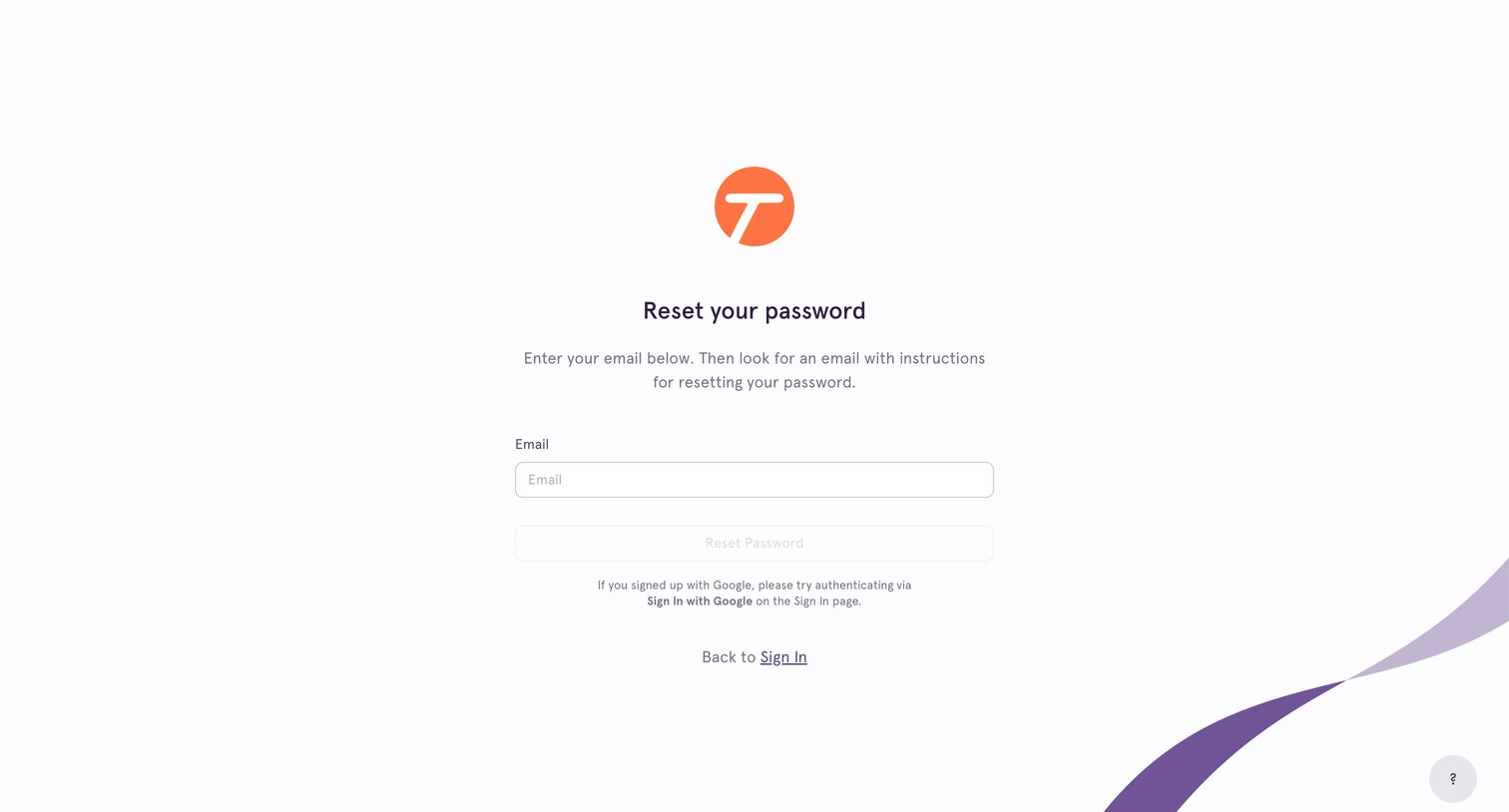
Password recovery screen where the user enters their email address to receive reset instructions, with an alternative link to return to the sign-in page.
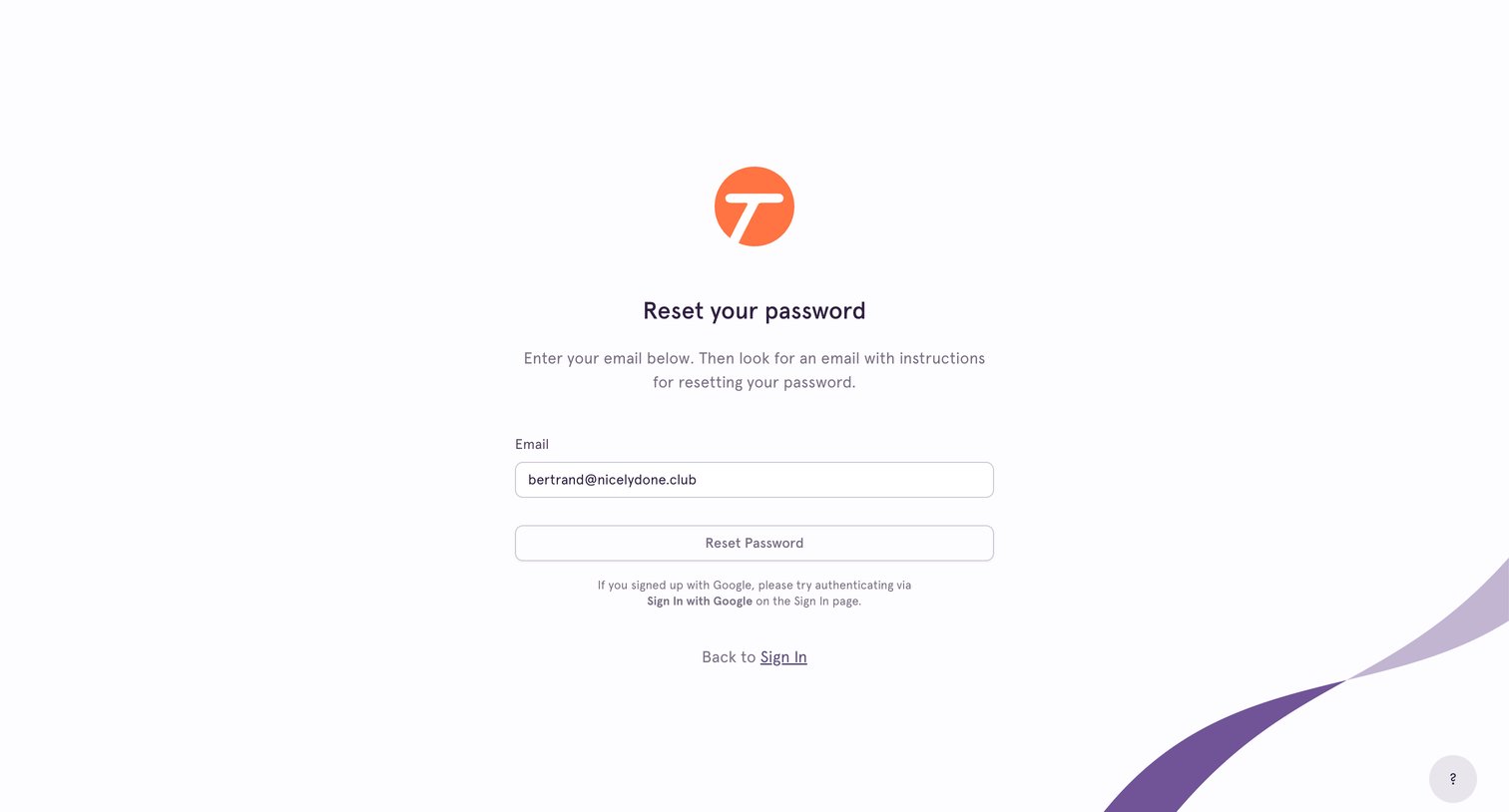
Tango - Reset Password screen
Tango logo
Tango

Password recovery screen where the user enters their email address to receive reset instructions.
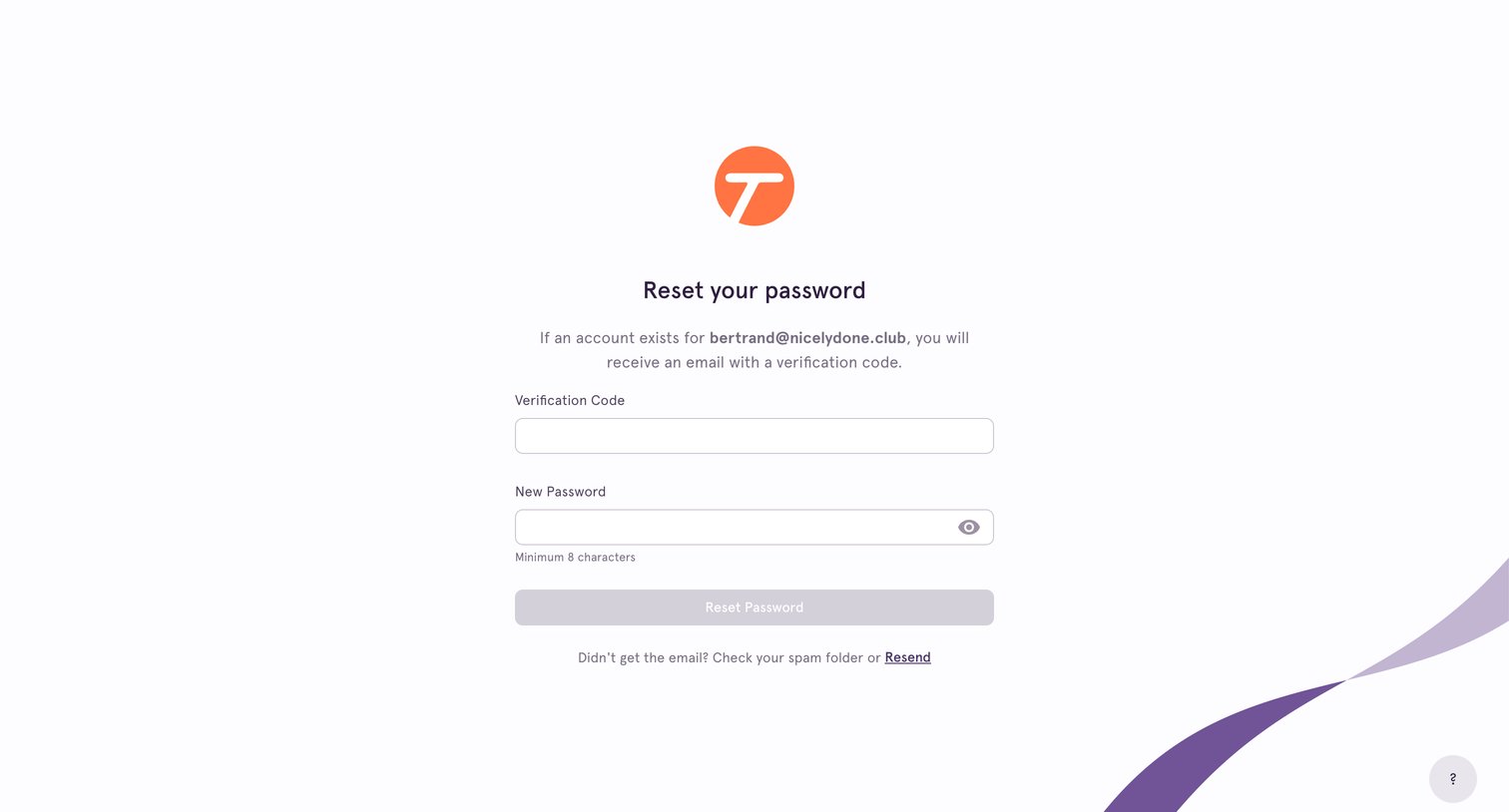
Tango - Confirm Reset Password screen
Tango logo
Tango

Password recovery screen where the user enters a verification code sent to their email and sets a new password.
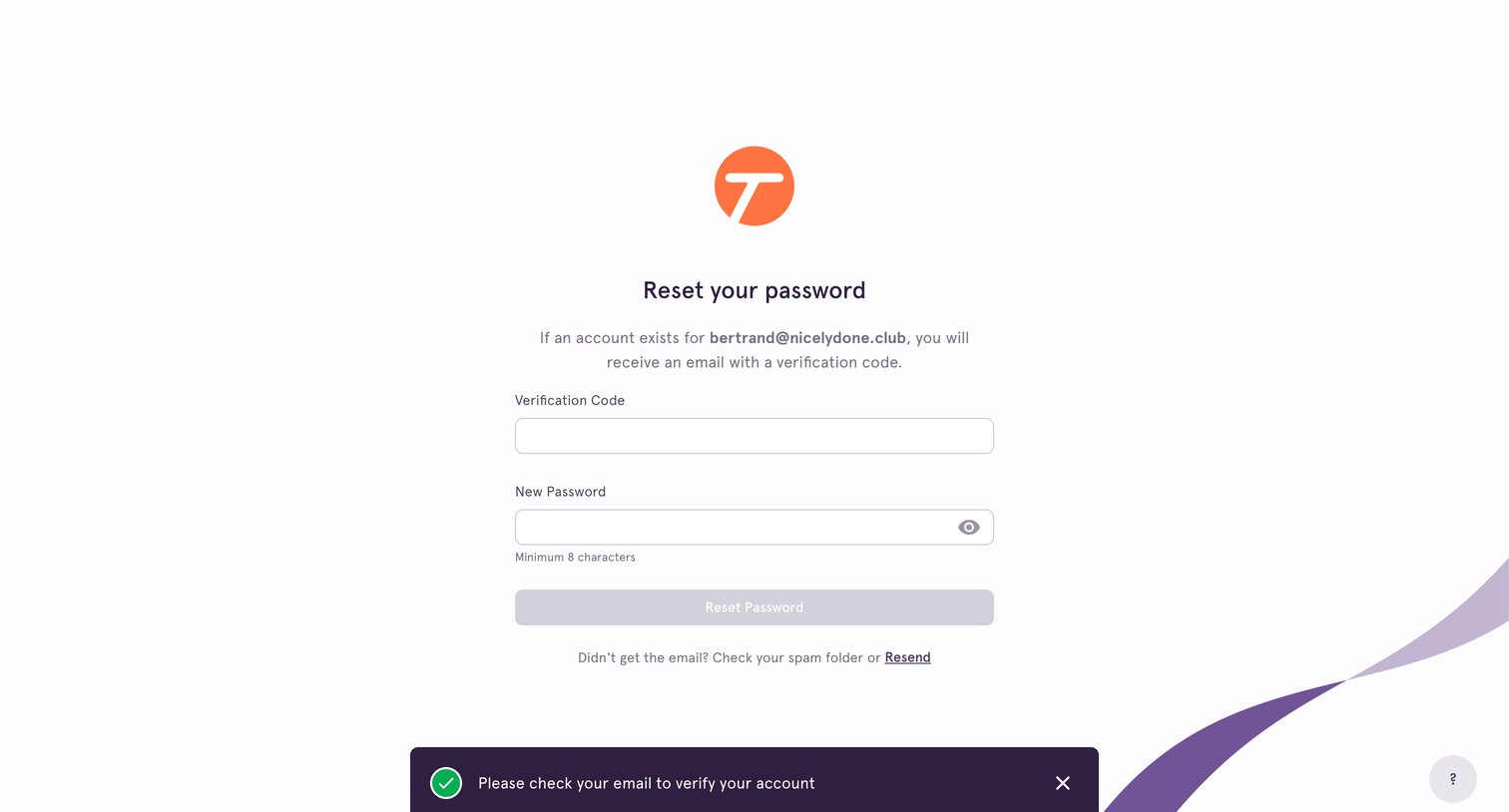
Tango - Confirm Reset Password screen
Tango logo
Tango

Password recovery screen where the user enters an email verification code and sets a new password, featuring a success toast notification.
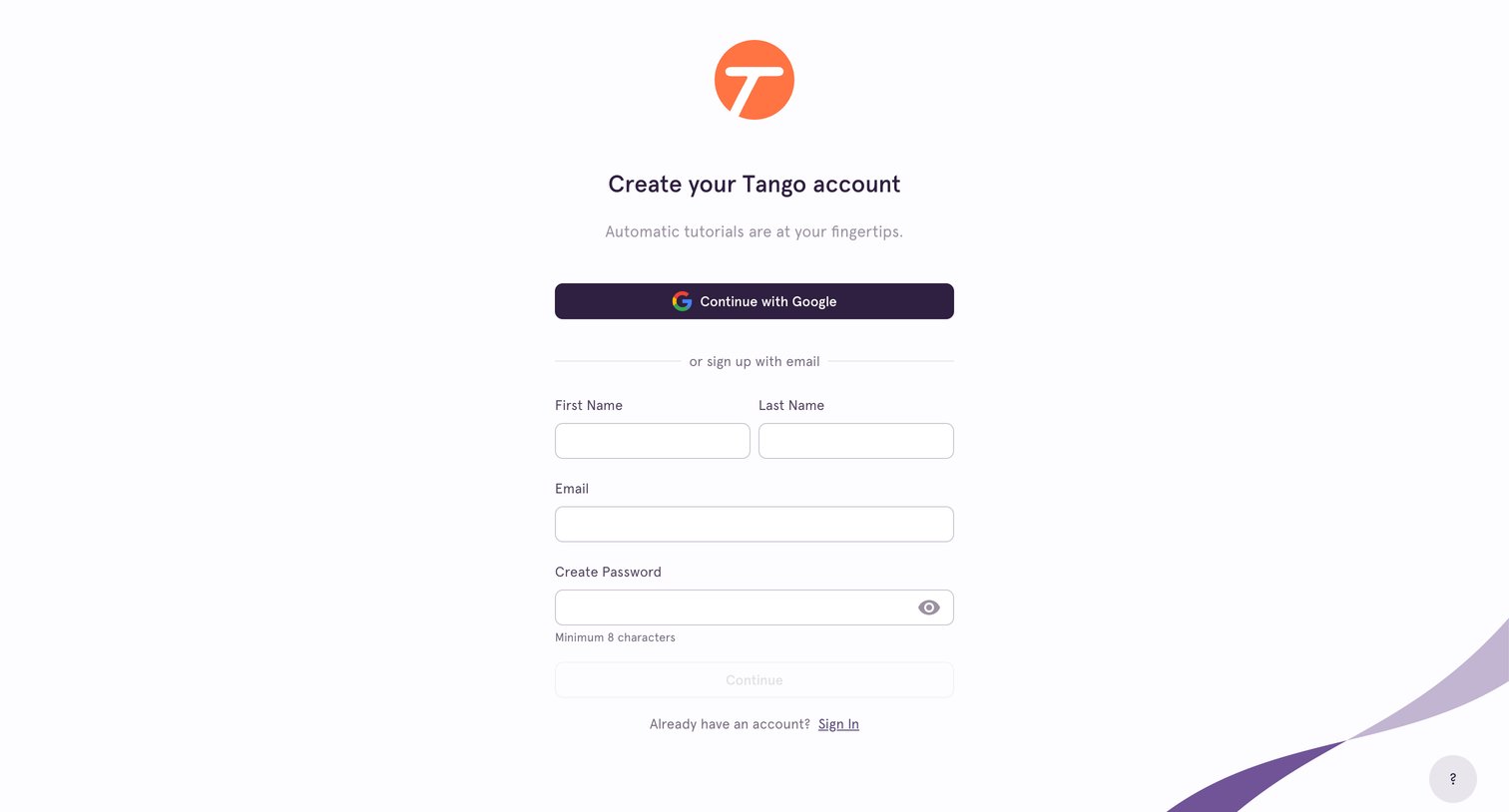
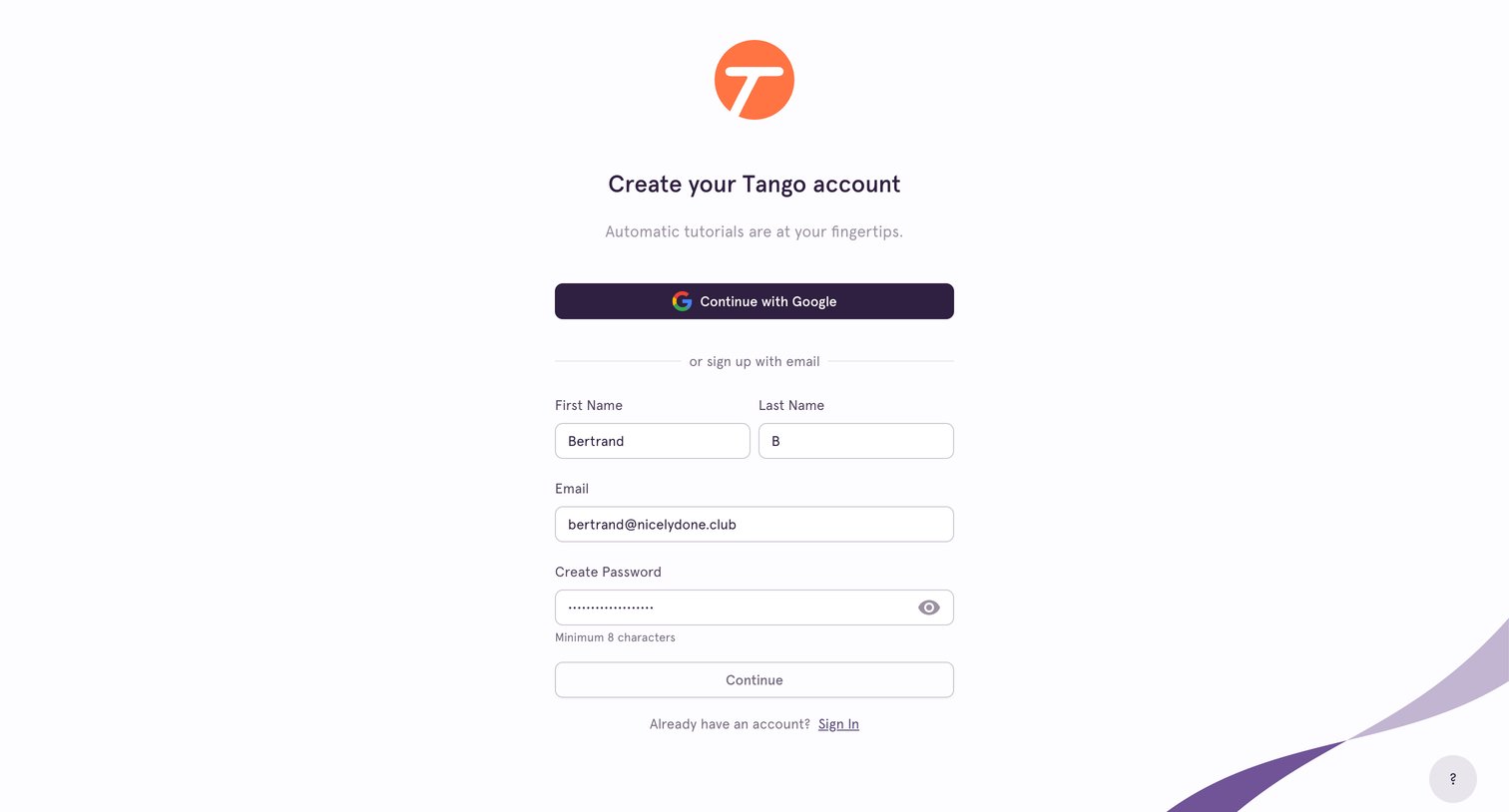
Tango - Sign Up screen
Tango logo
Tango

Signup screen where the user creates an account using Google or by entering their name, email, and a password.

Tango - Sign Up screen
Tango logo
Tango

Signup page where the user can create an account using Google OAuth or by providing their name, email, and a password.

Tango - Sign Up screen
Tango logo
Tango

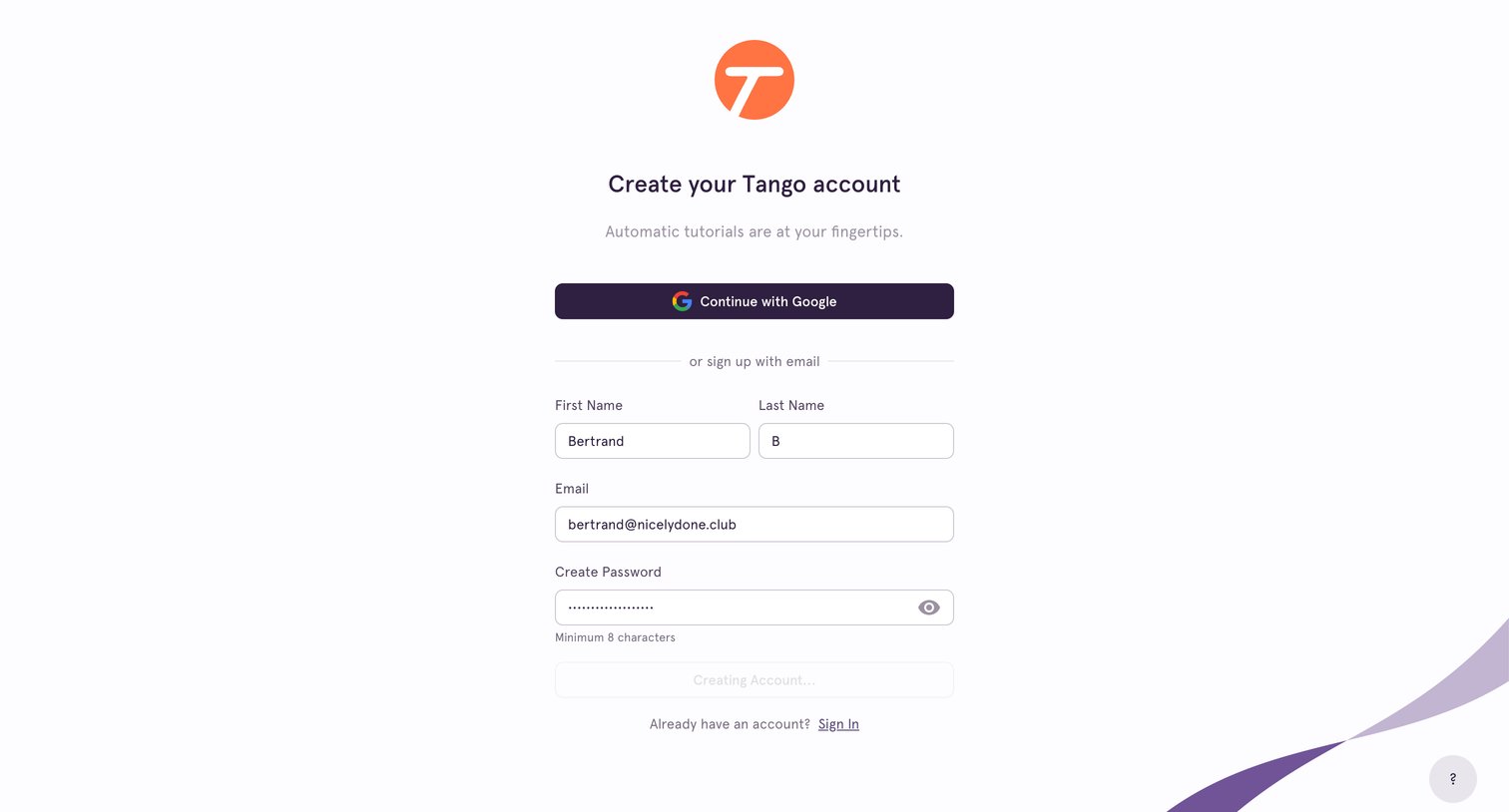
Sign-up screen where the user enters their name, email, and password to create a Tango account, currently showing a loading state during submission.

Tango - Confirm Sign Up screen
Tango logo
Tango

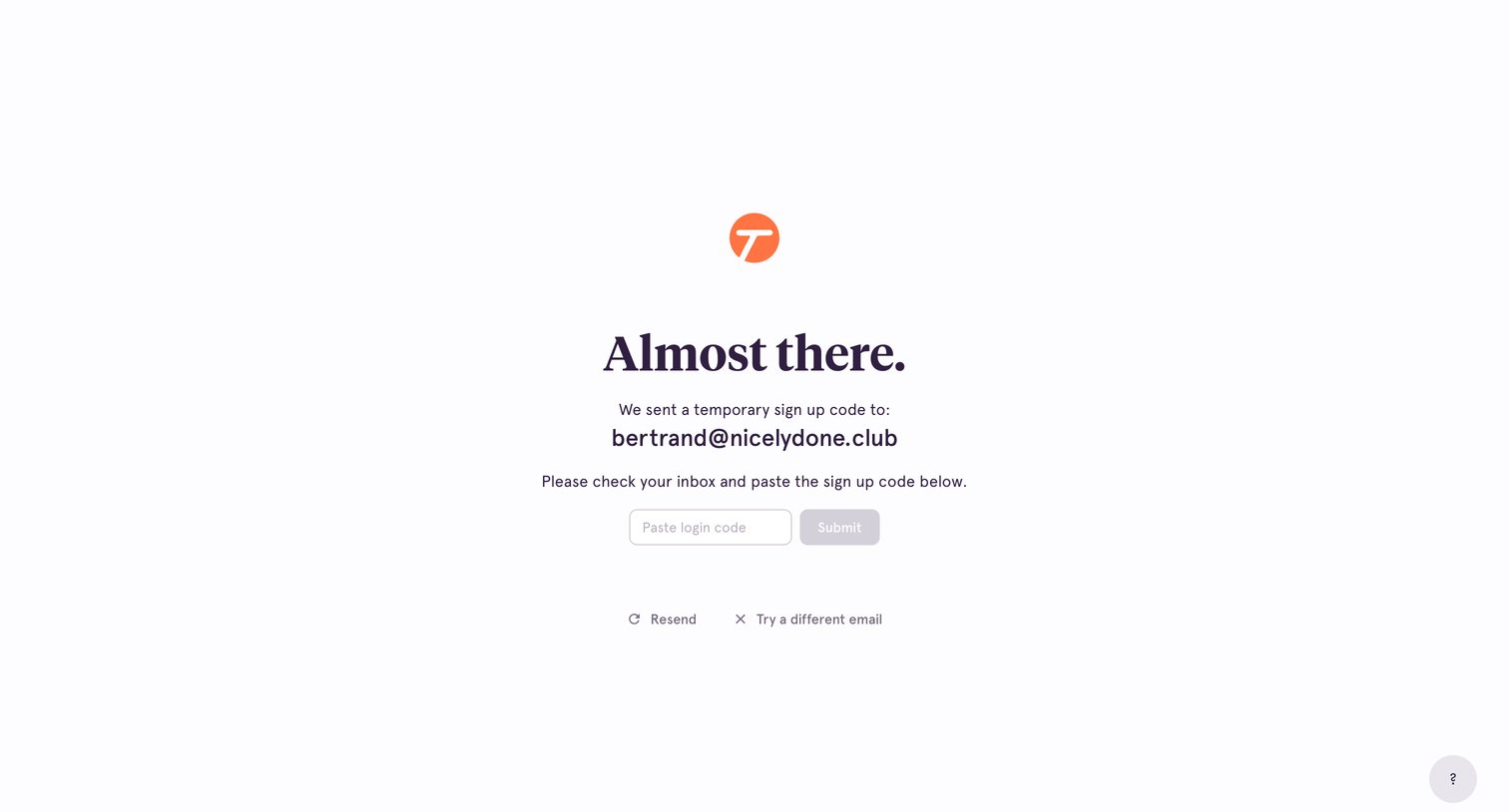
Verification screen where the user must paste a temporary sign-up code sent to their email address to complete registration.
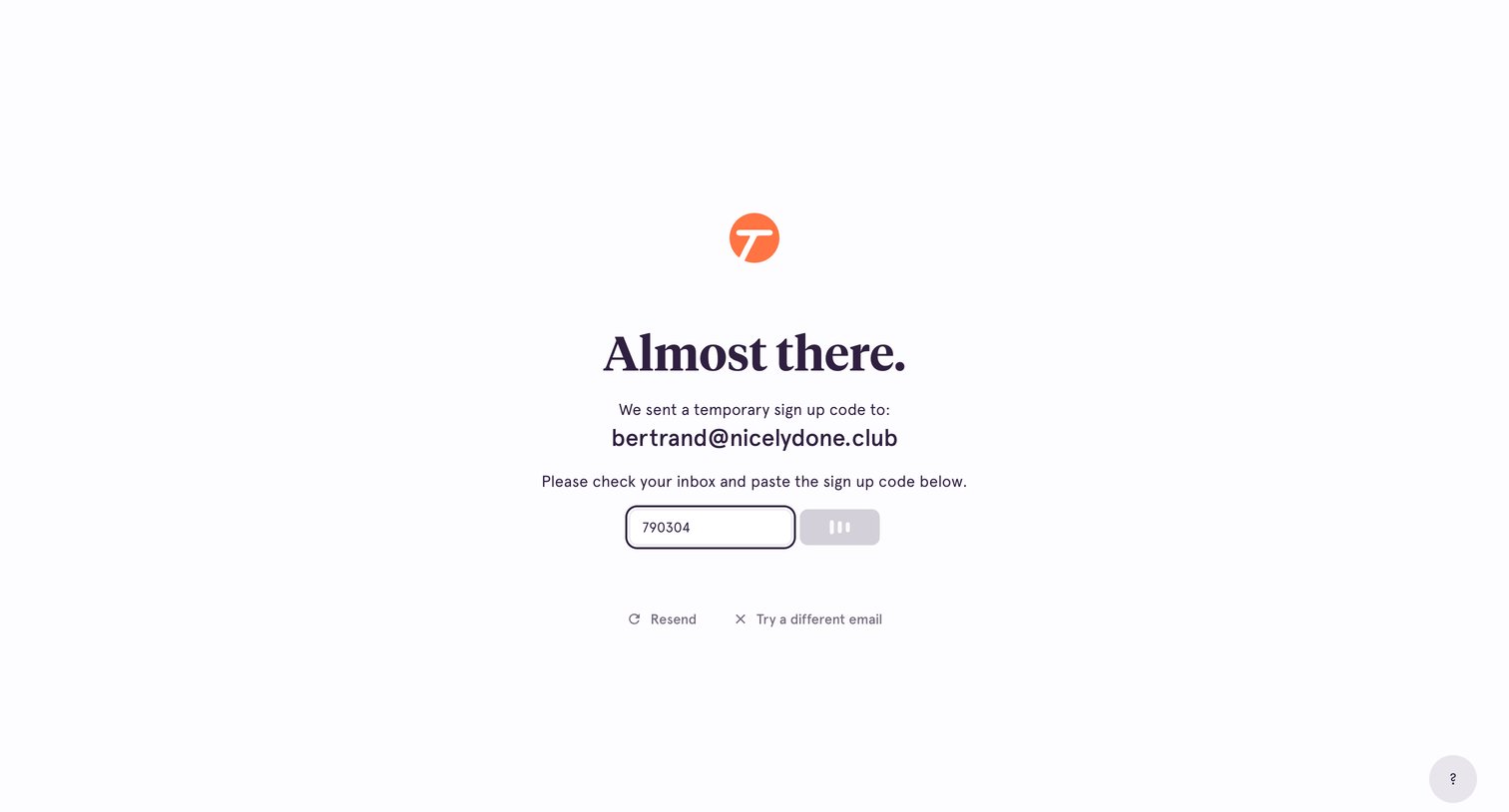
Tango - Confirm Sign Up screen
Tango logo
Tango

Email verification screen where the user enters a temporary sign-up code sent to their inbox to complete registration.
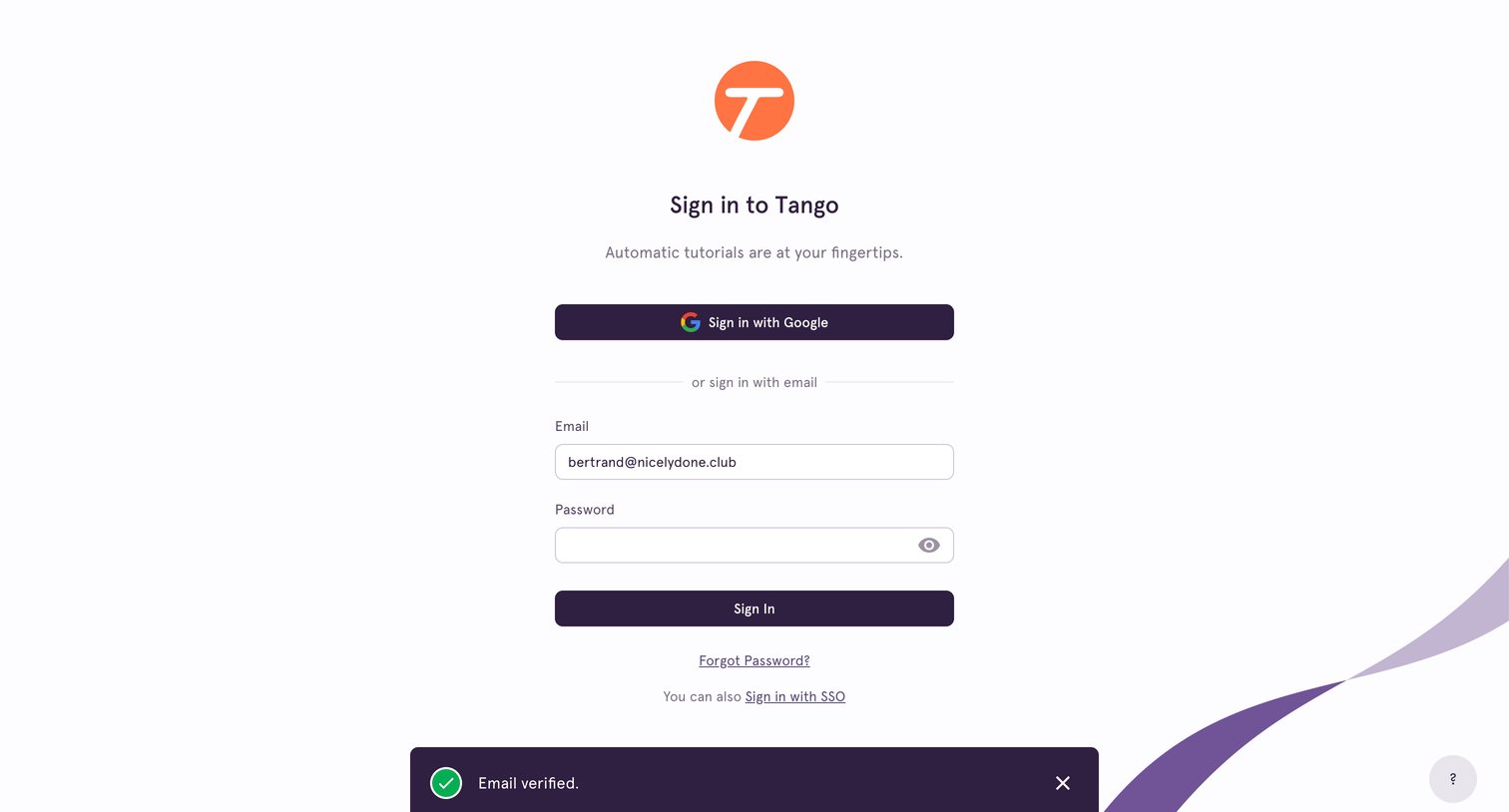
Tango - Sign In screen
Tango logo
Tango

Sign-in screen where the user authenticates with Google, email, or SSO, featuring a successful email verification toast.
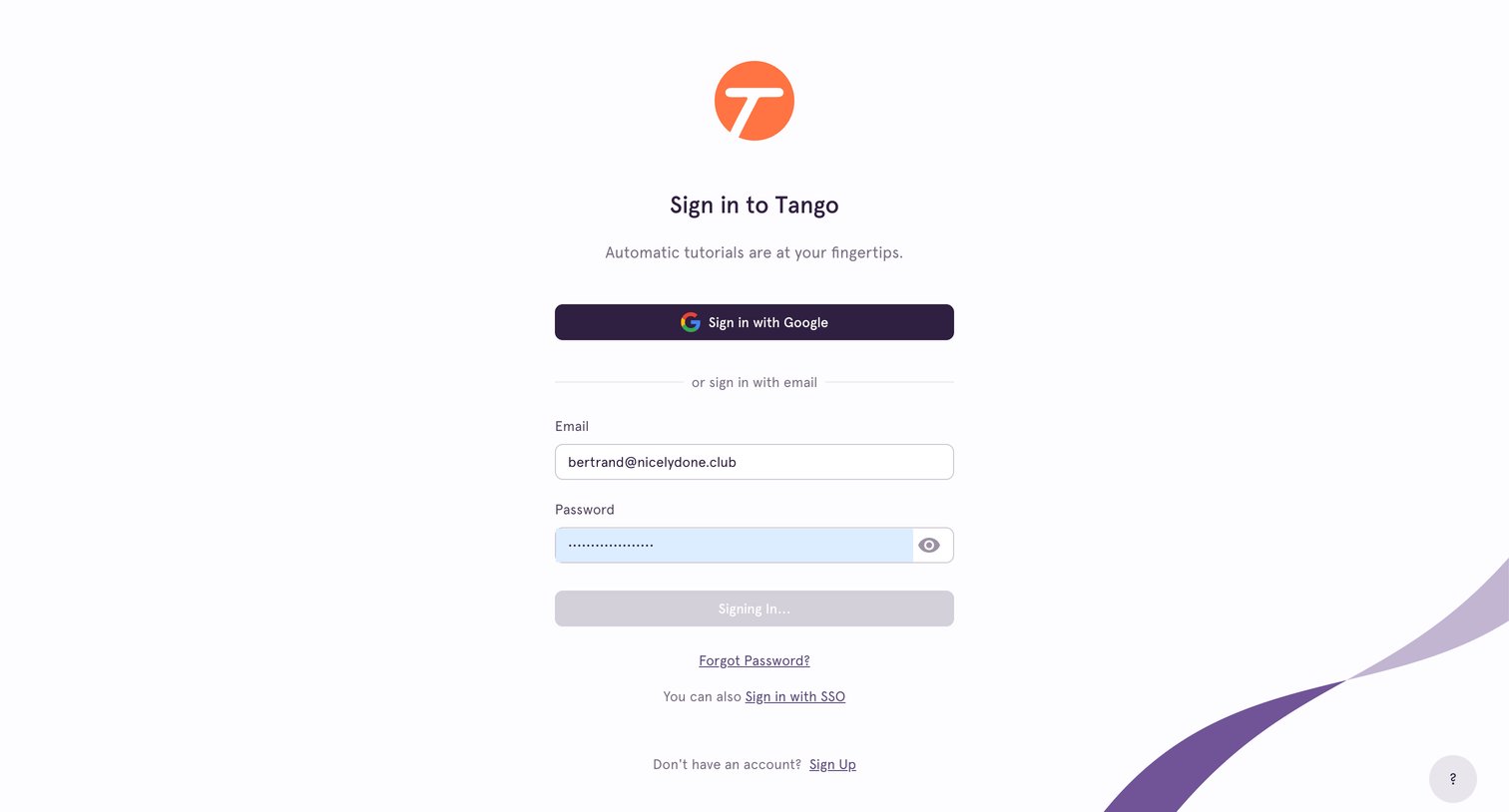
Tango - Sign In screen
Tango logo
Tango

Sign-in screen where the user is authenticating with their email and password, currently showing a loading state upon submission.

Browse the full SaaS app library

Explore real SaaS apps with their product screens, marketing screens, flows, and components.

Trusted by the best teams