
Tango UI components examples
Browse Tango UI component design examples. Preview individual interface elements and explore related component categories. Interactive walkthroughs, created in seconds
Explore the examples
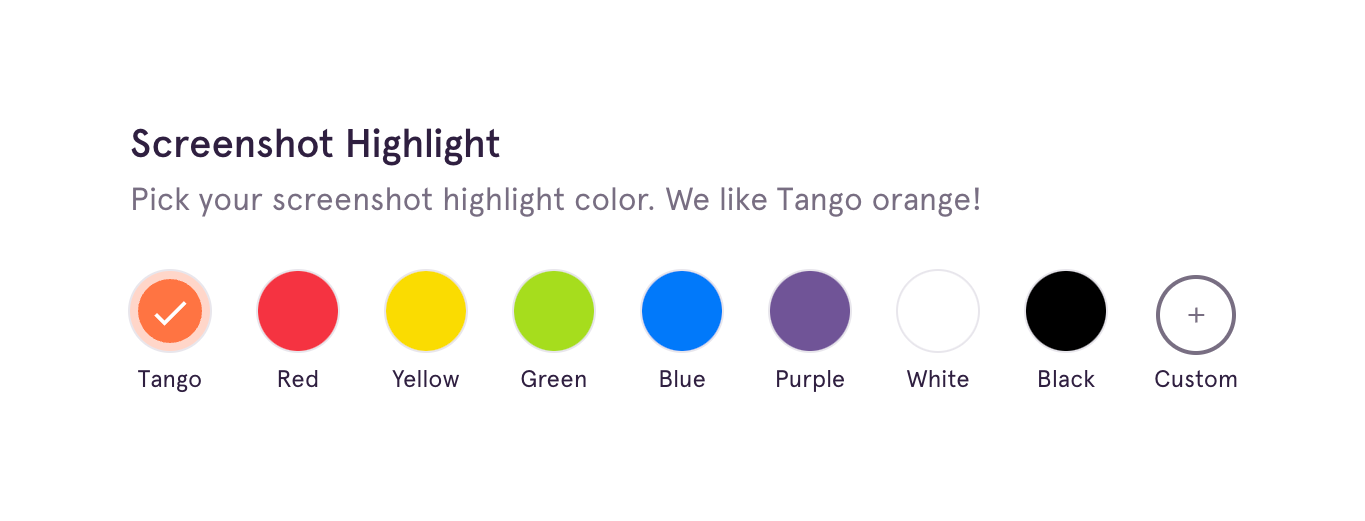
A color picker component allowing users to select a highlight color from a predefined palette or add a custom color.

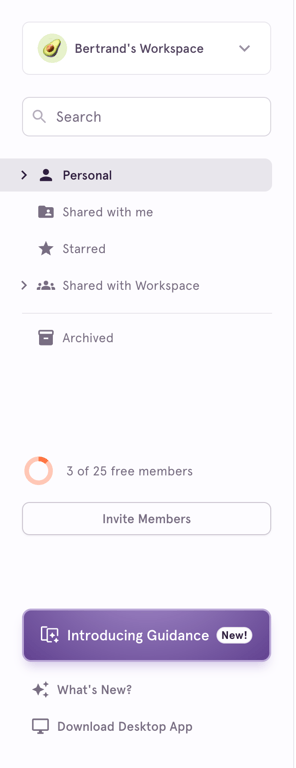
A vertical sidebar navigation menu featuring a workspace switcher, search bar, primary navigation links with icons, a member quota indicator, an invite button, and secondary links including a prominent feature announcement.

A header for an onboarding section showing a completed progress bar and a collapse icon.
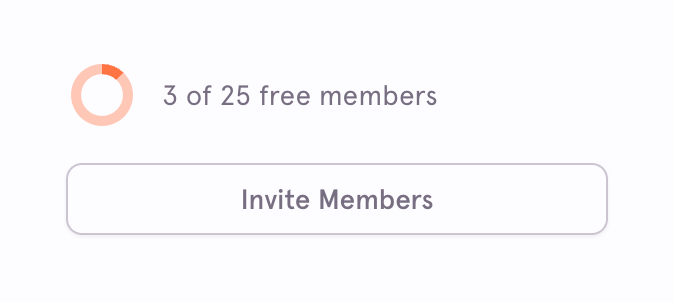
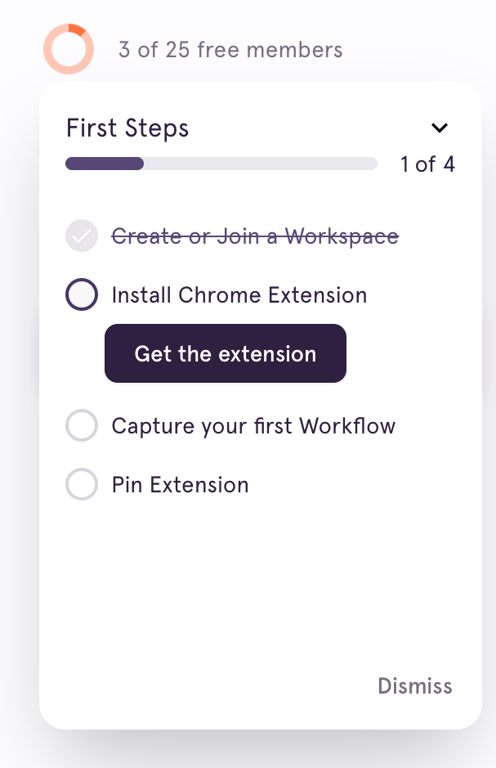
A circular progress indicator showing the current number of free members used out of the total allowed, accompanied by a button to invite more members.

A top navigation bar featuring a logo, page title with contextual actions, primary and secondary action buttons, and a user profile avatar.
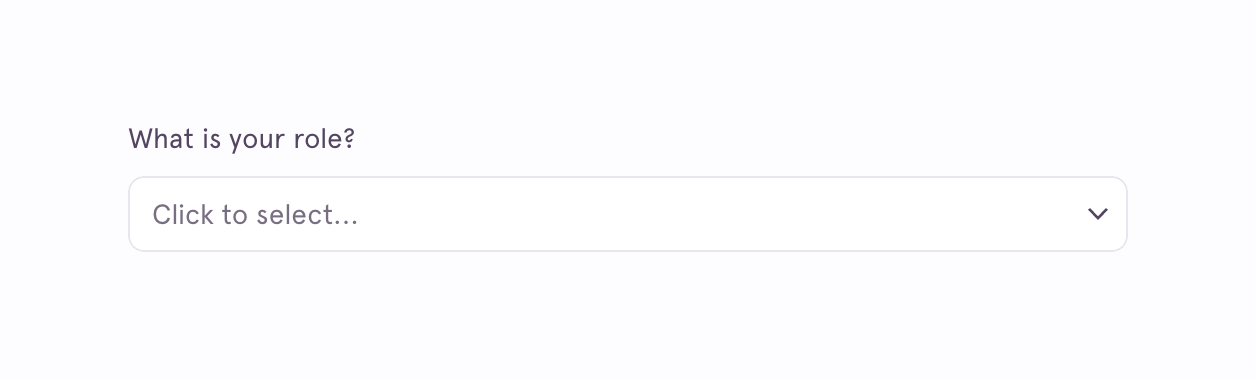
A dropdown input field with a label asking 'What is your role?' and placeholder text 'Click to select...'.

A horizontal progress bar indicating 40% completion, with a text label centered above the track.
Browse the full component library
Browse the full UI component library.
Trusted by the best teams







