Workspace creation screen examples
Workspace creation screen design examples from SaaS apps. Browse examples from Polar, Magnific, Latitude.sh.
Explore the examples
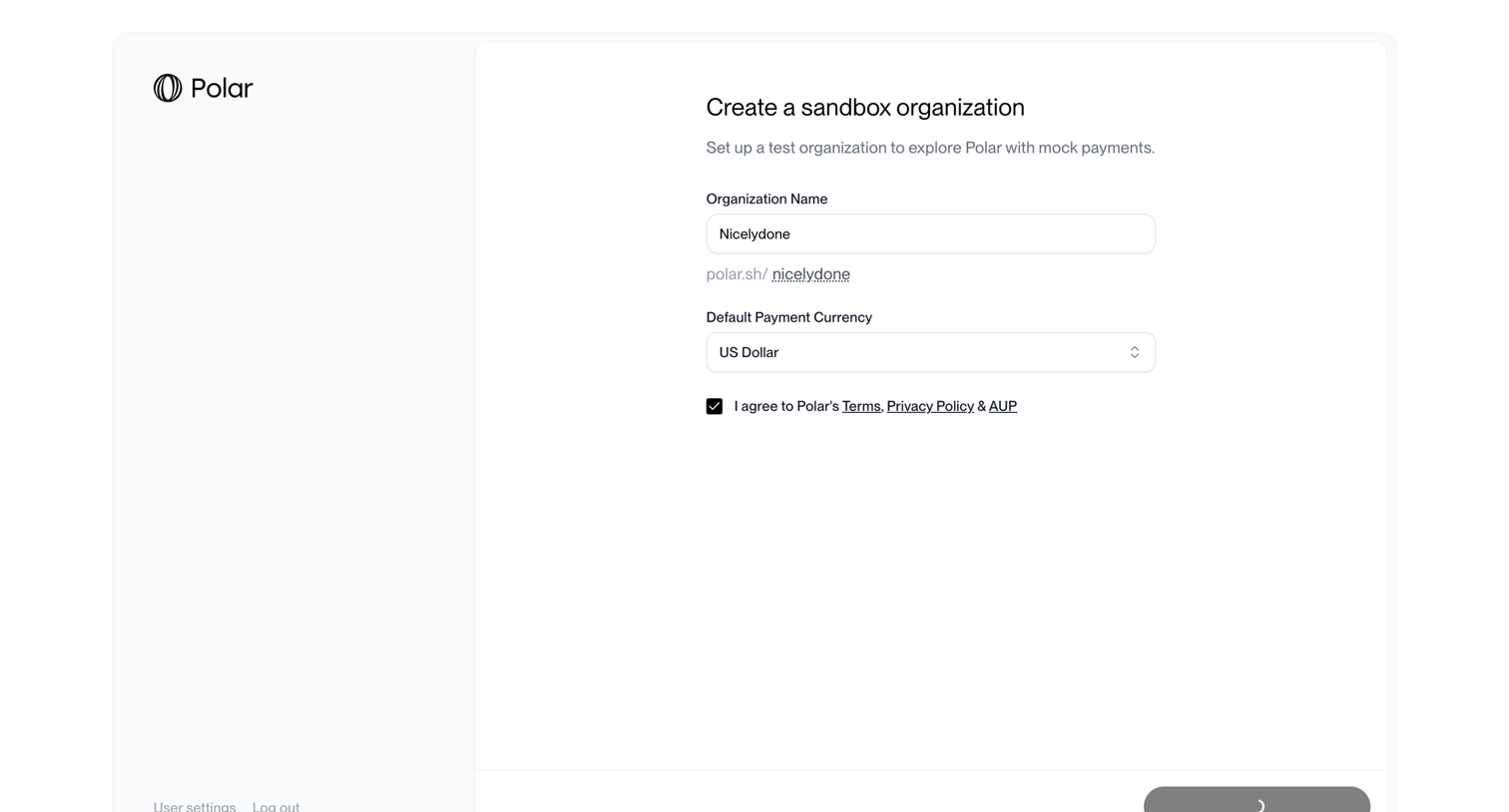

Onboarding step where the user names their sandbox organization, selects a default currency, and agrees to the terms to create a test environment.
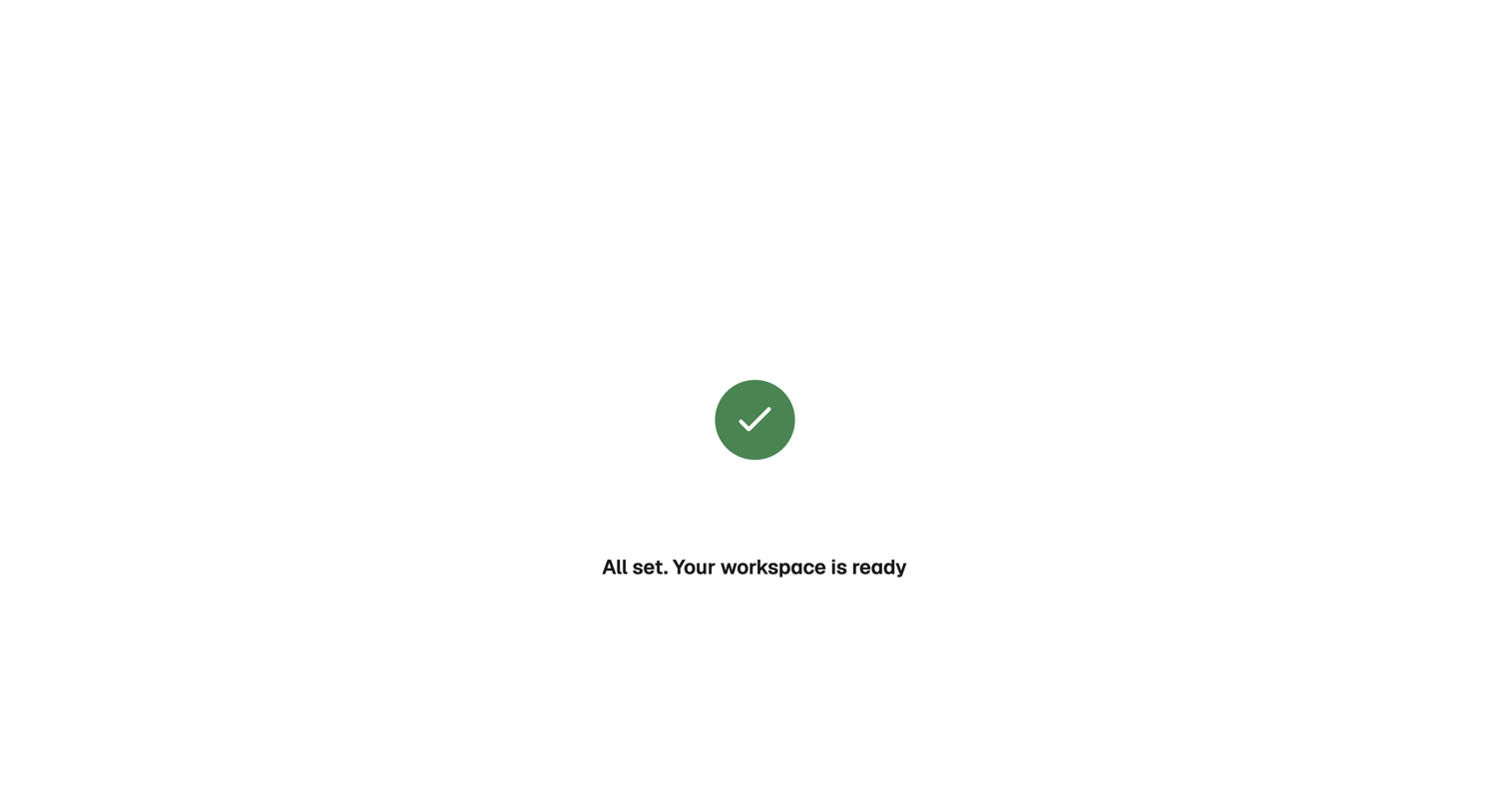

Onboarding step where a success message confirms the user's workspace is ready.
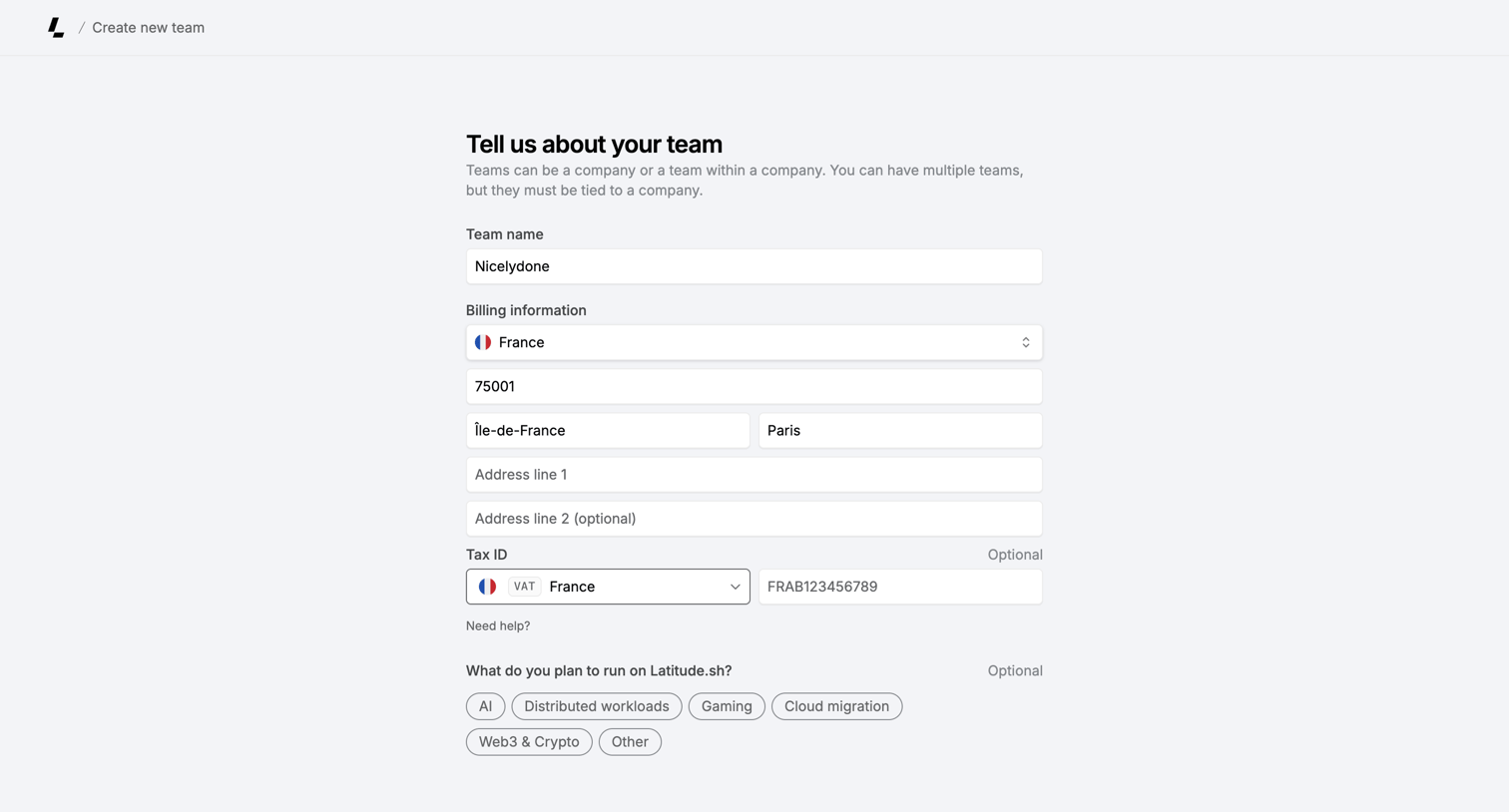

Creation page where the user sets up a new team by providing a name, billing address, tax ID, and intended workloads.
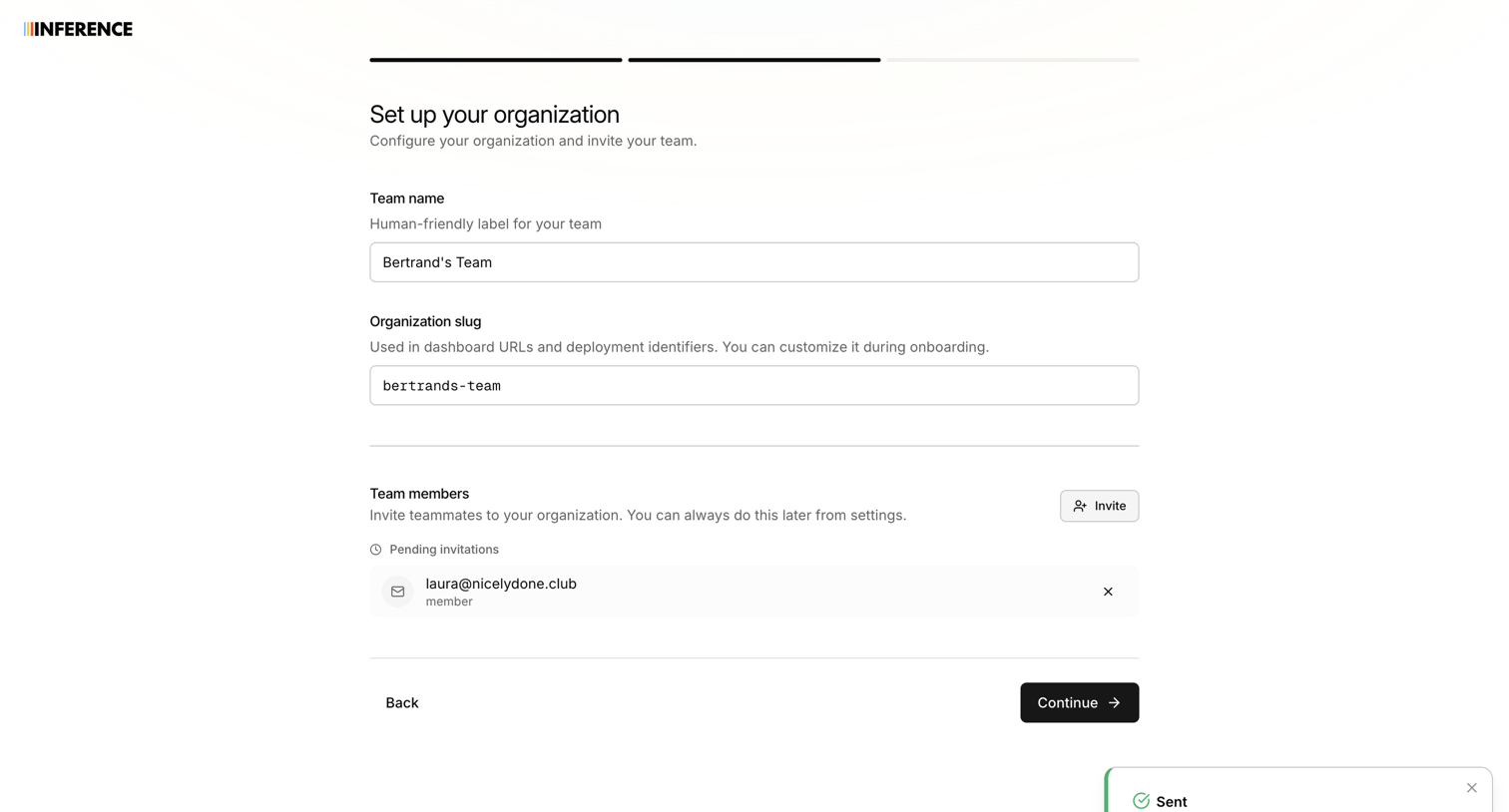

Onboarding step where the user names their organization, sets a custom URL slug, and invites teammates via email.
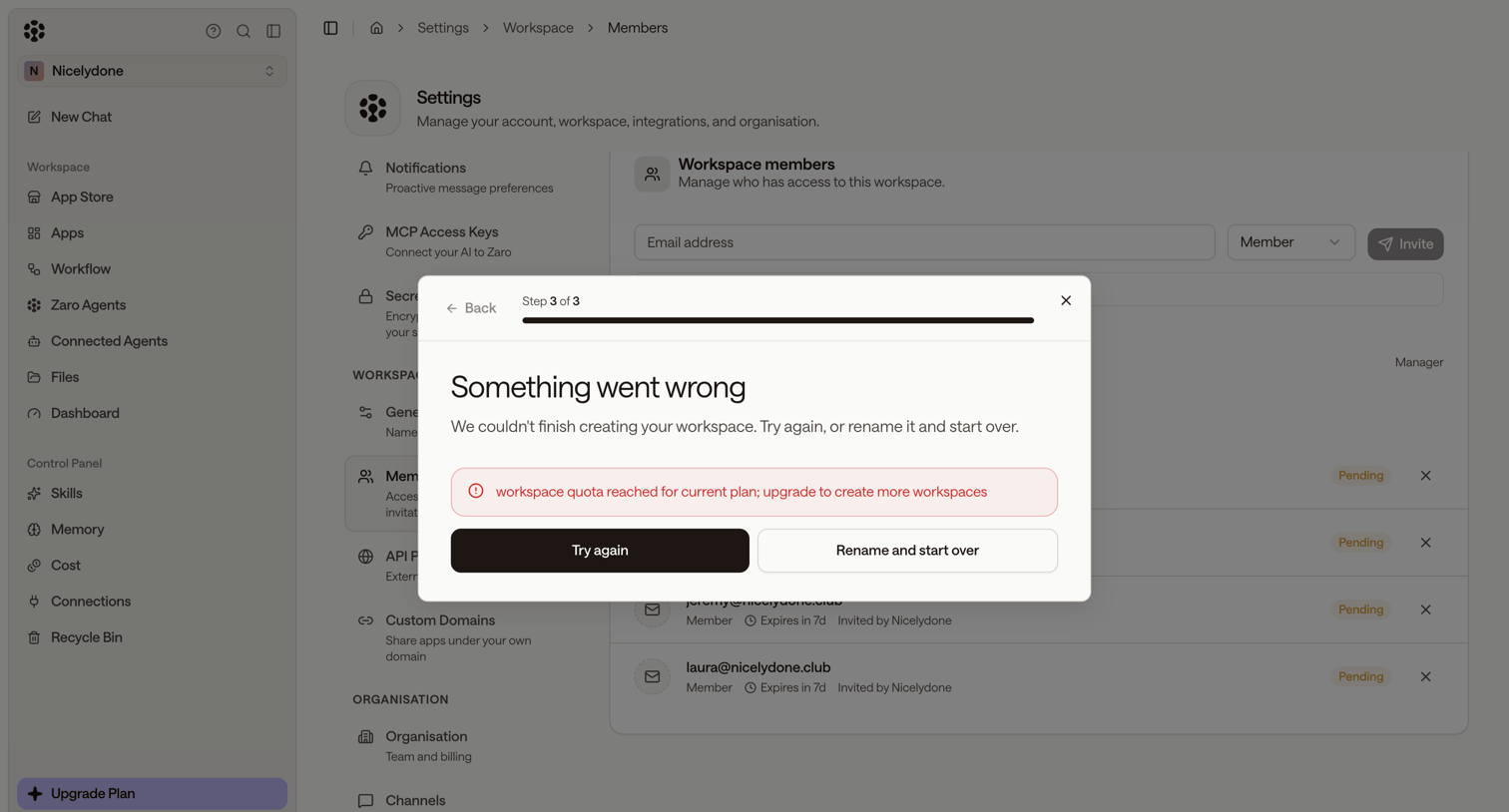

Paywall modal interrupting a workspace creation wizard with an error stating the plan's quota has been reached, displayed over a workspace members settings page.
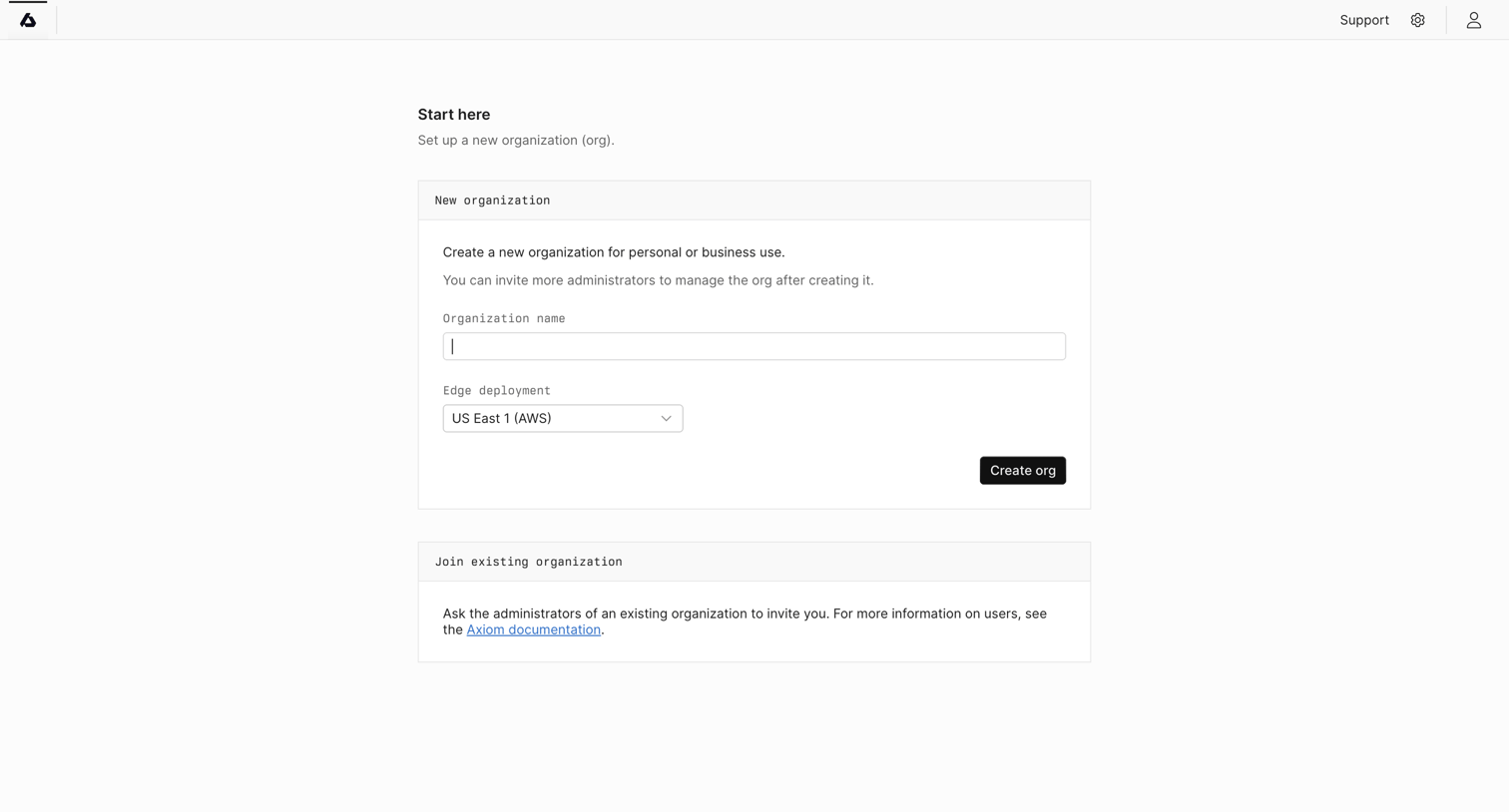

Onboarding screen where the user creates a new organization by providing a name and selecting an edge deployment region.
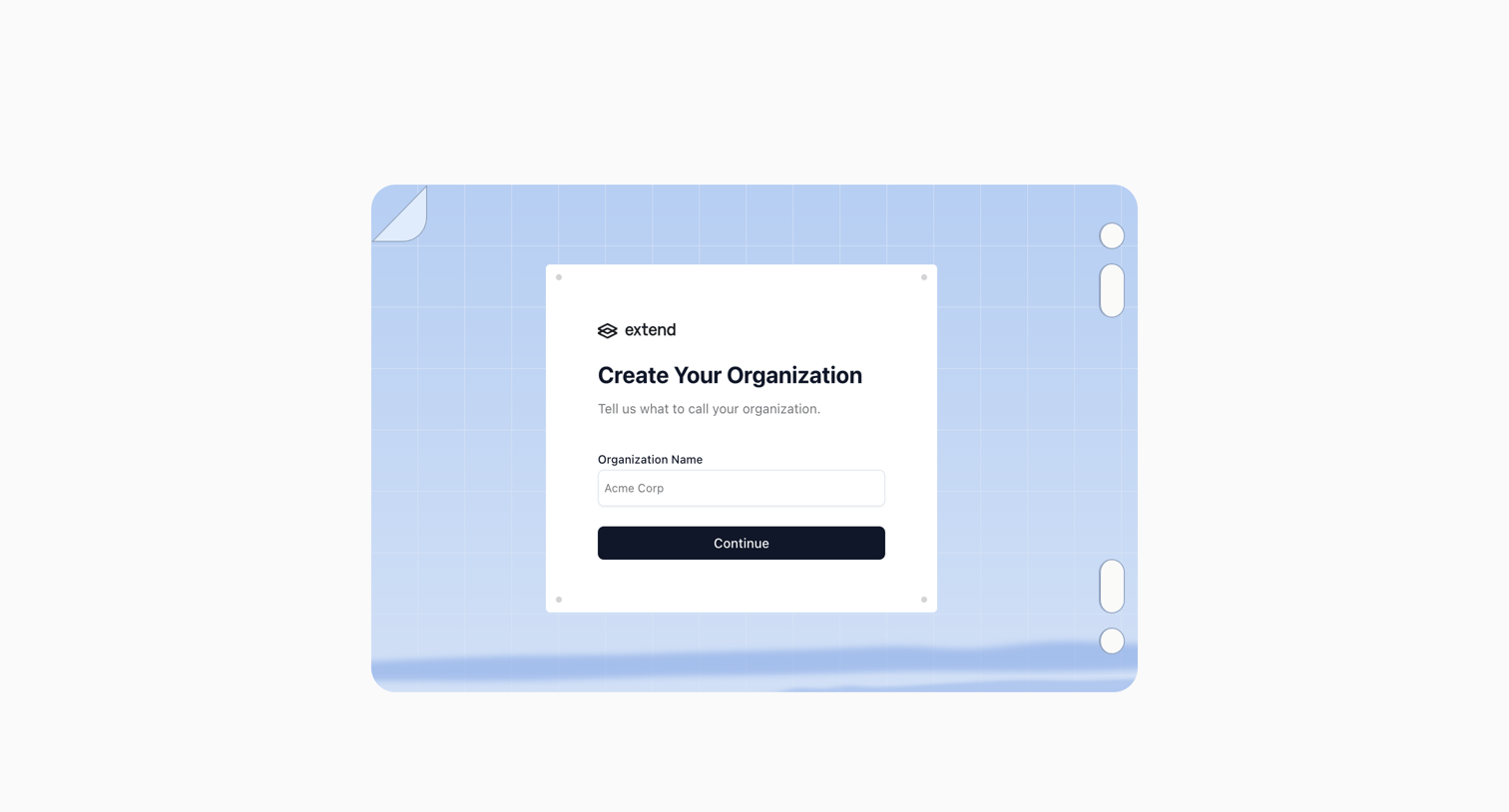

Onboarding step where the user names their organization to create a workspace.
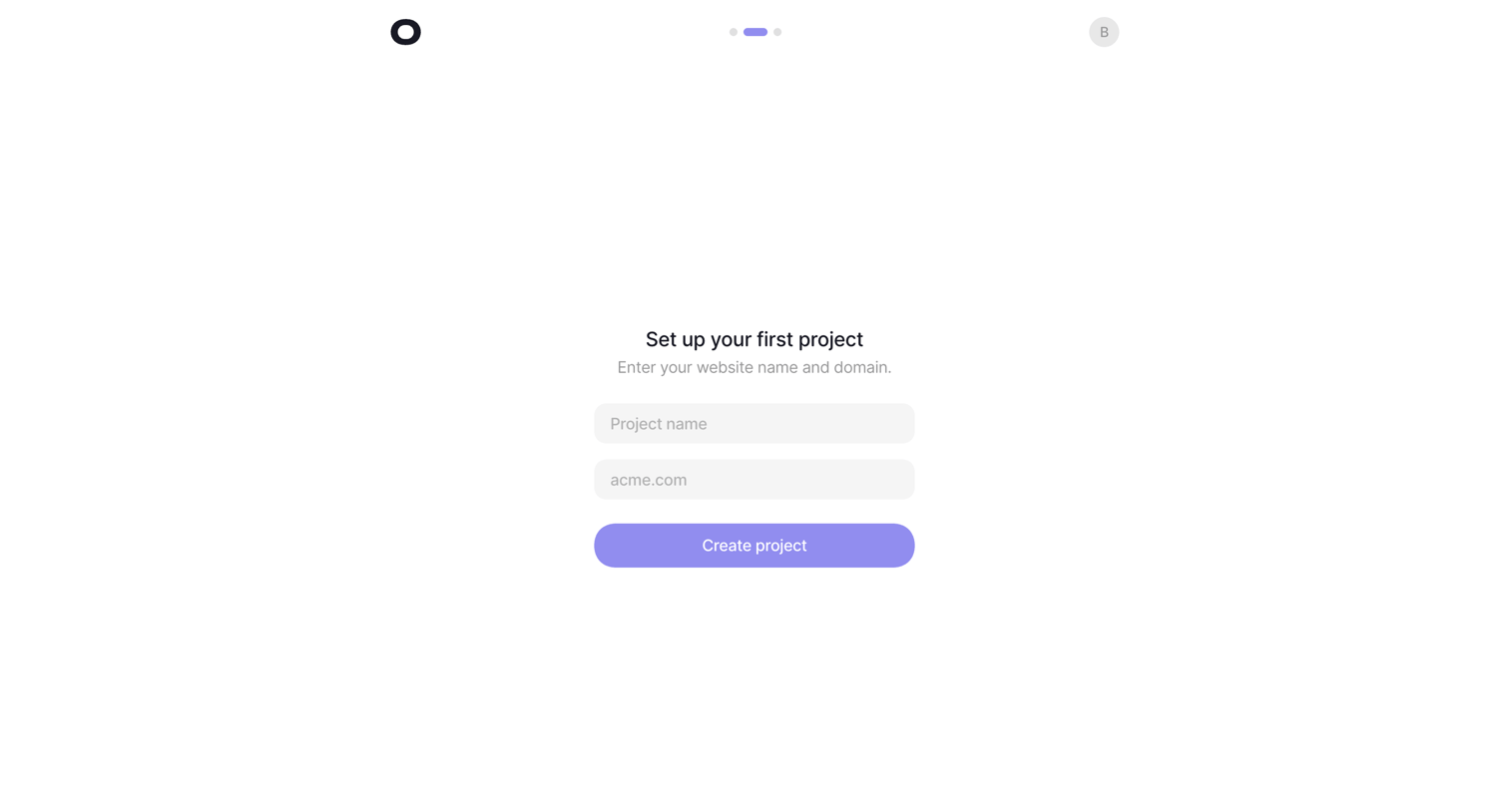

Onboarding step where the user names their first project and provides a website domain to complete setup.
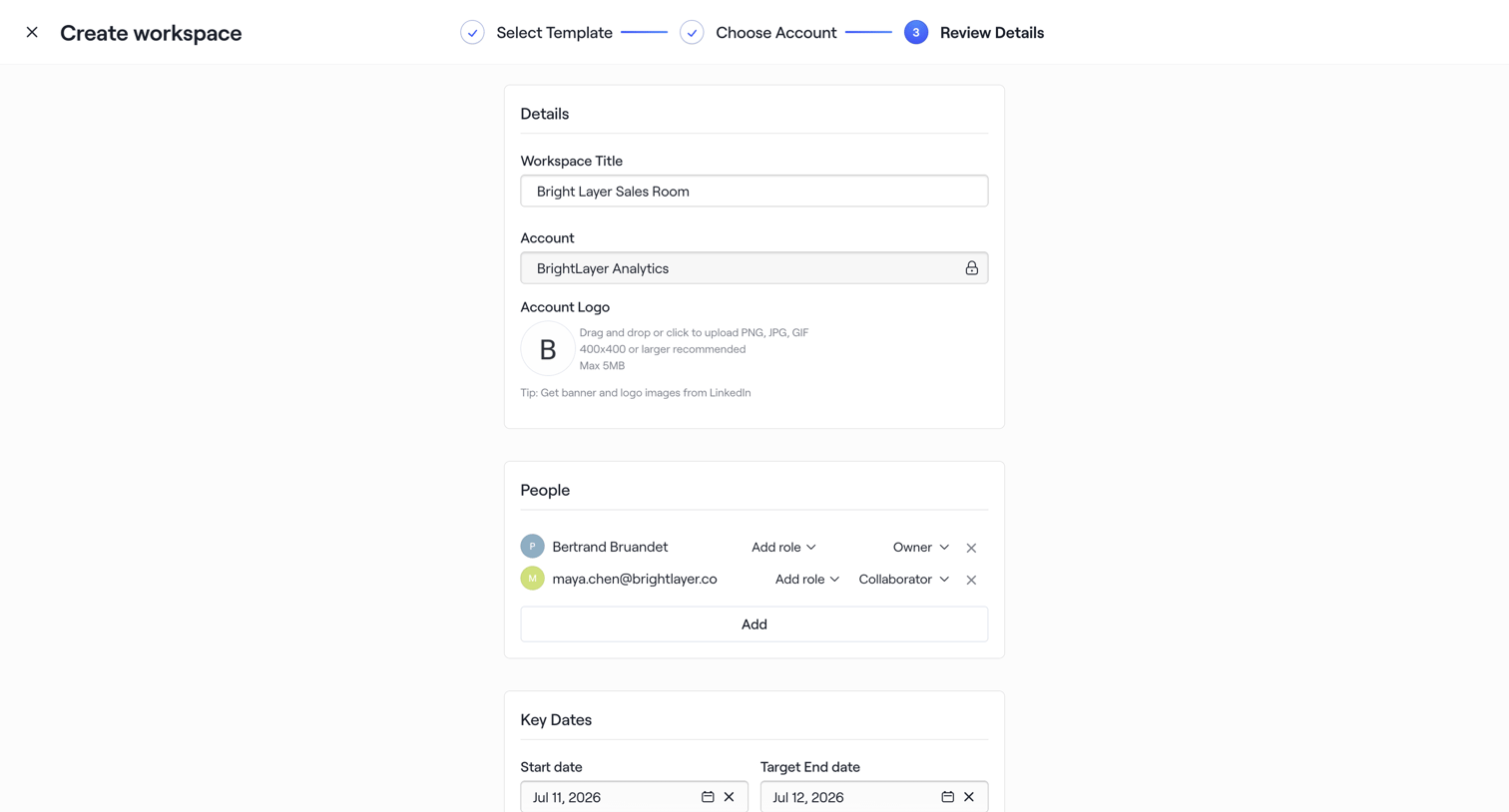

Creation wizard step where the user reviews details, assigns team members with specific roles, and sets key dates before finalizing the workspace.
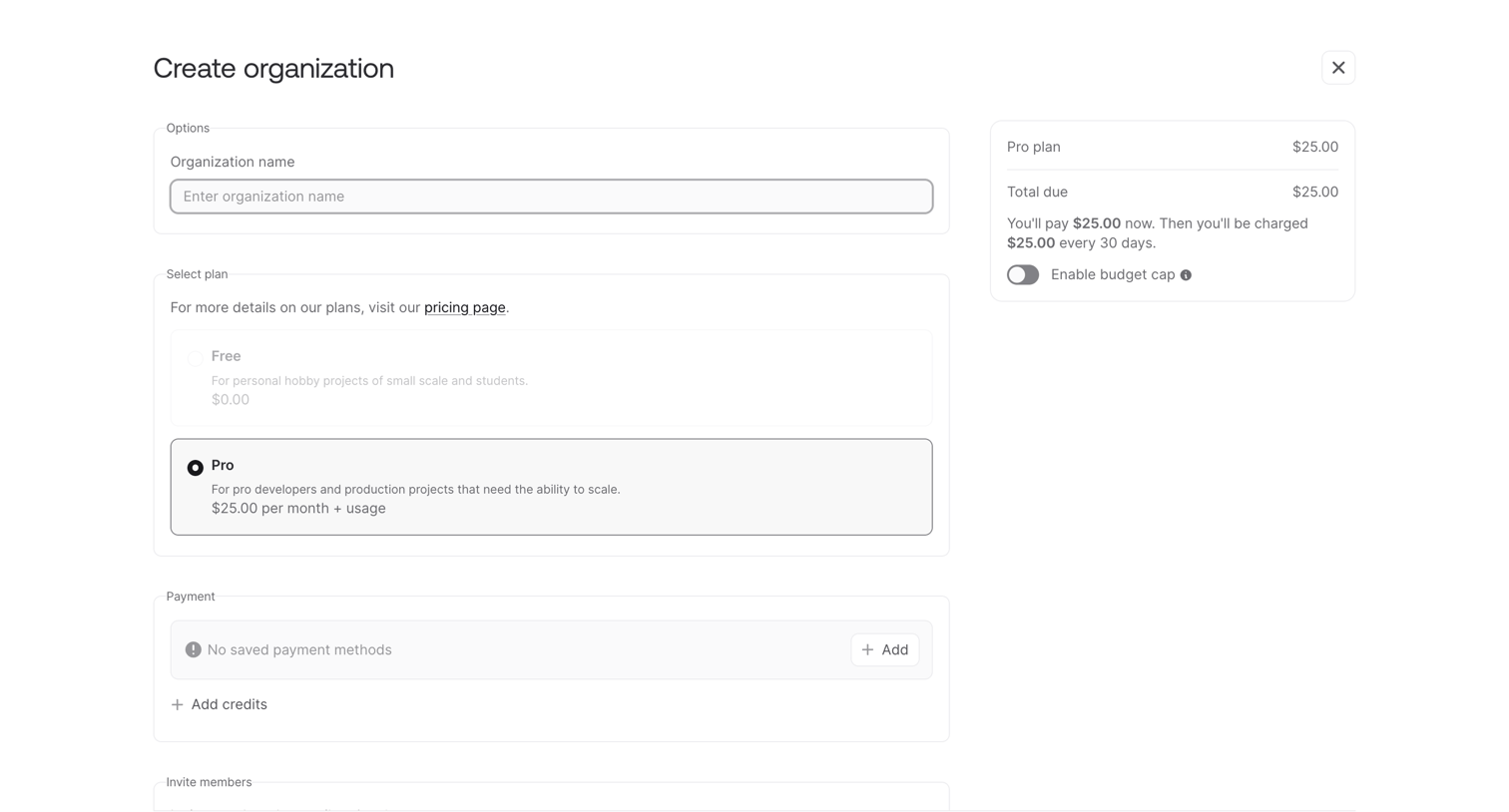

Creation page where the user names their new organization, selects between a free or pro plan, and reviews their initial payment summary.
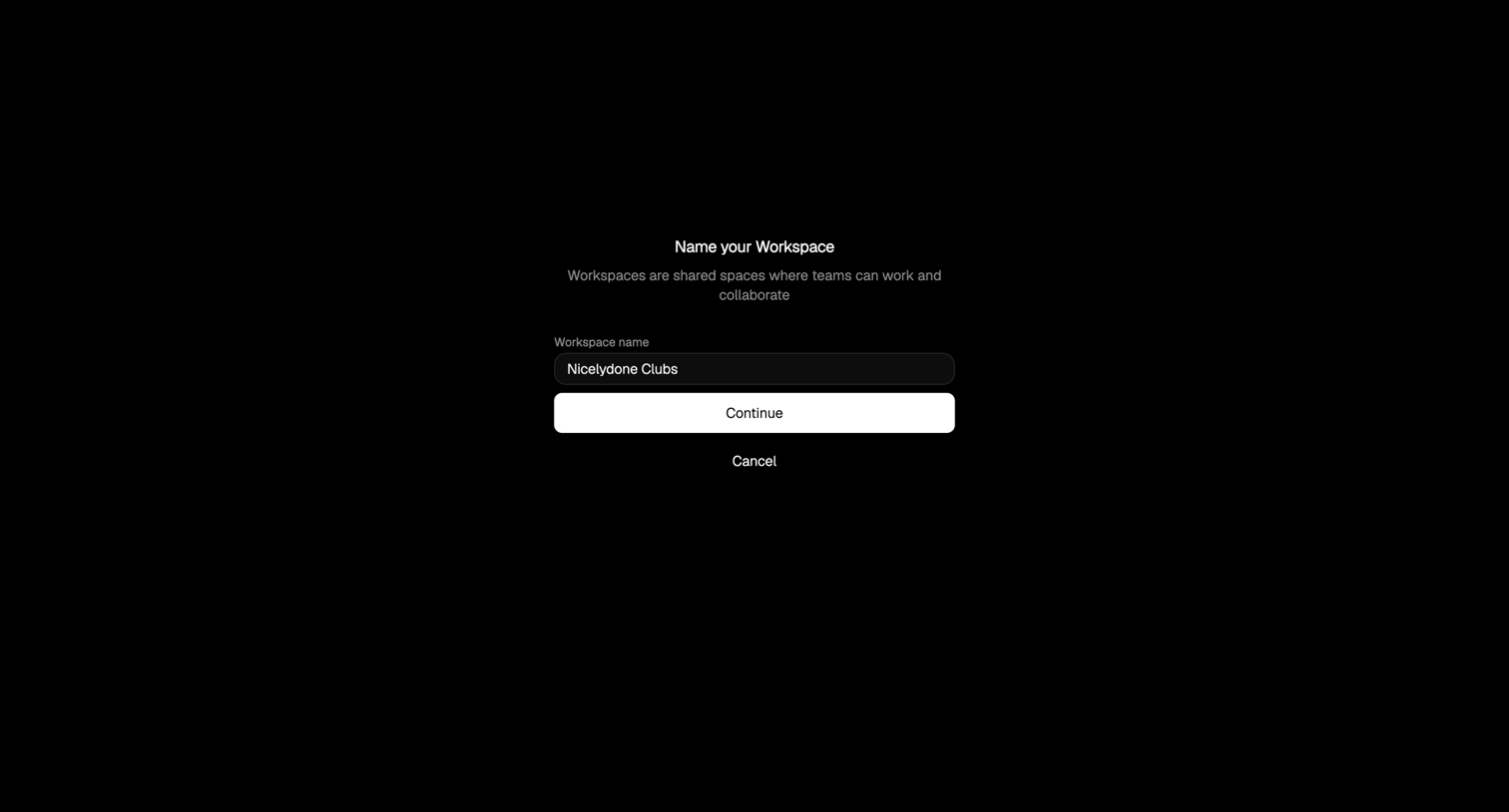

Onboarding step where the user names their new workspace to collaborate with their team.
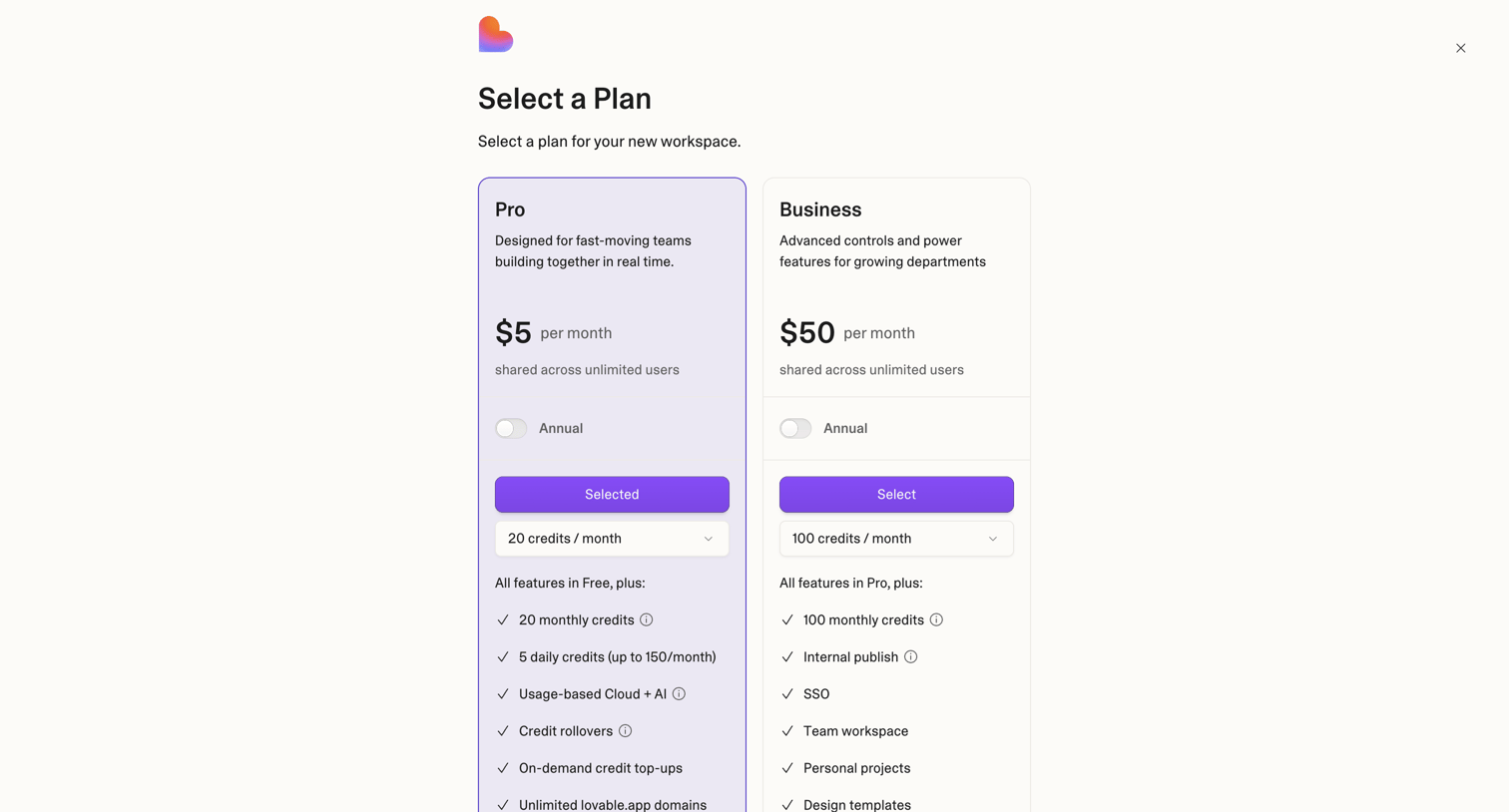

Paywall screen where the user selects between a Pro and Business plan to create a new workspace, with options for annual billing and monthly credit limits.
Explore the full SaaS screen library
Upgrade to unlock the full library.
Trusted by the best teams







