Video editor screen examples
Video editor screen design examples from SaaS apps. Browse examples from Magnific, Riverside, HeyGen.
Explore the examples
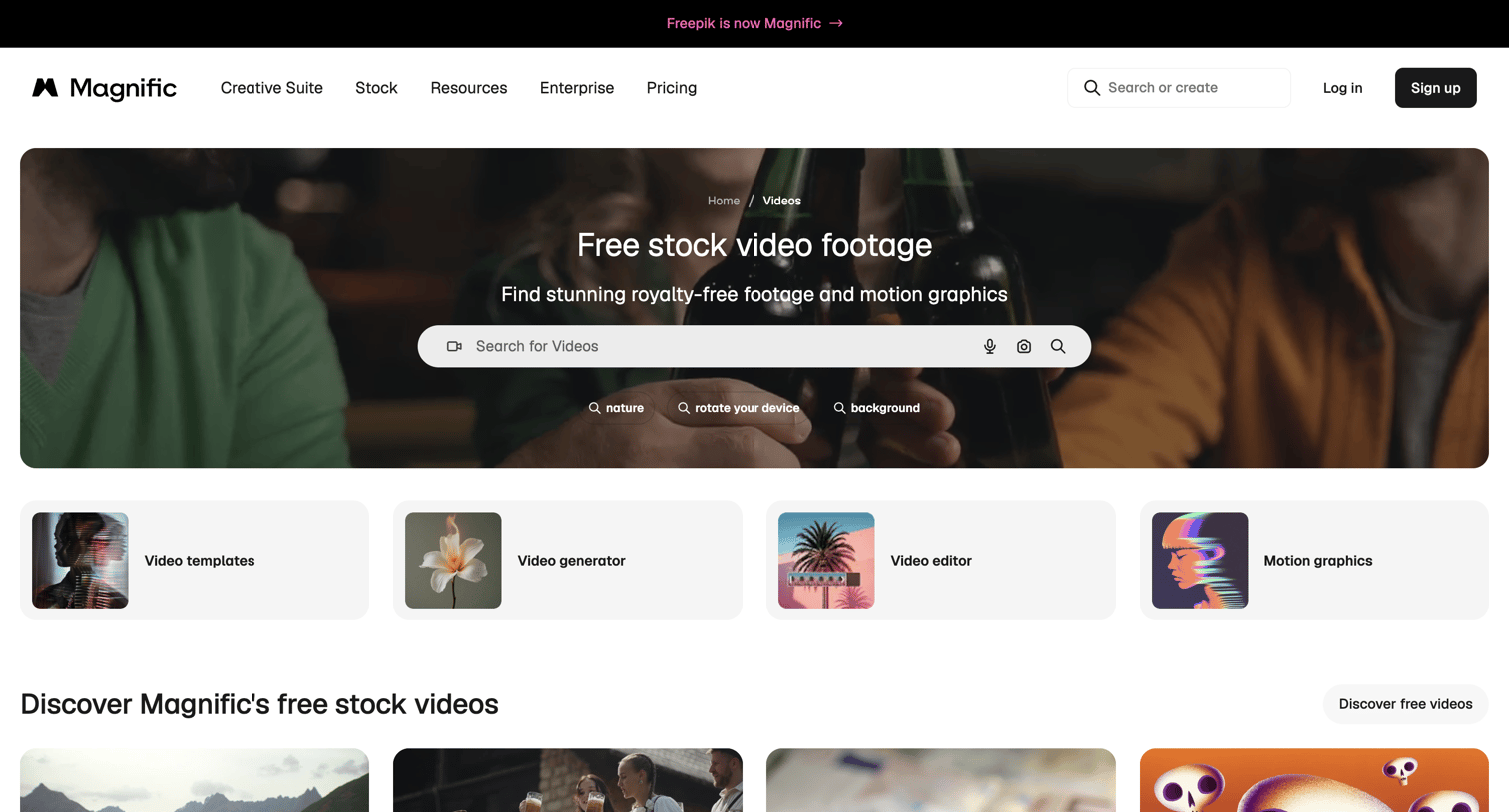

Product page where the user can search for and browse free stock video footage and motion graphics across various categories.
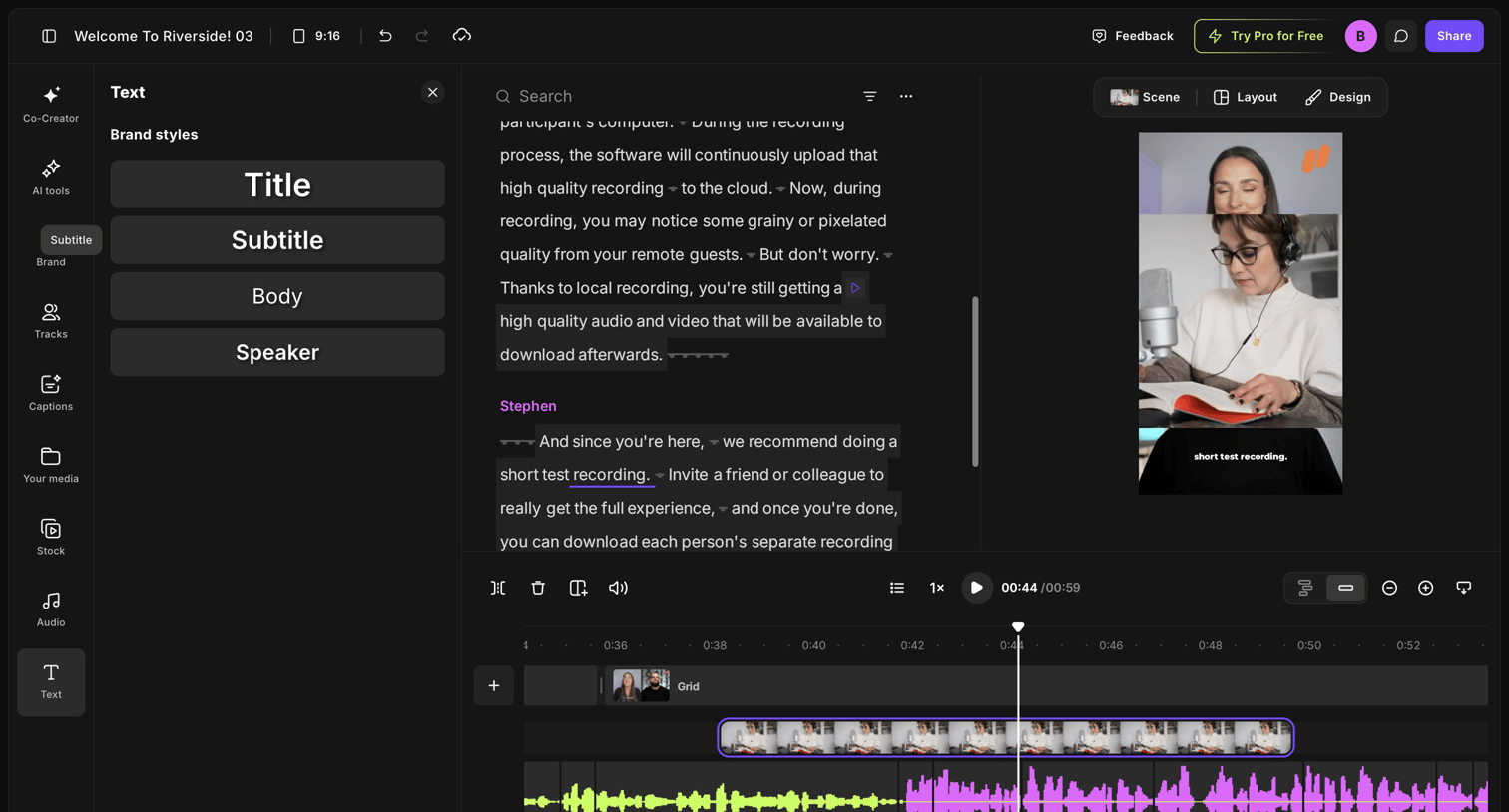

Video editor where the user modifies a recording by editing the generated transcript, adjusting brand text styles, and managing the timeline tracks.
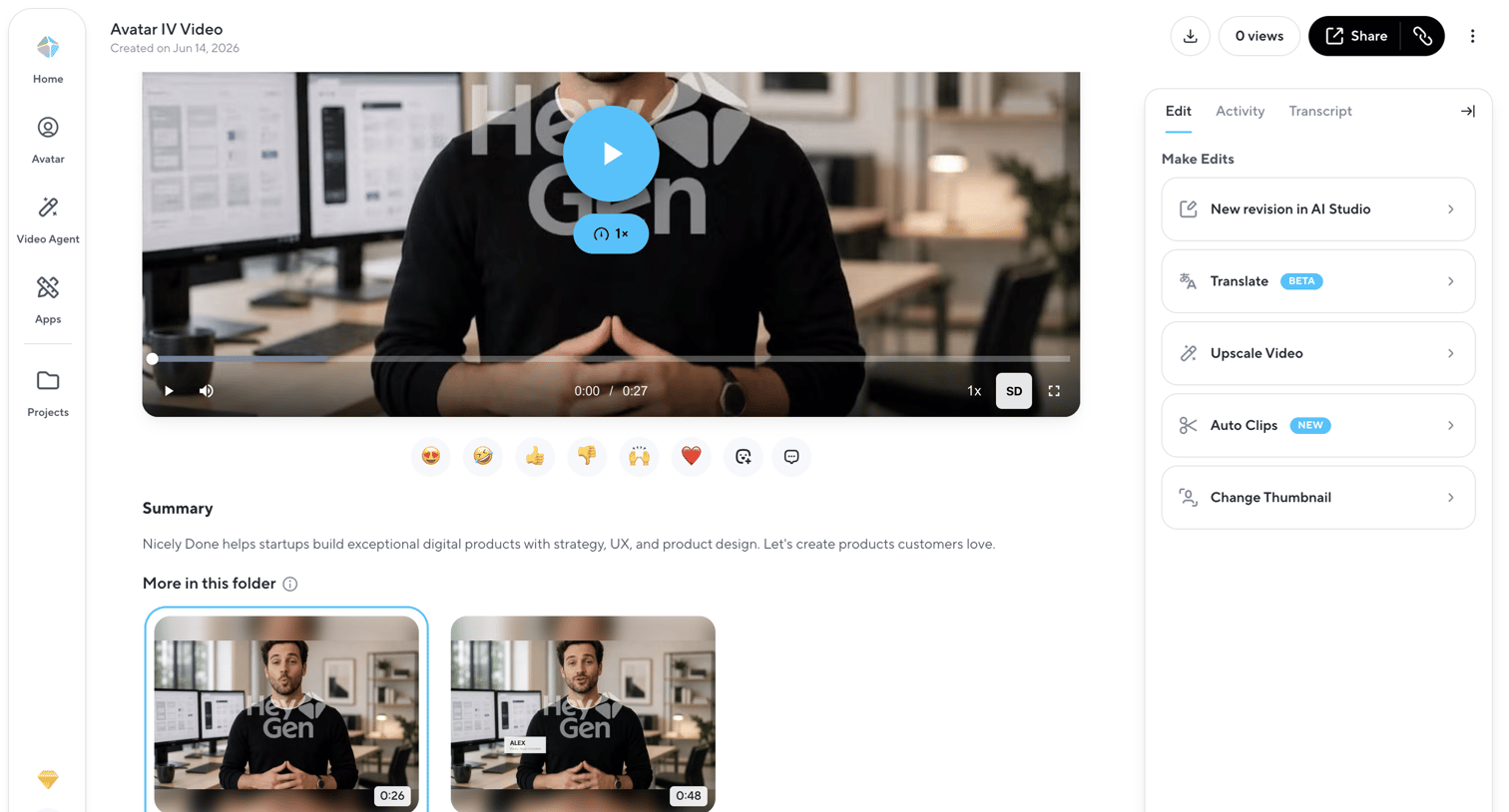

Detail page where the user can view a video asset, read its summary, and access AI-powered editing tools like translation and upscaling.
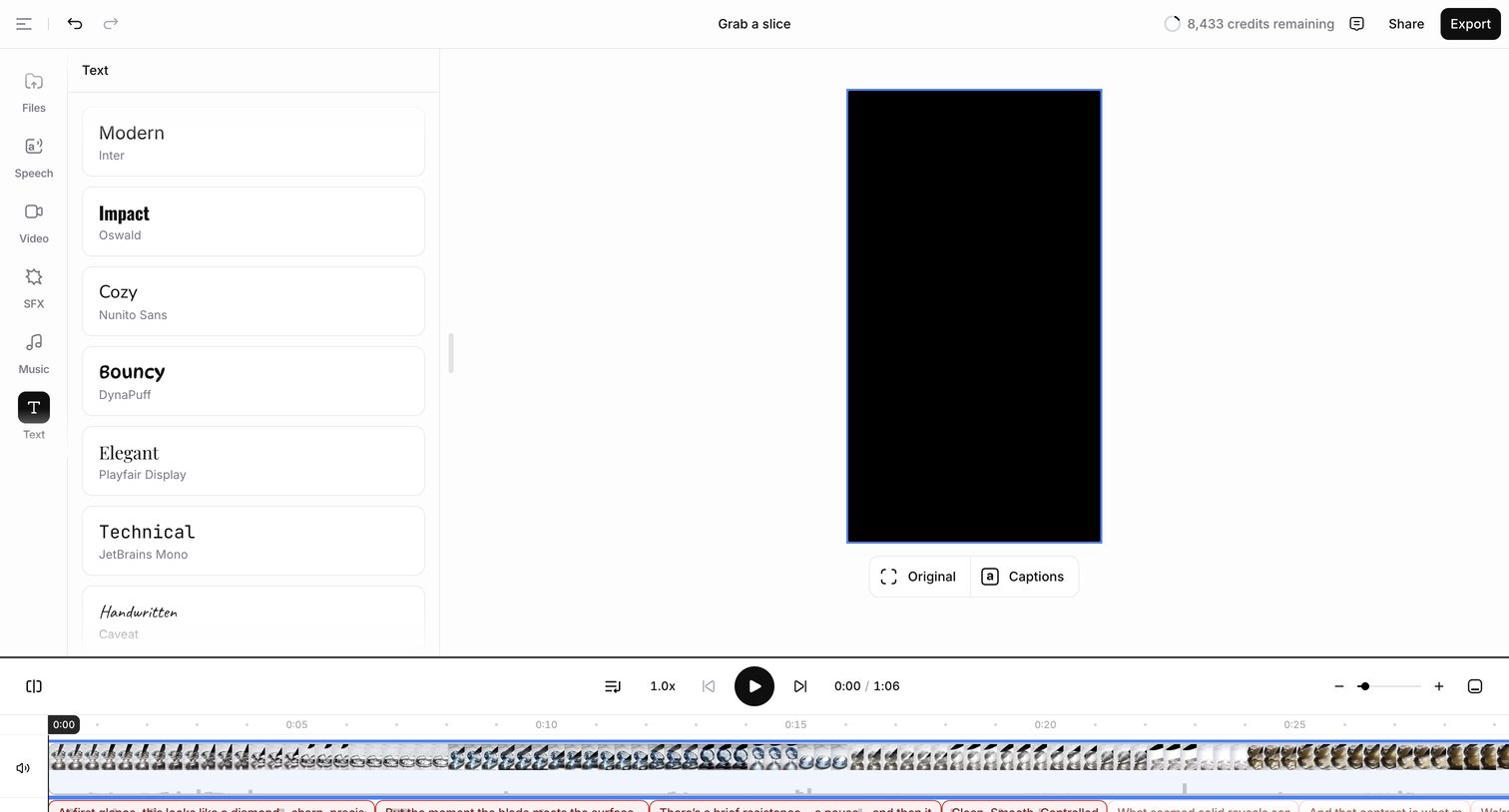

Design editor where the user applies text styles like Modern or Impact to a video and manages audio and caption tracks on a multi-track timeline.
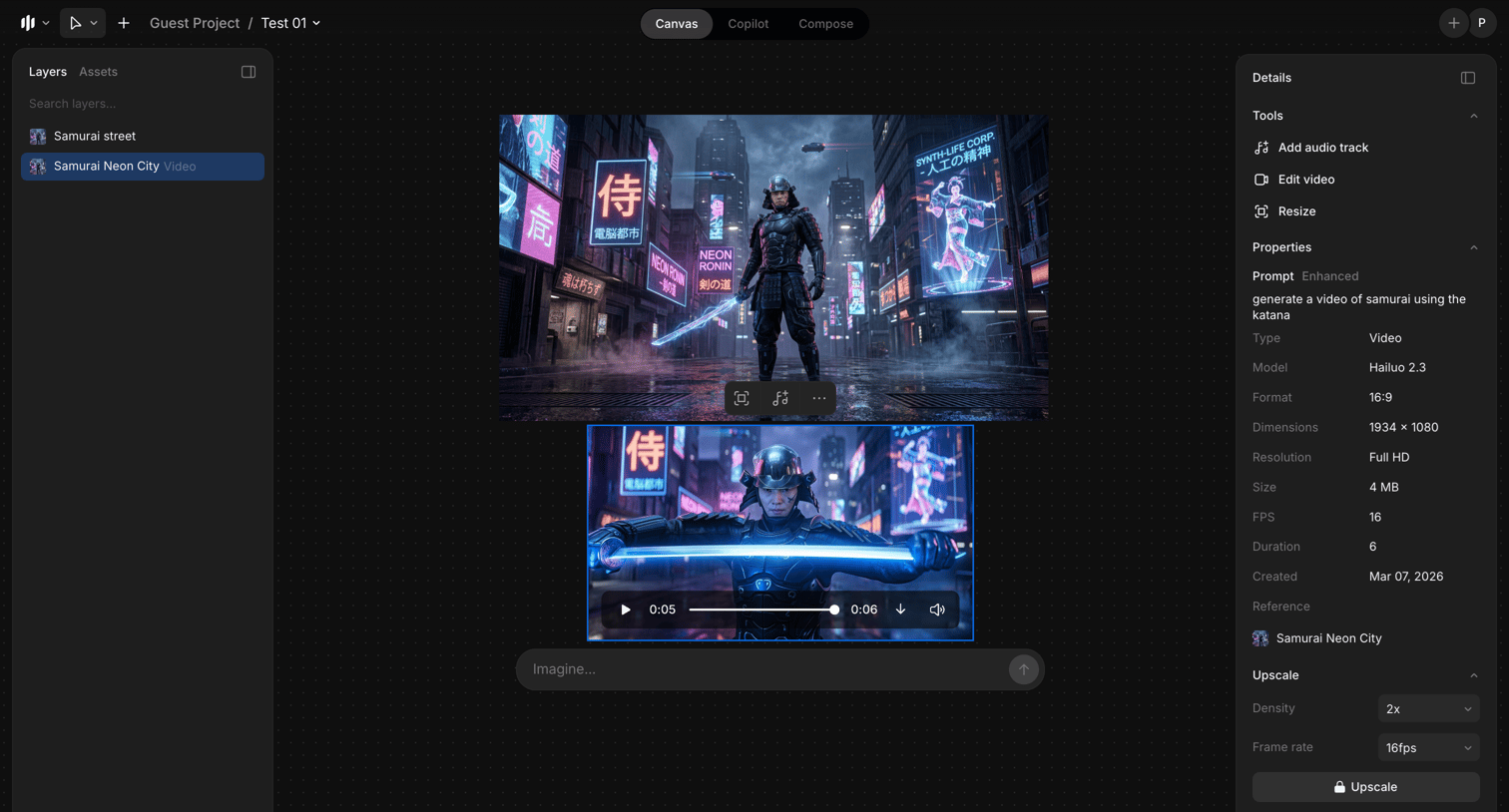

AI video generation editor where the user prompts for new scenes, manages layers, and configures properties like the Hailuo 2.3 model and resolution.
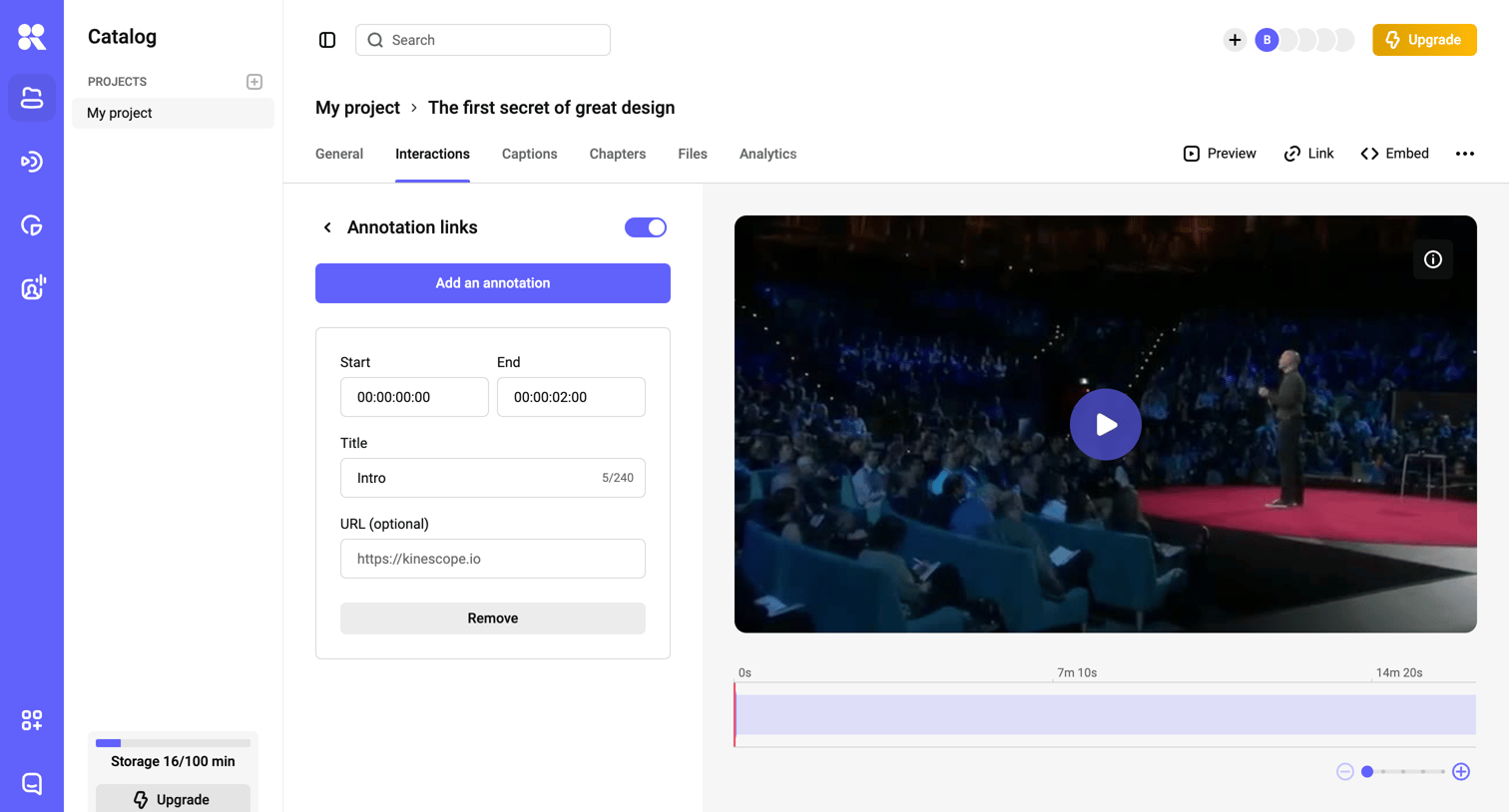

Detail page where the user adds and edits interactive annotation links on a video timeline.
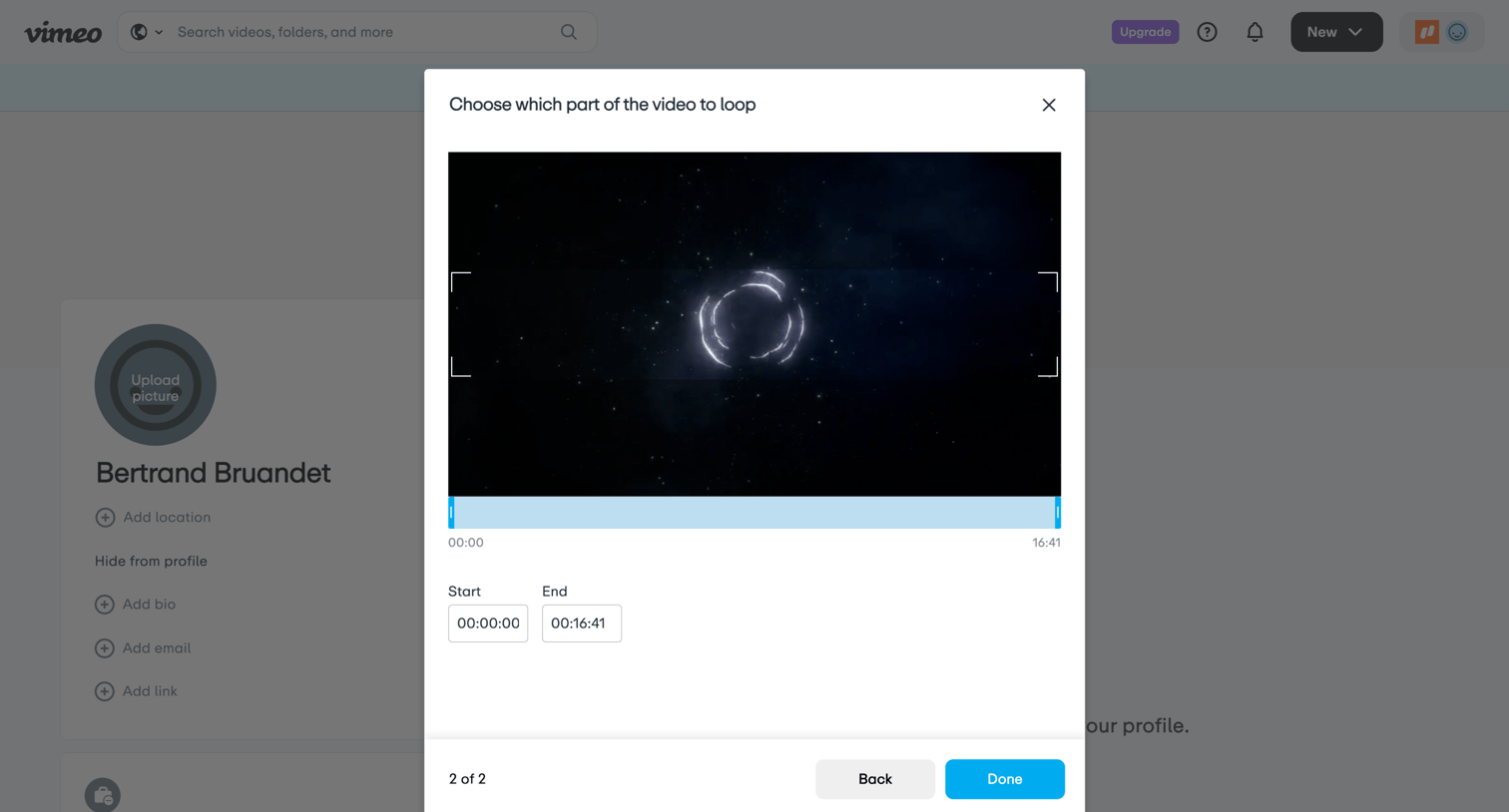

Modal where the user selects the start and end times to loop a specific section of a video.
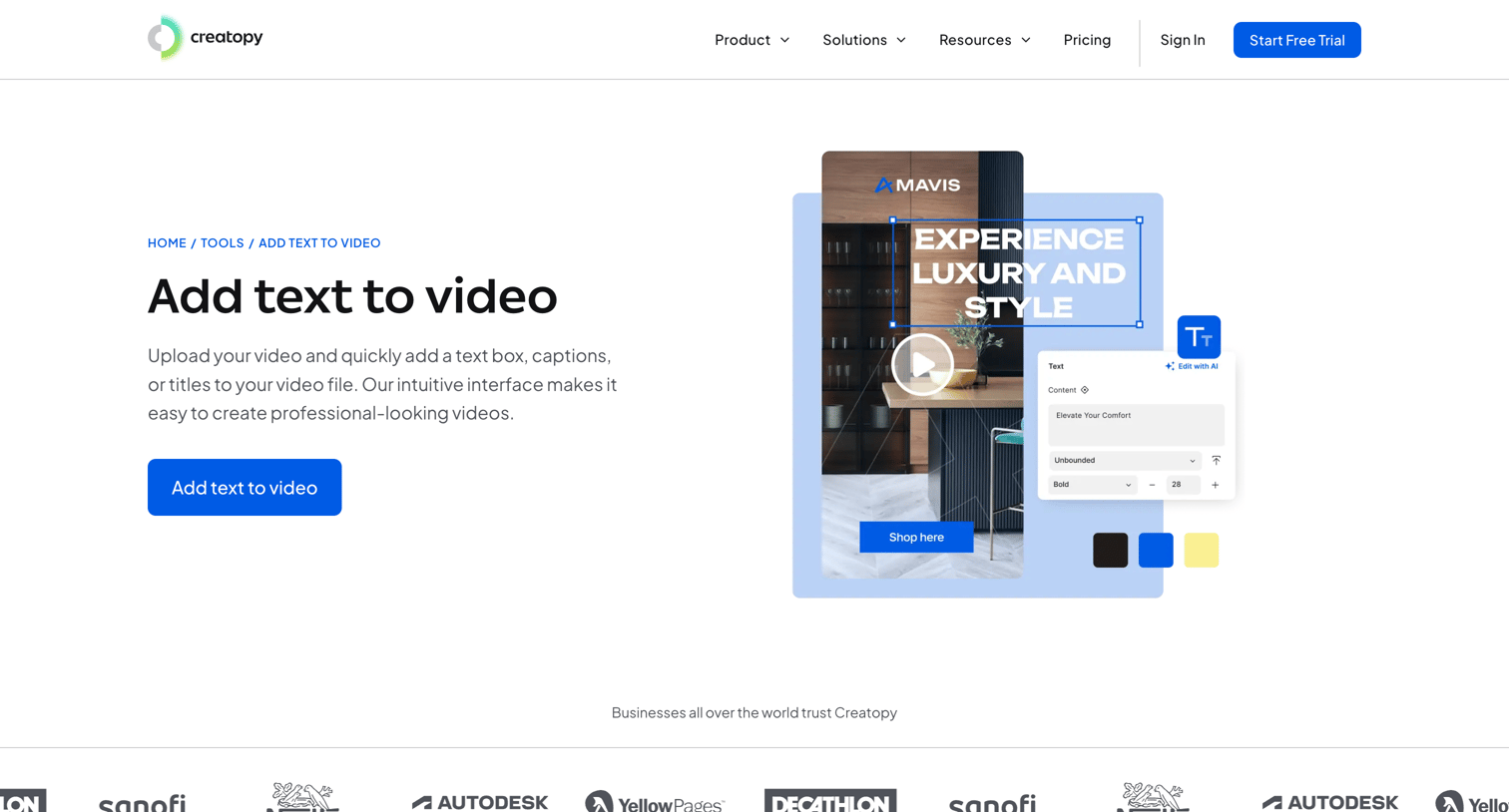

Feature page explaining how to add text to videos, highlighting text customization, animations, and a step-by-step tutorial with a prominent CTA to try the tool.
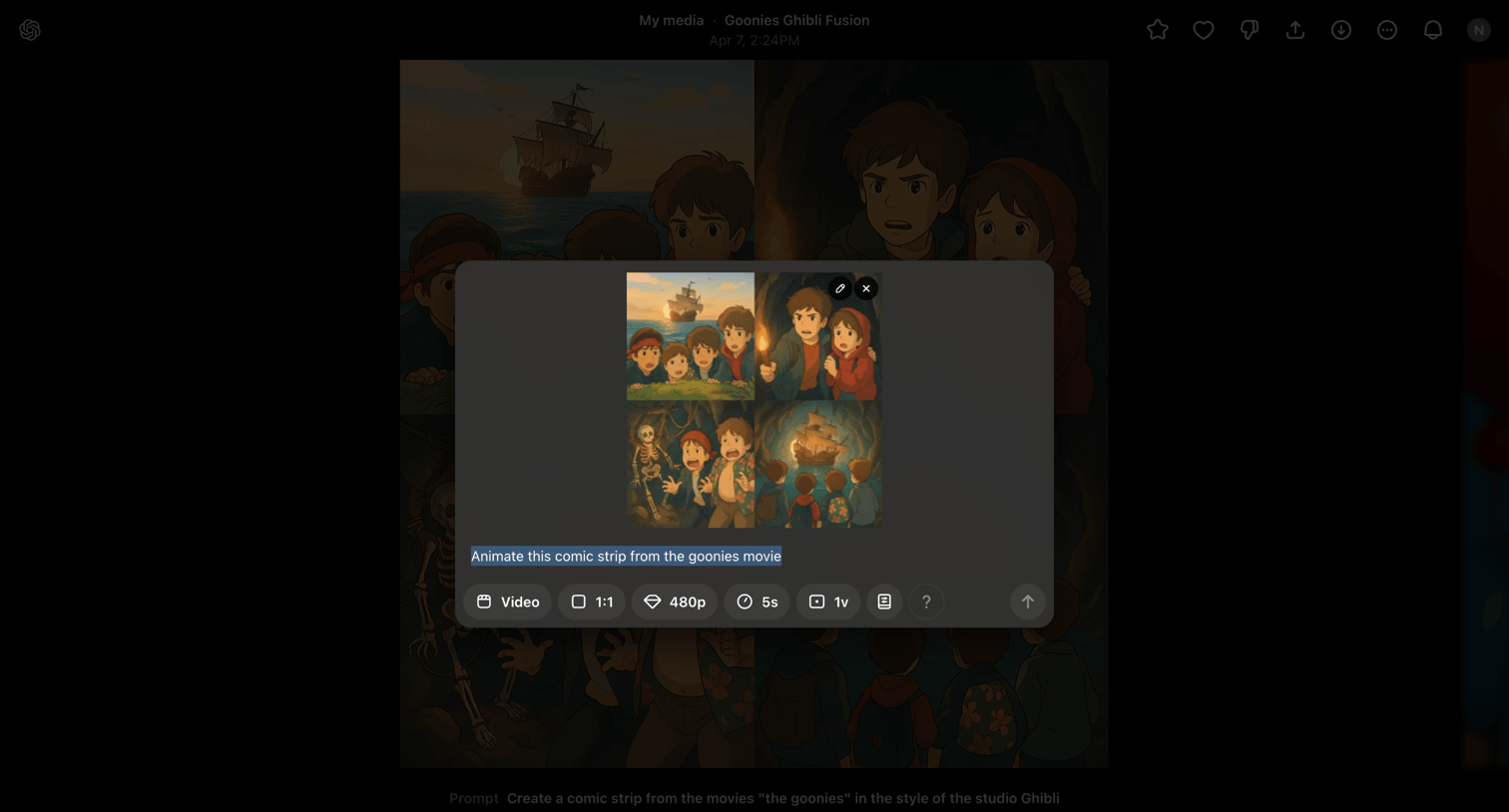

AI generation interface where the user configures settings like aspect ratio, resolution, and duration to animate a previously generated comic strip.
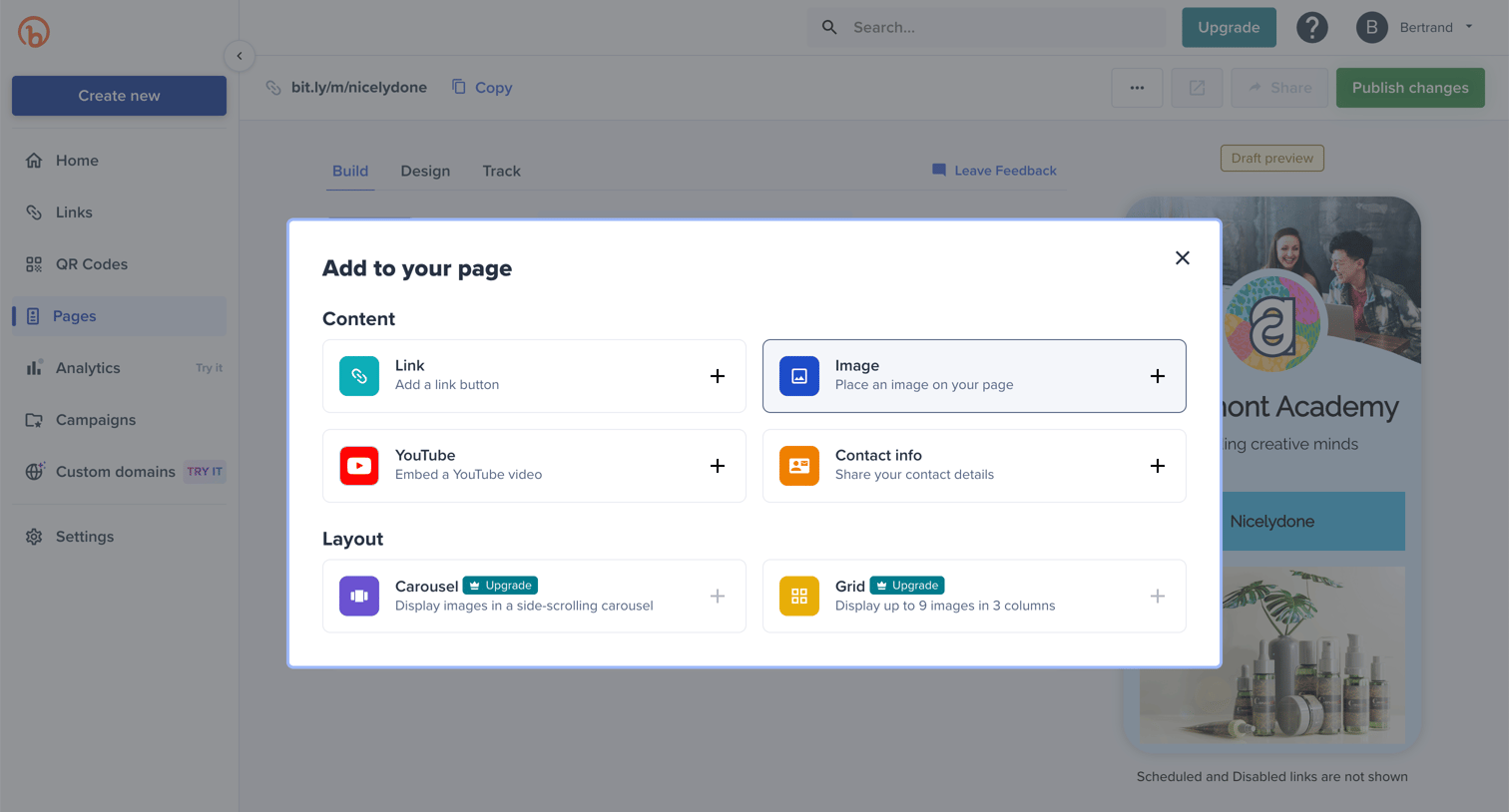

Design editor where the user is adding content blocks like links, images, or YouTube videos to their custom page layout via a modal.
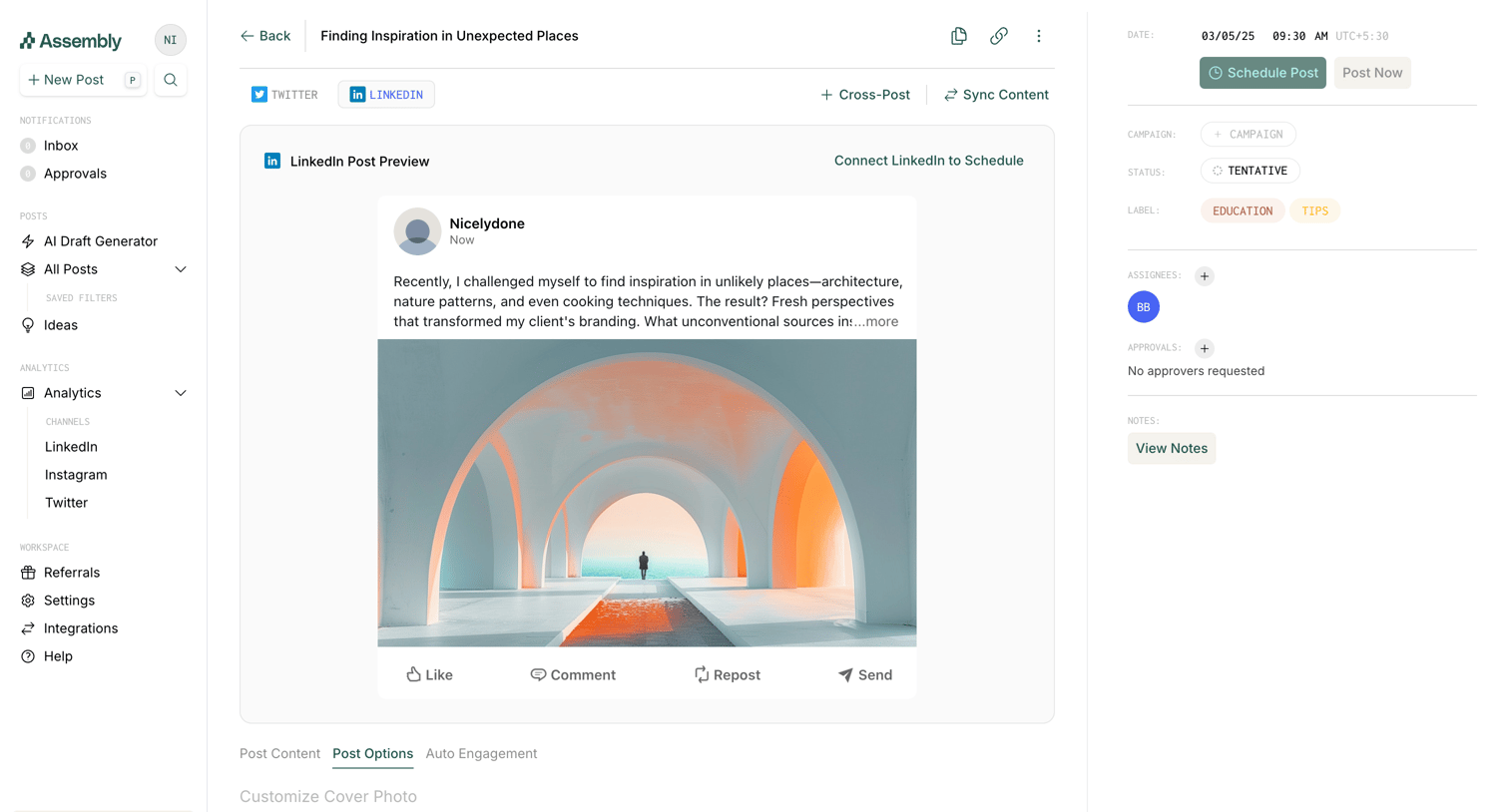

Detail page where the user previews a drafted LinkedIn post, configures scheduling options, and reviews the activity feed and comments.
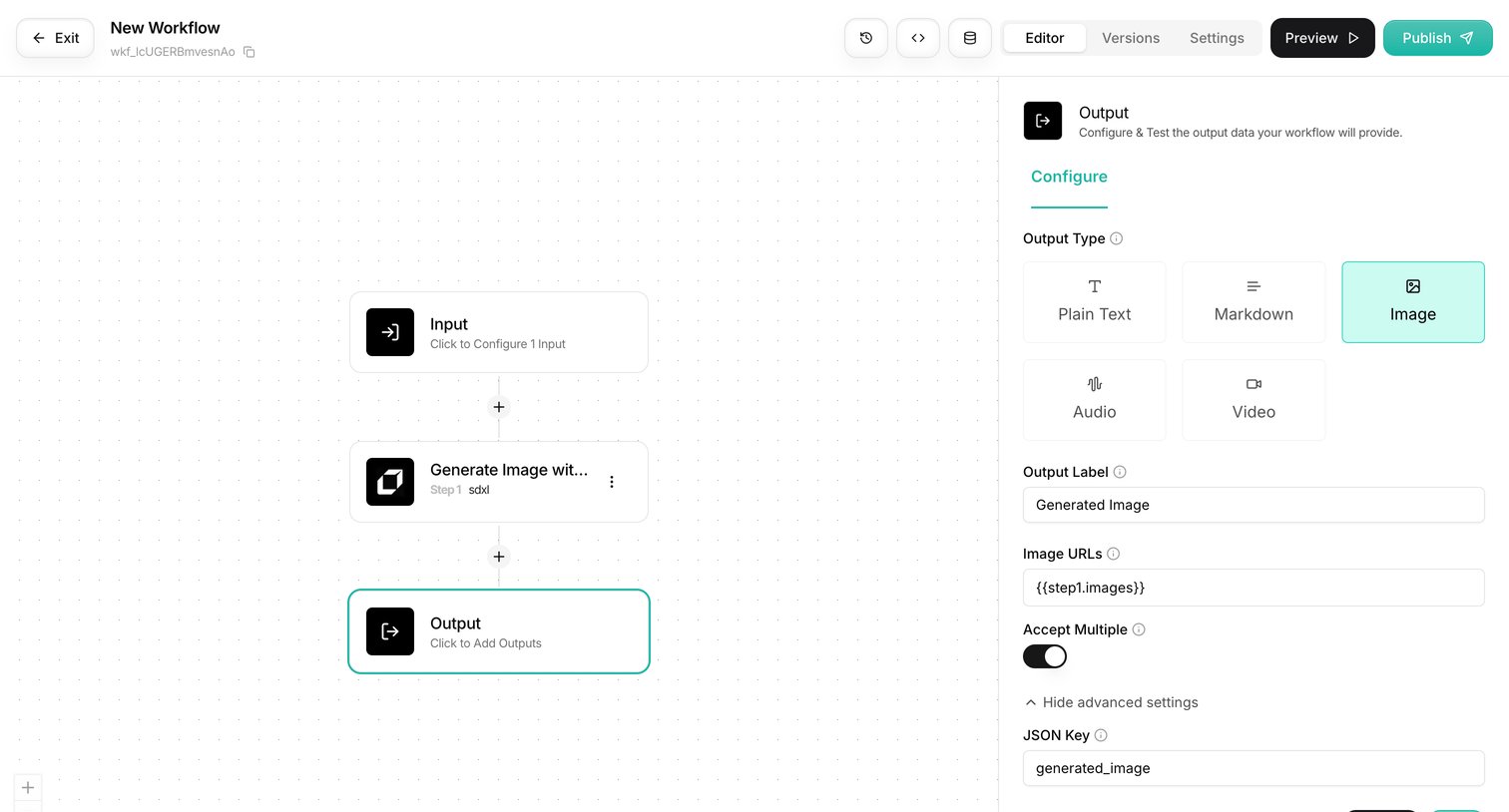

Workflow editor where the user configures an output node for an image generation pipeline.
Explore the full SaaS screen library
Upgrade to unlock the full library.
Trusted by the best teams







