Usage-based billing screen examples
Usage-based billing screen design examples from SaaS apps. Browse examples from Polar, Twin, Kinsta.
Explore the examples
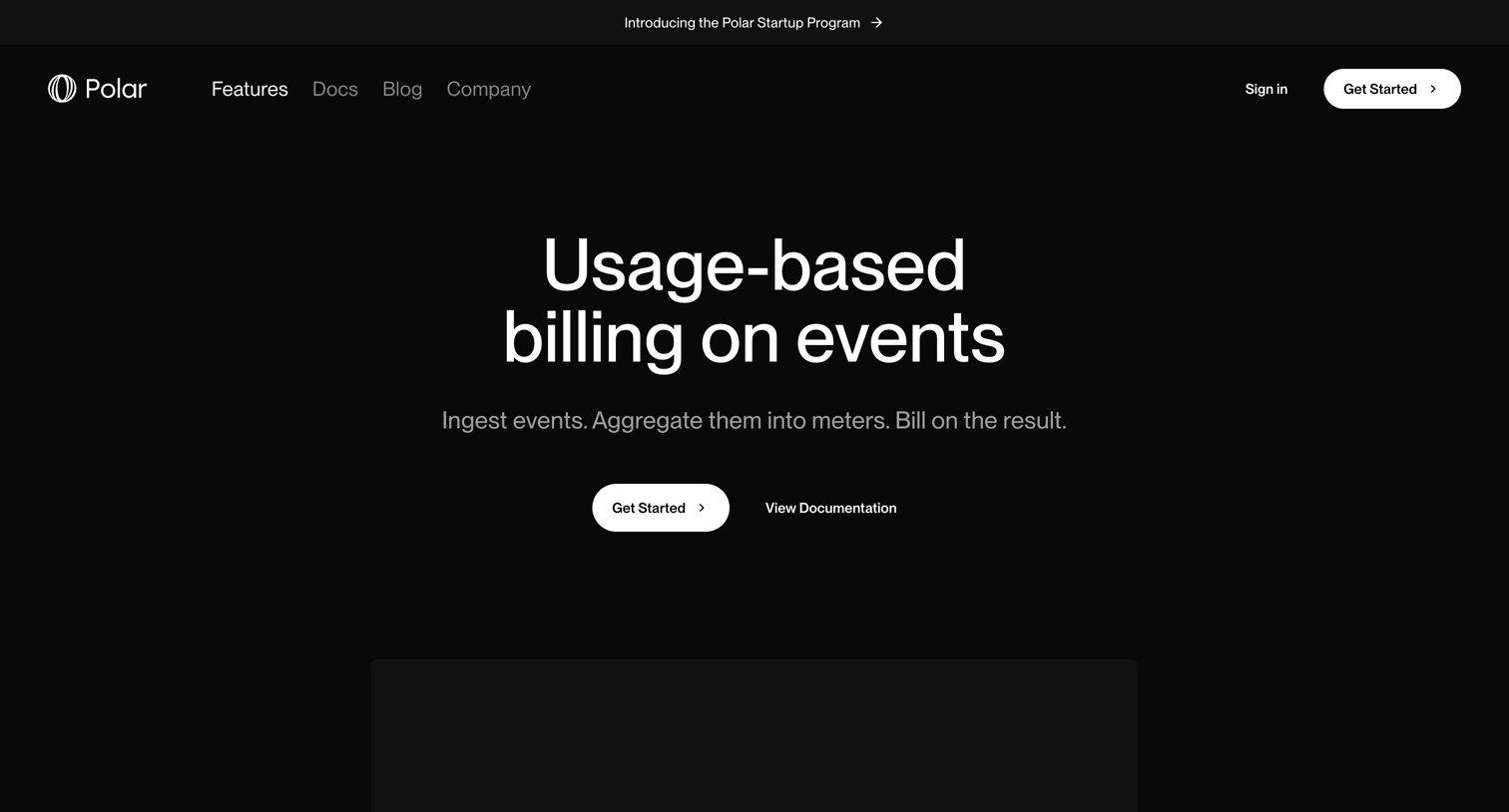

Feature page explaining usage-based billing on events, detailing ingestion strategies like LLM, Stream, and S3 for developers.

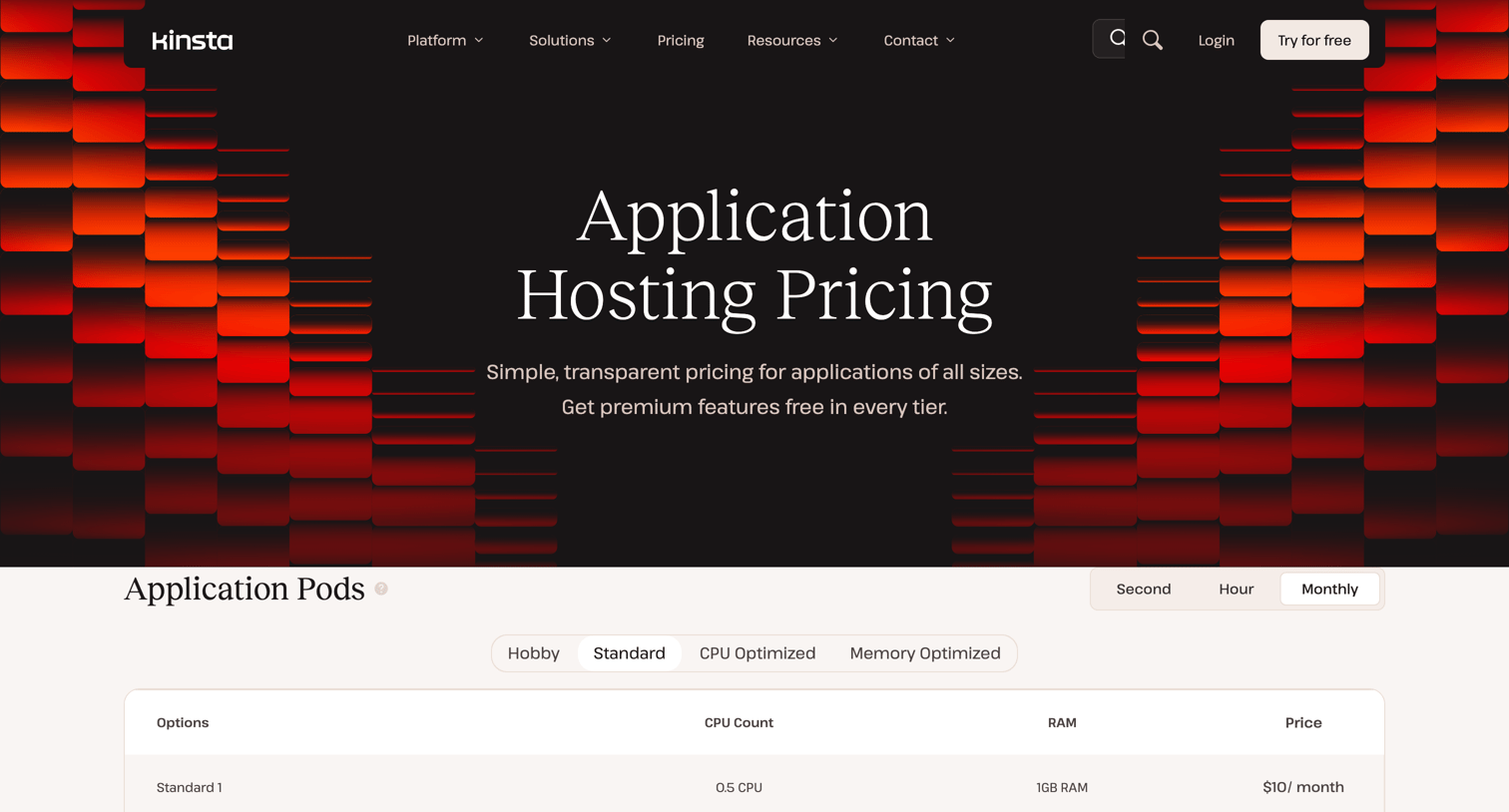

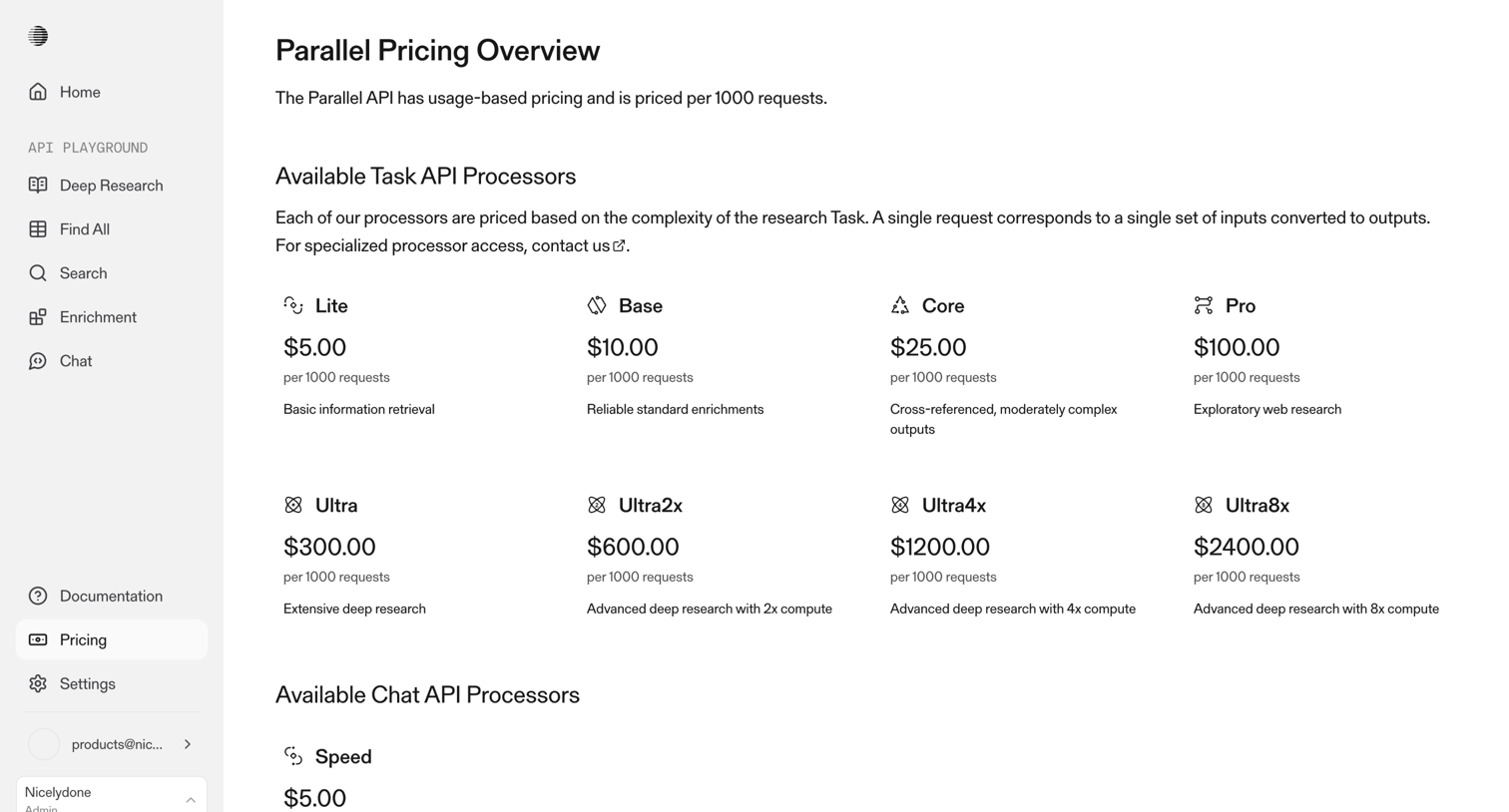
Pricing page where the user compares resource-based costs for application pods, build machines, bandwidth, and persistent storage via detailed tables.

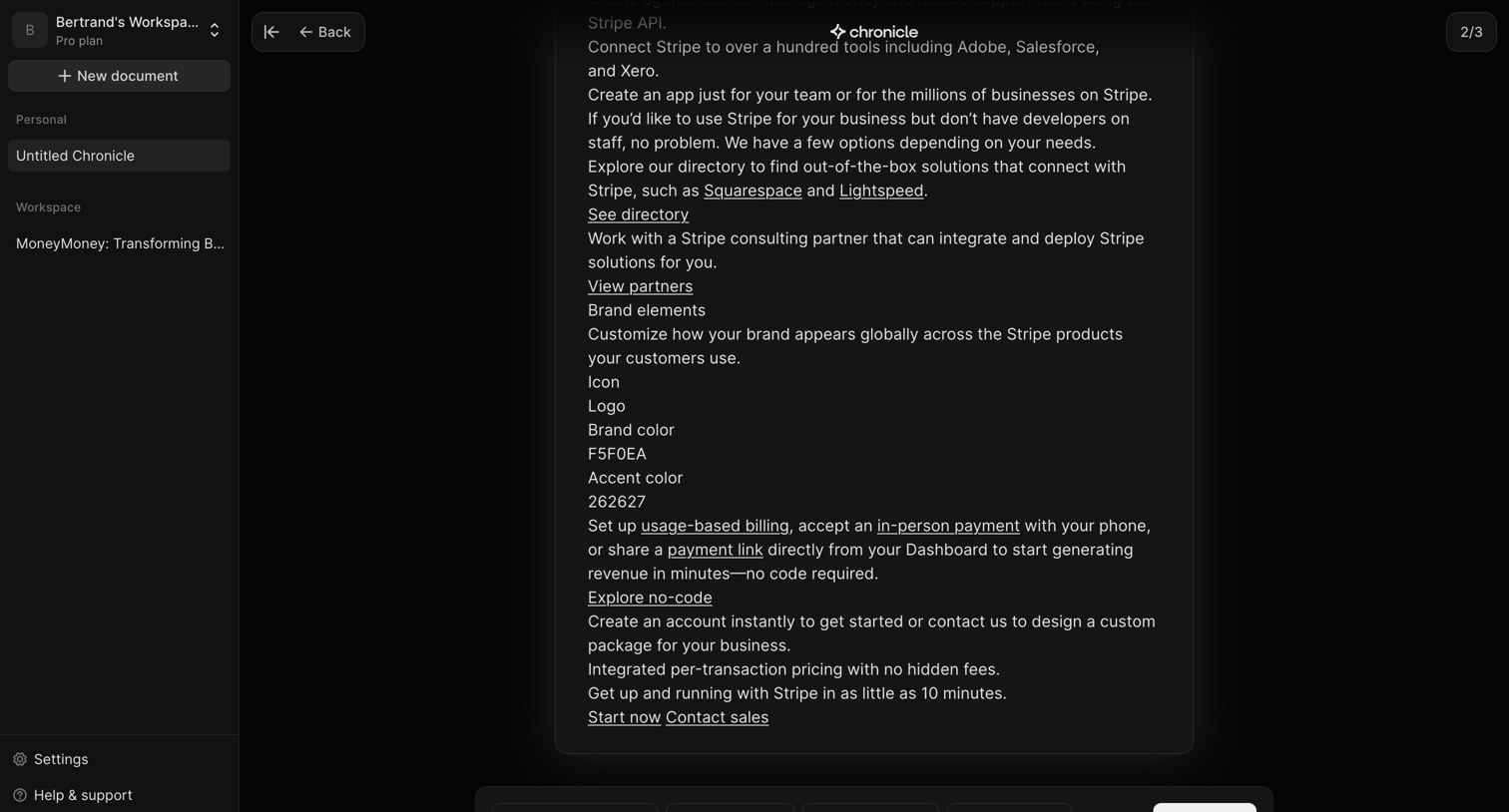

AI generation setup screen where the user configures parameters like content type, chapter count, rewrite style, and language before continuing to process the source text.
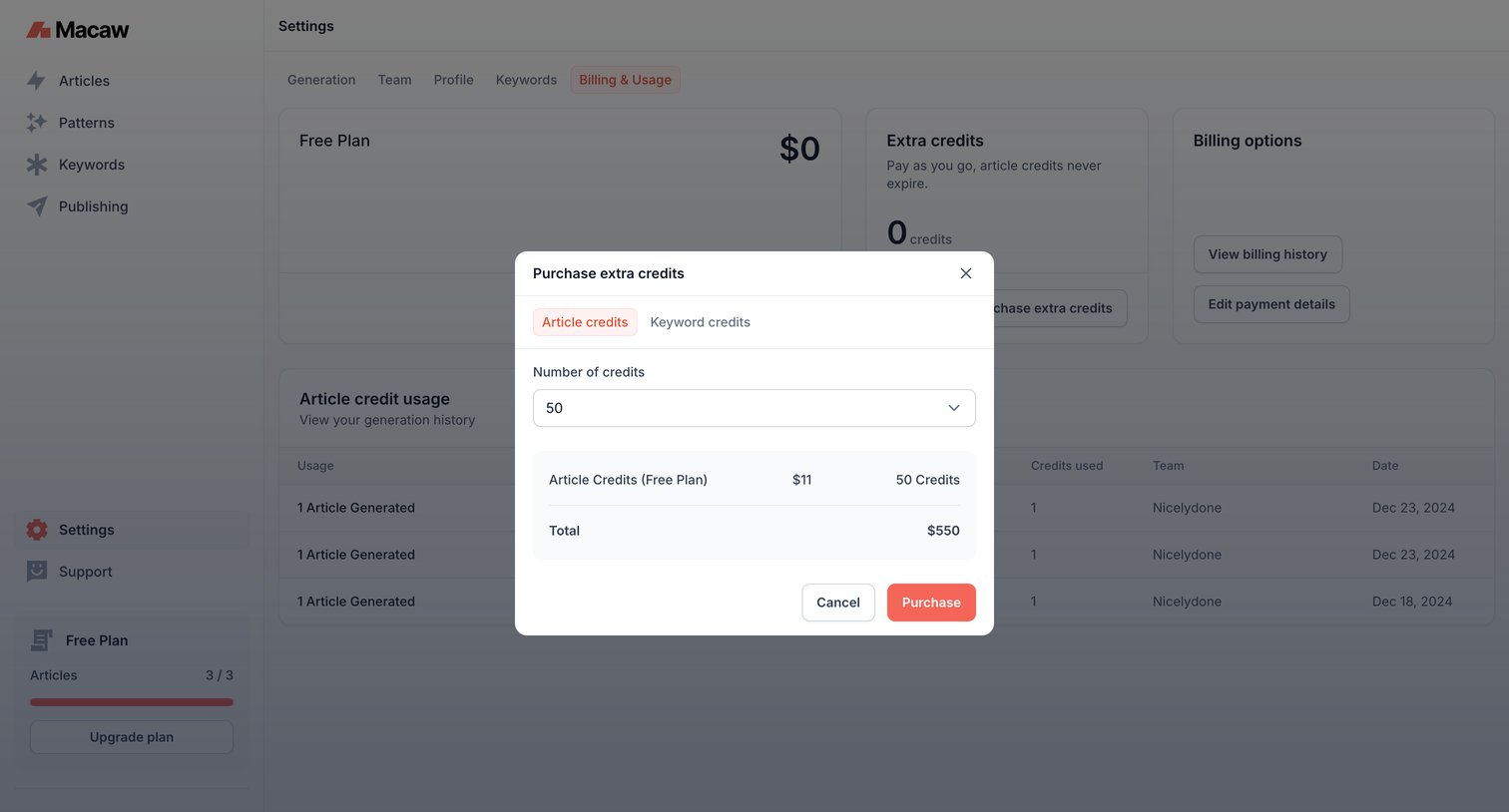

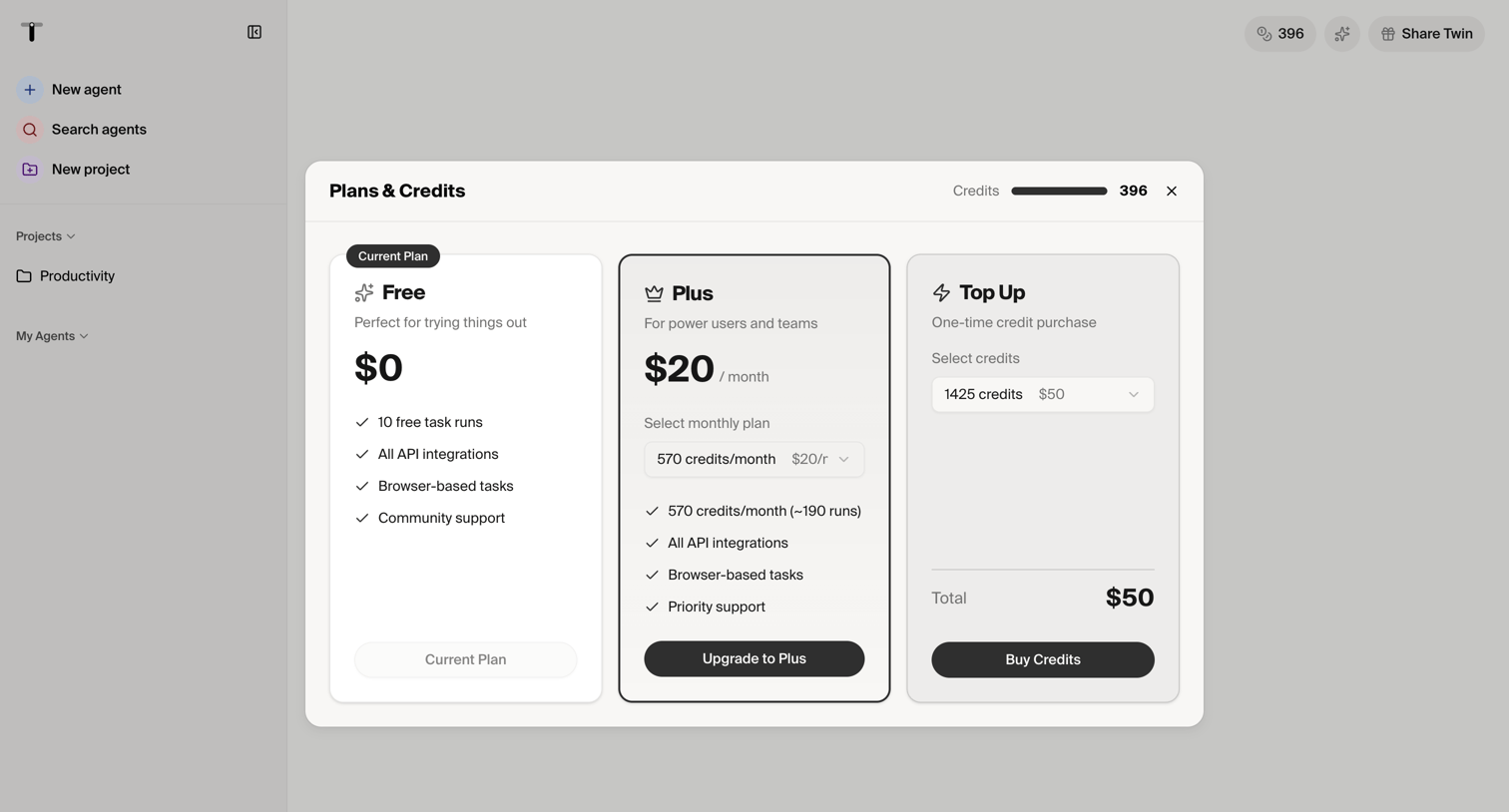
Settings page where the user configures a one-time purchase of extra article credits via a modal over their billing overview.
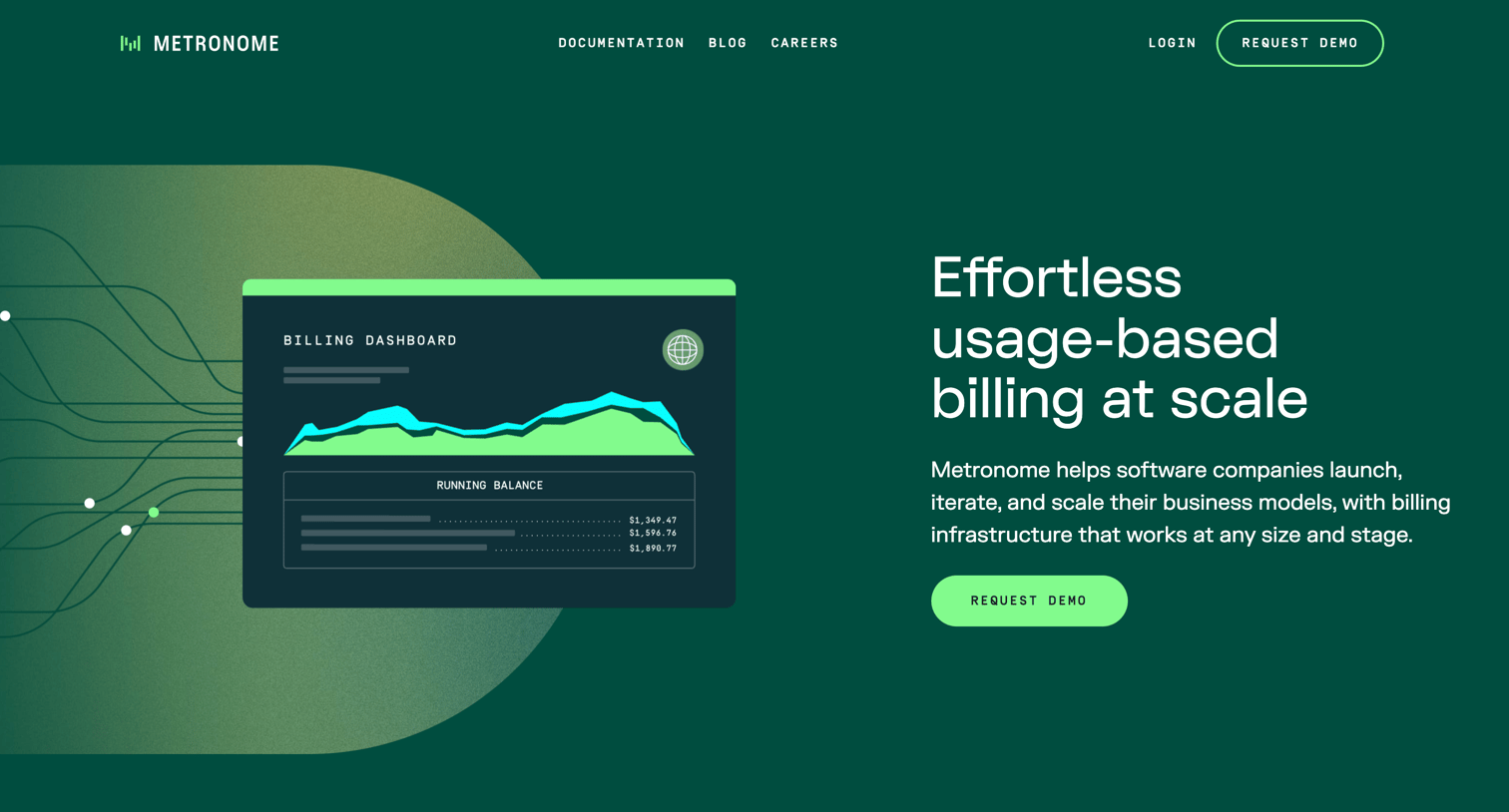

Landing page for a usage-based billing infrastructure platform featuring product benefits, a technical deep-dive with tabs, and customer testimonials.
Explore the full SaaS screen library
Upgrade to unlock the full library.
Trusted by the best teams







