Shortcuts screen examples
Shortcuts screen design examples from SaaS apps. Browse examples from Scale, Notion Mail, Reflect.
Explore the examples
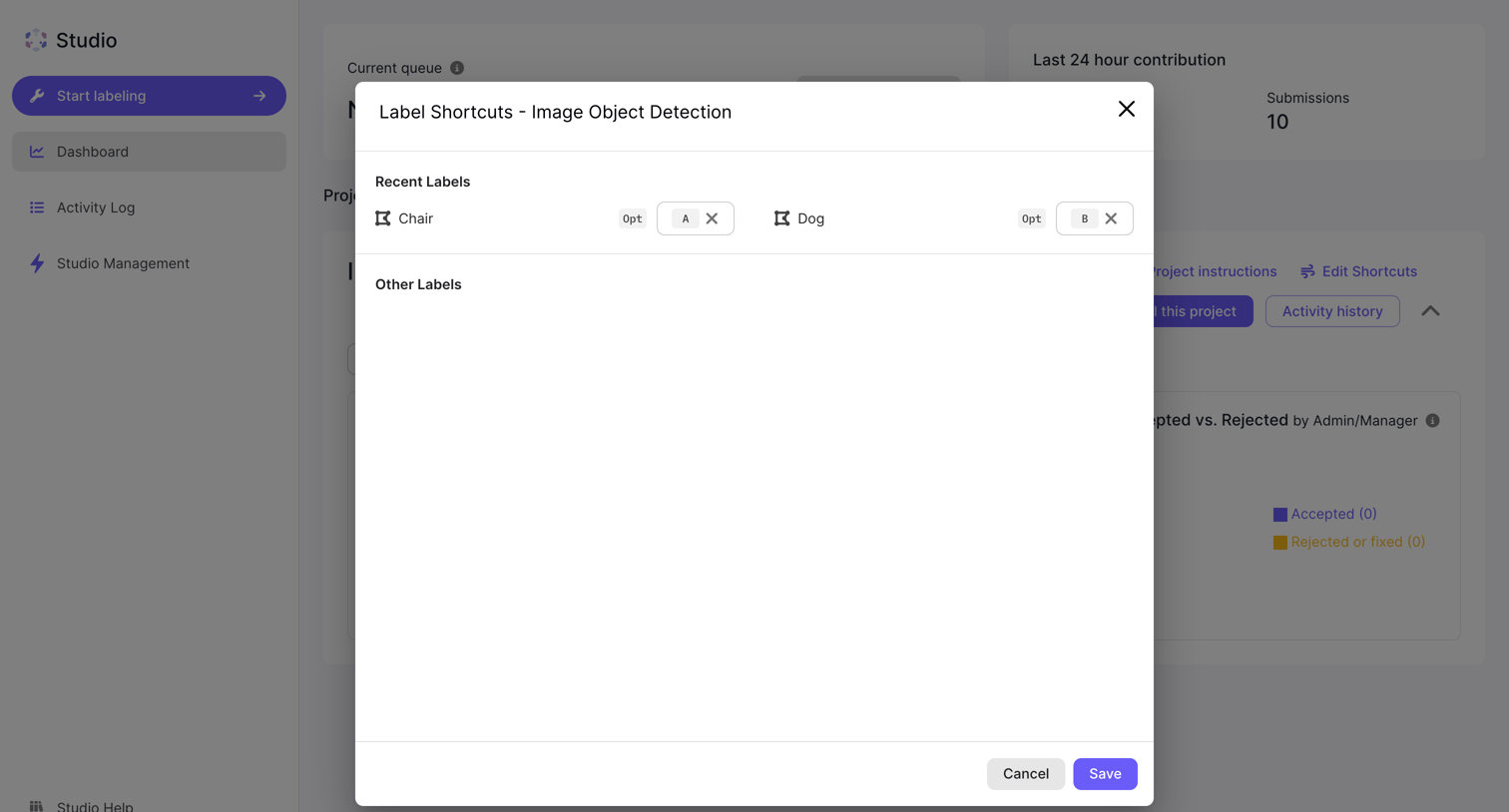

Dashboard where the user configures keyboard shortcuts for image object detection labels in a modal.
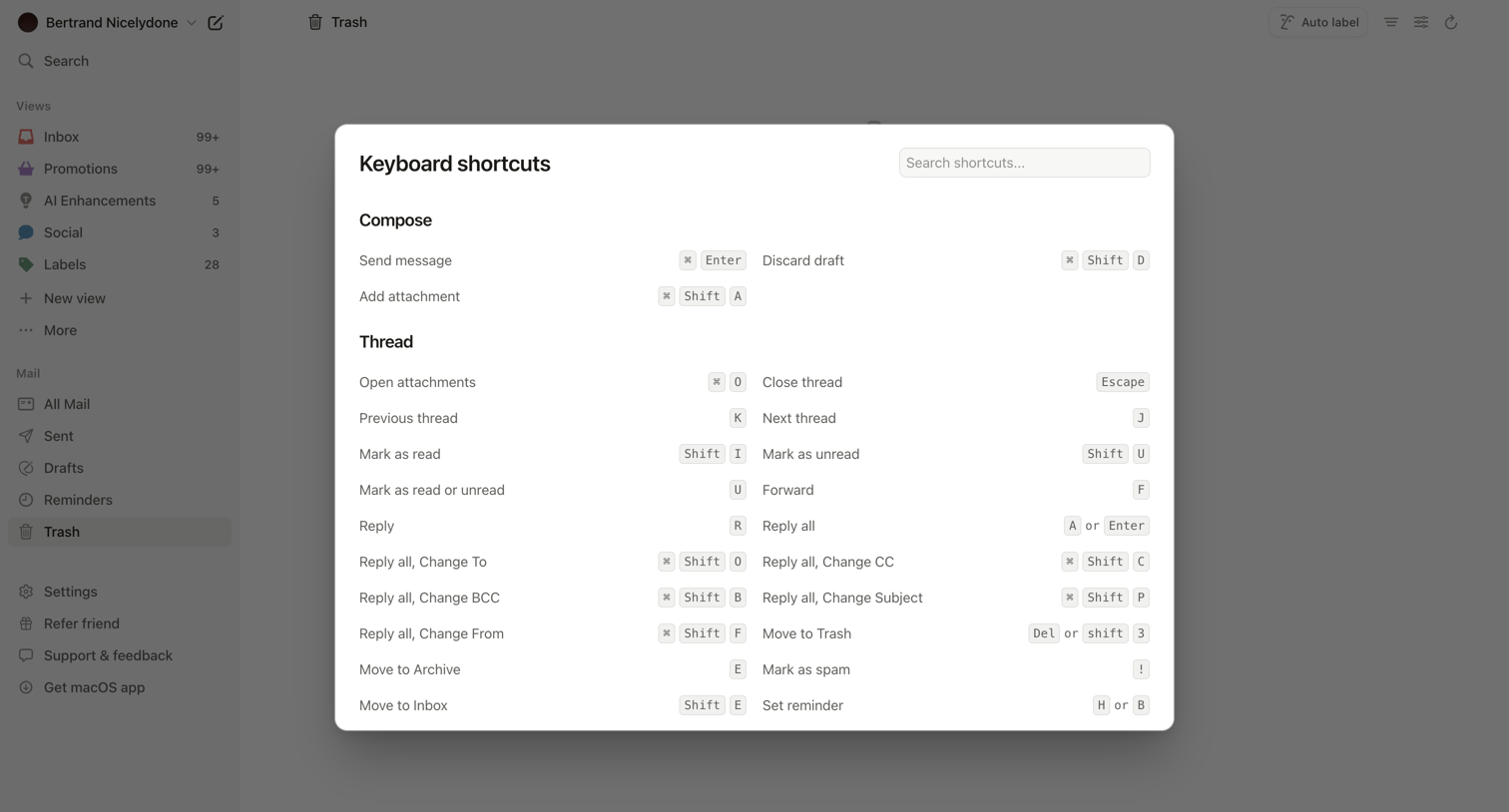

Email inbox where the user is viewing a modal listing all available keyboard shortcuts for composing and managing threads.
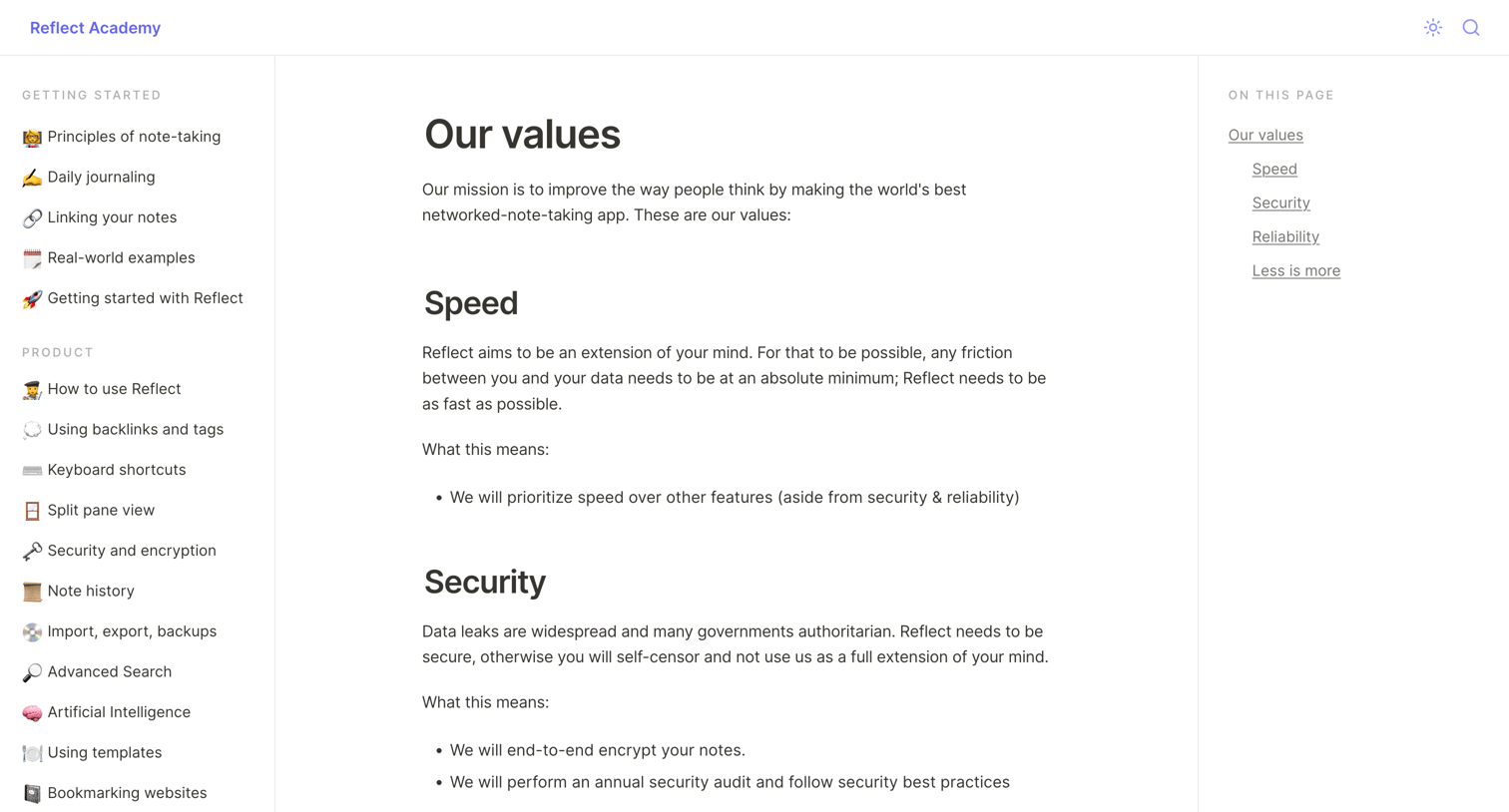

Documentation article detailing the company's core values, including speed, security, reliability, and simplicity, alongside a table of contents.
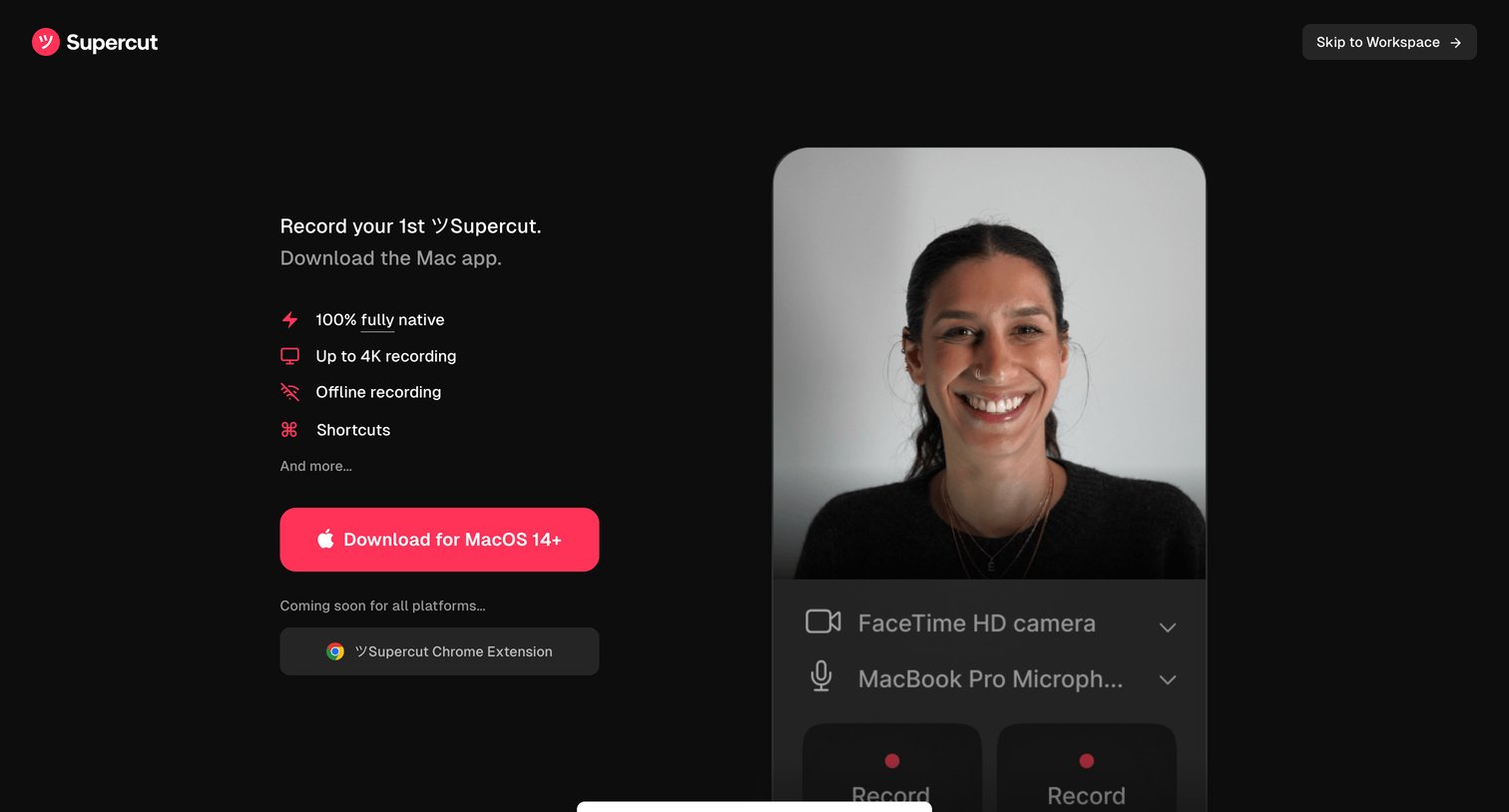

Onboarding step where the user is prompted to download the Mac app to start recording, featuring a feature list and a toast indicating the Chrome extension is coming soon.
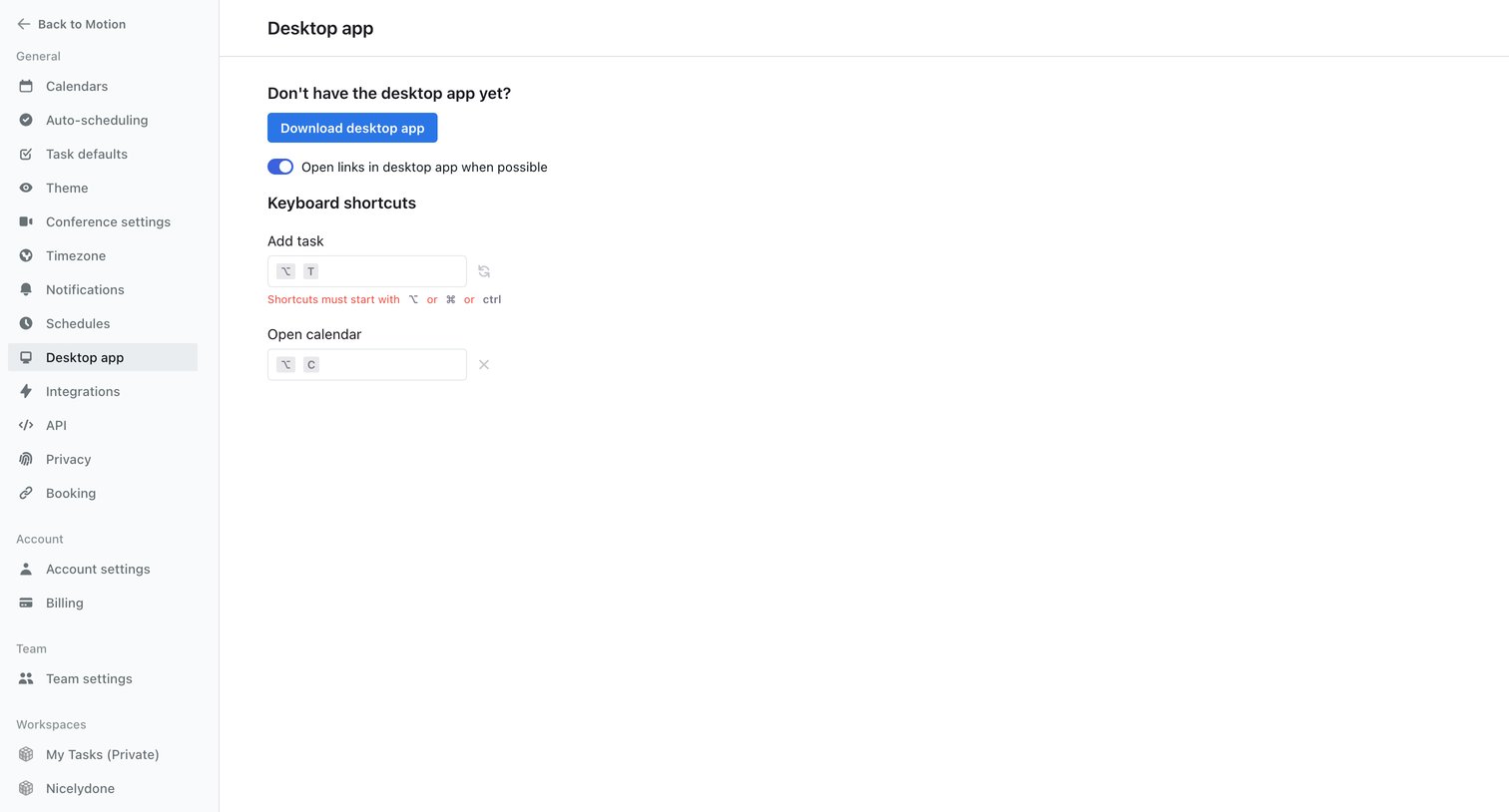

Settings page where the user can download the desktop app, toggle link opening preferences, and configure keyboard shortcuts for adding tasks and opening the calendar.
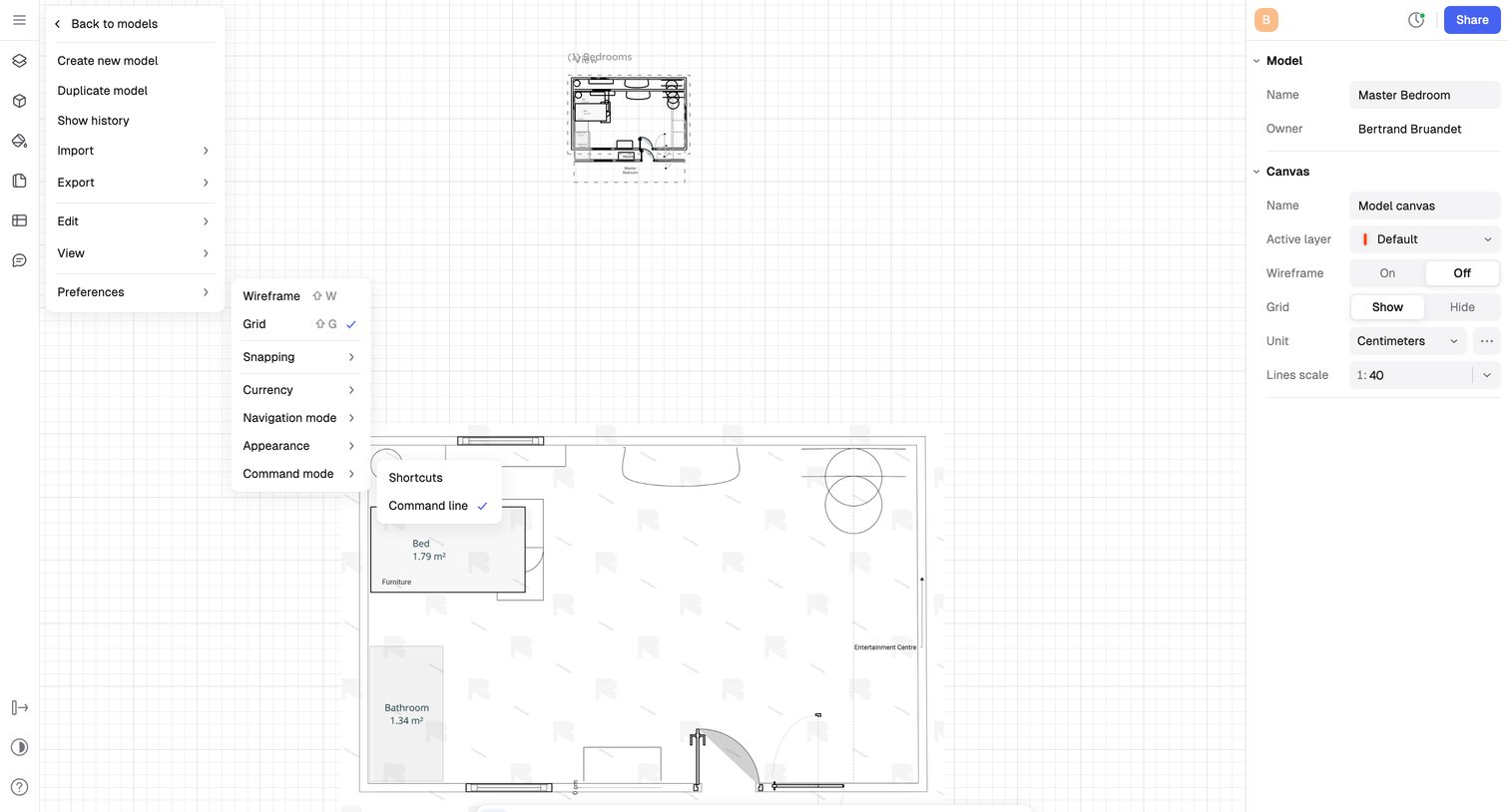

Design editor where the user modifies a 2D floor plan for a 'Master Bedroom', using a floating bottom toolbar for drawing and a right-side inspector panel to adjust canvas properties like scale and grid.
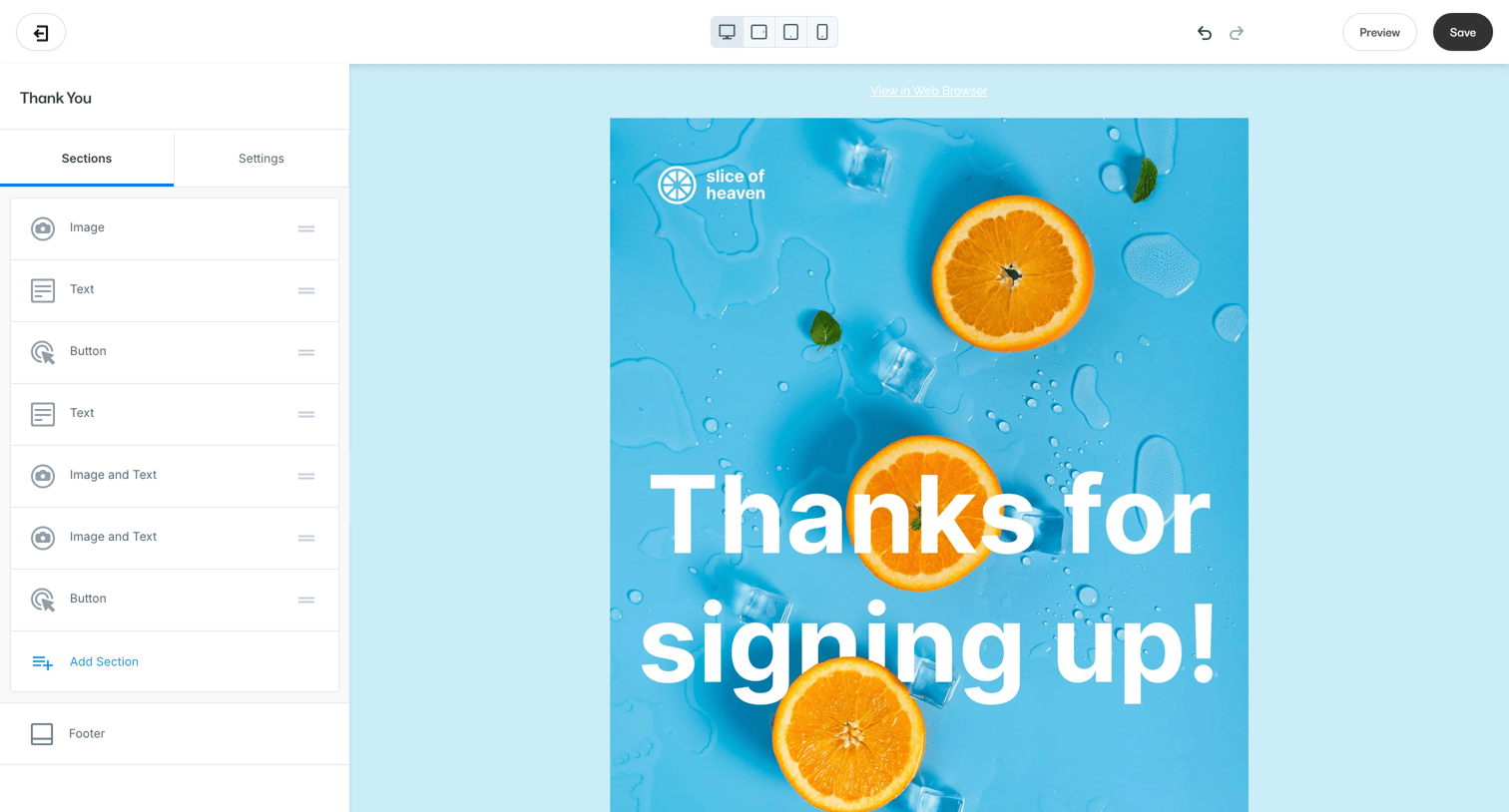

Design editor where the user builds an email template by reordering sections like text, images, and buttons in a left sidebar while previewing the result on the canvas.
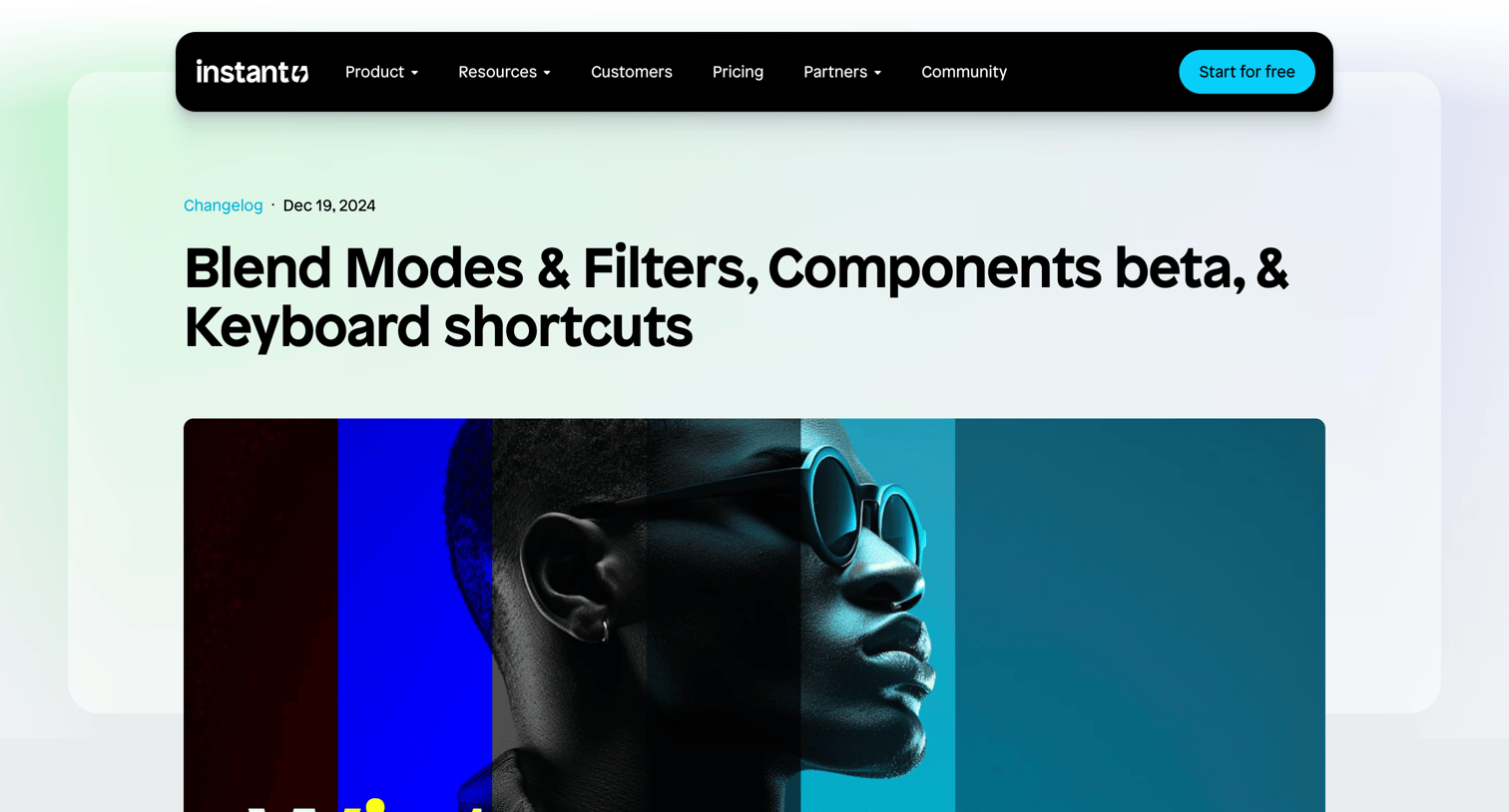

Changelog article detailing new blend modes, components beta, and keyboard shortcuts, followed by a newsletter subscription form and related updates.
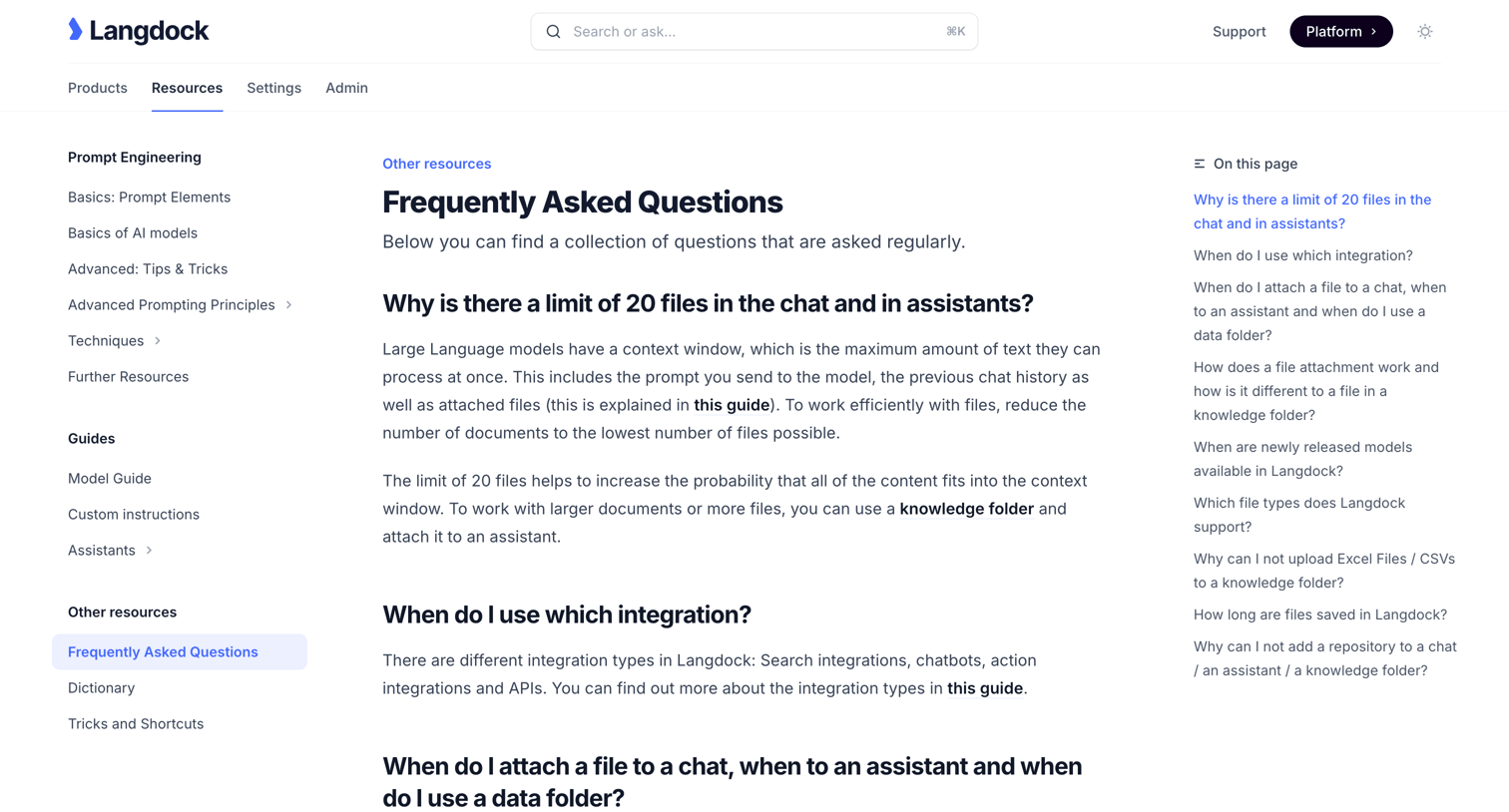

Help center article detailing frequently asked questions about file limits, knowledge folders, and supported file types in Langdock.
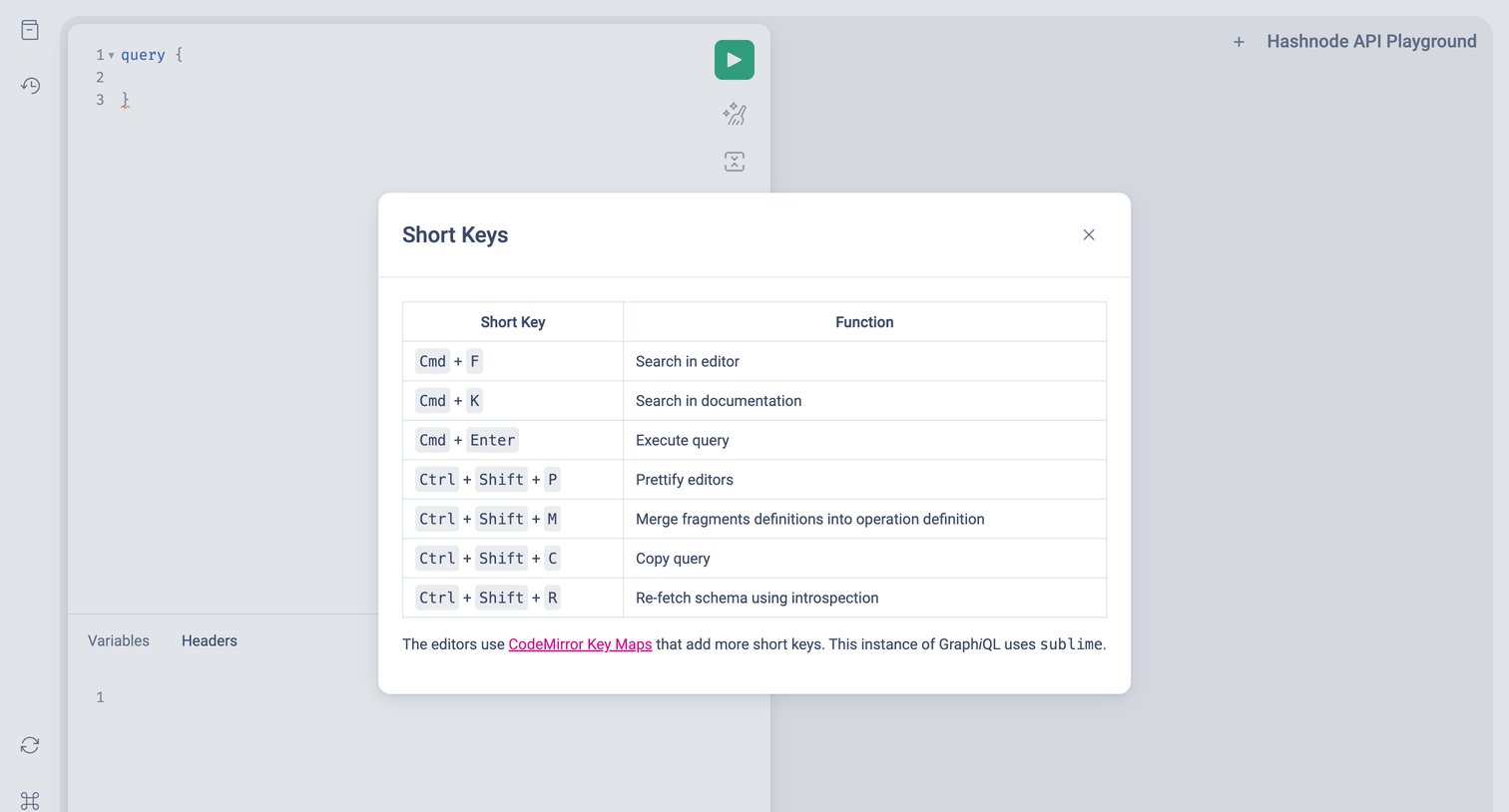

Code editor where the user views a modal listing keyboard shortcuts for the API playground.


Landing page for an AI development platform highlighting product features like evaluations, logging, and monitoring alongside interactive UI mockups and customer testimonials.
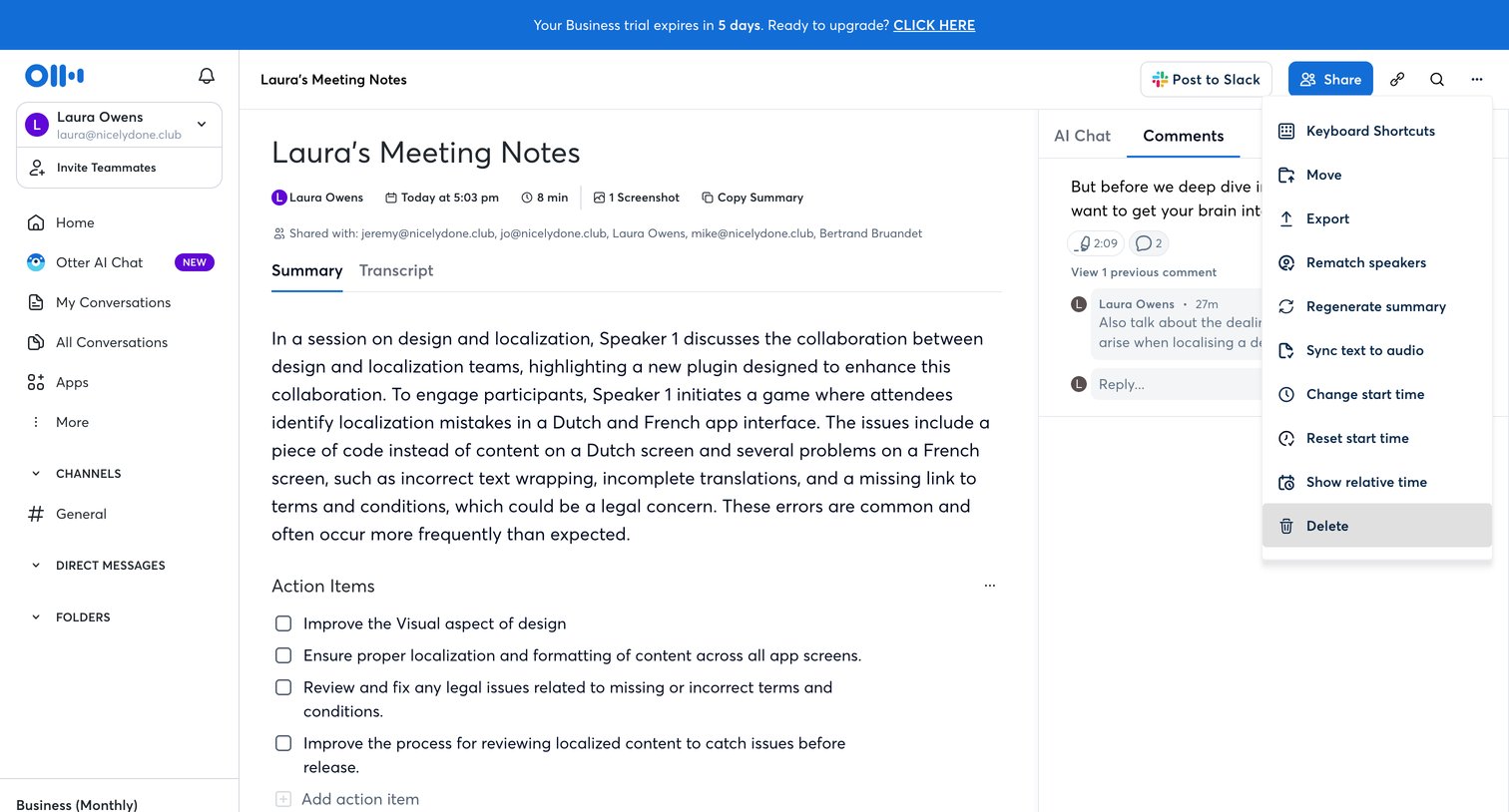

Detail page where the user reviews an AI-generated meeting summary and transcript, manages action items, and collaborates via a comments panel.
Explore the full SaaS screen library
Upgrade to unlock the full library.
Trusted by the best teams







