Settings modal screen examples
Settings modal screen design examples from SaaS apps. Explore tasks that begin in a settings dialog. Look at how current values, option groups, and save actions are organized within the overlay.
Explore the examples
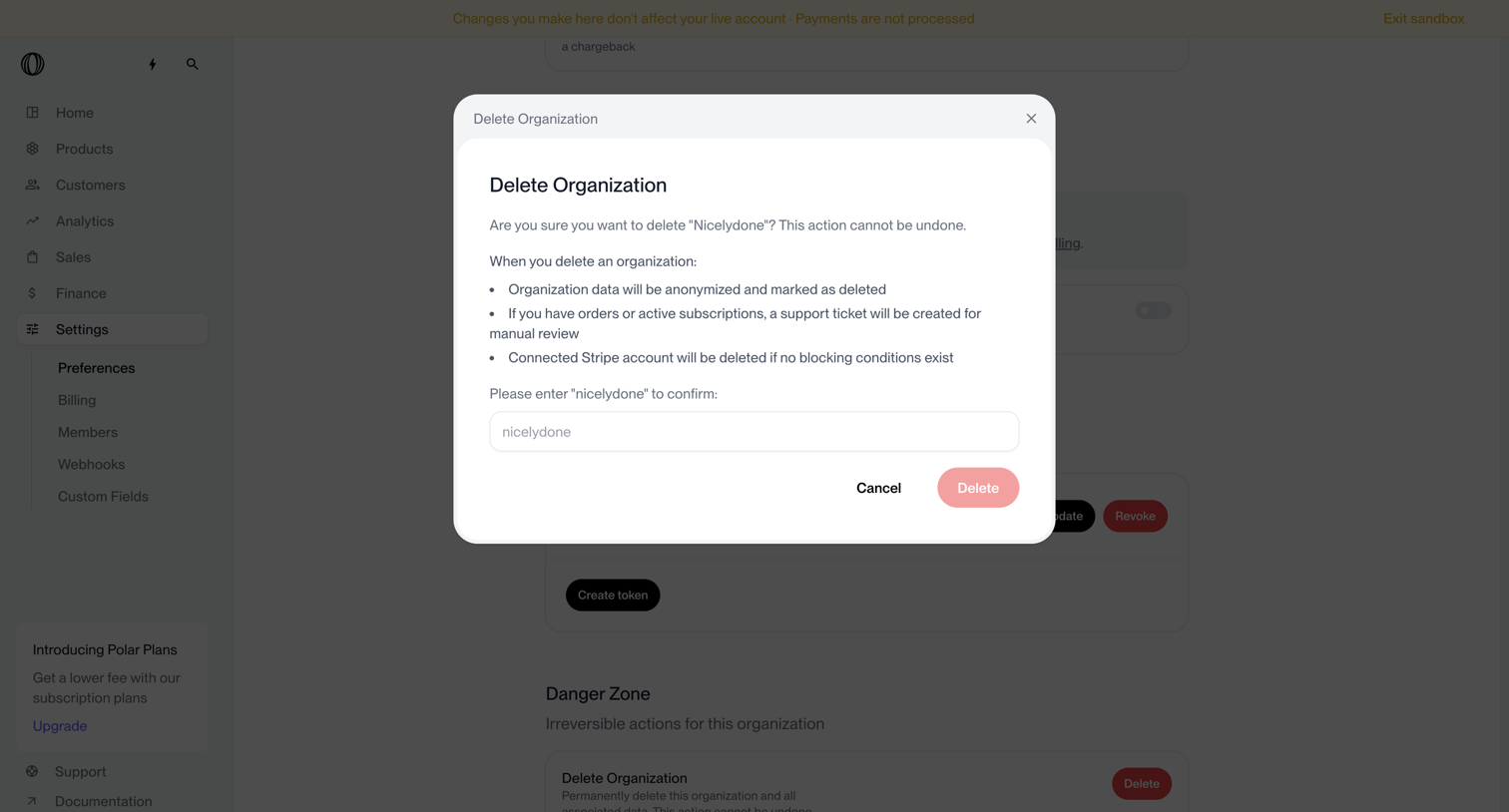

Settings page where the user must type the organization name to confirm permanent deletion of their workspace.
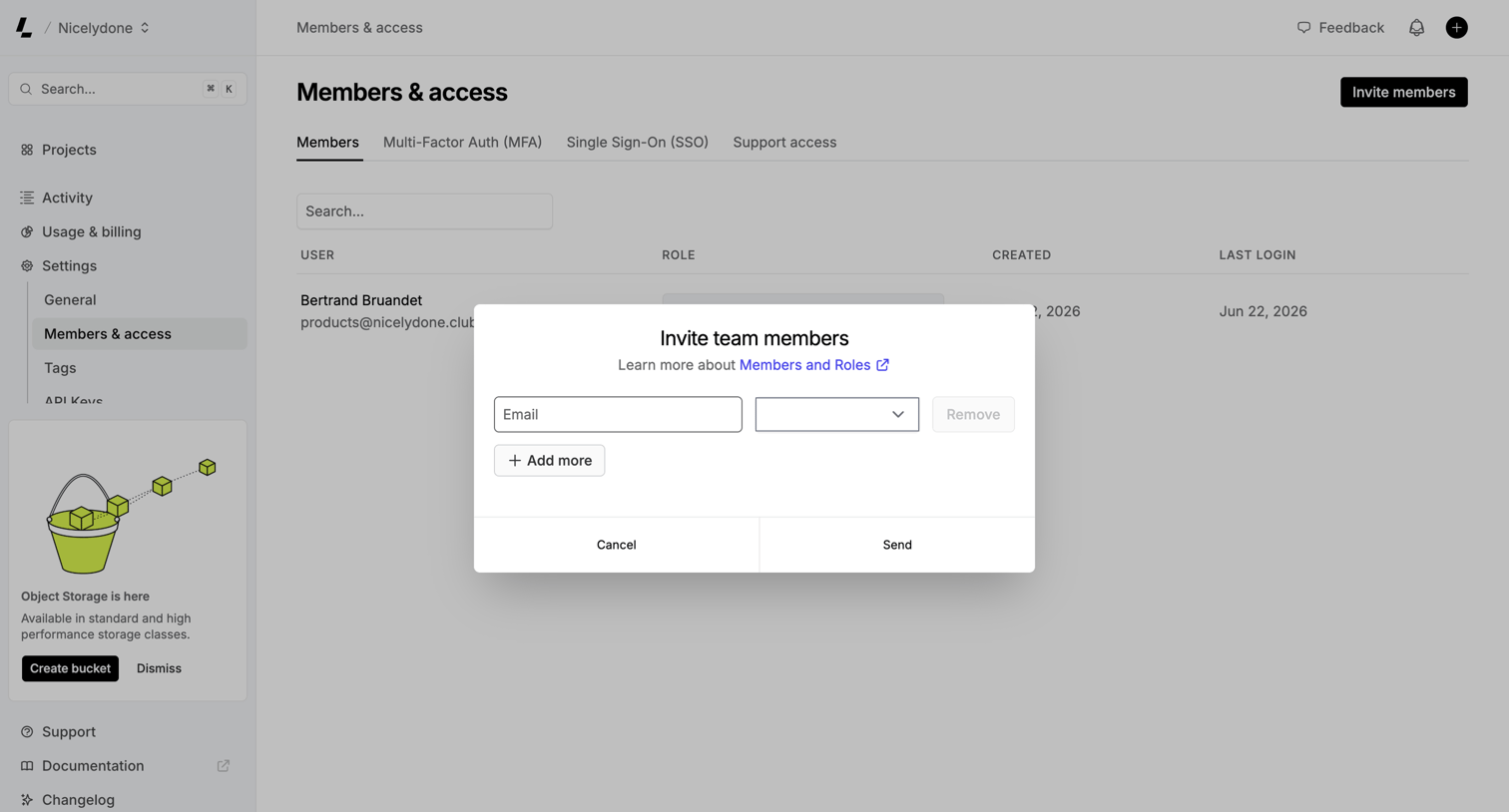

Settings page where the user invites new team members by entering their email address and assigning a role via a modal.
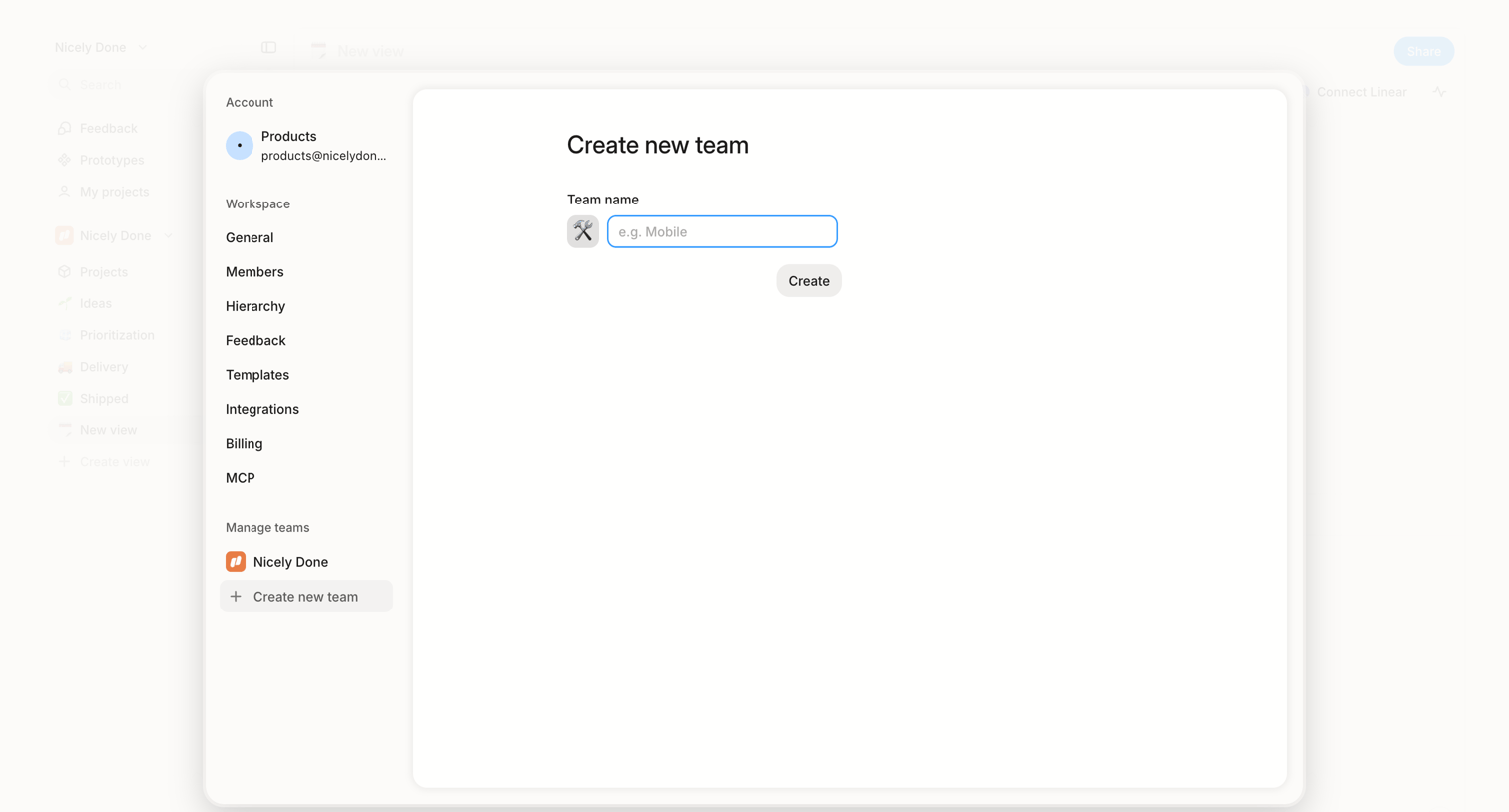

Settings modal where the user creates a new team by selecting an icon and entering a team name.
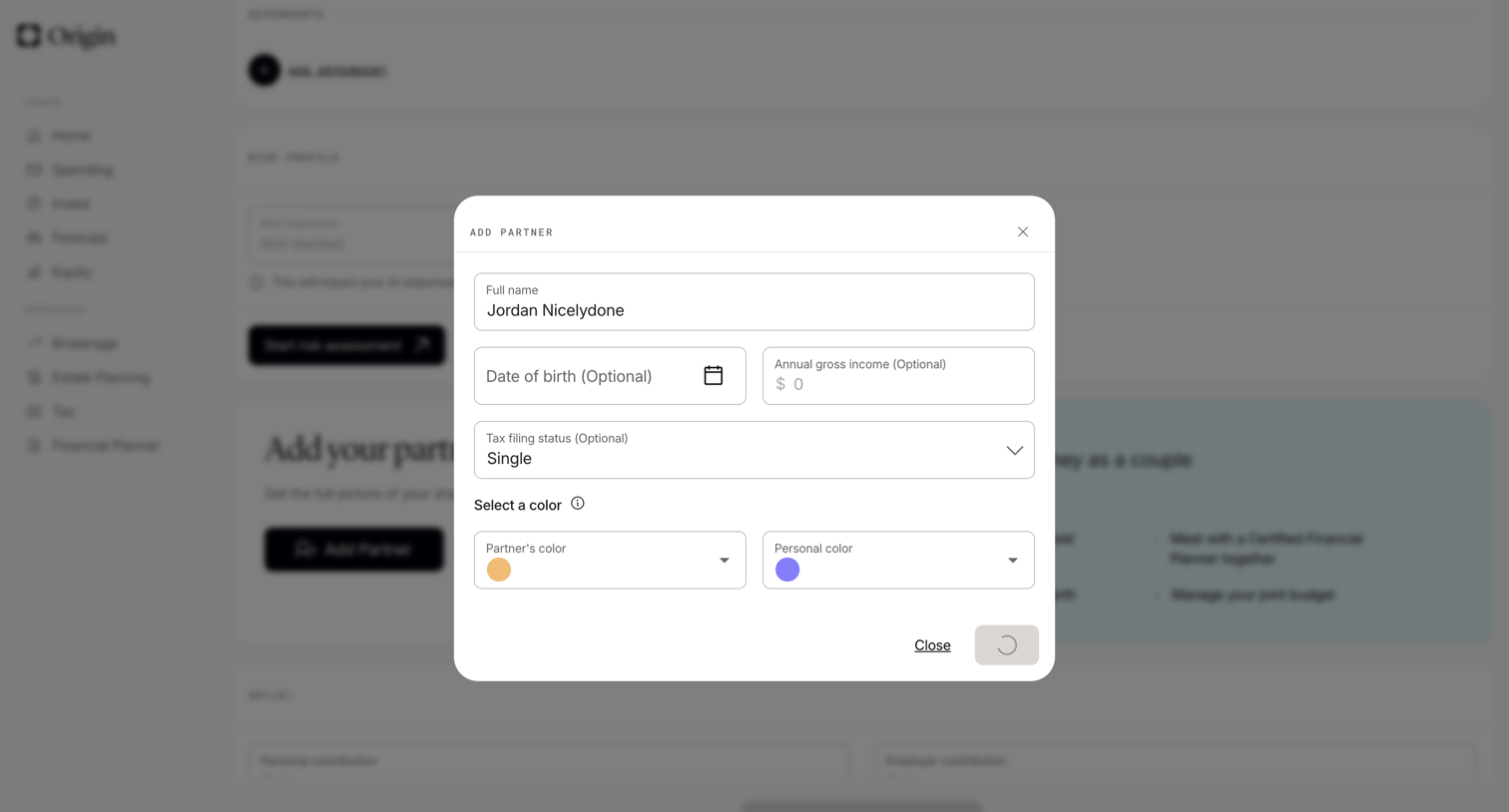

Profile settings modal where the user adds a partner's details including name, birth date, income, tax filing status, and assigns them a UI color.
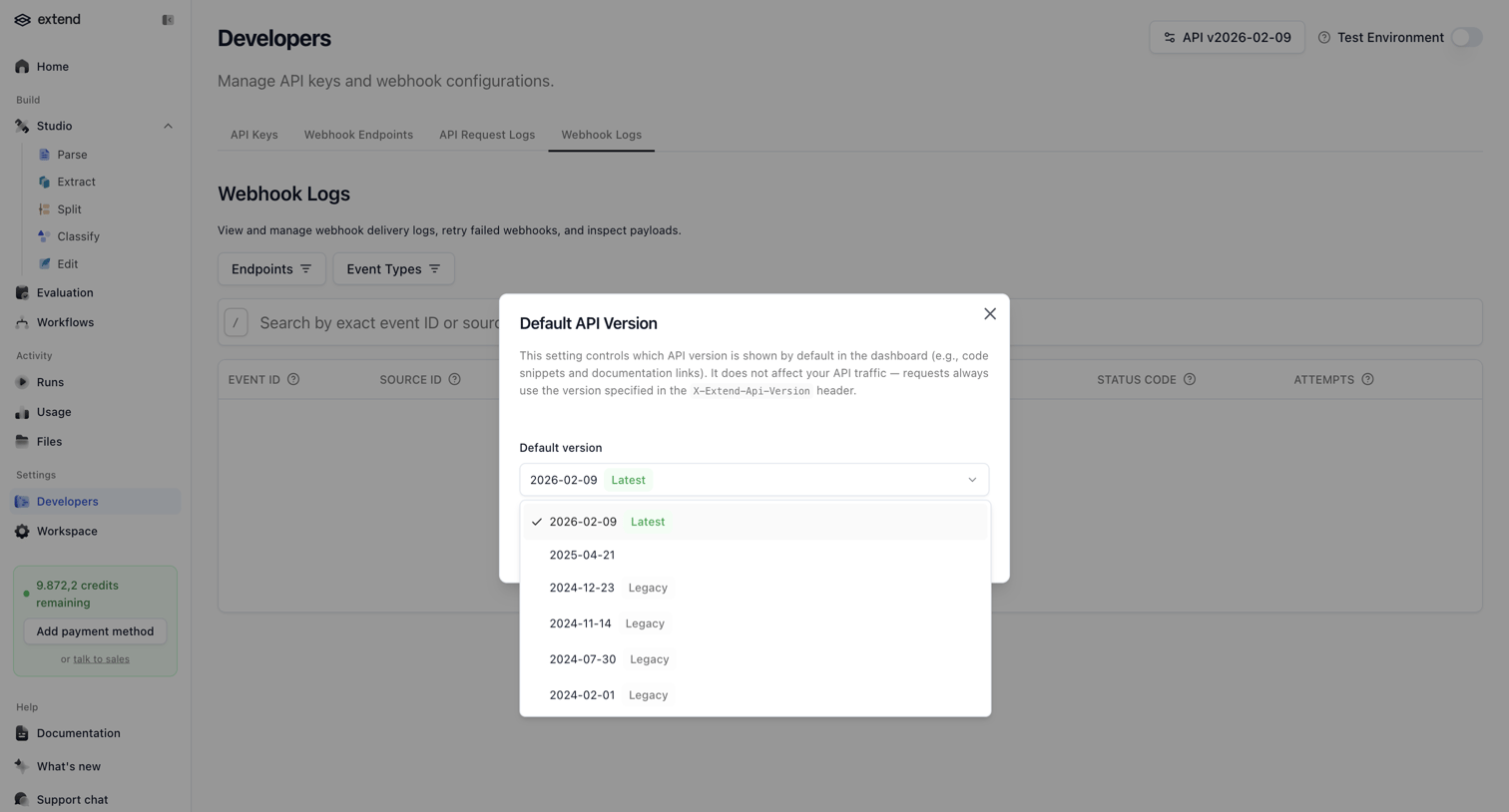

Settings page where the user selects the default API version for their workspace from an open dropdown within a modal.
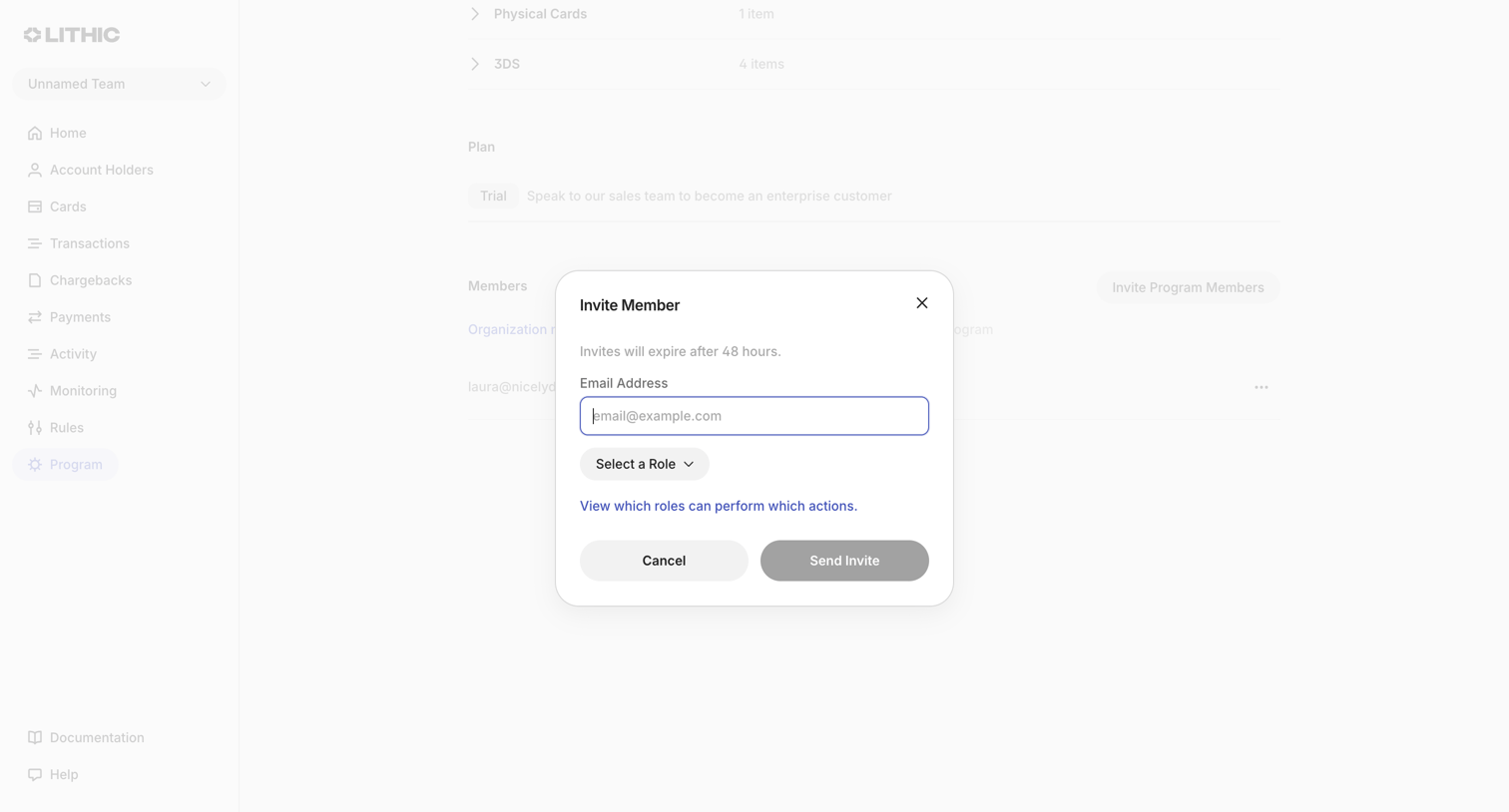

Settings page where the user invites a new program member by entering their email address and assigning a role.
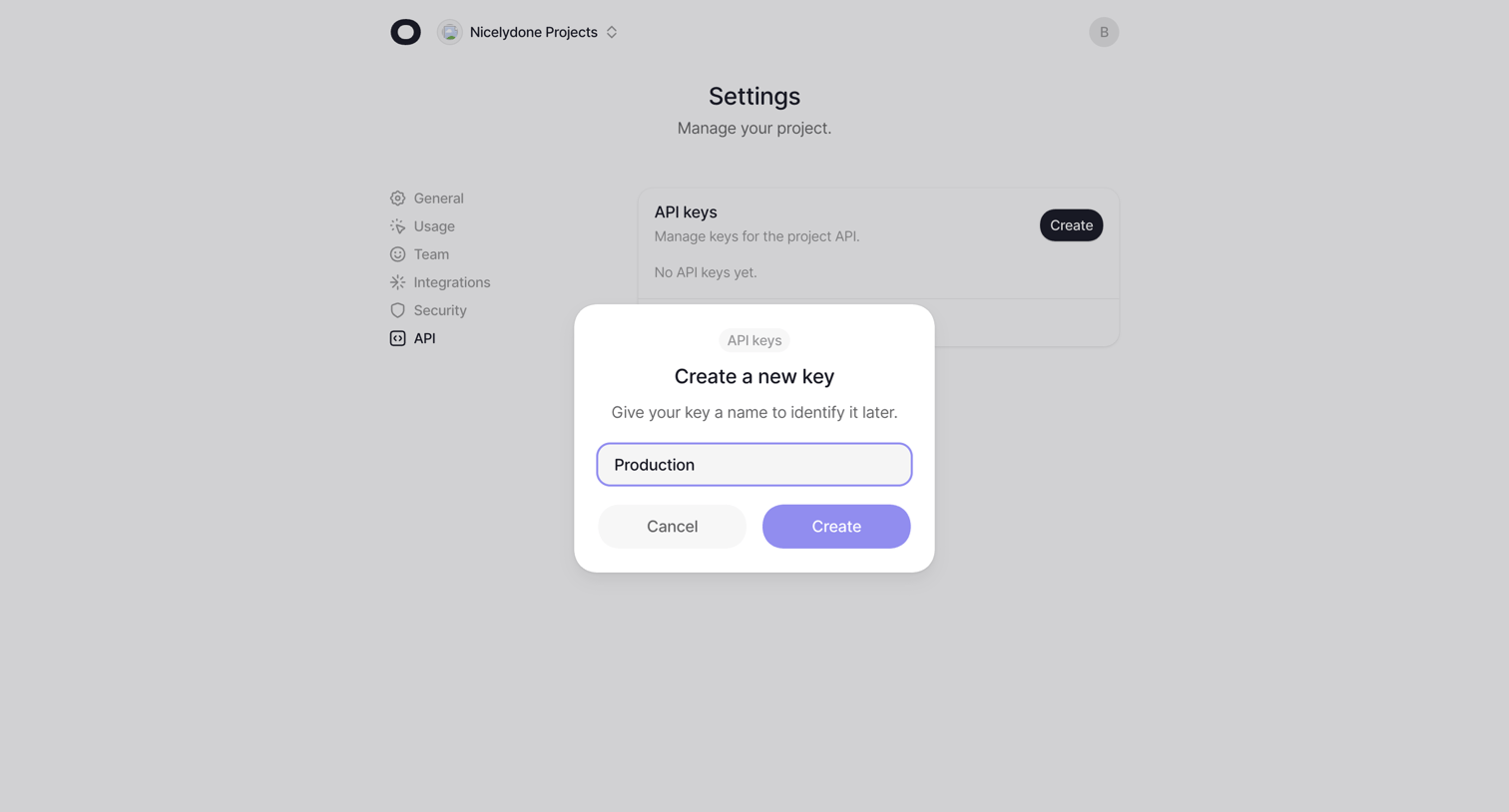

Settings page where the user creates a new API key by providing a name in a modal overlay over an empty API keys list.
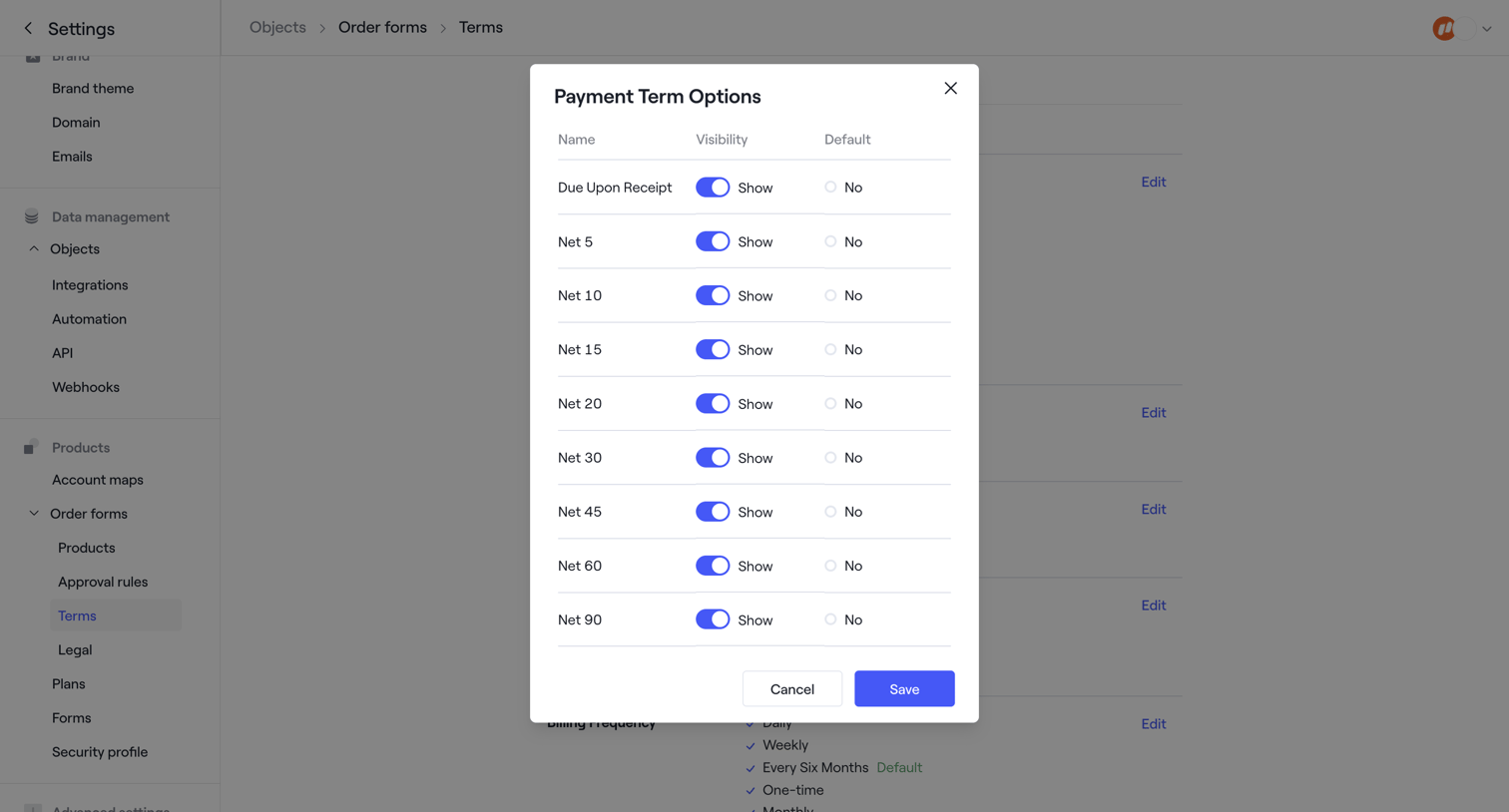

Settings page where the user configures visibility and default status for payment term options like Net 30 and Net 60.
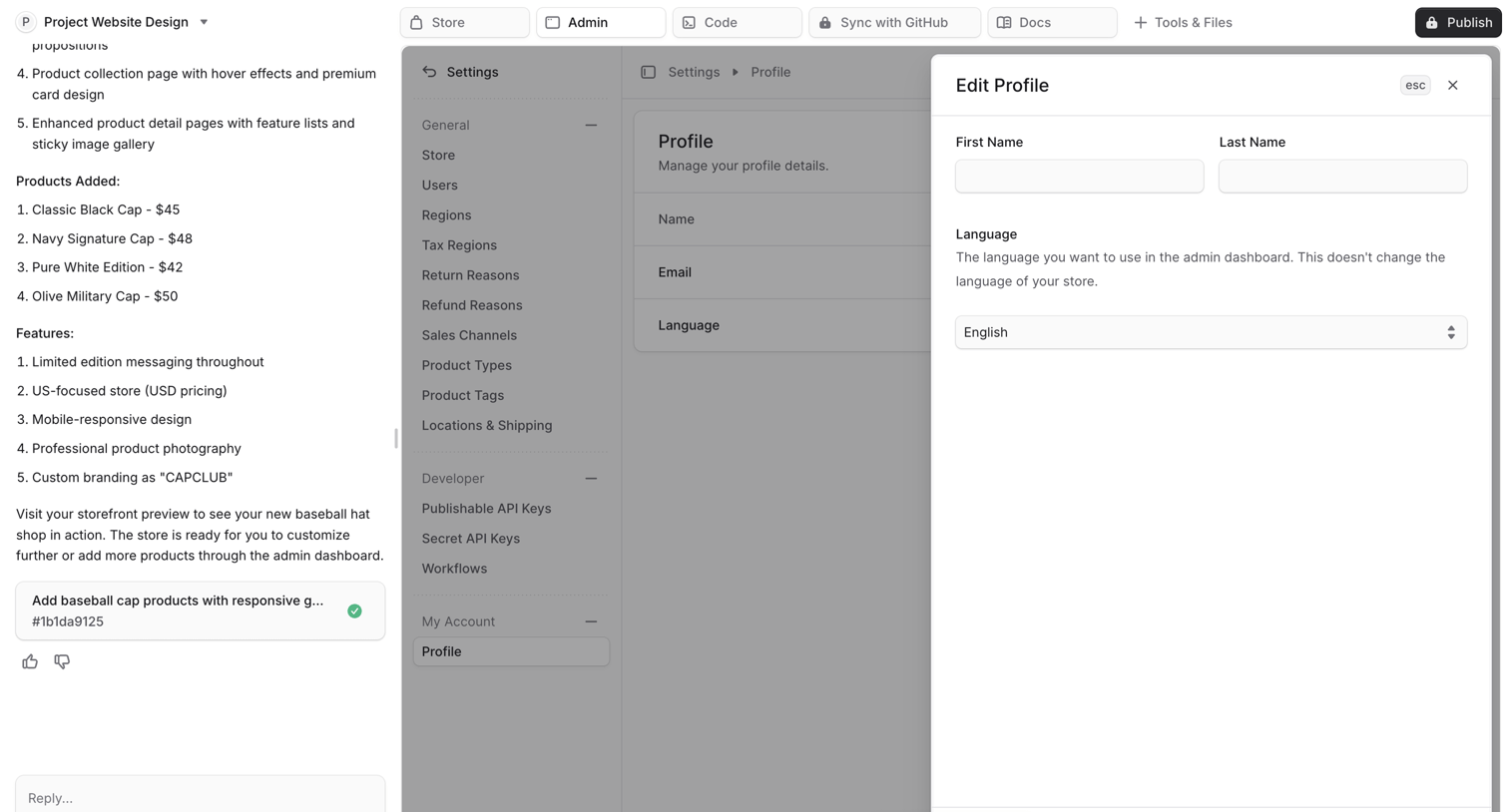

AI chat interface where the user is building an application, showing a live preview of the generated admin dashboard with an open modal to edit the user profile.
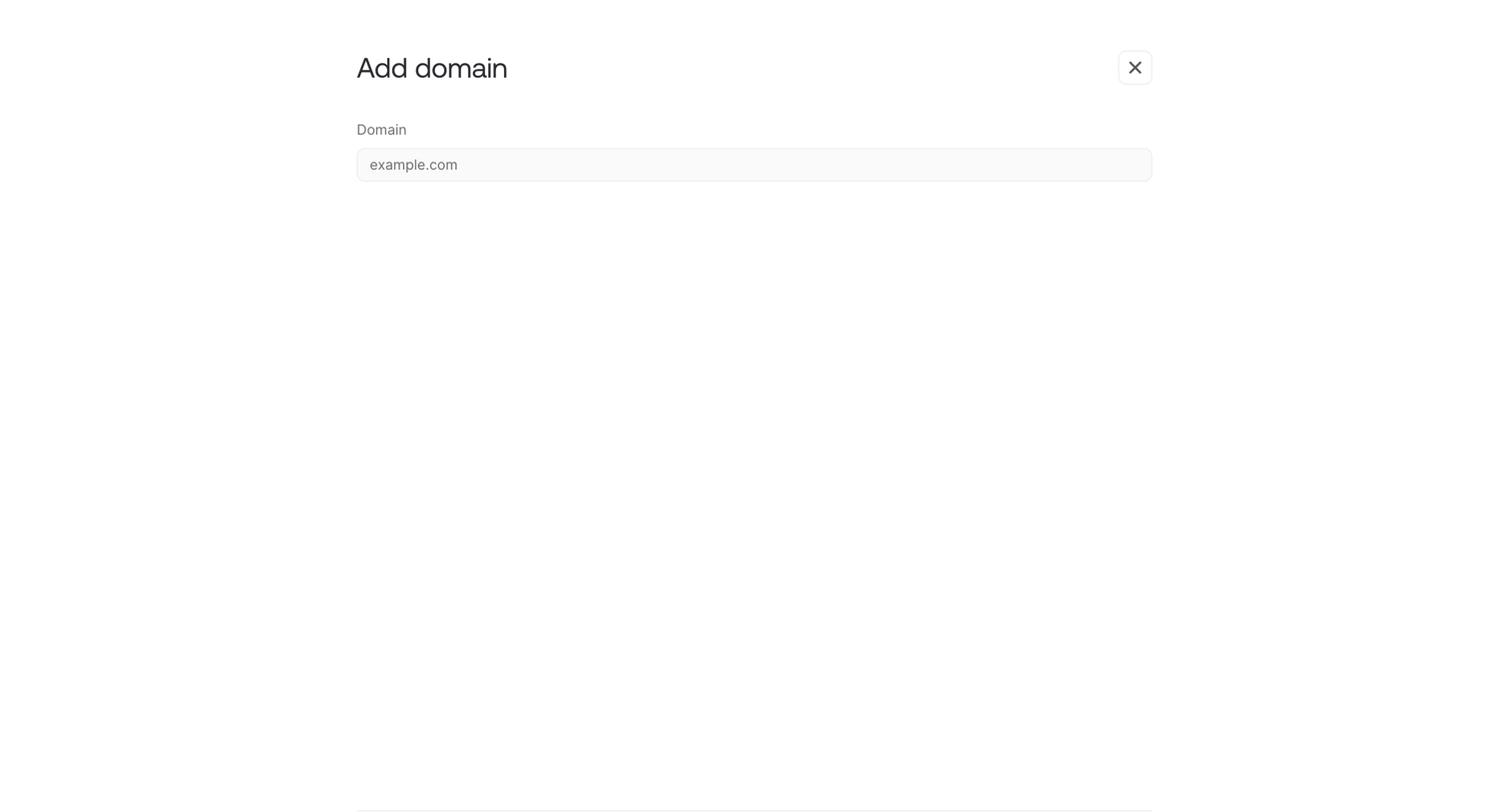

Settings modal where the user enters a custom domain name to connect to their project.
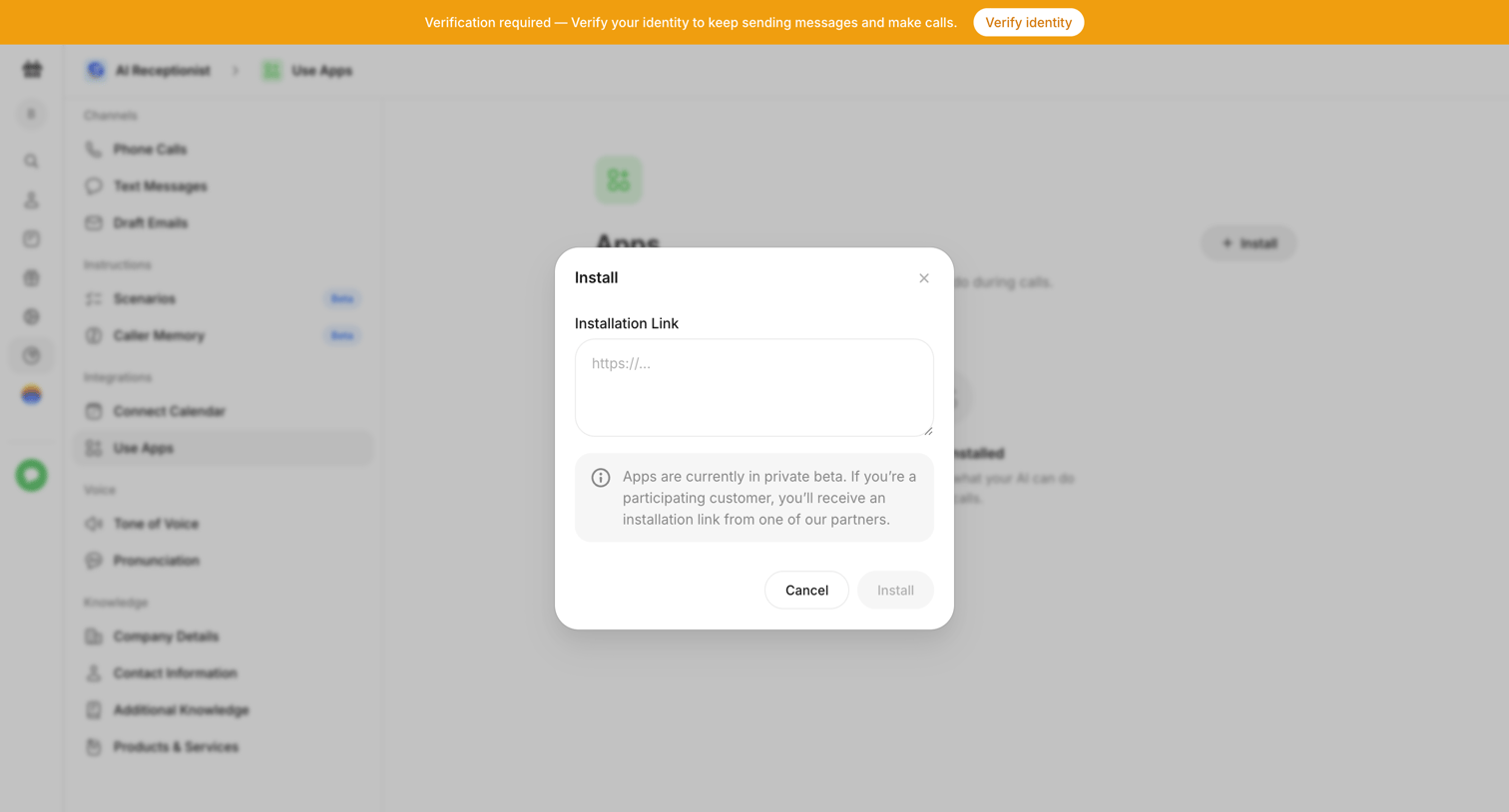

Settings page where the user is prompted to install an integration via a modal requiring an installation link, while a global banner requests identity verification.
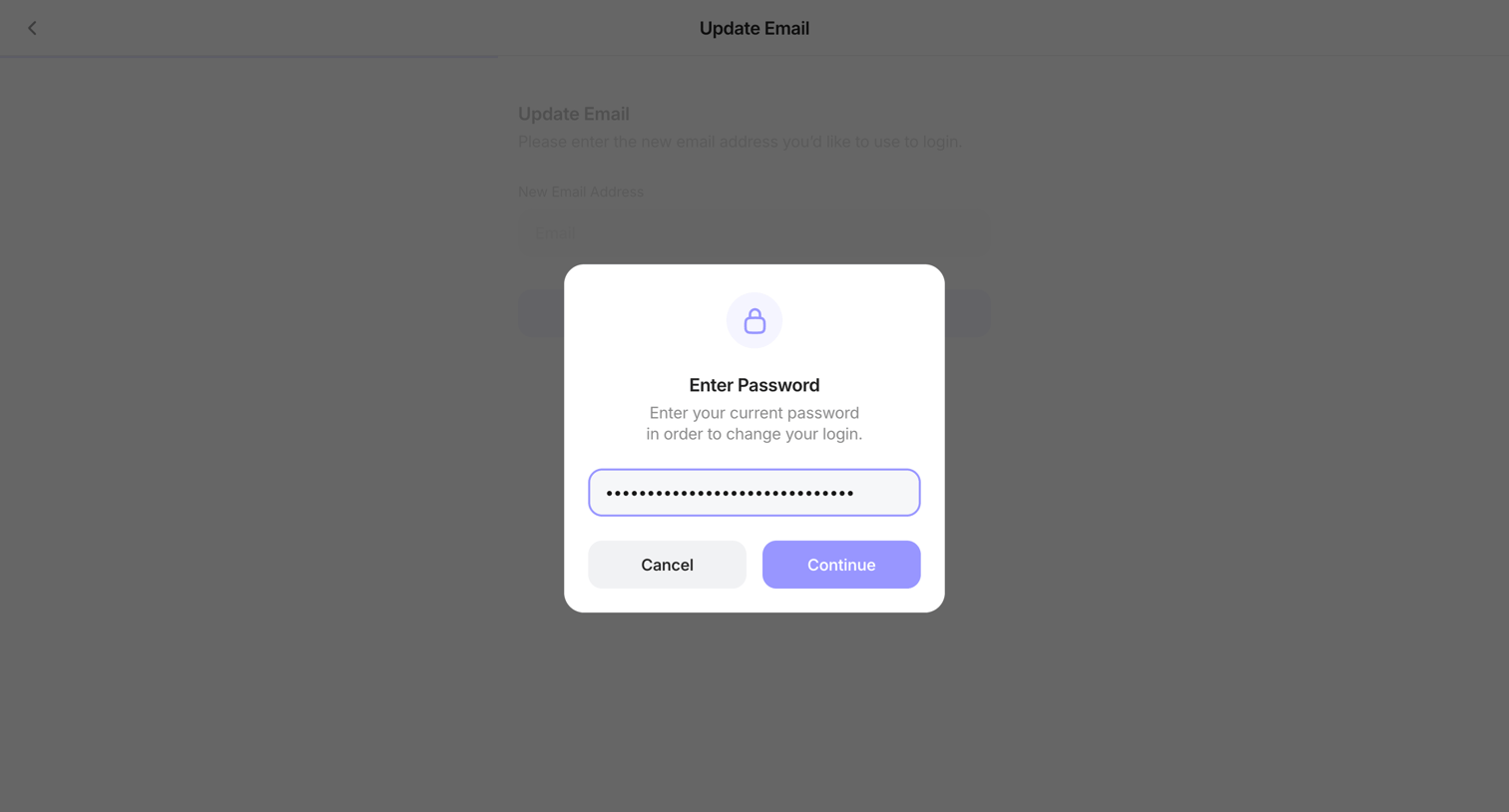

Settings overlay where the user must enter their current password to verify their identity before updating their email address.
Explore the full SaaS screen library
Upgrade to unlock the full library.
Trusted by the best teams








About Settings modal
Explore tasks that begin in a settings dialog. Look at how current values, option groups, and save actions are organized within the overlay.