Profile settings screen examples
Profile settings screen design examples from SaaS apps. Browse examples from Polar, Flask, Airbnb.
Explore the examples
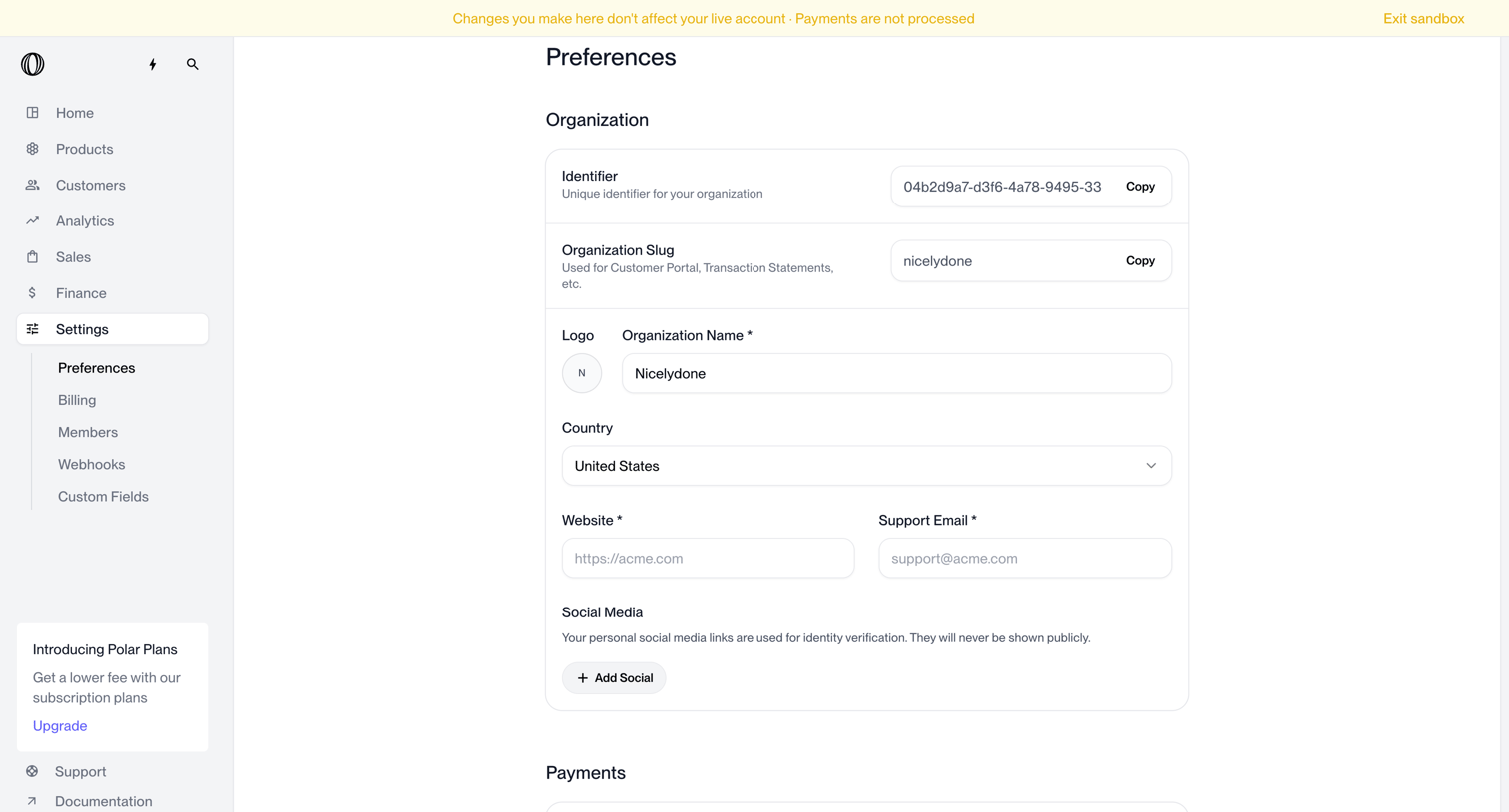

Settings page where the user configures organization details like identifier, slug, logo, name, country, and social media links.
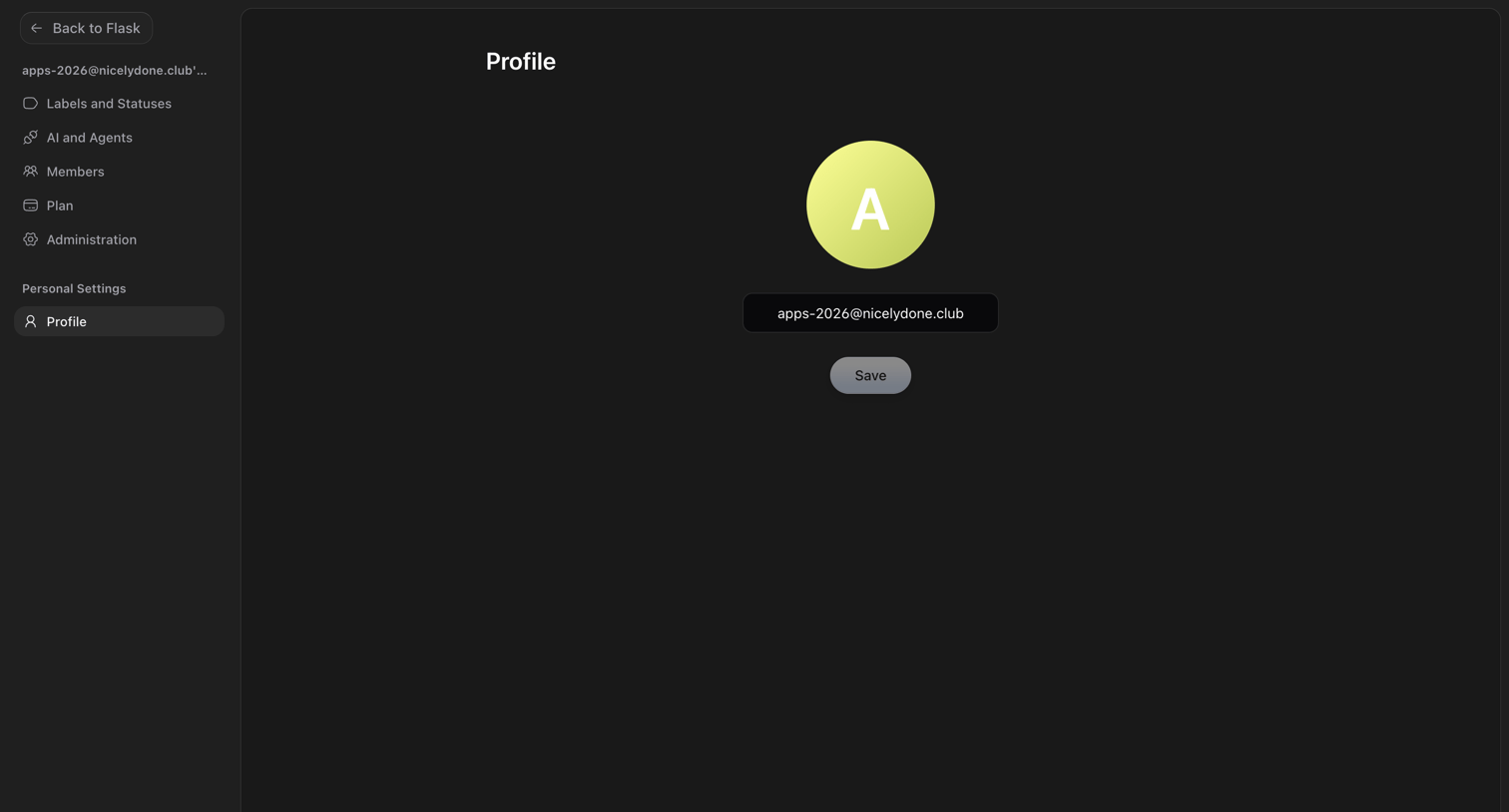

Settings page where the user manages their profile by updating their avatar and email address.
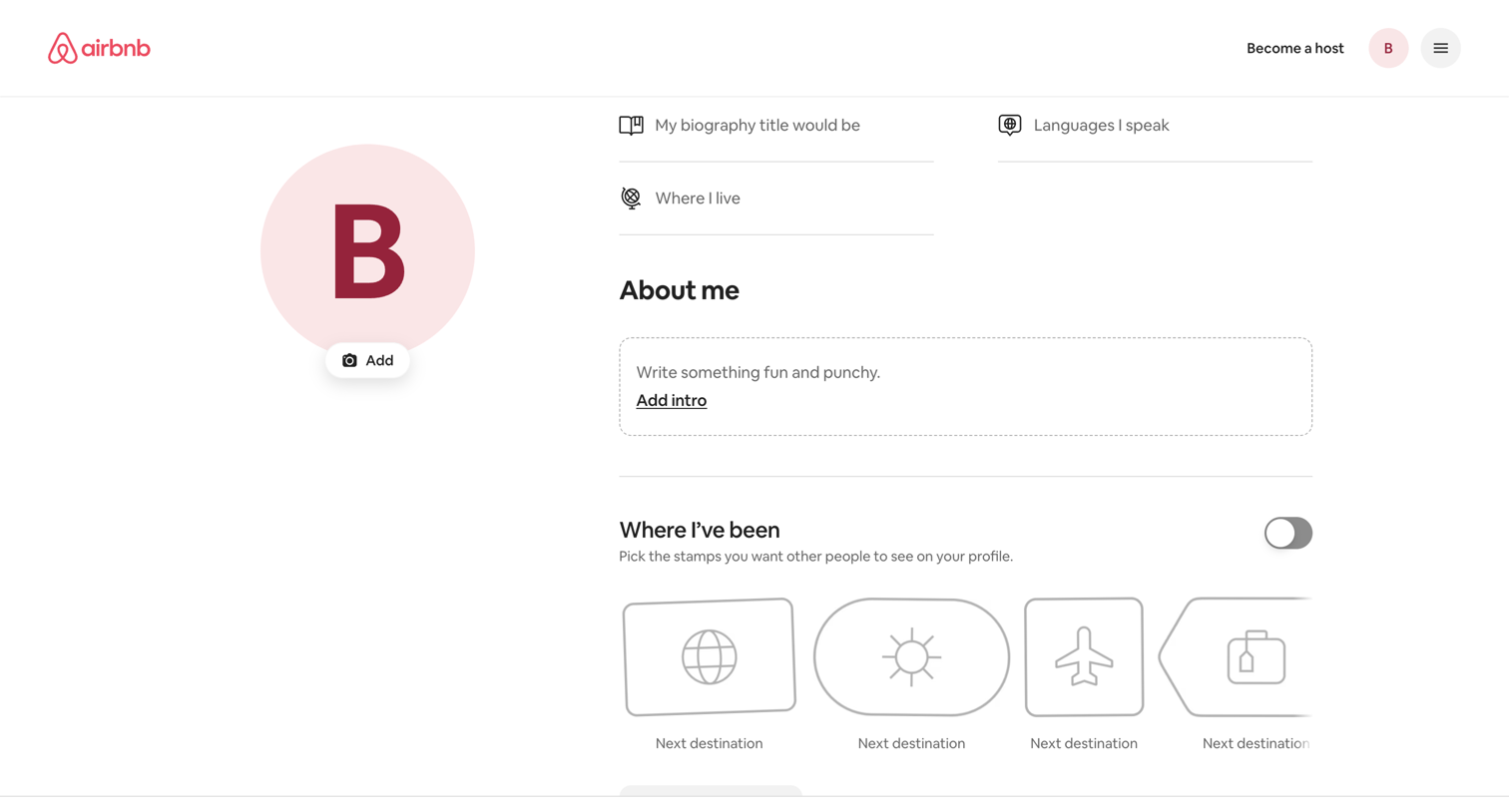

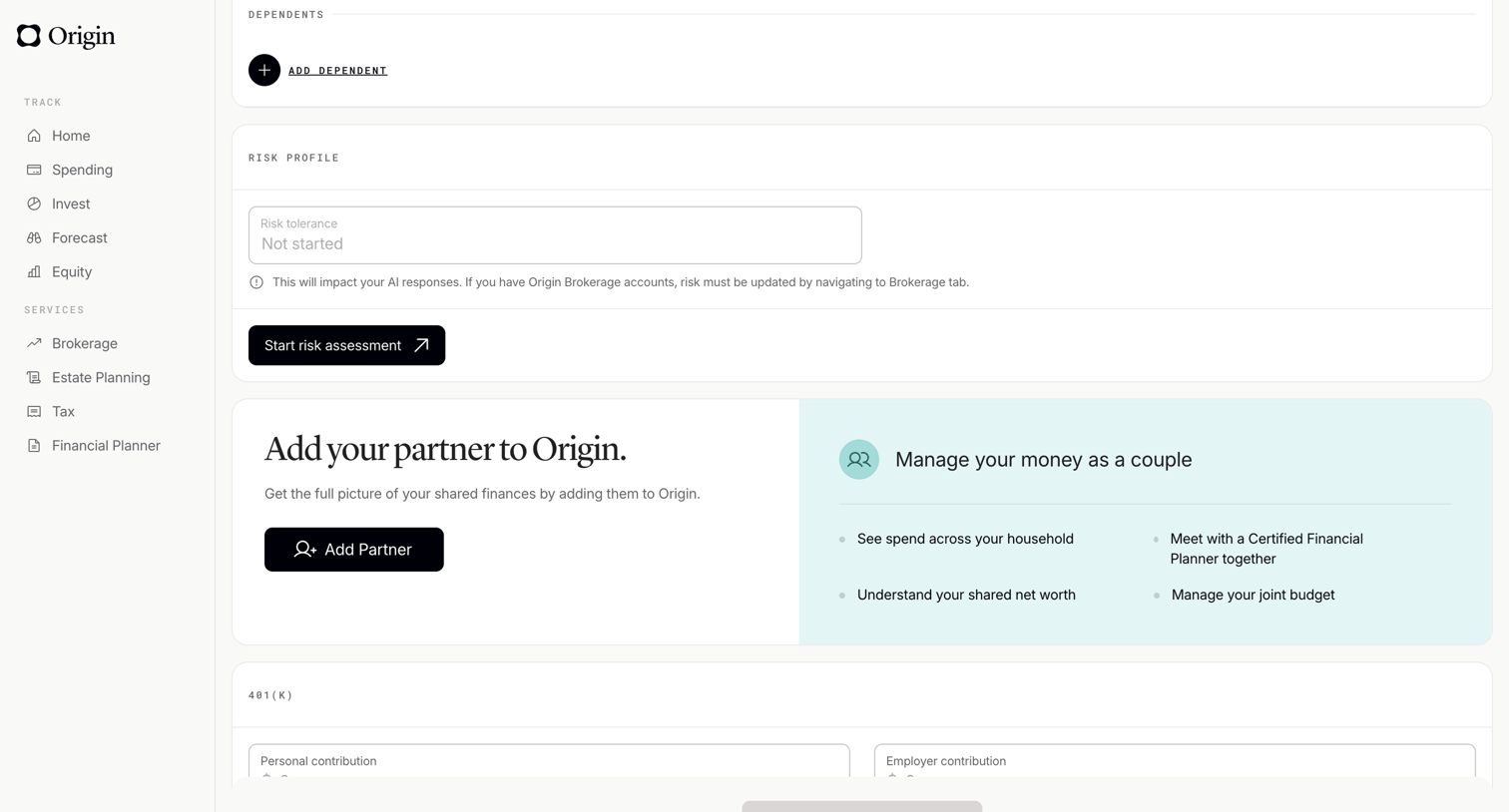

Profile settings page where the user manages dependents, views their risk profile, and can invite a partner to share finances.
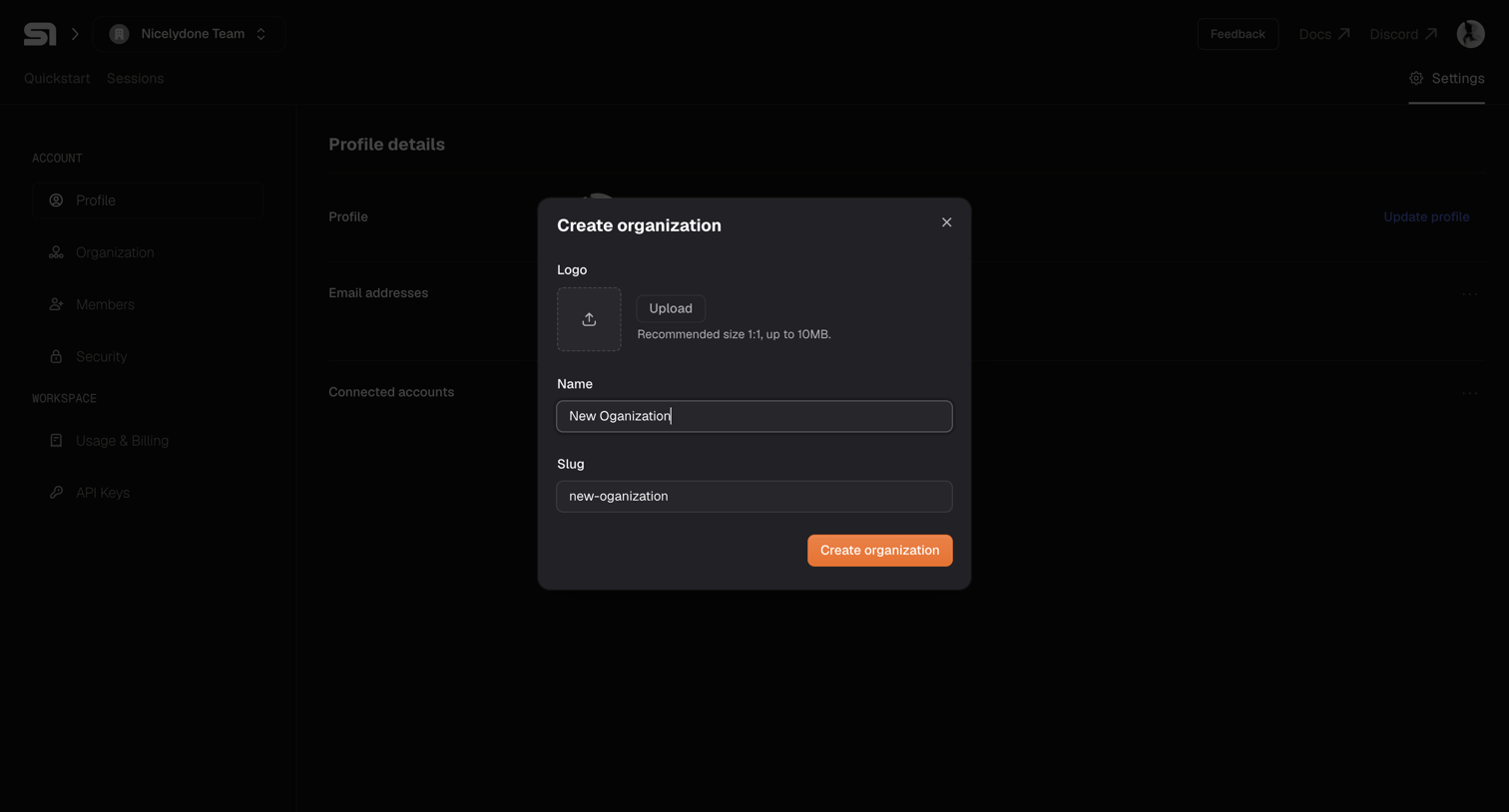

Settings page where the user creates a new organization by providing a logo, name, and slug via a modal overlay.
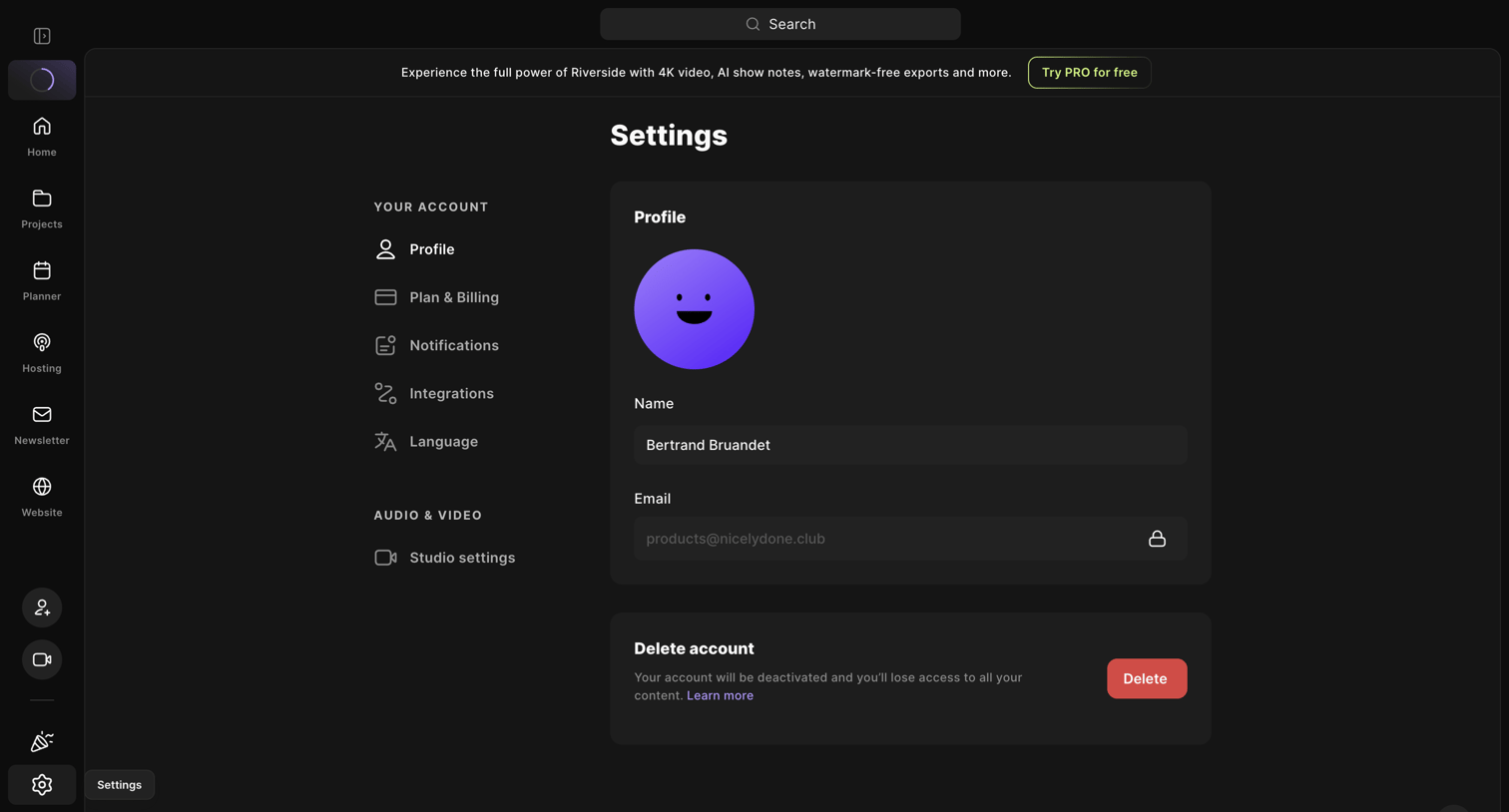

Settings page where the user can update their profile name, view their email, and delete their account.
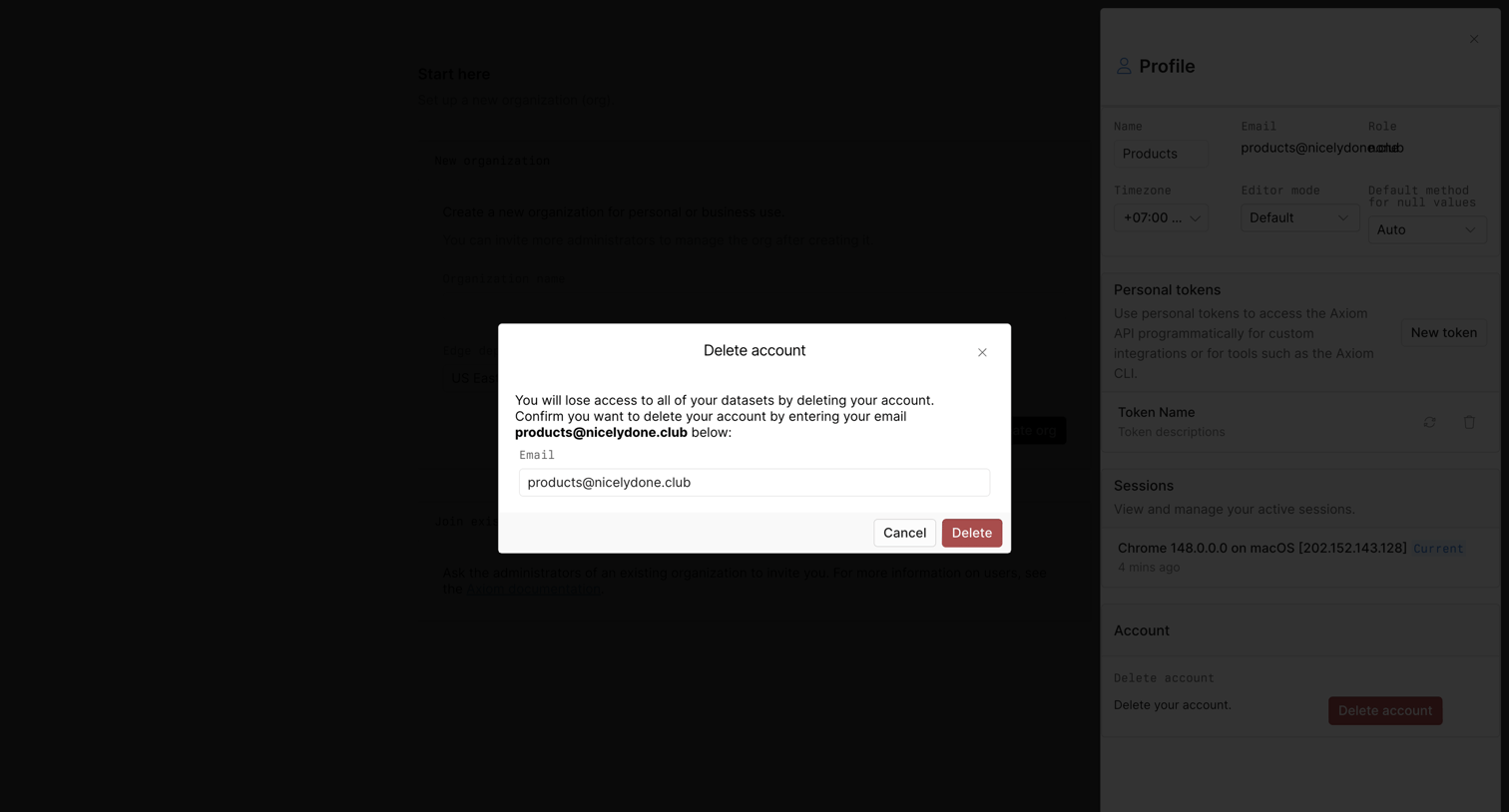

Settings profile drawer where the user must confirm account deletion by typing their email address into a high-contrast modal.
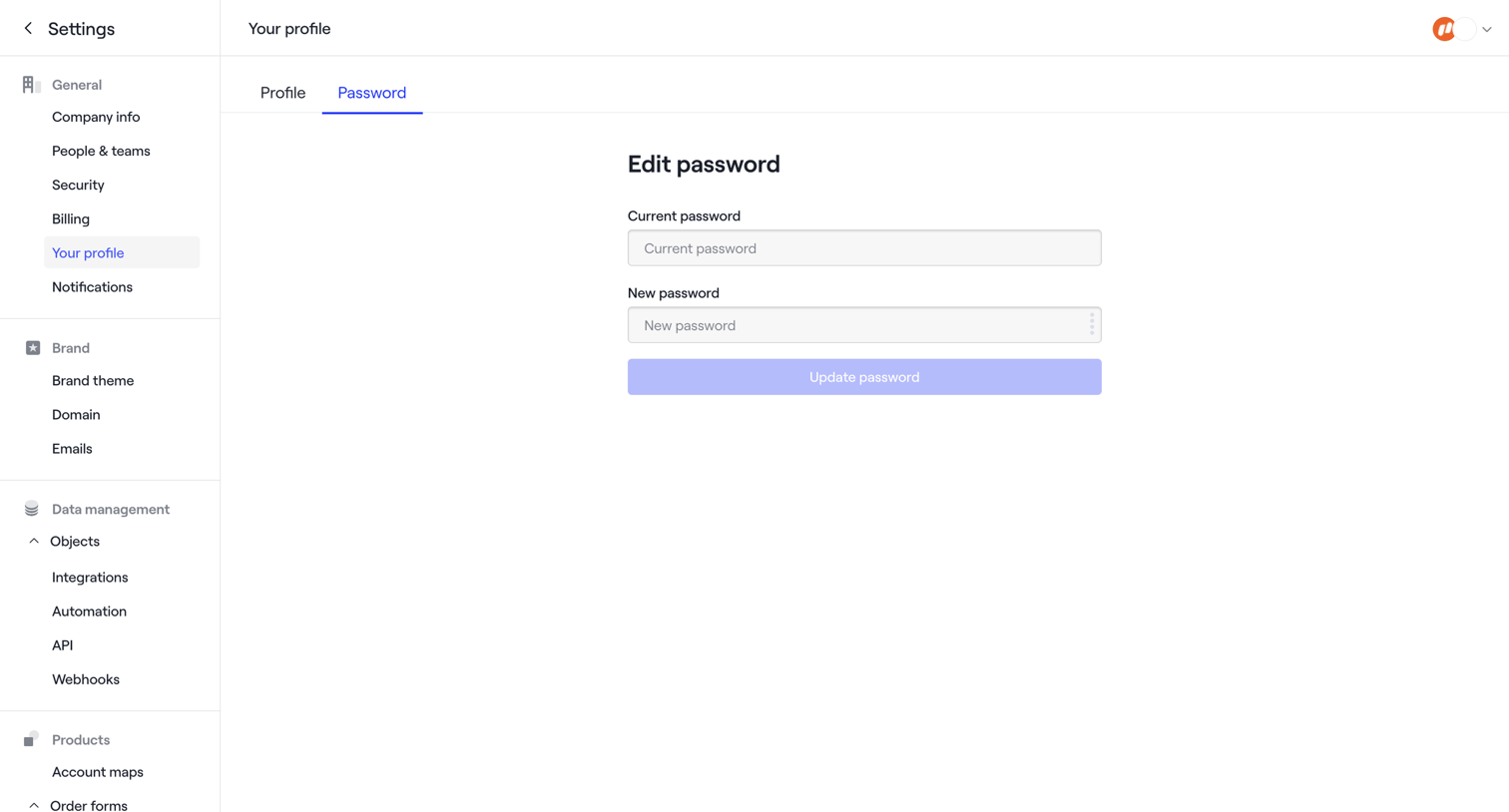

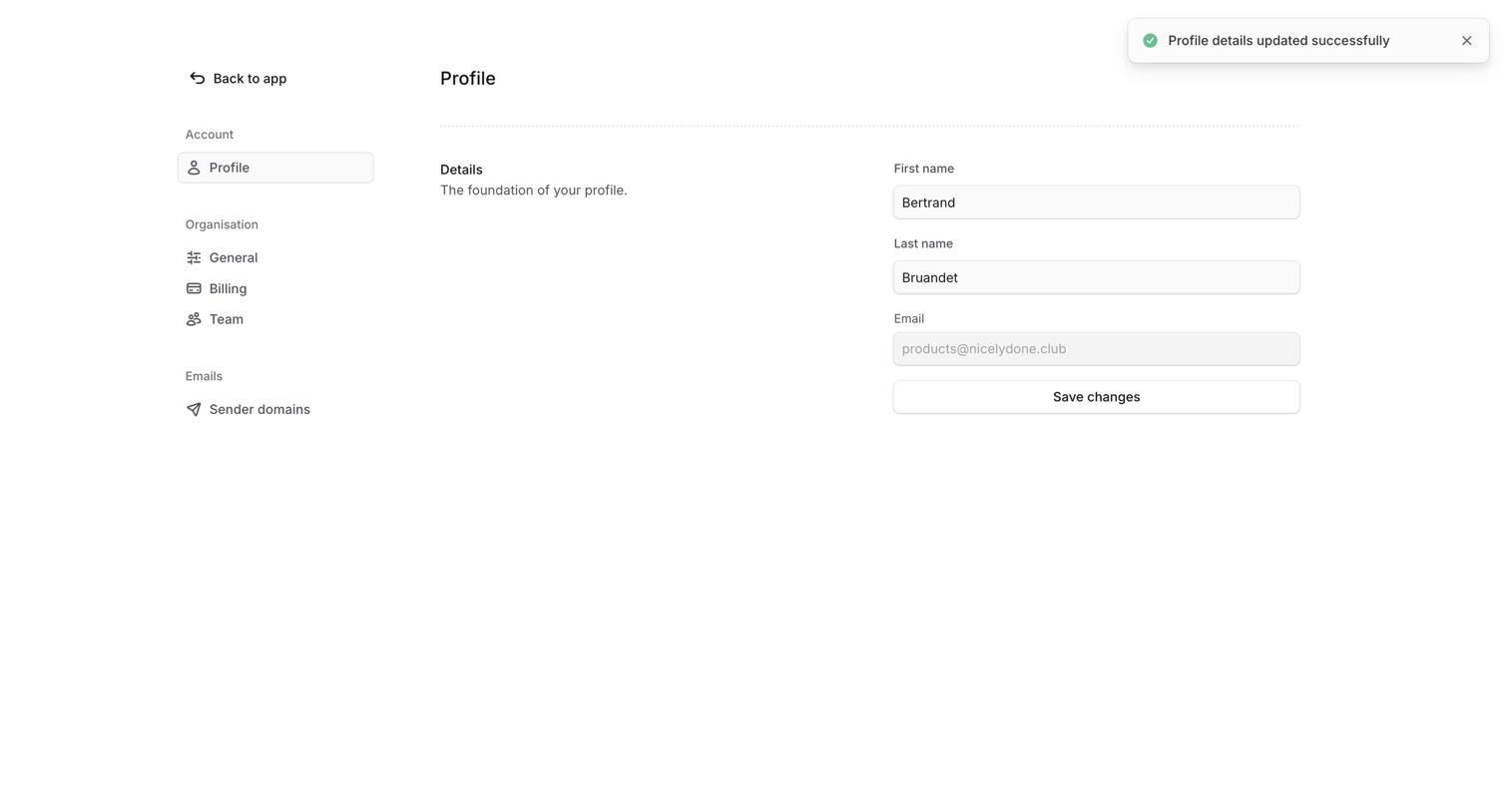

Settings page where the user updates their profile details like first and last name, confirming the changes with a success notification.
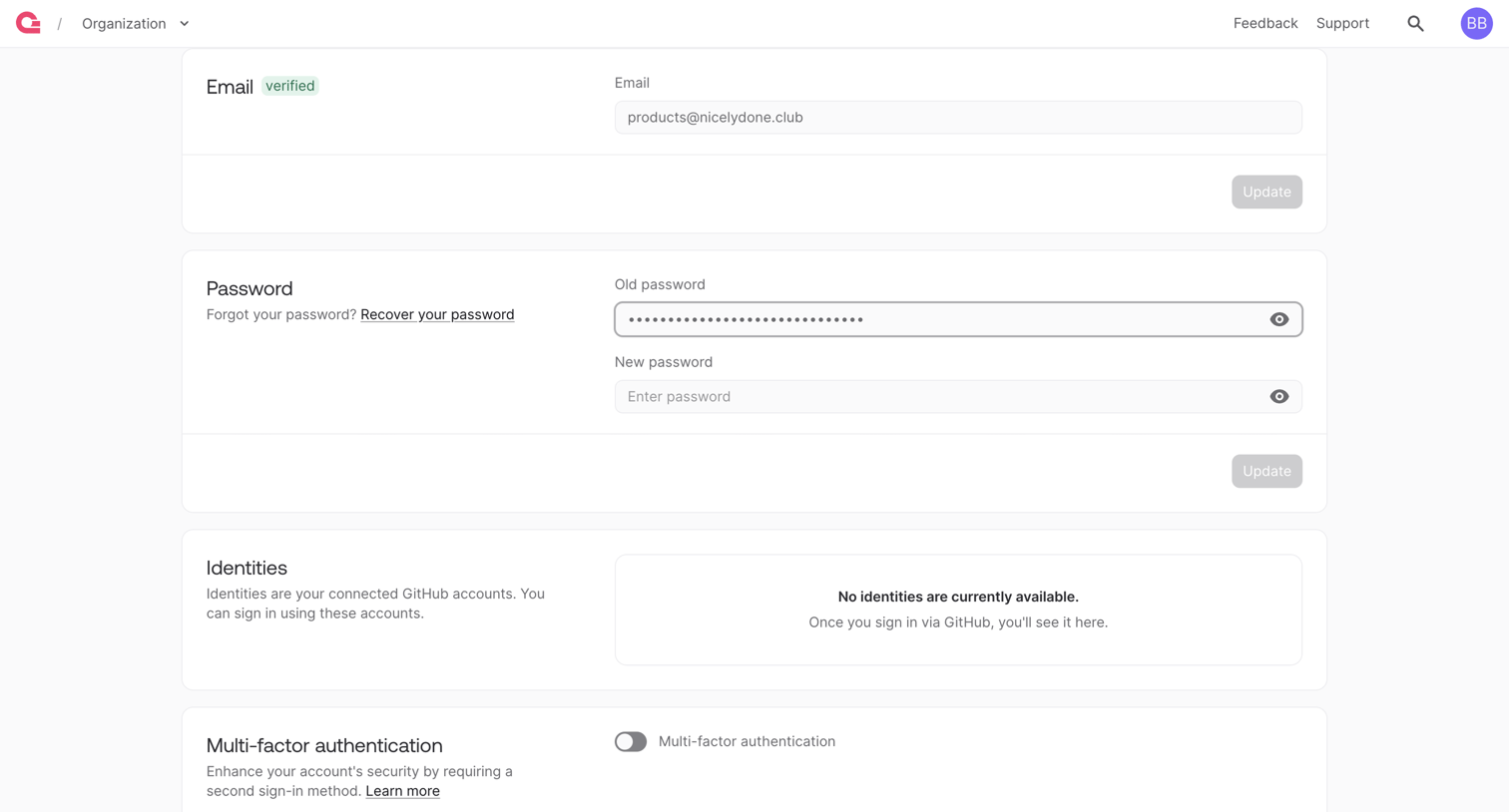

Settings page where the user configures their account email, password, connected GitHub identities, and multi-factor authentication.
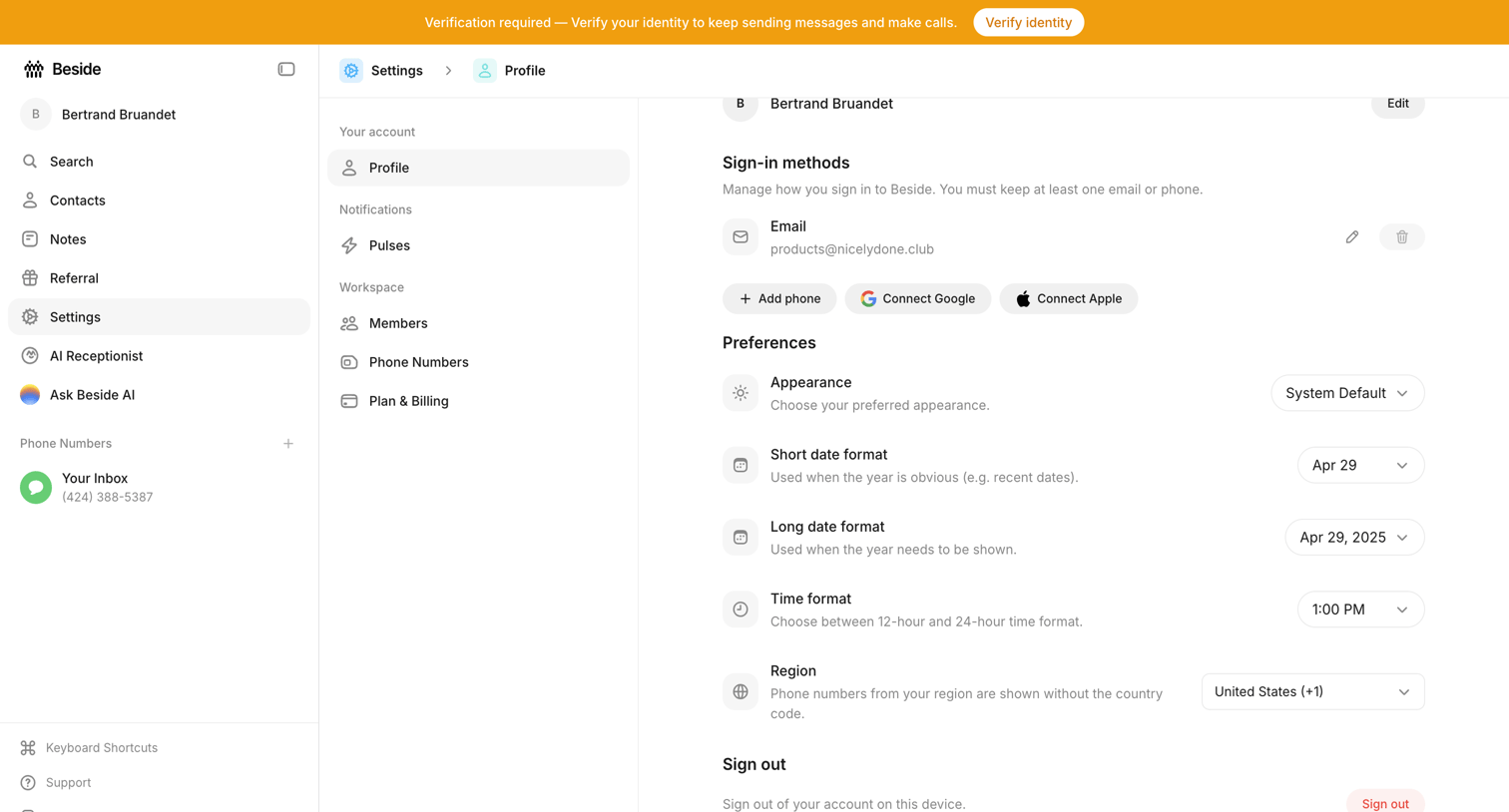

Settings page where the user configures their sign-in methods, appearance preferences, and regional date and time formats.
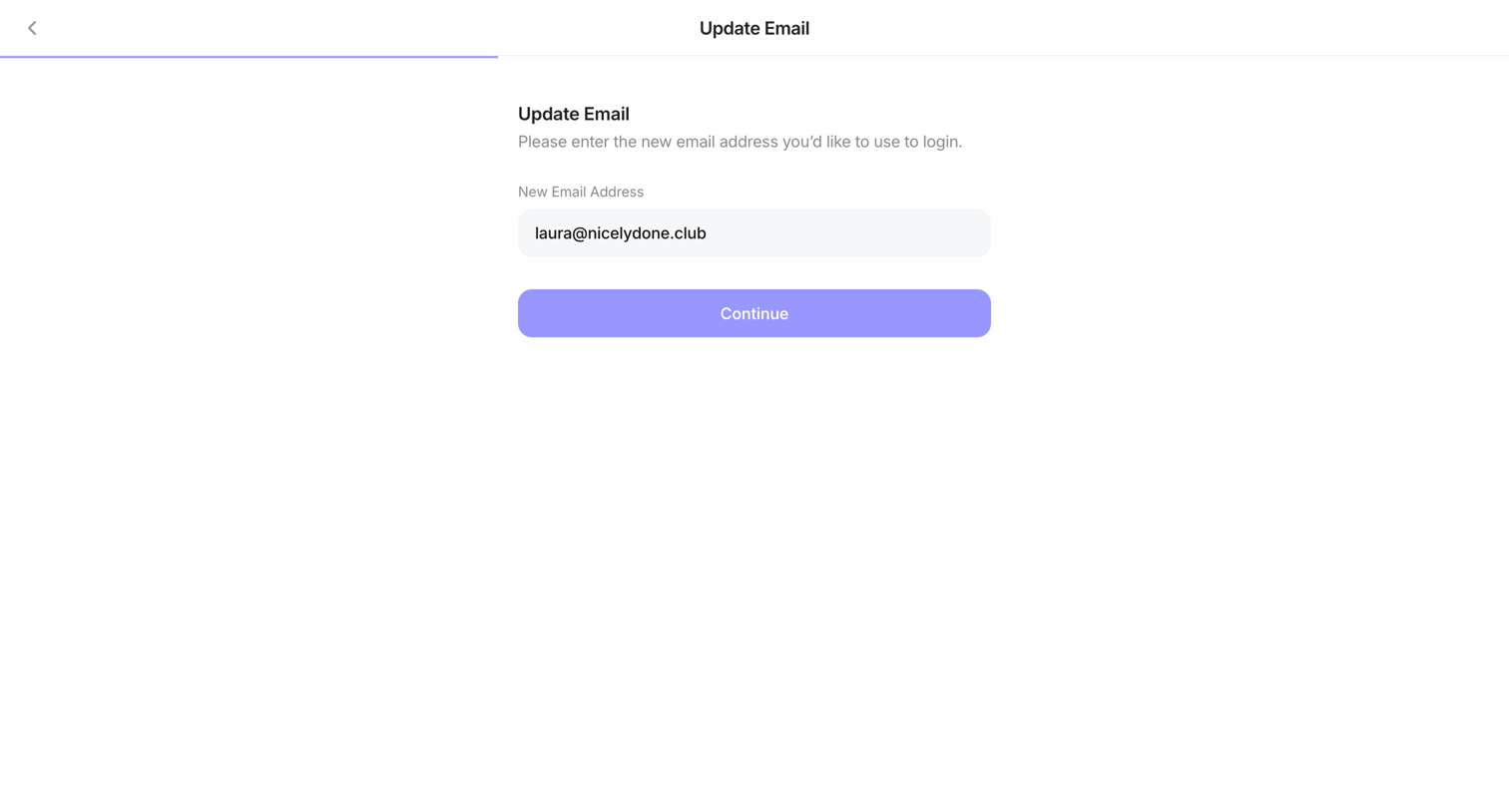

Settings page where the user enters a new email address to update their login credentials.
Explore the full SaaS screen library
Upgrade to unlock the full library.
Trusted by the best teams







