OAuth integration screen examples
OAuth integration screen design examples from SaaS apps. Explore how apps connect a service through external account authorization. Look at how connection instructions and permission choices relate to the integration.
Explore the examples
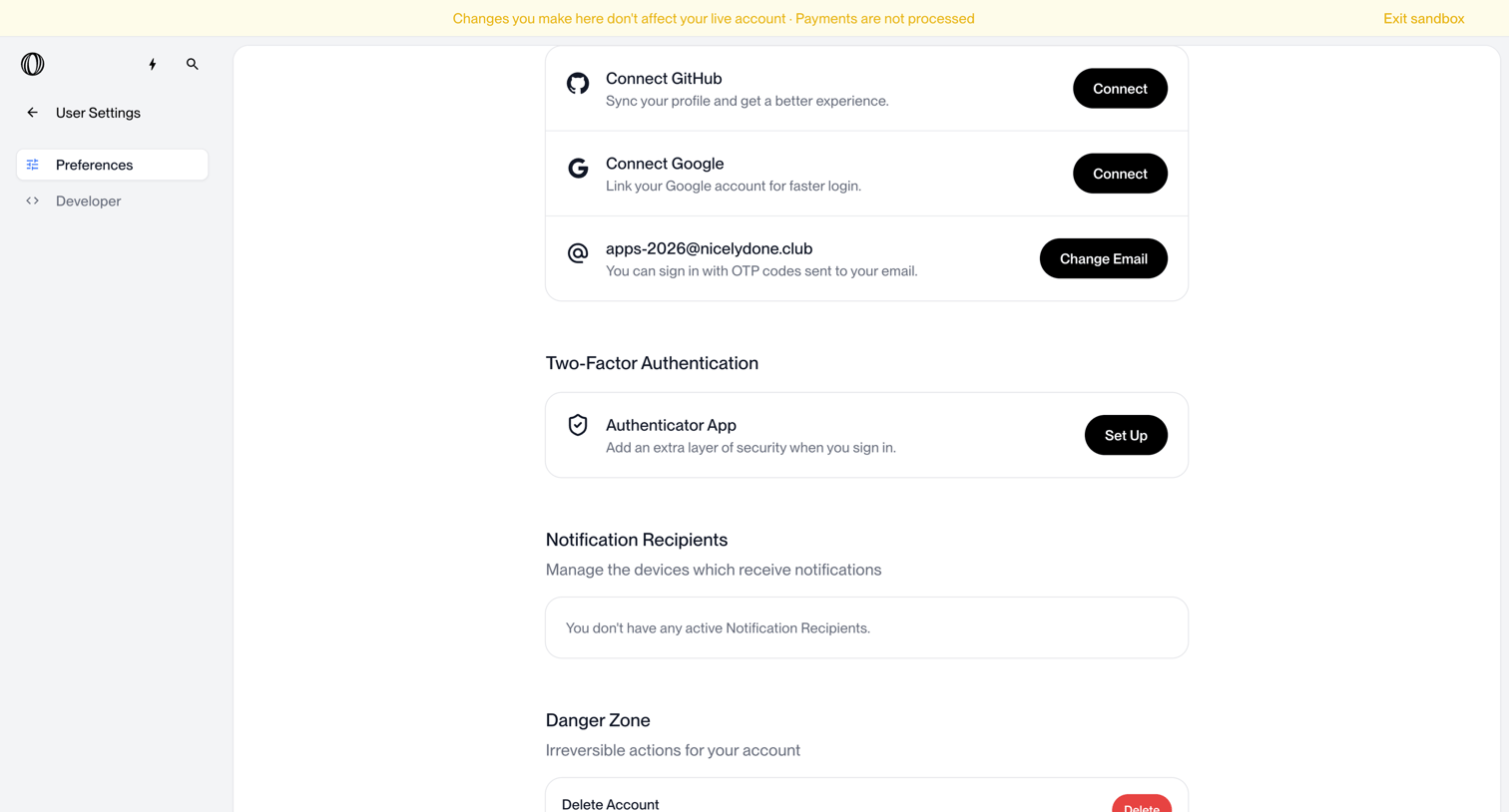

Settings page where the user manages connected accounts like GitHub and Google, configures two-factor authentication, and can permanently delete their account.
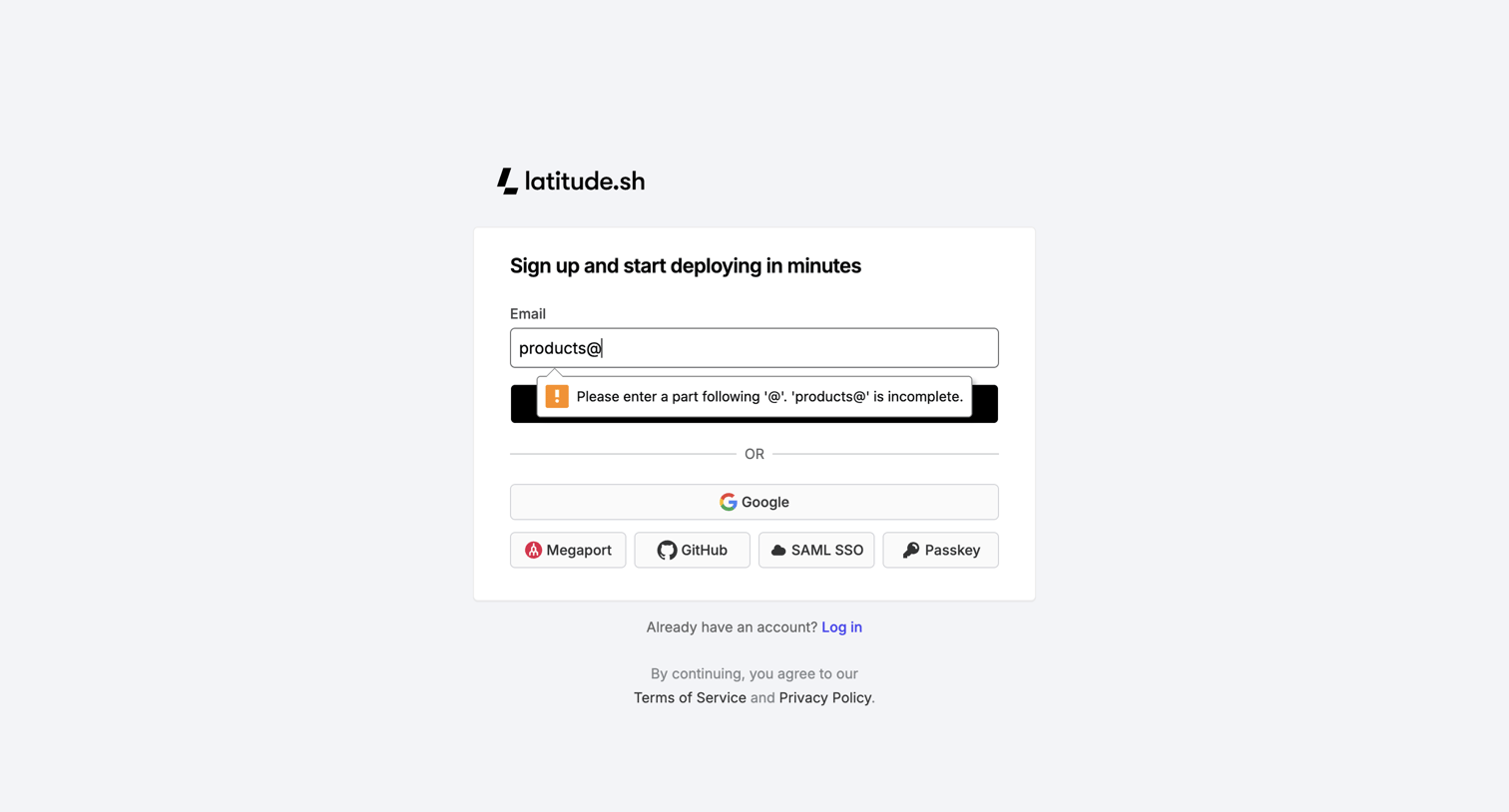

Signup screen where the user can create an account using email, Google, GitHub, SAML SSO, or a Passkey, currently showing an email validation error.
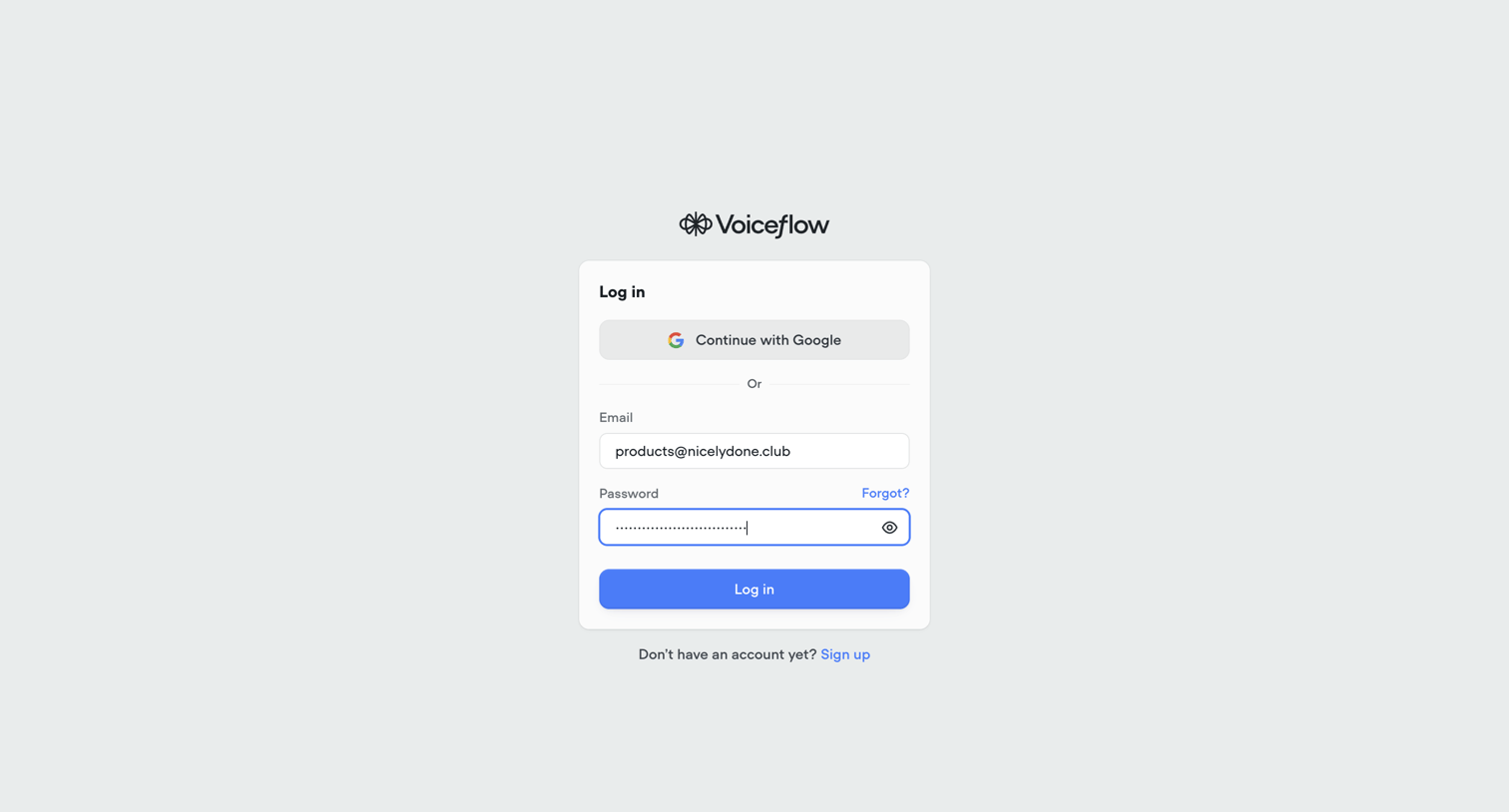

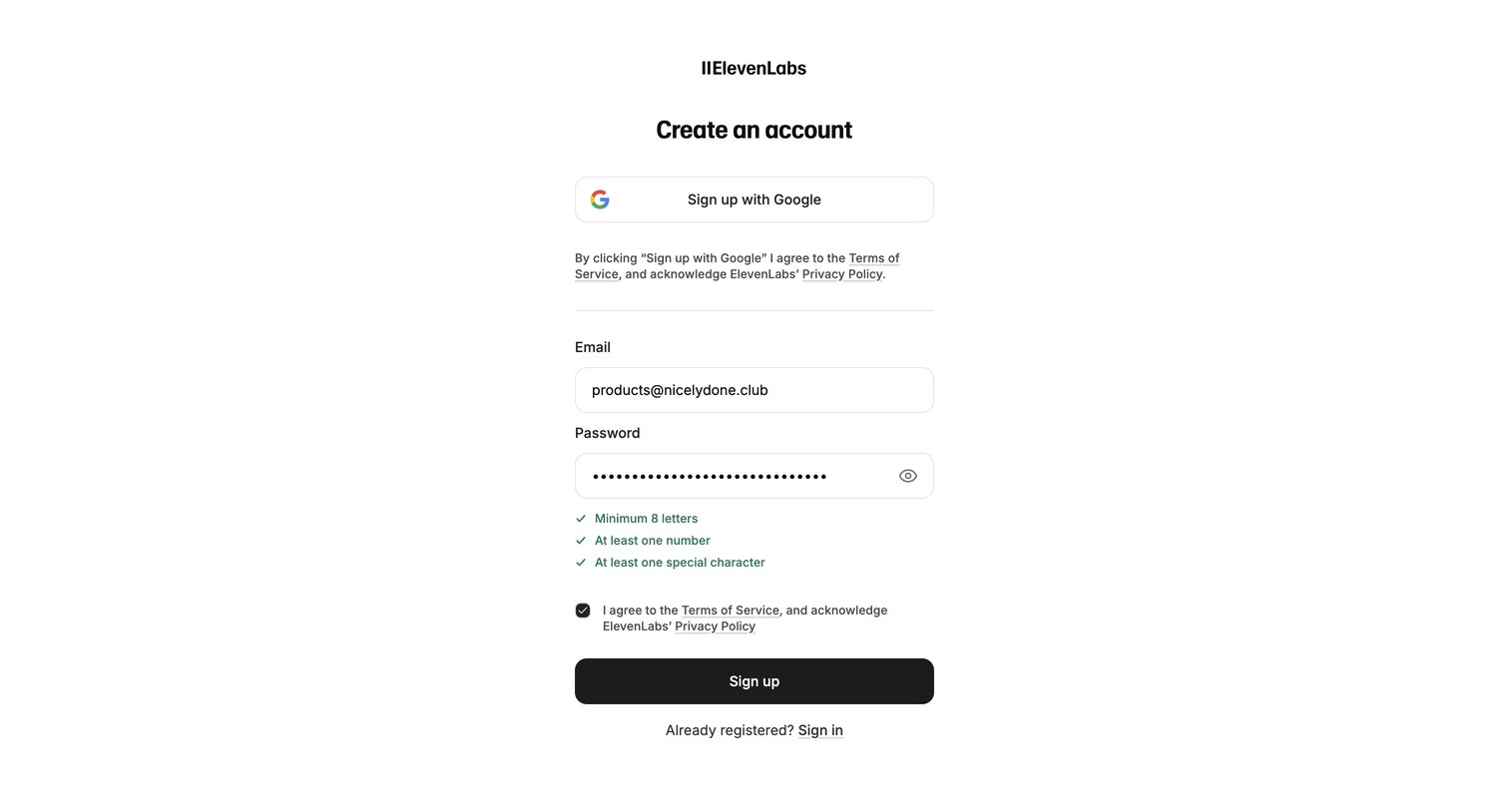

Signup screen where the user creates an account using Google or an email and password, with inline password validation requirements.
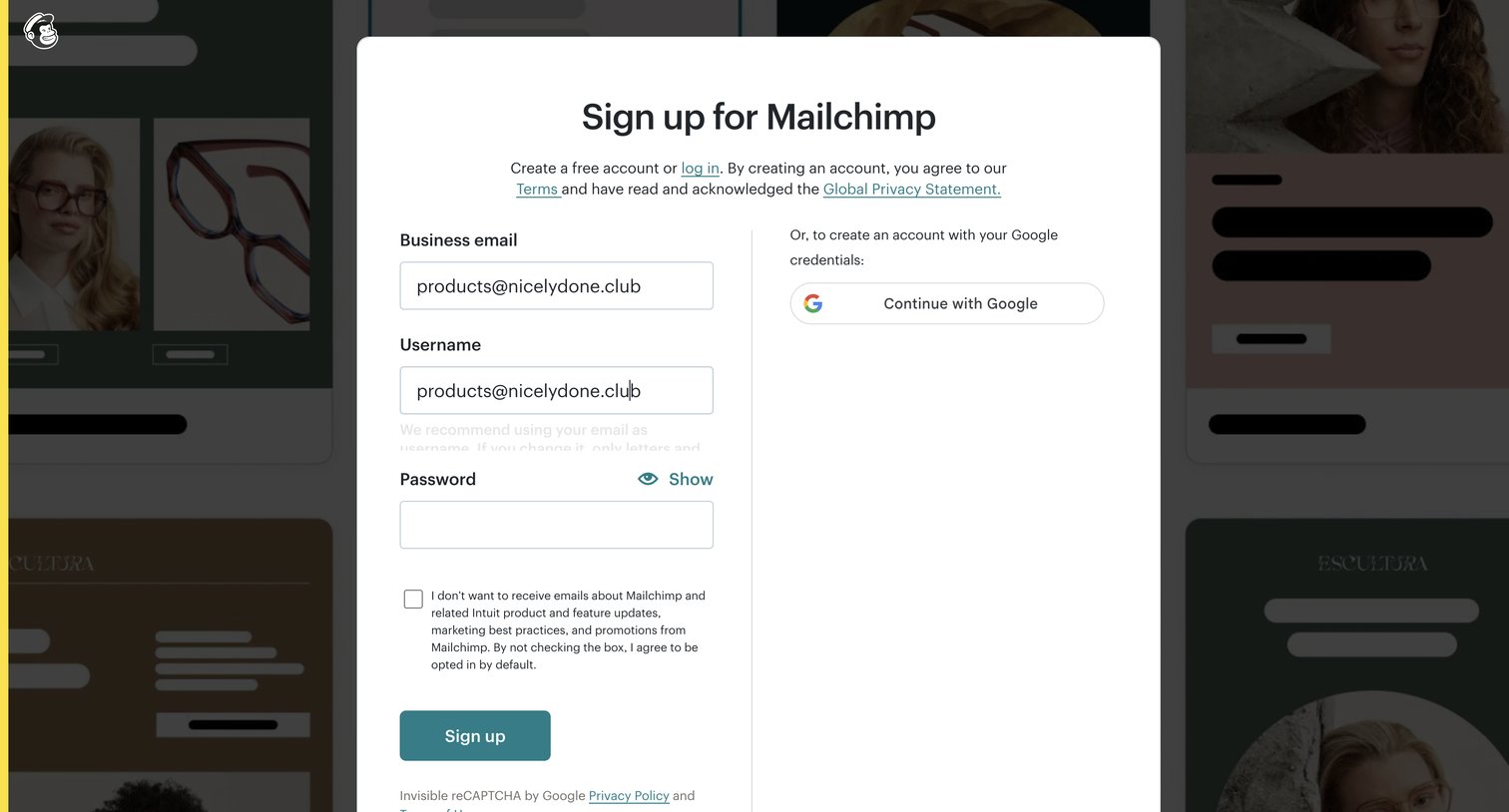

Signup page where the user can create an account using their business email, username, and password, or opt to continue with Google.
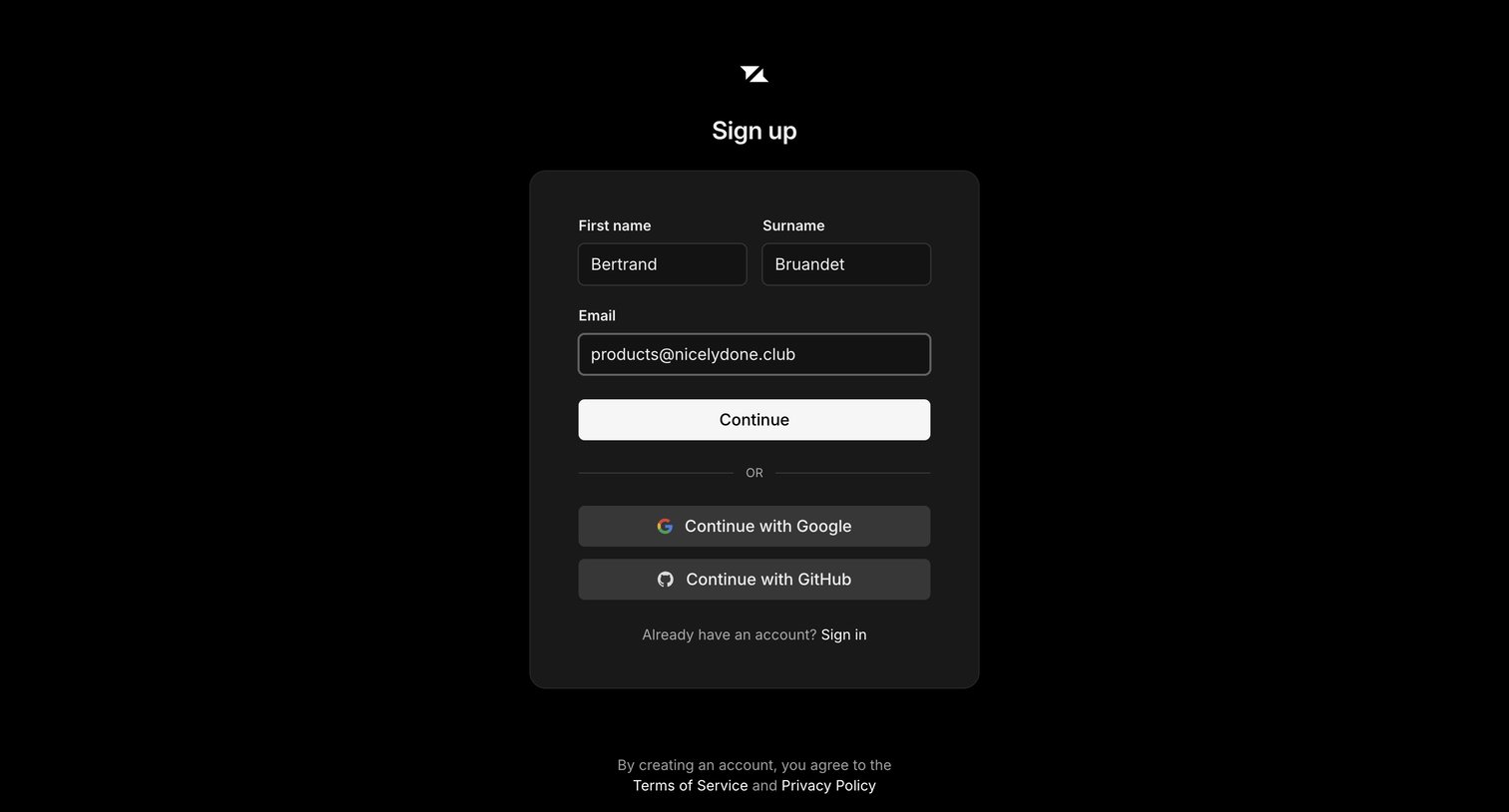

Signup page where the user enters their name and email or authenticates via Google or GitHub to create an account.
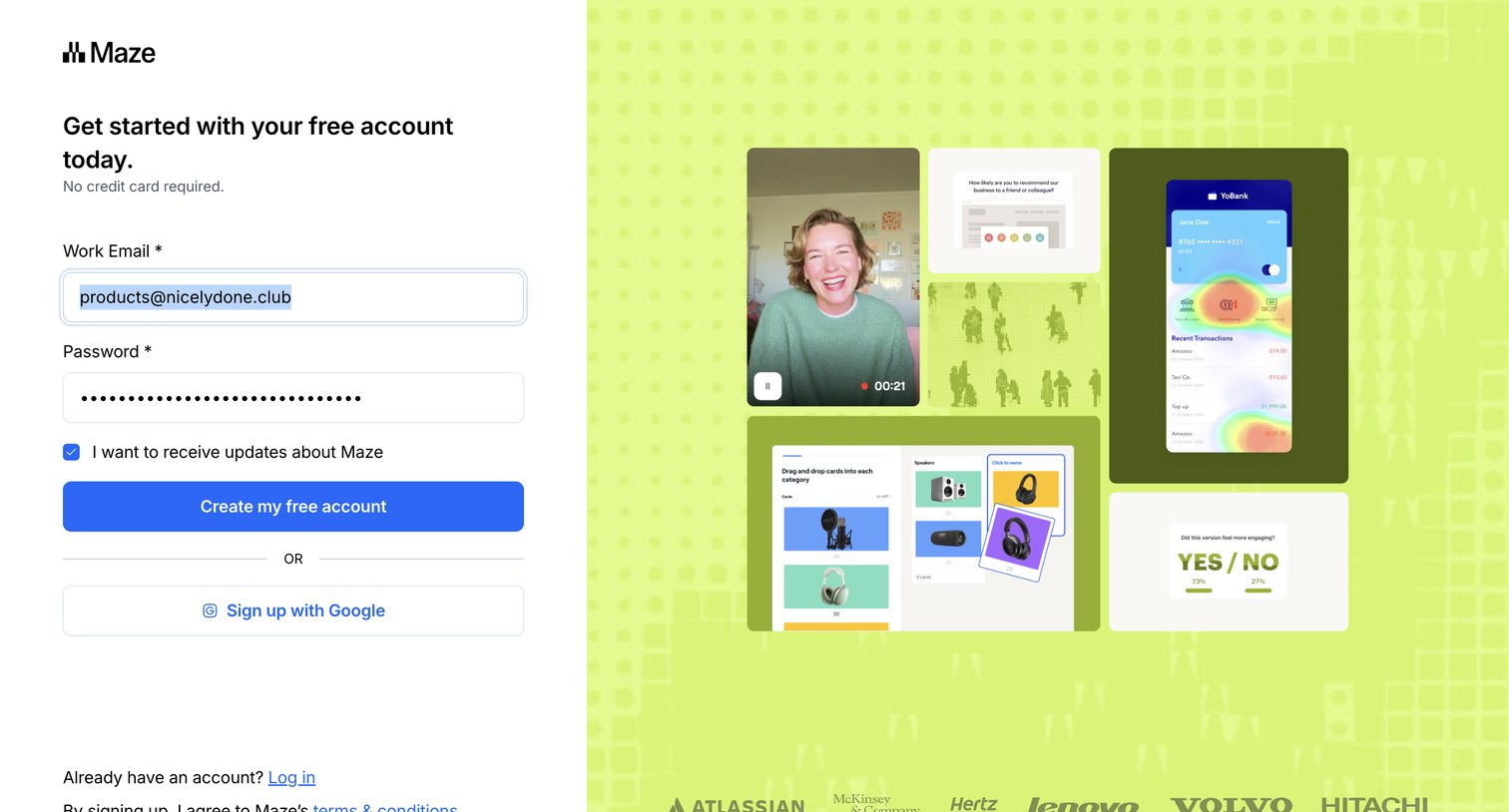


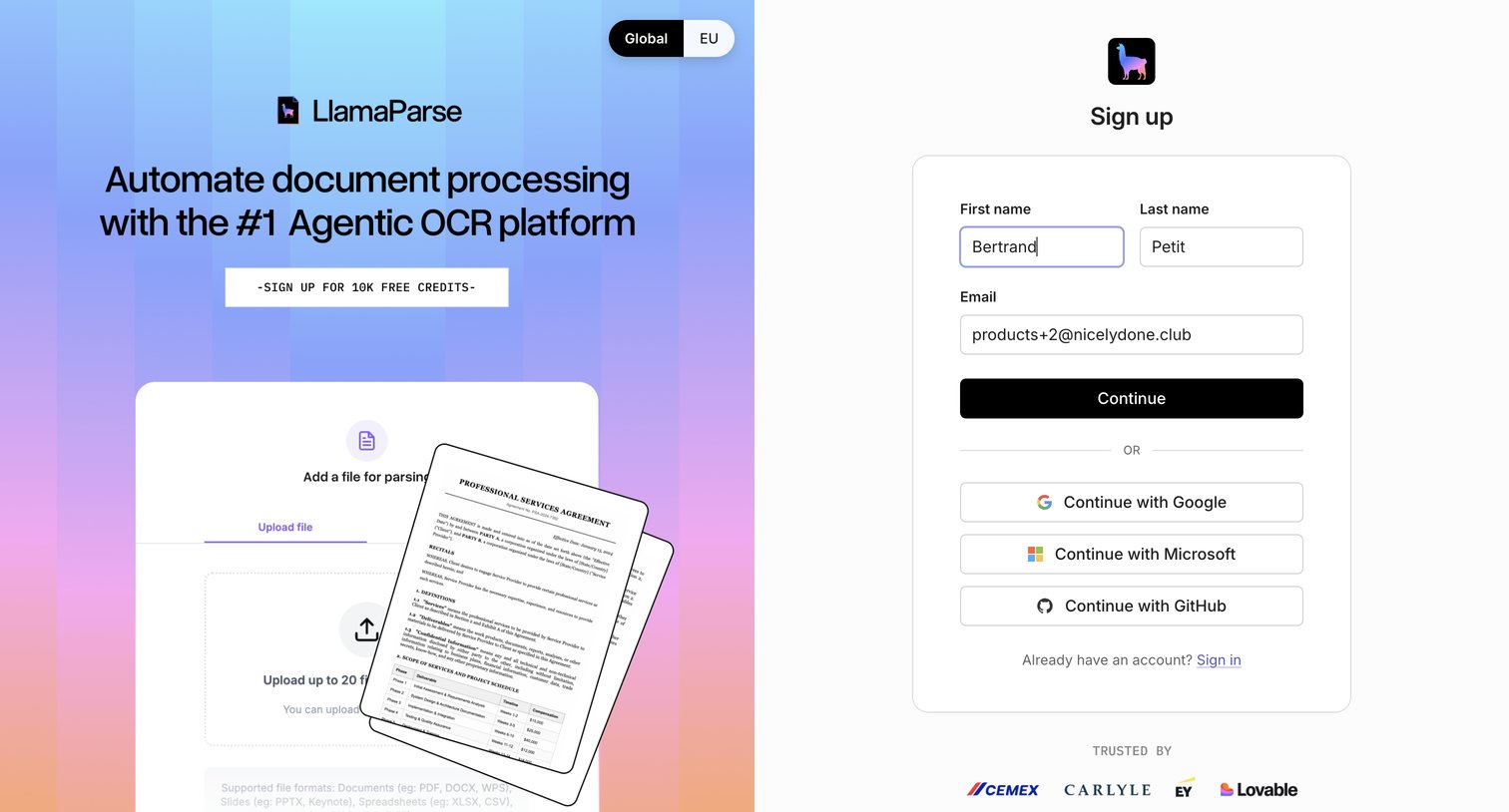

Signup page where the user creates an account using email or social providers, featuring a promotional sidebar and social proof logos.
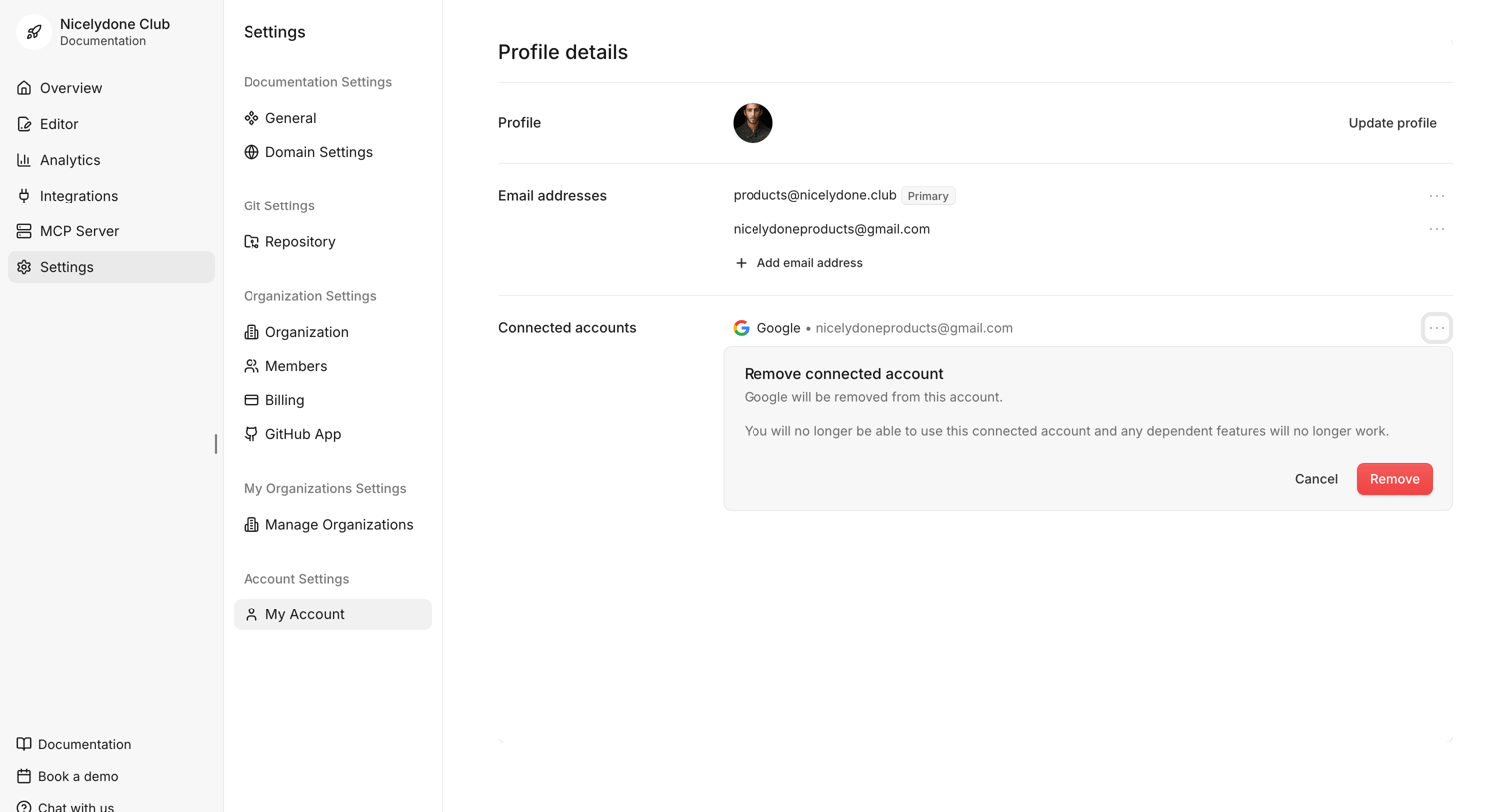

Settings page where the user manages their profile details, email addresses, and connected accounts, with an active inline prompt to confirm the removal of a Google integration.
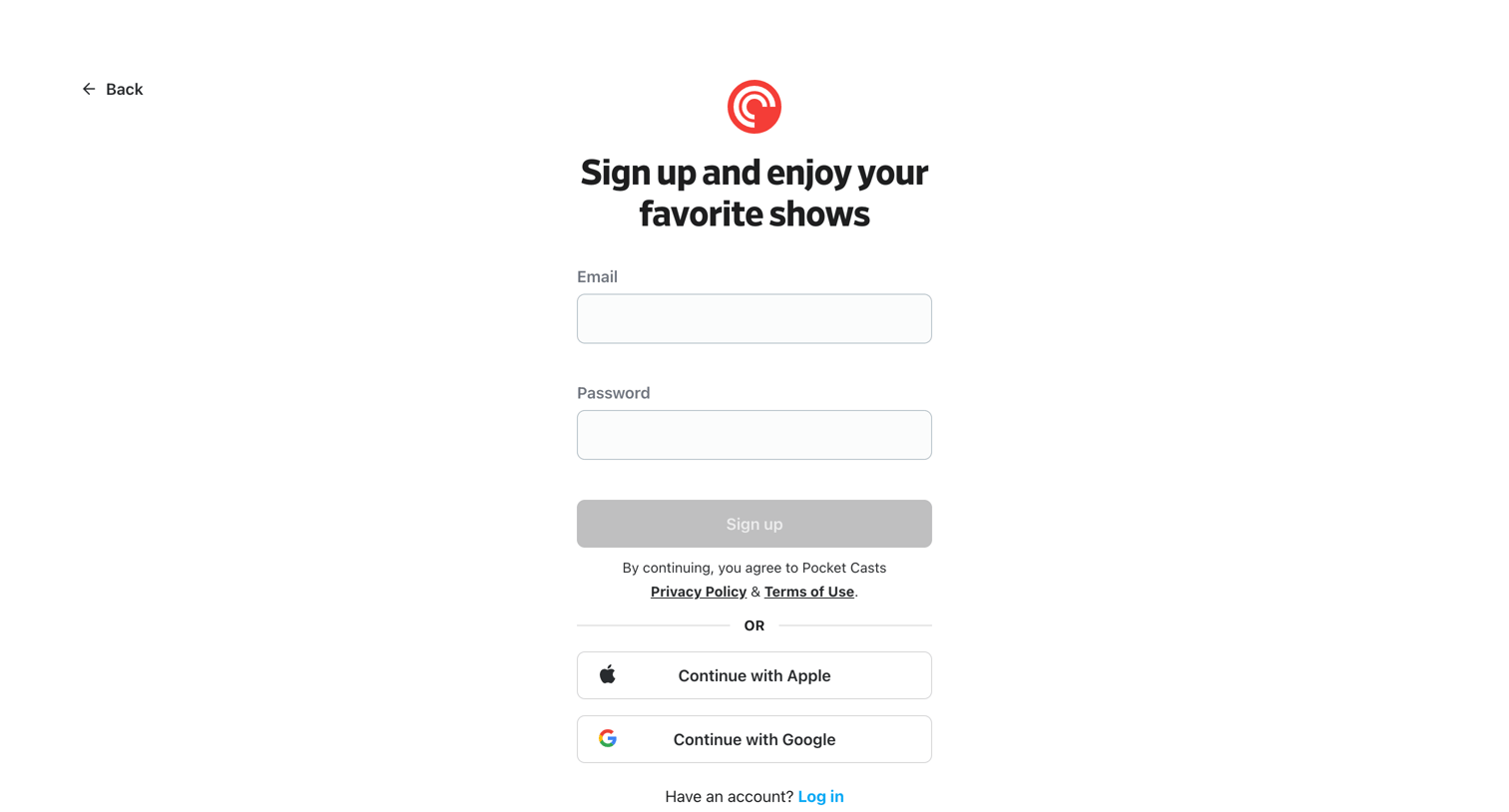

Sign-up screen where the user creates an account using email and password or authenticates via Apple or Google.
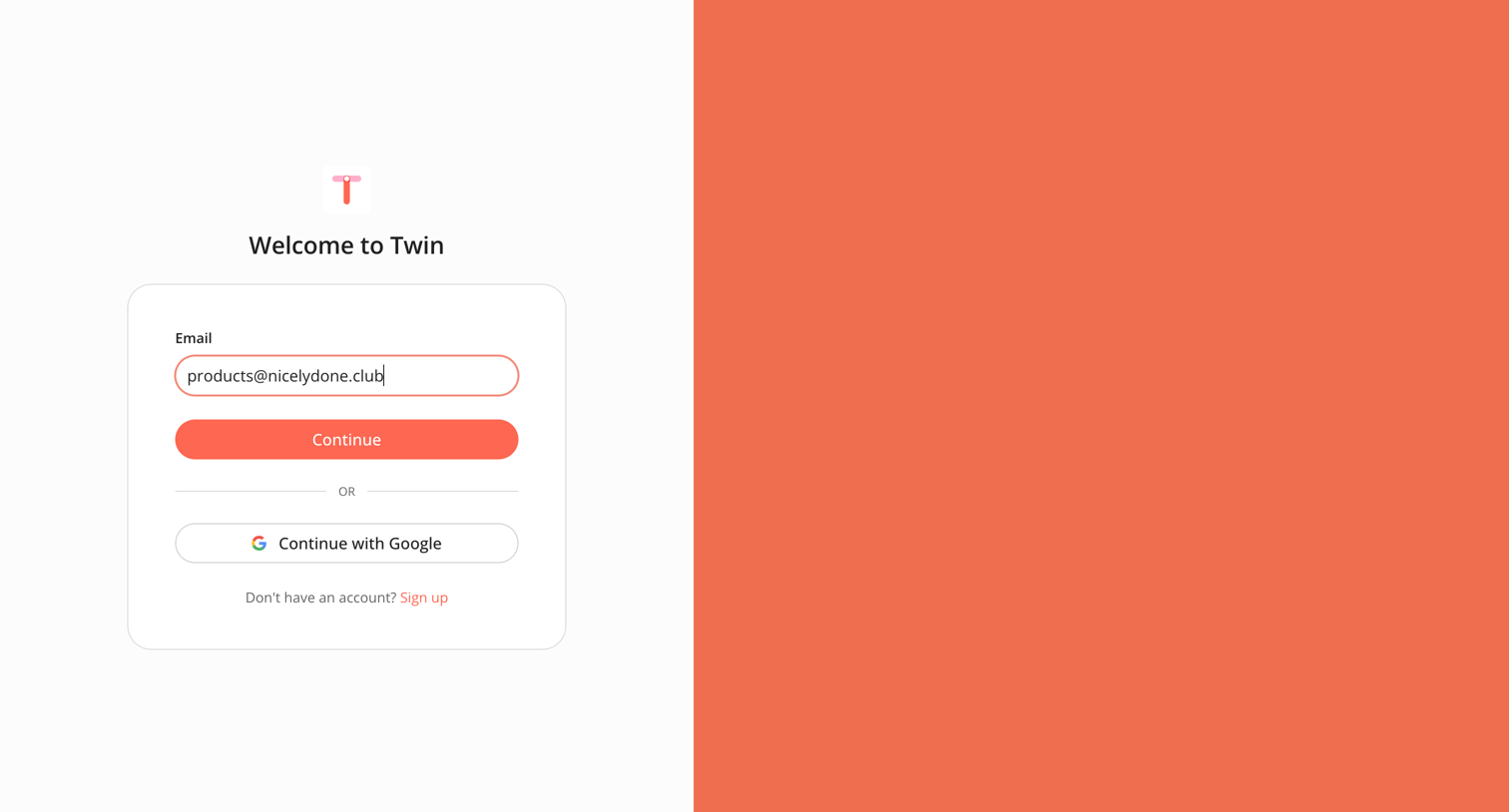

Explore the full SaaS screen library
Upgrade to unlock the full library.
Trusted by the best teams








About OAuth integration
Explore how apps connect a service through external account authorization. Look at how connection instructions and permission choices relate to the integration.