Notification settings screen examples
Notification settings screen design examples from SaaS apps. Browse examples from Inference, Axiom, Dock.
Explore the examples
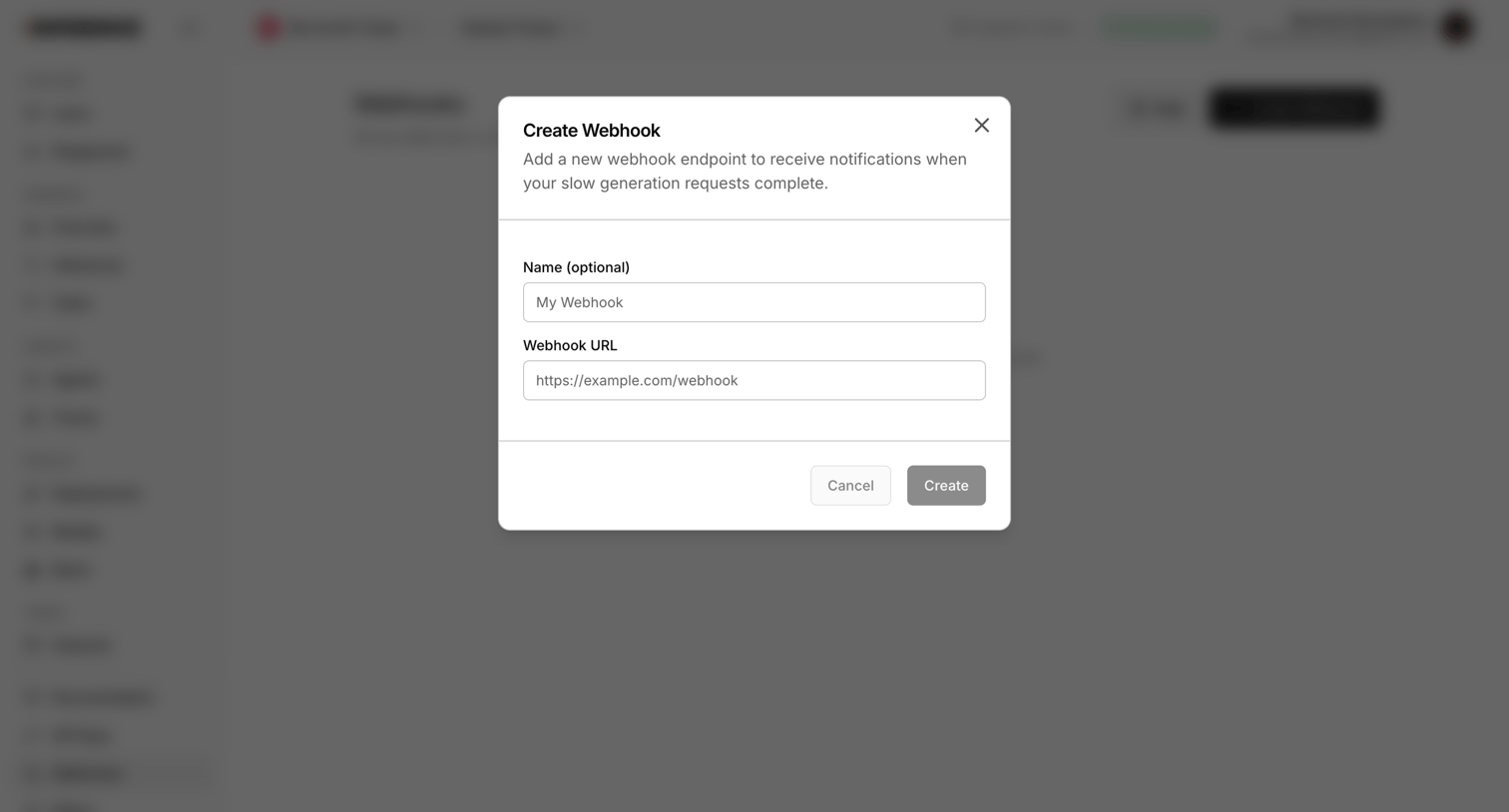

Settings page where the user configures a new webhook endpoint by providing a name and URL to receive notifications for slow generation requests.
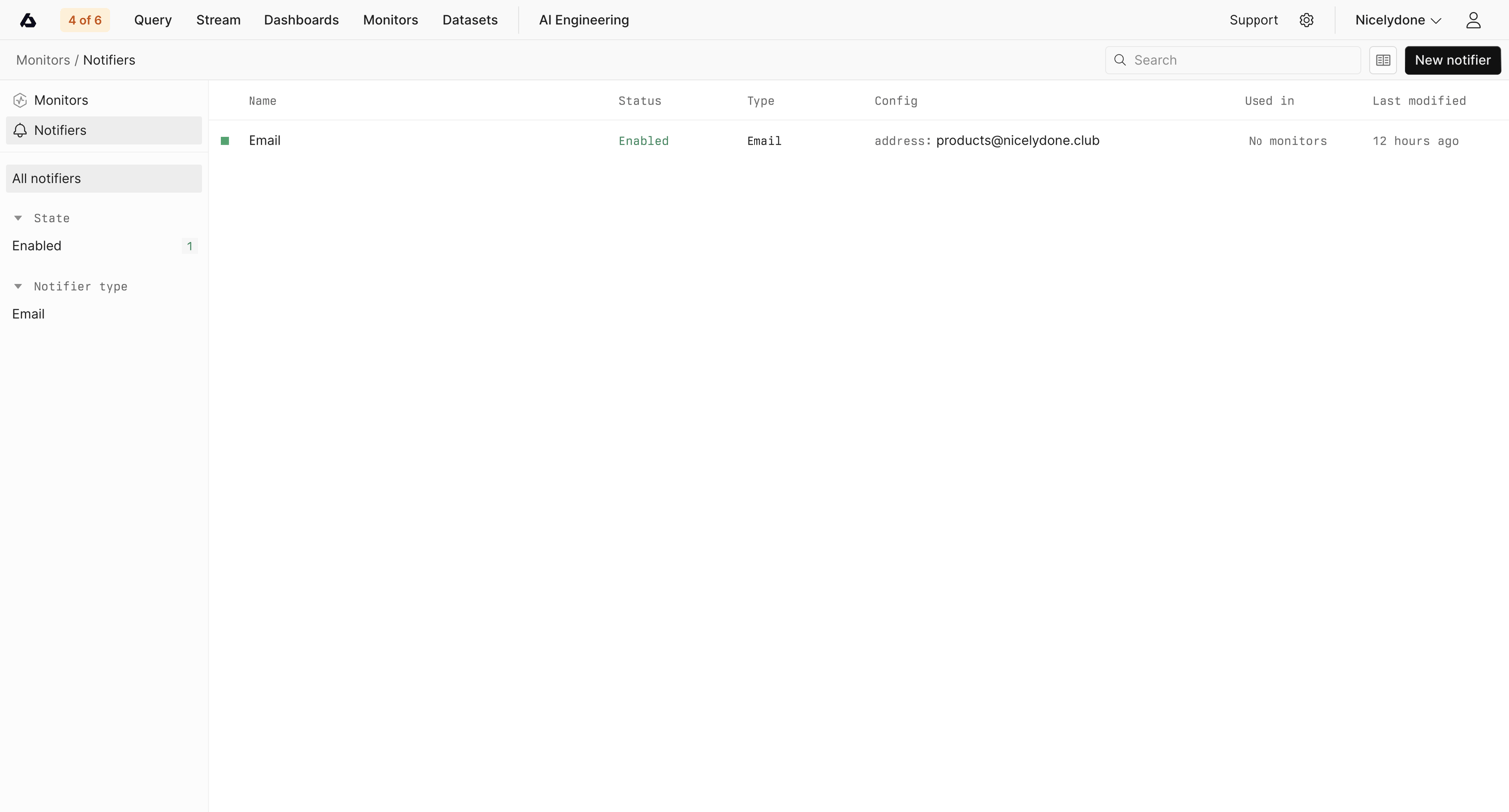

List view where the user manages and creates notification channels like email for their system monitors.
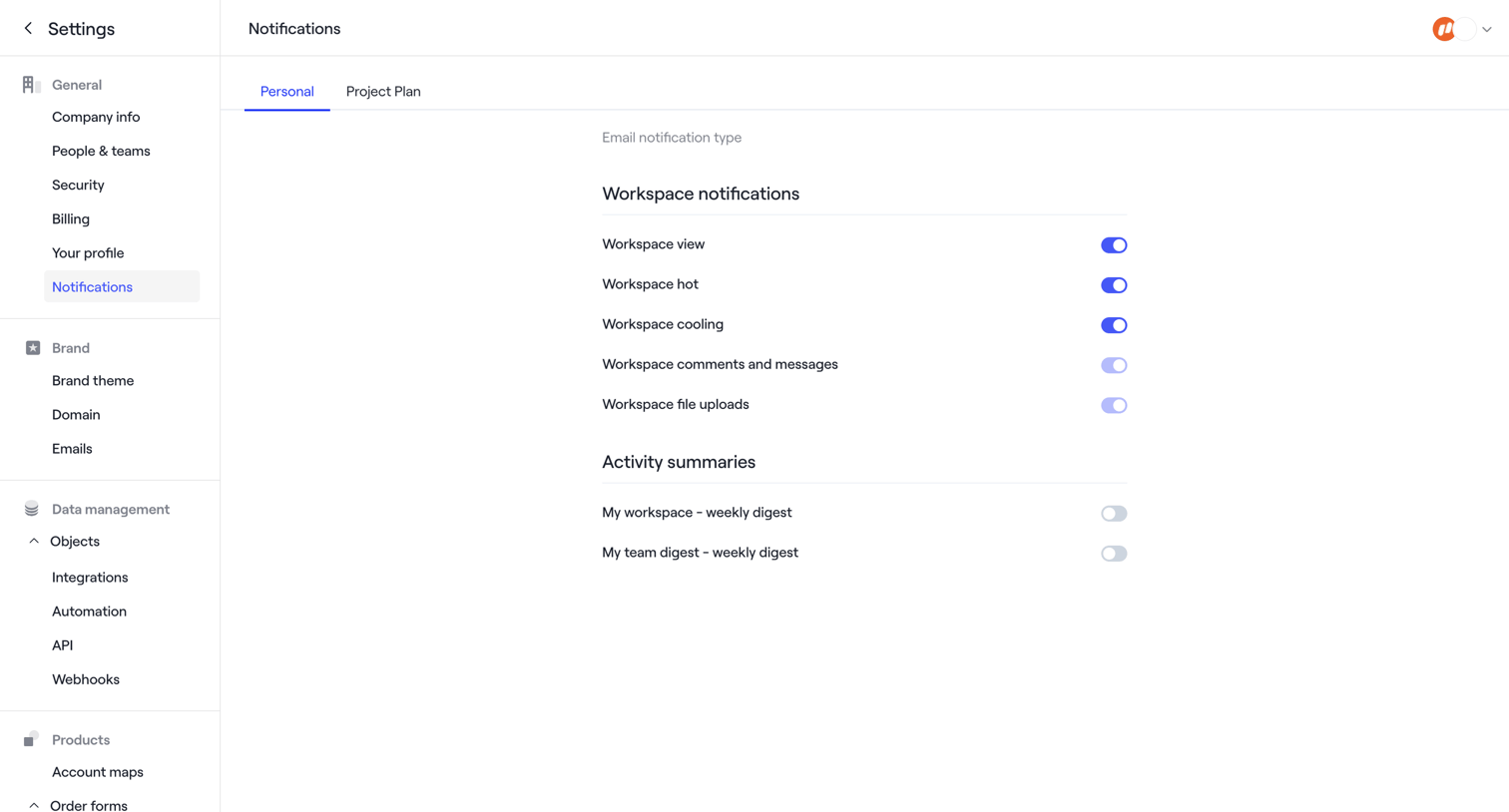

Settings page where the user configures email notification preferences for workspace activity and weekly digests via toggle switches.
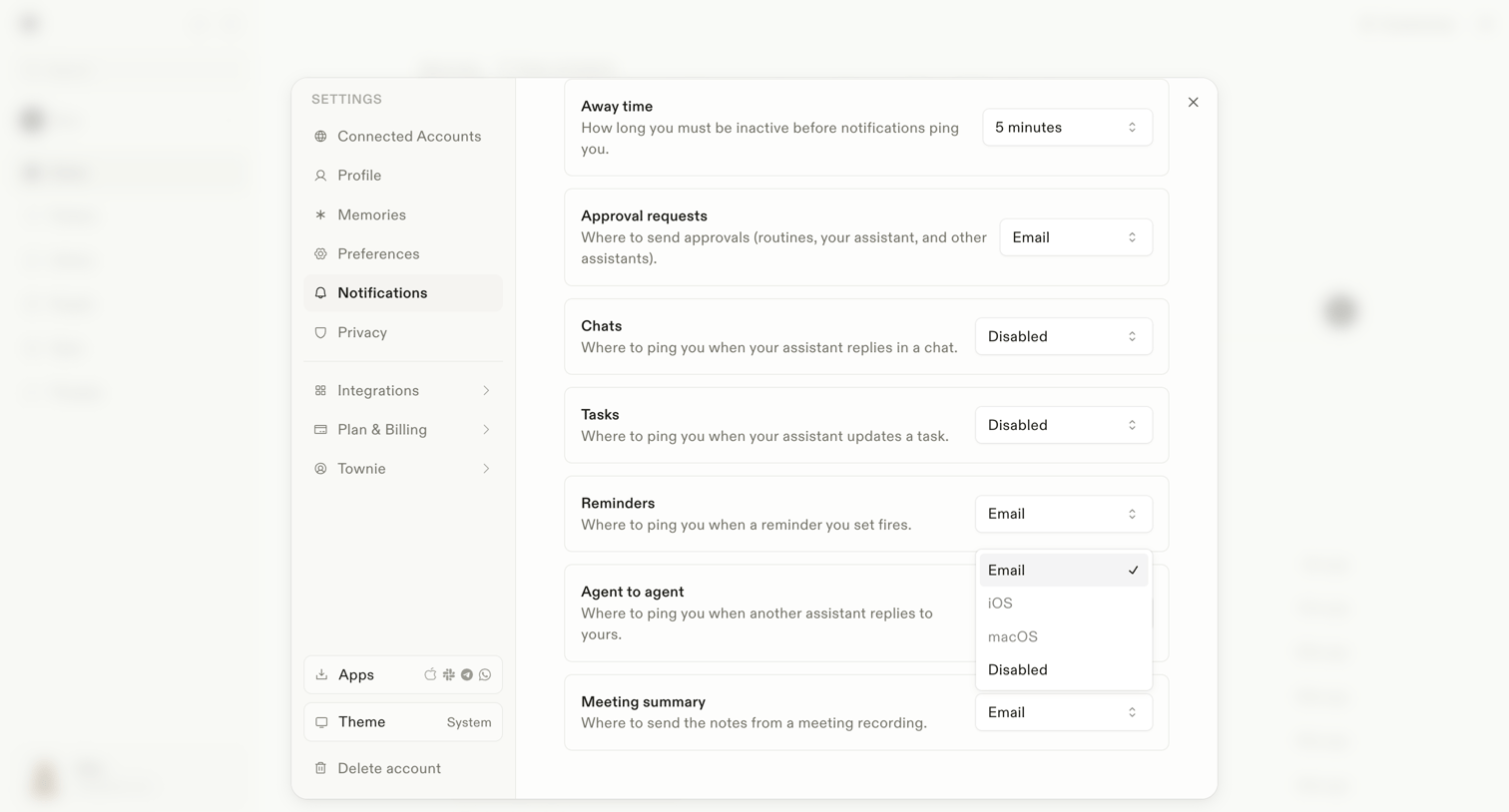

Settings modal where the user configures notification preferences for different events like away time, approval requests, and agent interactions.
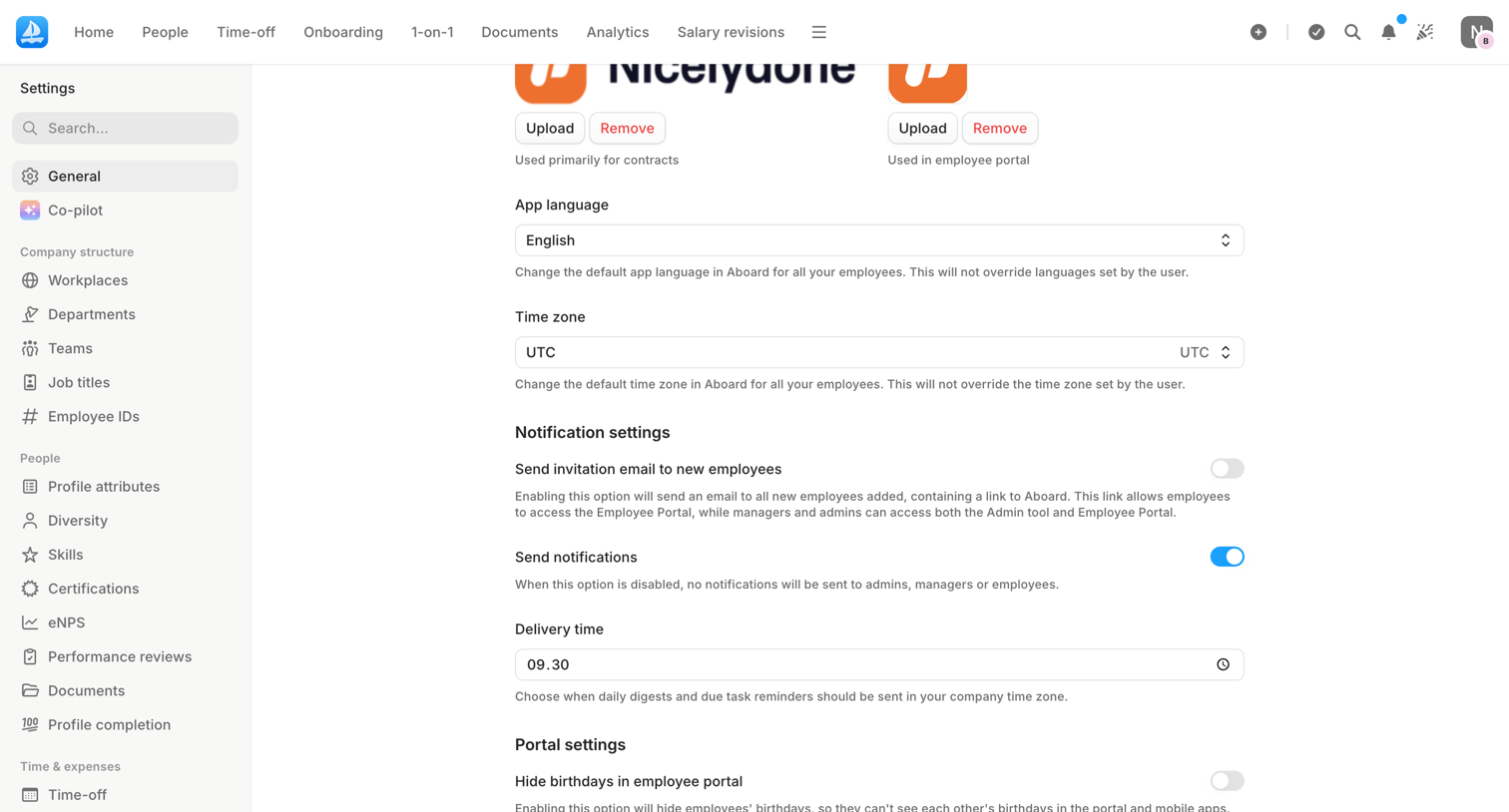

Settings page where the user configures general app preferences like language, time zone, and notification defaults.
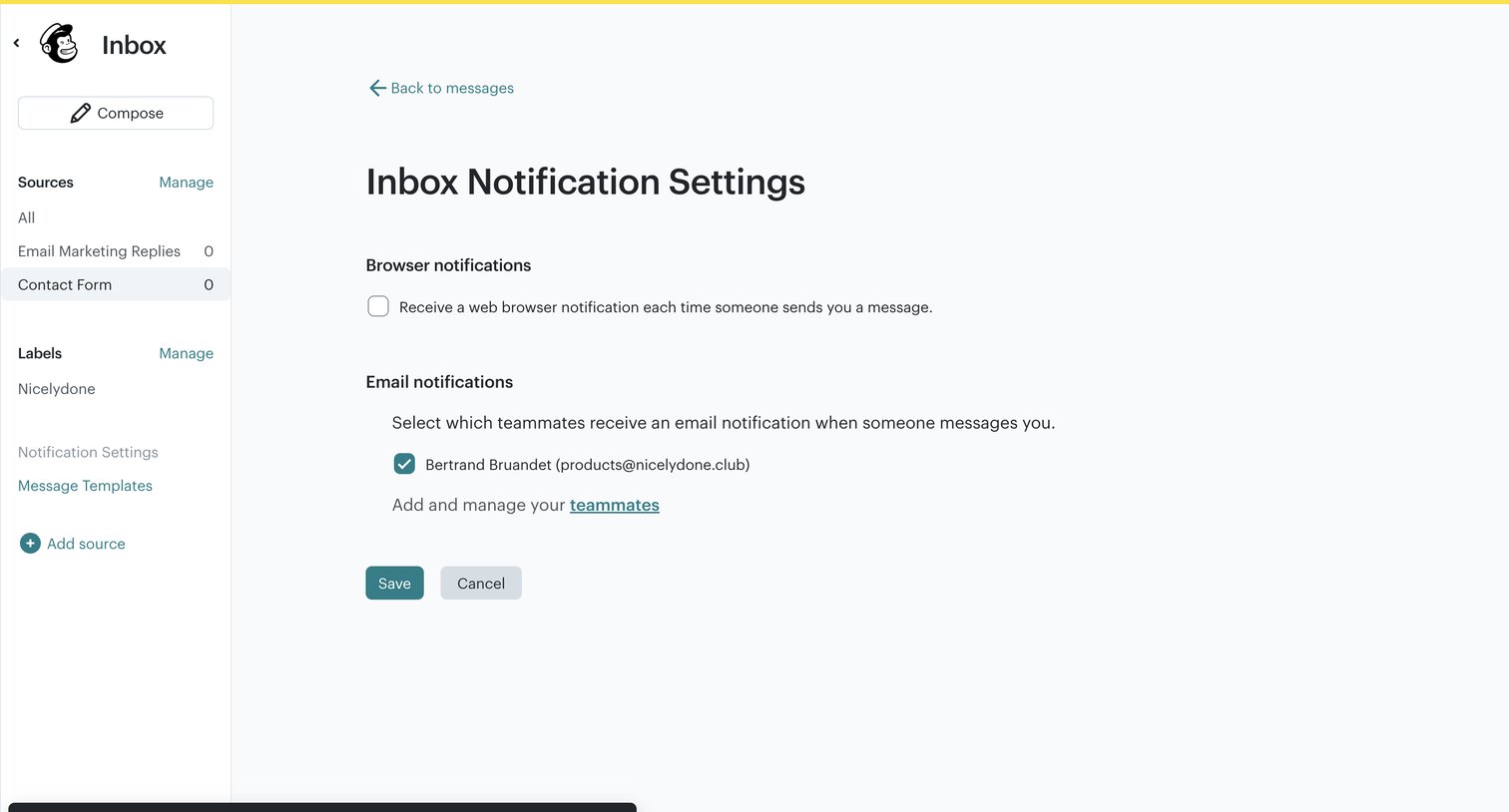

Settings page where the user configures browser and email notifications for incoming messages and selects which teammates receive them.
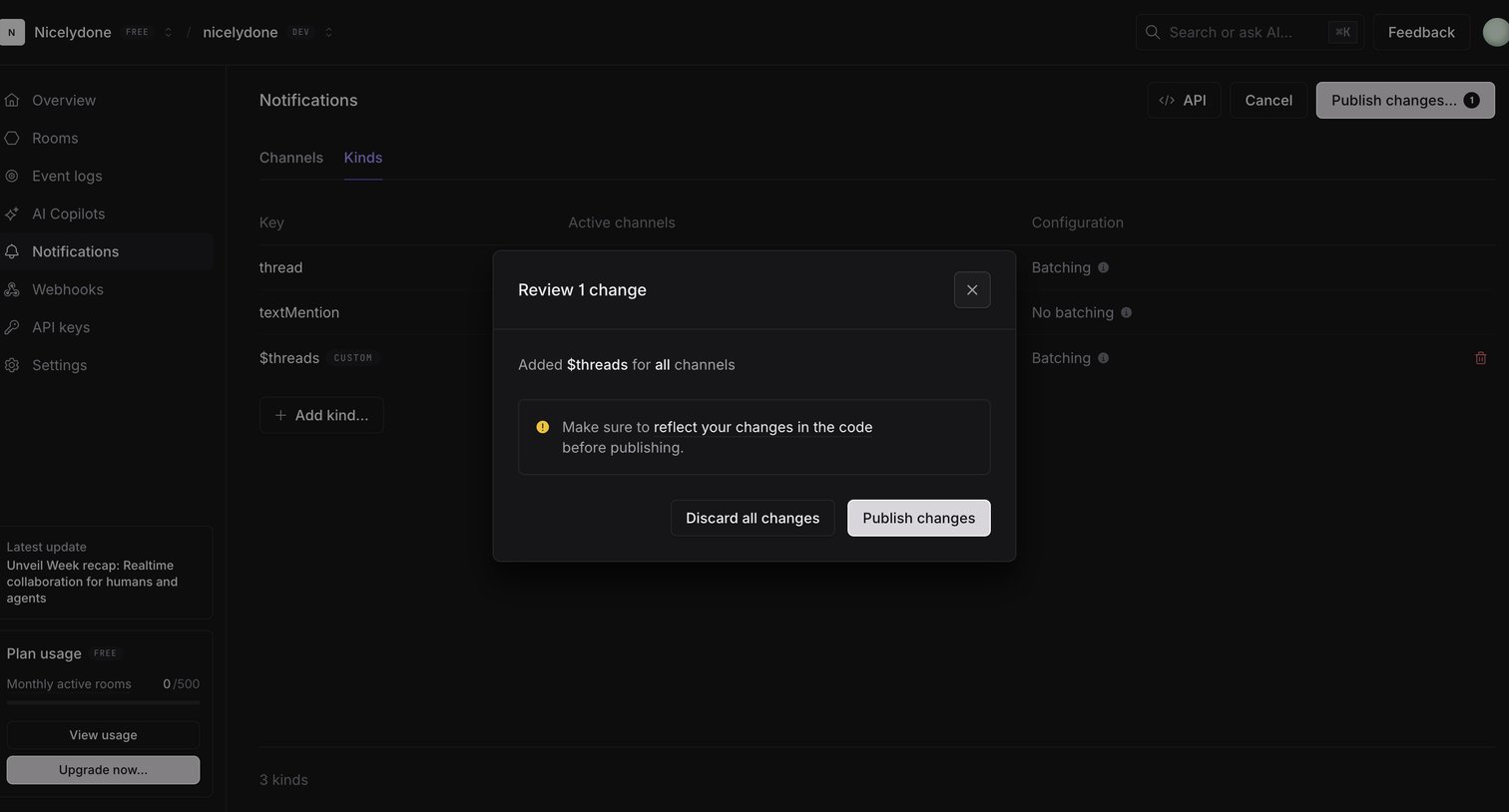

Settings page where the user is reviewing and confirming a change to notification kinds before publishing it to the live environment.
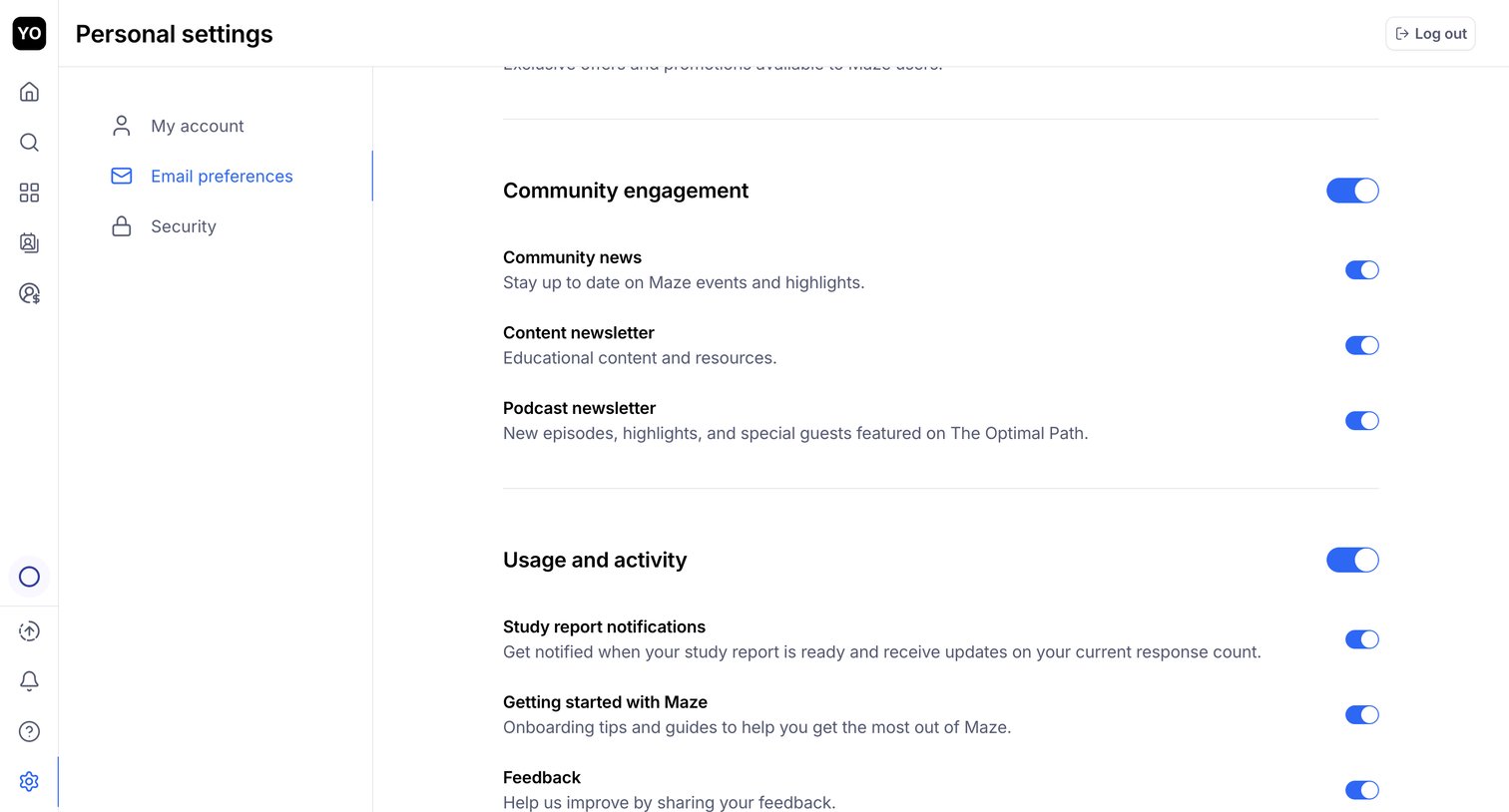

Settings page where the user configures their email preferences for community news, newsletters, and study report notifications via a list of toggles.
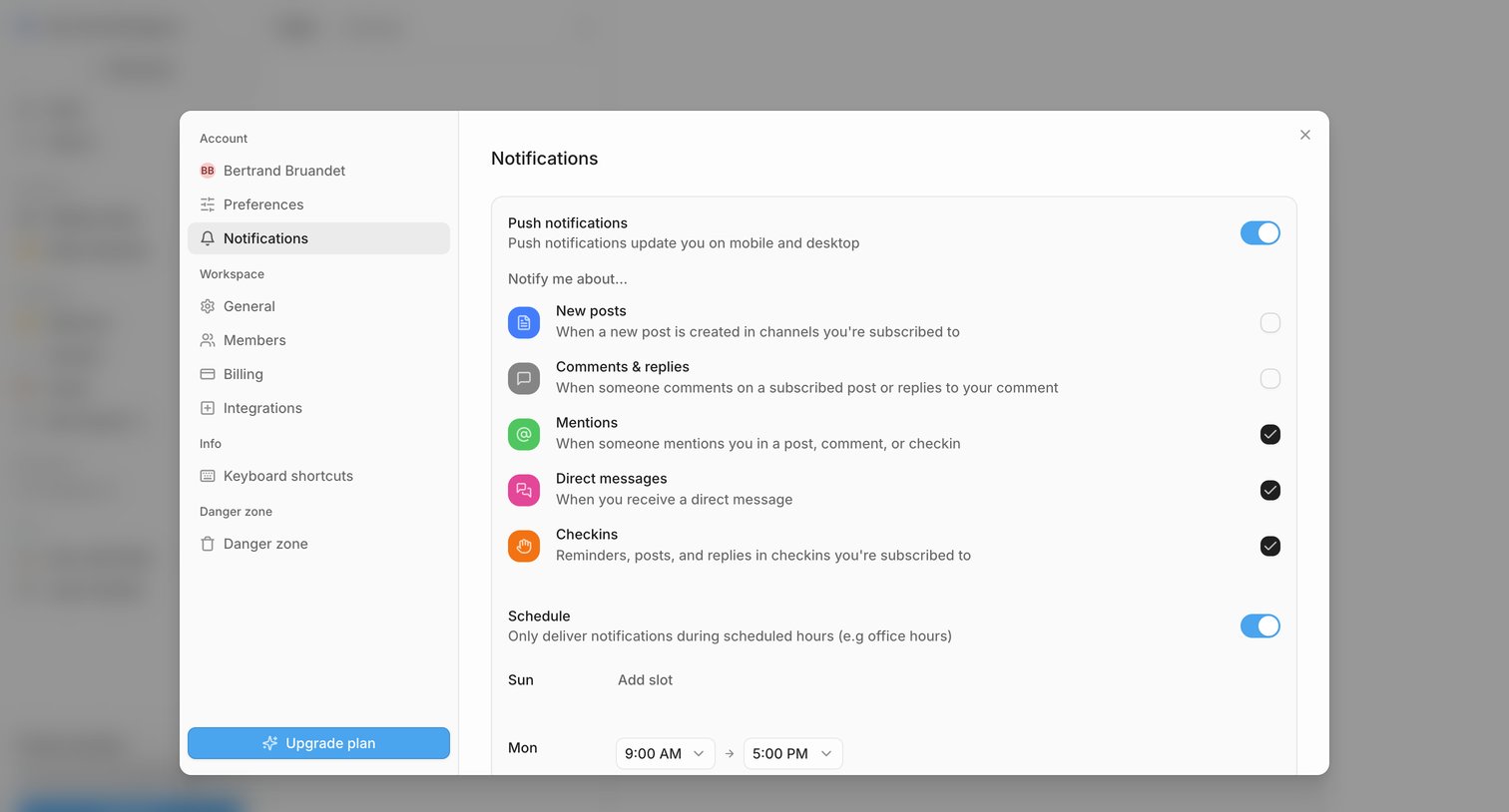

Settings modal where the user configures push notifications, selects specific event triggers like mentions and direct messages, and sets a delivery schedule.
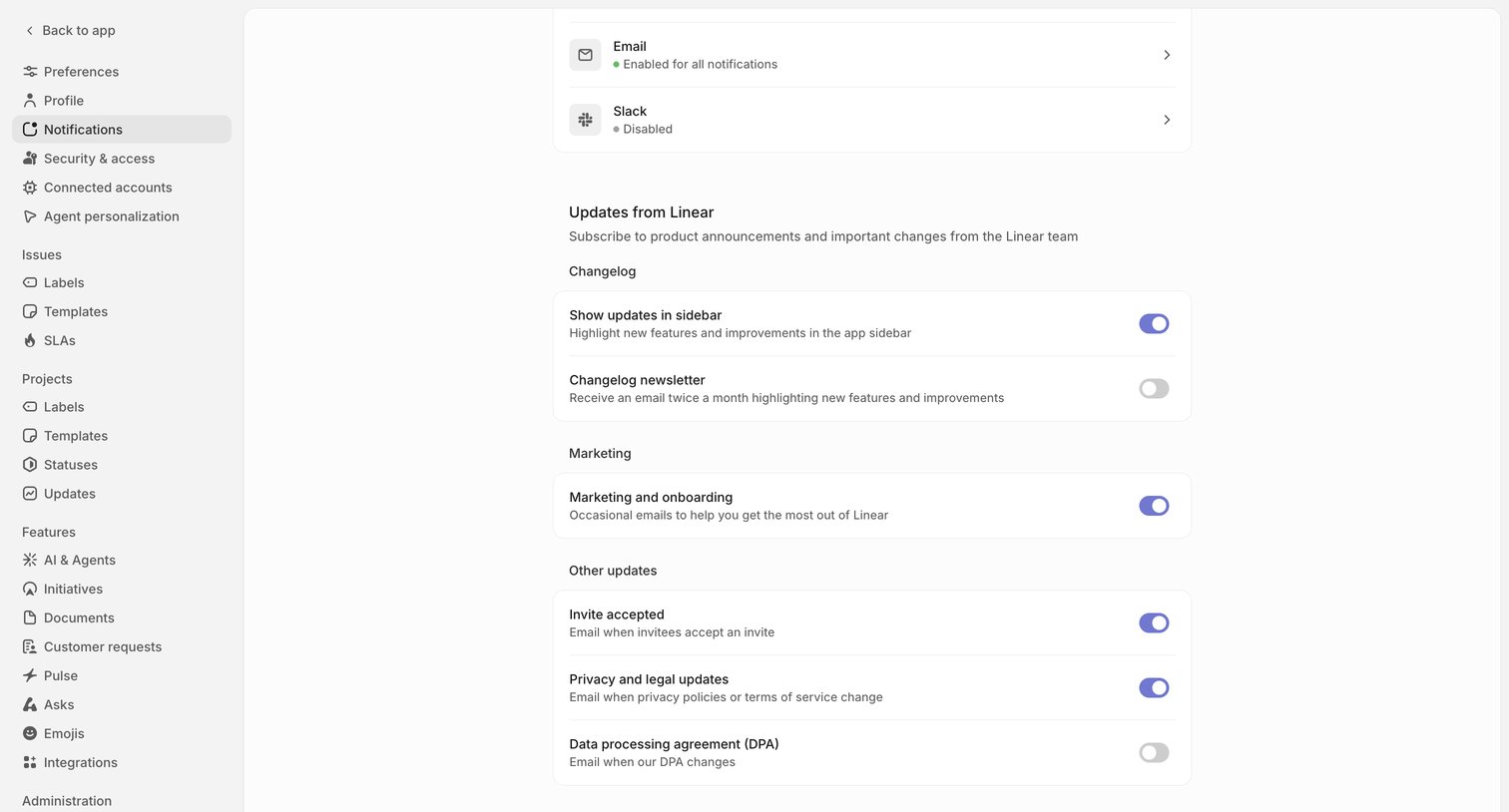

Settings page where the user configures notification channels and subscribes to product updates, changelog newsletters, and marketing emails.
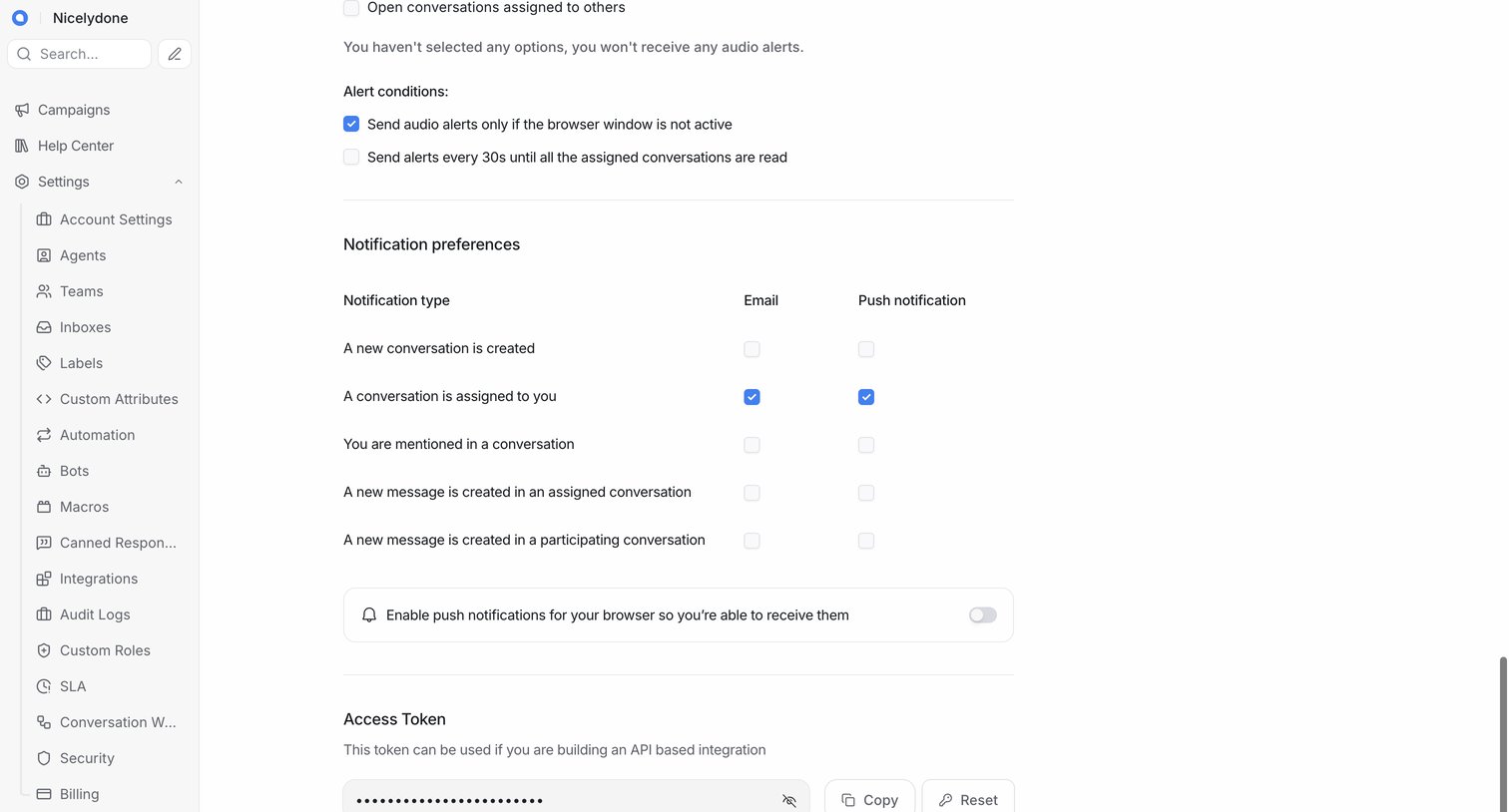

Settings page where the user configures notification preferences via a checkbox matrix and manages their API access token.
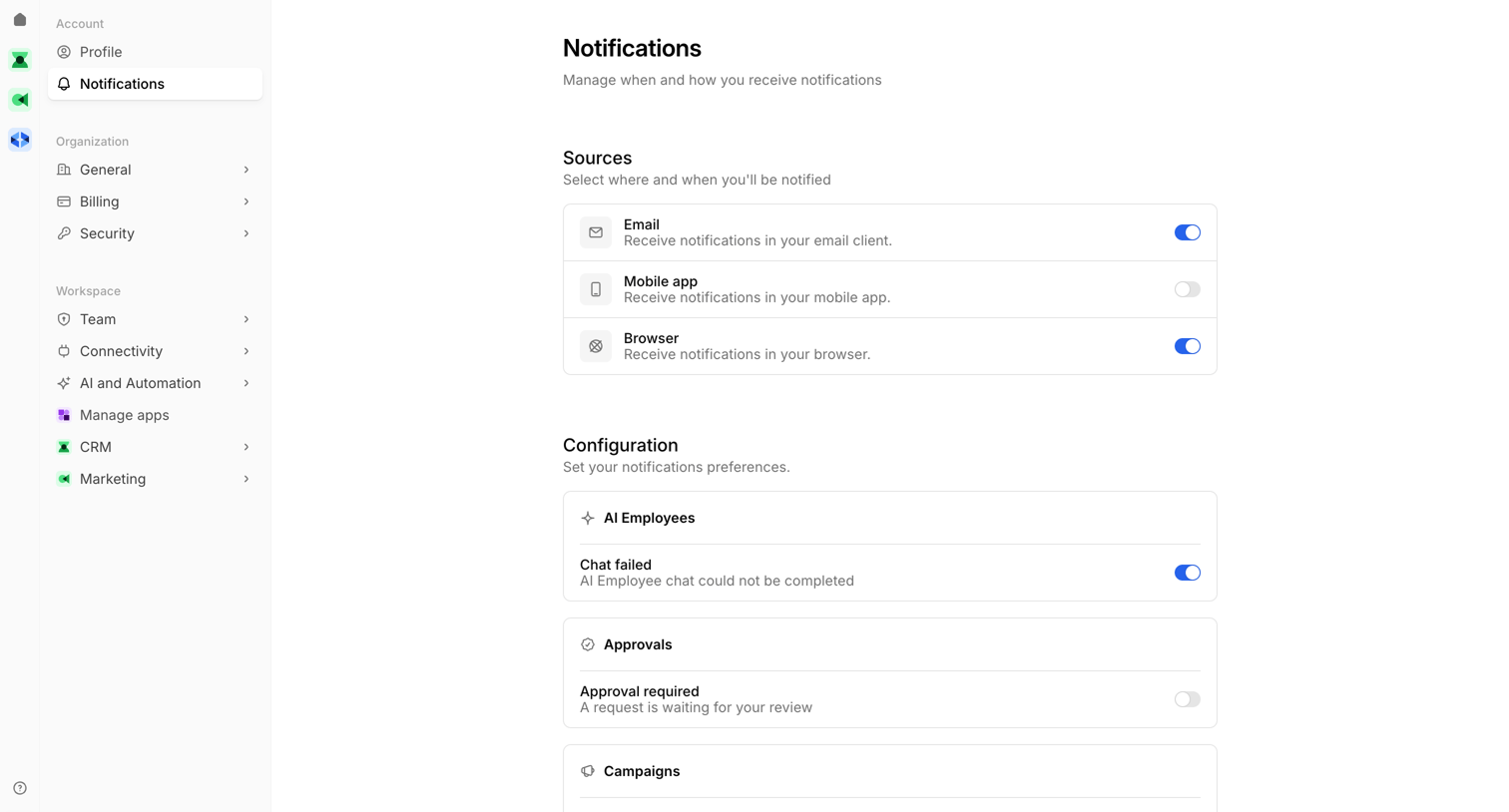

Settings page where the user configures notification delivery channels and granular event preferences for AI employees, campaigns, flows, and journeys.
Explore the full SaaS screen library
Upgrade to unlock the full library.
Trusted by the best teams







