Media gallery screen examples
Media gallery screen design examples from SaaS apps. Browse examples from Magnific, Flora, Elevenlabs.
Explore the examples
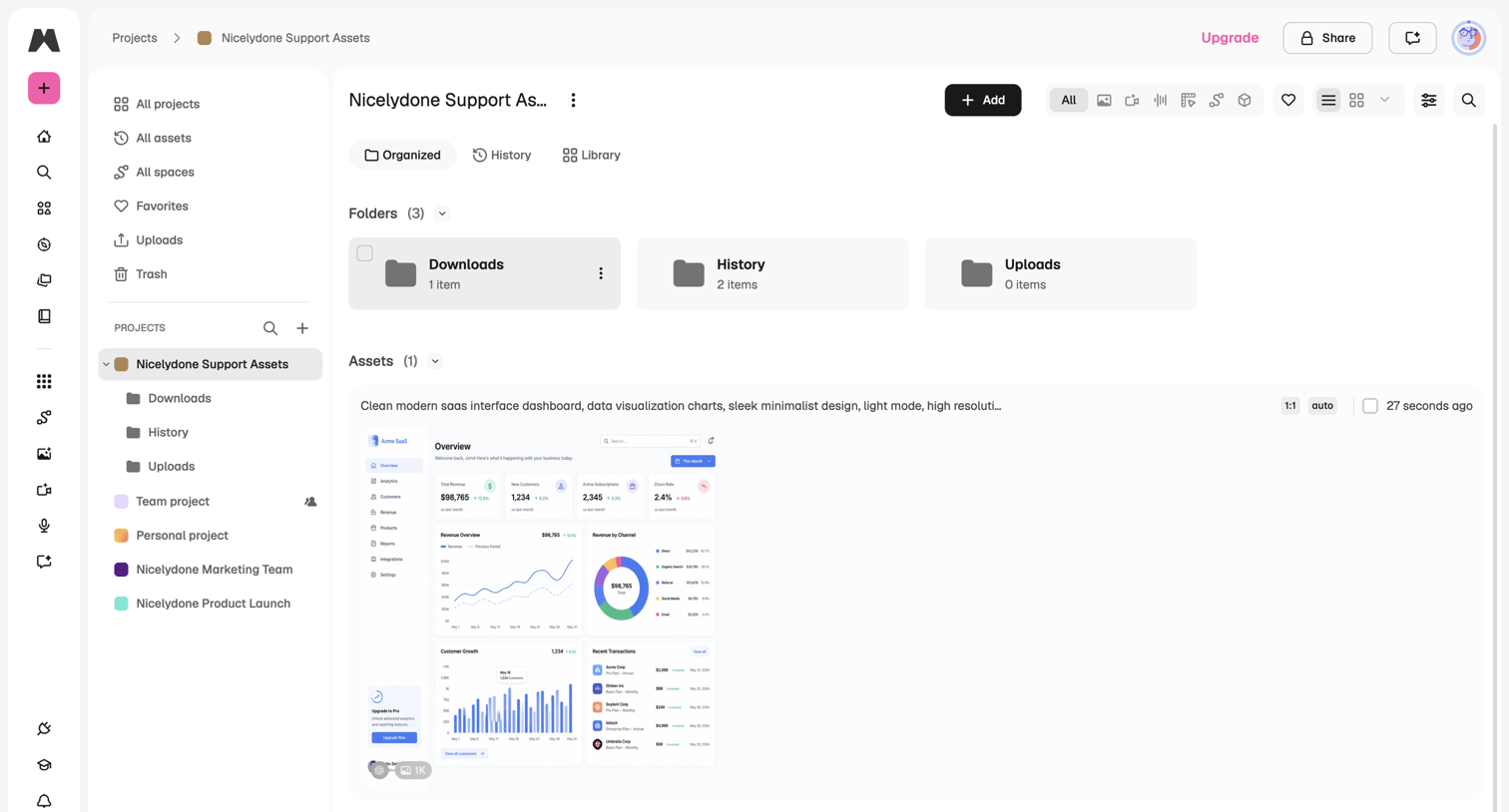

Asset library view where the user manages folders and generated media within a specific project.
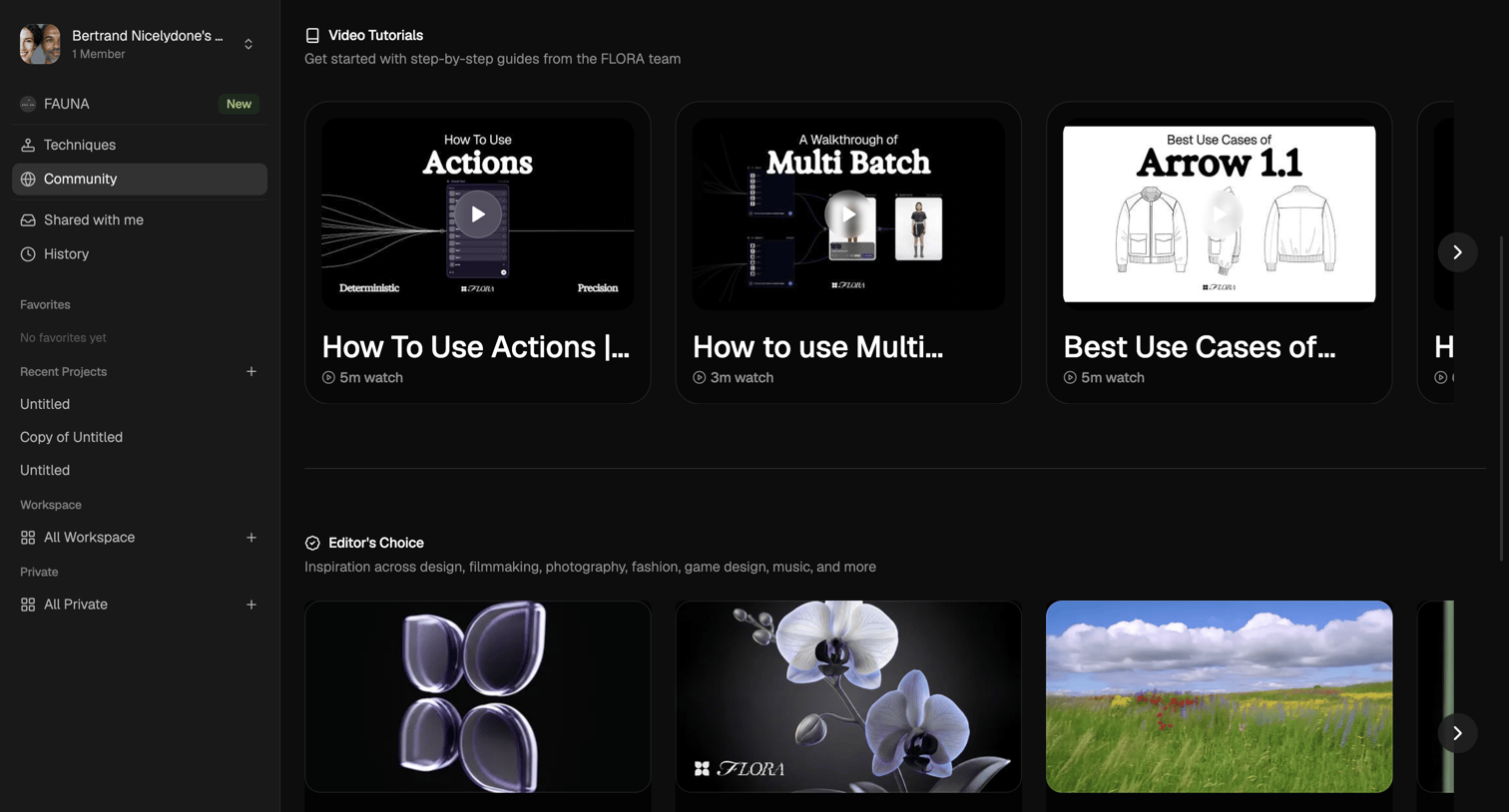

Community page where the user browses video tutorials and editor's choice projects in horizontal carousels.
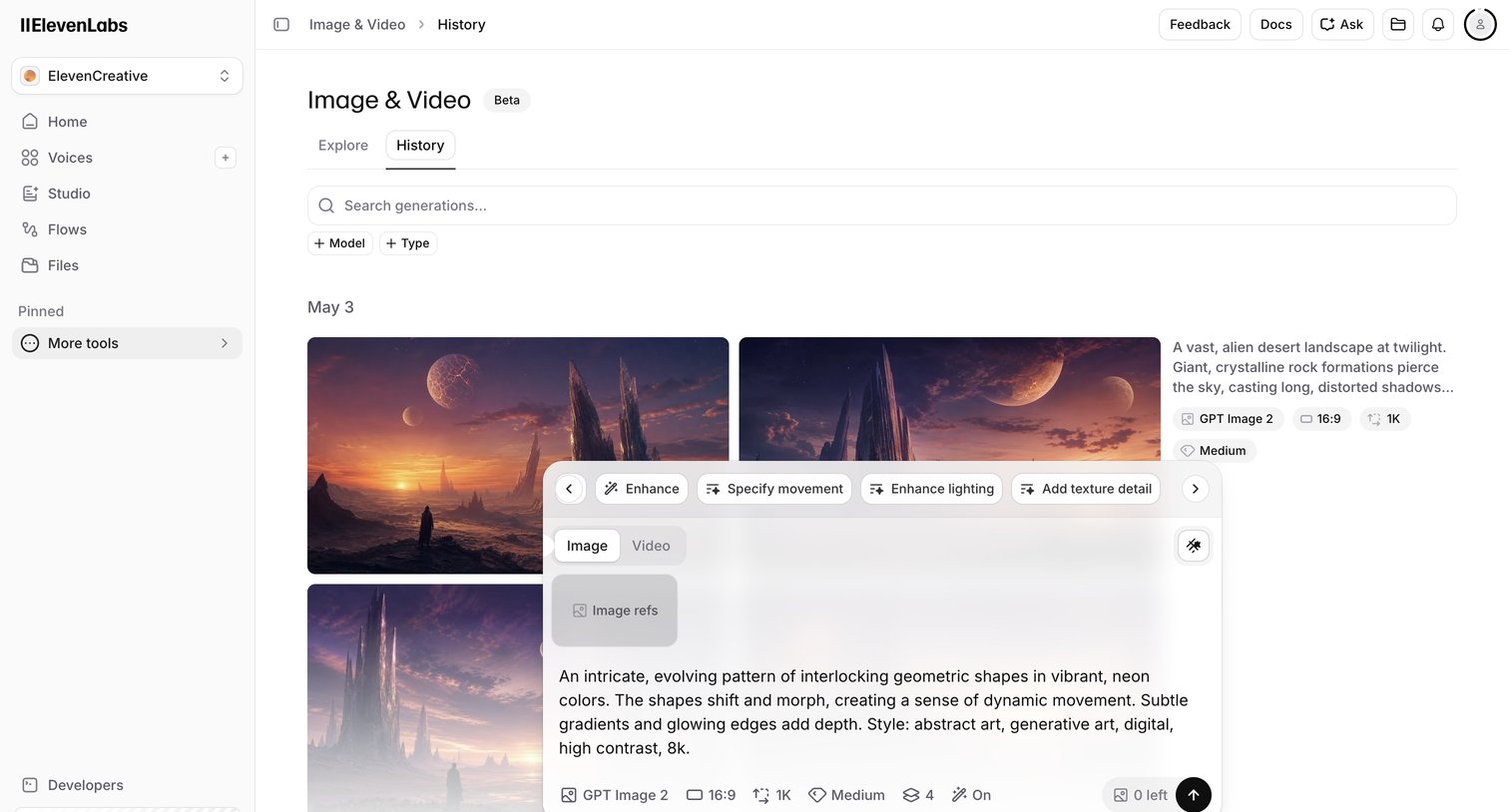

List view where the user browses their past AI image and video generations, with an active floating composer overlay for creating new content.
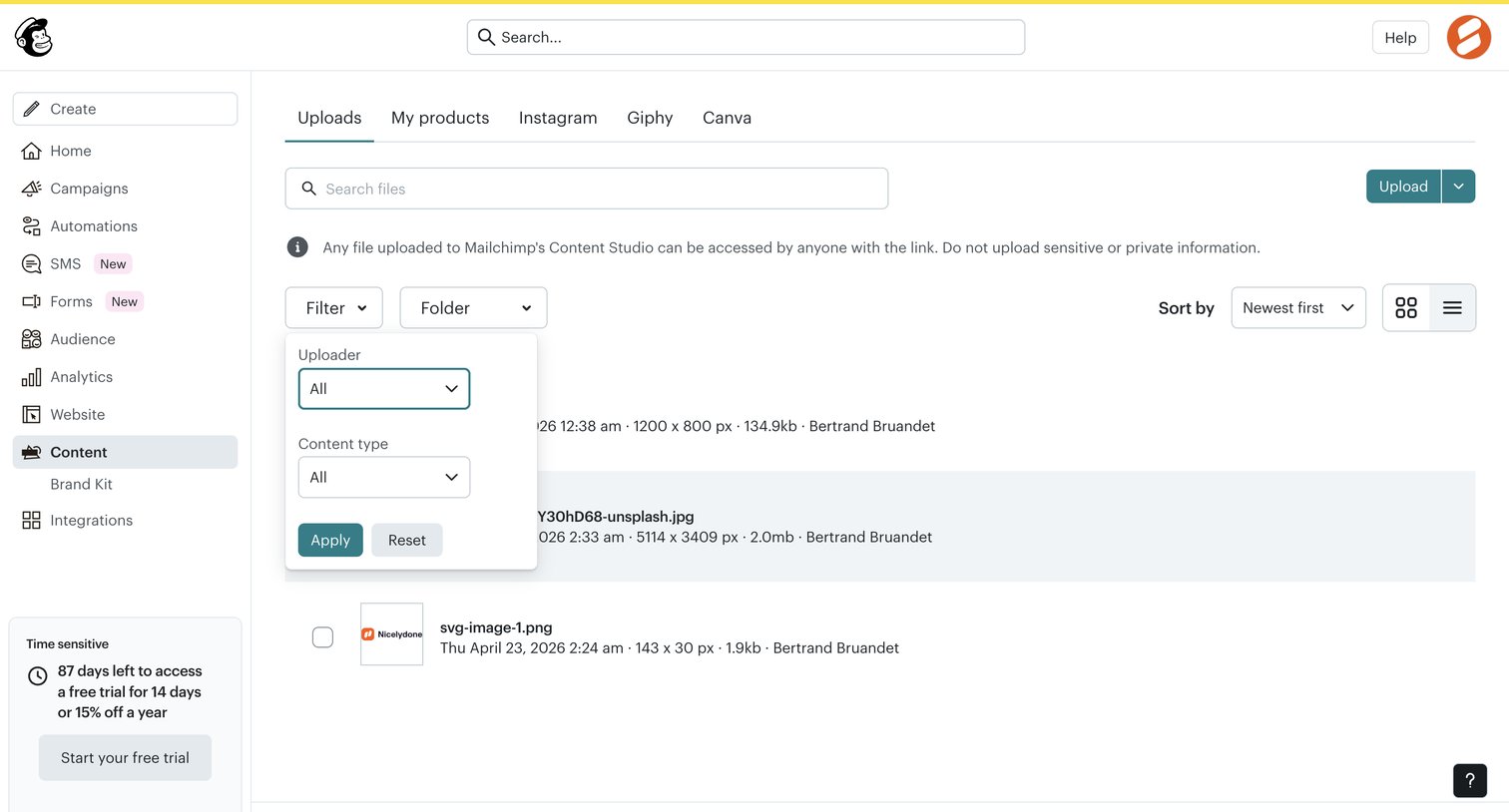

List view where the user manages and filters uploaded files in their content studio.
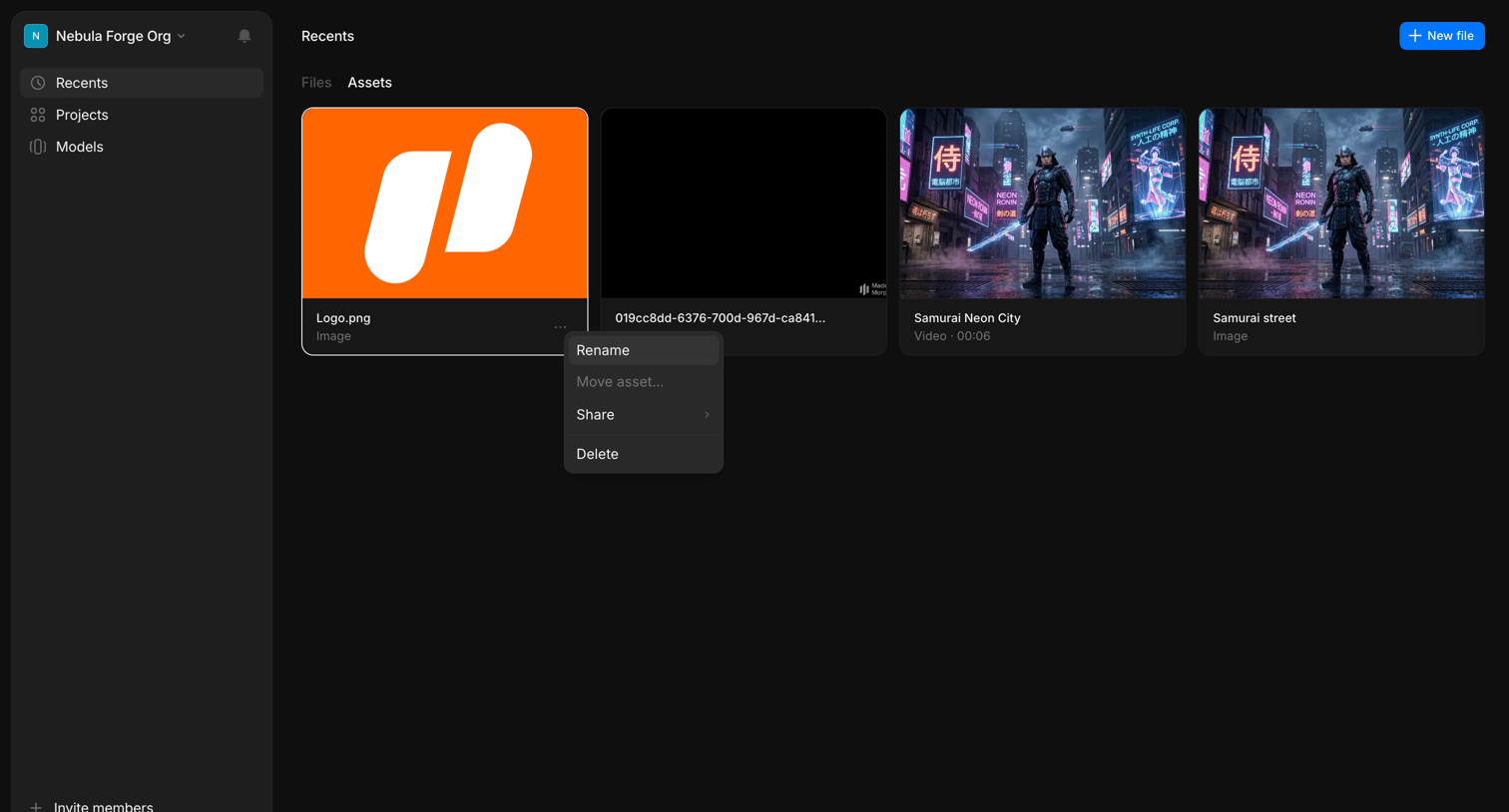

List view where the user browses their recently generated image and video assets with an open context menu offering options to rename, move, share, or delete an item.
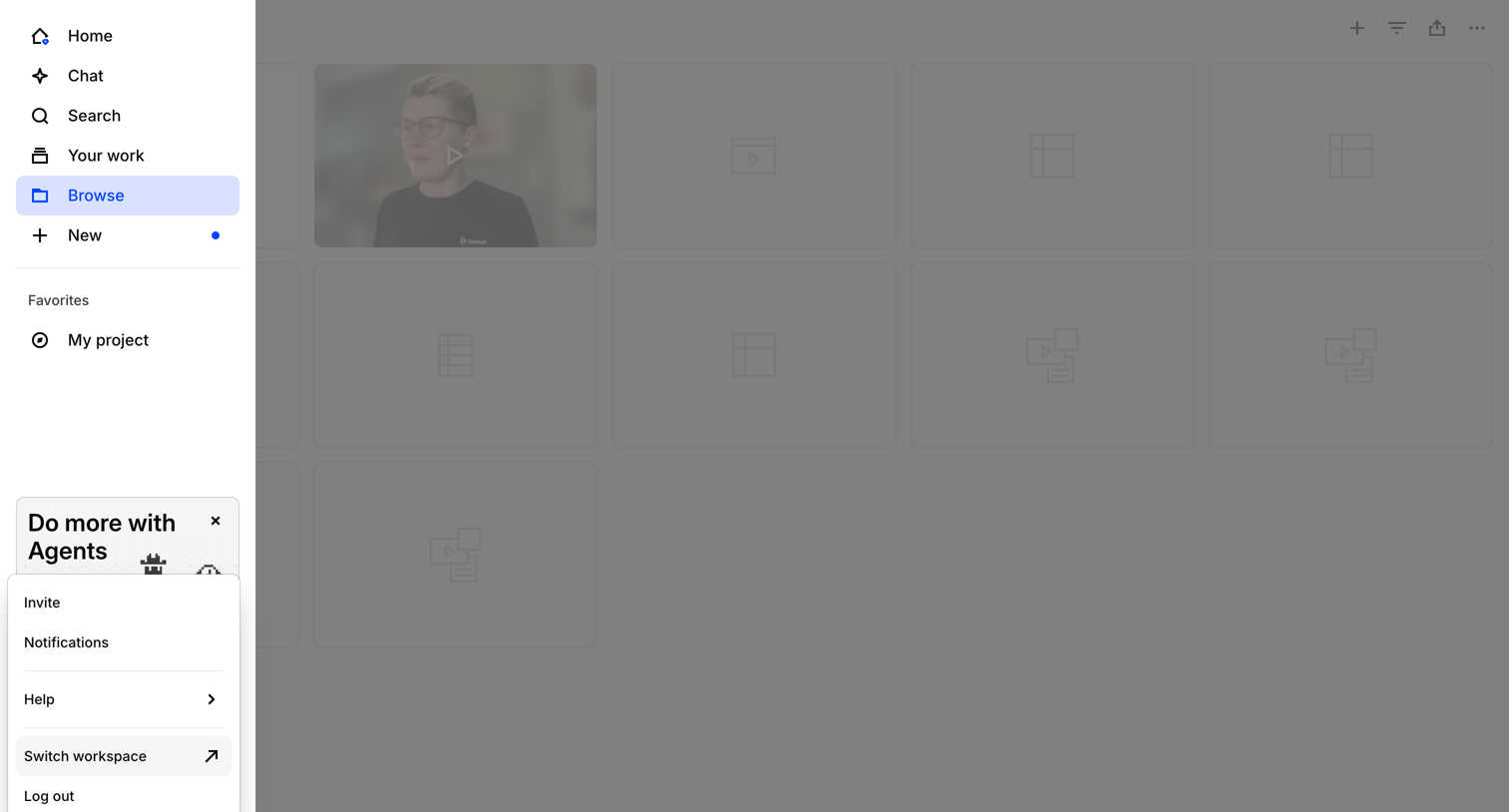

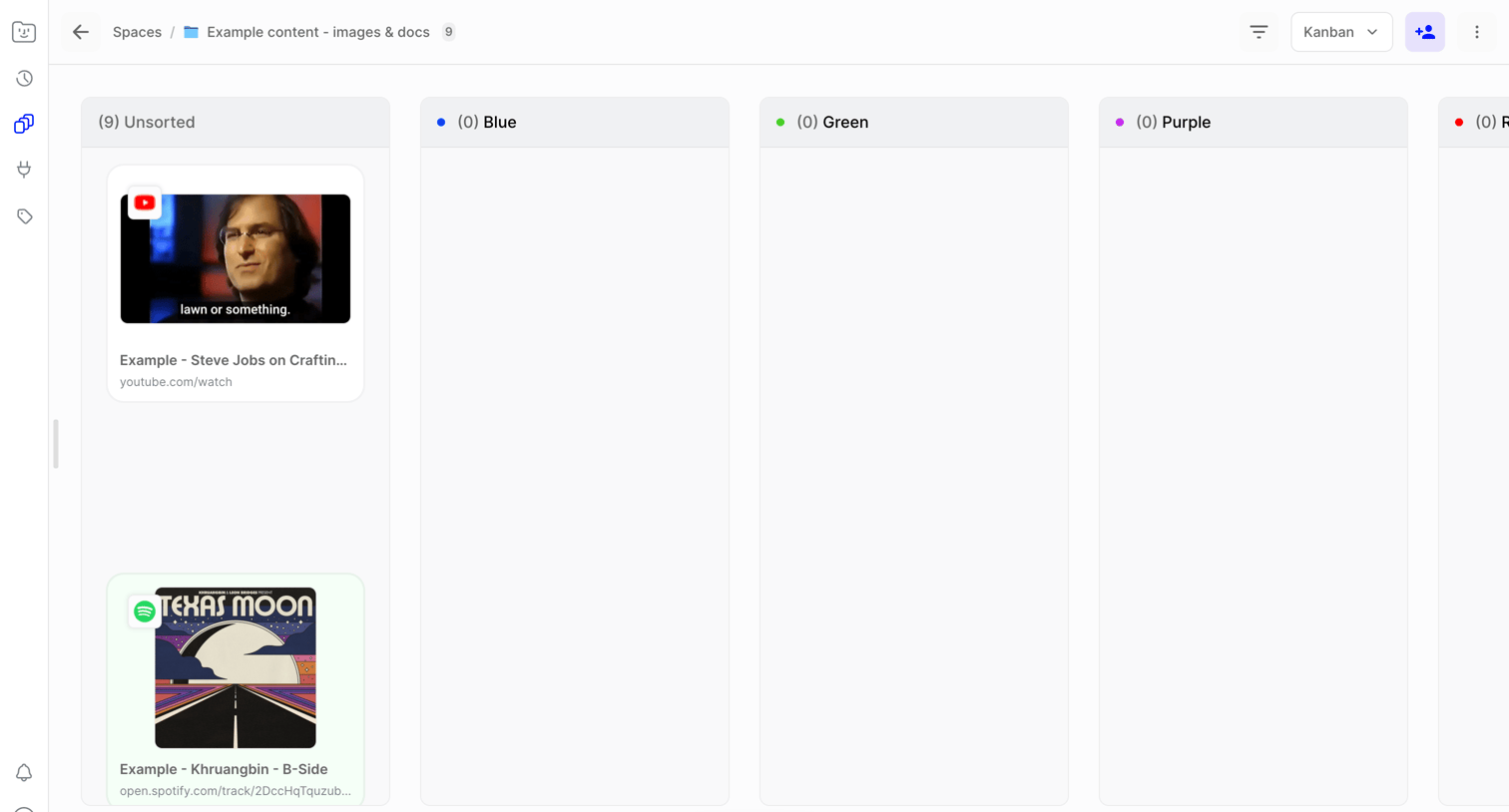

Workspace list view where the user organizes media links and documents into color-coded kanban columns.
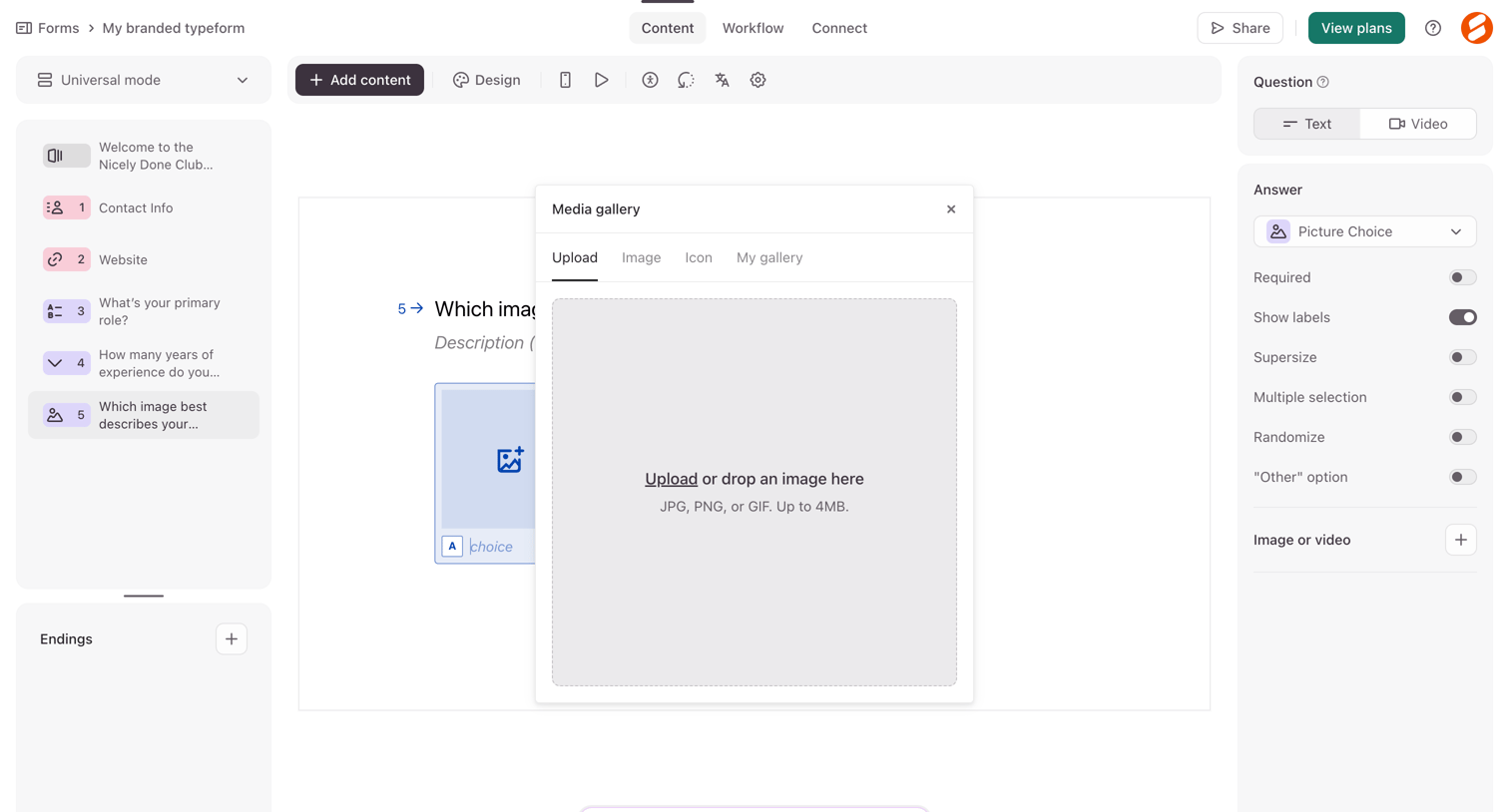

Form builder where the user is uploading an image via a media gallery modal for a picture choice question.
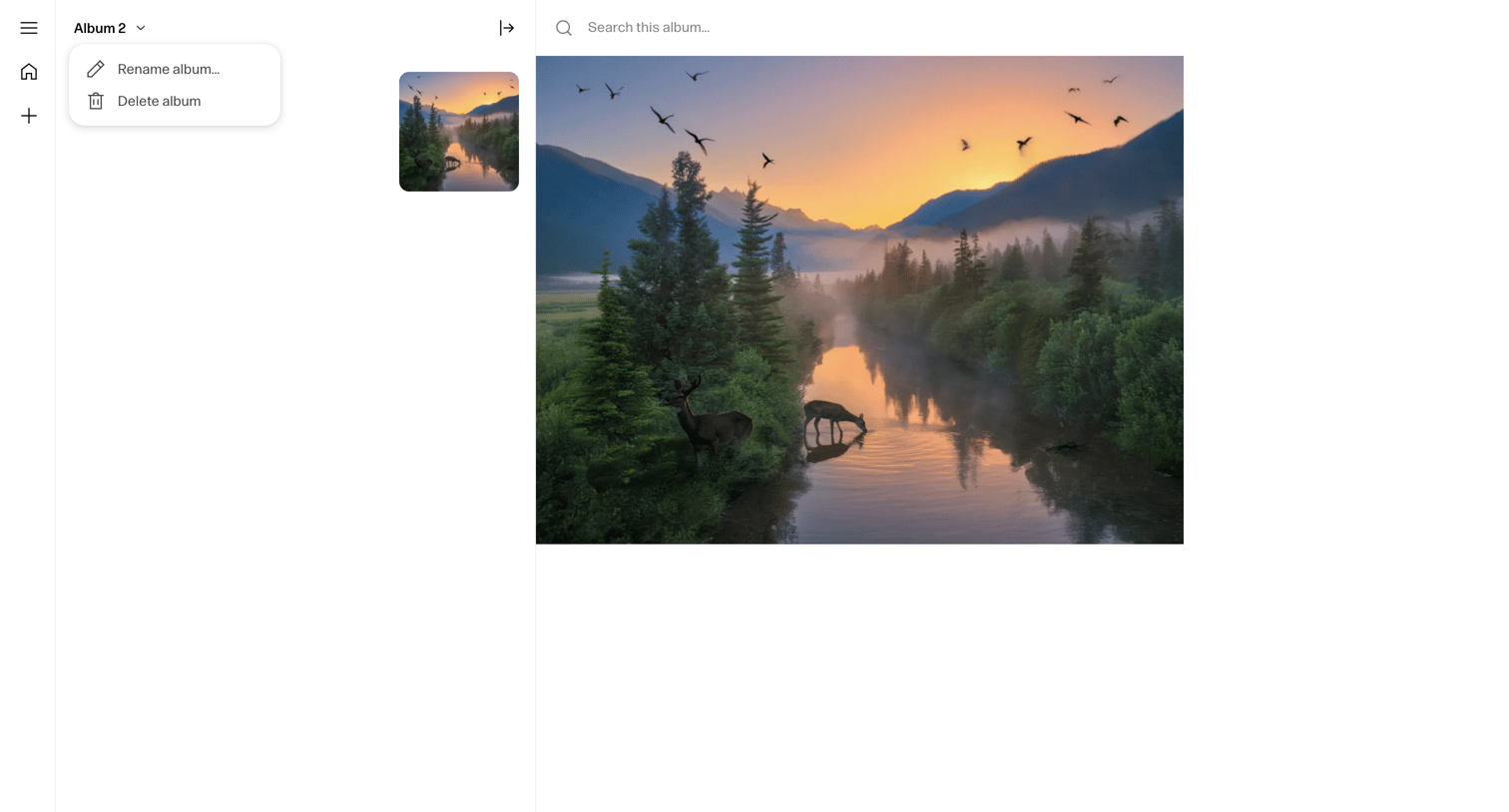

Detail page where the user views a high-resolution image within an album, with options to search the collection and prompt an AI assistant via a bottom composer.
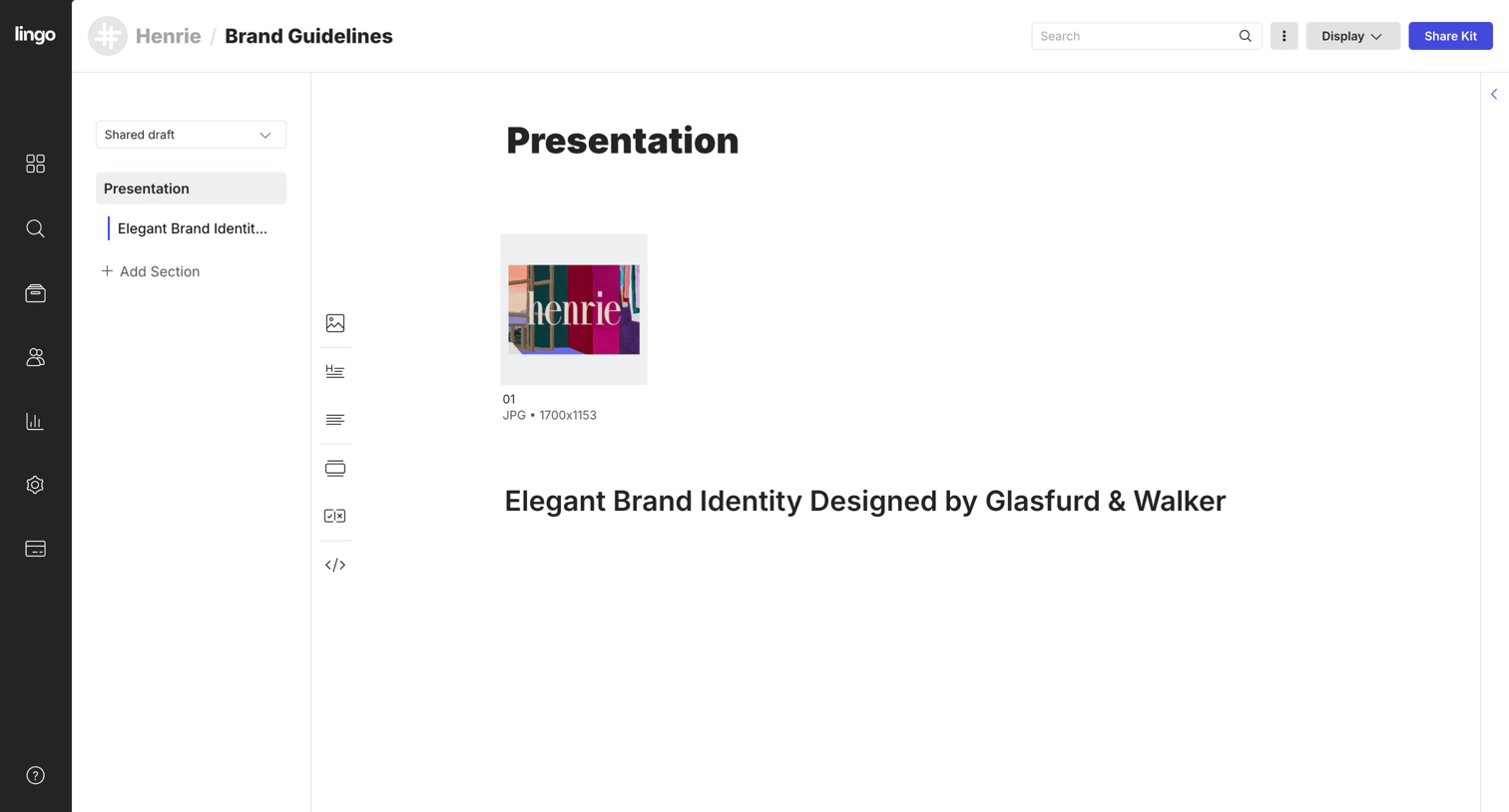

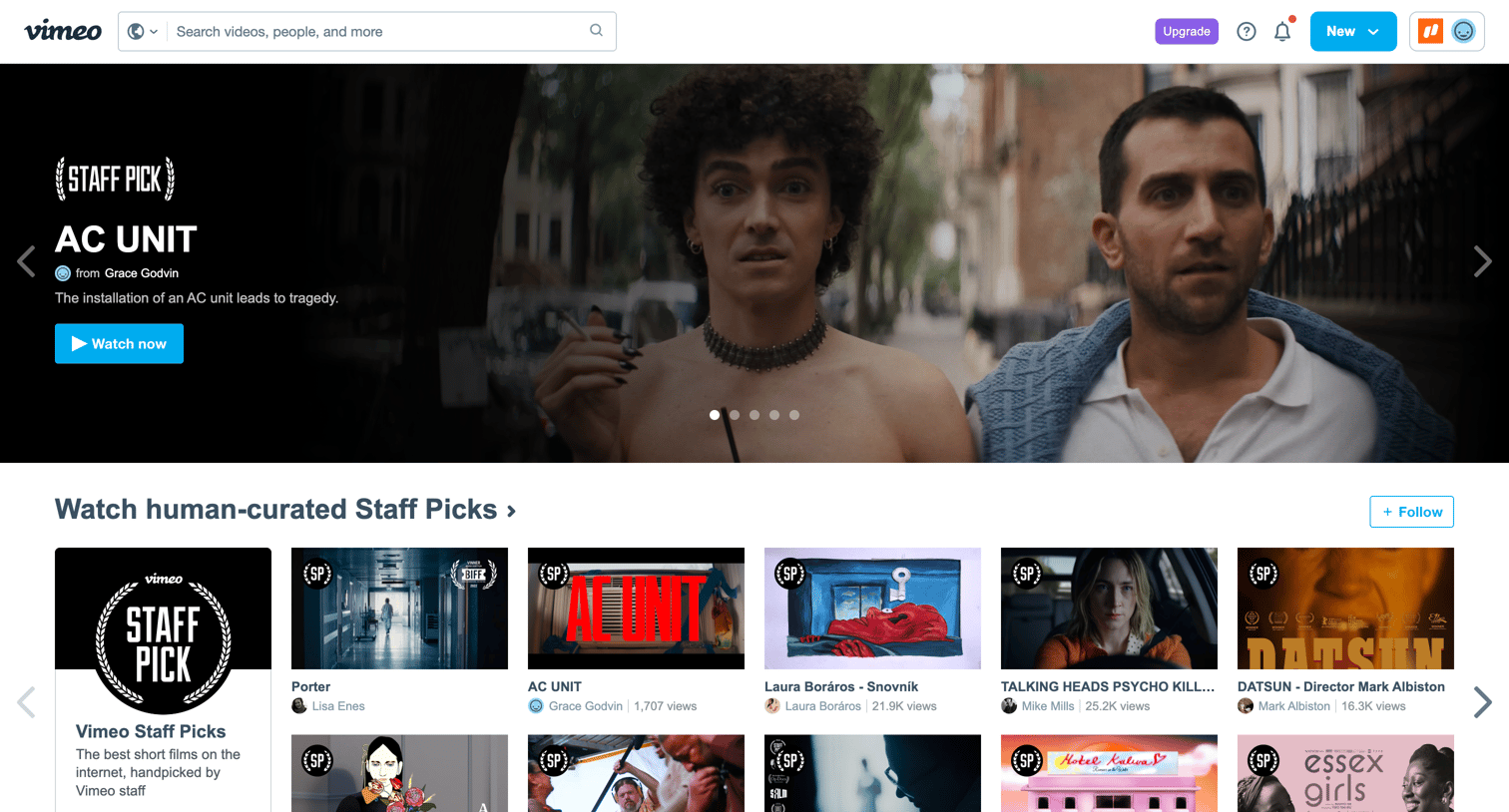

Home feed where the user browses curated video collections like Staff Picks, Premieres, and trending content organized in horizontal carousels.
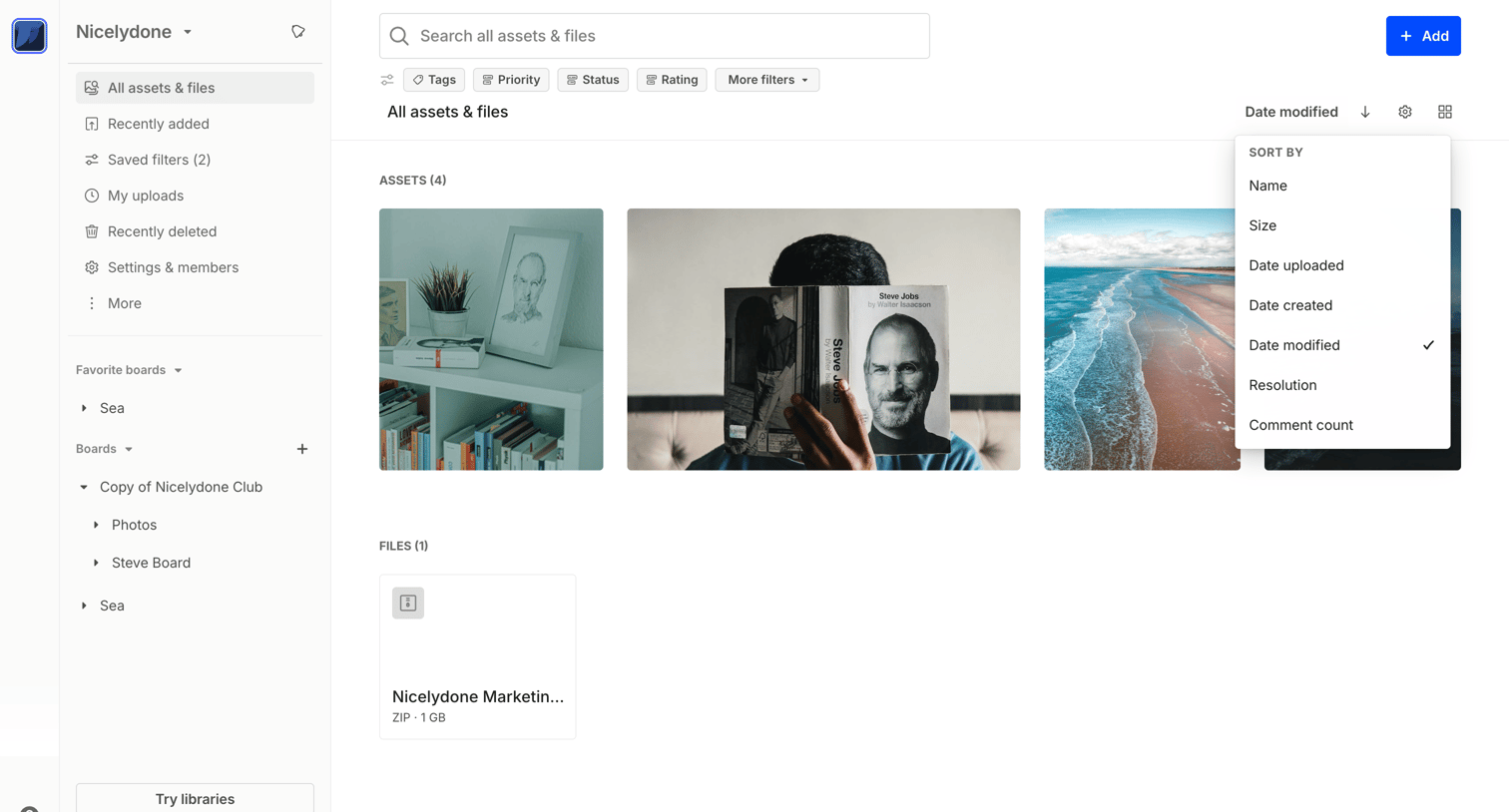

Explore the full SaaS screen library
Upgrade to unlock the full library.
Trusted by the best teams







