Skip to content

Login screen examples

Login screen design examples from SaaS apps. Browse examples from Bud, Flora, Lovable.

Explore the examples
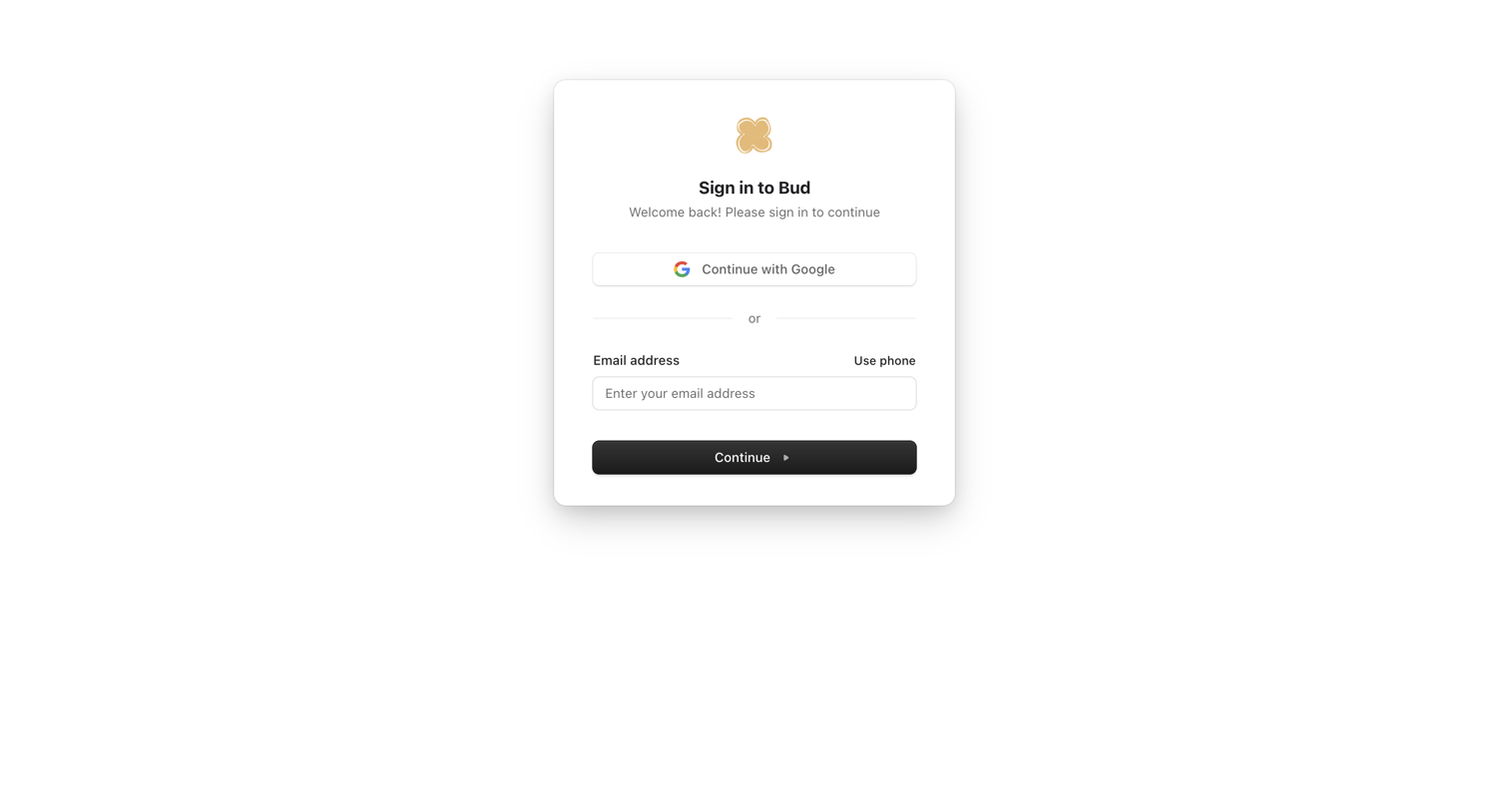
Bud - My account | Bud screen
Bud logo
Bud

Sign-in screen where the user authenticates with Google or enters their email address to continue.

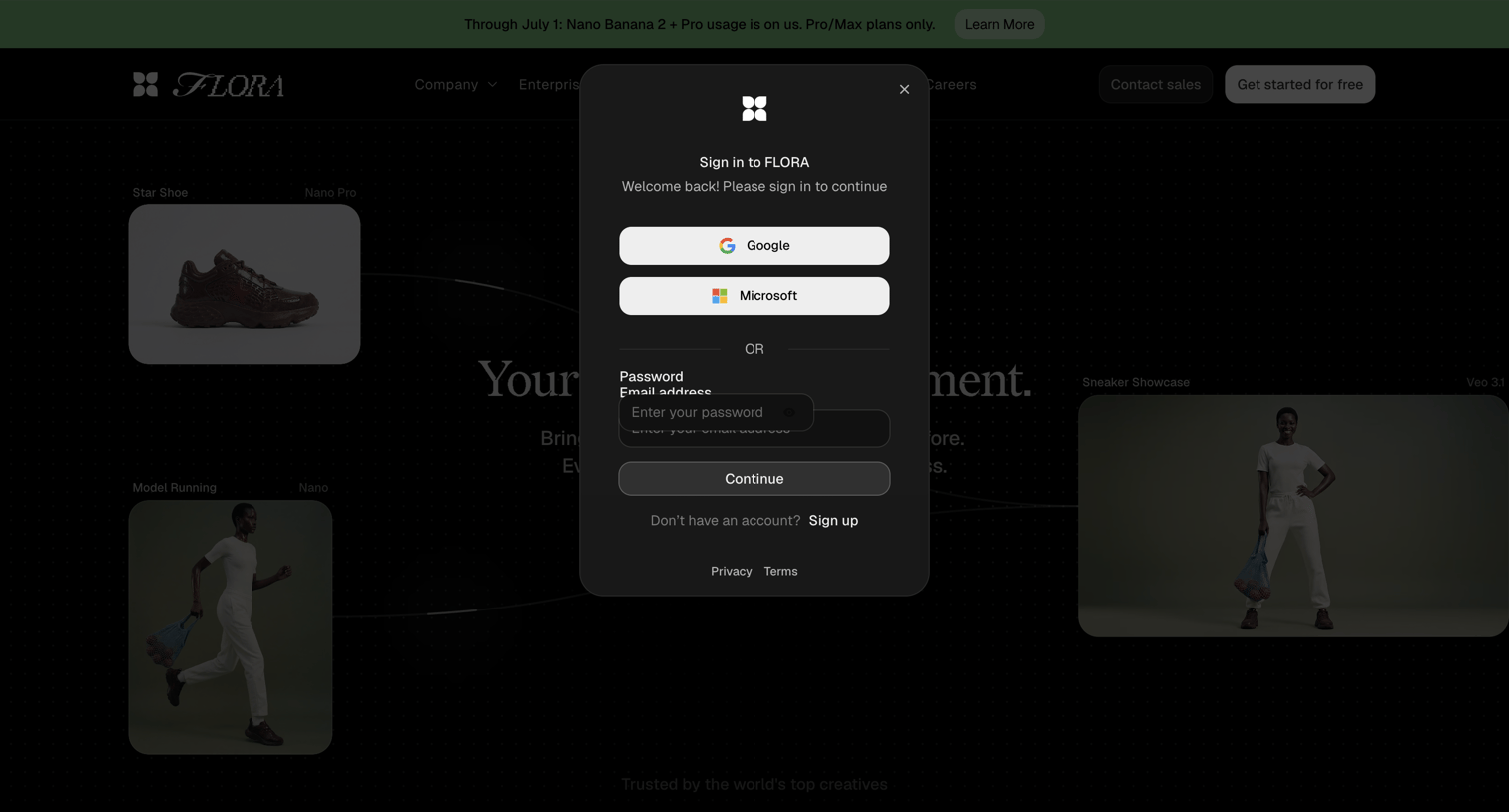
Flora - FLORA — Your Creative Environment screen
Flora logo
Flora

Sign-in overlay where the user authenticates with Google, Microsoft, or email and password.

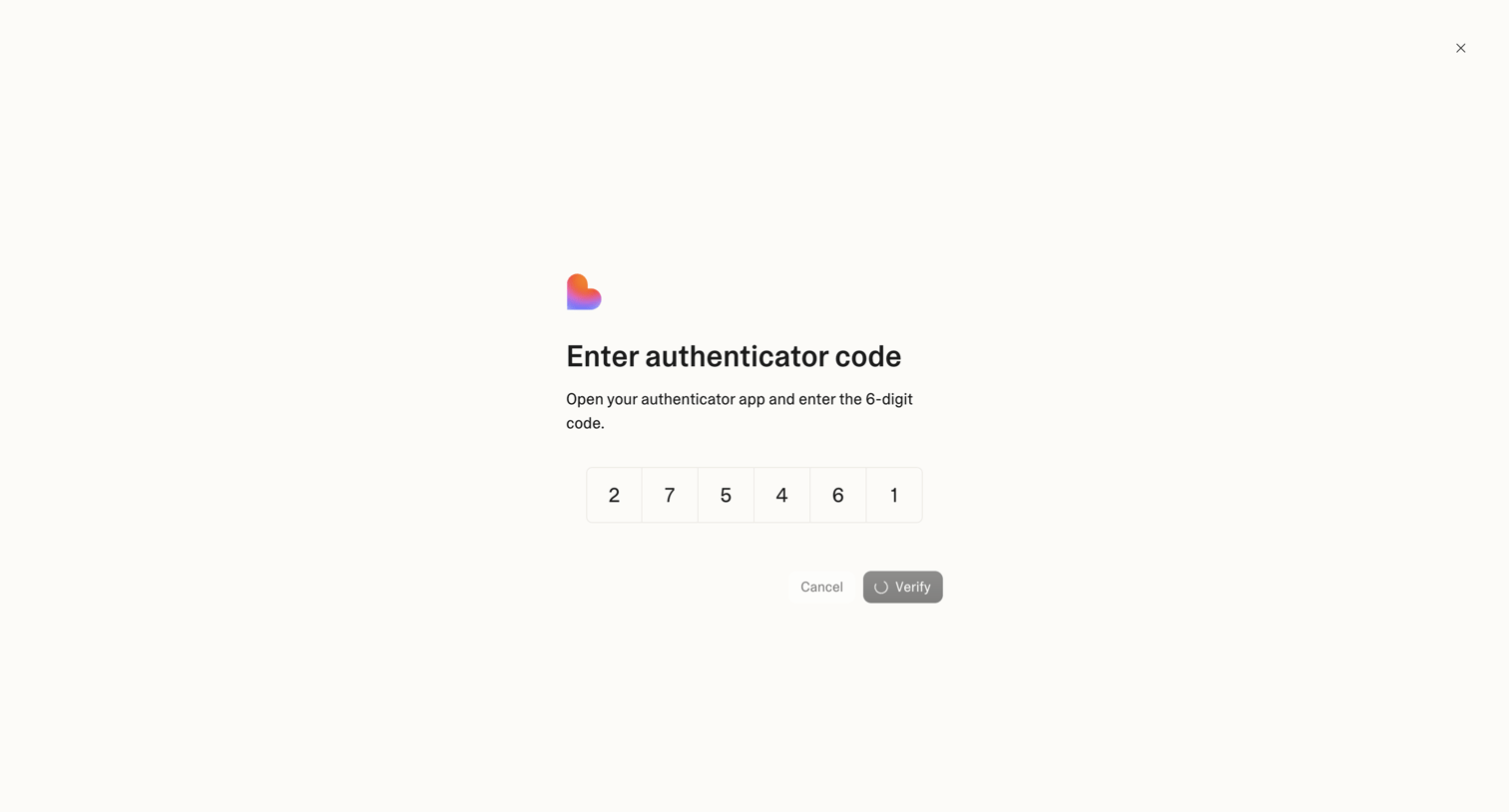
Lovable - Login screen
Lovable logo
Lovable

Verification screen where the user enters a 6-digit authenticator code to complete sign-in.
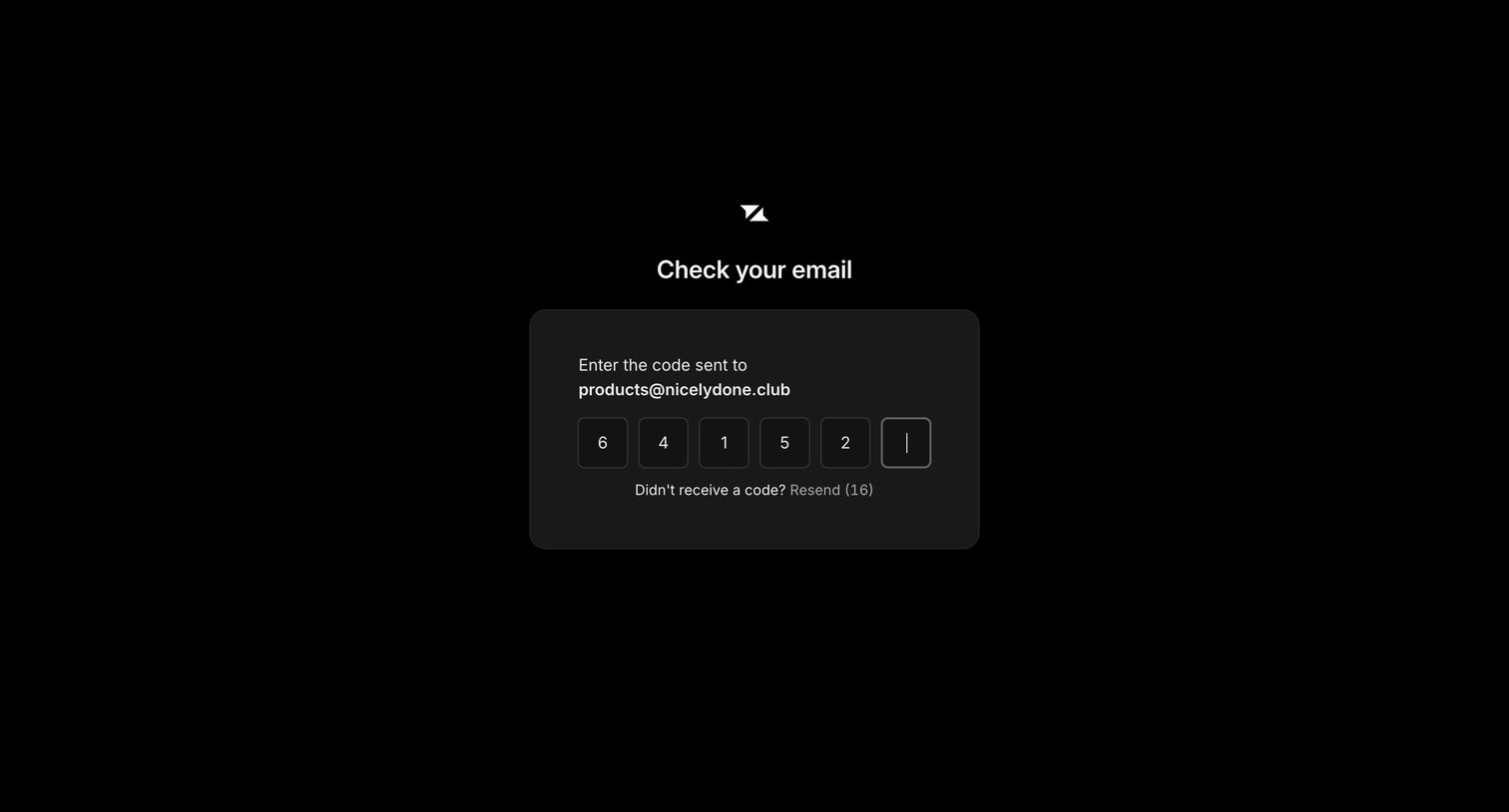
Liveblocks - Check your email screen
Liveblocks logo
Liveblocks

Verification screen where the user enters a 6-digit code sent to their email address to authenticate.
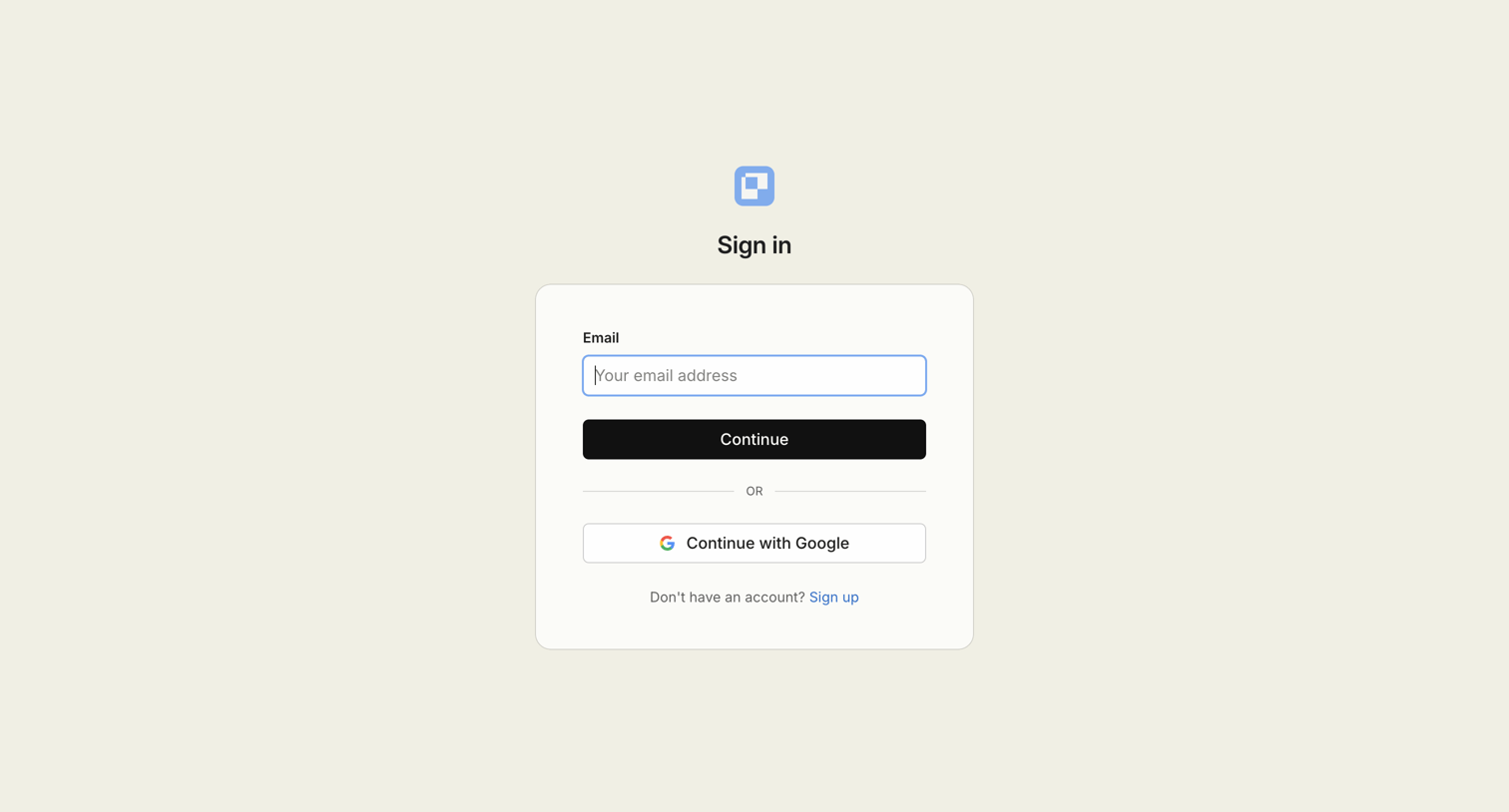

Paper - Sign in screen
Paper logo
Paper

Sign-in screen where the user authenticates with an email address or a Google account.

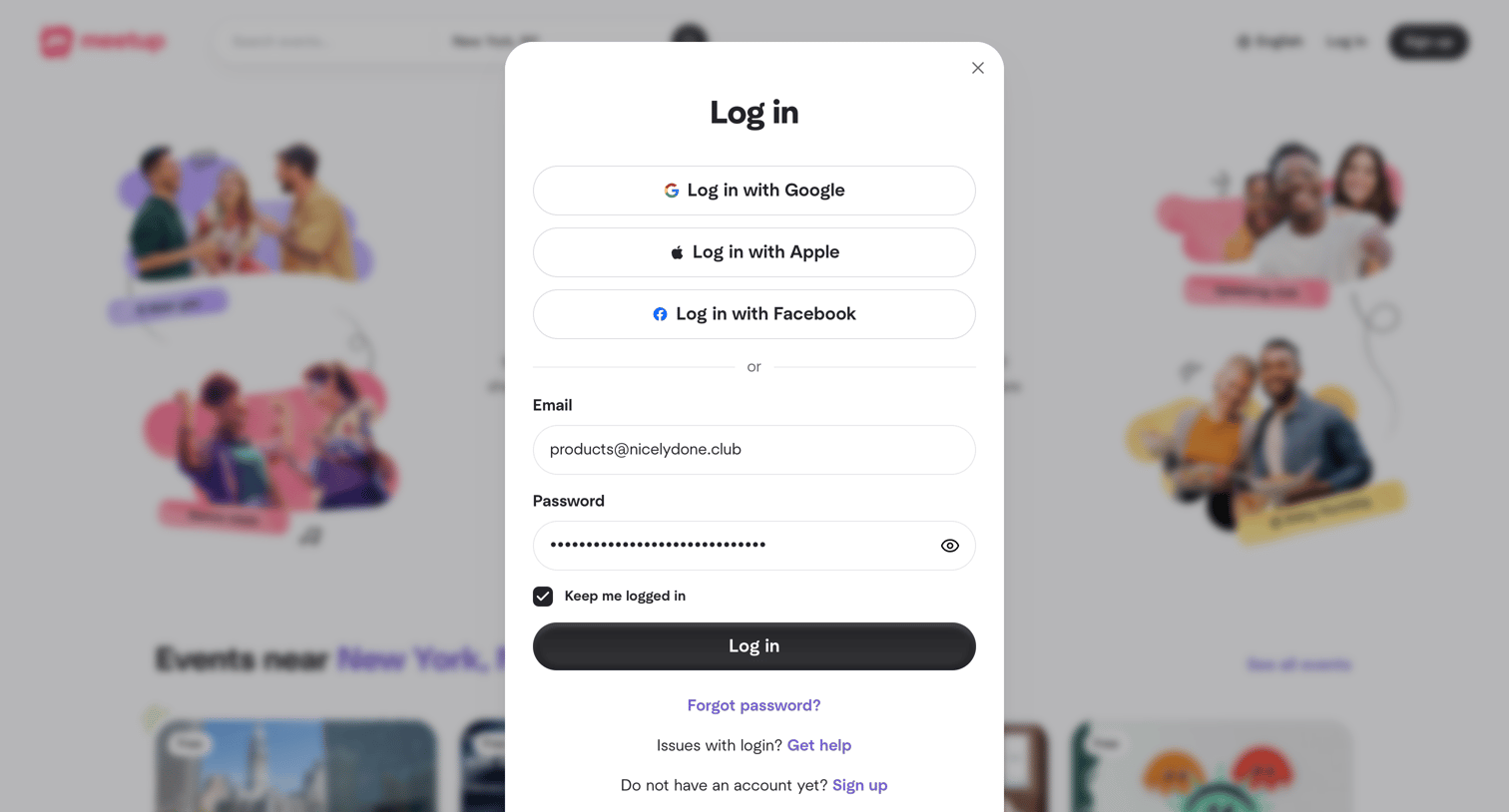
Meetup - Meetup | Find Local Groups, Events, and Activities Near You screen
Meetup logo
Meetup

Sign-in screen where the user authenticates with Google, Apple, Facebook, or an existing email and password.
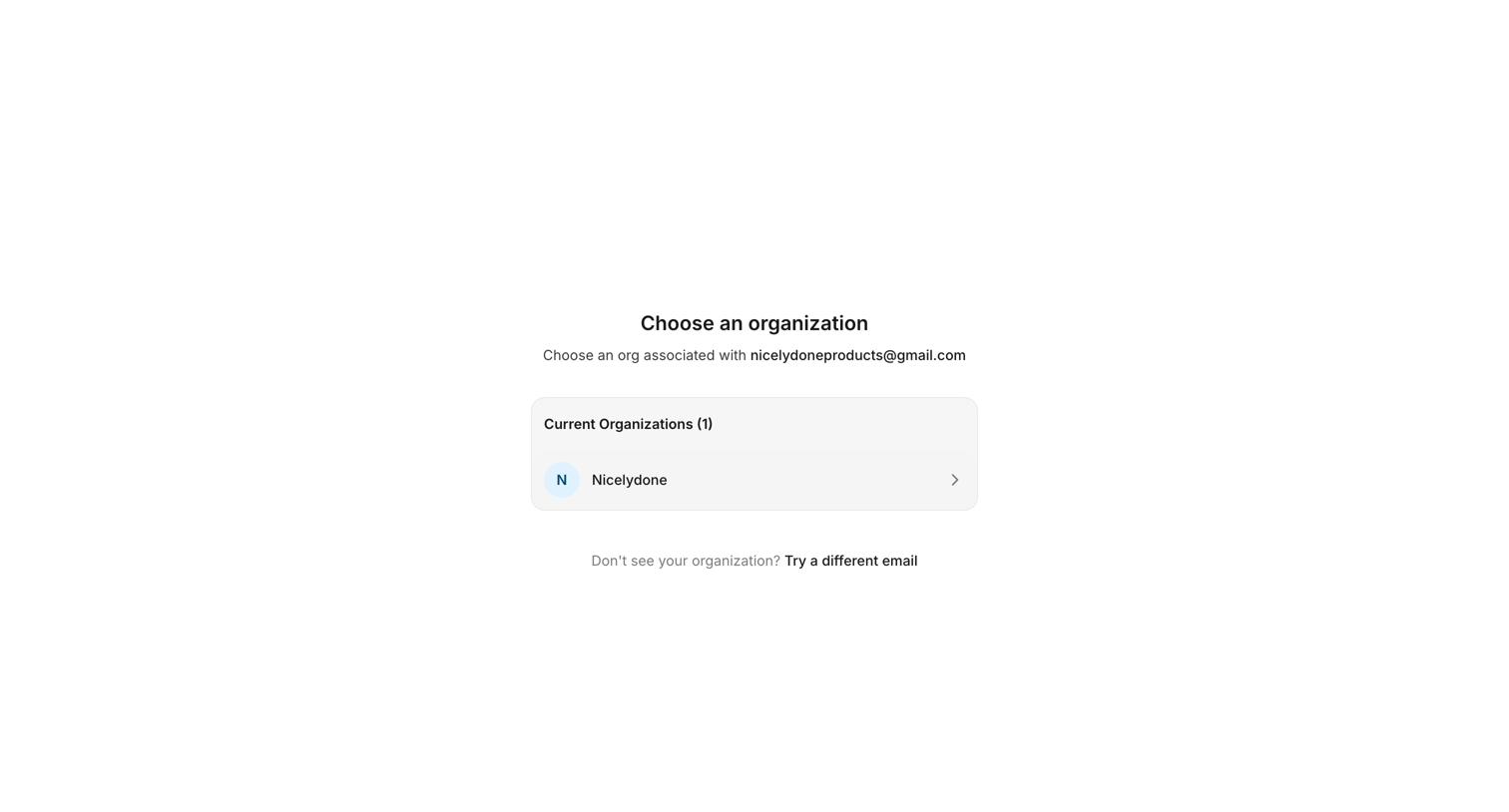

Documentation.AI - Dashboard - Documentation.AI screen
Documentation.AI logo
Documentation.AI

Onboarding step where the user chooses an organization associated with their email to enter the app.
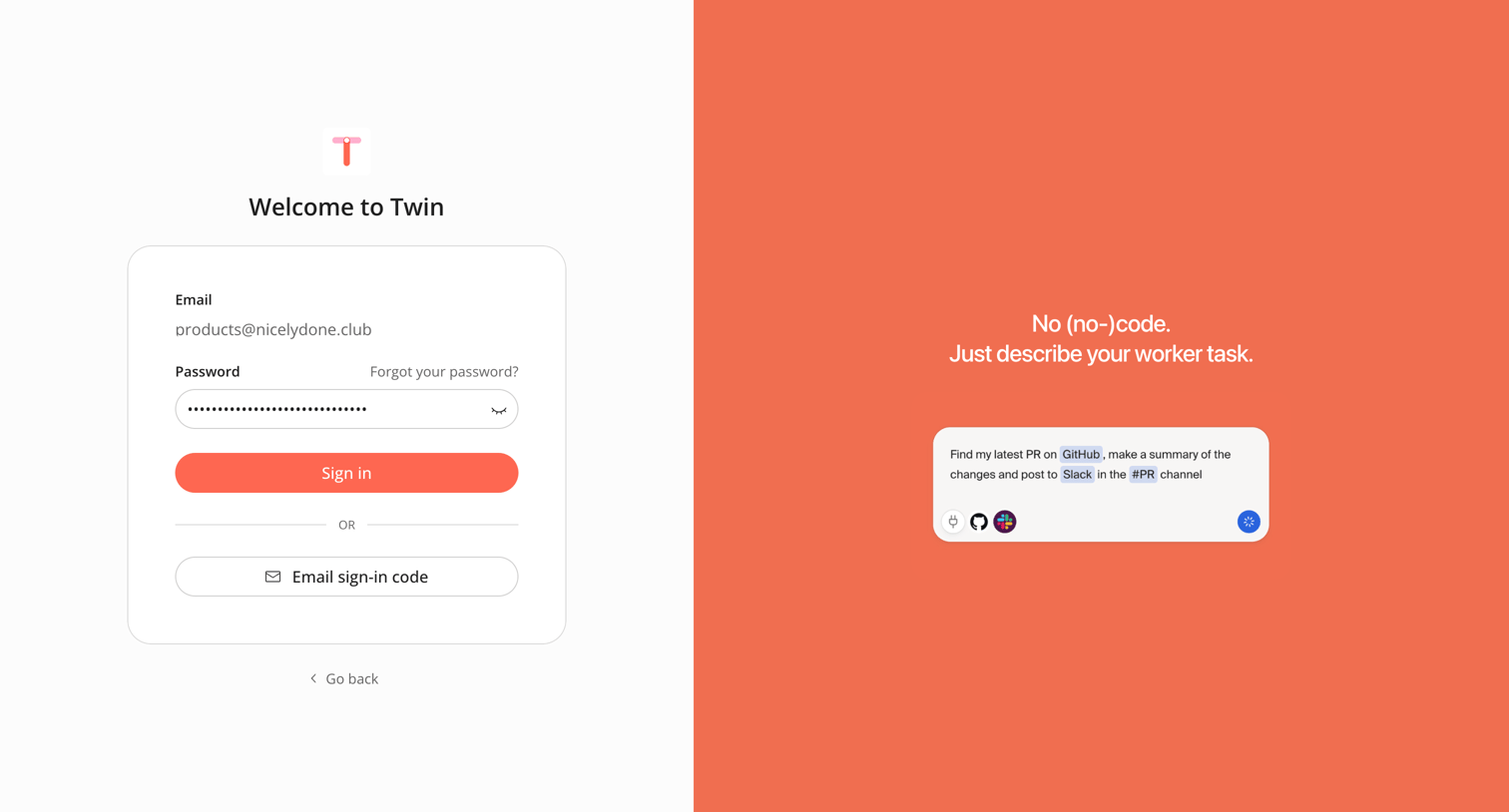

Twin - Sign in screen
Twin logo
Twin

Sign-in screen where the user authenticates with a password for a pre-filled email or opts to request an email sign-in code.
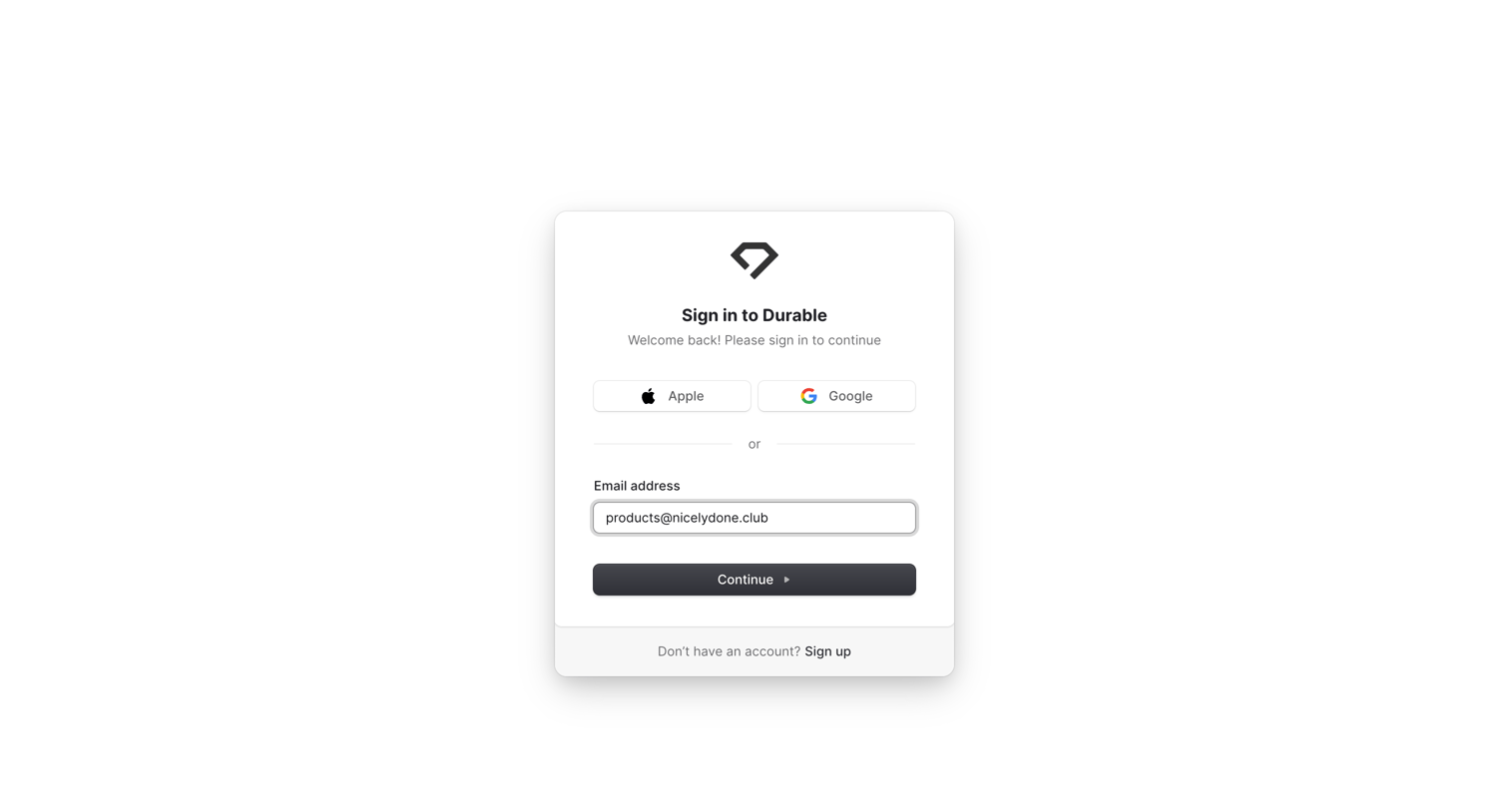

Durable - Durable Sign - Log-in to your site screen
Durable logo
Durable

Sign-in screen where the user authenticates with Apple, Google, or an email address.

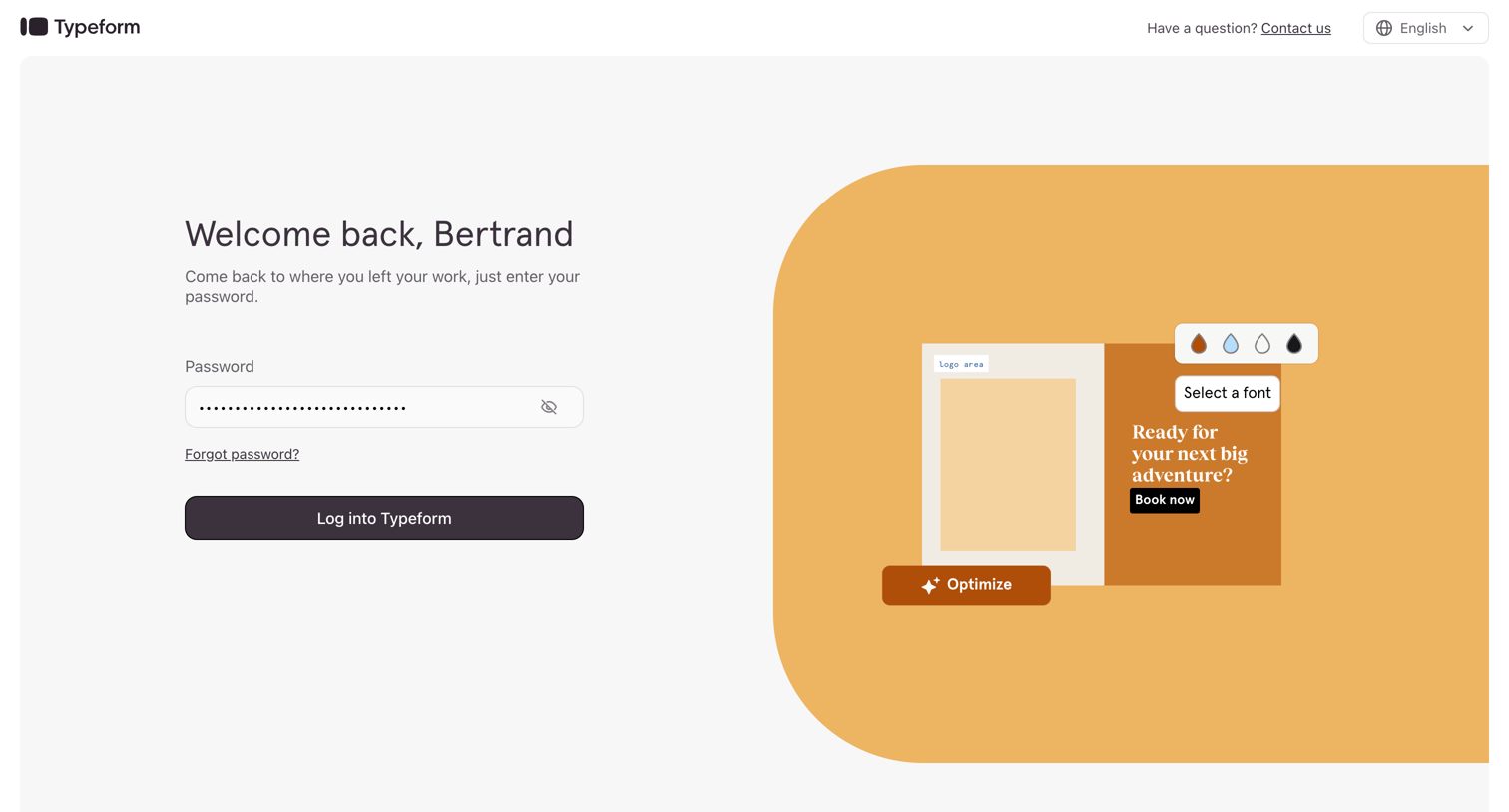
Typeform screen
Typeform logo
Typeform

Sign-in screen where a returning user enters their password to access their account, featuring a language selector and a contact link in the top bar.
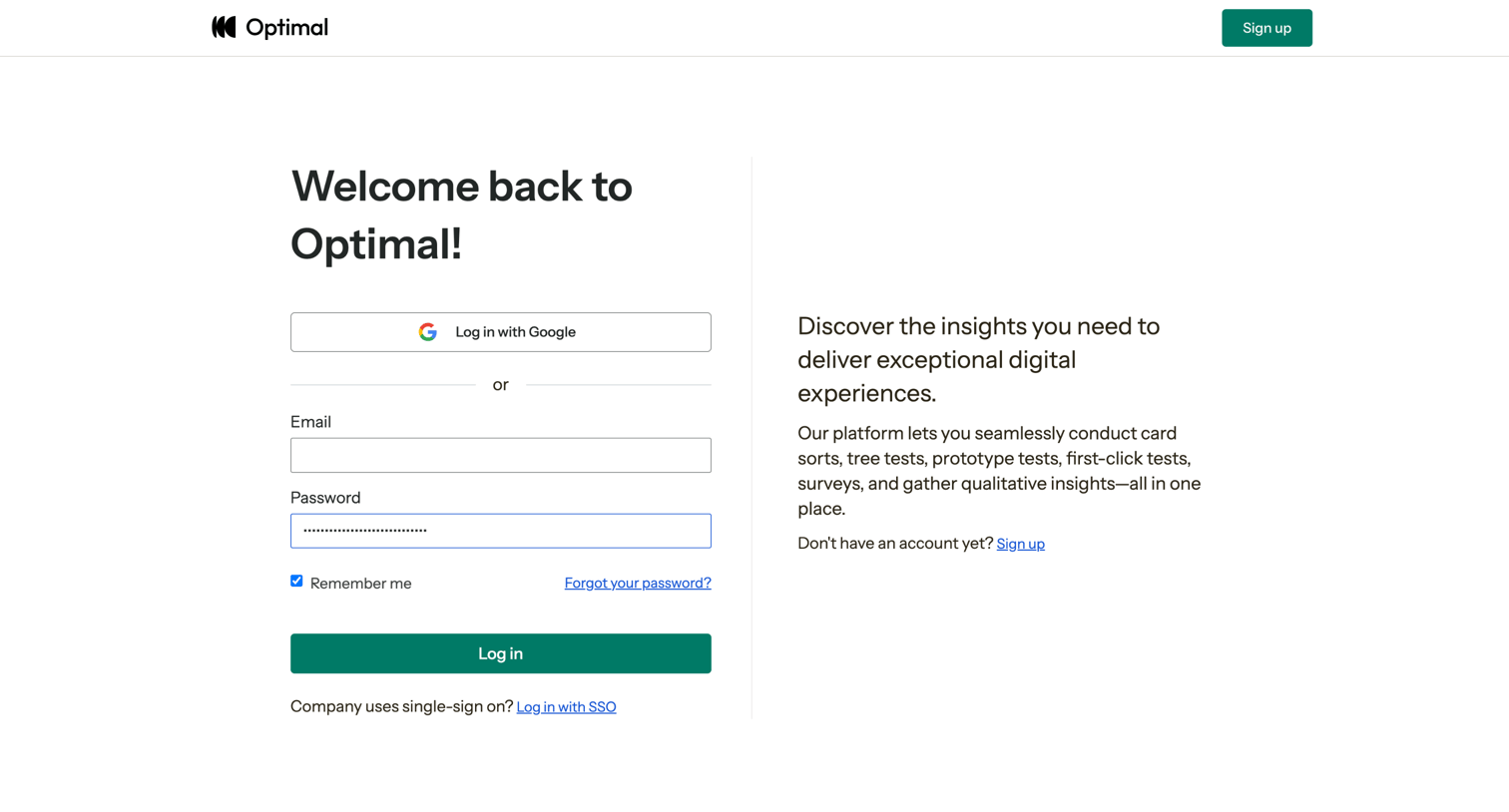

Optimal - Log In | Optimal Workshop screen
Optimal logo
Optimal

Sign-in screen where the user authenticates with email, Google OAuth, or SSO, alongside a brief product value proposition.

Loops screen
Loops logo
Loops

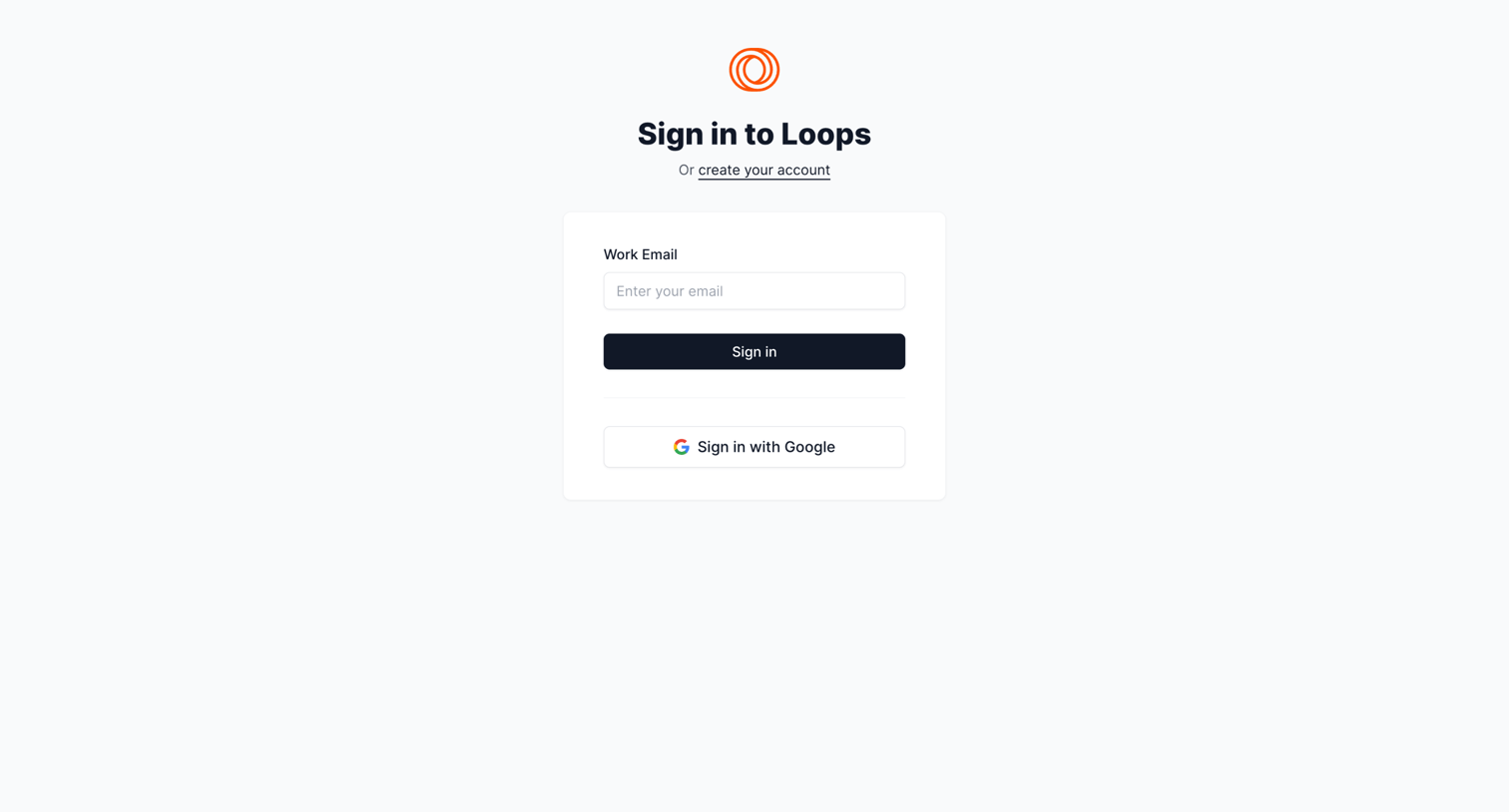
Sign-in screen where the user authenticates with a work email or Google.

Explore the full SaaS screen library

Upgrade to unlock the full library.

Trusted by the best teams