Free plan screen examples
Free plan screen design examples from SaaS apps. Browse examples from Magnific, Mailchimp, Paper.
Explore the examples
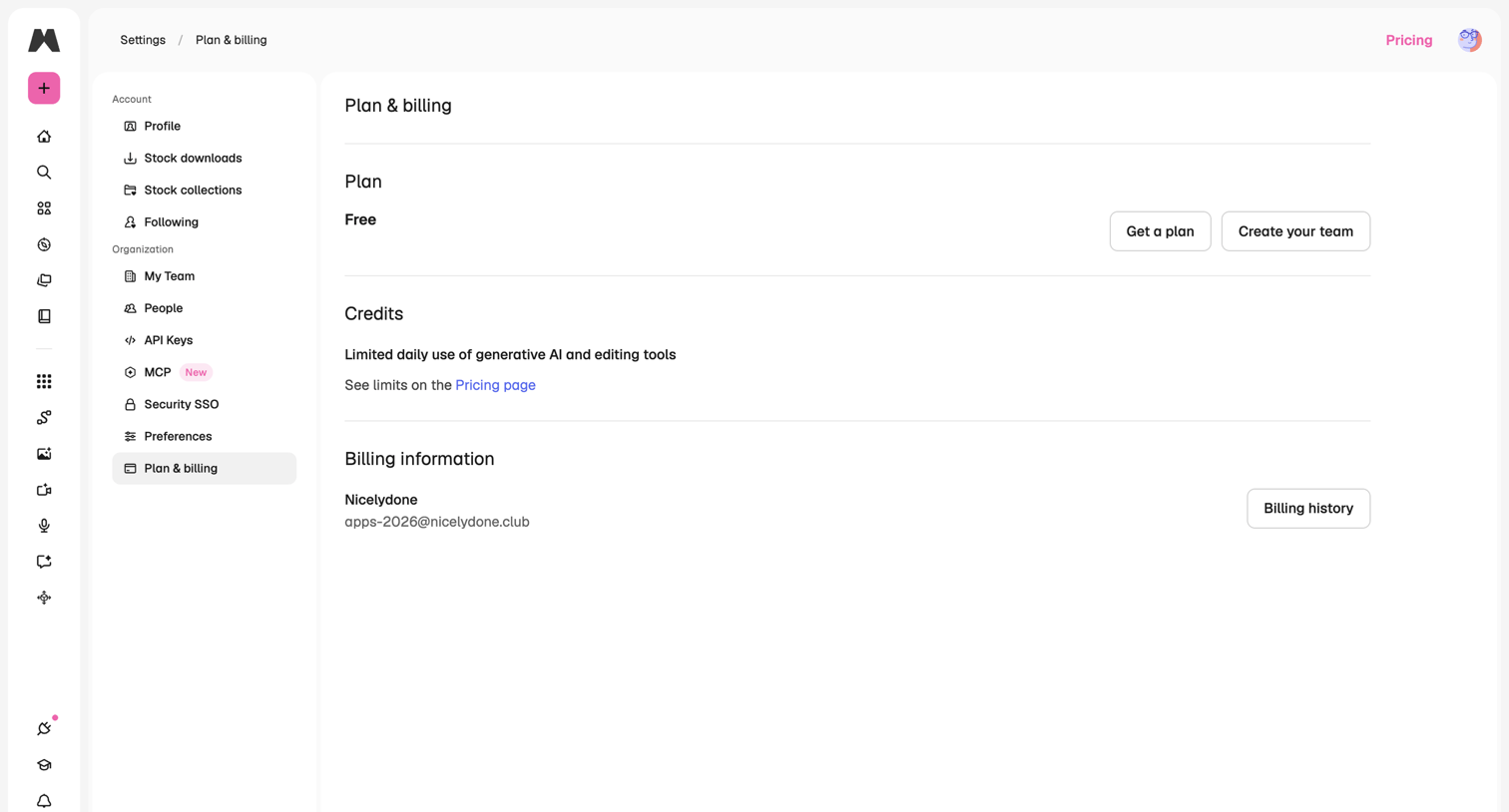

Settings page where the user views their current free plan, daily generative AI limits, and billing information with options to upgrade or create a team.
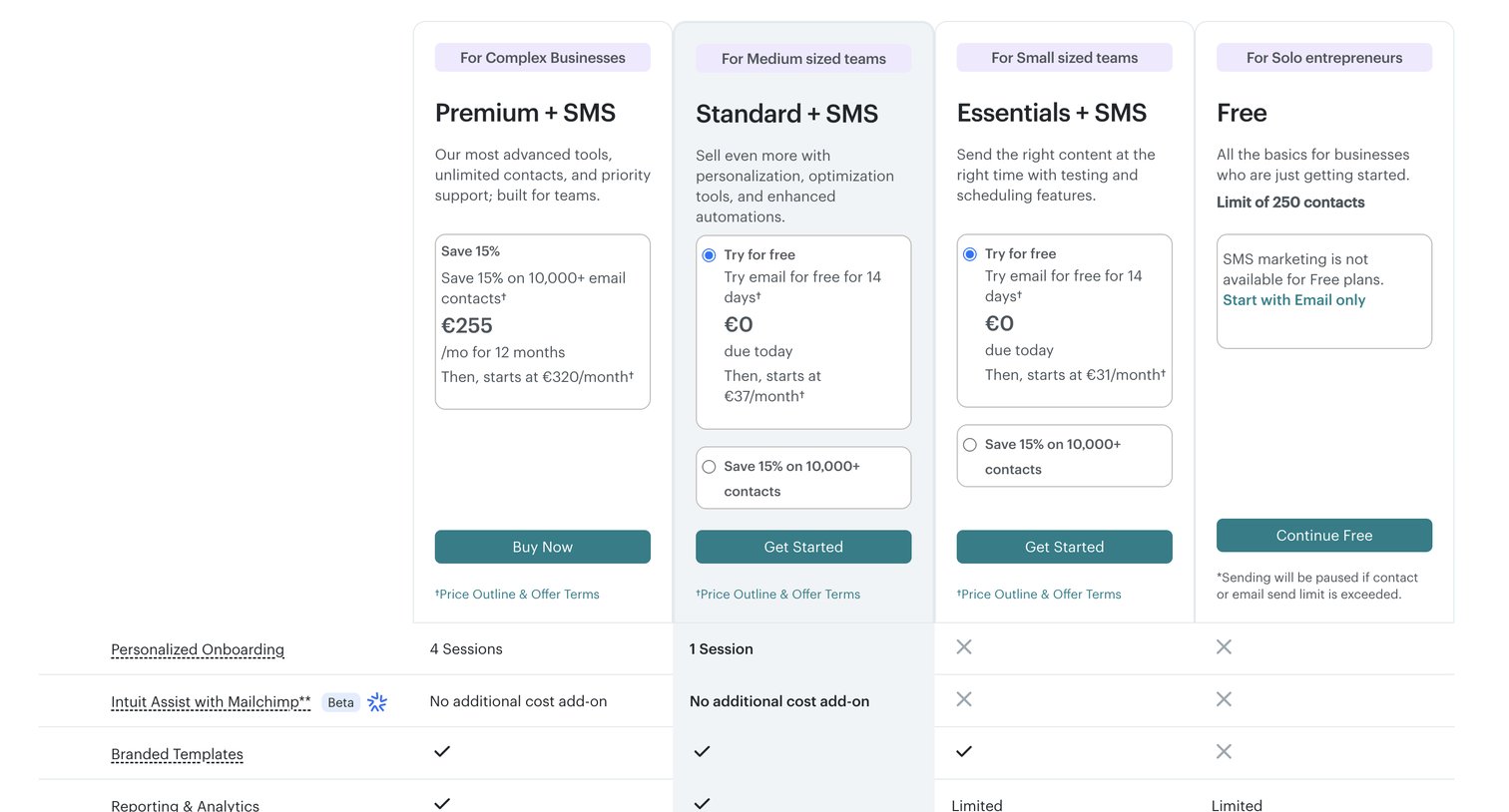

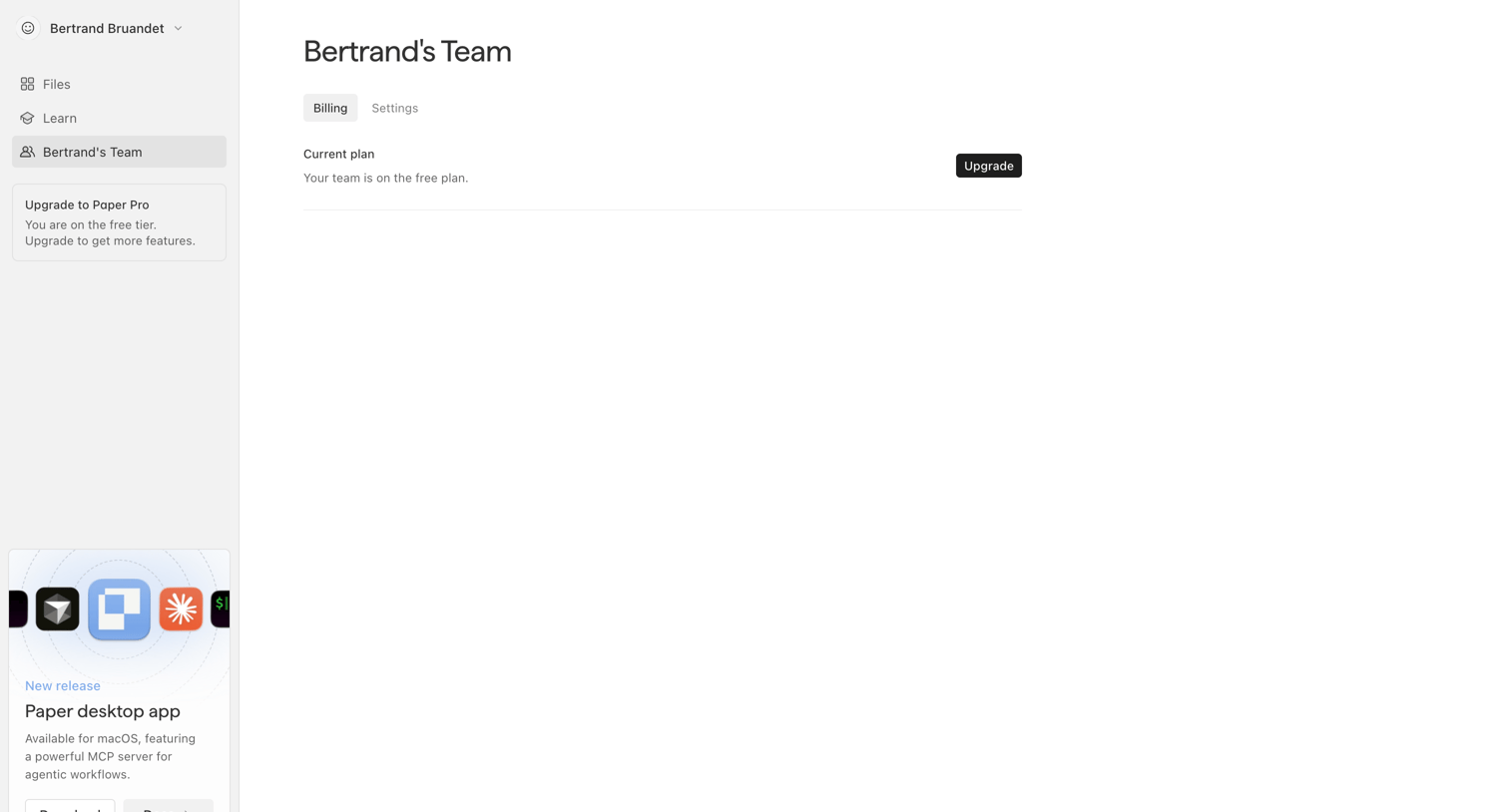

Settings page where the user views their current free plan status and can upgrade to a paid tier.
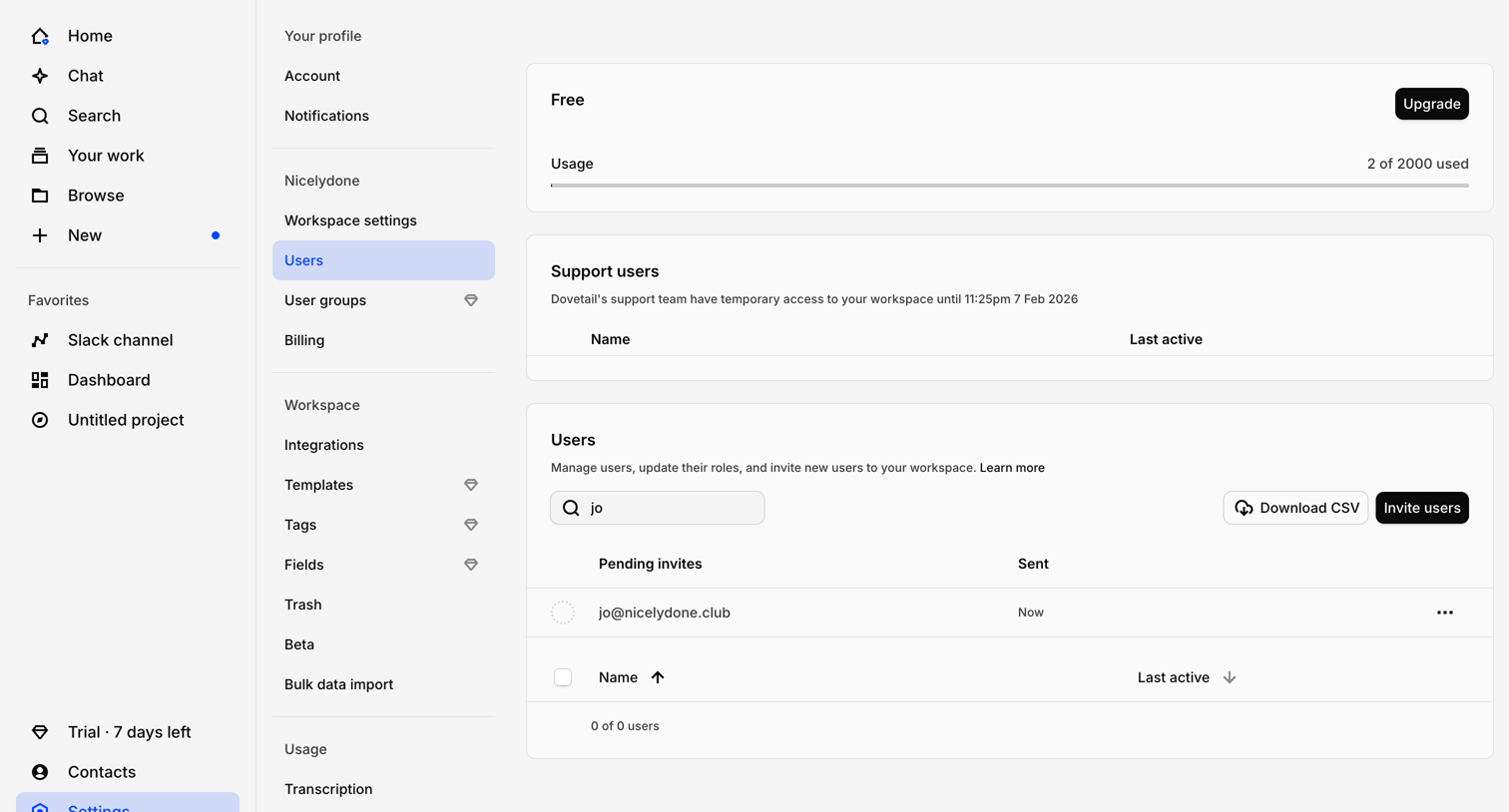

Settings page where the user manages workspace members, views pending invites, and monitors current plan usage.
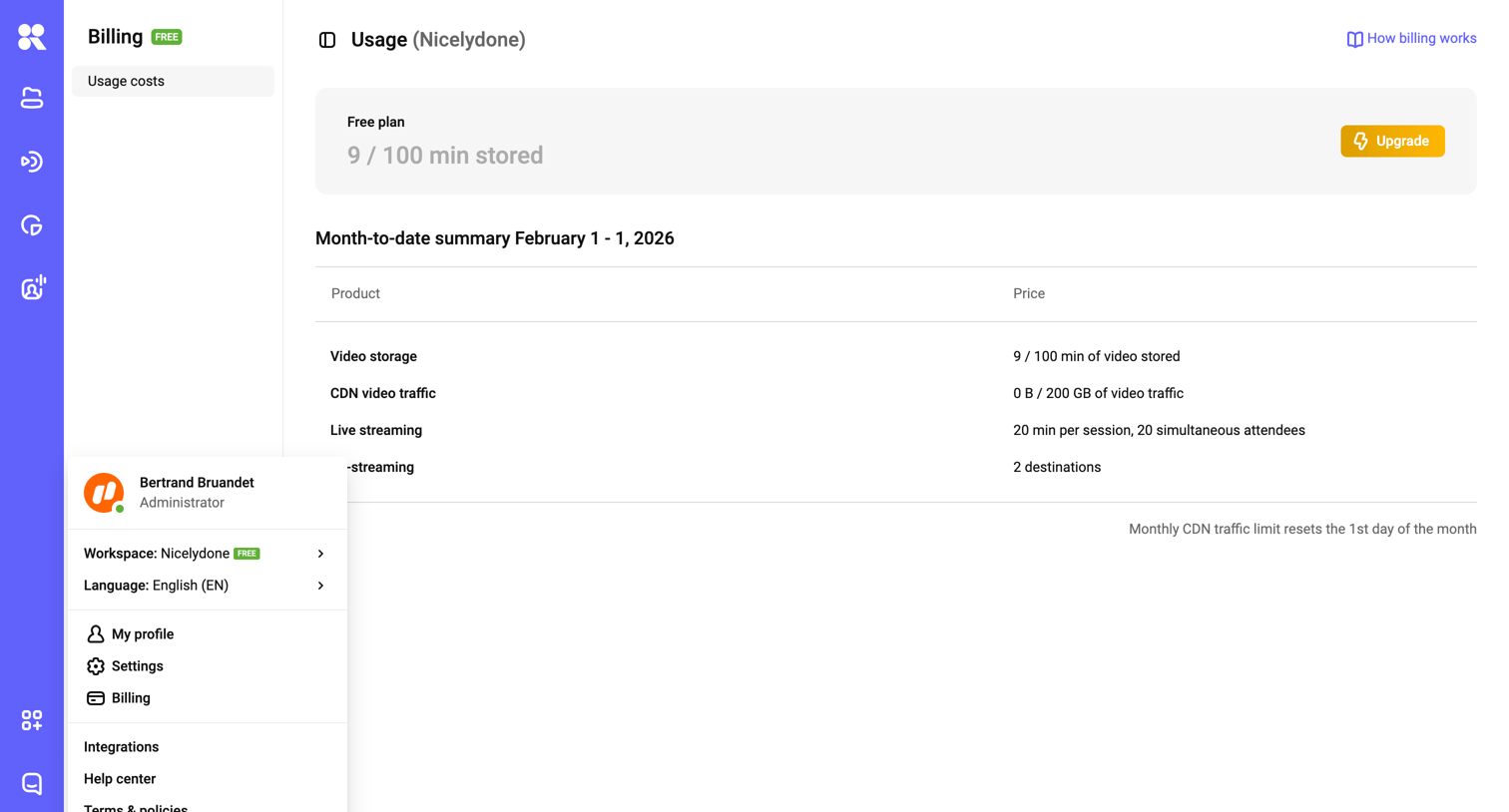

Billing settings page showing current usage limits on a free plan and a month-to-date summary of product usage, with a user menu open.
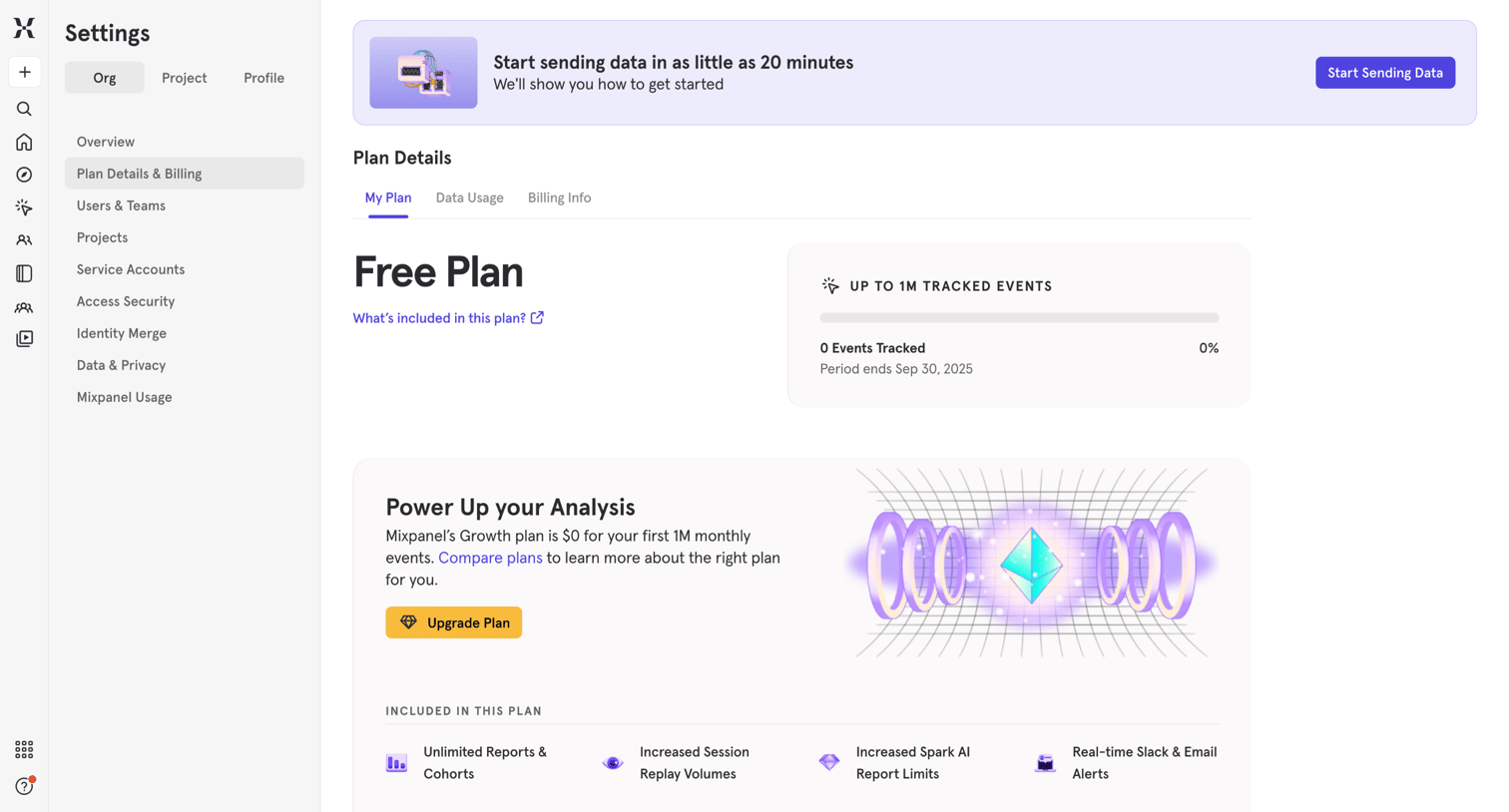

Settings page where the user views their current free plan usage and is prompted to upgrade to a paid tier for more features.
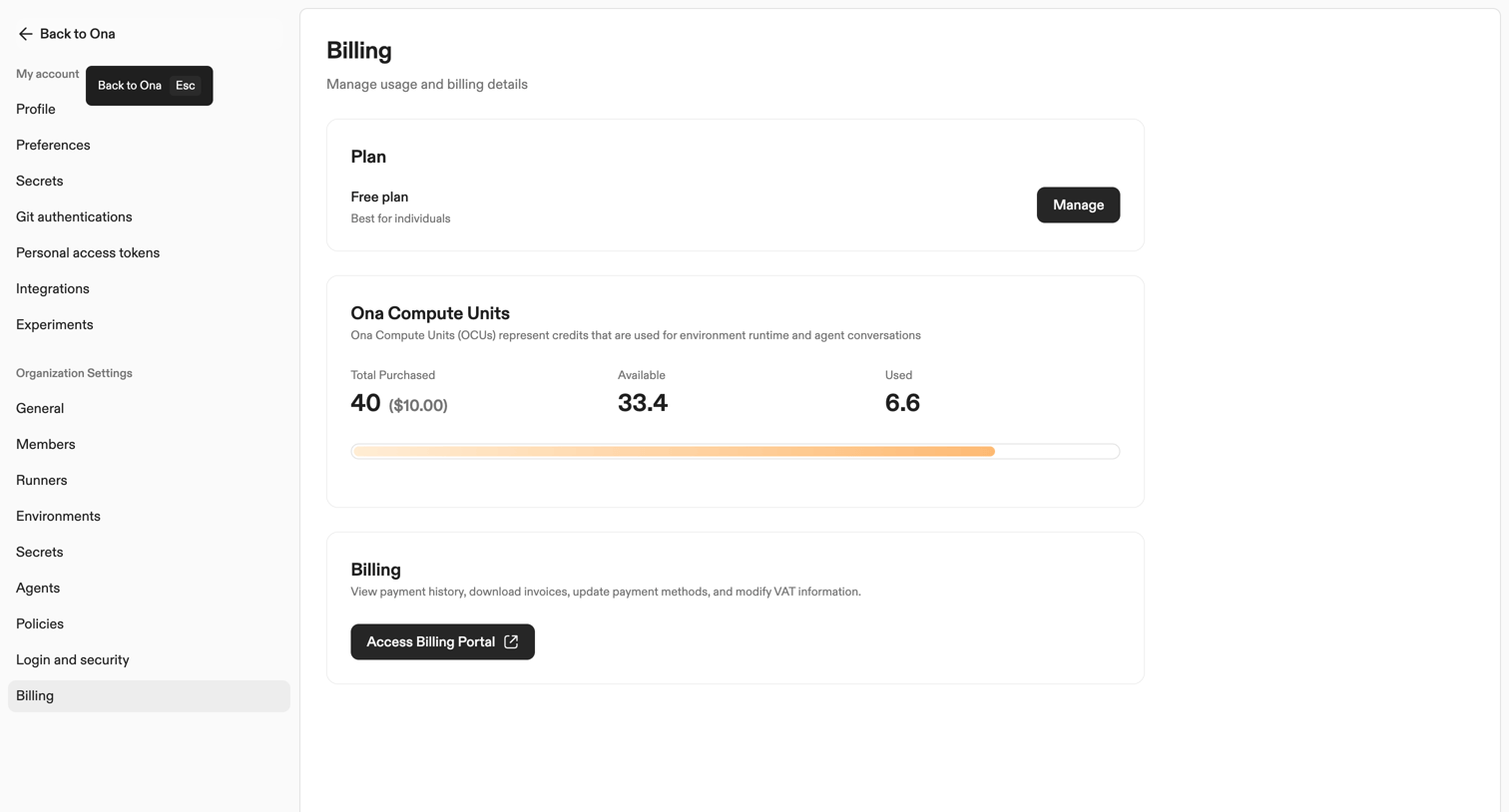

Settings page where the user manages their free subscription plan, tracks compute unit usage via a progress bar, and accesses the external billing portal.
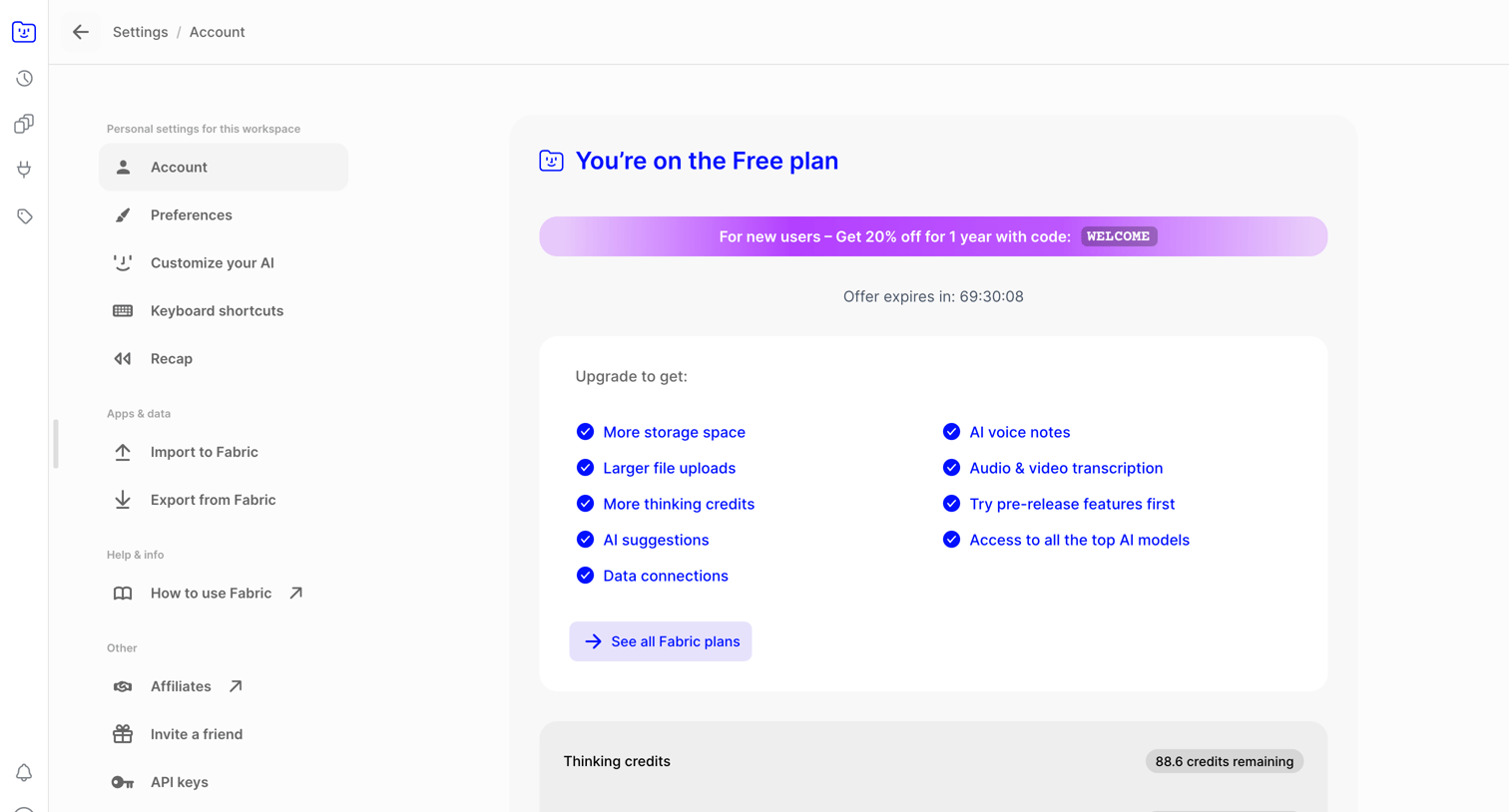

Settings page where the user views their current free plan status, an upgrade offer with a countdown, and their current usage limits for thinking credits and storage.
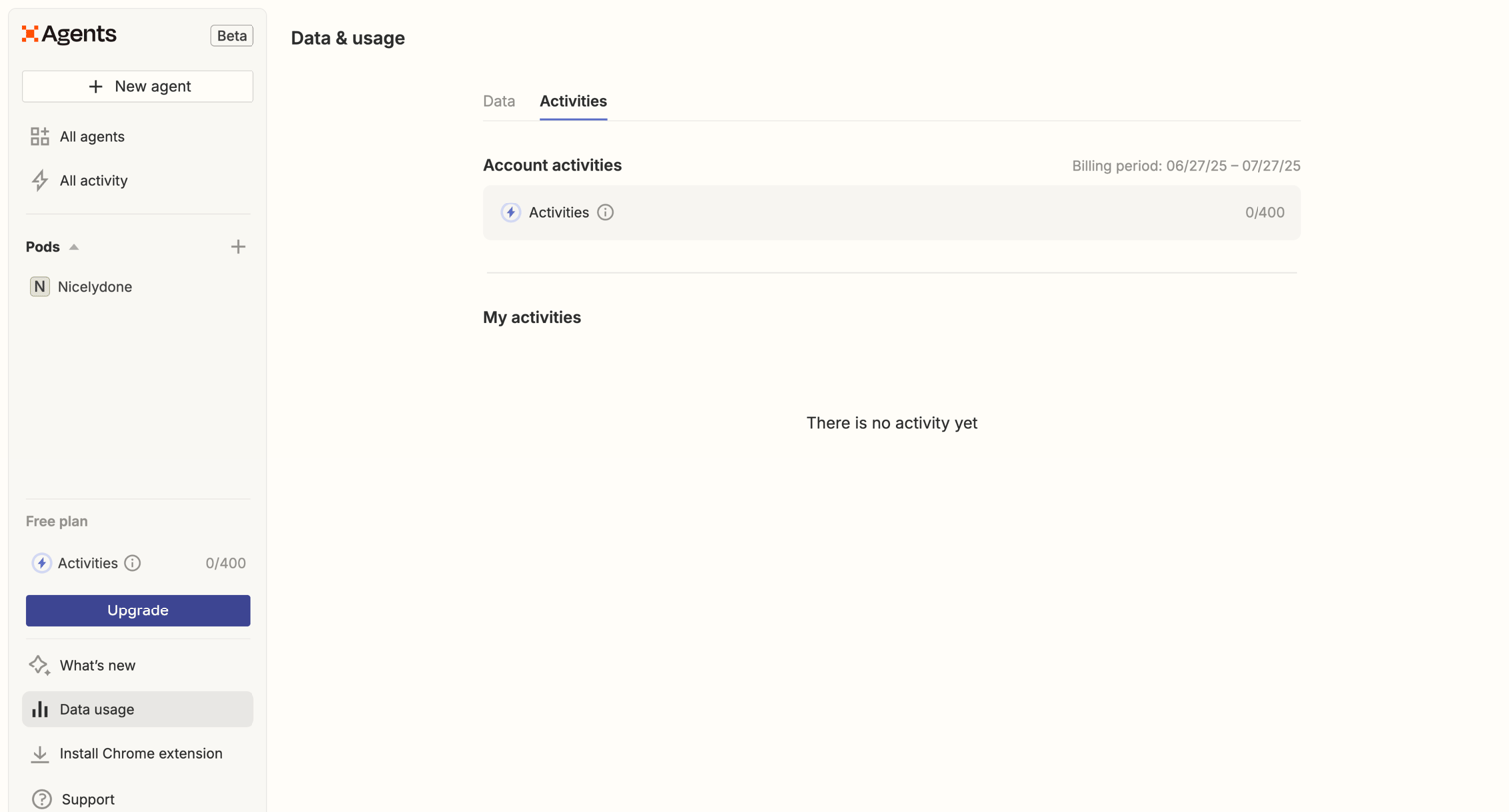

Settings page where the user views their current billing period's activity usage and can upgrade from the free plan.
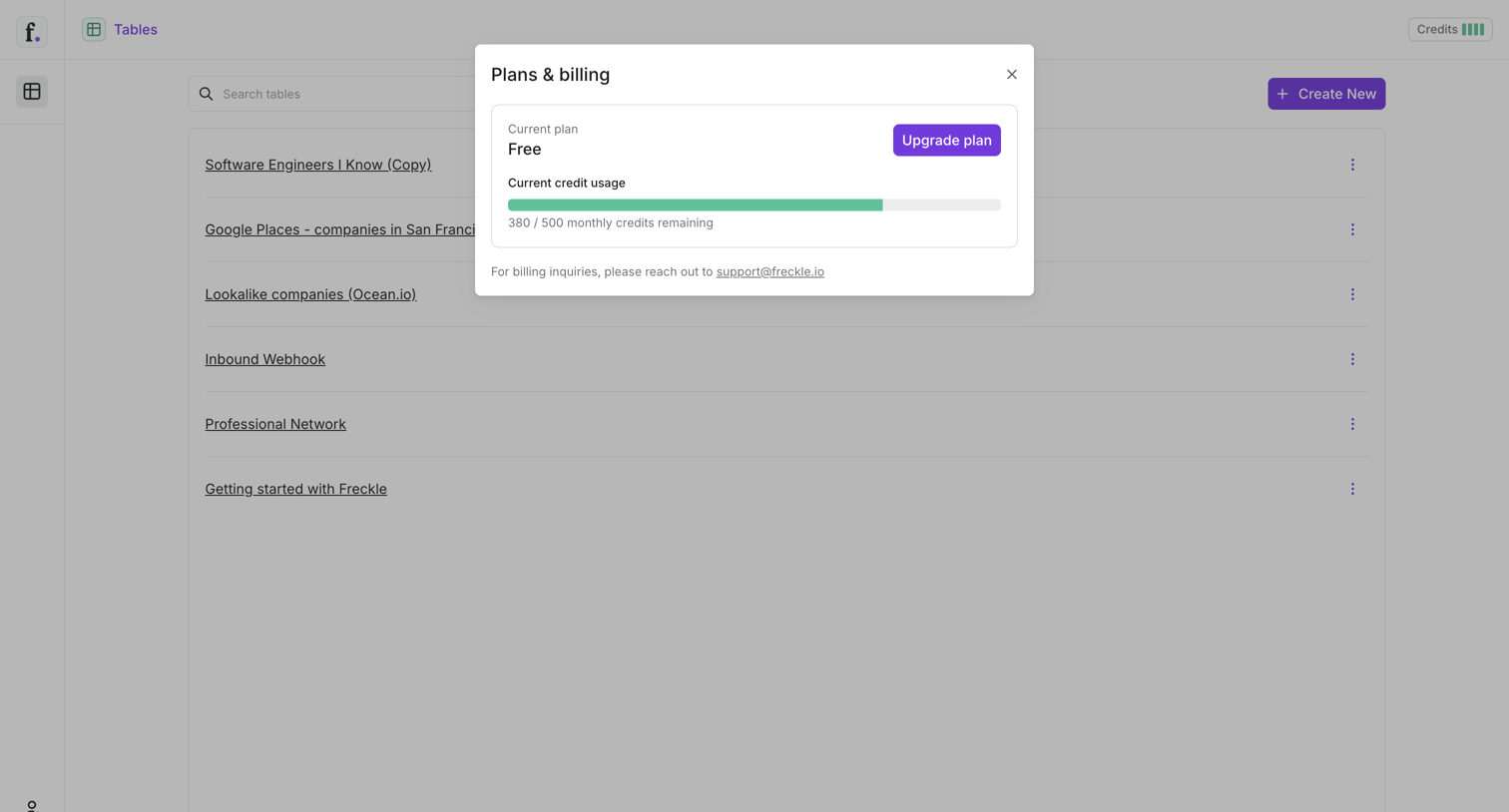

Billing settings modal where the user can view their current free plan, check monthly credit usage via a progress bar, and upgrade their subscription.
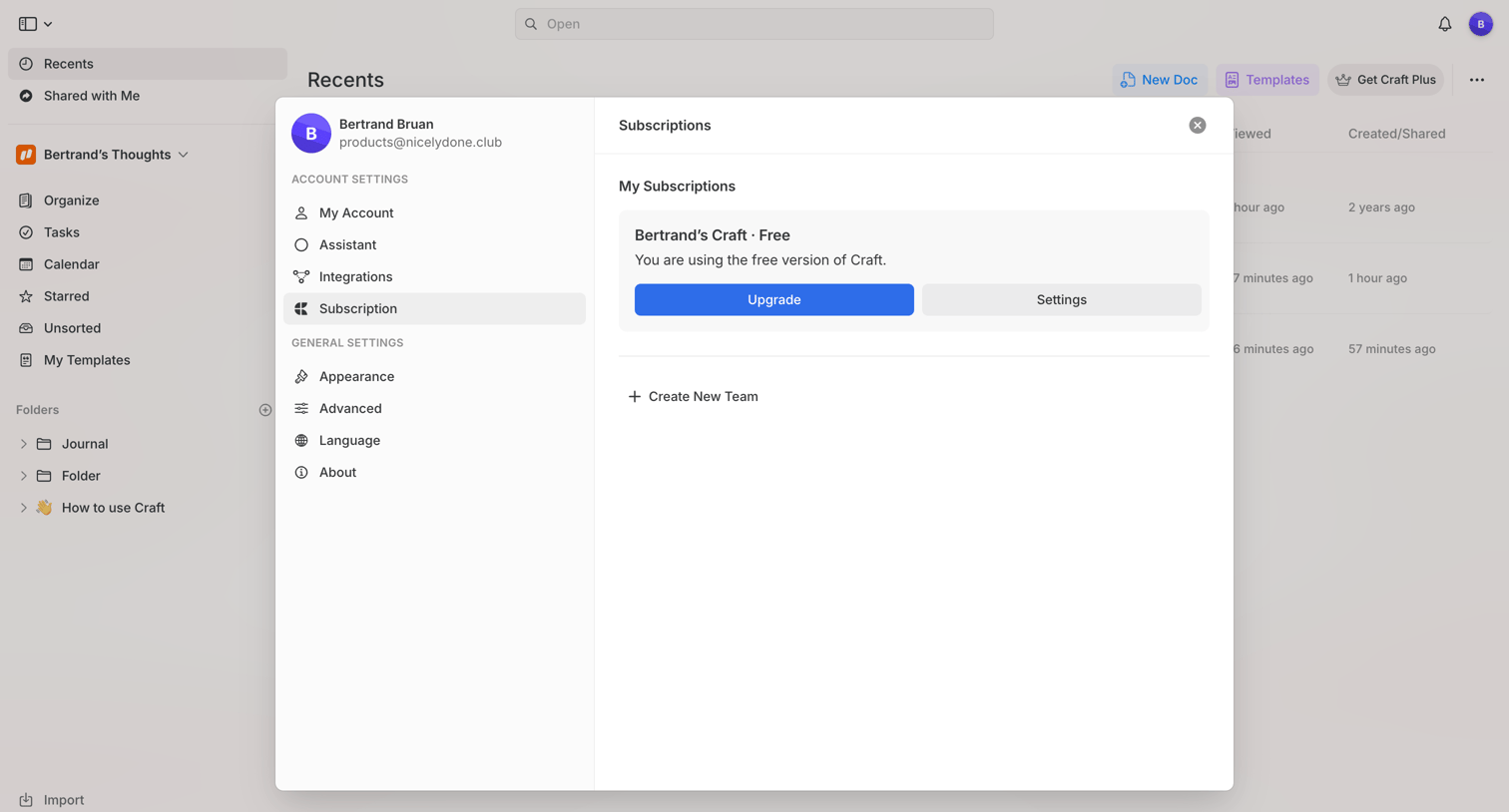

Settings modal where the user views their current free subscription plan and has the option to upgrade or manage settings.
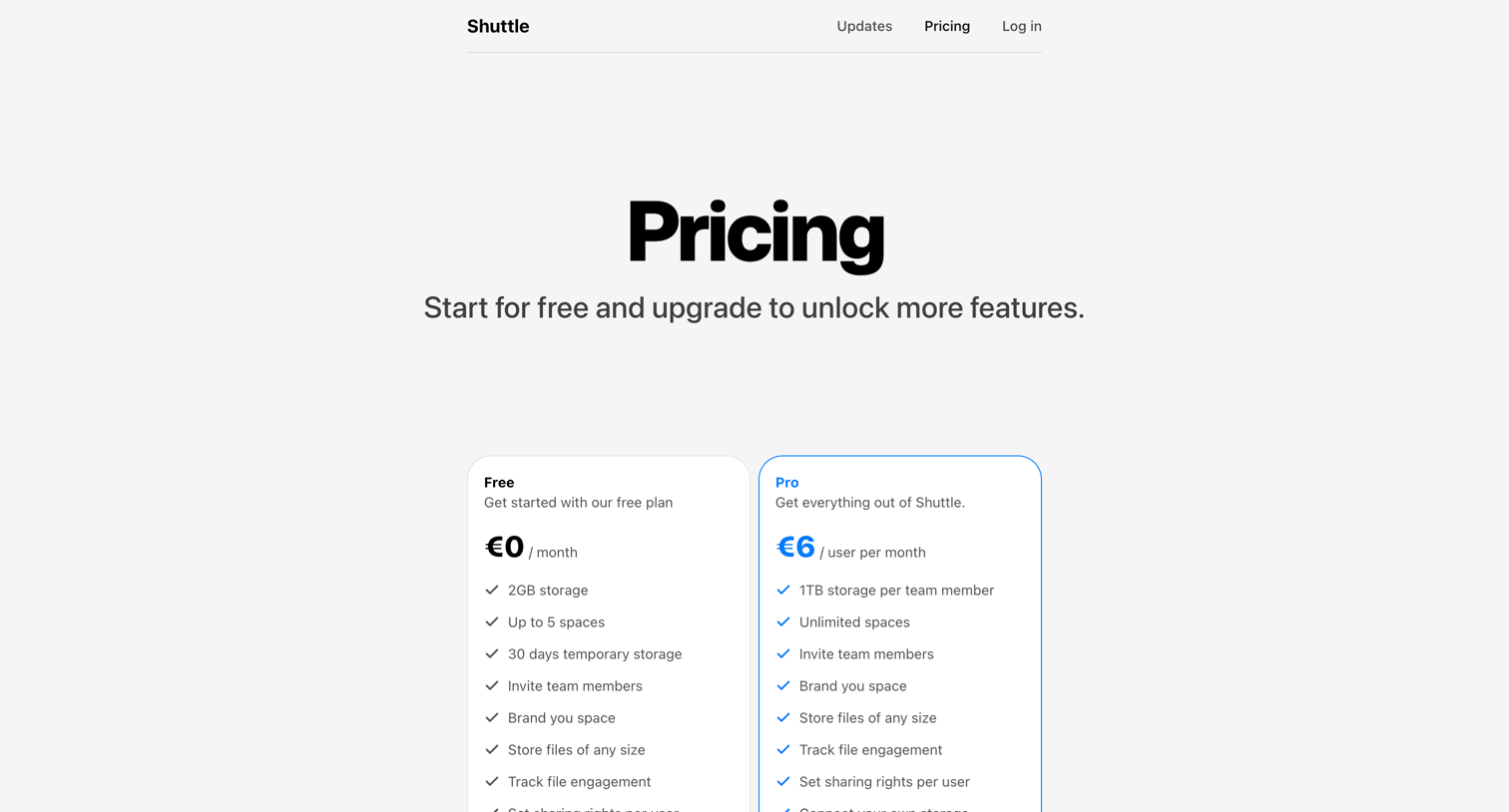

Pricing page where the user chooses between a free plan and a pro tier with expanded storage and unlimited spaces.
Explore the full SaaS screen library
Upgrade to unlock the full library.
Trusted by the best teams







