Form layout screen examples
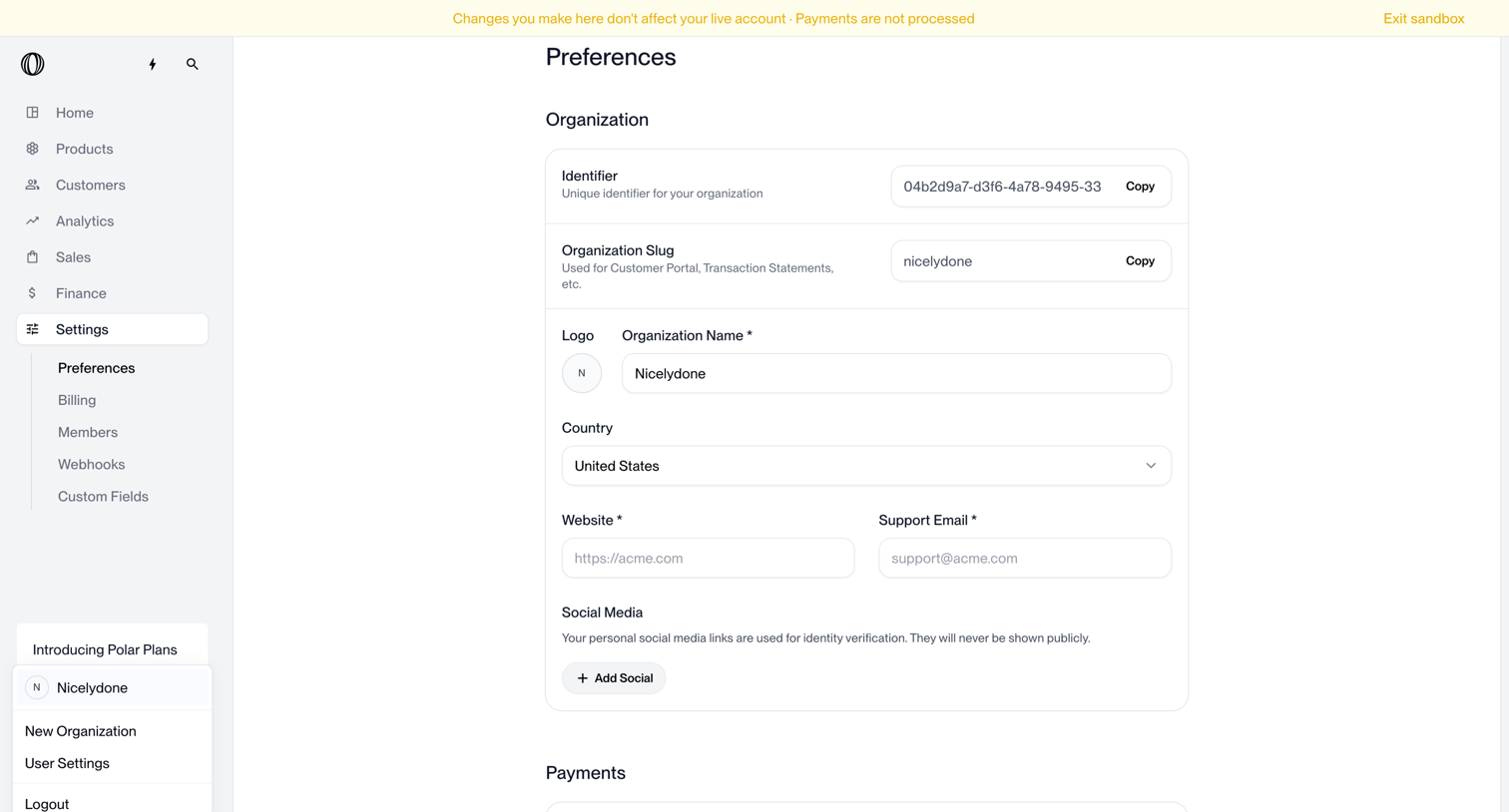
Form layout screen design examples from SaaS apps. Browse examples from Polar, Airbnb, Inference.
Explore the examples

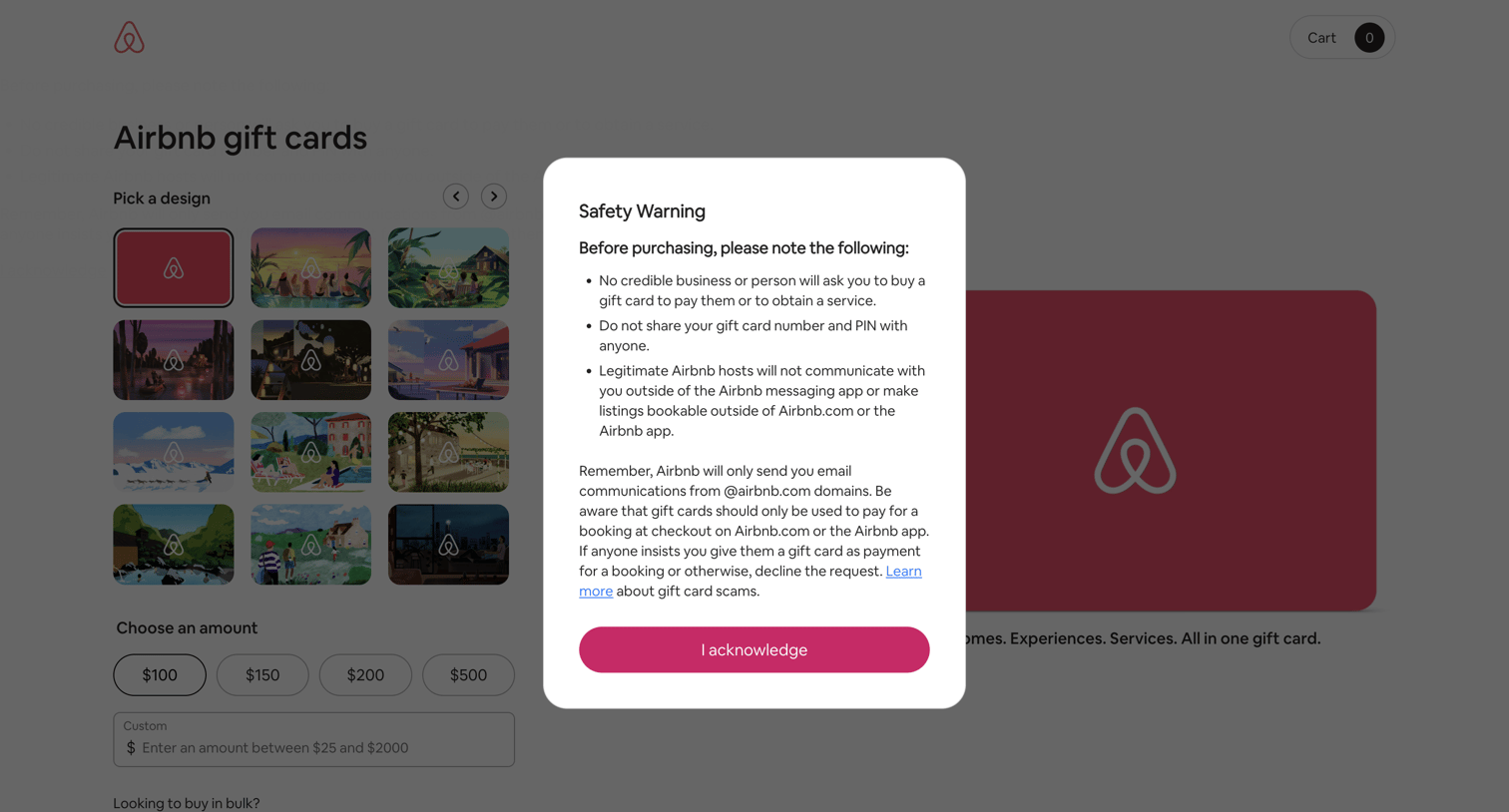

Product page where the user must acknowledge a safety warning about scams before configuring a custom gift card for delivery.
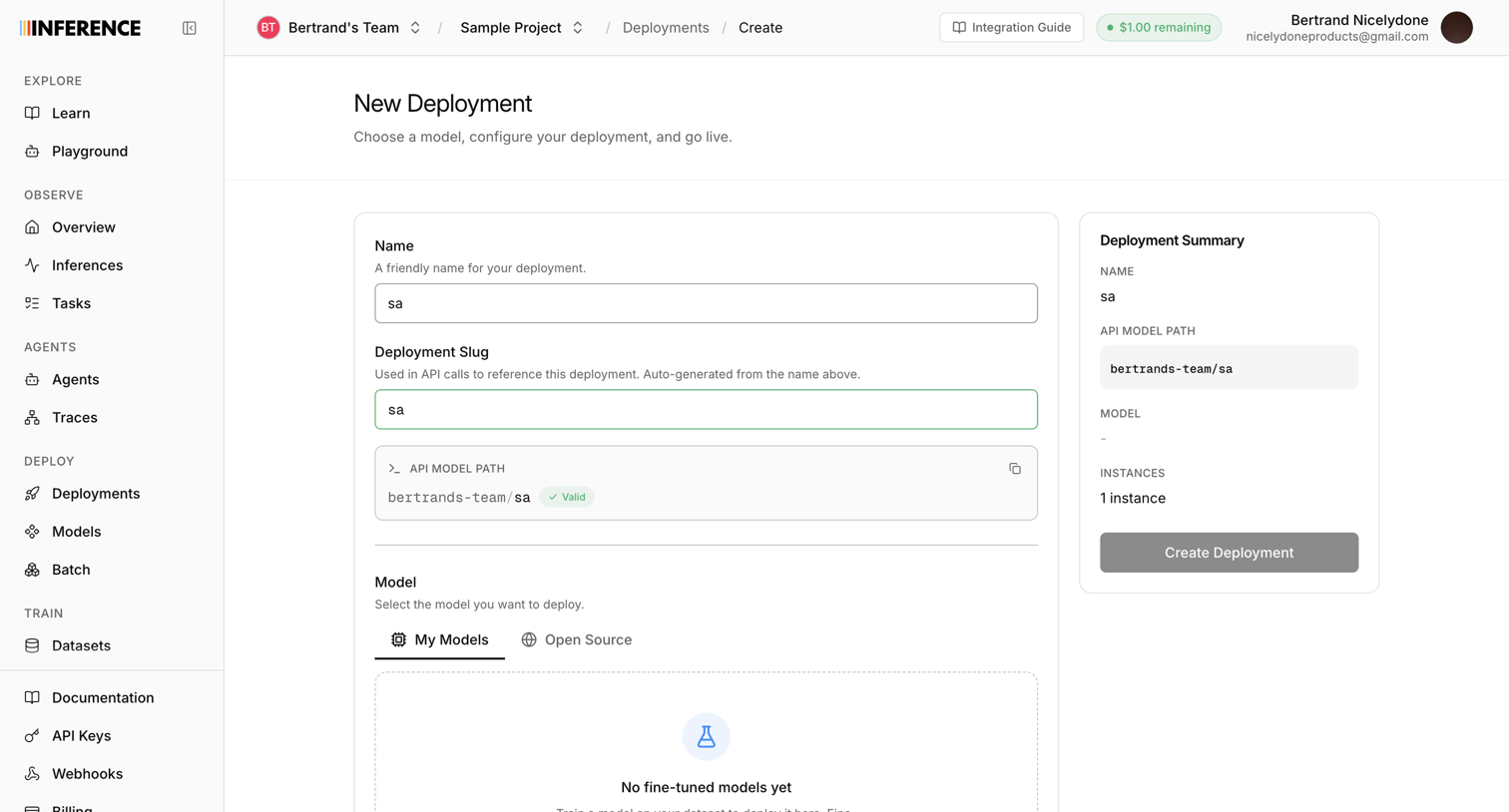

Creation page where the user configures a new model deployment by setting a name, slug, and selecting a model.
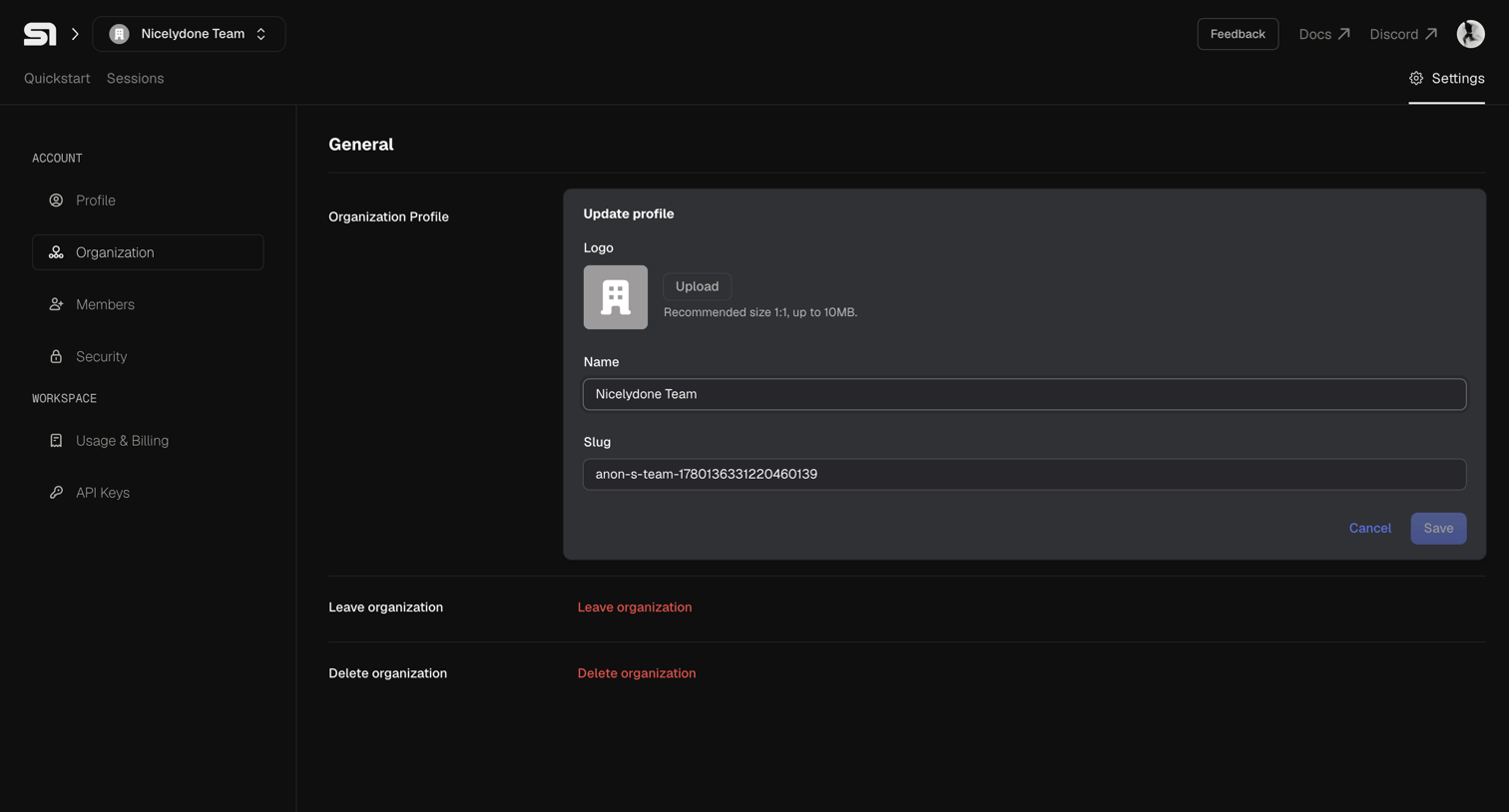

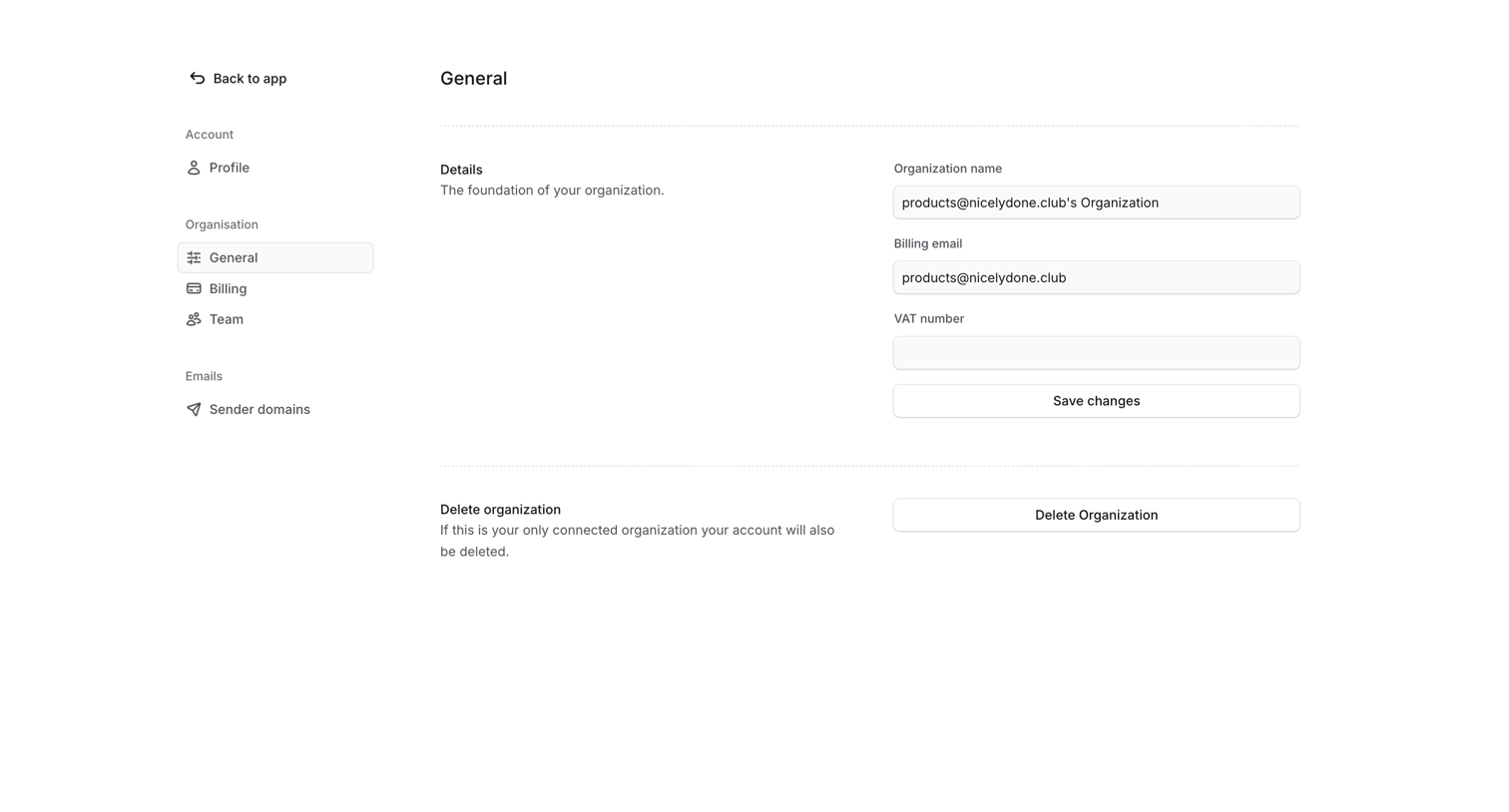
Settings page where the user updates their organization profile, including logo, name, and slug, or accesses destructive actions like leaving or deleting the organization.
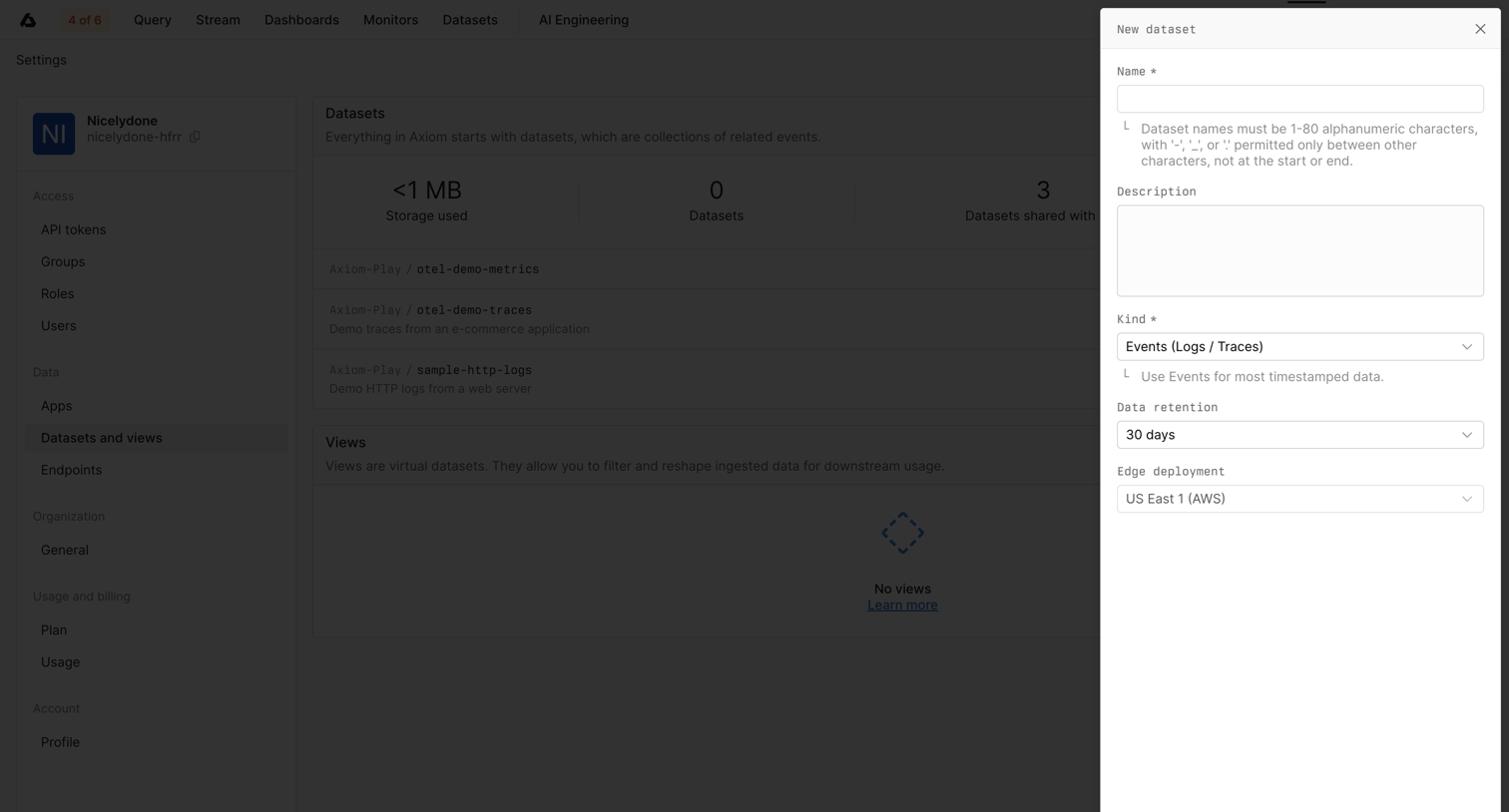

Settings page where the user creates a new dataset via a side drawer, configuring its name, description, kind, retention period, and deployment region.
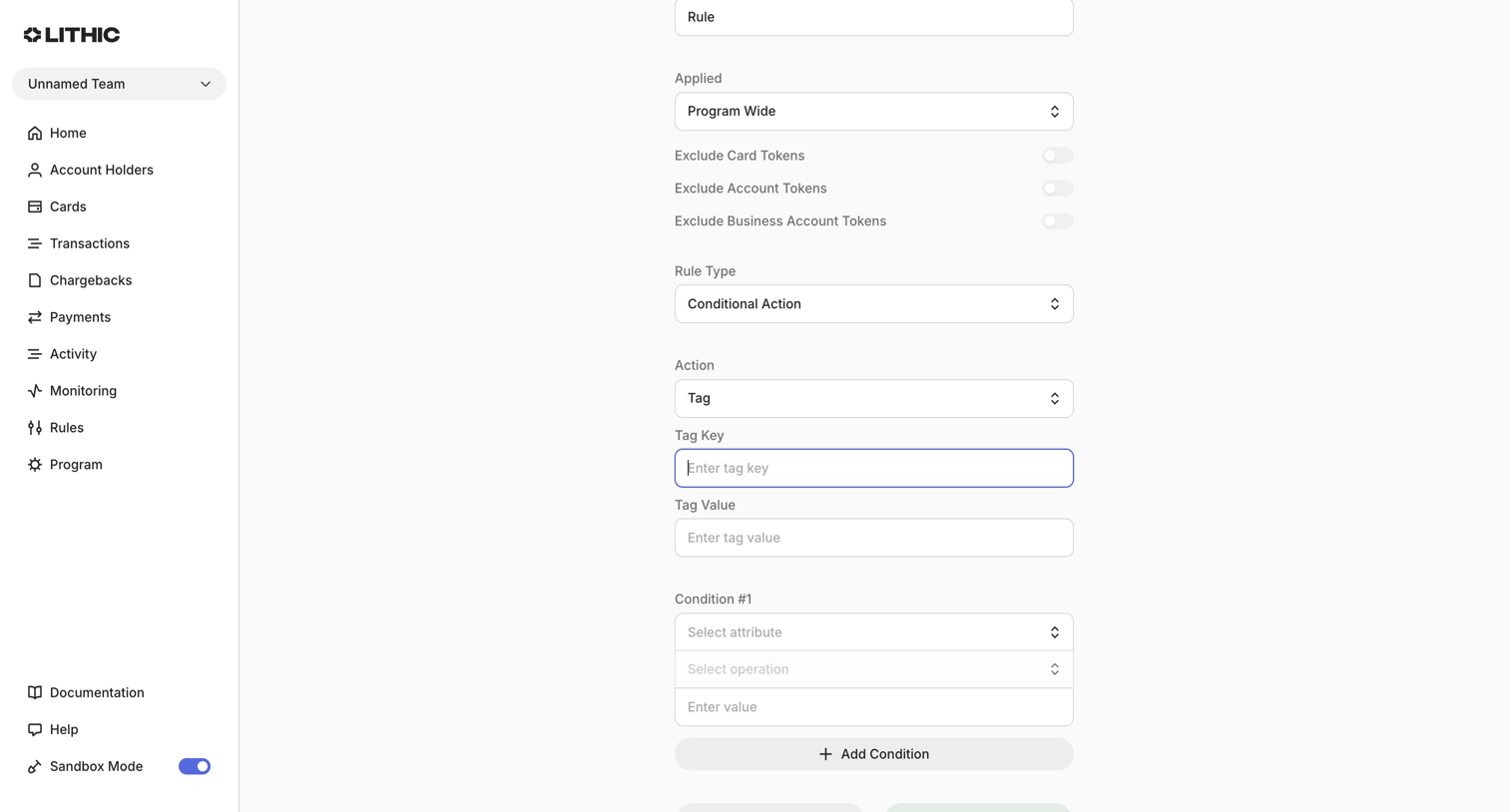

Create page where the user builds a new monitoring rule by defining its scope, conditional actions, and specific attribute conditions.
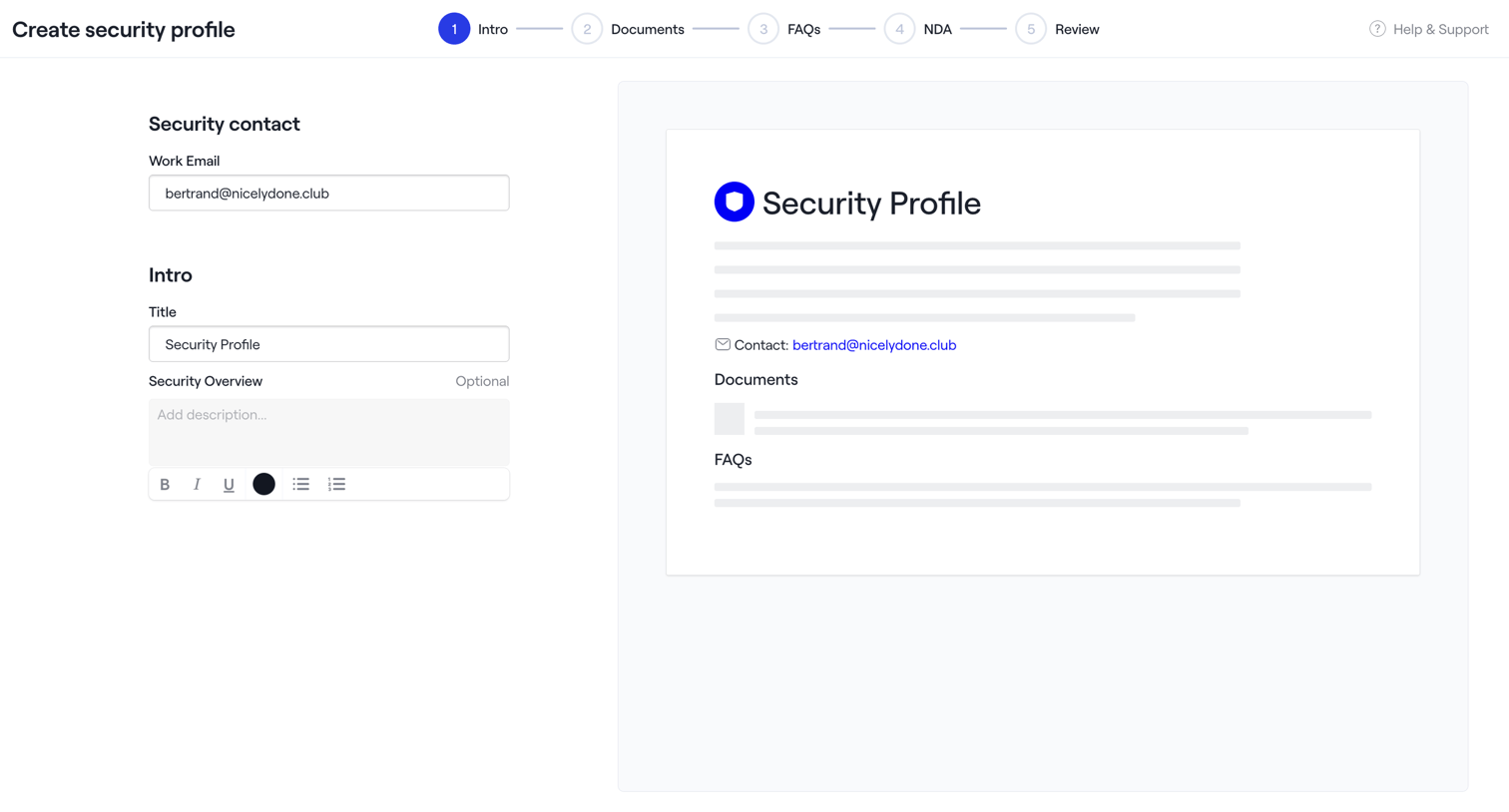

Wizard step where the user configures the intro section of a new security profile, including contact email and overview text, alongside a live preview.

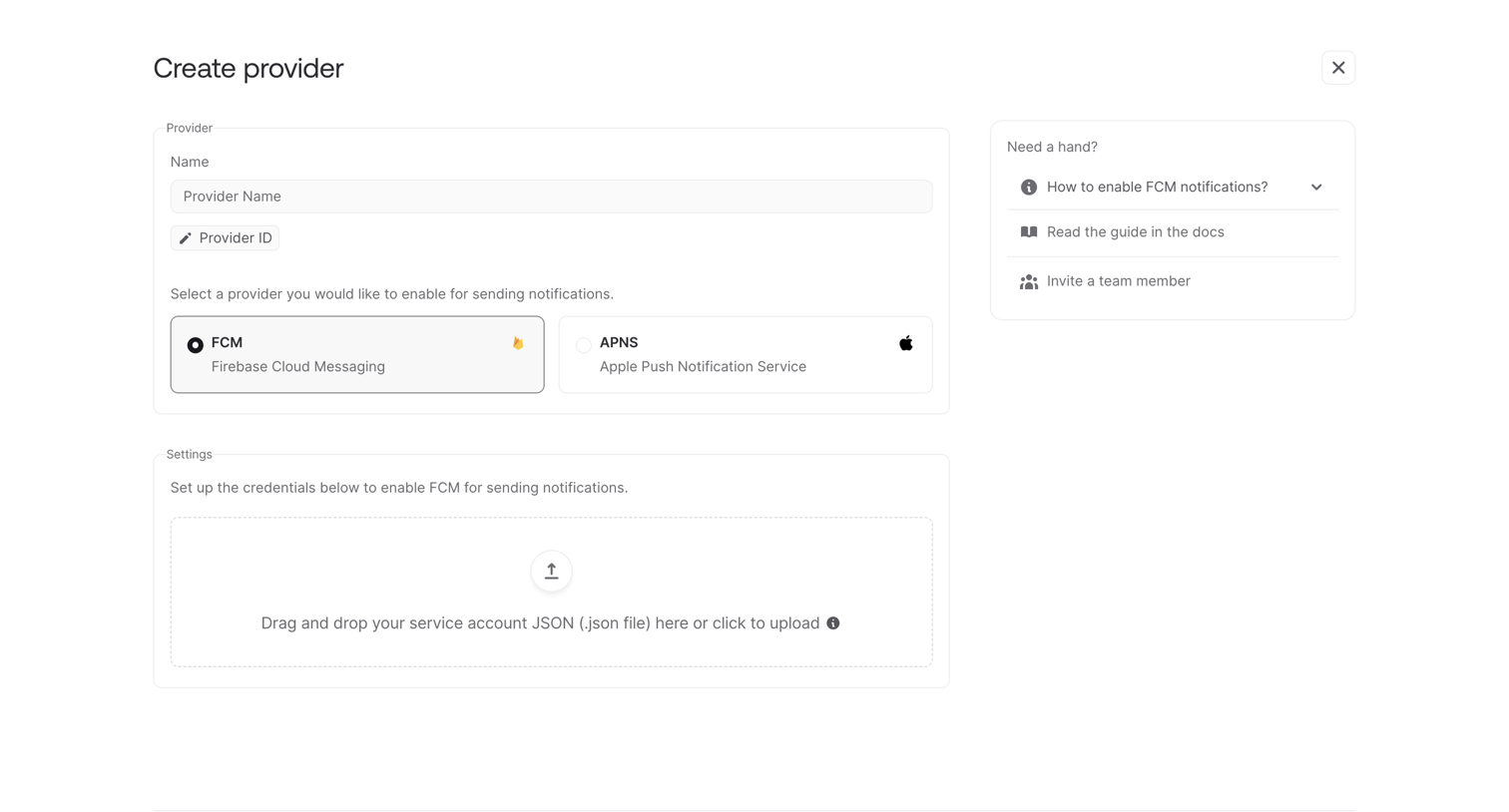

Creation screen where the user configures a new messaging provider by selecting FCM or APNS and uploading a service account JSON file.
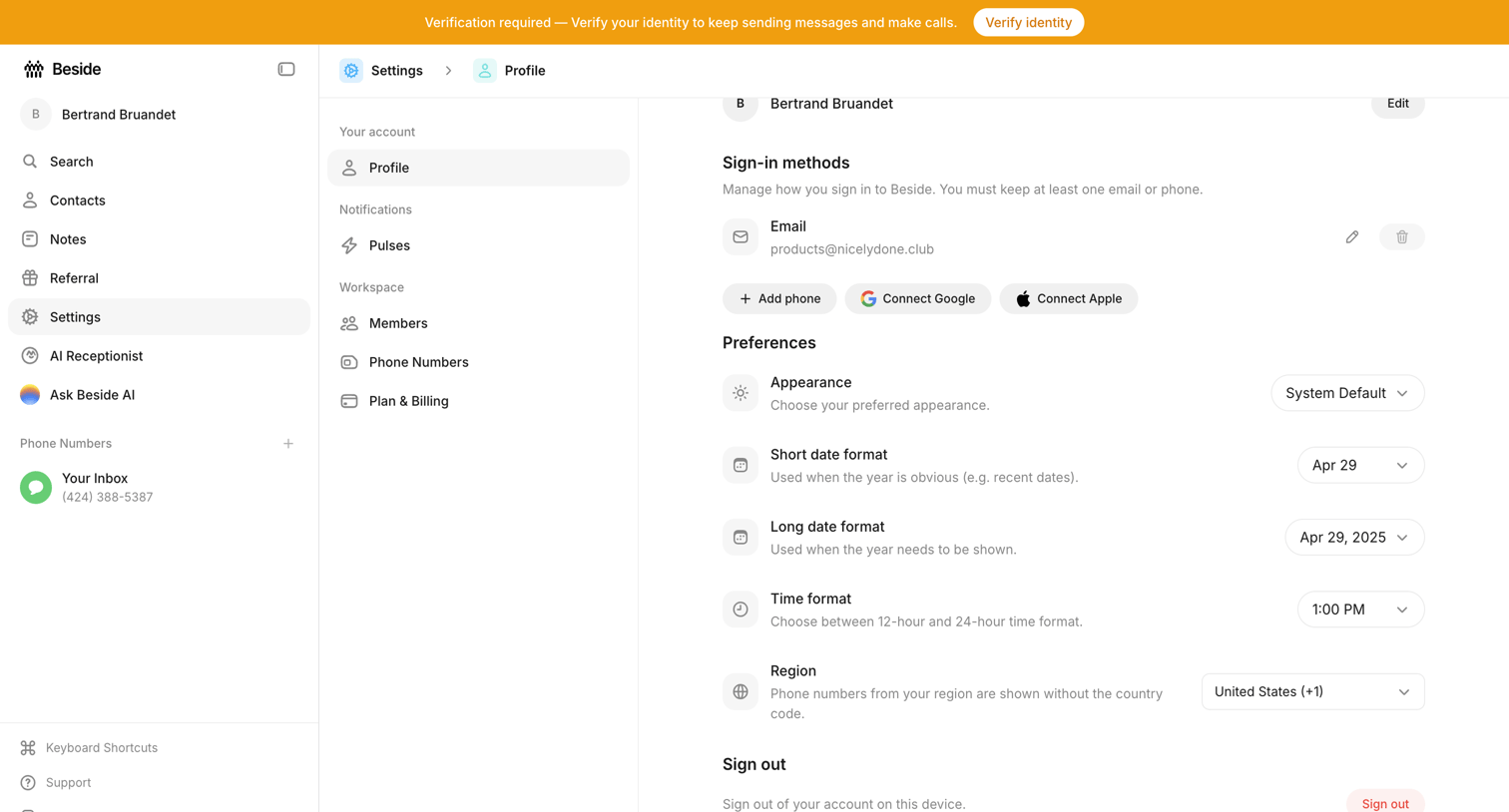

Settings page where the user configures their sign-in methods, appearance preferences, and regional date and time formats.
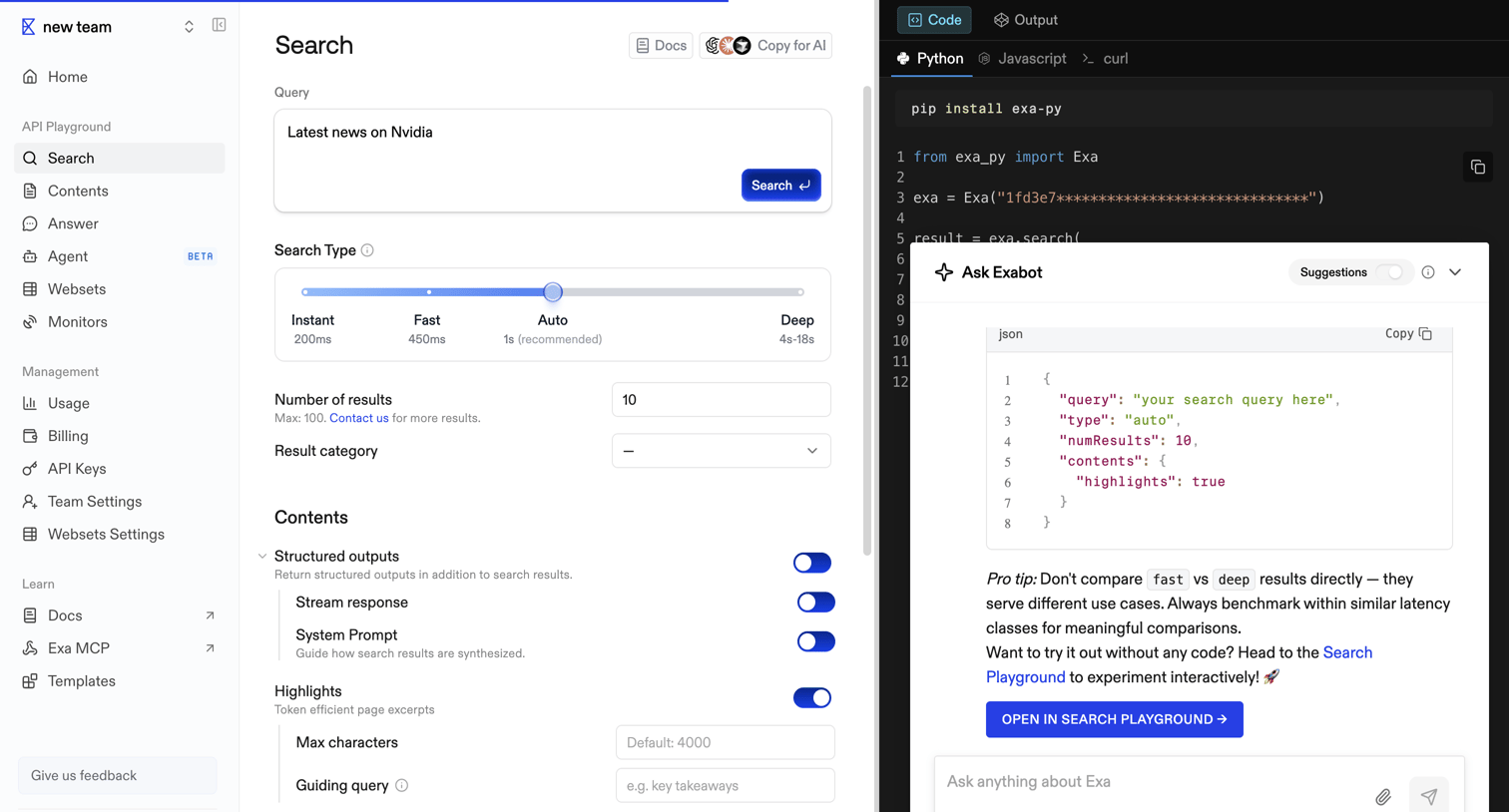

API playground where the user configures a search query with parameters like search type, number of results, and structured outputs, while viewing the corresponding Python code and interacting with an AI assistant.
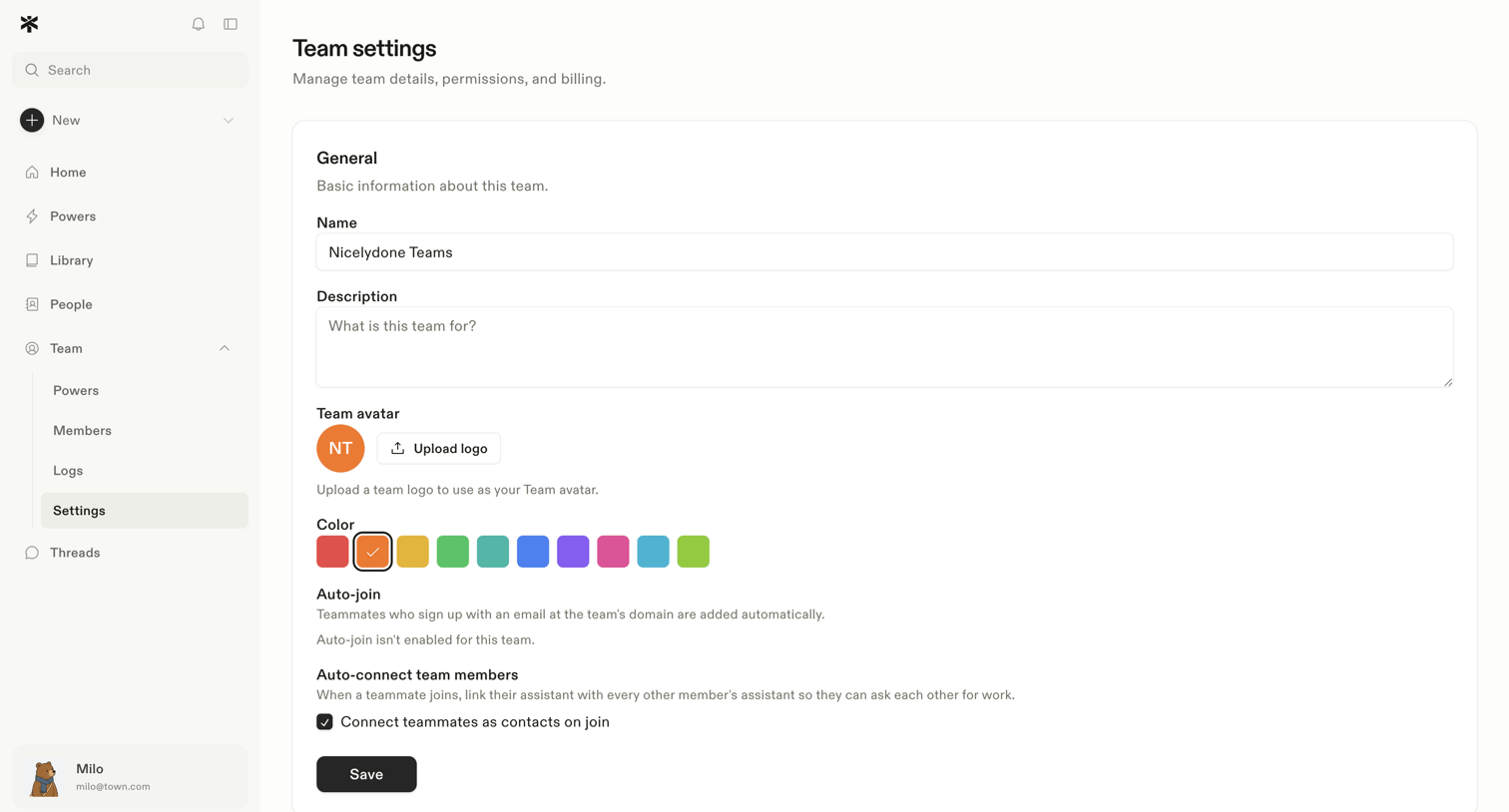

Settings page where the user configures general team details like name, description, avatar, color, and auto-join preferences.
Explore the full SaaS screen library
Upgrade to unlock the full library.
Trusted by the best teams







