Skip to content

Data analysis screen examples

Data analysis screen design examples from SaaS apps. Browse examples from Dock, Navattic, Maze.

Explore the examples
Dock - Spaces · Dock screen
Dock logo
Dock

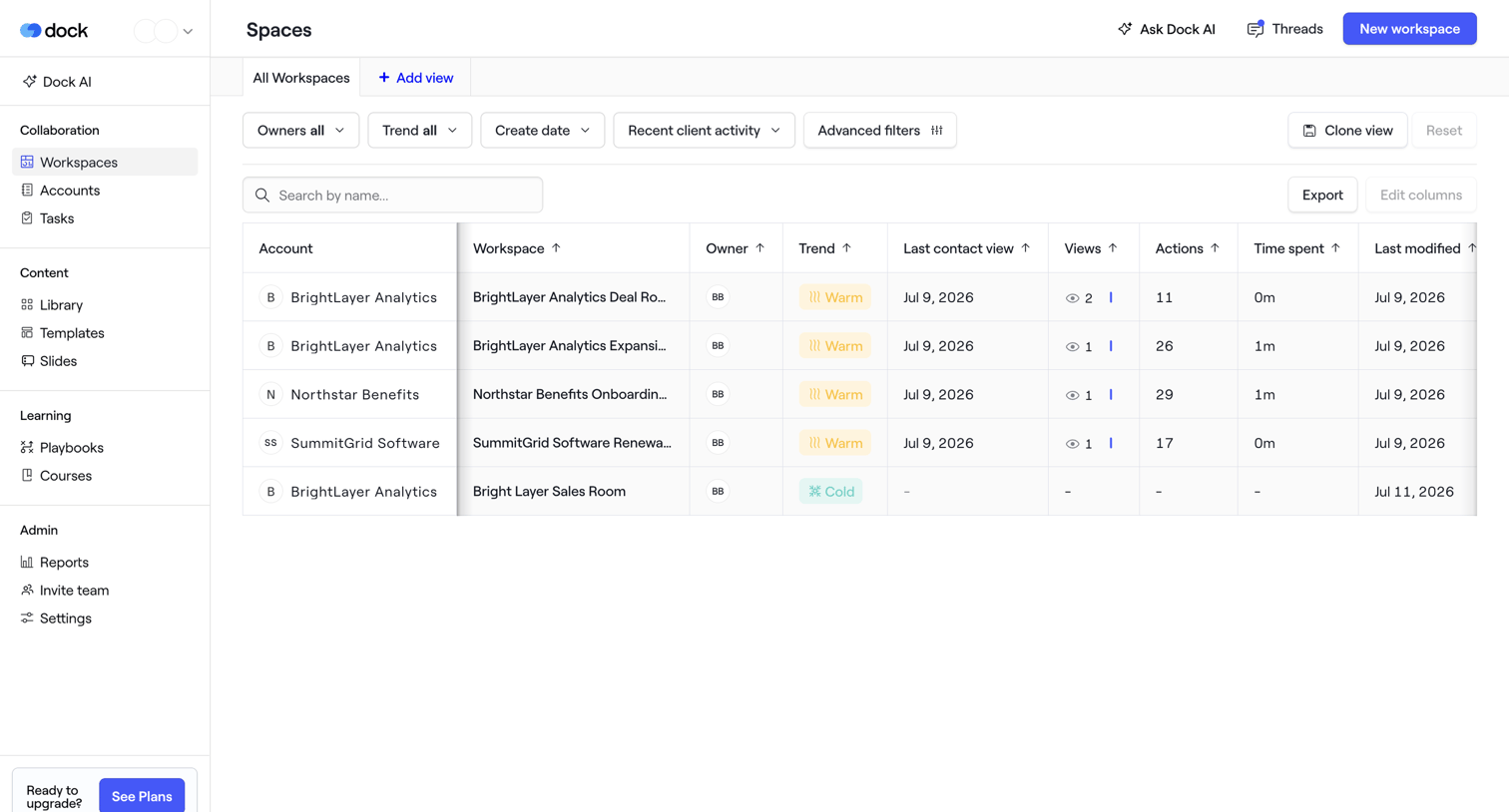
List view where the user manages client workspaces, filtering by owner, trend, and recent activity.

Navattic - Analytics · nicelydone3 screen
Navattic logo
Navattic

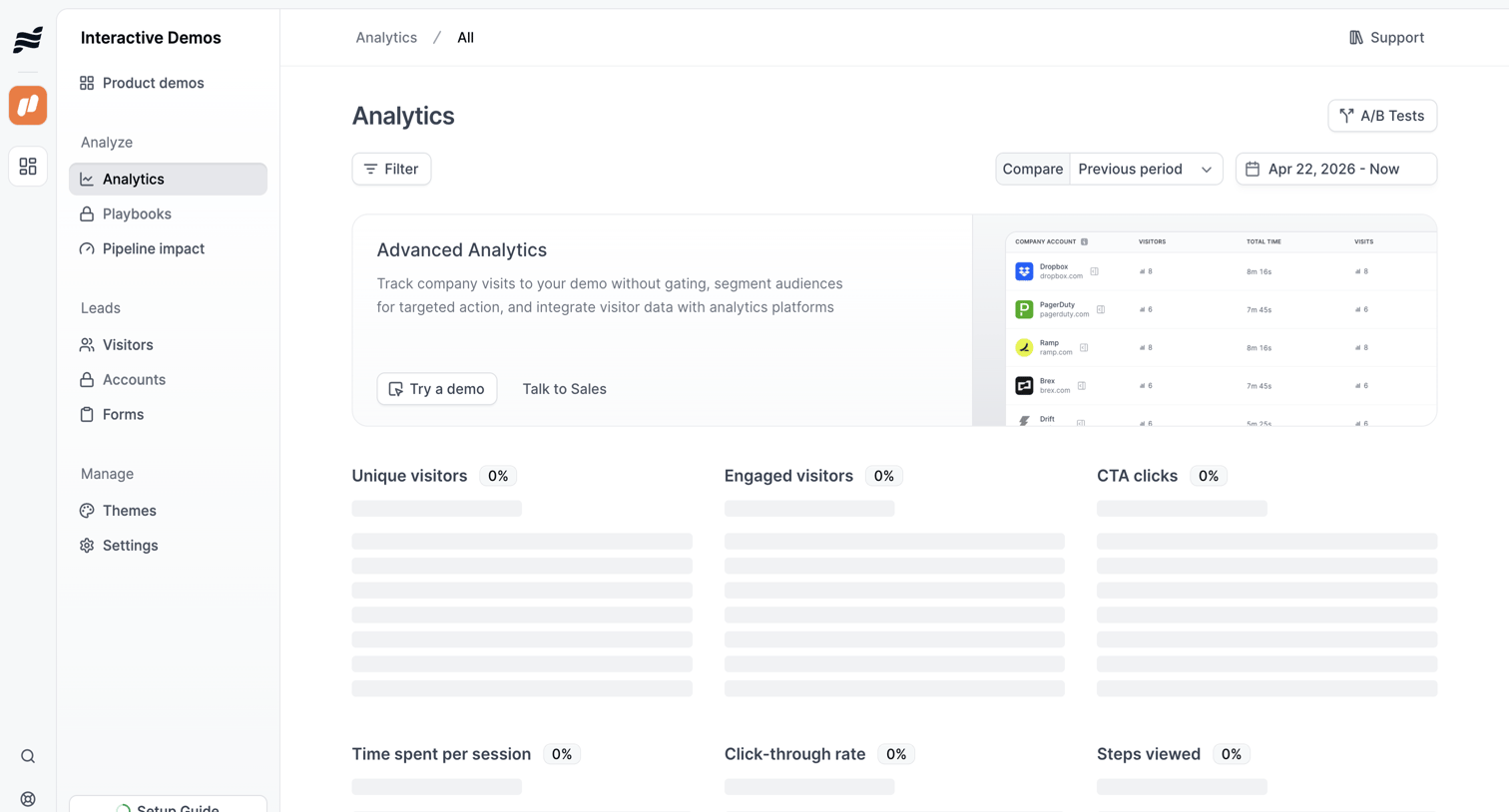
Dashboard showing analytics for interactive demos, currently in a loading state, with a prominent banner upselling advanced analytics features.

Maze screen
Maze logo
Maze

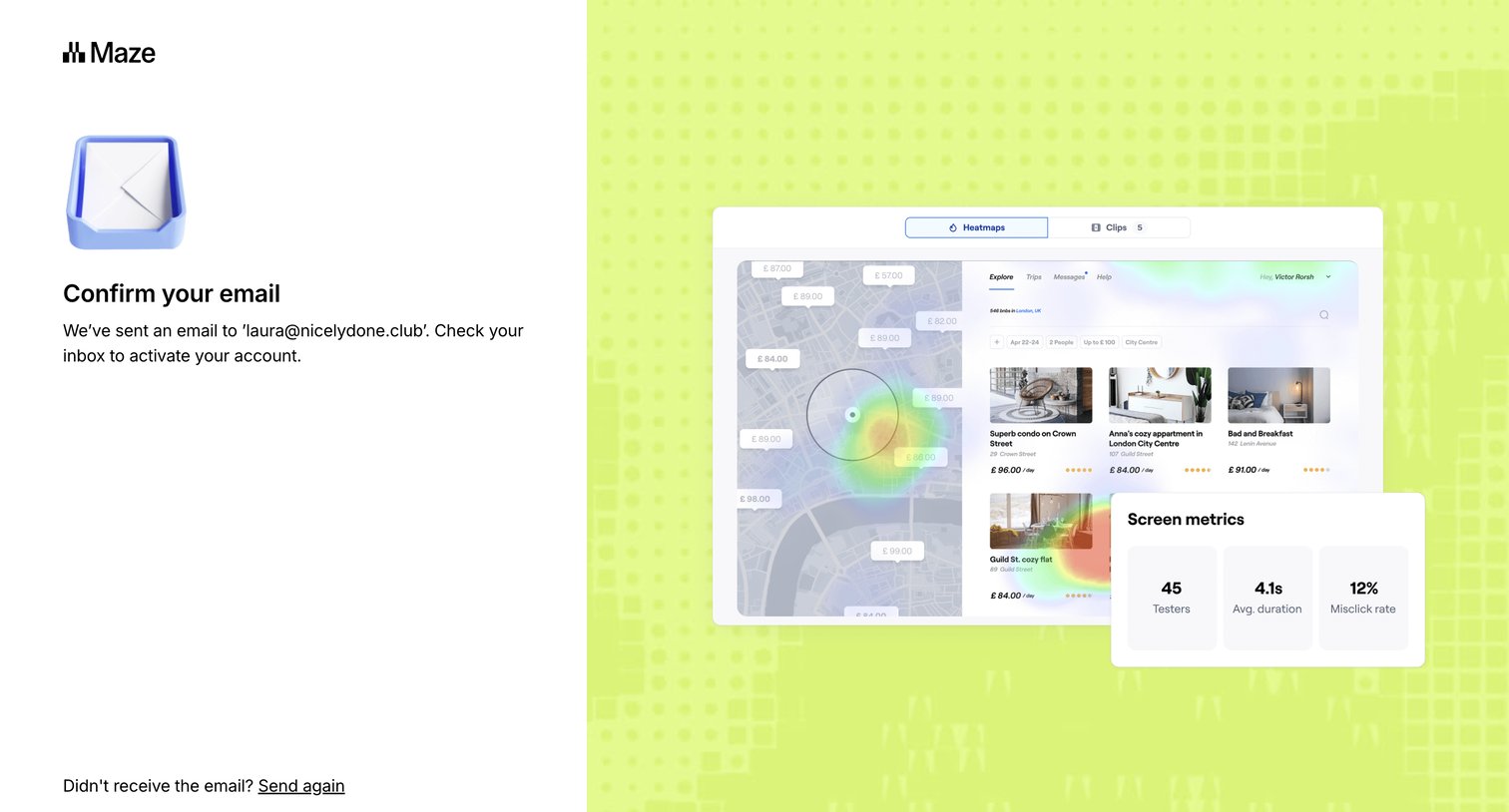
Verification screen where the user is instructed to check their email inbox to activate their account, with options to resend the email or return to signup.

Found screen
Found logo
Found

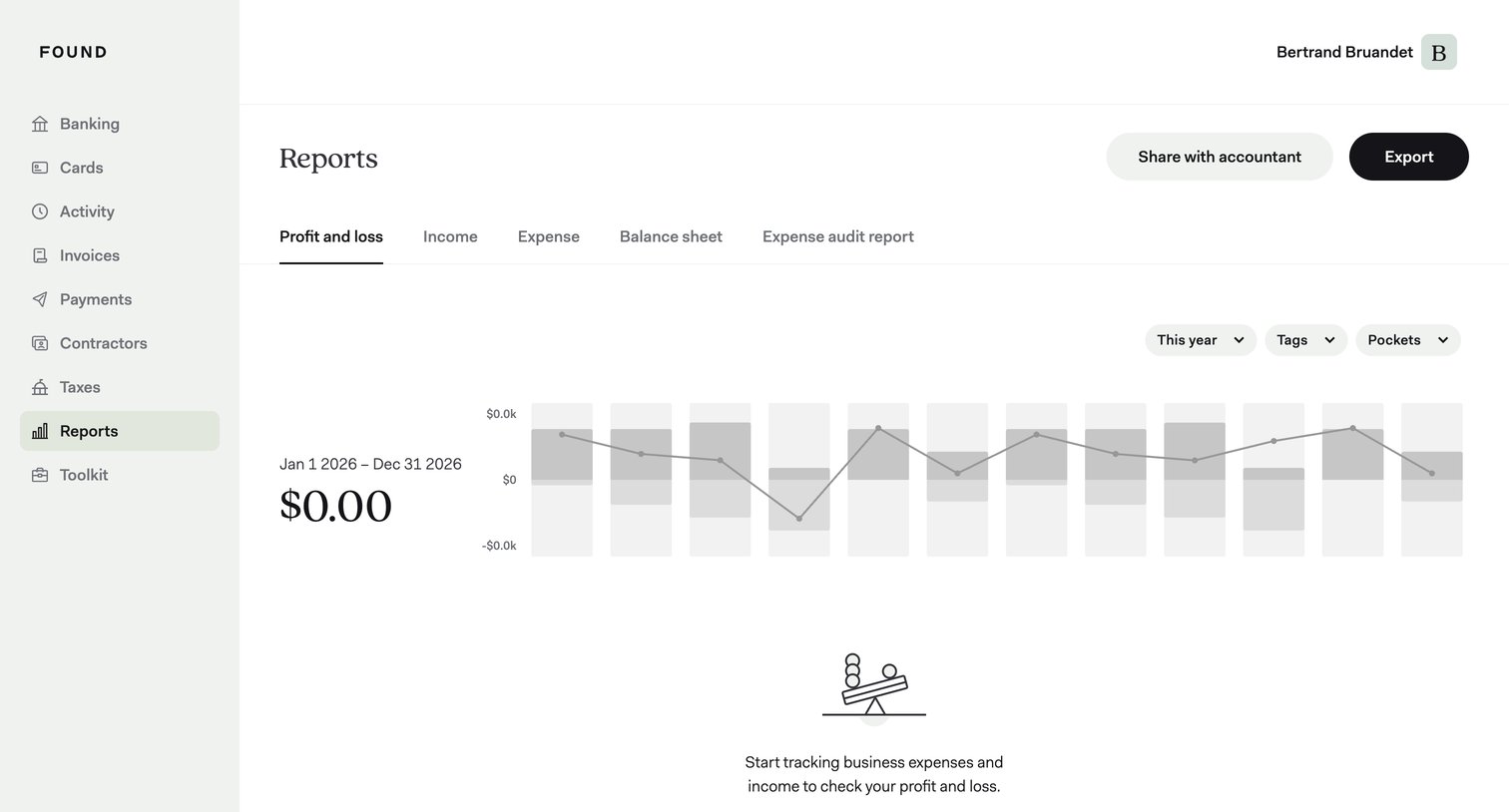
Analytics dashboard showing an empty profit and loss report with a prompt to start tracking expenses, alongside filters for year, tags, and pockets.
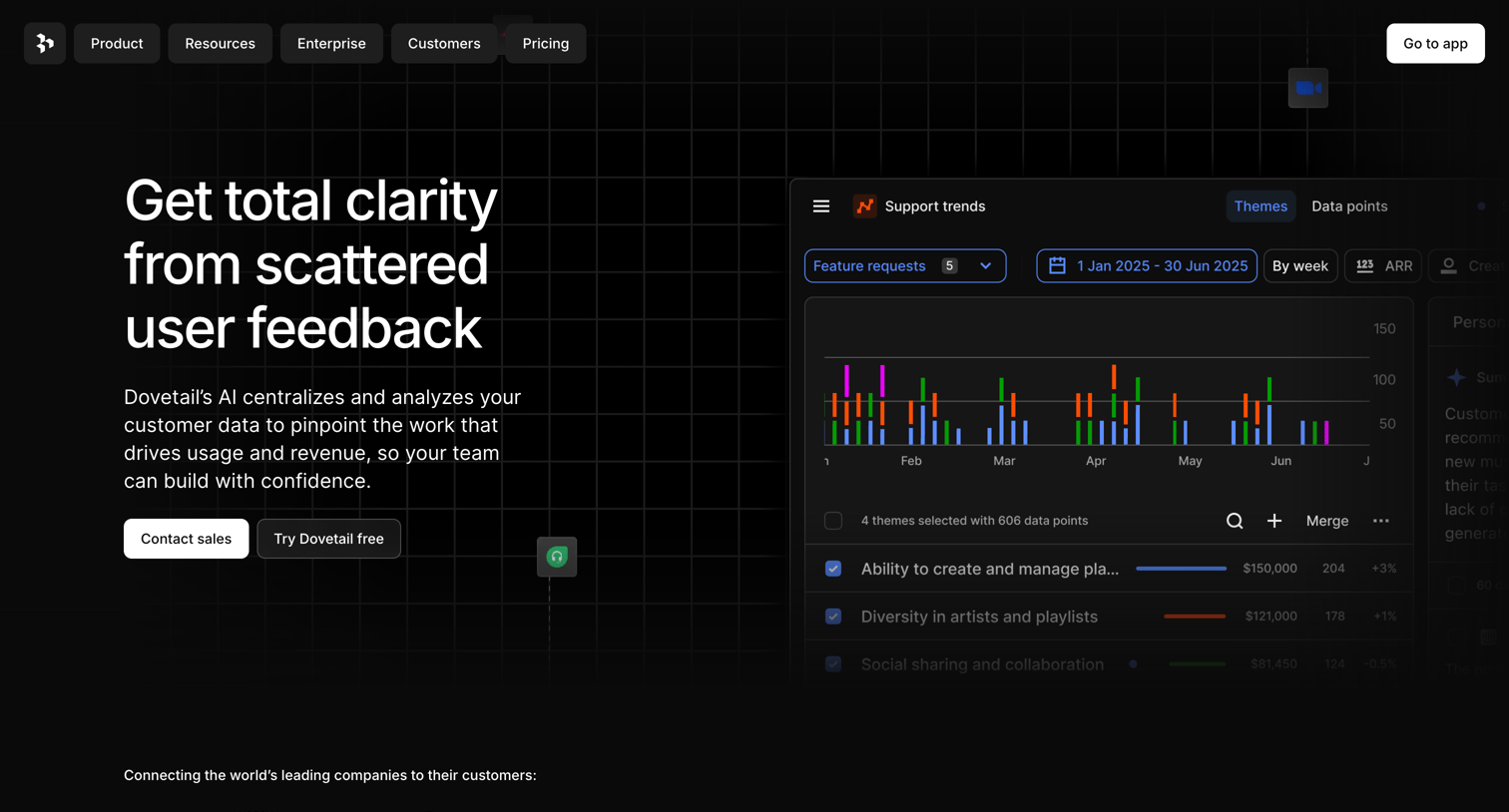

Dovetail - Dovetail | Customer Intelligence Platform screen
Dovetail logo
Dovetail

Landing page hero section pitching an AI-powered user feedback analysis tool, featuring a product UI mockup showing support trends and theme analysis.
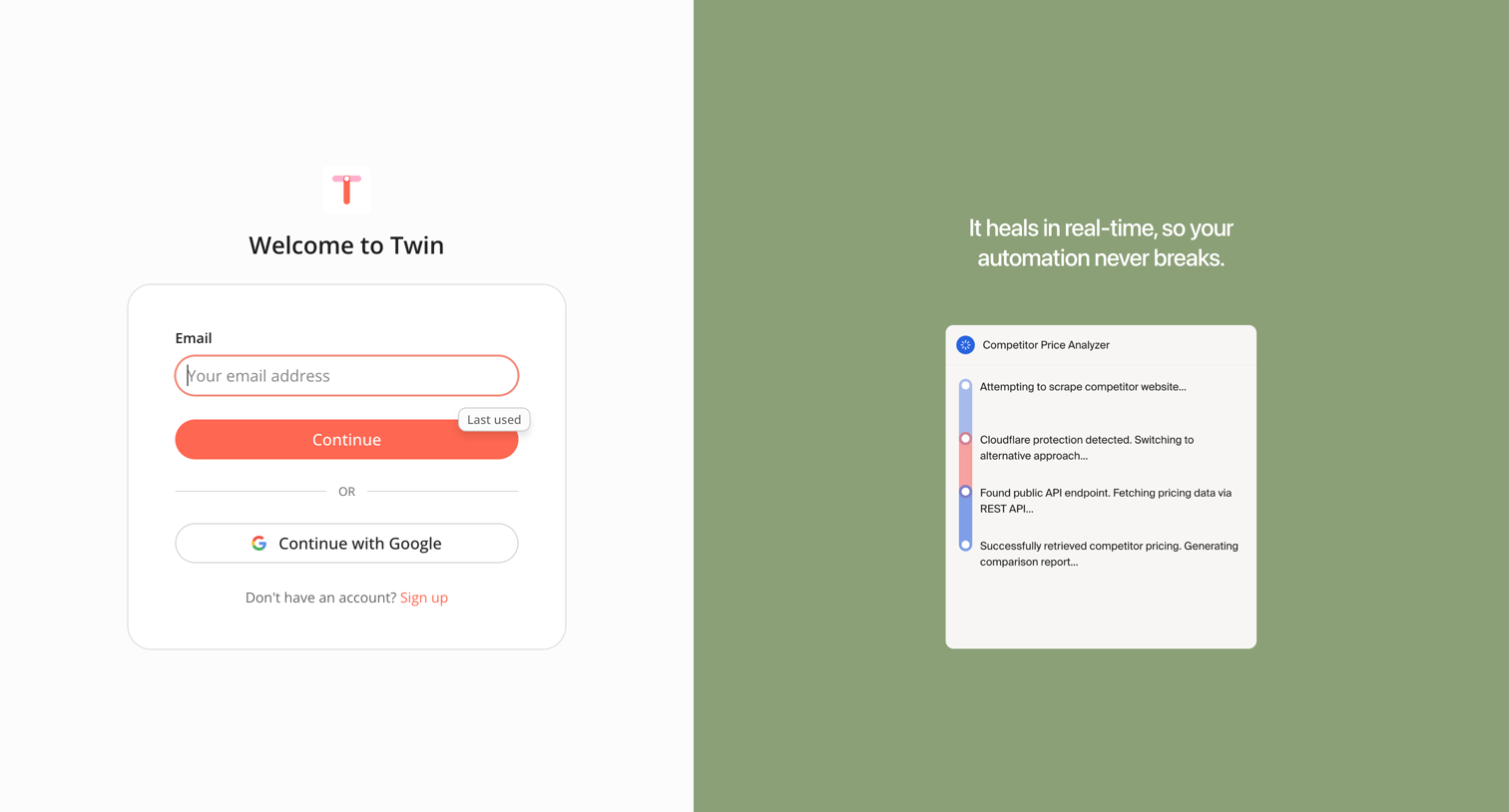

Twin - Sign in screen
Twin logo
Twin

Sign-in screen where the user authenticates with email or Google, featuring a product storytelling graphic about real-time automation healing.

Mixpanel - Mixpanel - Product Analytics screen
Mixpanel logo
Mixpanel

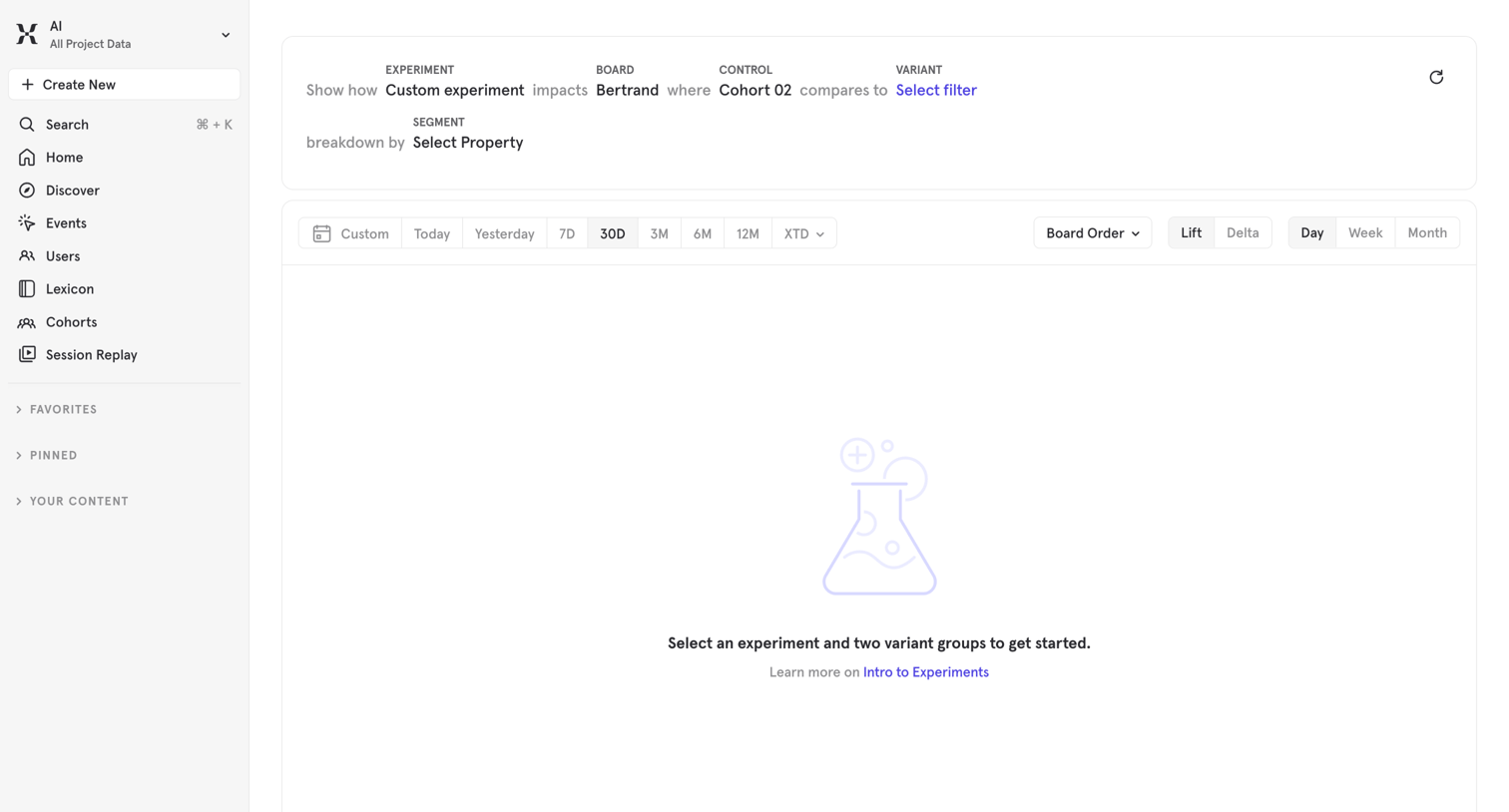
Analytics dashboard where the user configures a custom experiment by selecting variant groups and a breakdown property to view comparative lift and delta metrics.
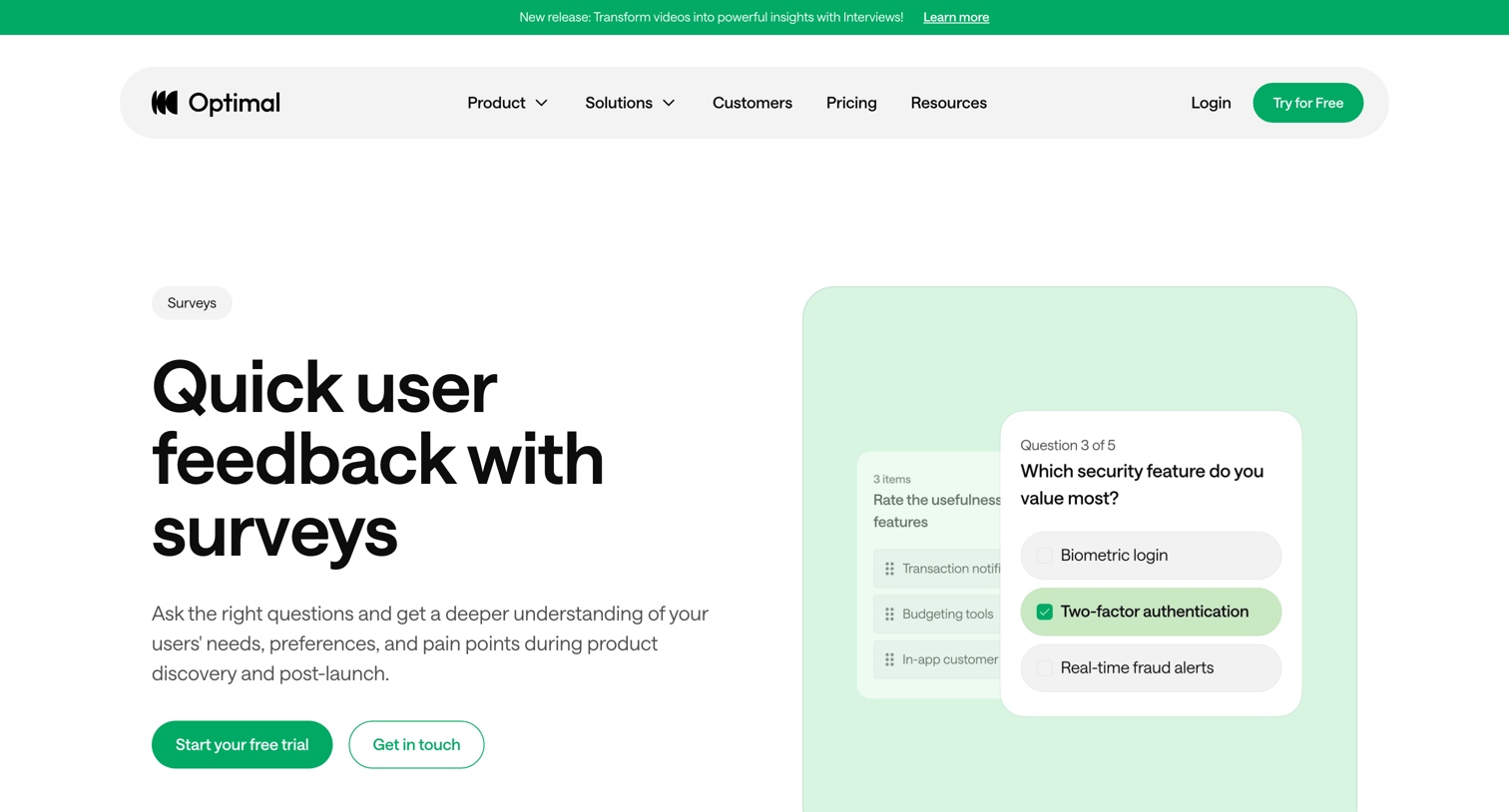

Optimal - Surveys  Optimal User Insight Platform screen
Optimal logo
Optimal

Product page for a survey tool highlighting capabilities like targeted feedback, data segmentation, and completion tracking, with use cases for event, product, and employee feedback.
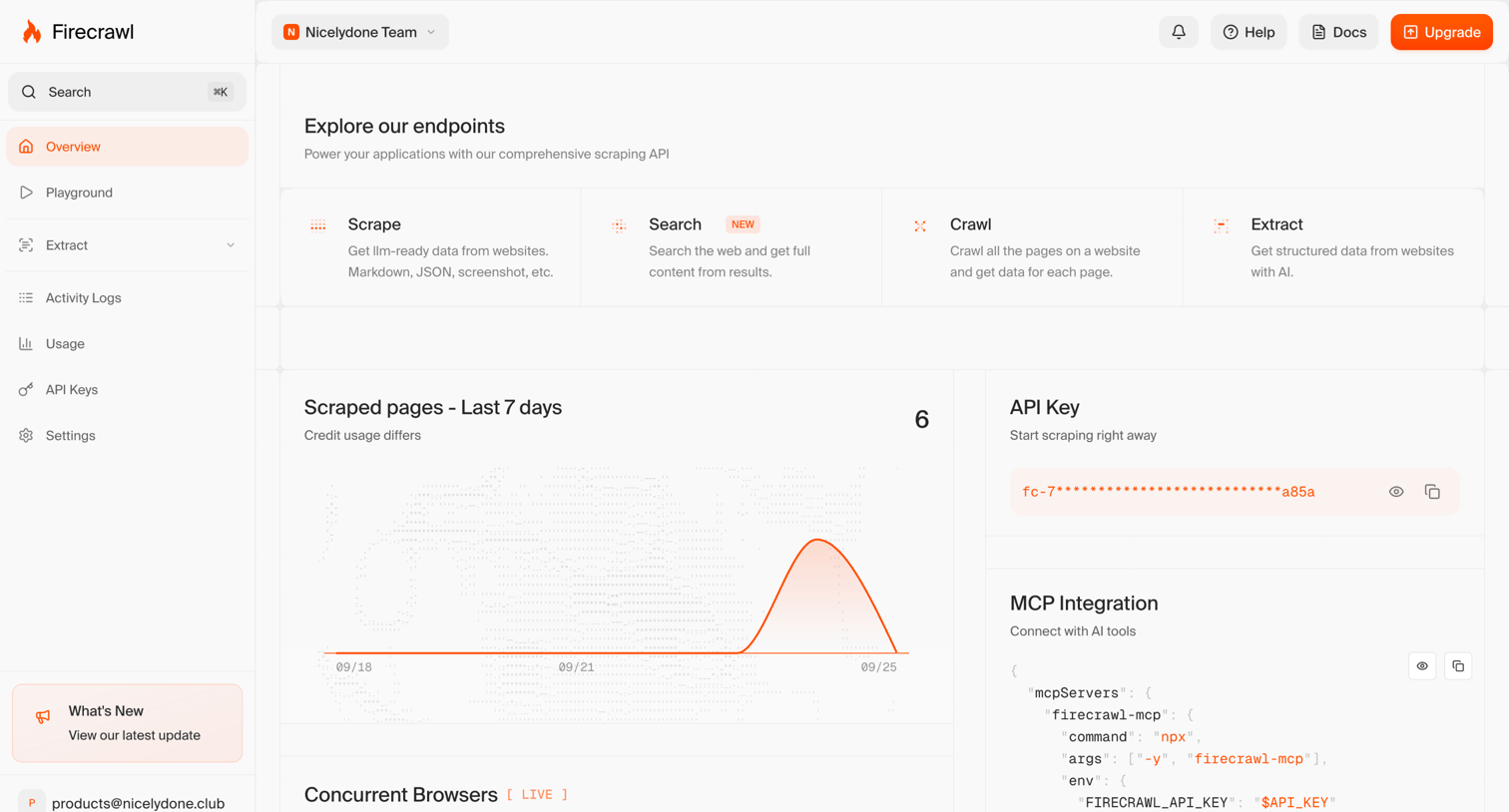

Firecrawl - Dashboard | Firecrawl screen
Firecrawl logo
Firecrawl

Dashboard overview where the user can explore API endpoints, view recent scraping activity on a line chart, and copy their API key or MCP integration config.

Capsule - Goals | Nicelydone CRM screen
Capsule logo
Capsule

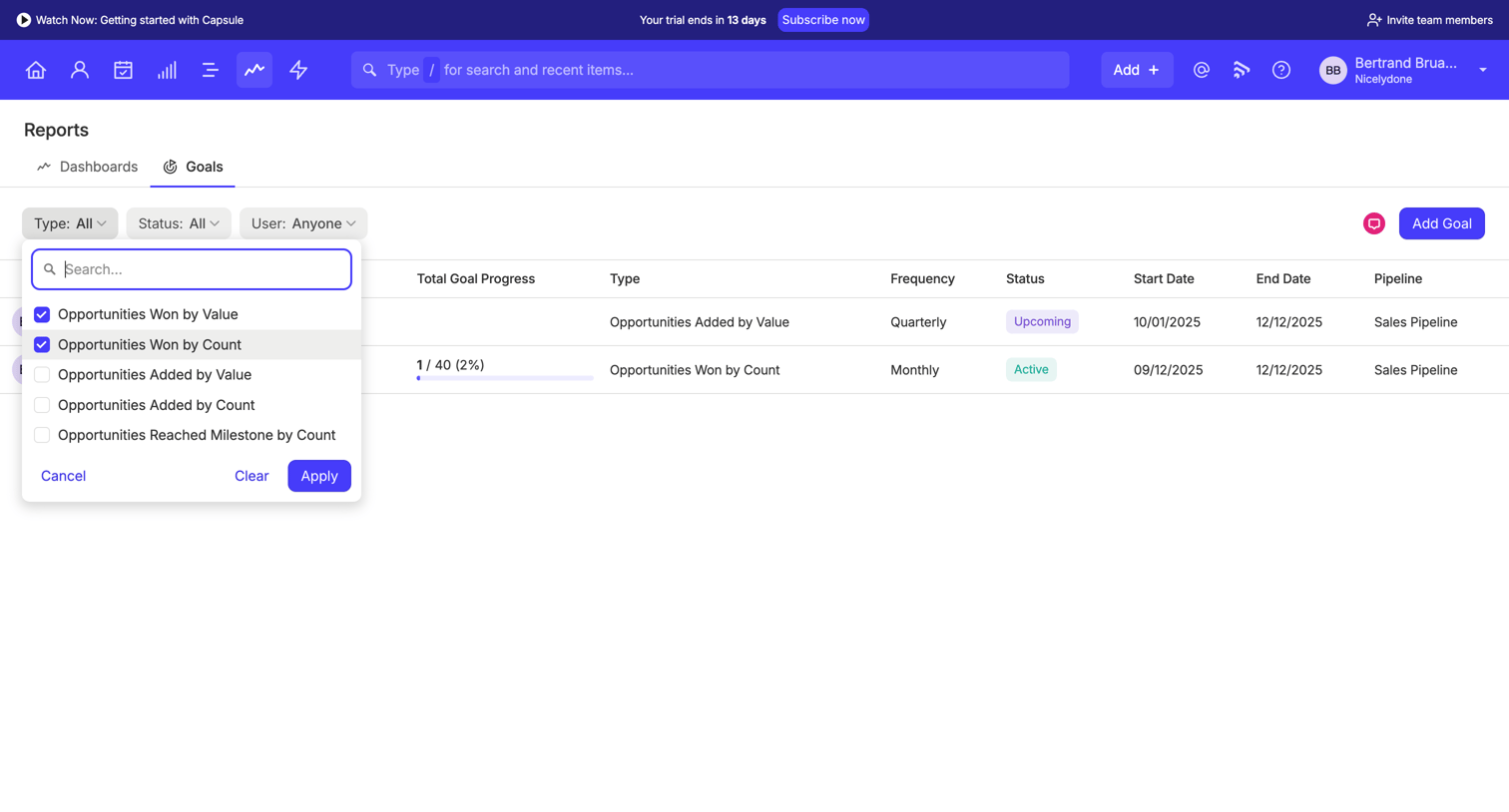
List view where the user tracks sales goals progress and filters the data table by goal type using a multi-select dropdown menu.

Parallel - Parallel Platform screen
Parallel logo
Parallel

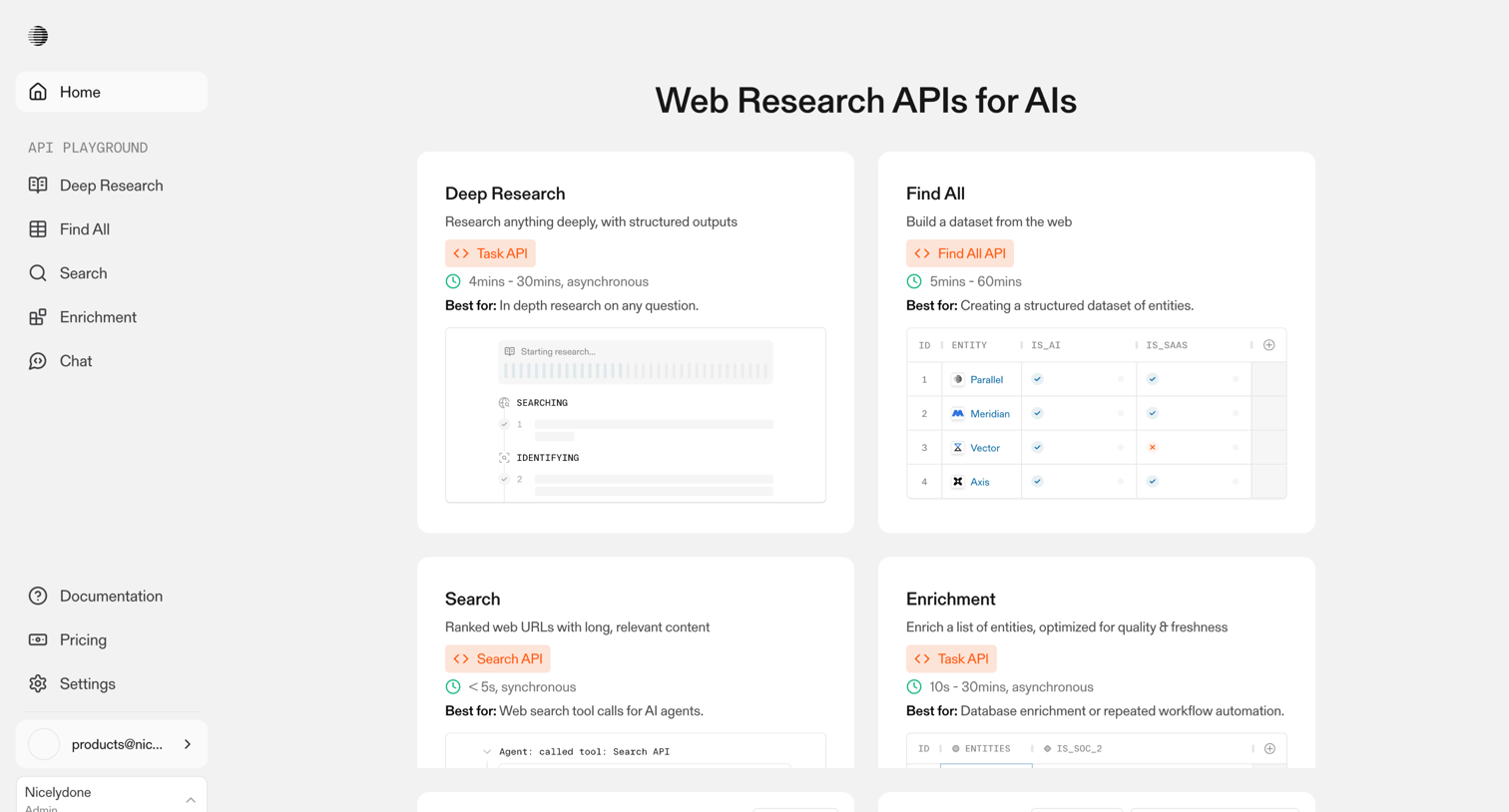
Home screen where the user selects between web research APIs like Deep Research, Find All, Search, and Enrichment to start a playground session.

Wynde screen
Wynde logo
Wynde

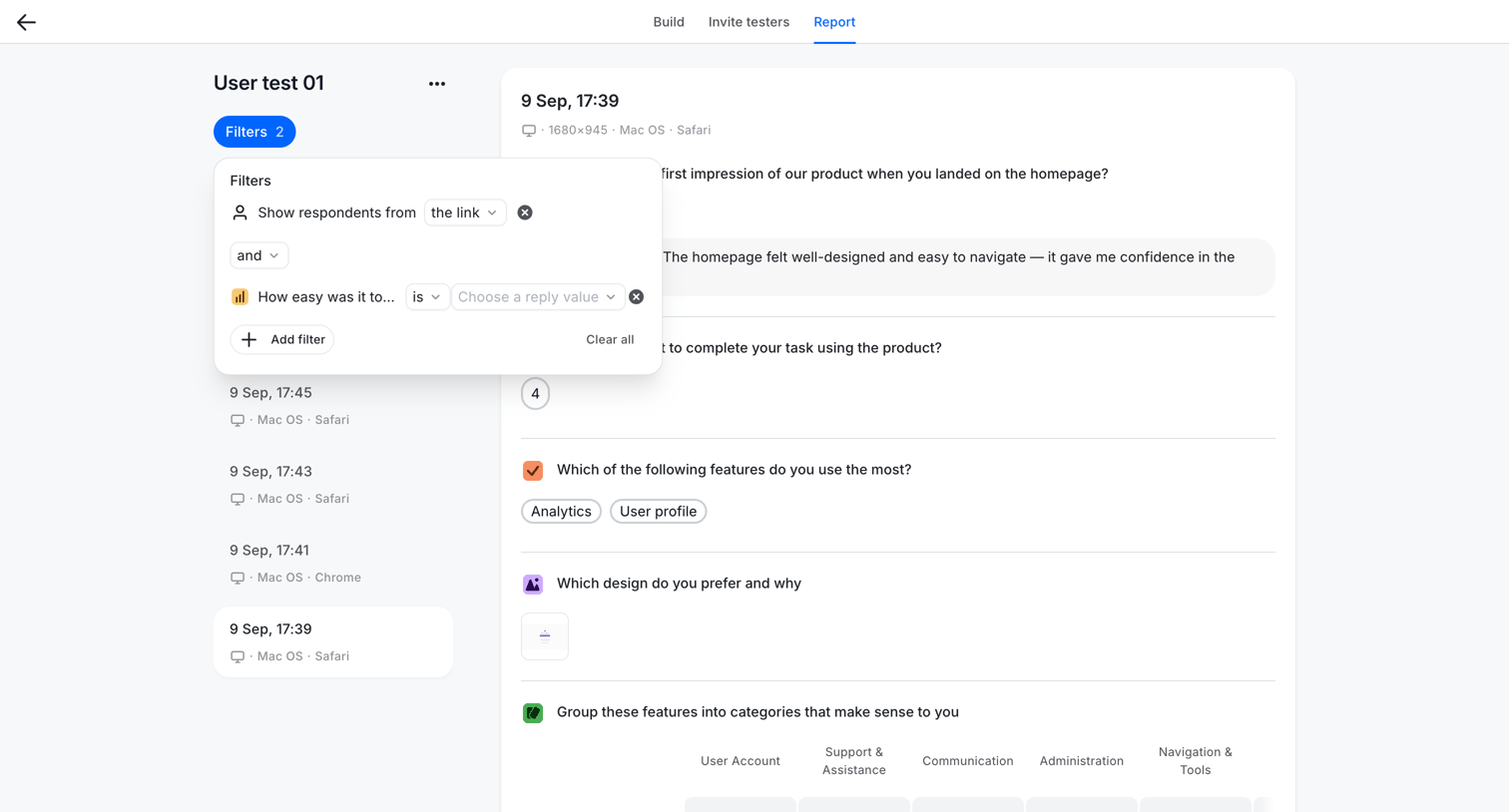
Detail page where the user views individual responses to a usability test and applies a multi-condition filter to narrow down the respondents.

Explore the full SaaS screen library

Upgrade to unlock the full library.

Trusted by the best teams