Change password screen examples
Change password screen design examples from SaaS apps. See how apps let people change a password. Explore how current values, available controls, and save actions explain the change being made.
Explore the examples


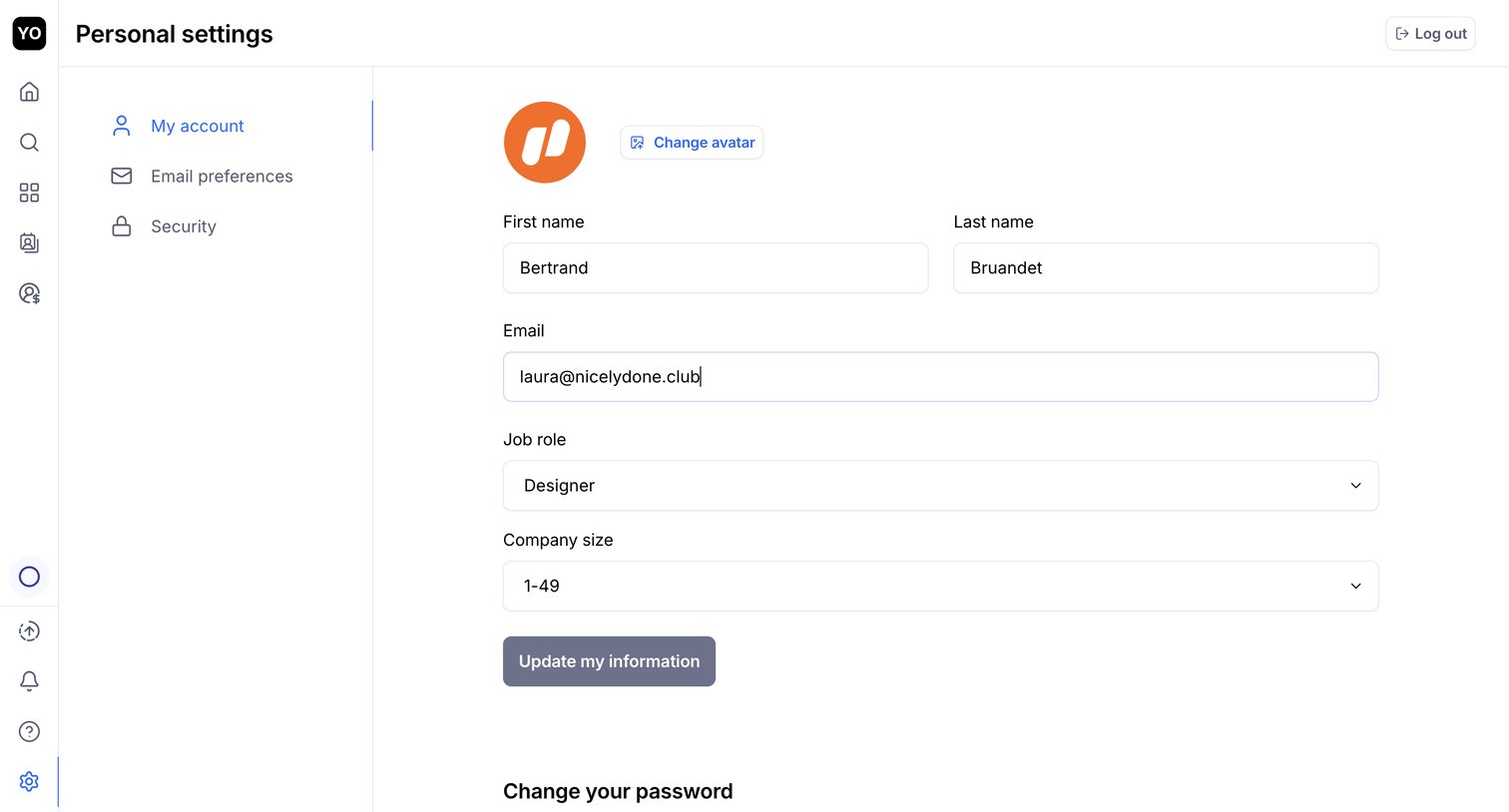

Settings page where the user updates their personal profile information like name, email, job role, and company size.
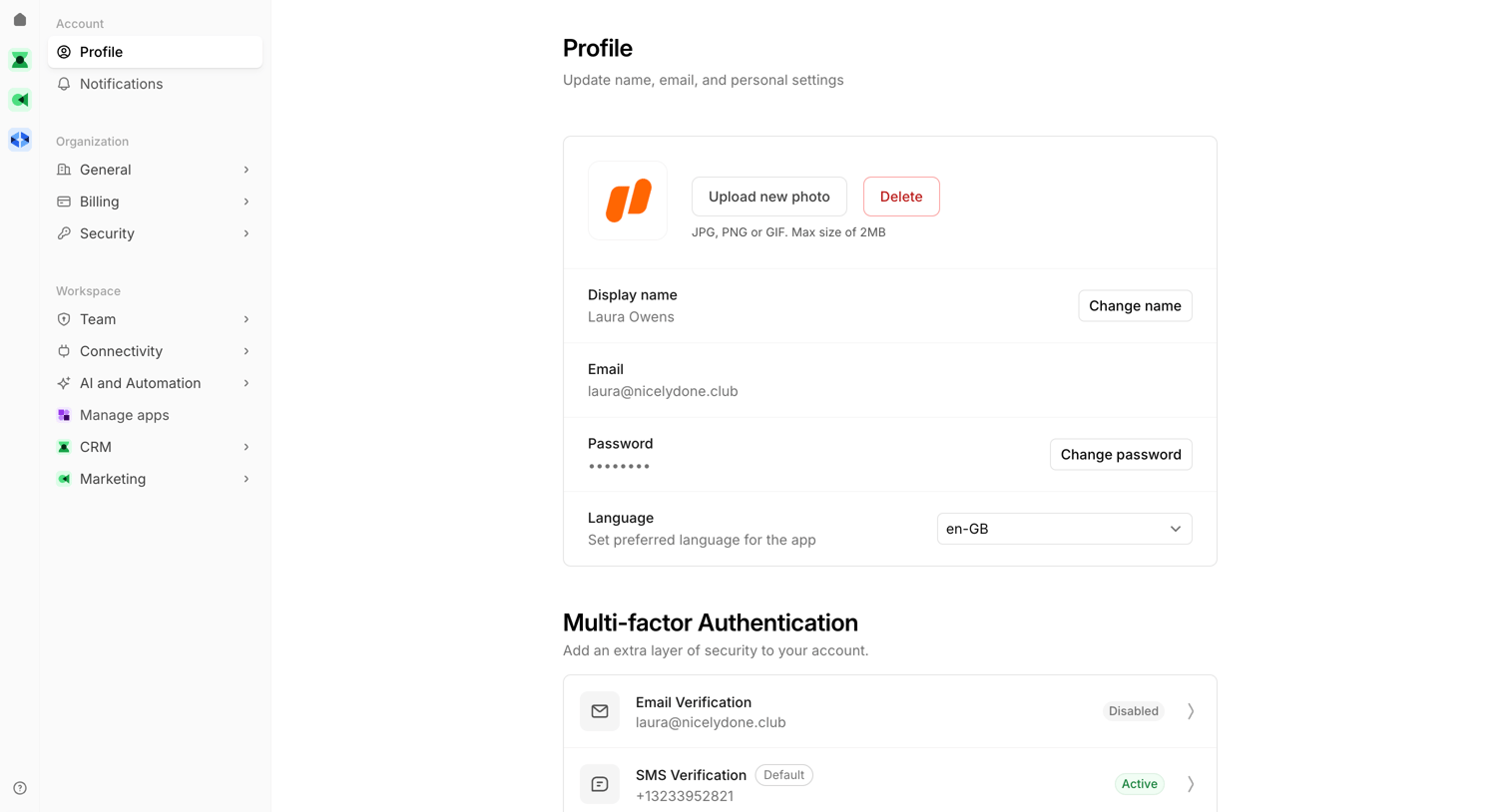

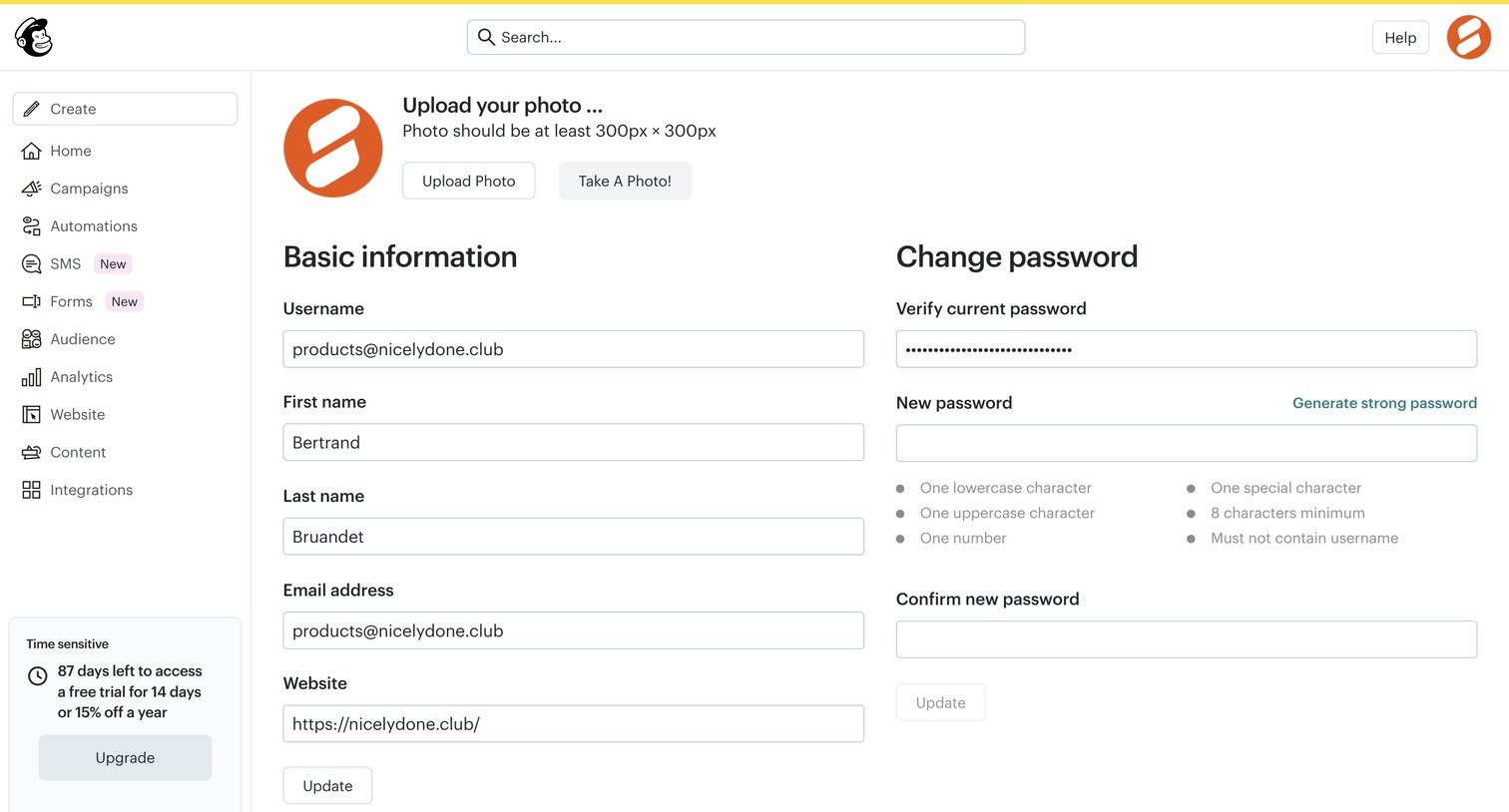
Settings page where the user updates their personal profile information, changes their password, and configures multi-factor authentication methods like SMS and email verification.
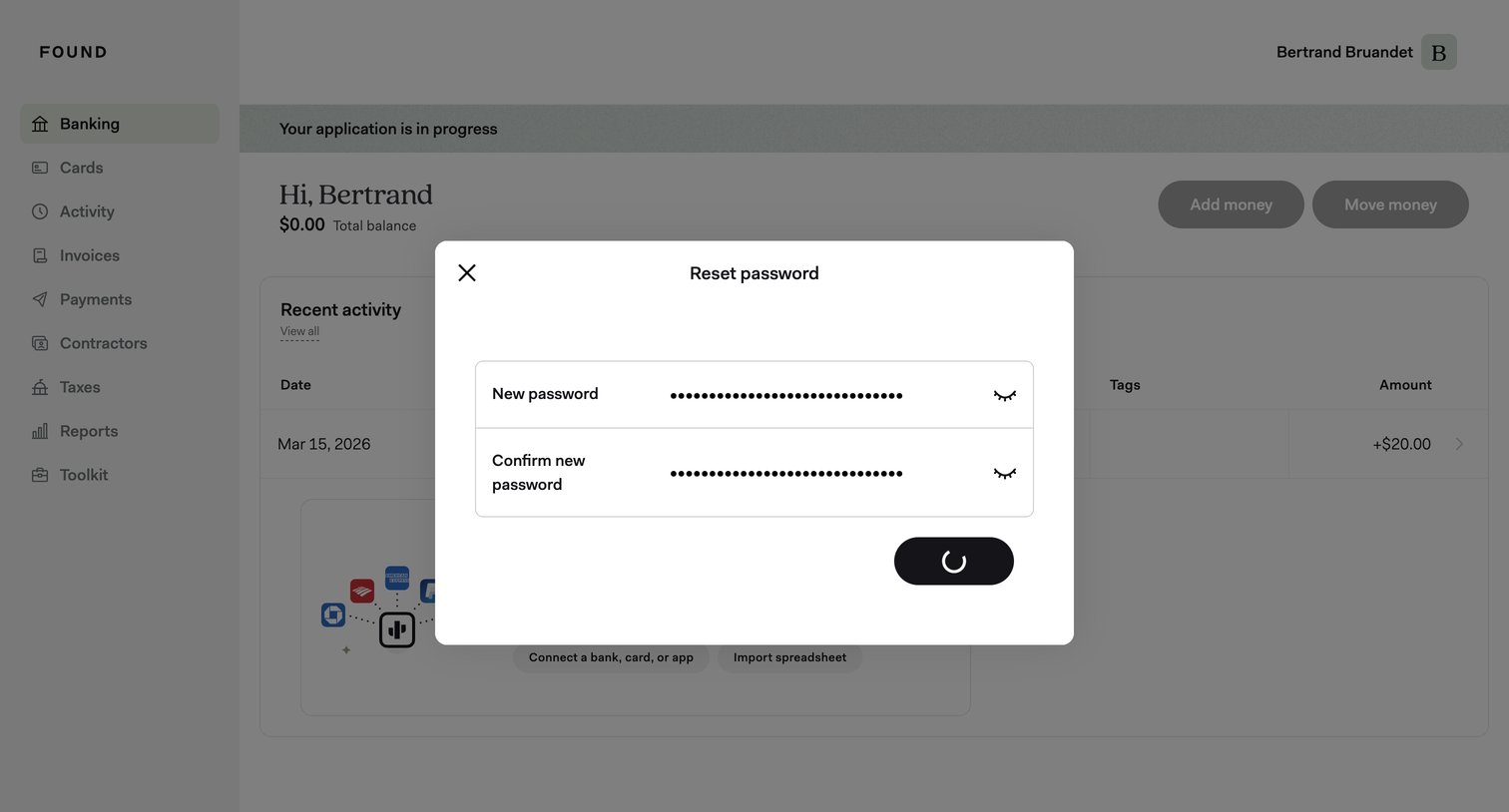

Dashboard with a modal overlay where the user is submitting a new password, currently showing a loading spinner.
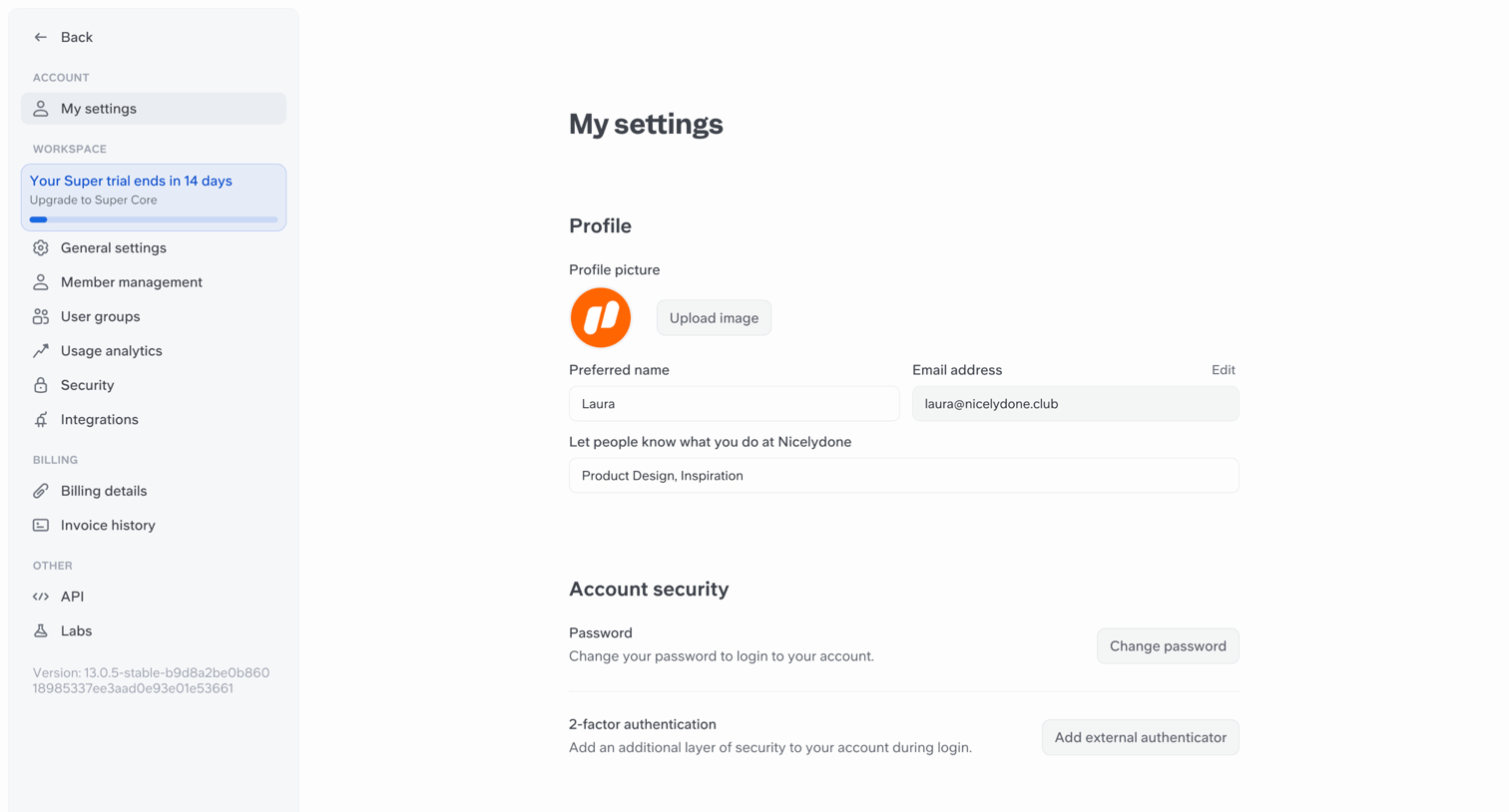

Settings page where the user manages their profile picture, preferred name, email address, password, and 2-factor authentication.
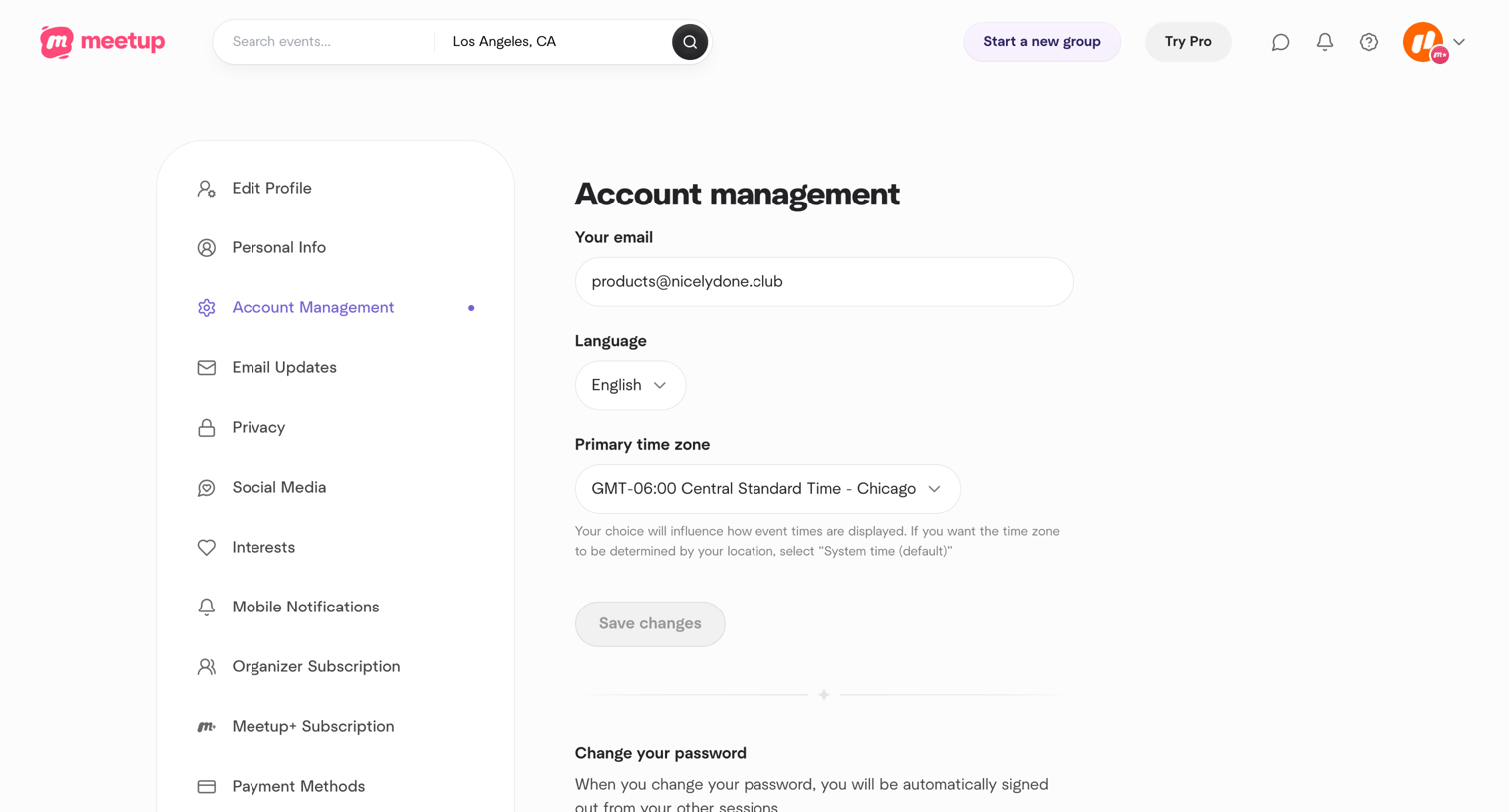

Settings page where the user configures their email, language, time zone, and manages account actions like password change or deactivation.
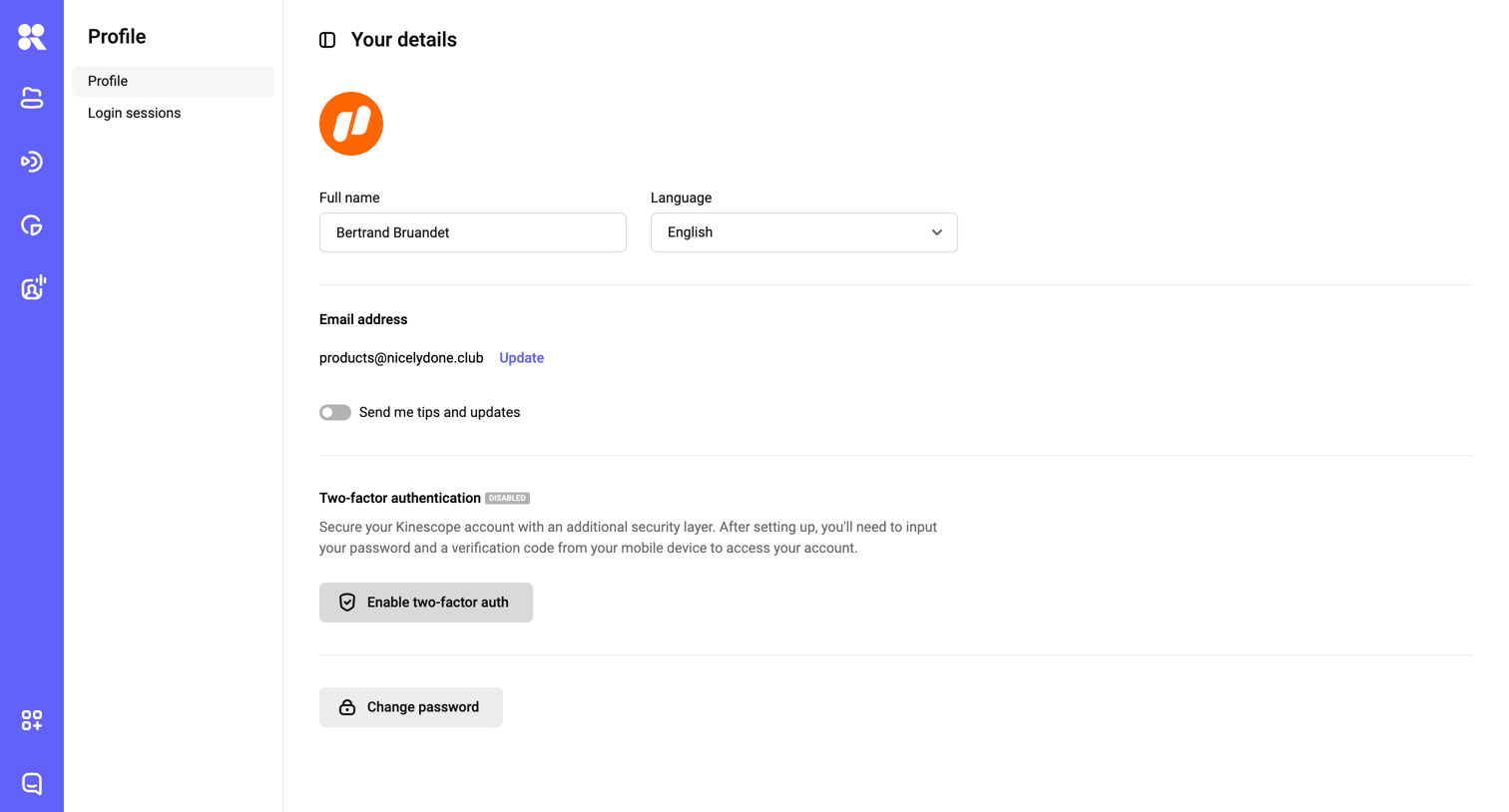

Settings page where the user manages their personal profile details, language preference, email address, and security options like two-factor authentication and password.
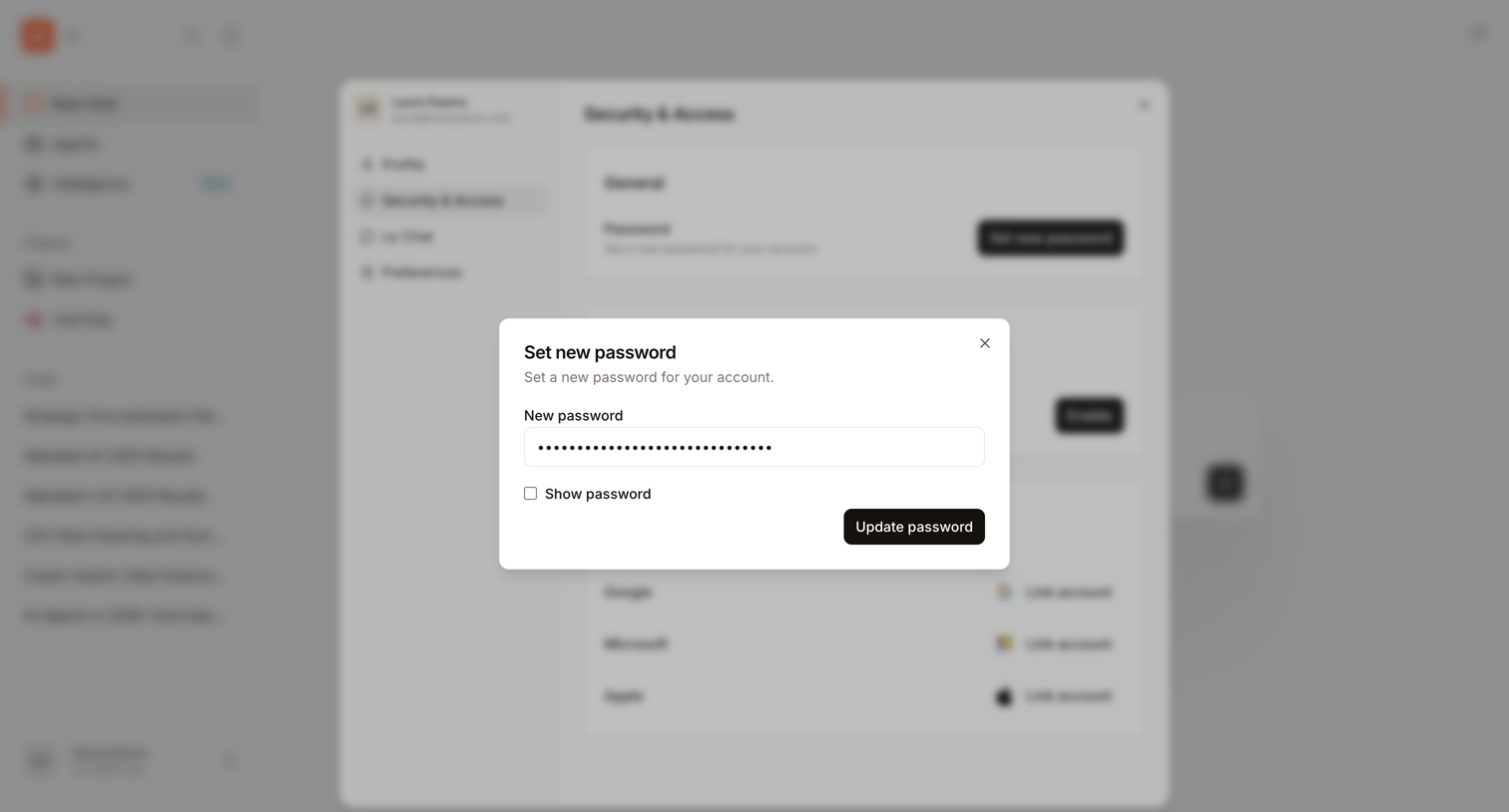

Settings overlay where the user enters a new password to update their account security credentials.
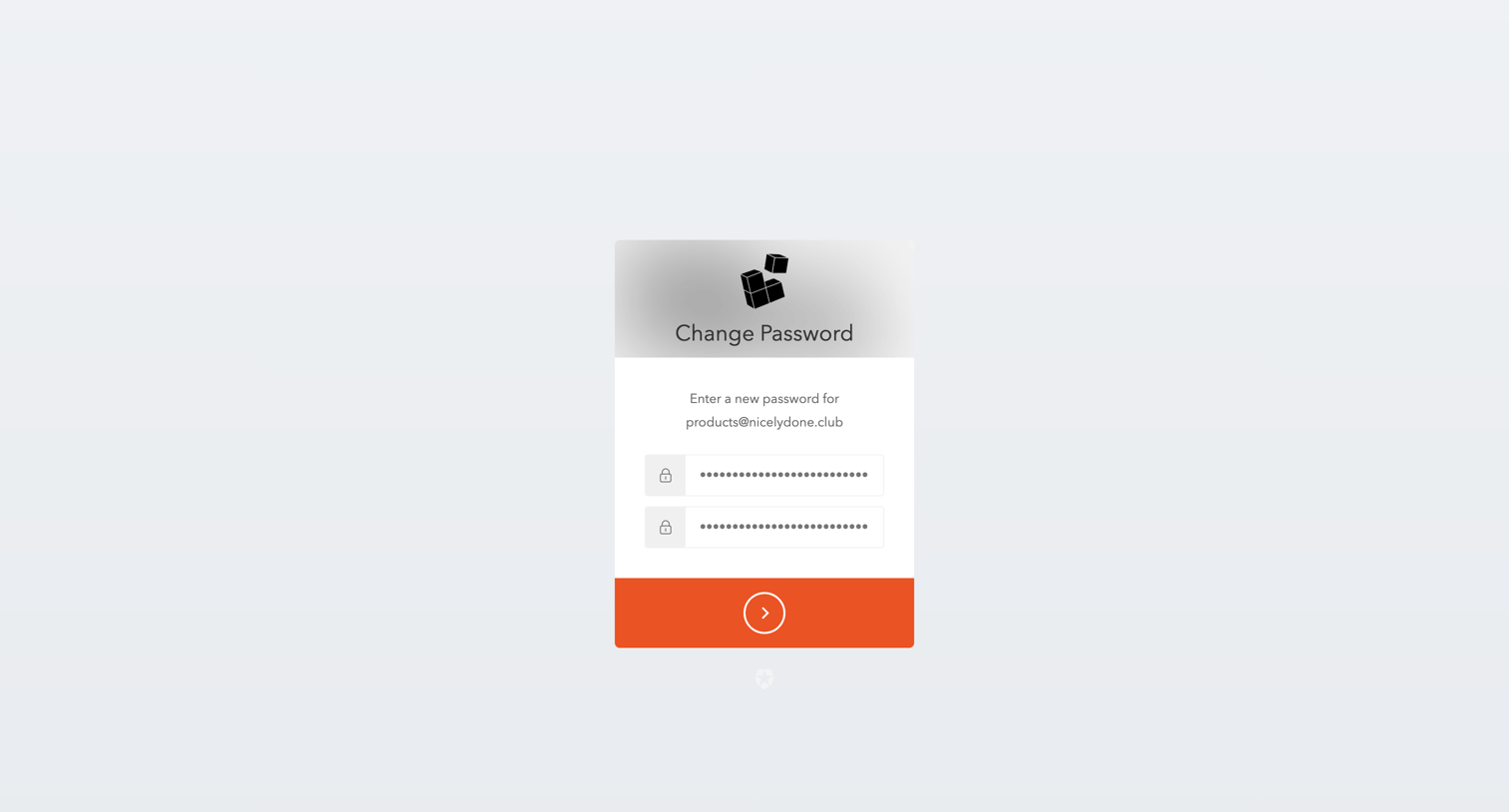

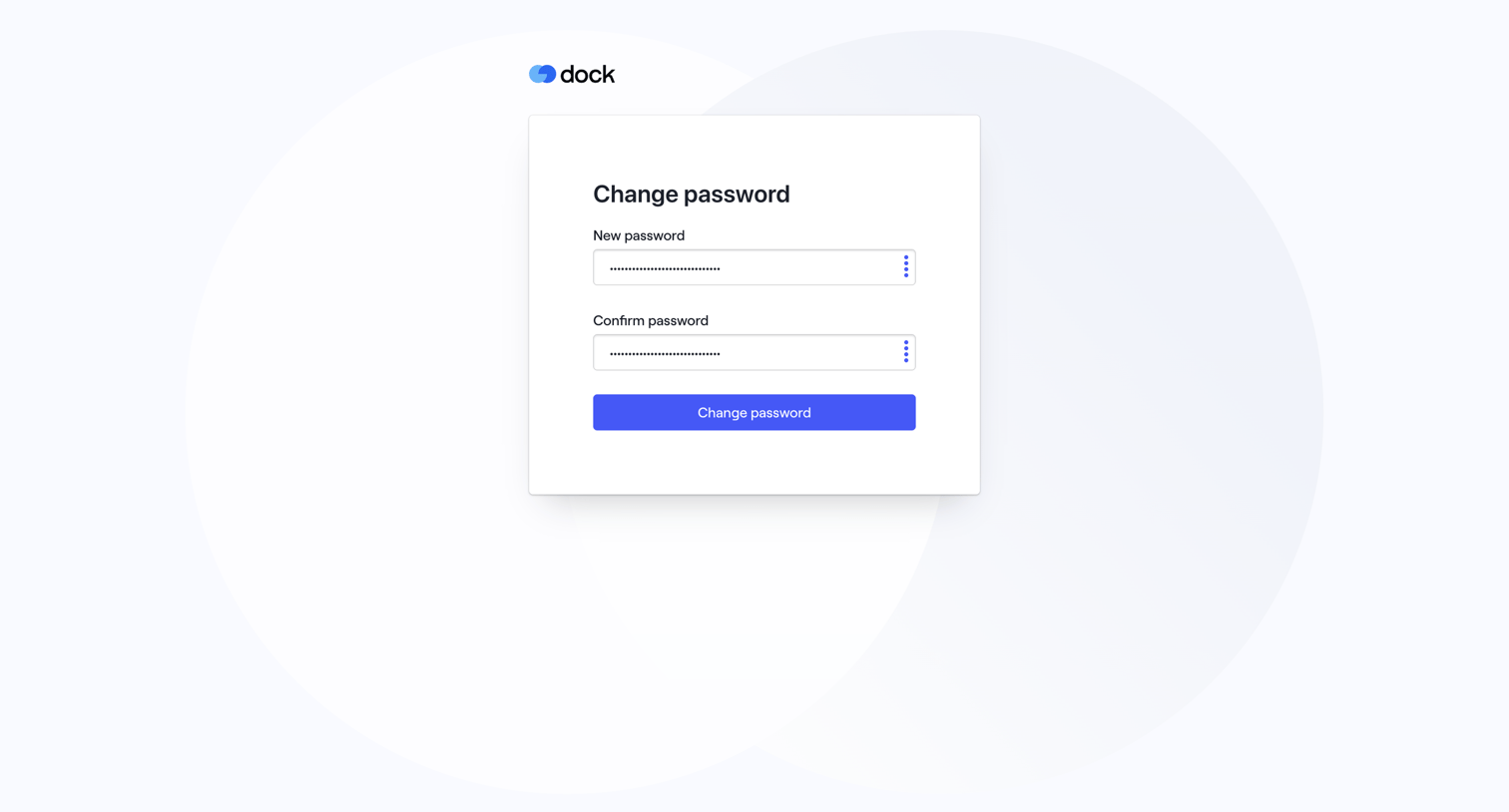
Password recovery screen where the user enters and confirms a new password for their account.
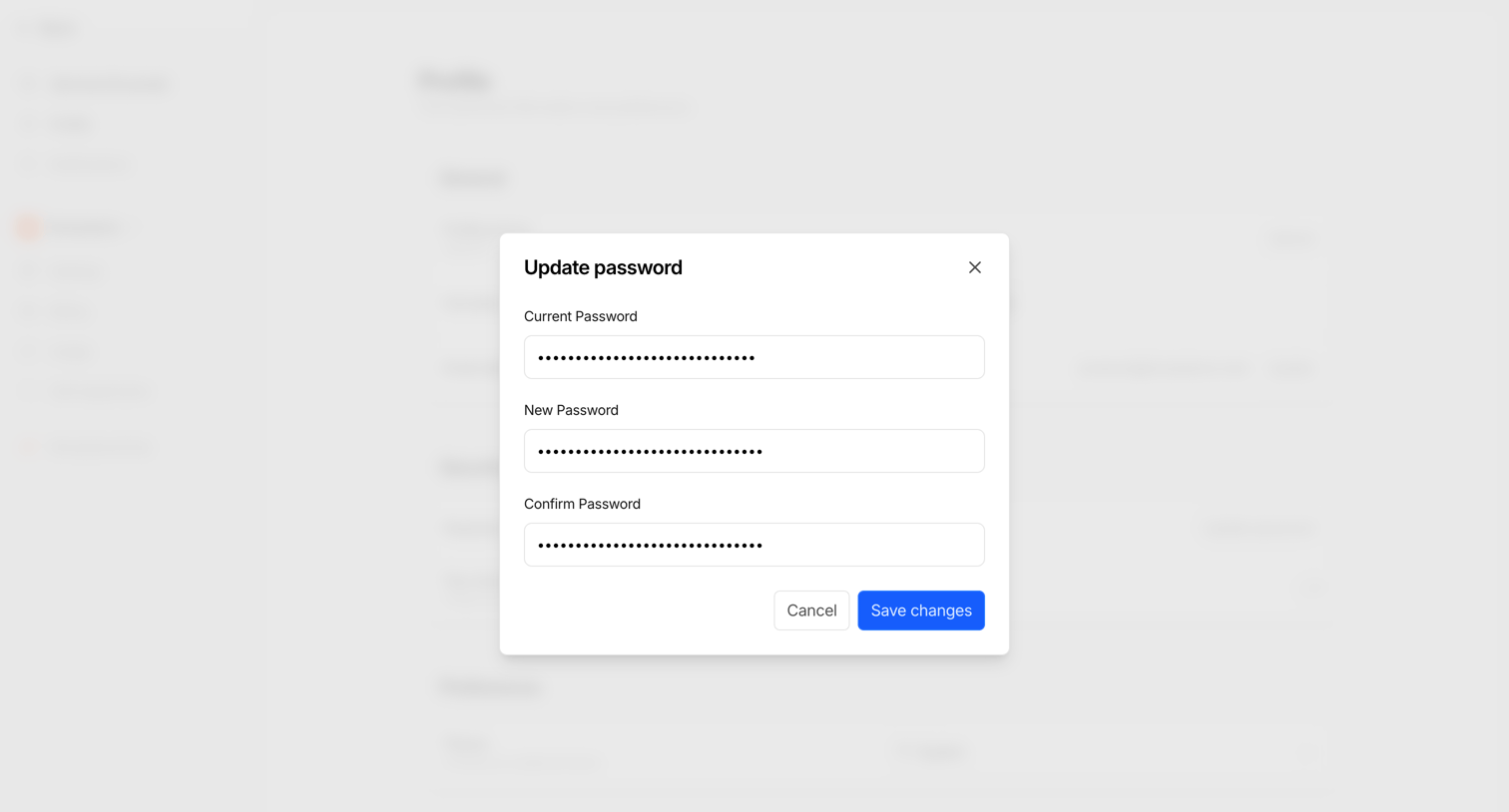

Settings page where the user updates their password by entering their current and new passwords in a modal.
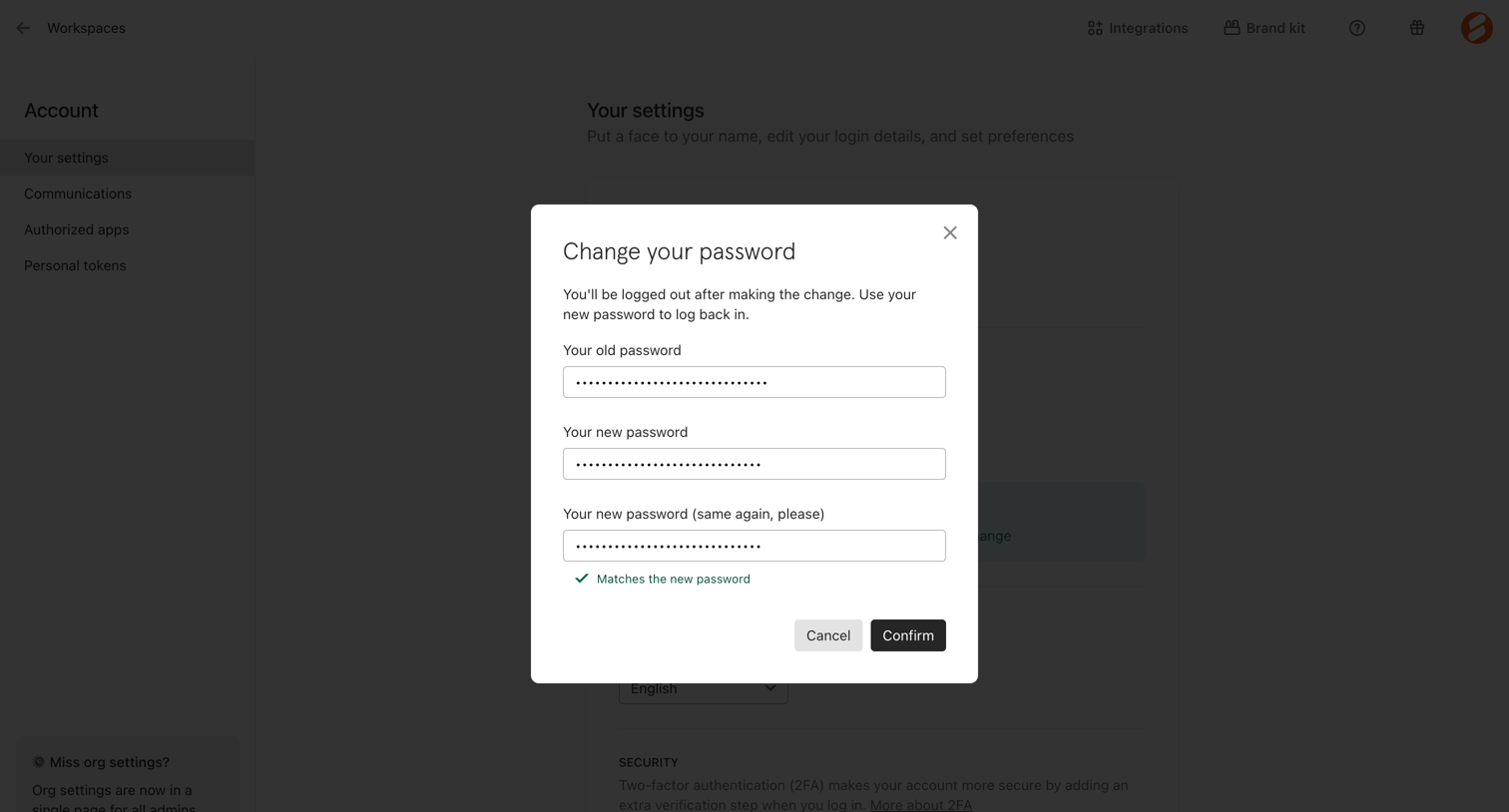

Settings page where the user changes their account password via a modal overlay, requiring their old password and confirming the new one.
Explore the full SaaS screen library
Upgrade to unlock the full library.
Trusted by the best teams








About Change password
See how apps let people change a password. Explore how current values, available controls, and save actions explain the change being made.