Career screen examples
Career screen design examples from SaaS apps. Browse examples from Meetup, The org, Clay.
Explore the examples
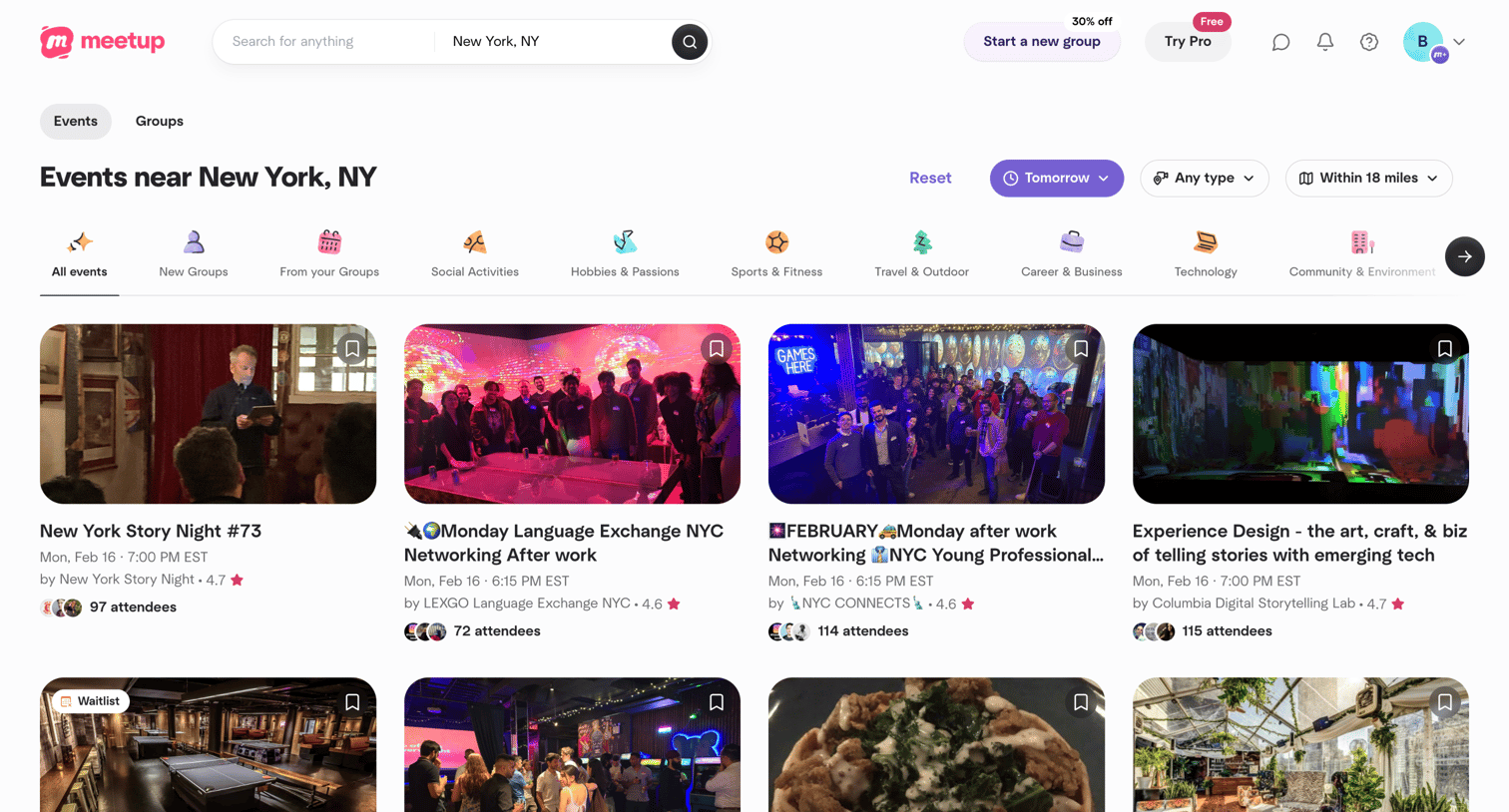

Search results page where the user browses local events filtered by date and distance, with a carousel to explore specific categories like tech or sports.
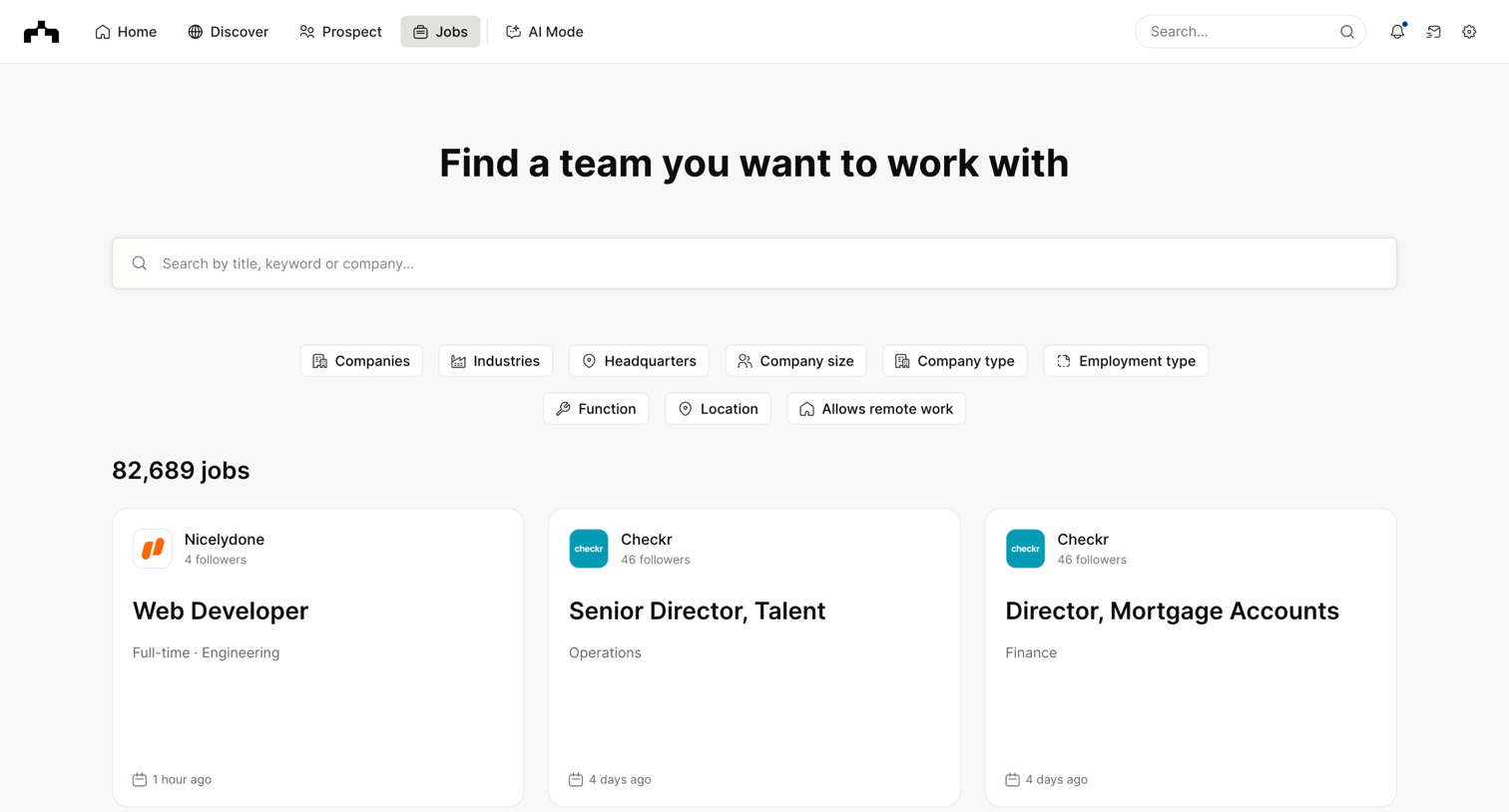

Search page where the user browses and filters job listings by company, industry, location, and role.
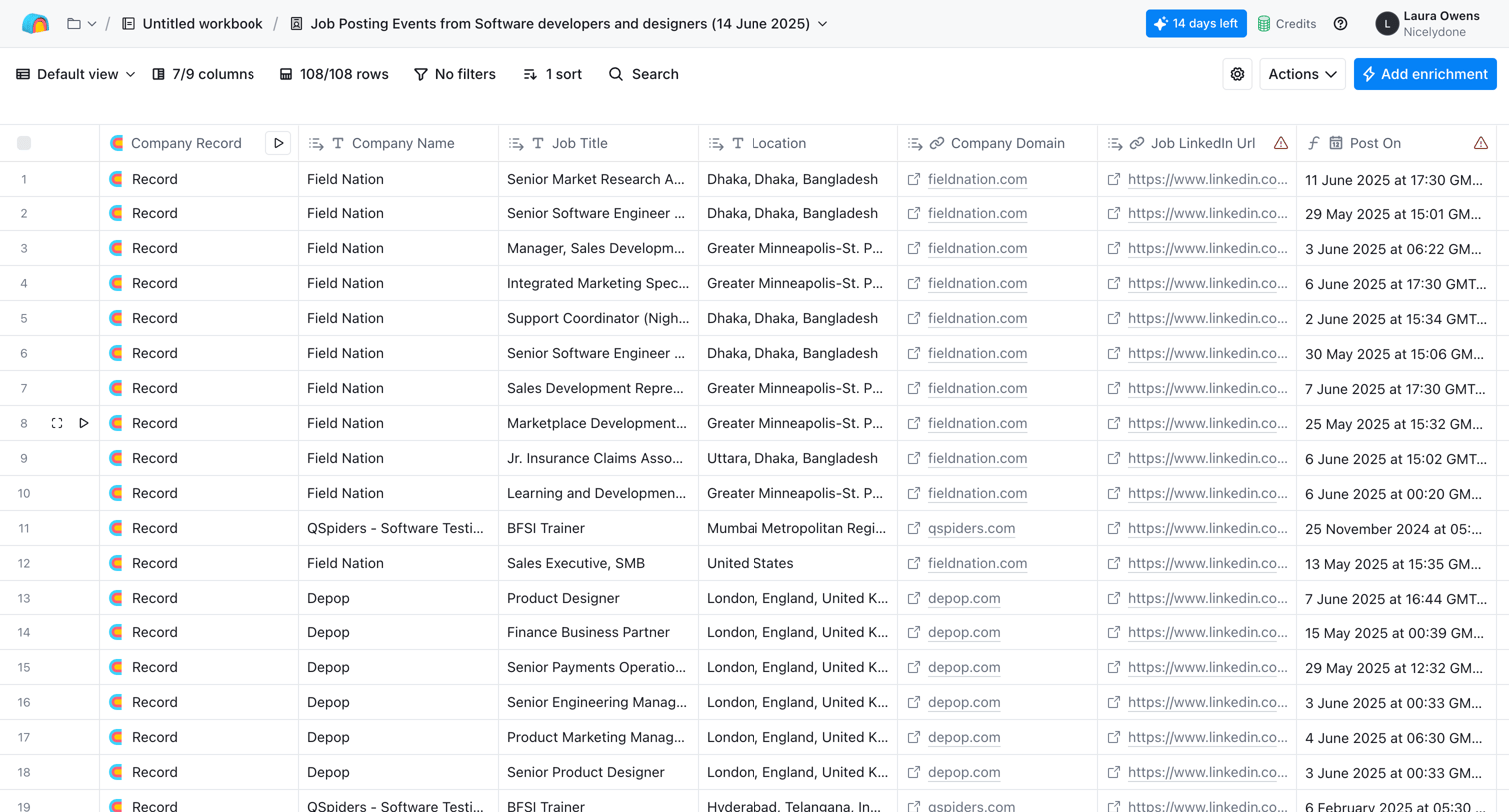

List view where the user manages a table of job posting events, with options to filter, sort, search, and add data enrichments.
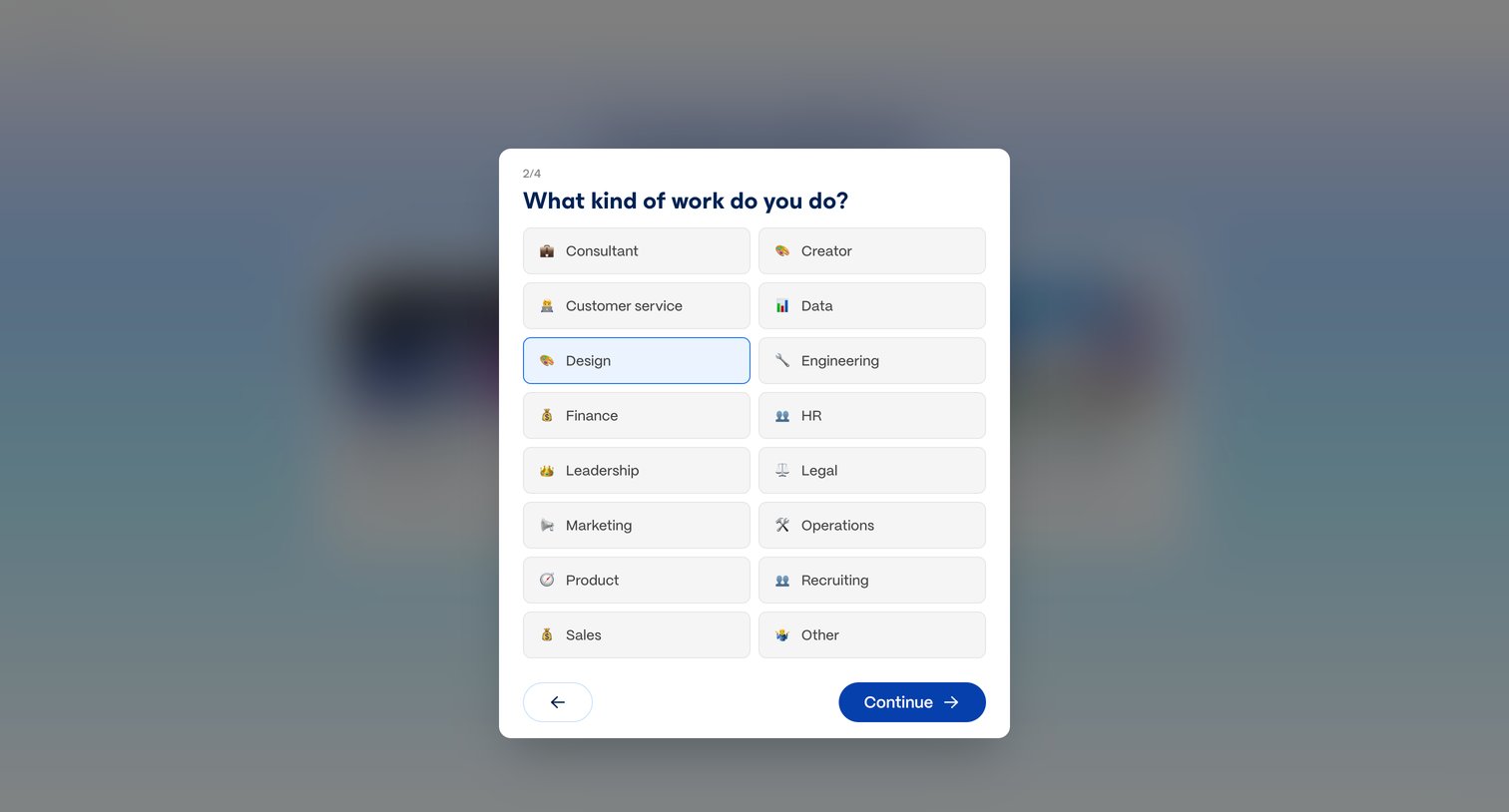

Onboarding step where the user selects their profession, such as Design or Engineering, from an emoji-illustrated grid to personalize their account.
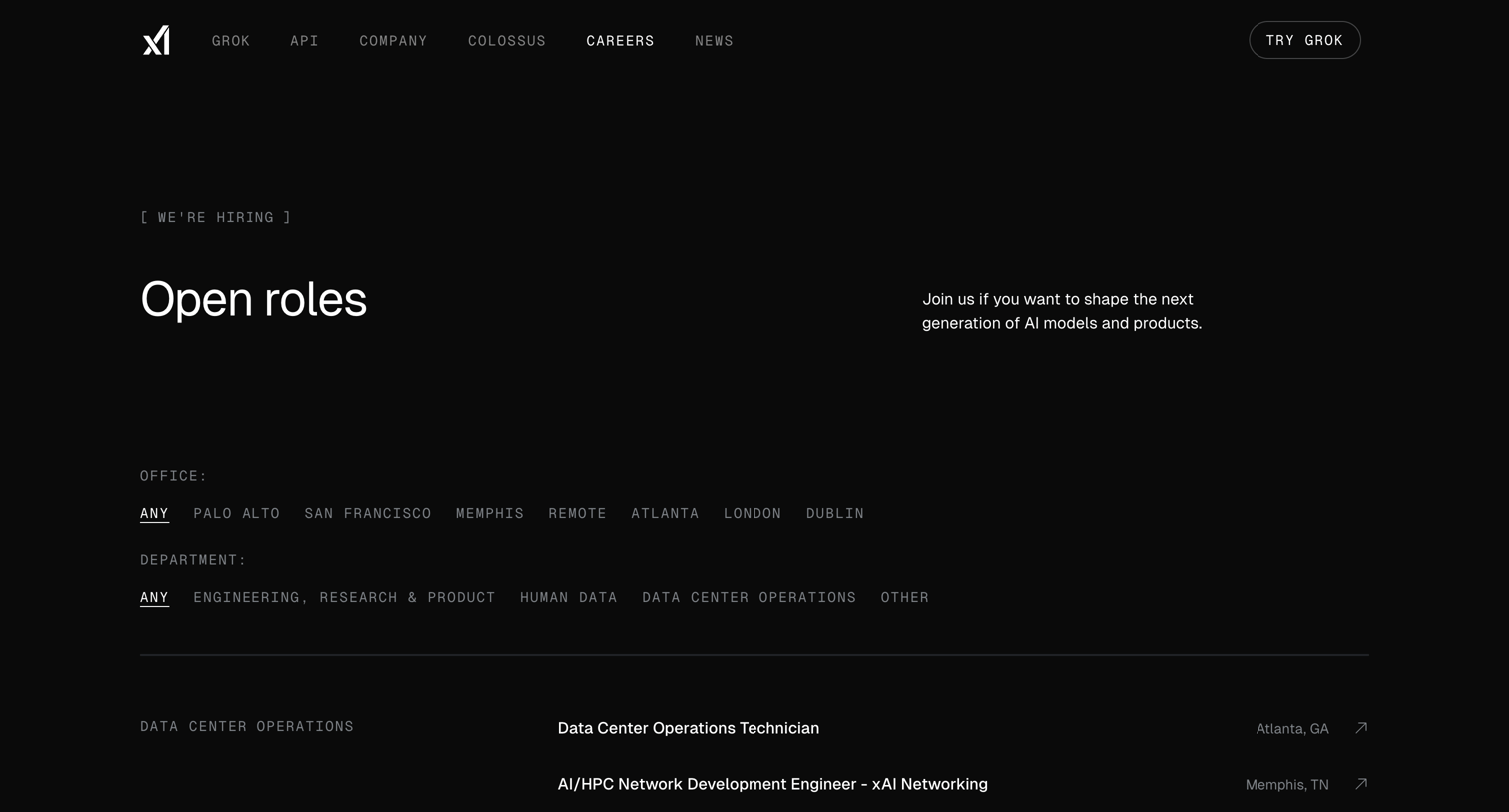

Careers page where the user browses open roles categorized by department and can filter by office location or specific department.
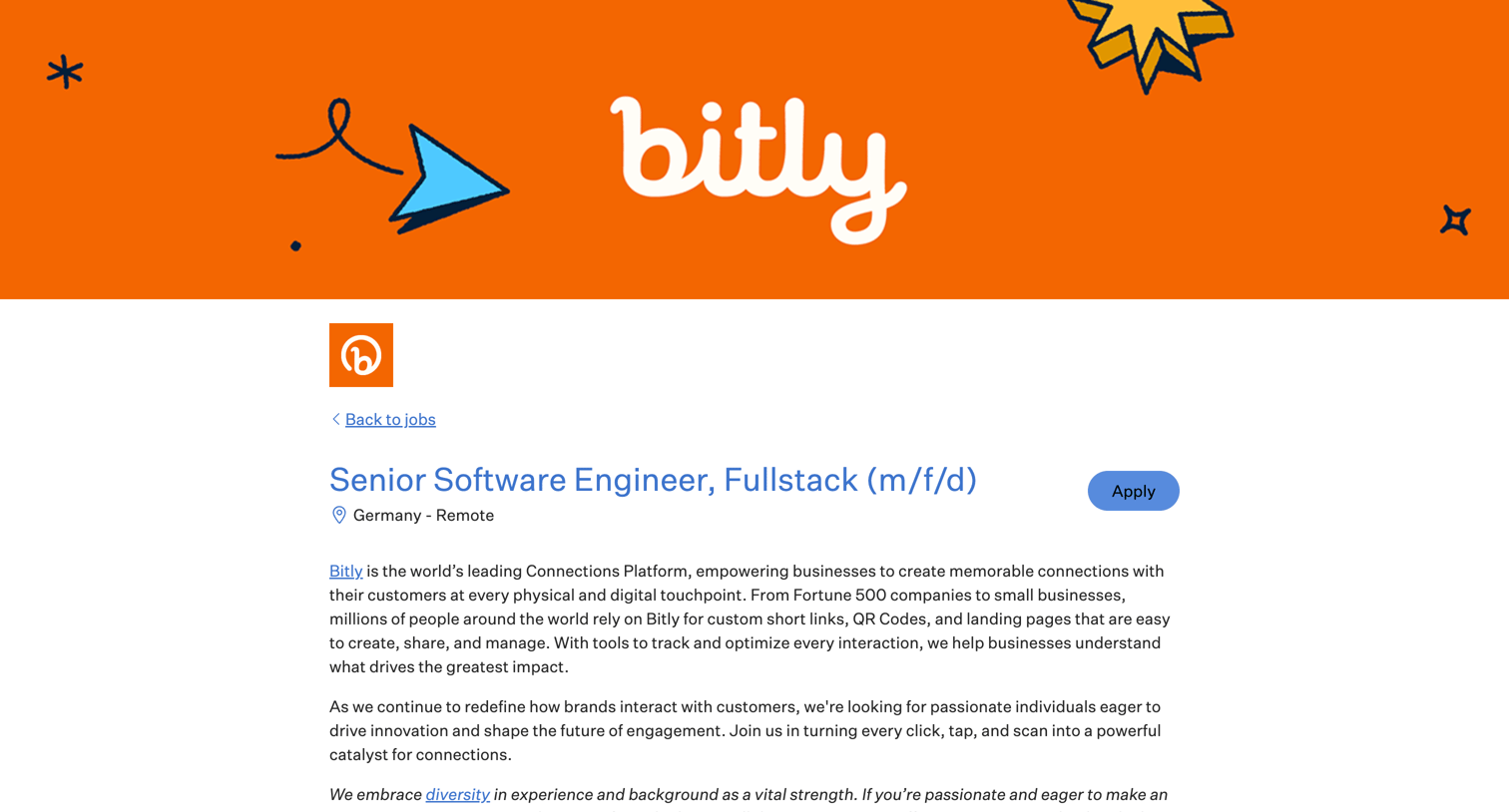

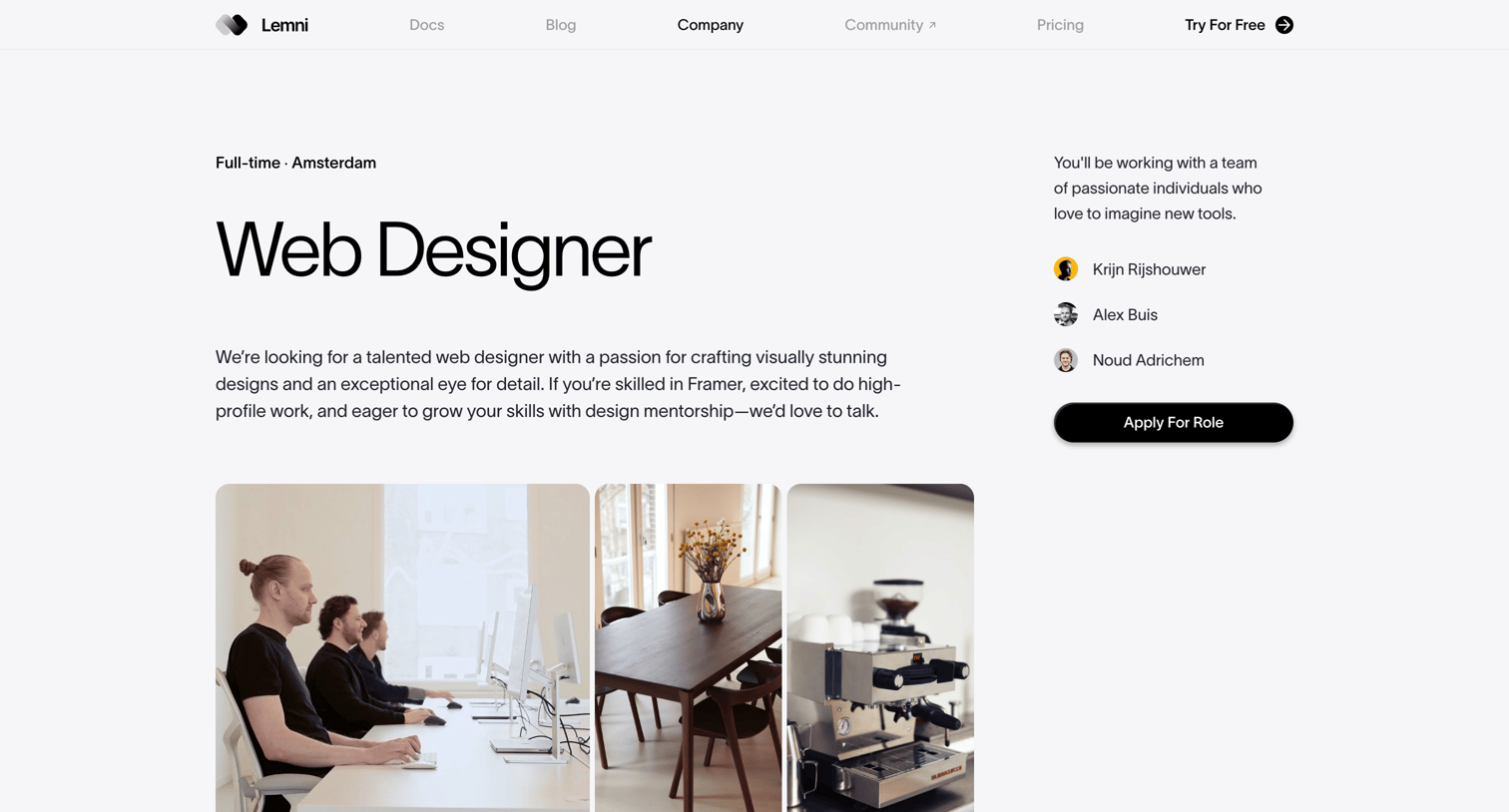

Careers page detailing the Web Designer role in Amsterdam, including responsibilities, requirements, and an introduction to the team.
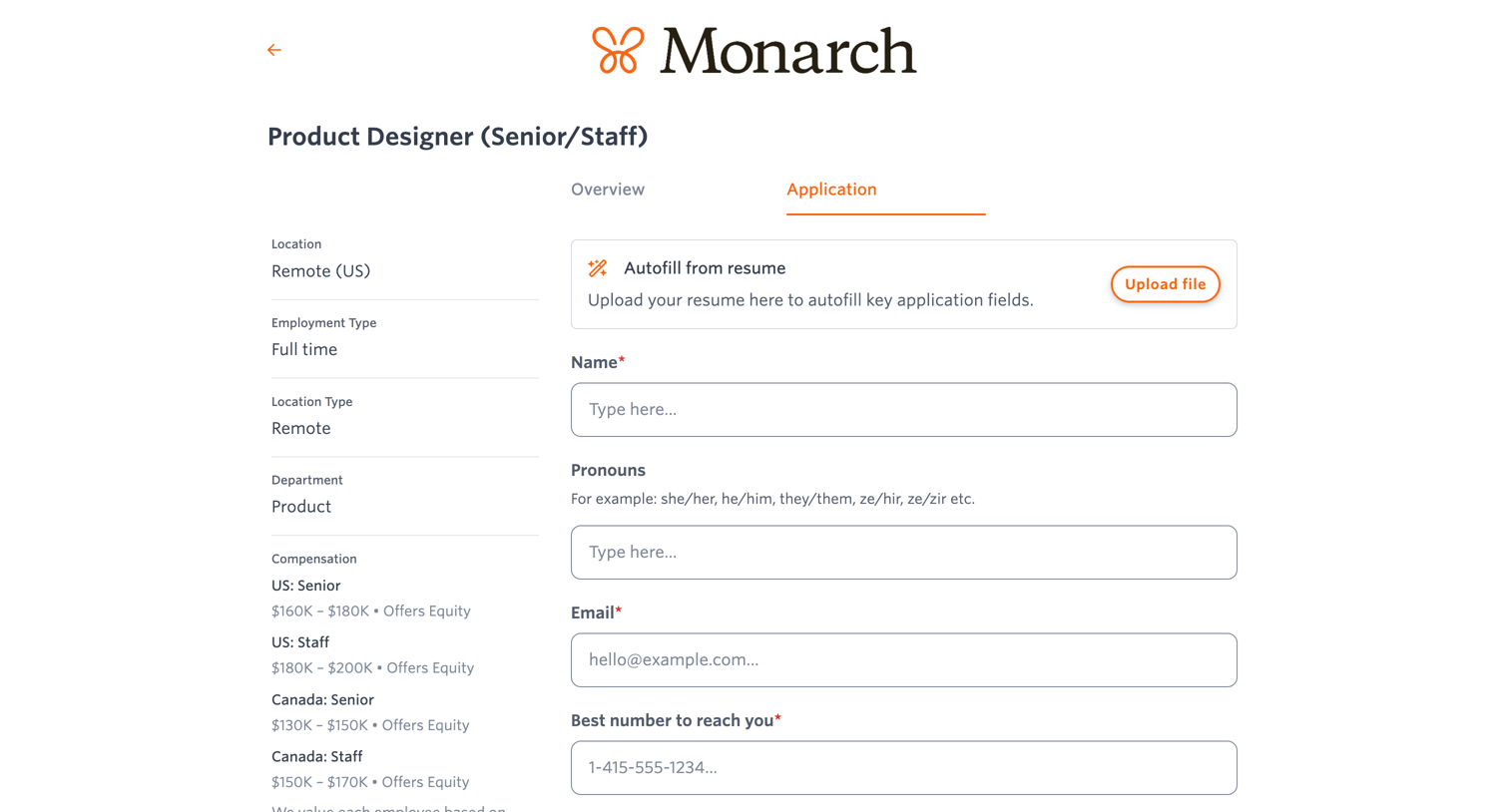

Careers page where a candidate applies for a Product Designer role by filling out personal details, uploading a resume, and answering screening questions.
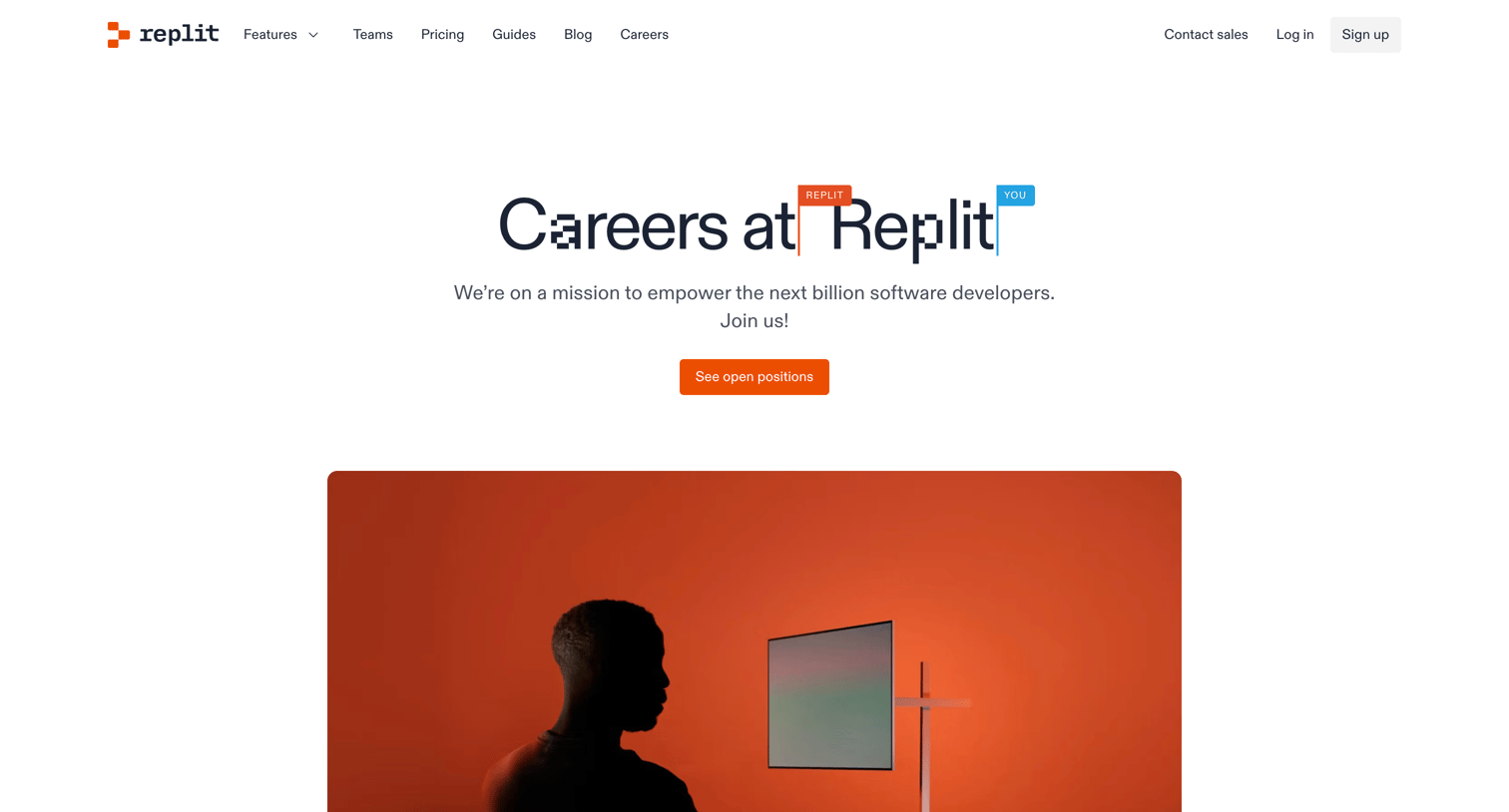

Careers page detailing the company mission, a five-step interview process, and employee benefits, with calls to action to view open positions.
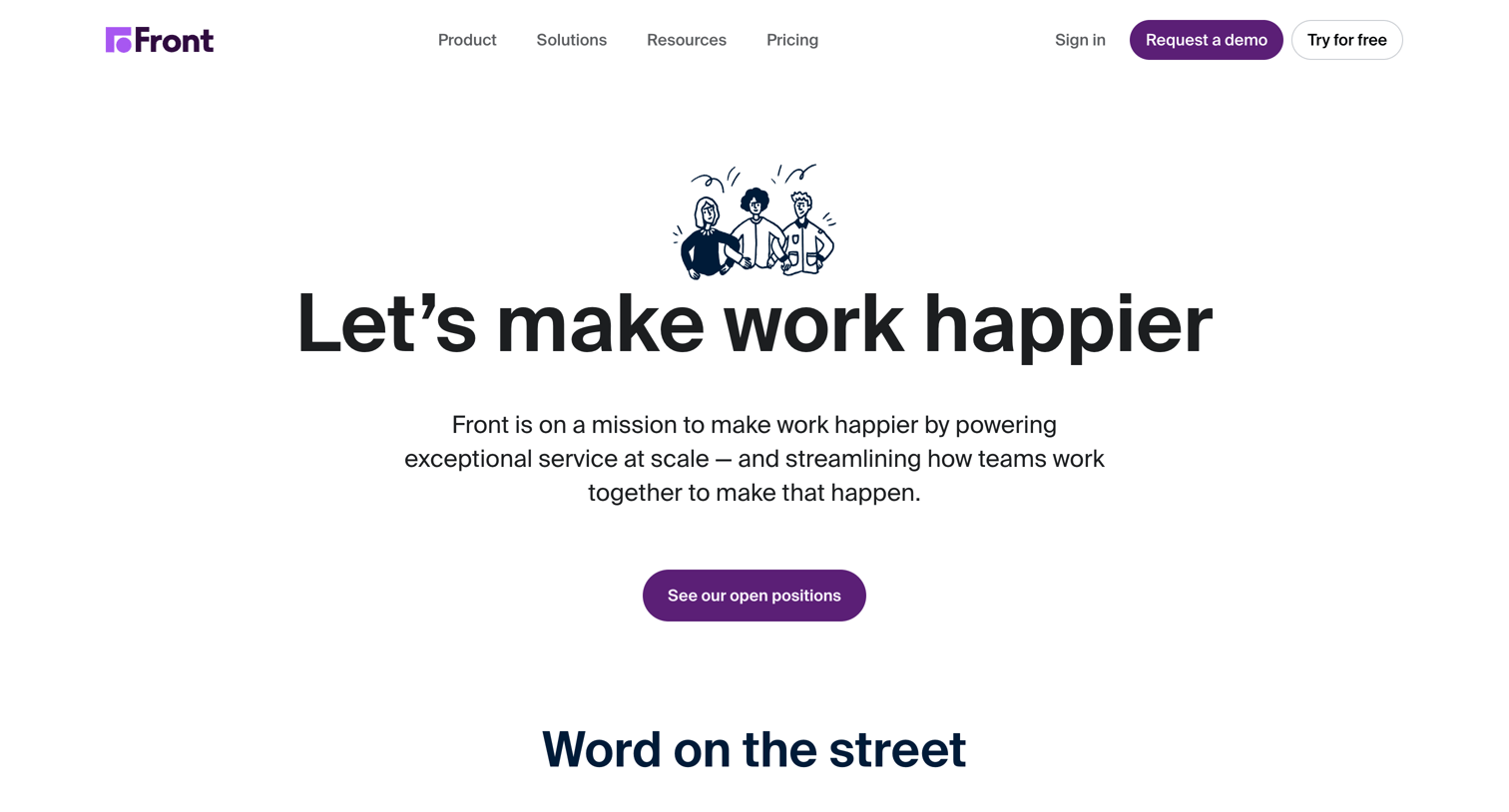

Careers page where the user can learn about company values, benefits, and culture, and browse open positions filtered by location and department.
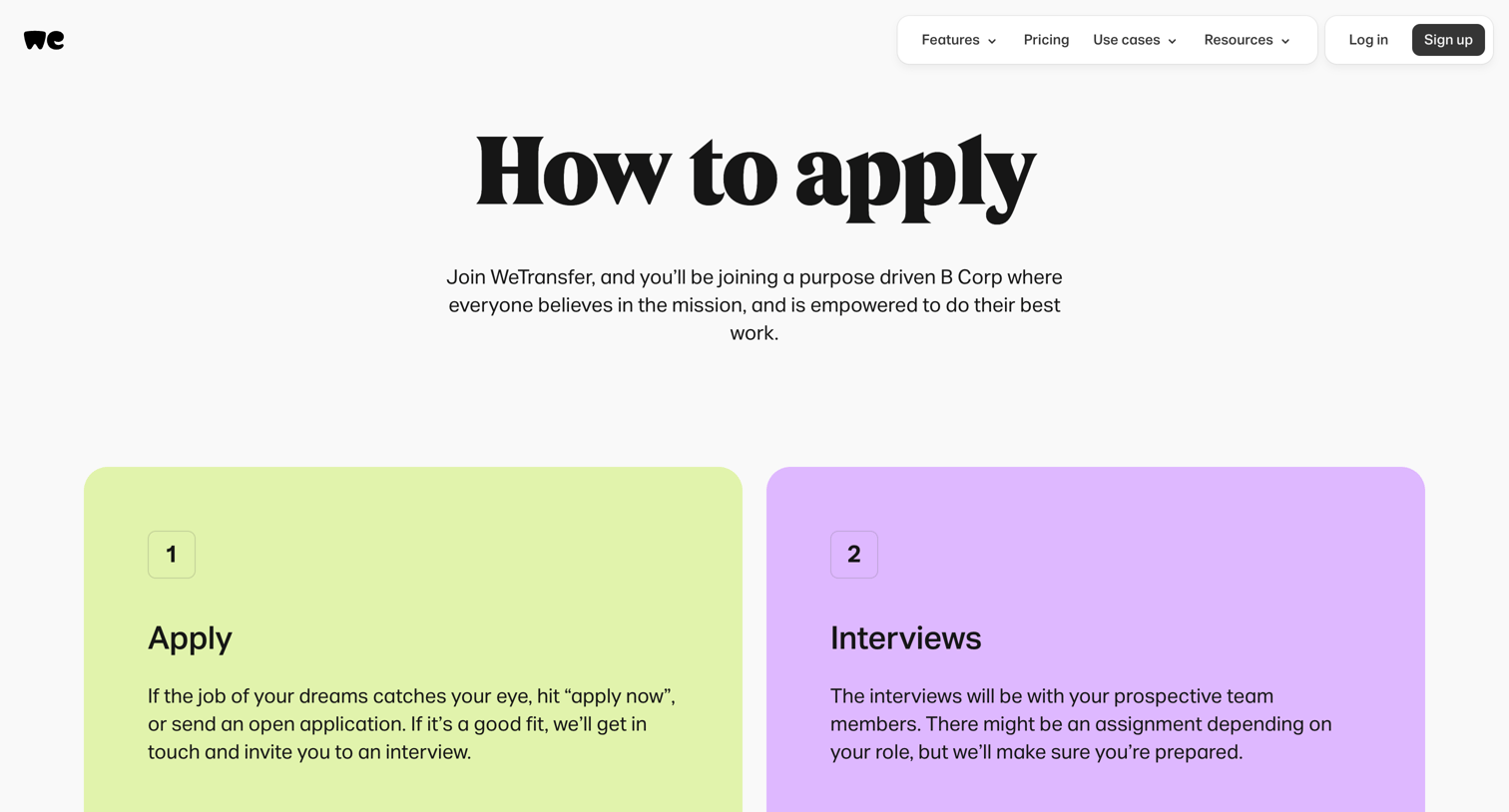

Careers page explaining the four-step application and interview process with an FAQ section.
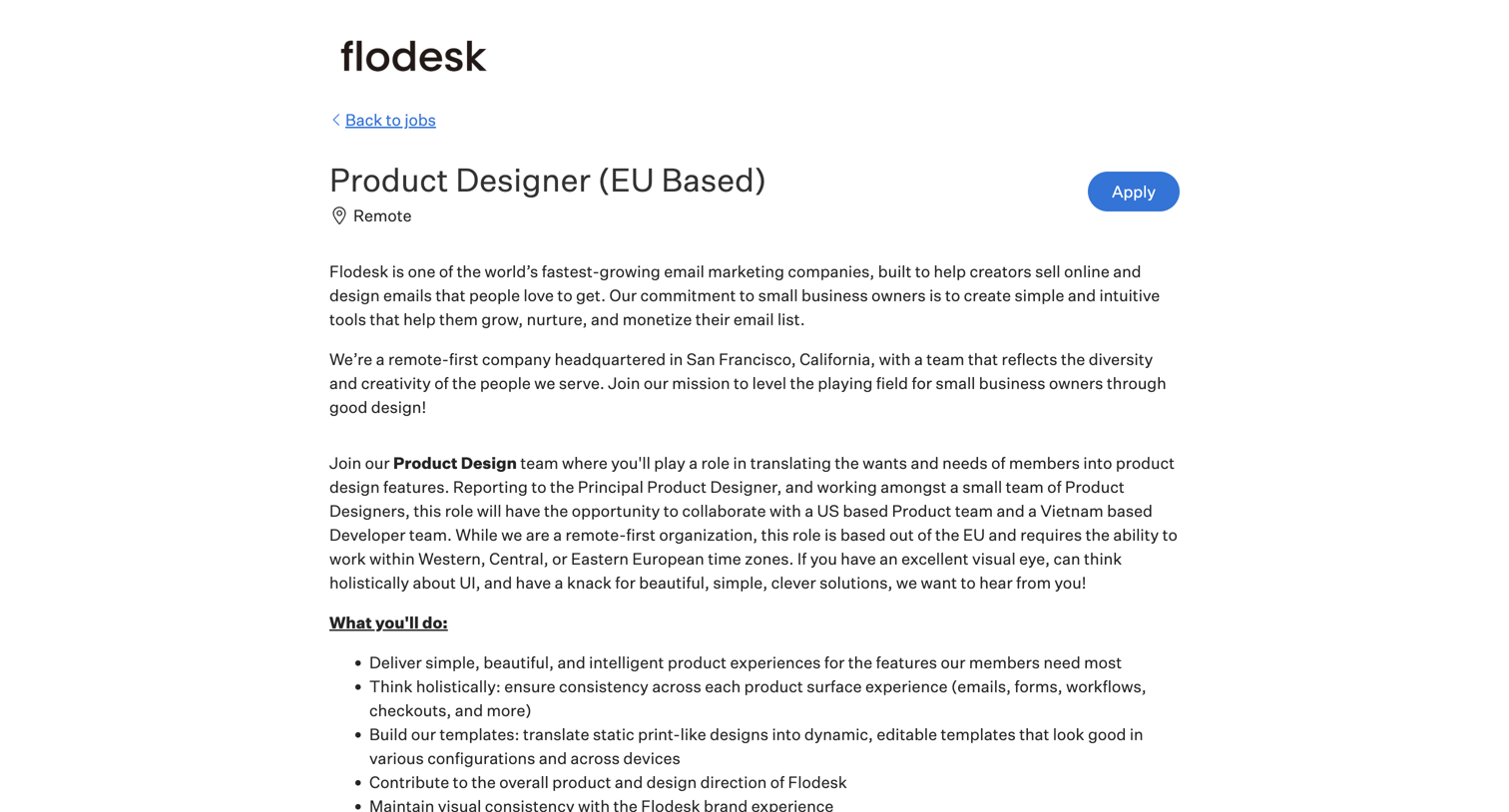

Careers page where the user reads a job description for a Product Designer role and fills out an application form with their personal details and resume.
Explore the full SaaS screen library
Upgrade to unlock the full library.
Trusted by the best teams







