Cancel deletion screen examples
Cancel deletion screen design examples from SaaS apps. Browse examples from Flora, Lovable, Elevenlabs.
Explore the examples
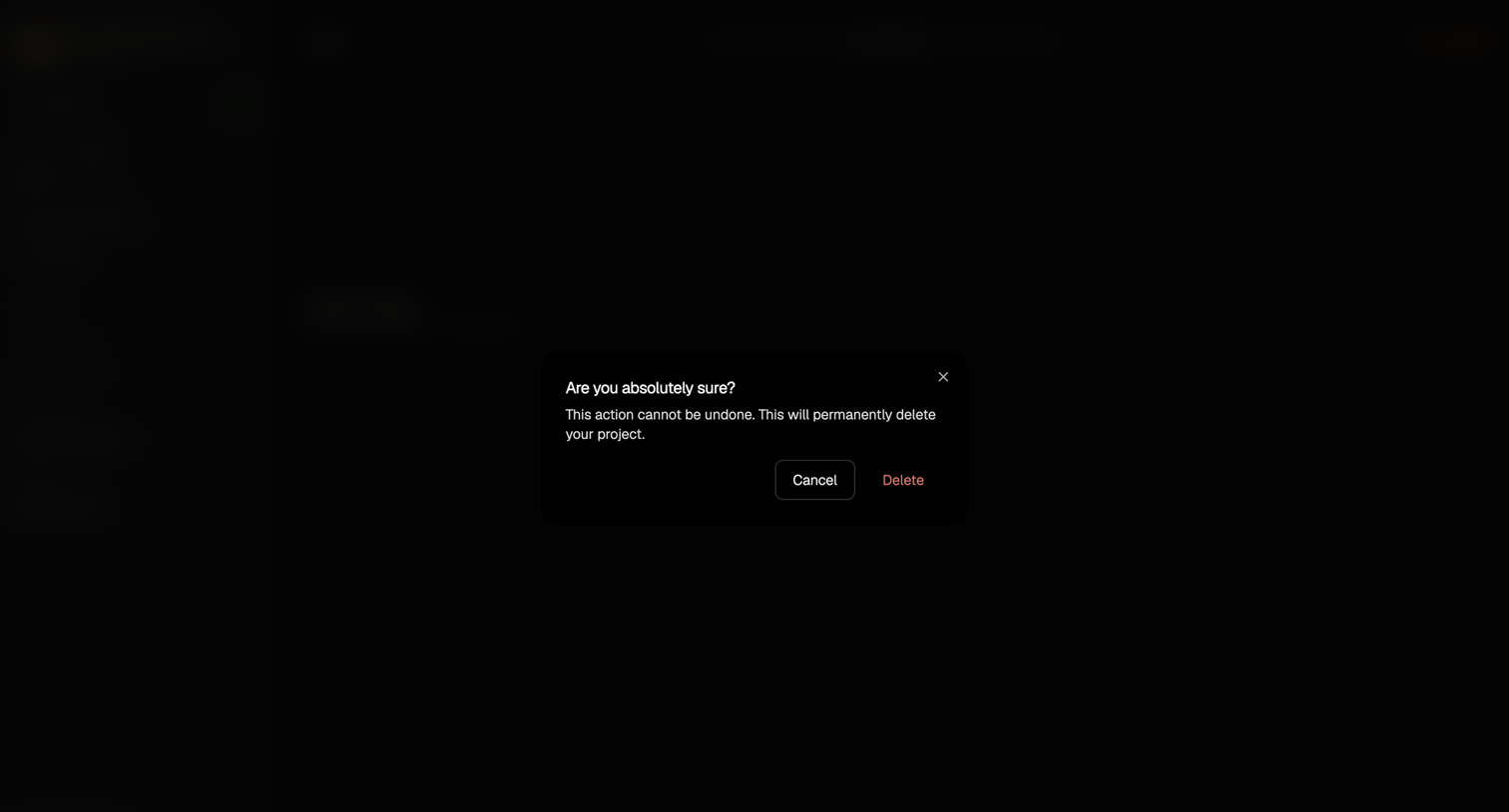

List view where a modal prompts the user to confirm the permanent deletion of a project.
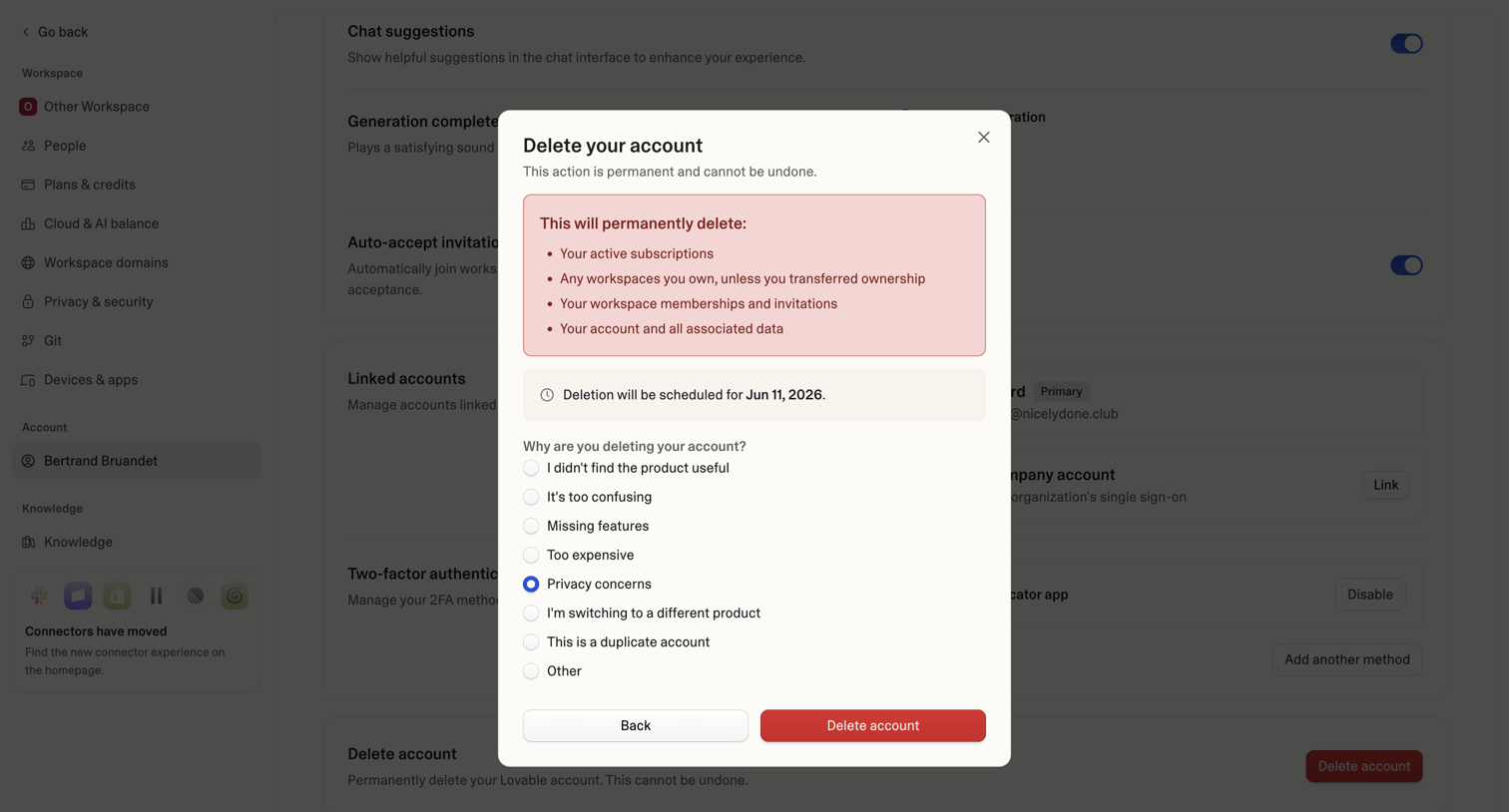

Settings page where the user confirms permanent account deletion and provides a reason for leaving via a radio button survey.
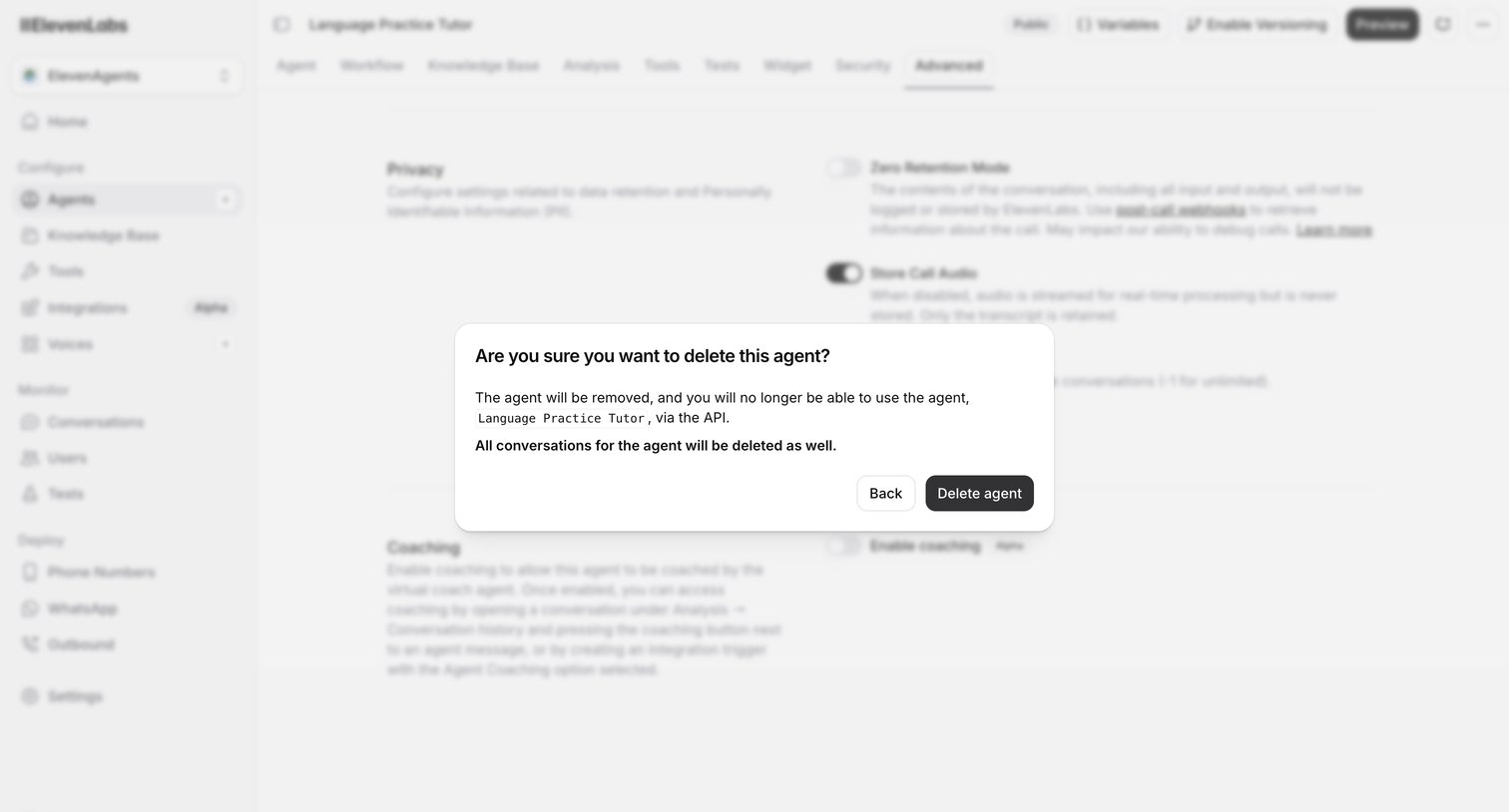

Settings page for an AI agent where a modal prompts the user to confirm the deletion of the agent and its conversation history.
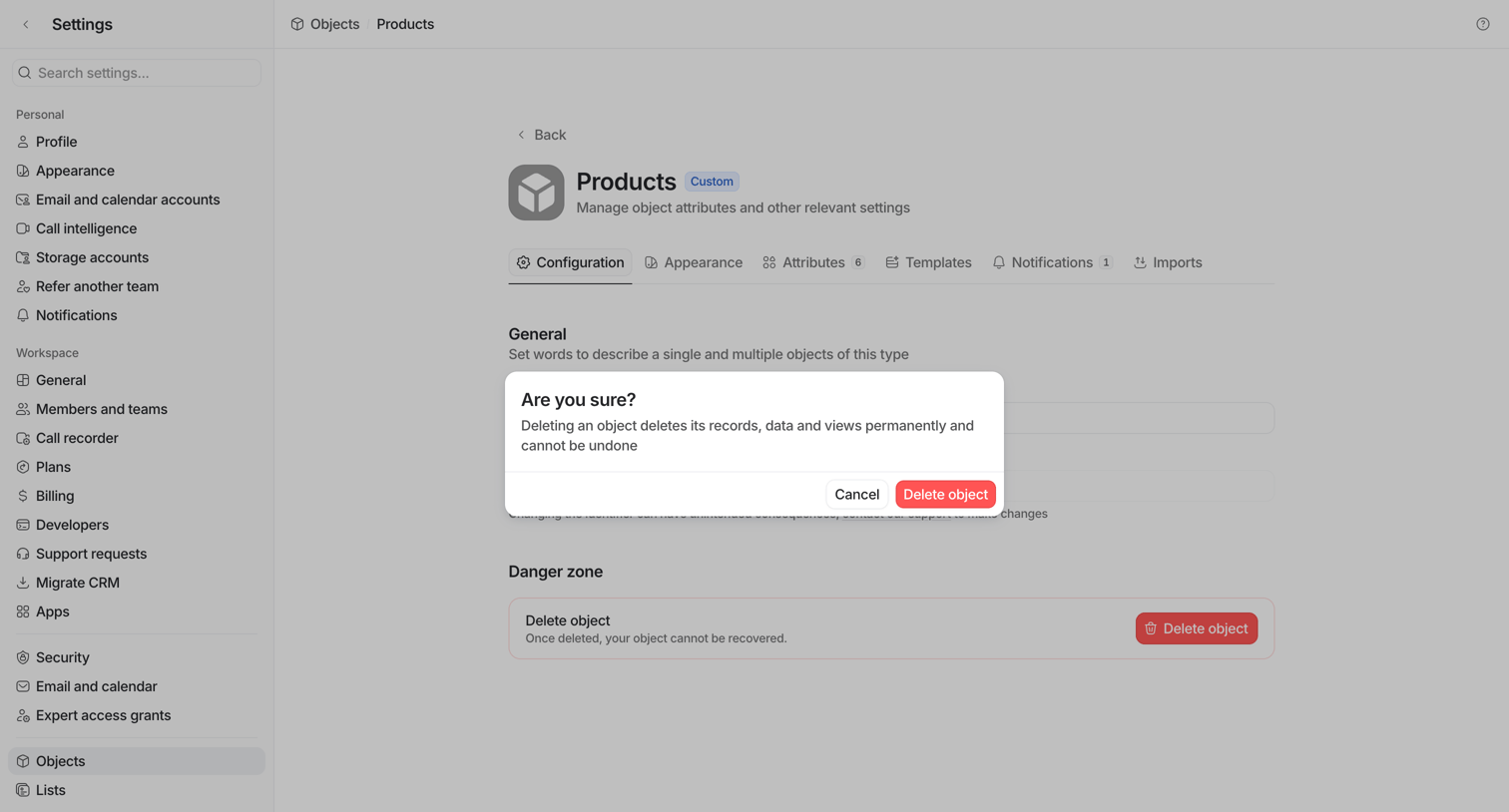

Settings page where the user is prompted by an alert dialog to confirm the permanent deletion of the custom Products object.
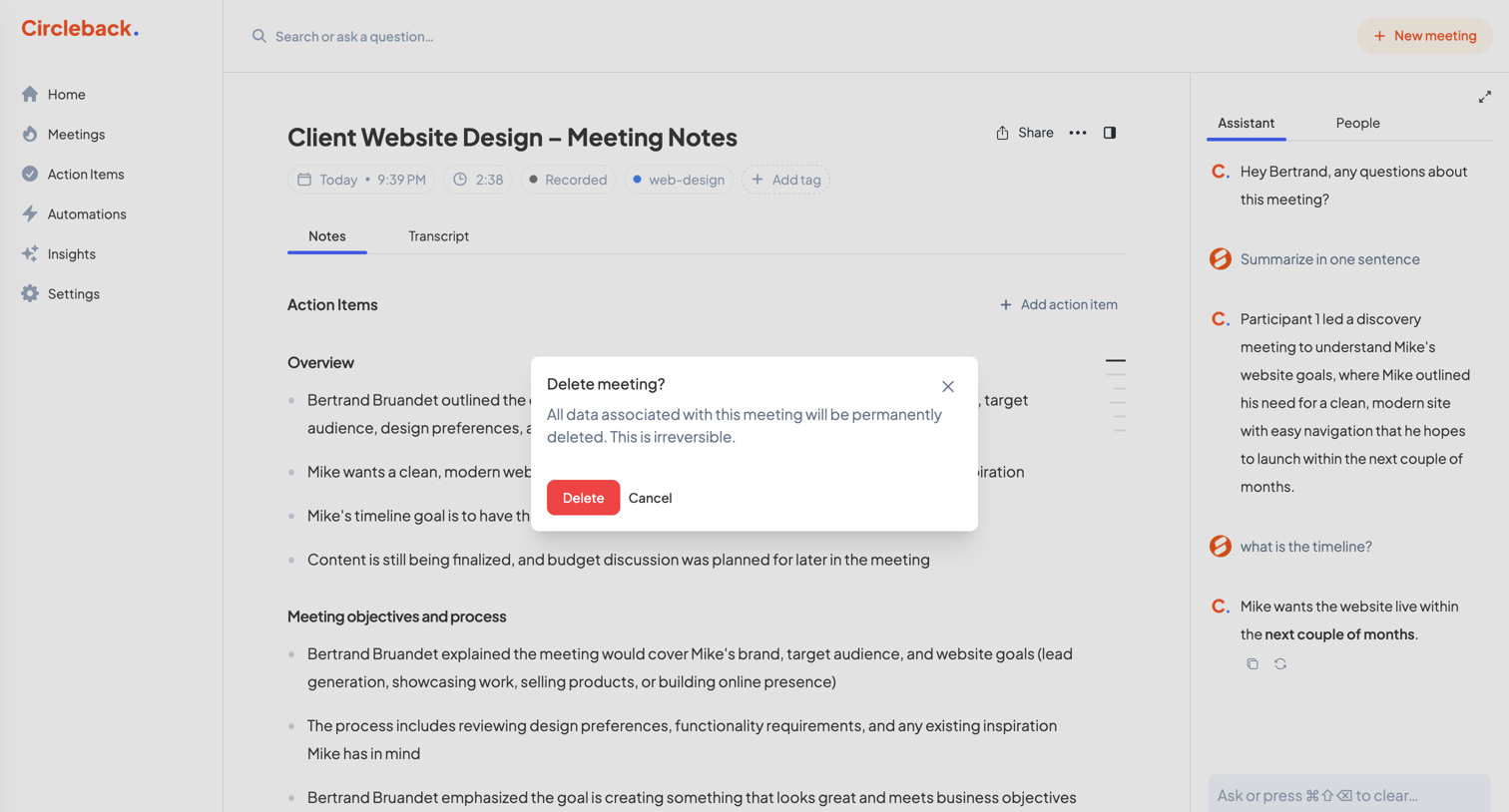

Detail page where the user is prompted to confirm the permanent deletion of the 'Client Website Design' meeting record and its associated data.

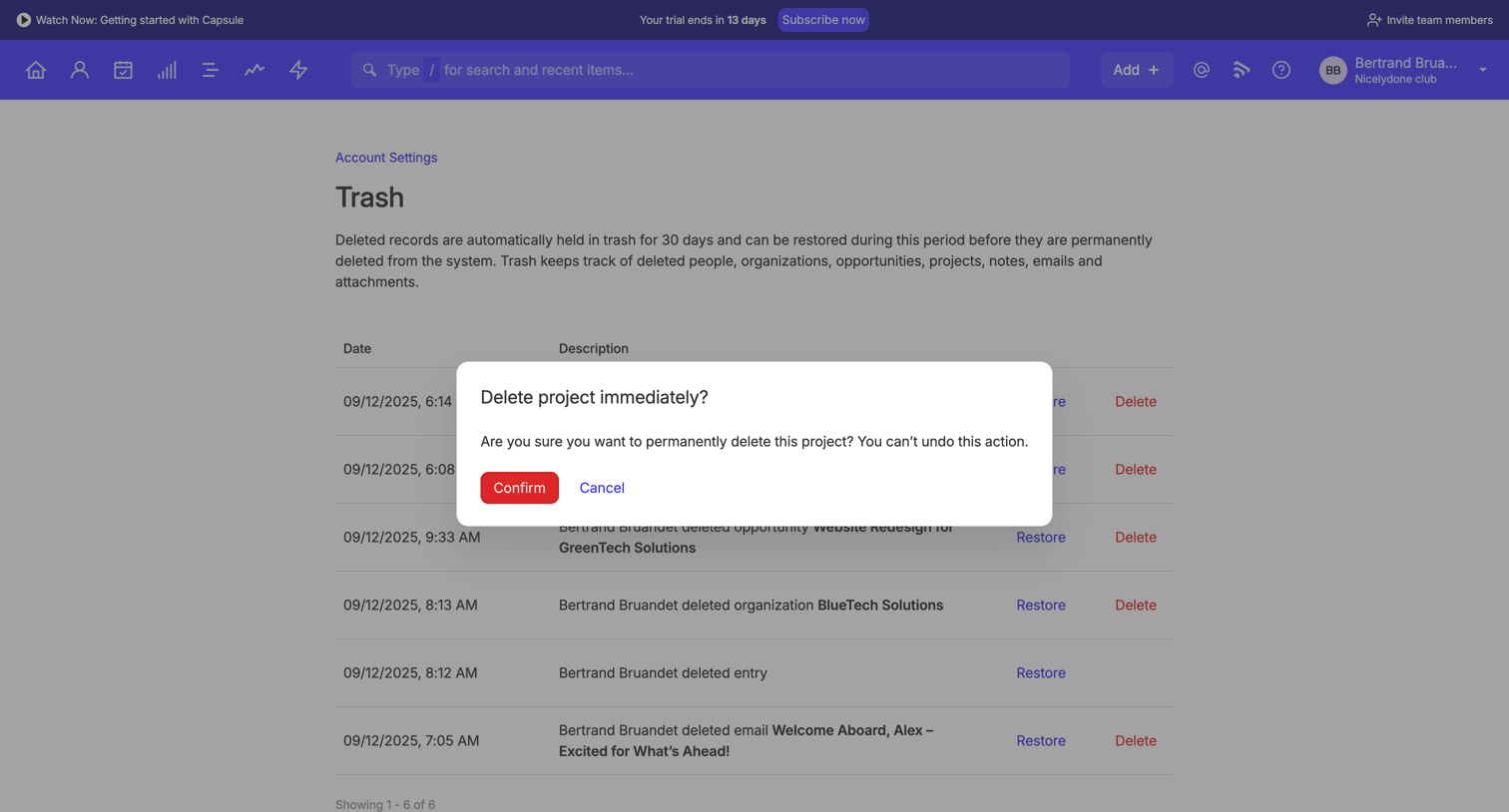

Alert dialog confirming the permanent deletion of a project from the trash, warning the user that the action cannot be undone.
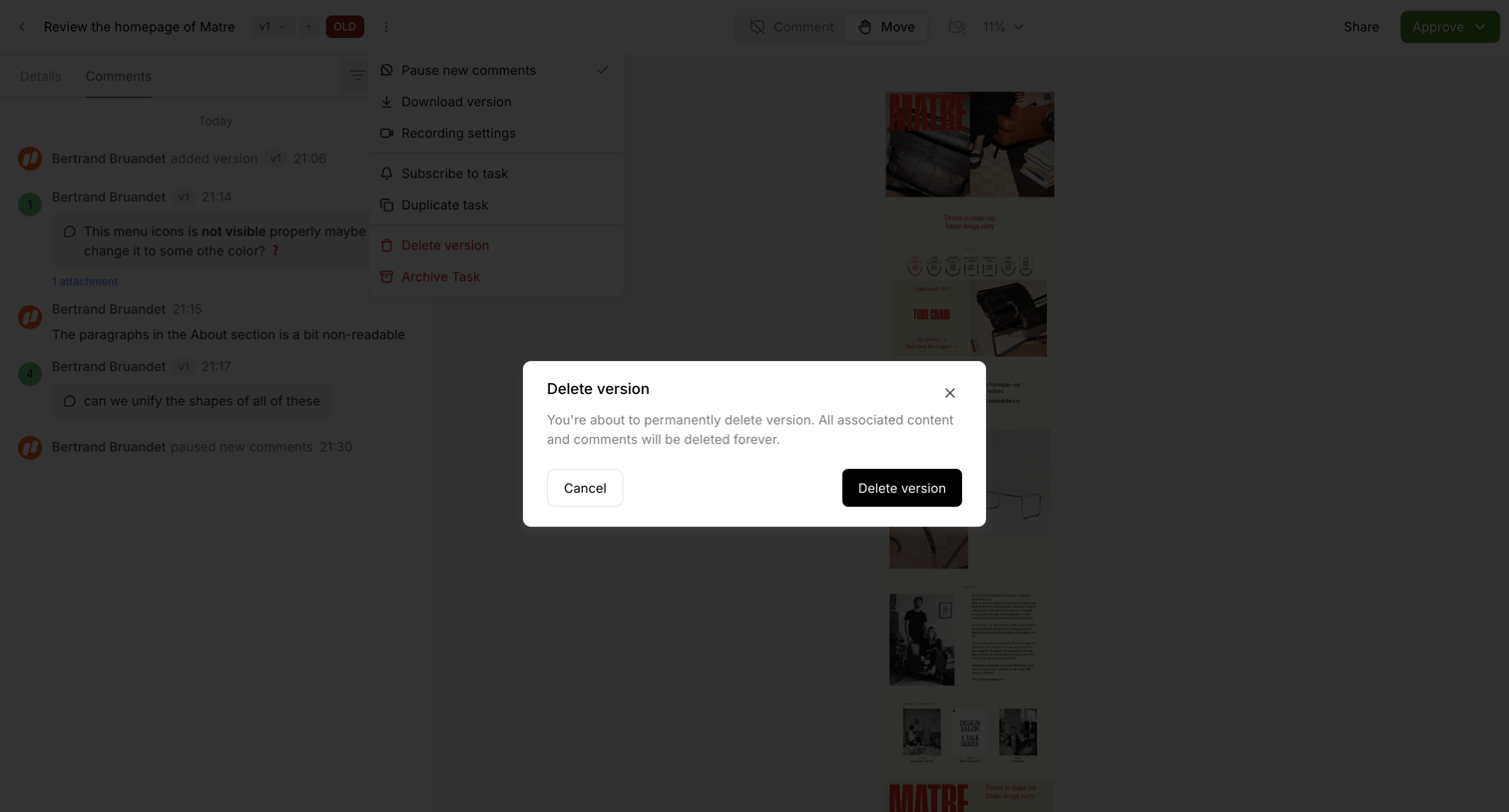

Detail page where the user is prompted to confirm the permanent deletion of a specific design version.
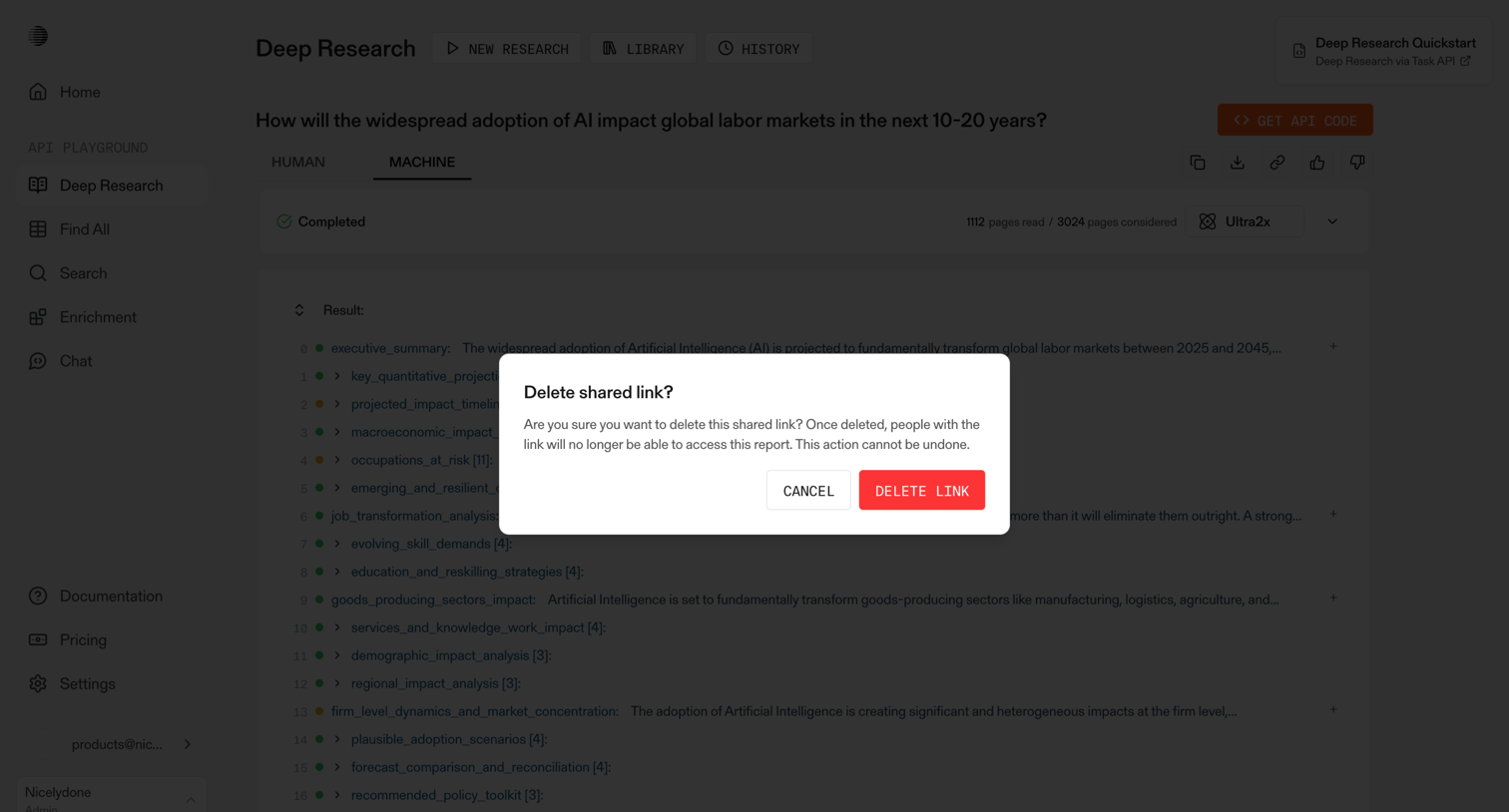

Alert dialog where the user confirms the deletion of a shared link for a completed AI deep research report.
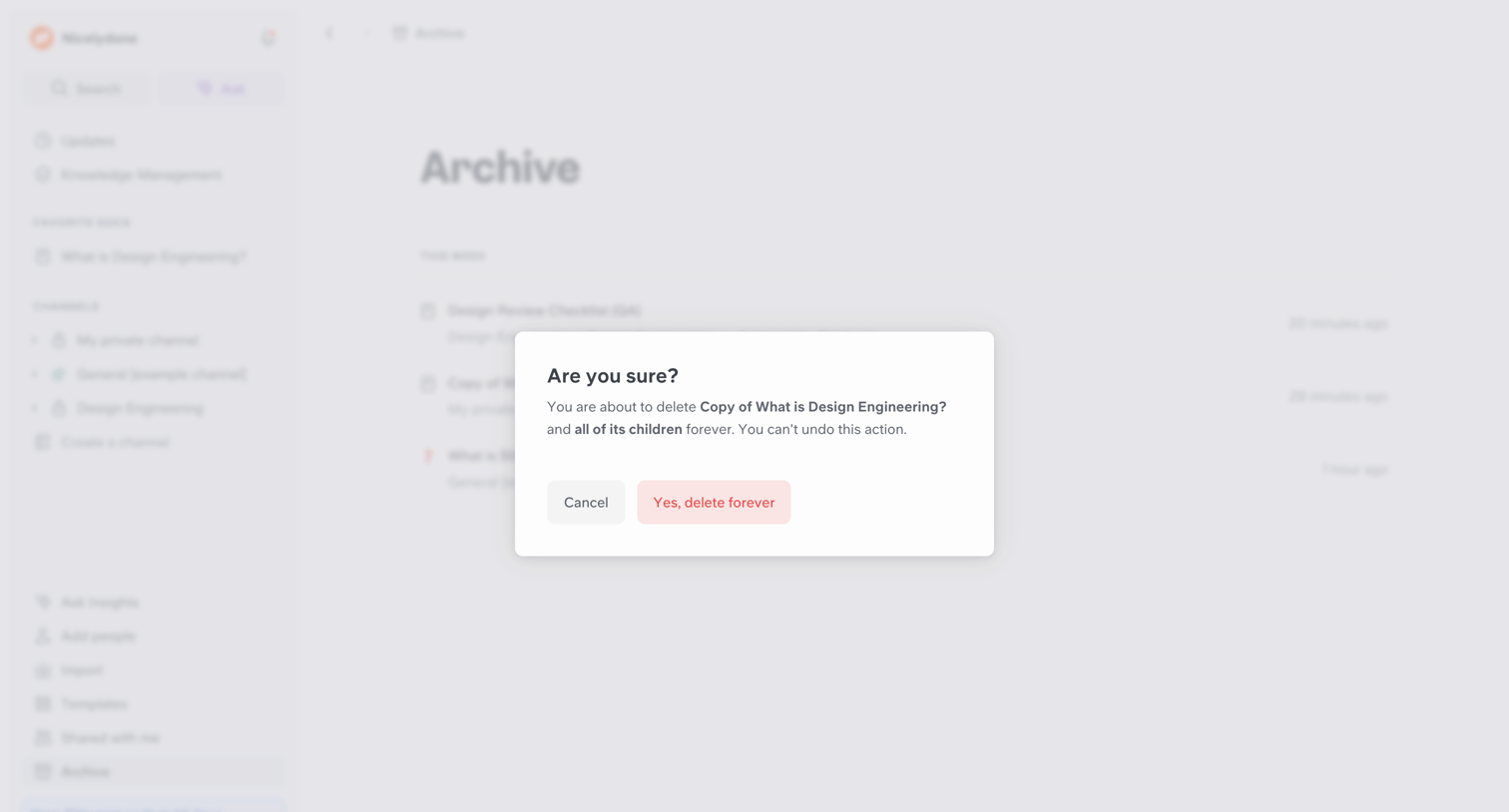

List view where the user is prompted to confirm the permanent deletion of a document and its children from the archive.
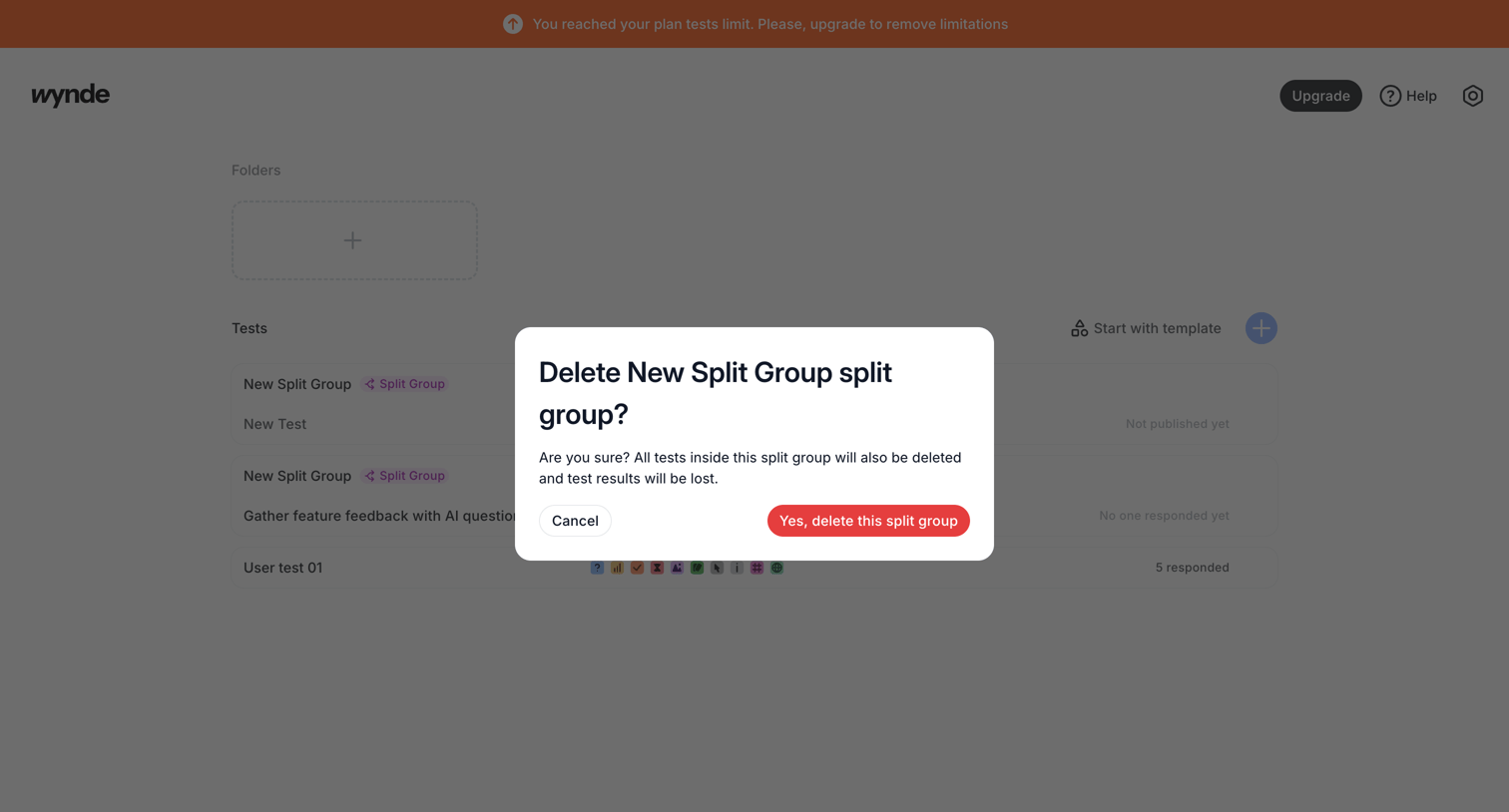

List view where the user is prompted to confirm the deletion of a split group and its associated tests.
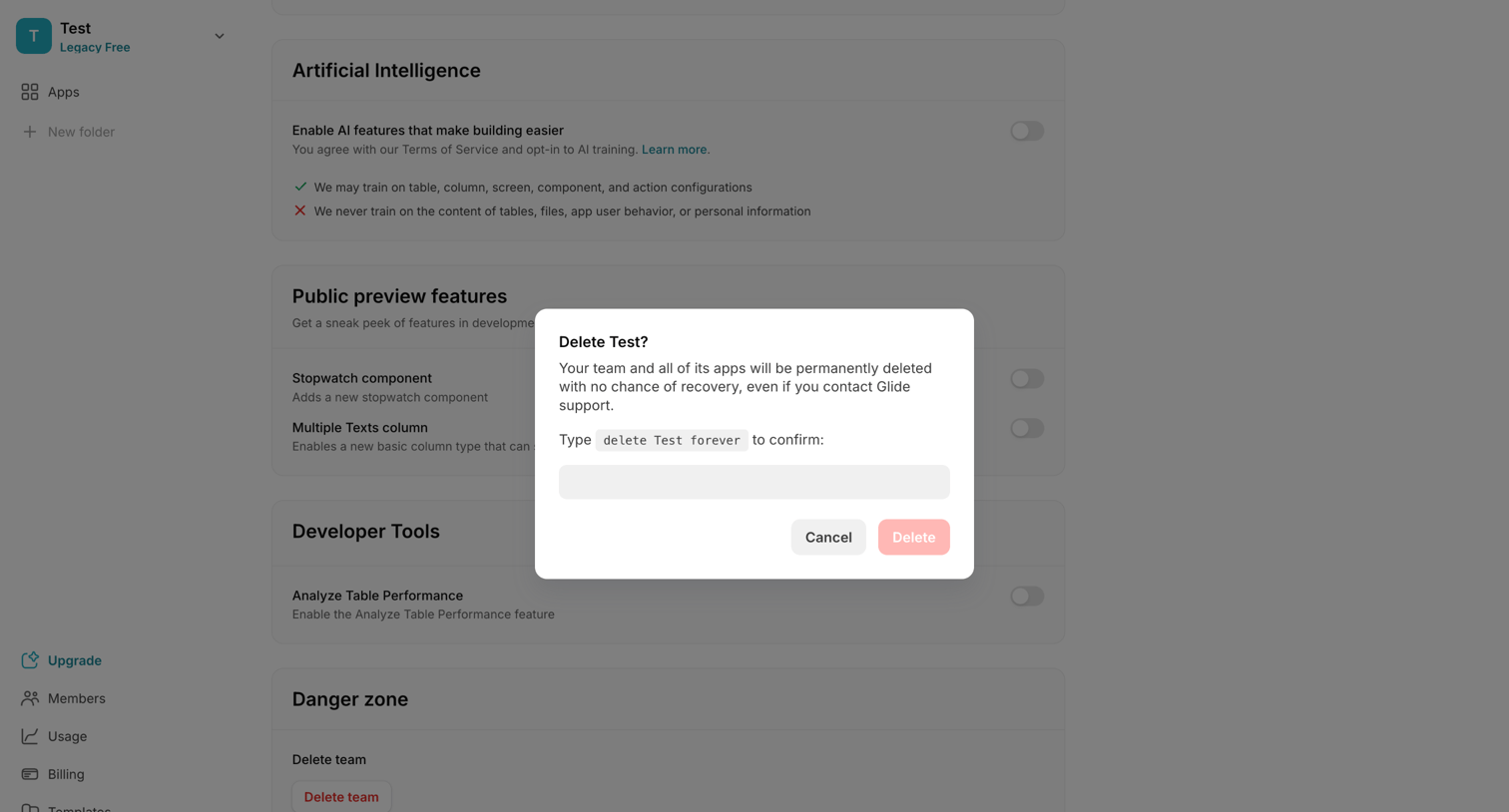

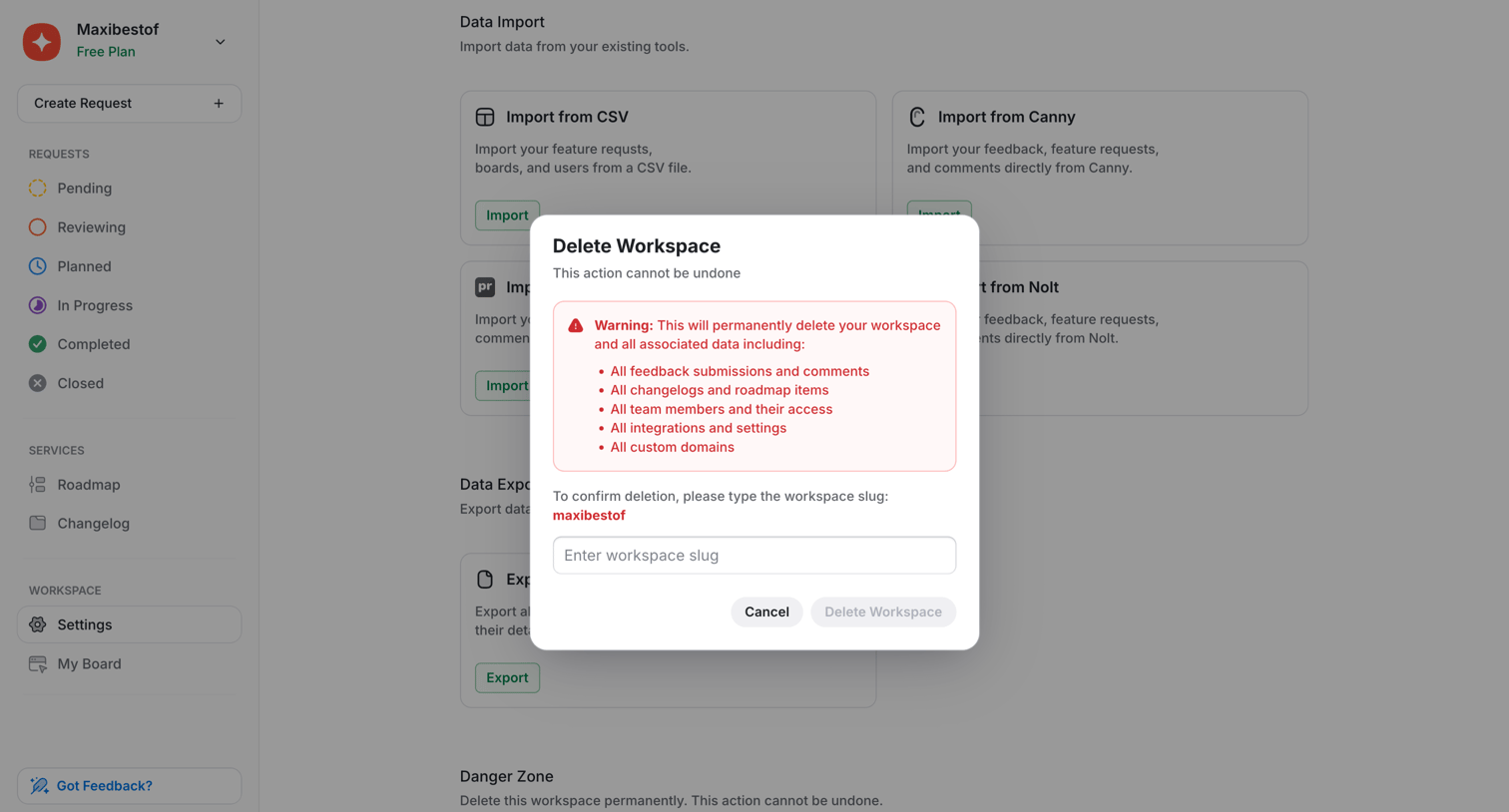
Settings page where the user must type a specific confirmation phrase into a modal to permanently delete their team and all associated apps.
Explore the full SaaS screen library
Upgrade to unlock the full library.
Trusted by the best teams







