Account security screen examples
Account security screen design examples from SaaS apps. Browse examples from Bud, Axiom, Lithic.
Explore the examples
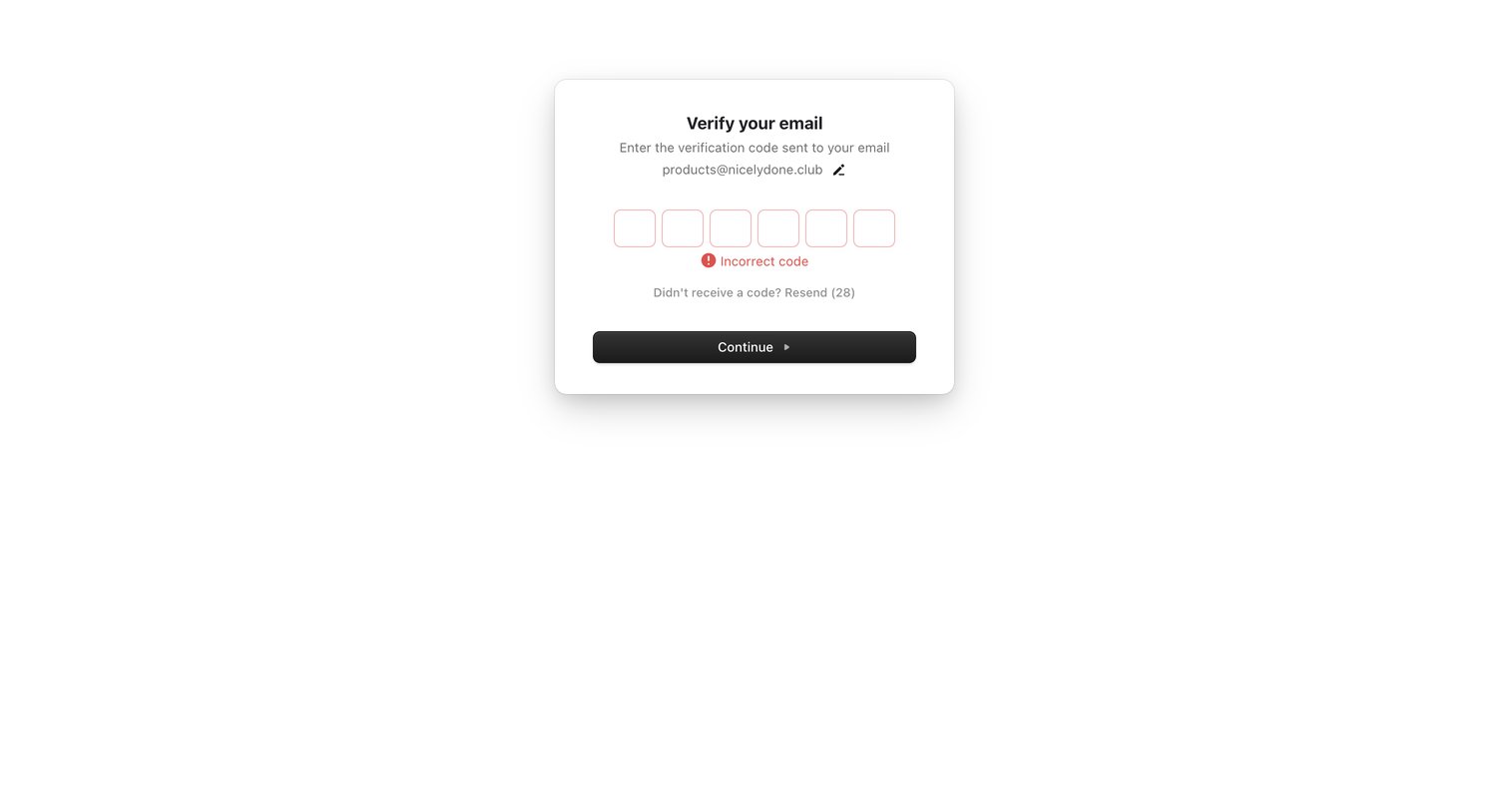

Email verification screen showing an incorrect code error and a countdown timer to resend the code.
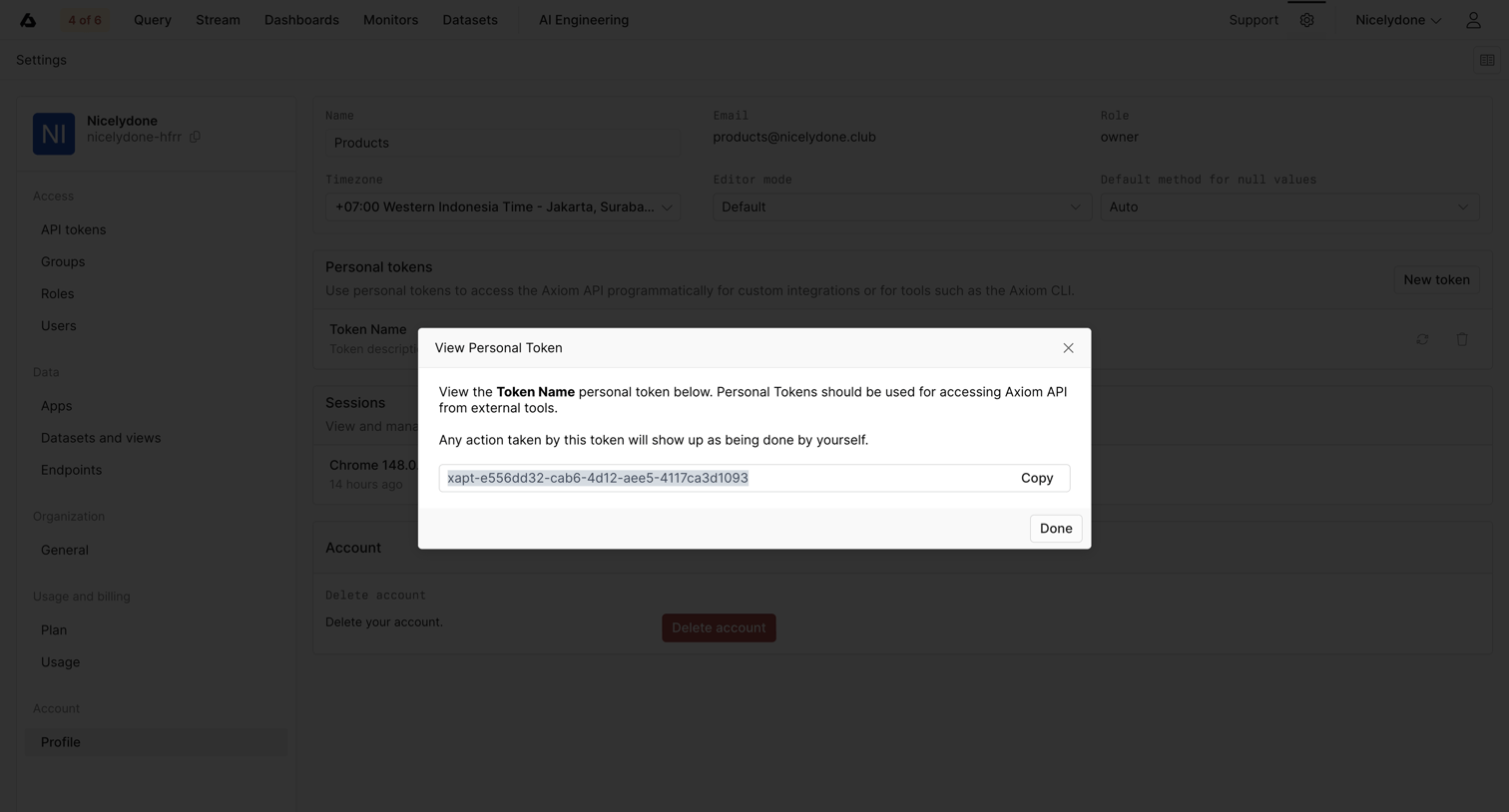

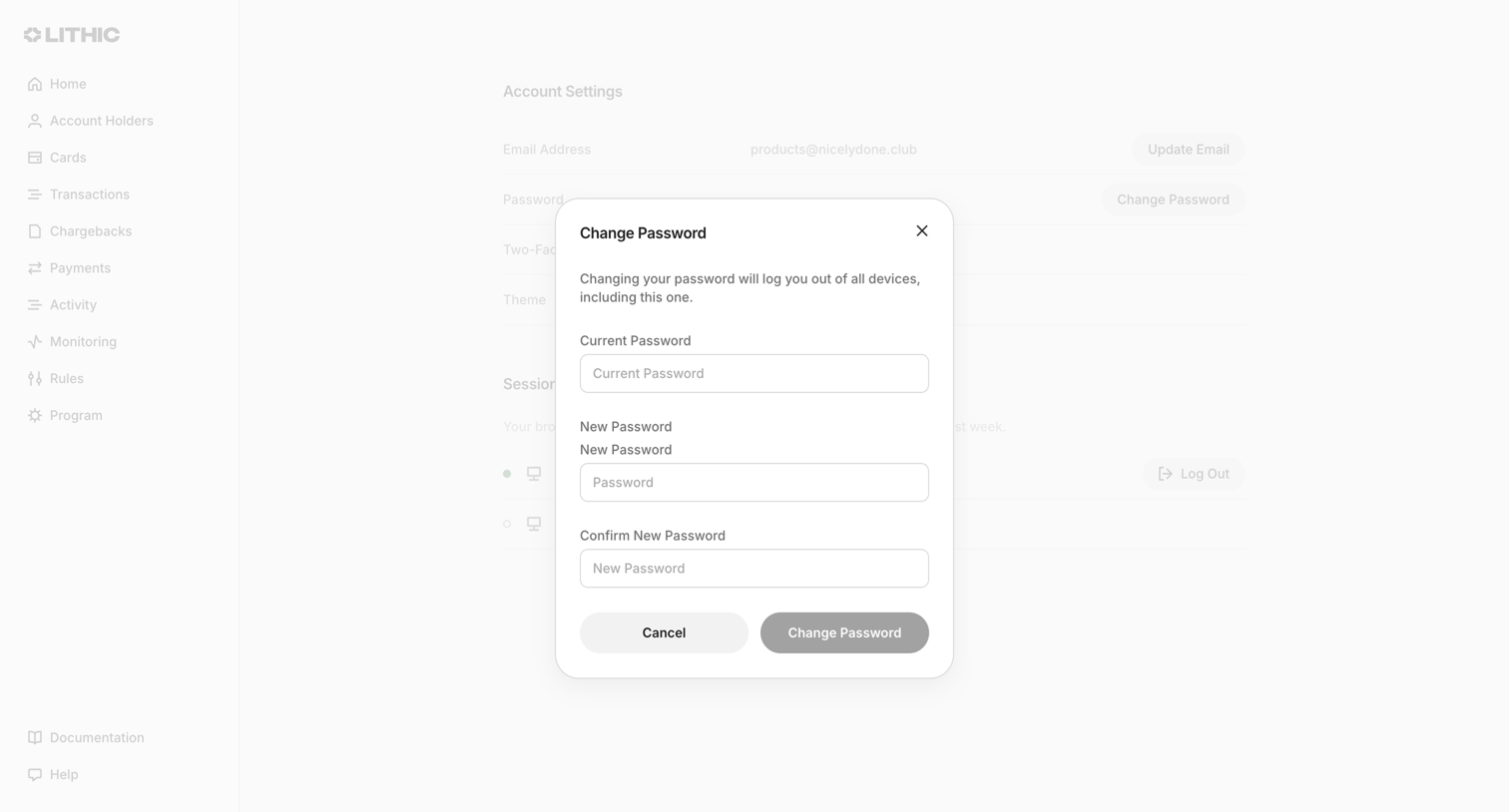

Settings page where the user updates their account password via a modal requiring their current and new password.
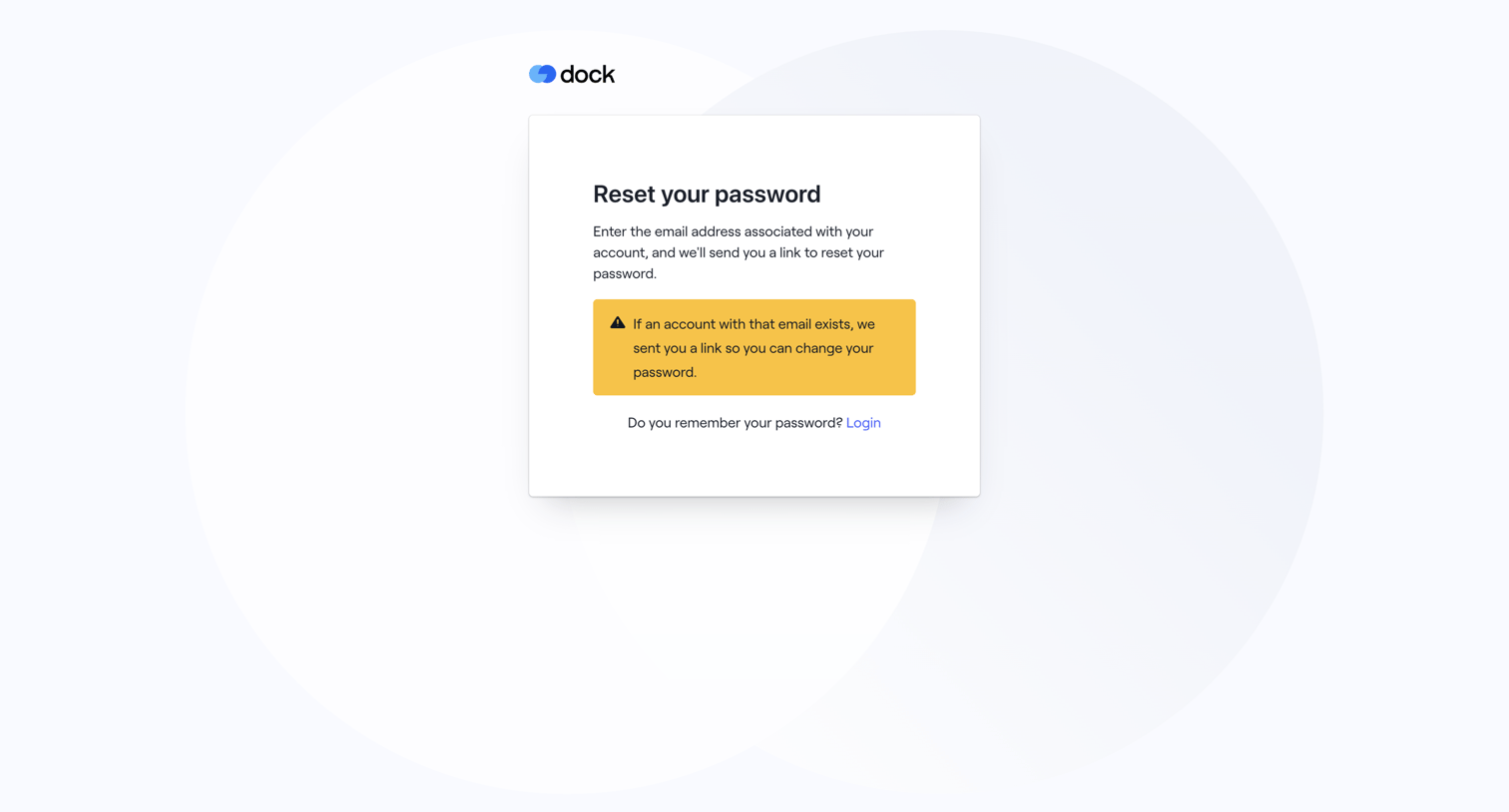

Password recovery screen displaying a confirmation alert that a reset link has been sent if the email exists, along with a link to return to login.
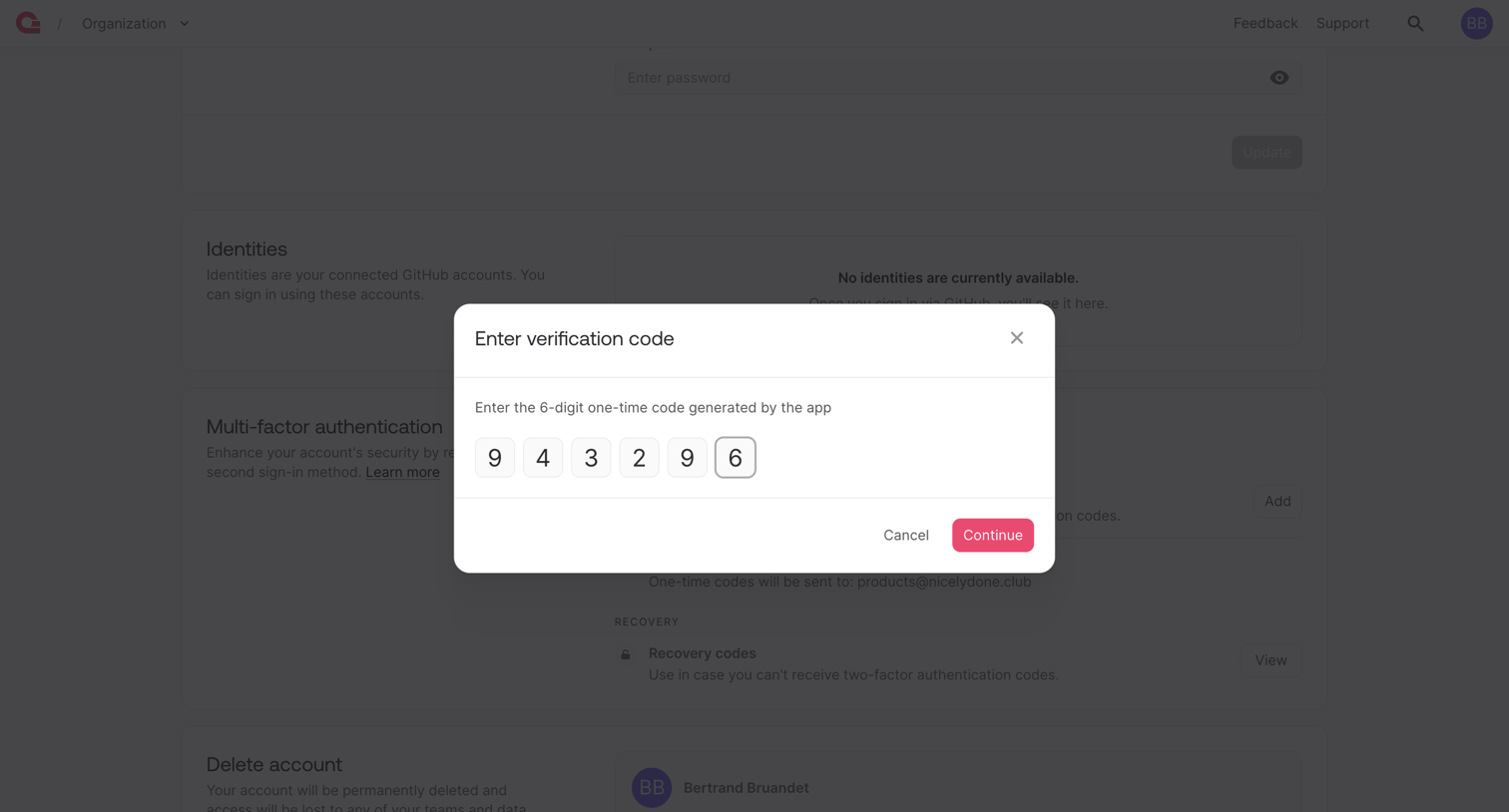

Settings page where the user enters a 6-digit verification code from their authenticator app to configure multi-factor authentication.
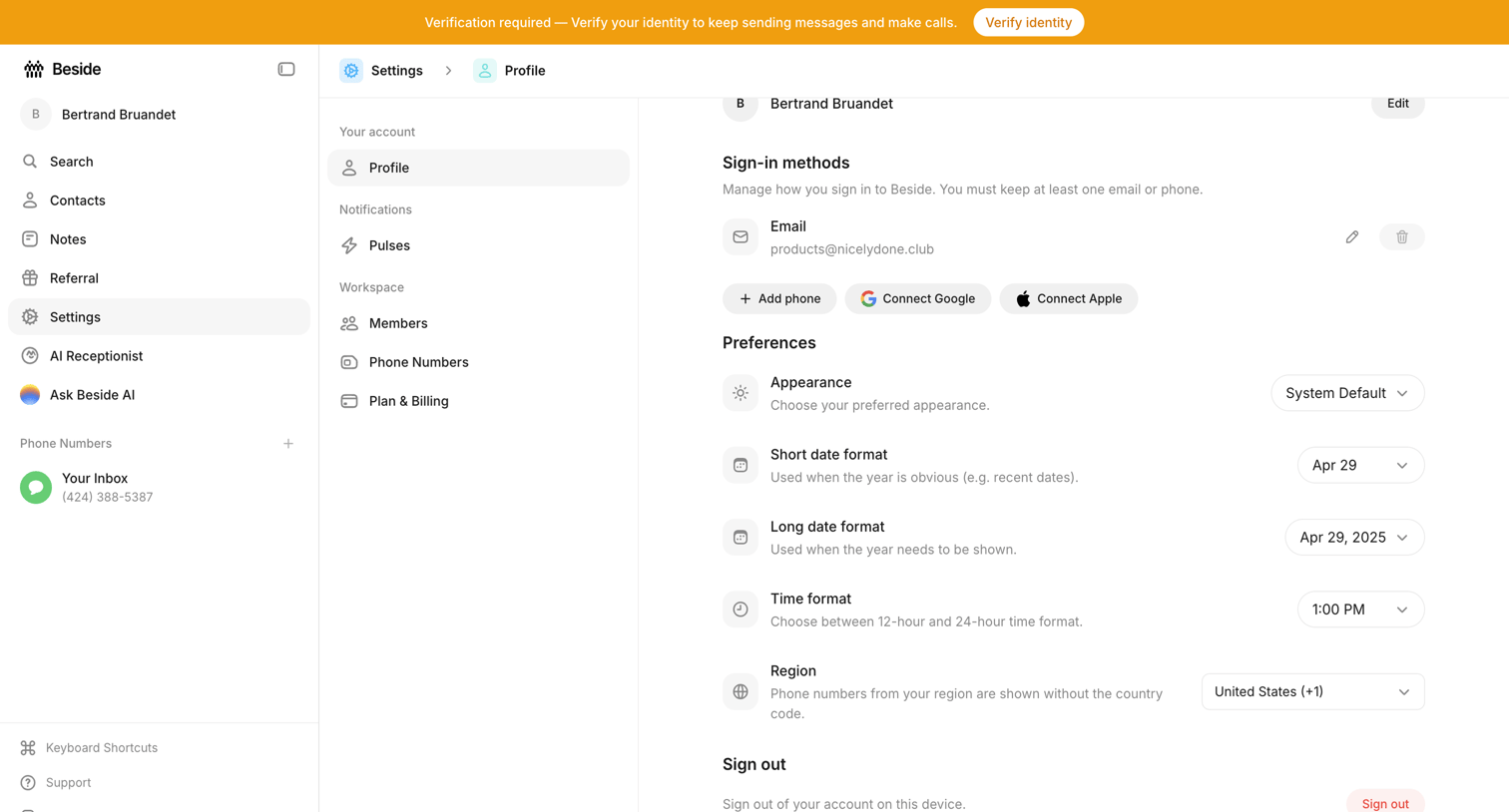

Settings page where the user manages their sign-in methods, appearance preferences, date formats, and region.
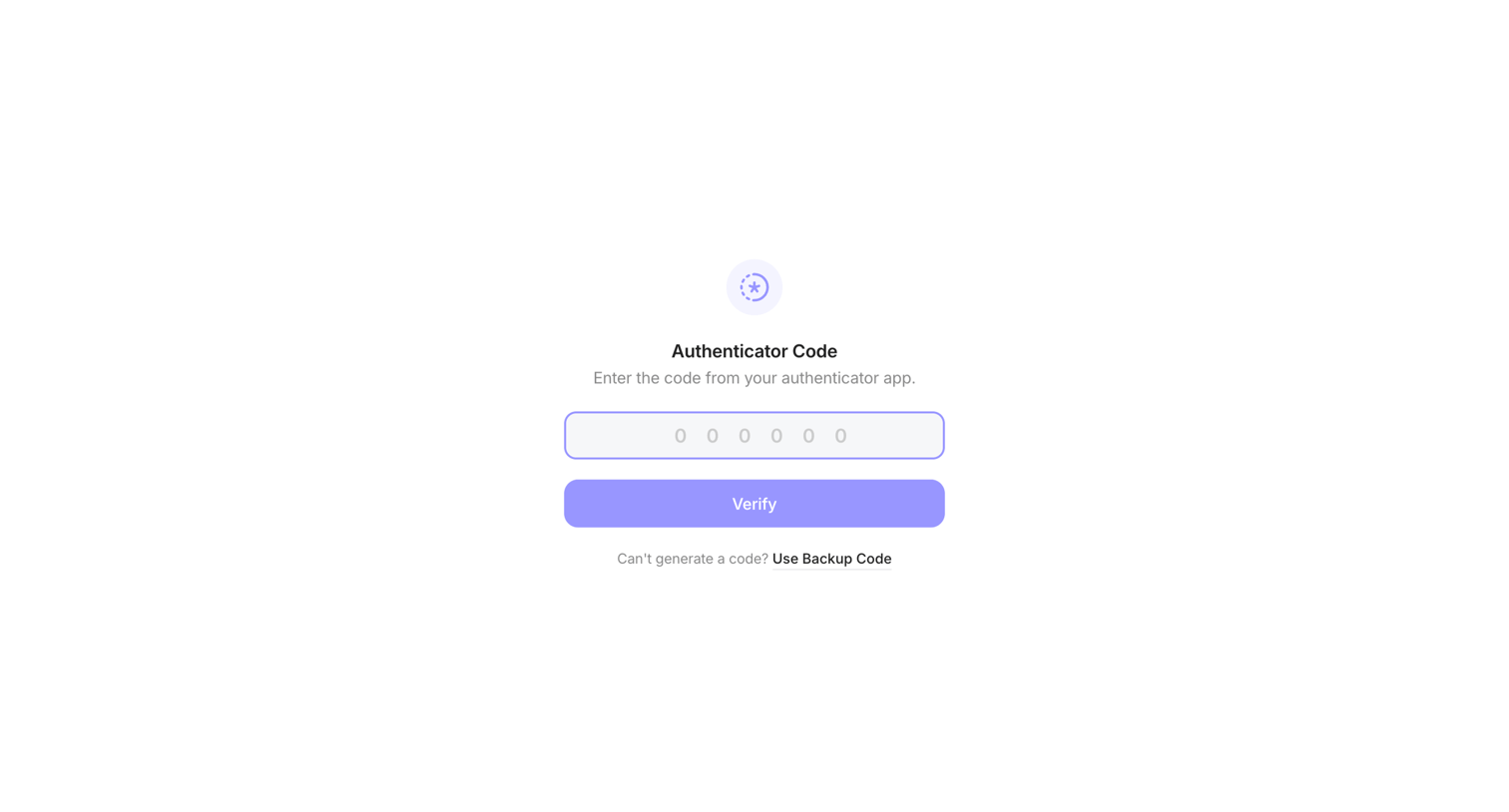

Verification screen where the user enters a 6-digit authenticator code or opts to use a backup code.
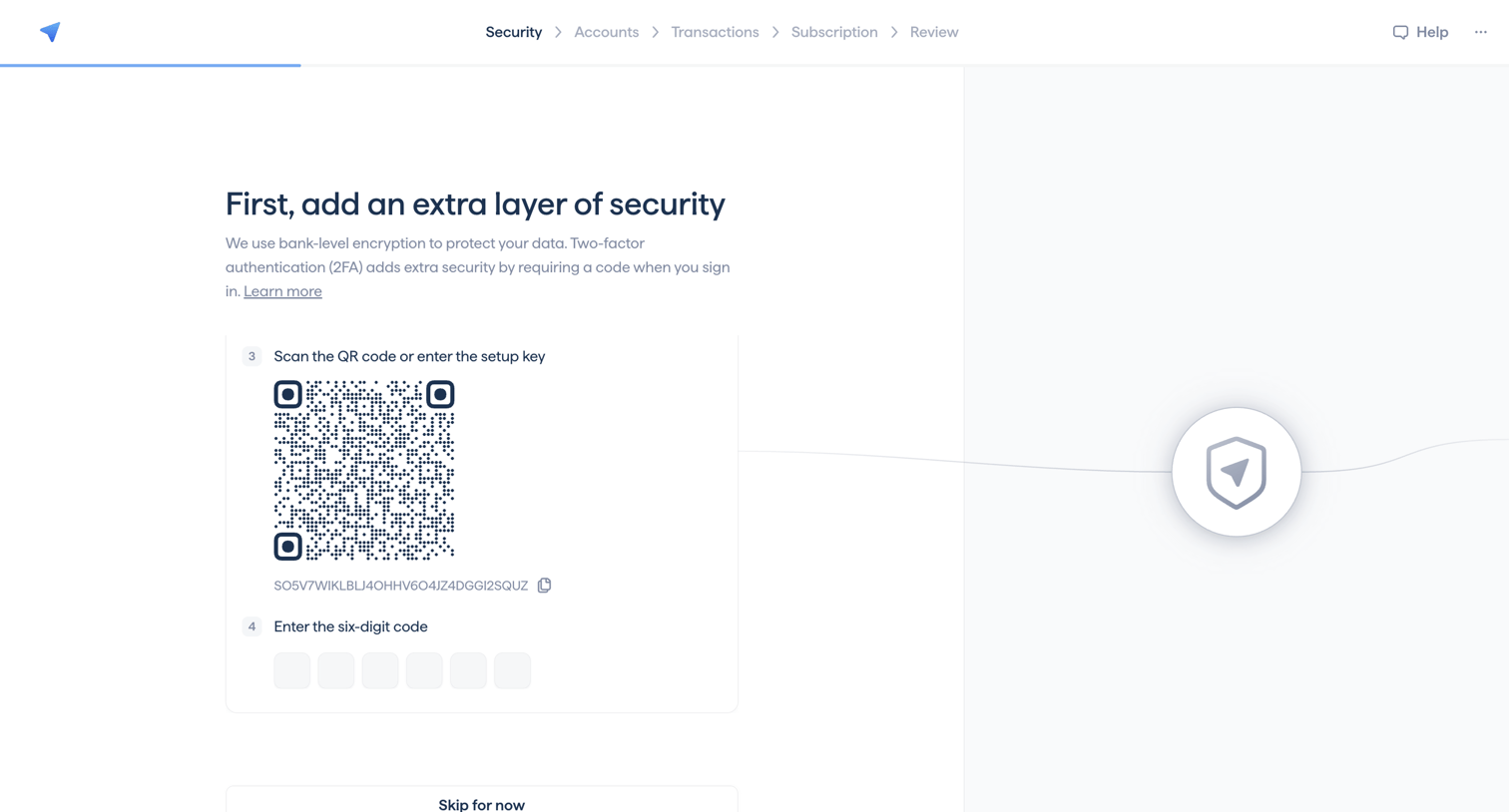

Onboarding step where the user sets up two-factor authentication by scanning a QR code or entering a setup key.
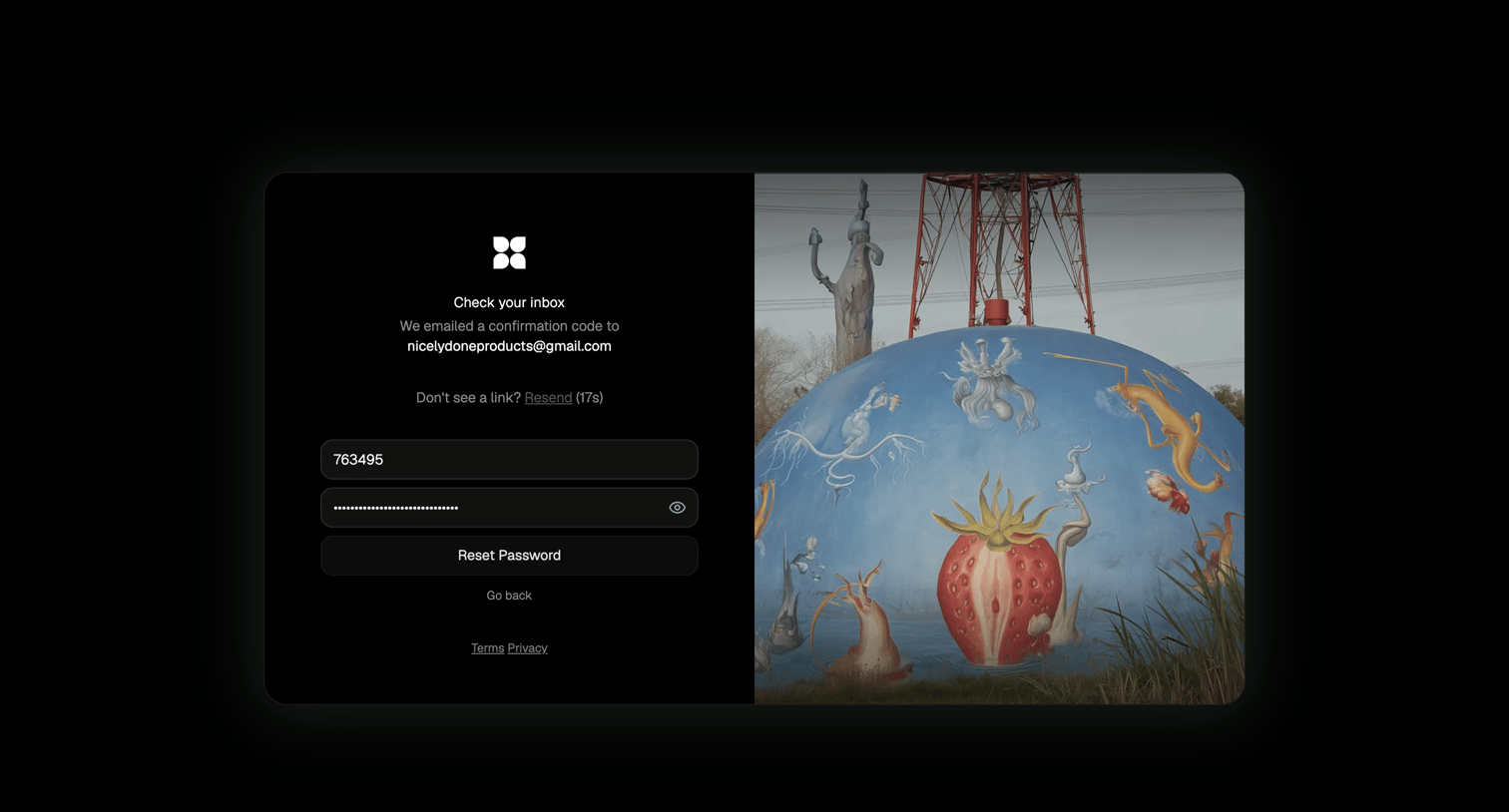

Password recovery screen where the user enters an emailed confirmation code and a new password to regain account access.
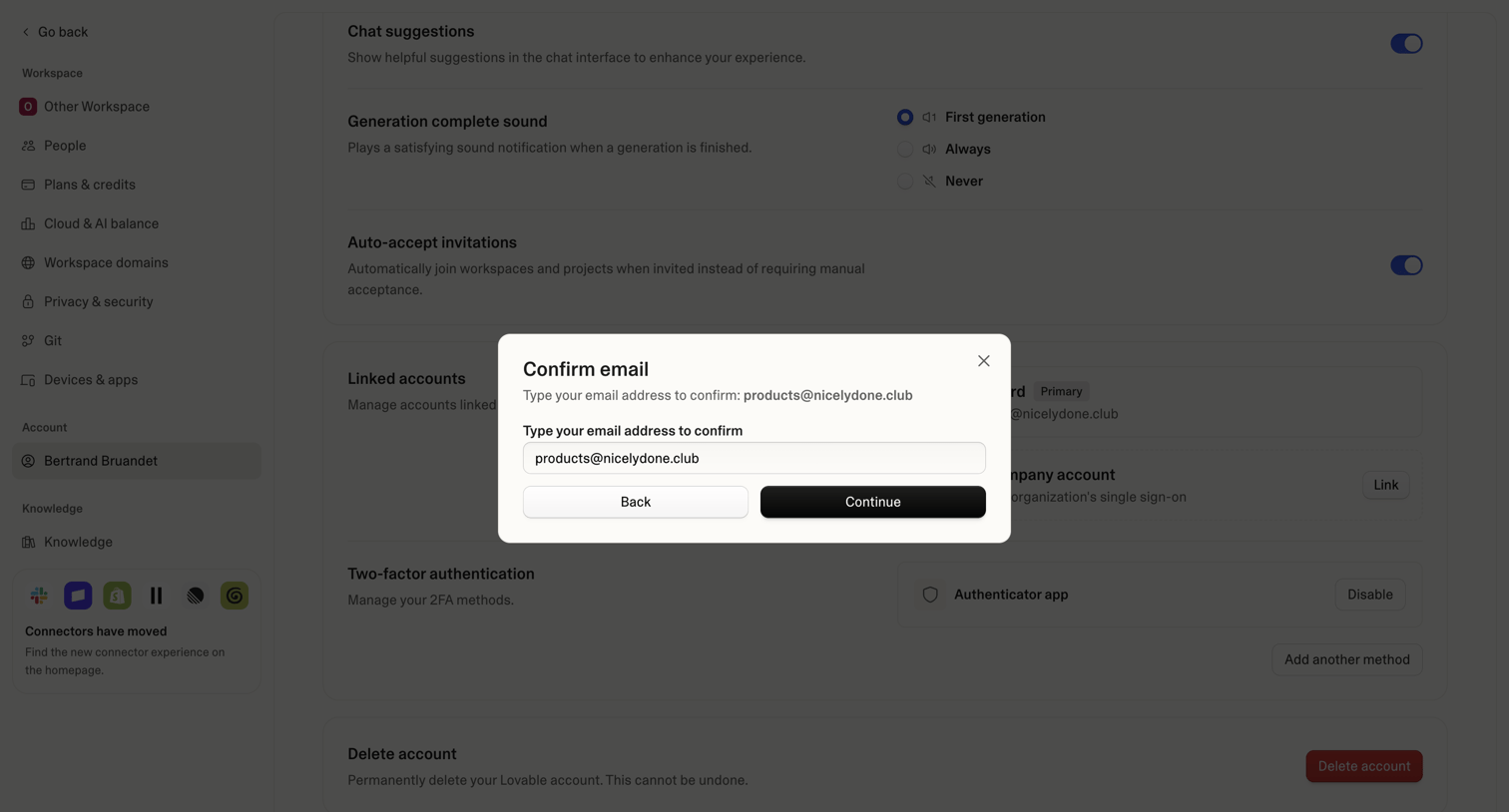

Settings page where the user confirms their email address via a modal dialog before proceeding with an account action.
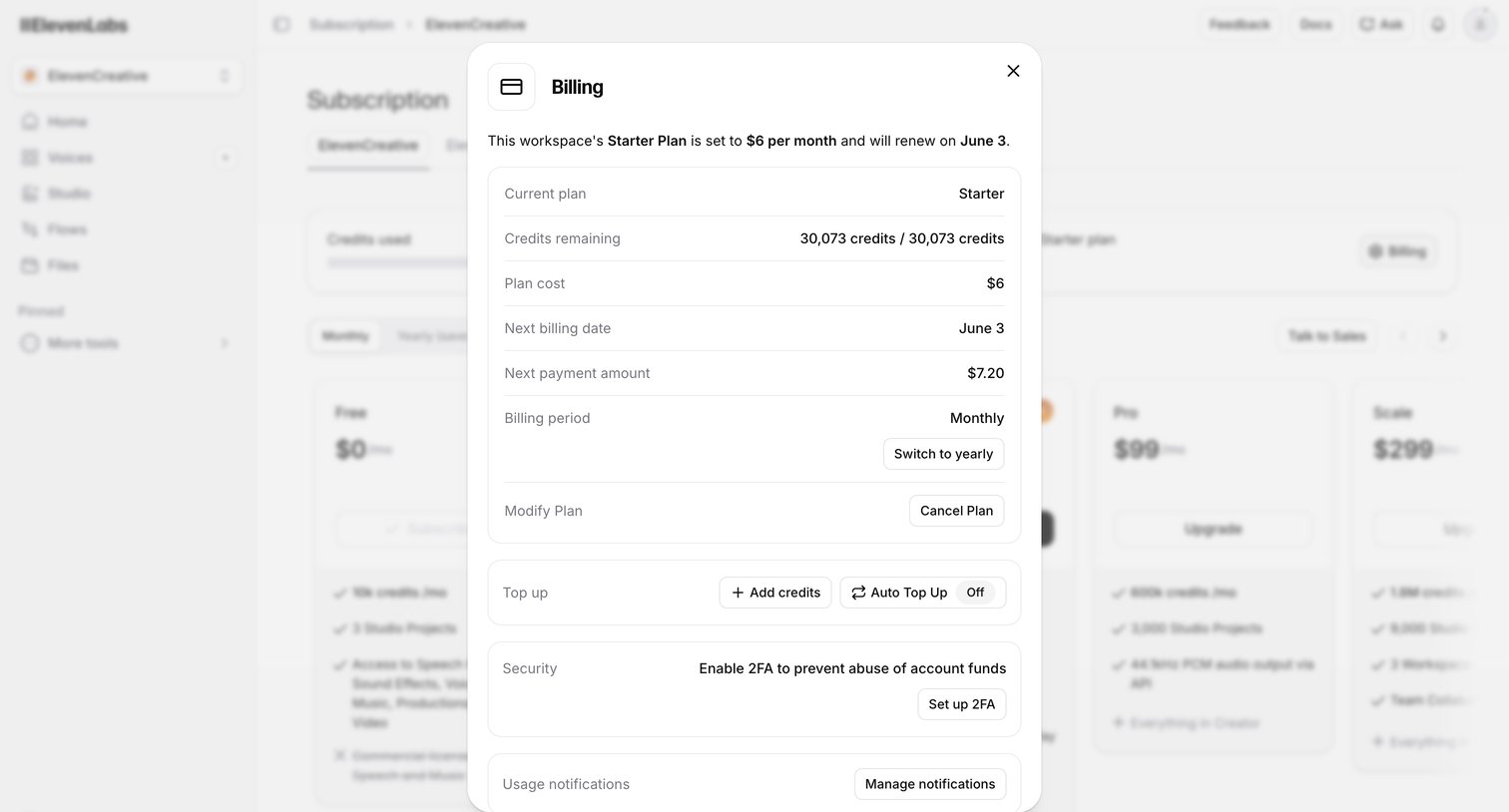

Settings modal where the user reviews their current plan details, manages billing periods, and configures auto top-up and usage notifications.
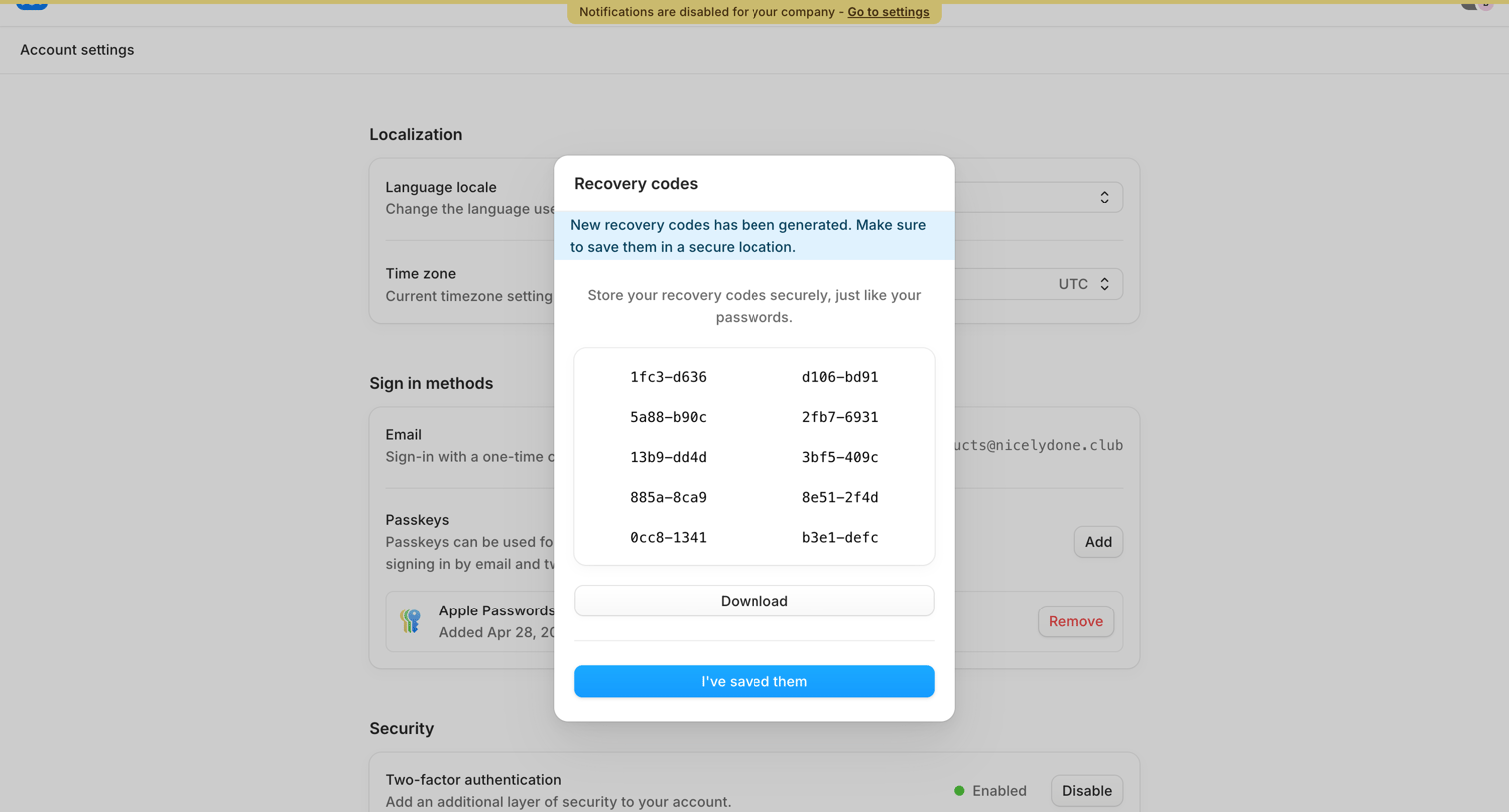

Settings page where the user is presented with new recovery codes to download and save after enabling two-factor authentication.
Explore the full SaaS screen library
Upgrade to unlock the full library.
Trusted by the best teams







