Account deletion screen examples
Account deletion screen design examples from SaaS apps. Browse examples from Polar, Steel, Axiom.
Explore the examples
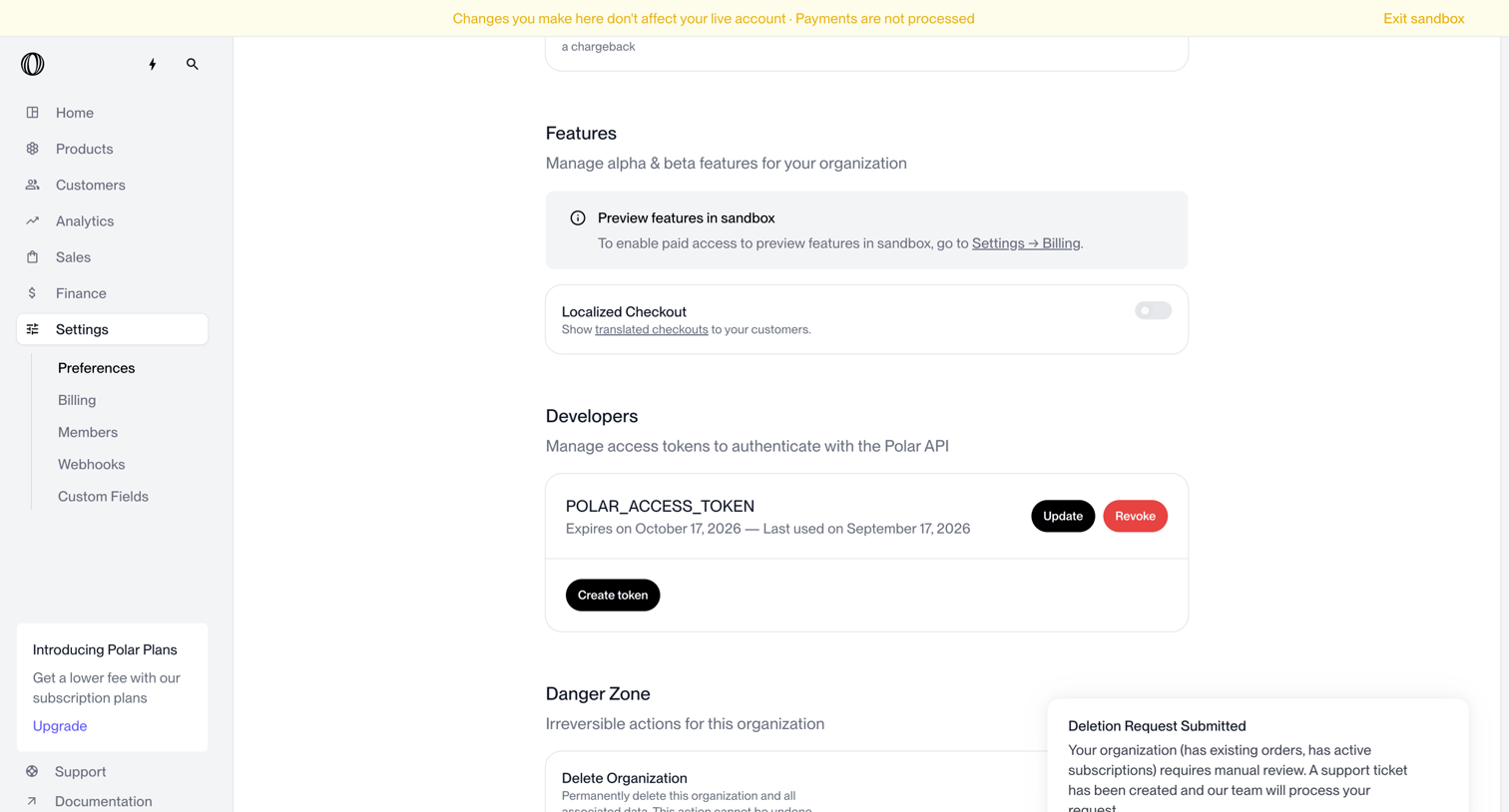

Settings page where the user configures organization features, manages API access tokens, and views the status of an account deletion request.
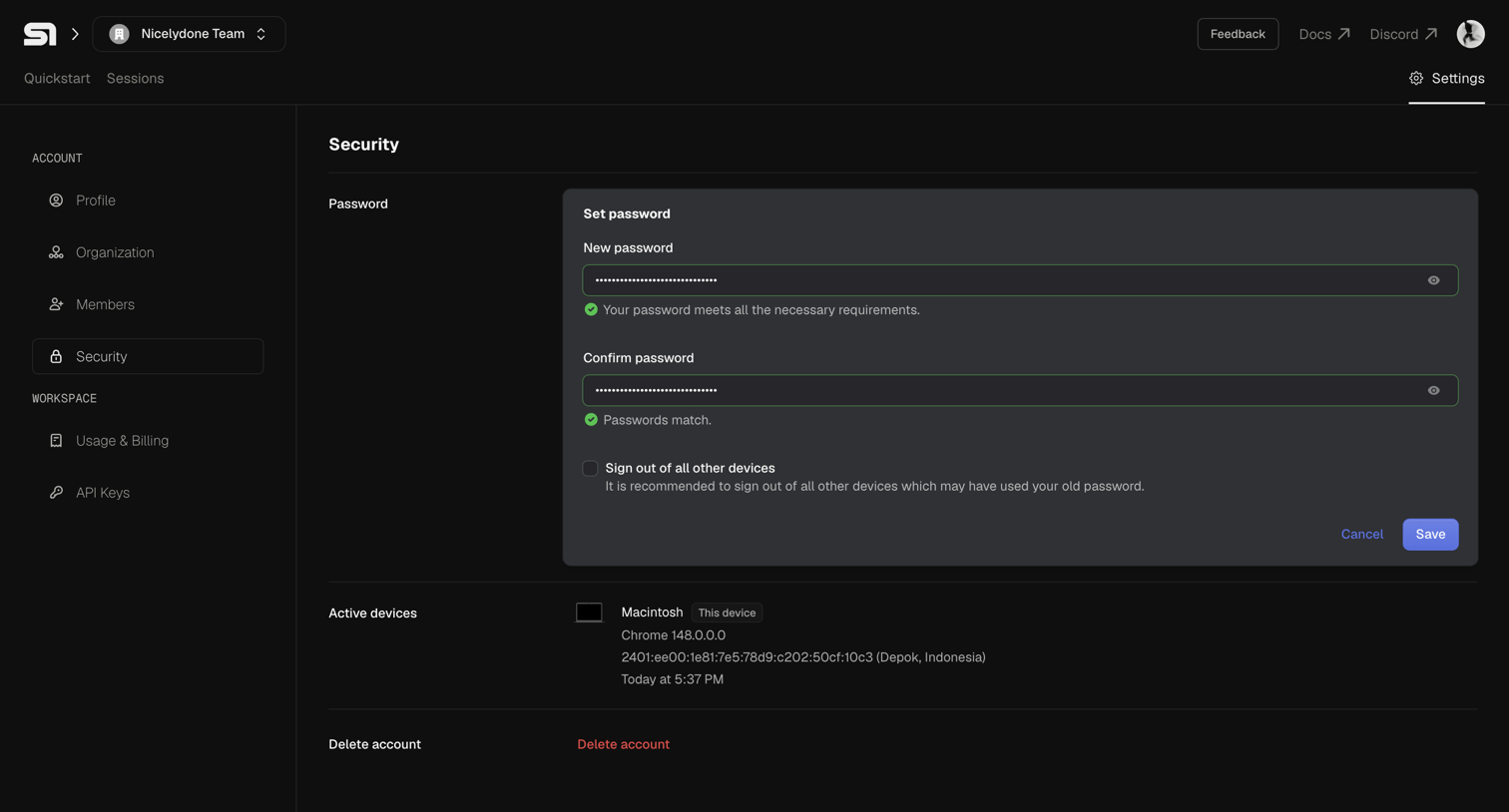

Settings page where the user can update their password, view active devices, and initiate account deletion.
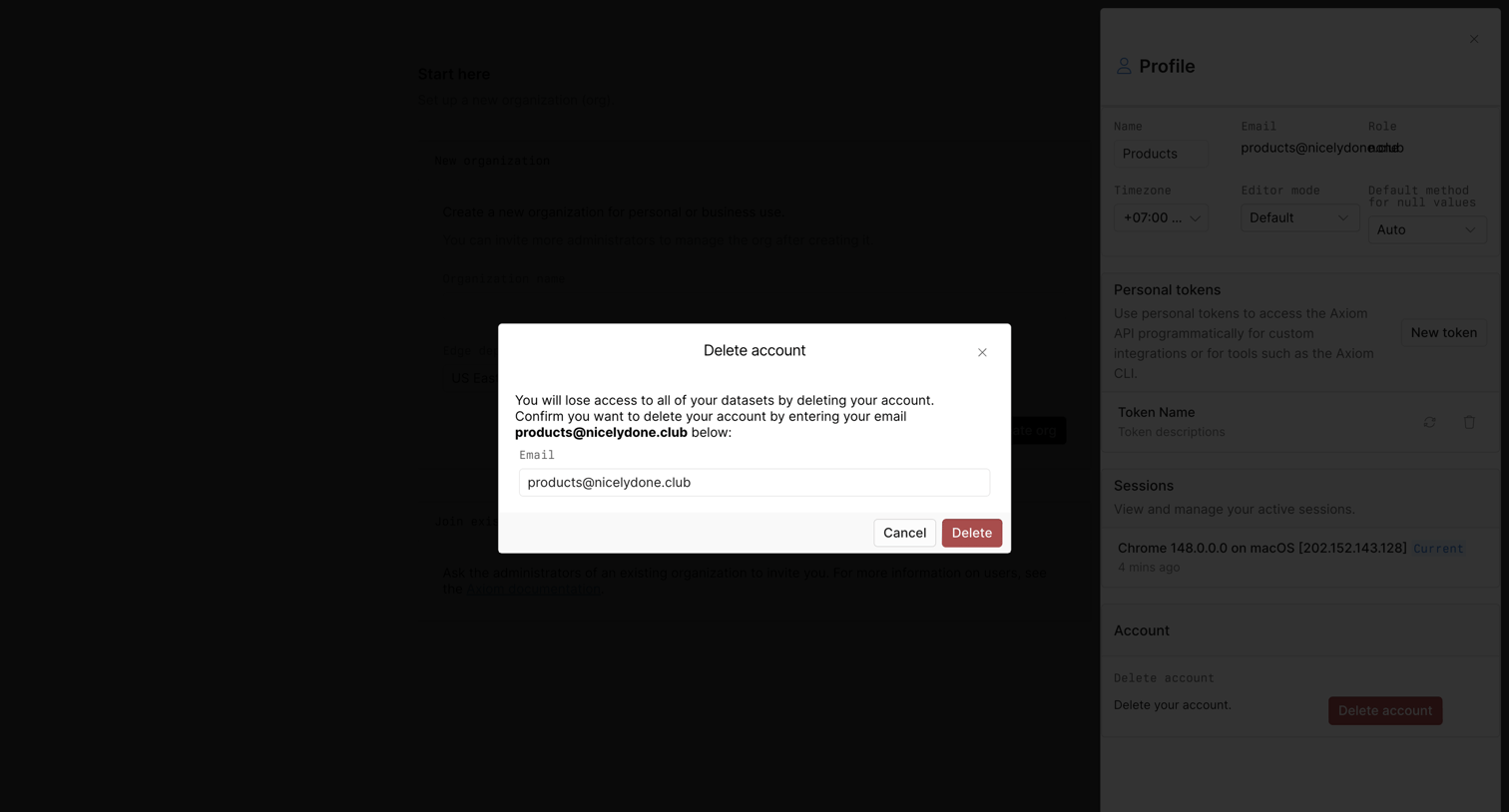

Settings profile drawer where the user must confirm account deletion by typing their email address into a high-contrast modal.
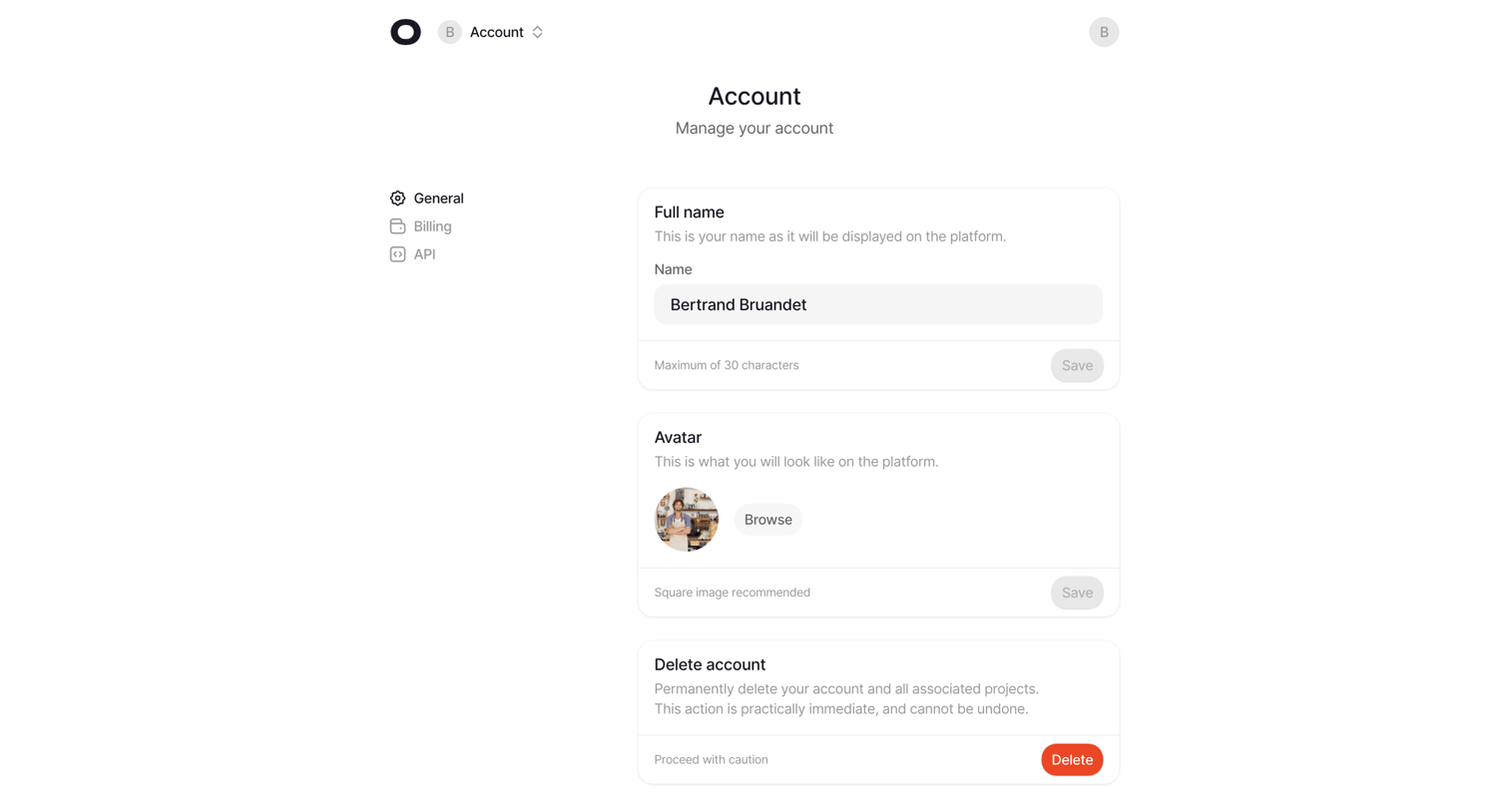

Settings page where the user manages their account profile, including full name, avatar upload, and account deletion.
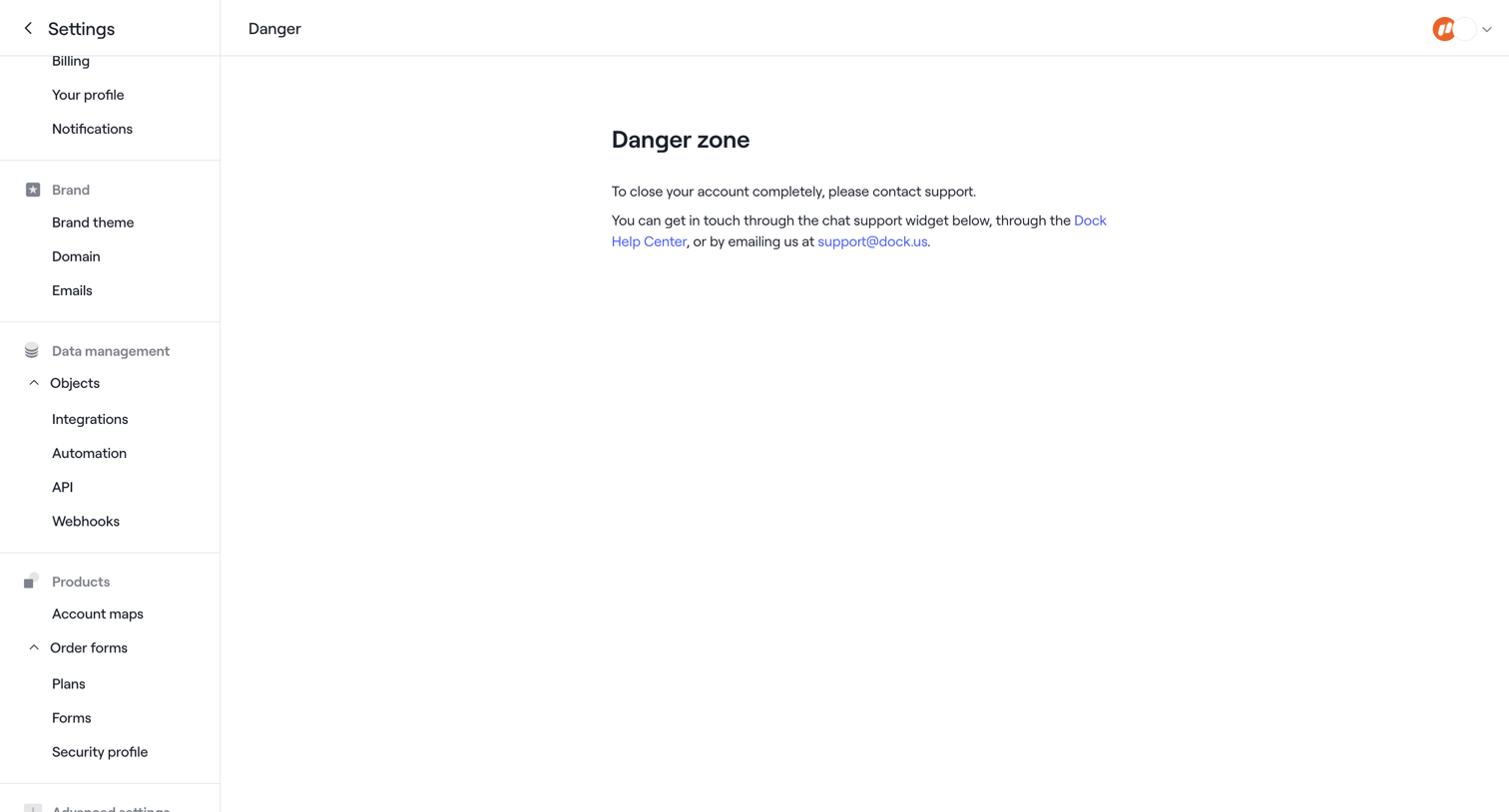

Settings page where the user is instructed to contact support to completely close their account.
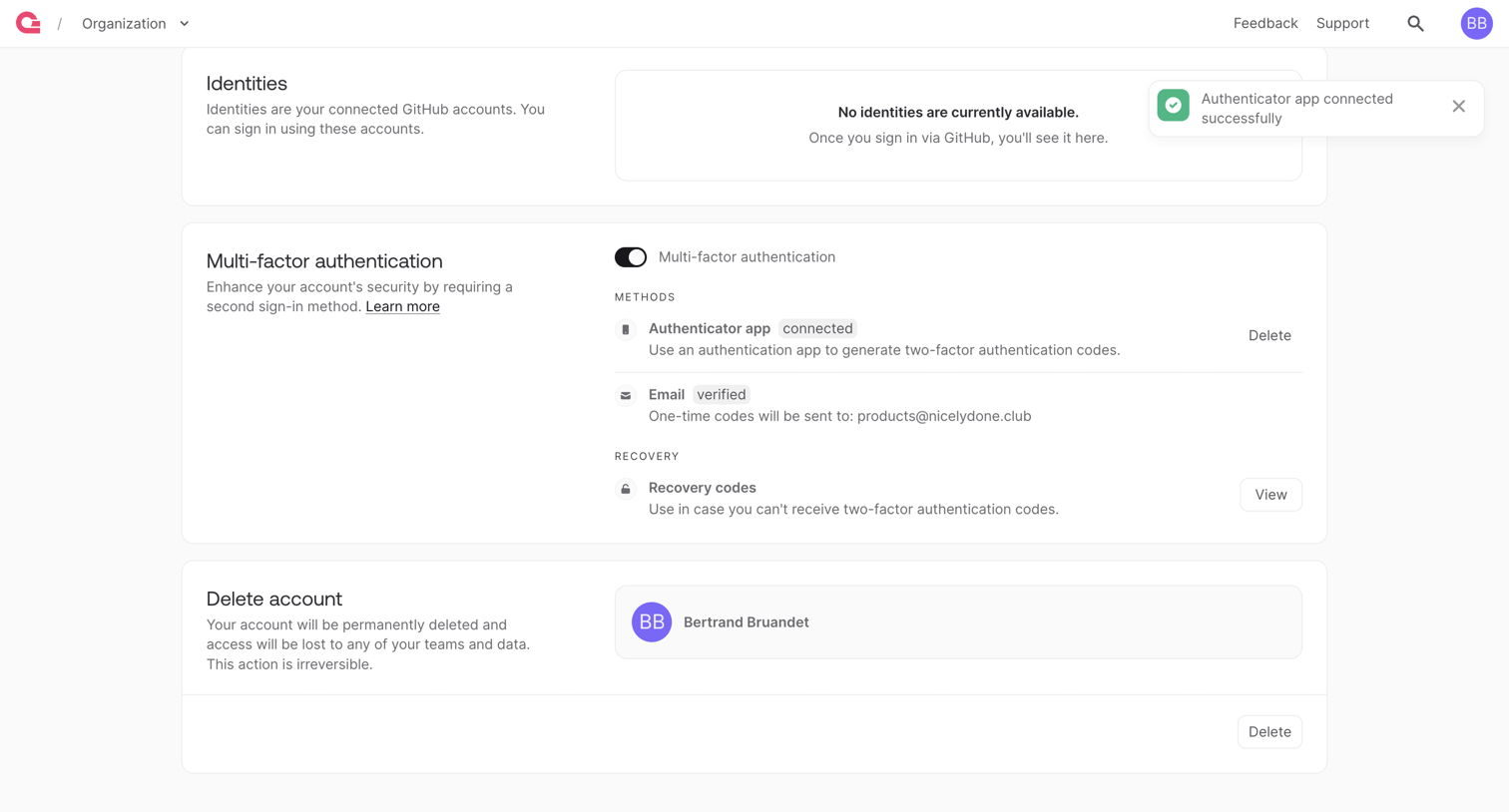

Settings page where the user manages their connected GitHub identities, configures multi-factor authentication methods like authenticator apps and email, and can permanently delete their account.
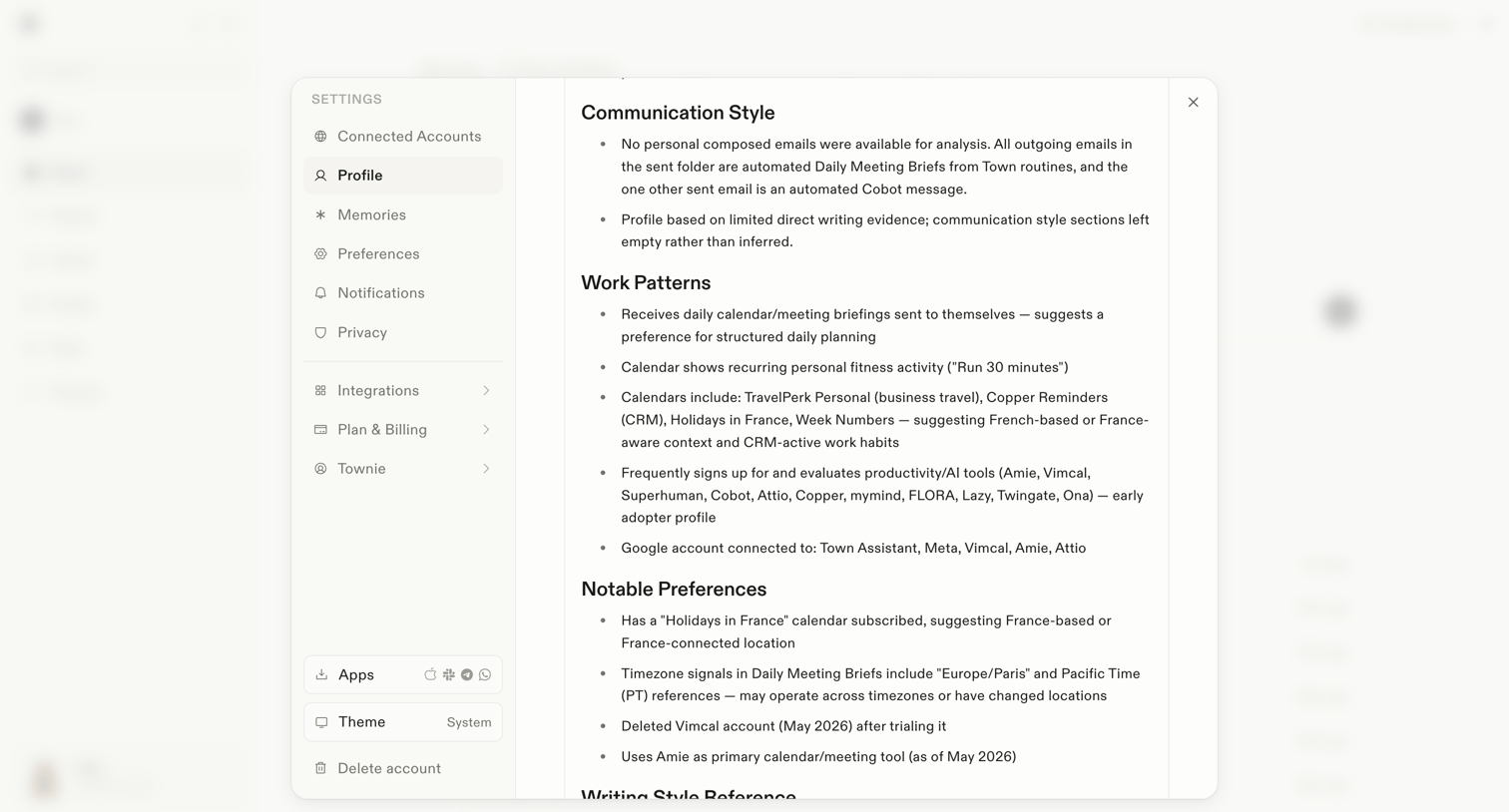

Settings modal where the user views an AI-generated summary of their communication style, work patterns, and notable preferences.
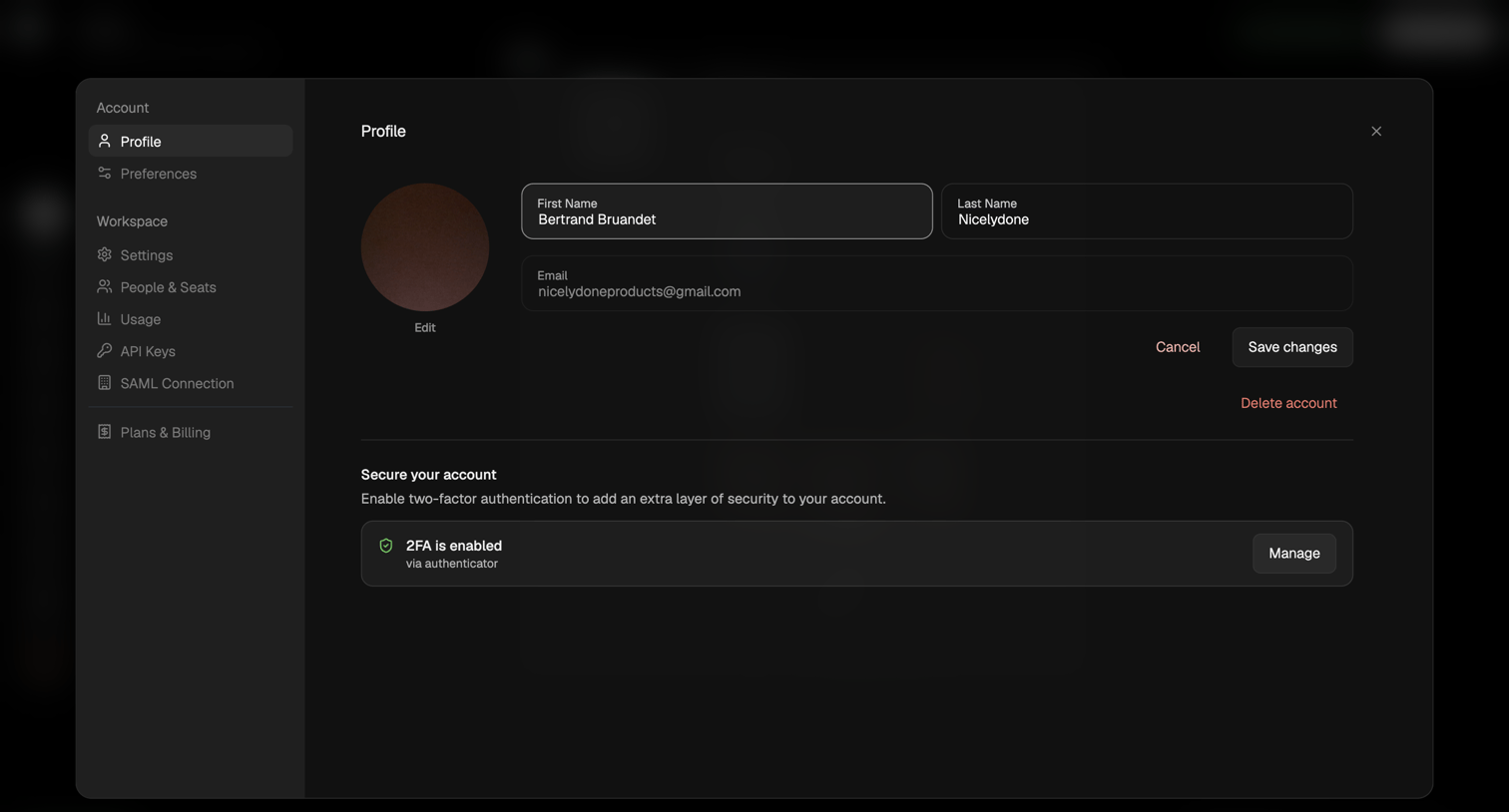

Settings modal where the user updates their name and email, and manages their two-factor authentication status.
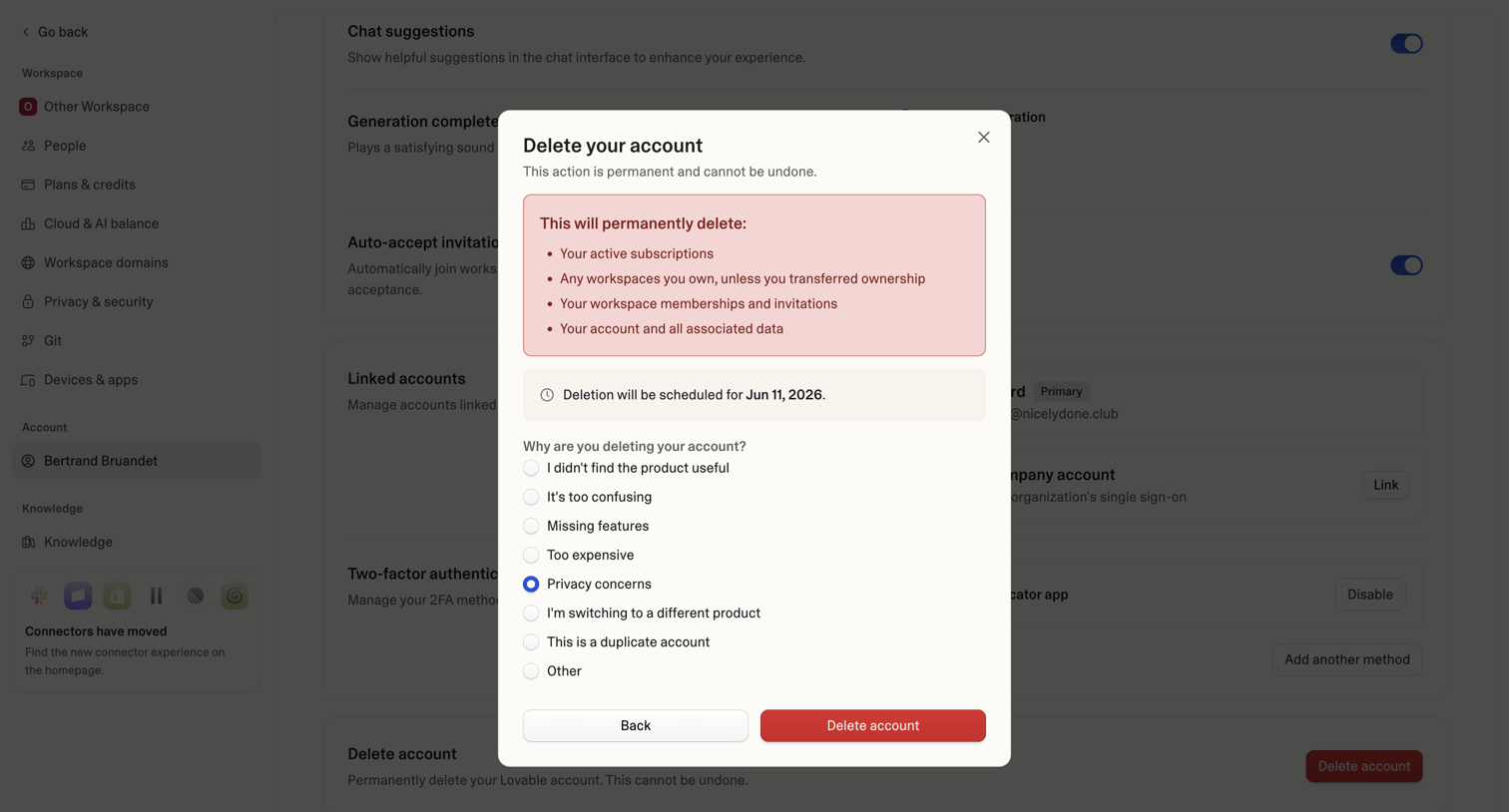

Settings page where the user confirms permanent account deletion and provides a reason for leaving via a radio button survey.
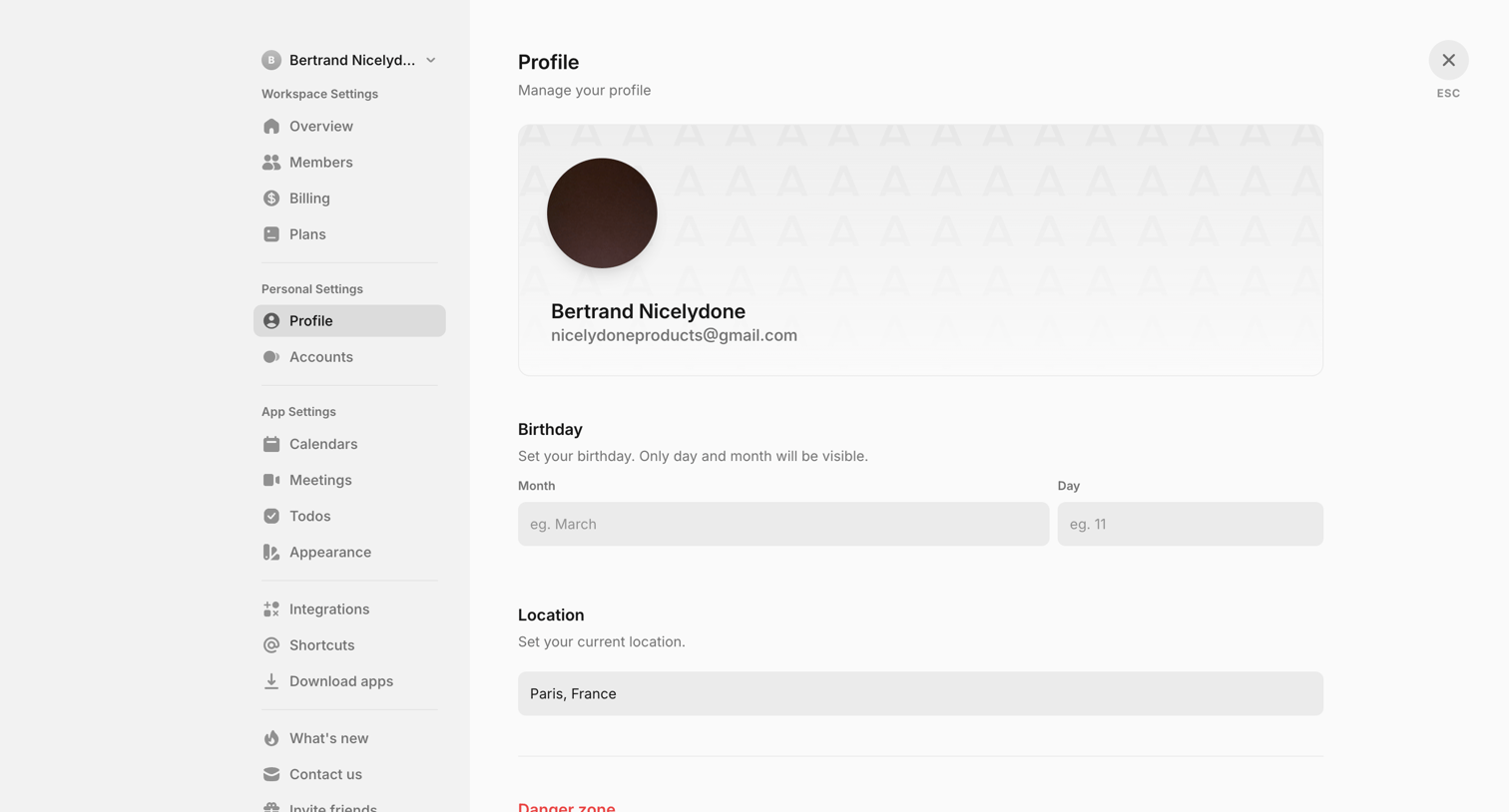

Settings modal where the user manages their personal profile details, including birthday and location, and can access the danger zone to delete their account.
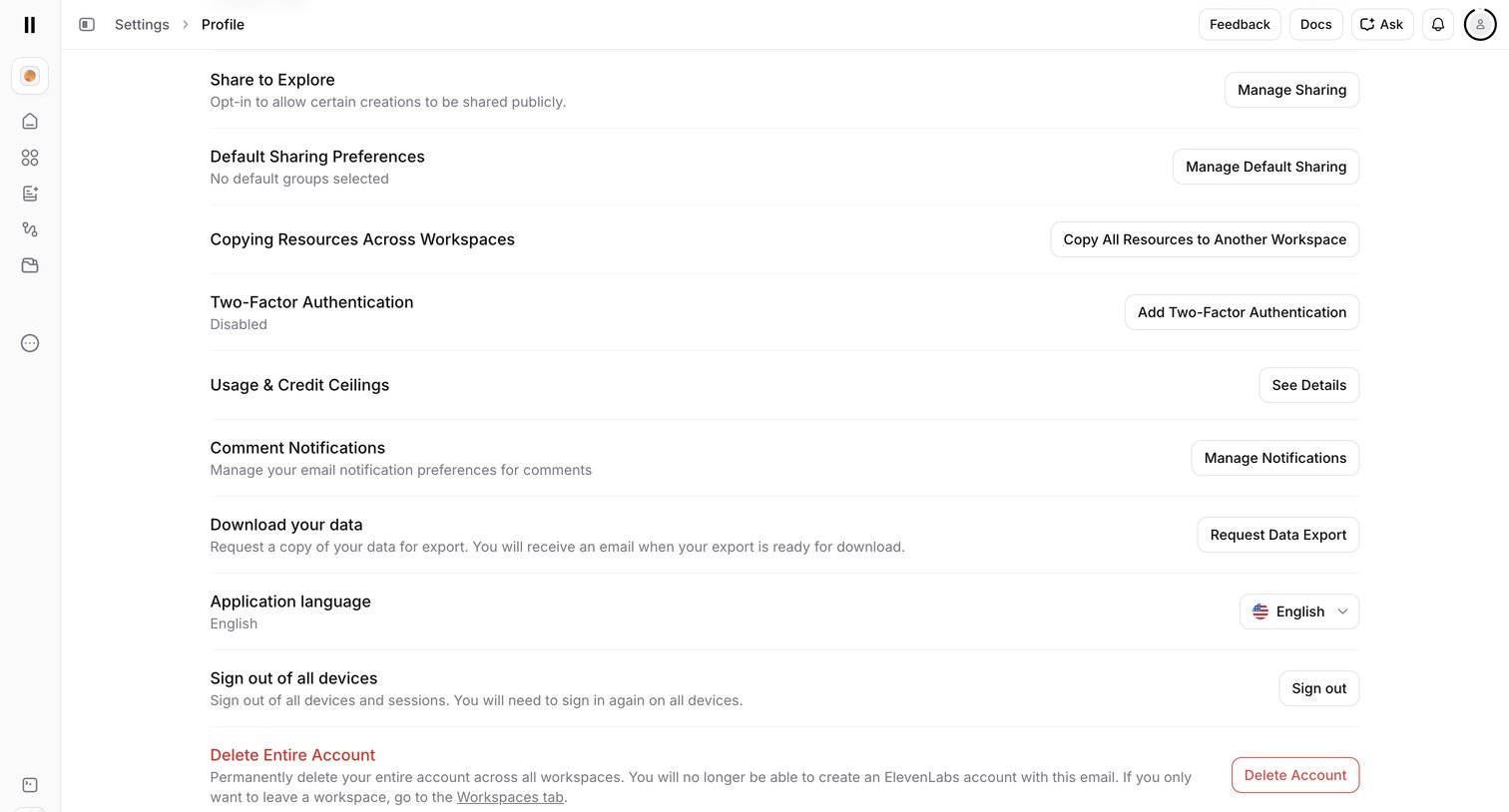

Settings page where the user manages profile preferences including sharing, two-factor authentication, notifications, data export, and account deletion.
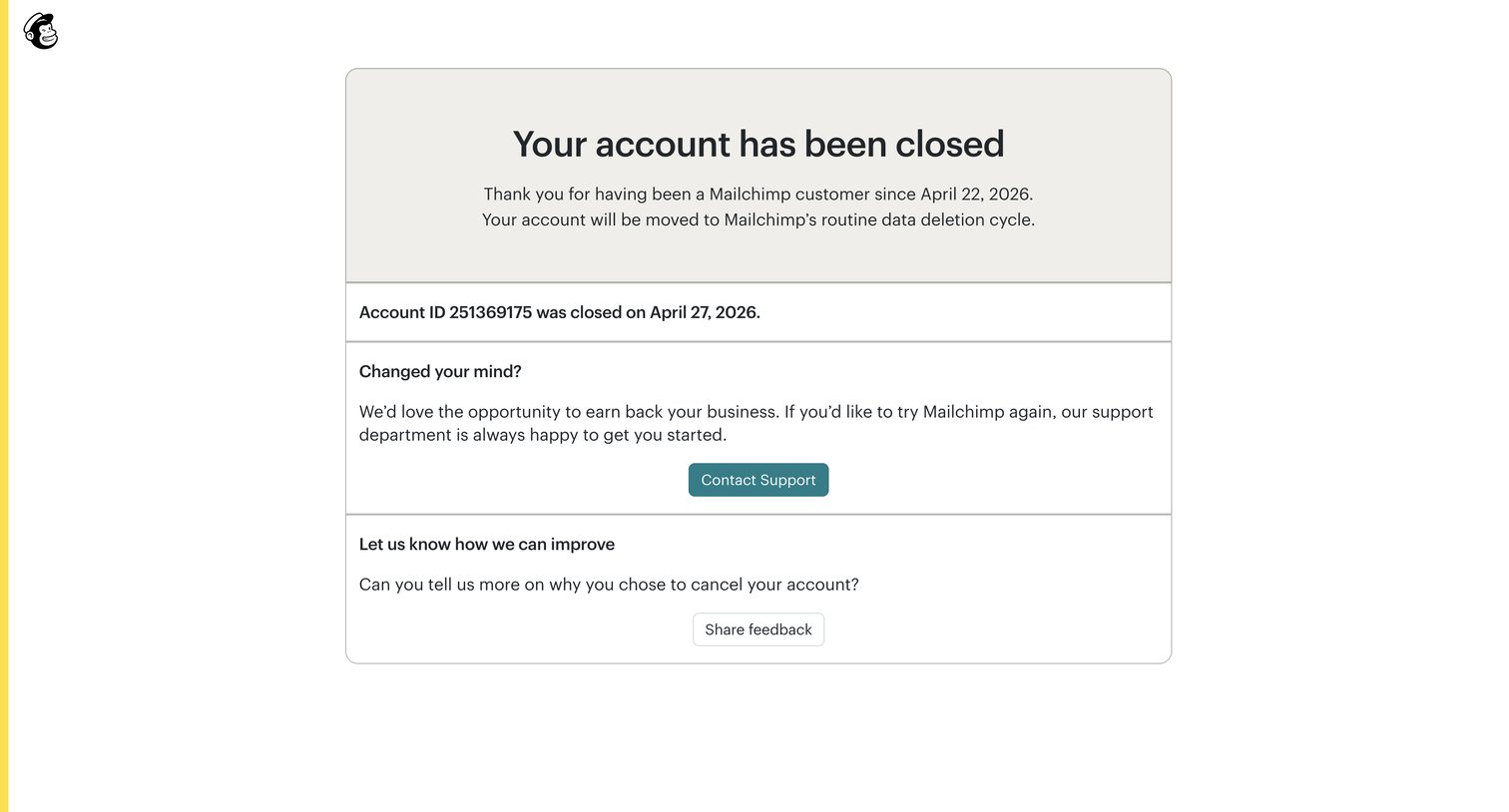

Detail page confirming the user's account has been closed, providing options to contact support to reactivate or share cancellation feedback.
Explore the full SaaS screen library
Upgrade to unlock the full library.
Trusted by the best teams







