
Vimcal product screens examples
Browse Vimcal screen design examples. Preview the interface screenshots and explore related UI patterns. The calendar for people with too many meetings.
Explore the examples
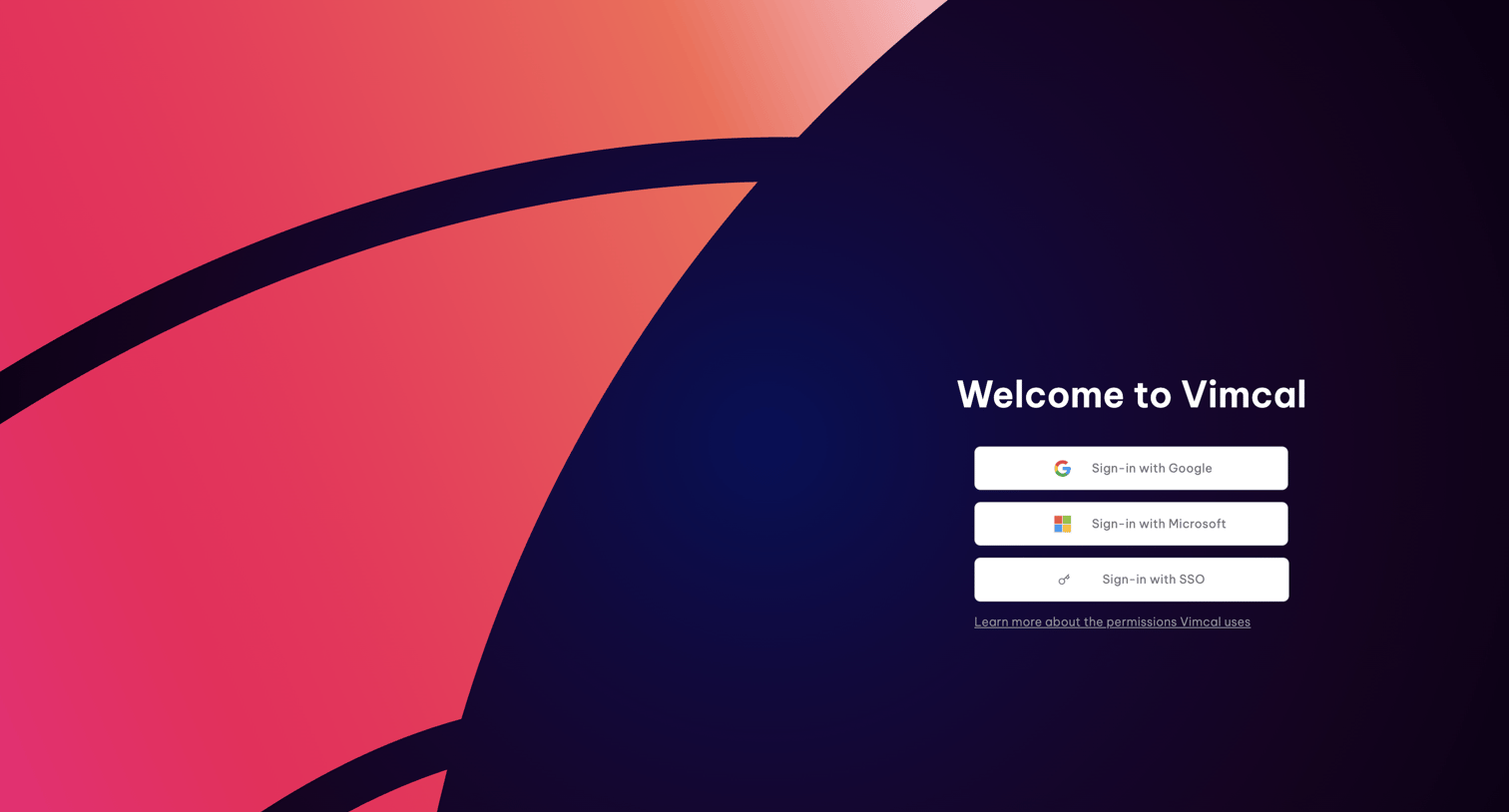
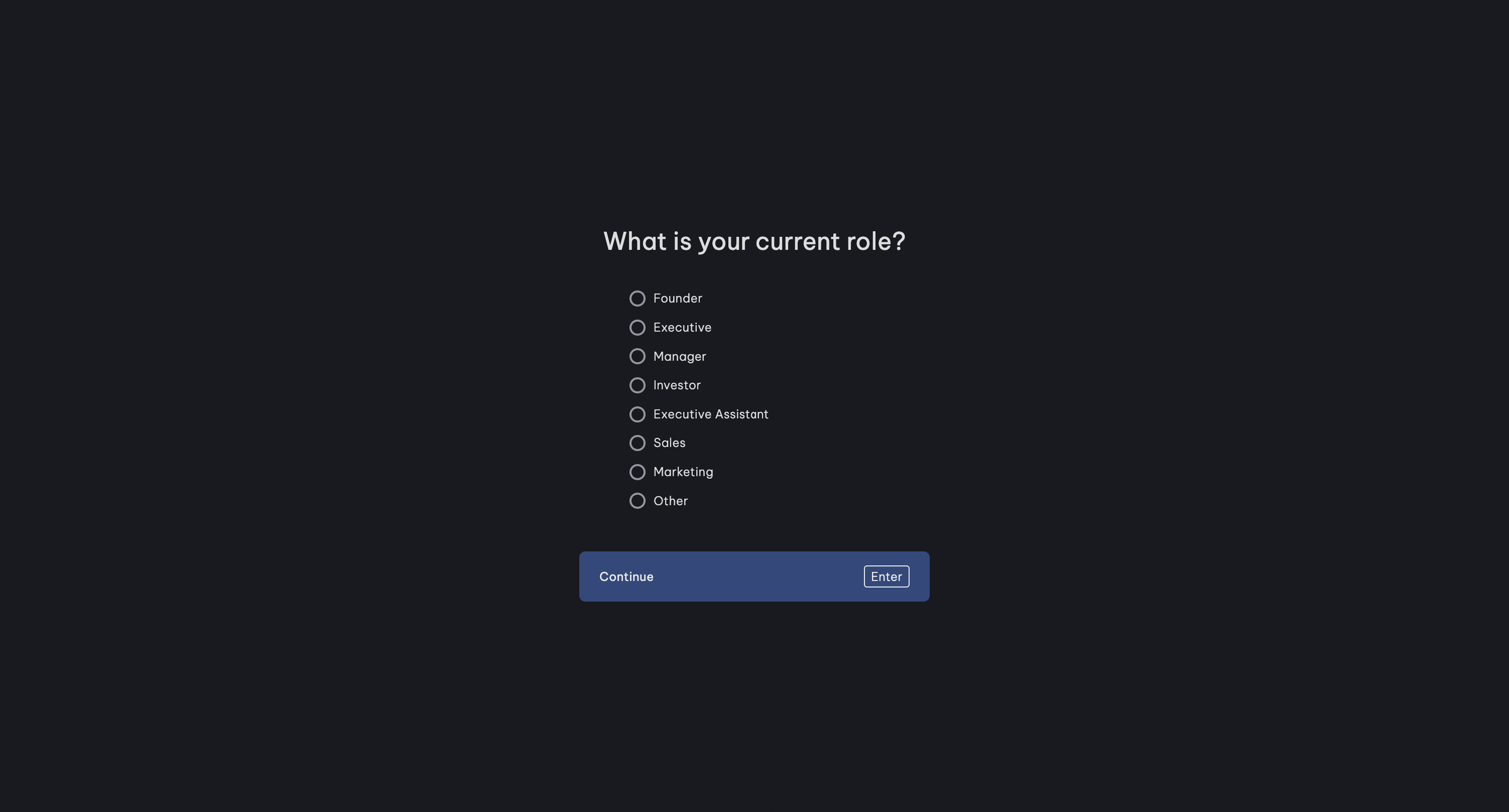
Onboarding step where the user selects their current role from a list of options like Founder, Executive, or Manager.
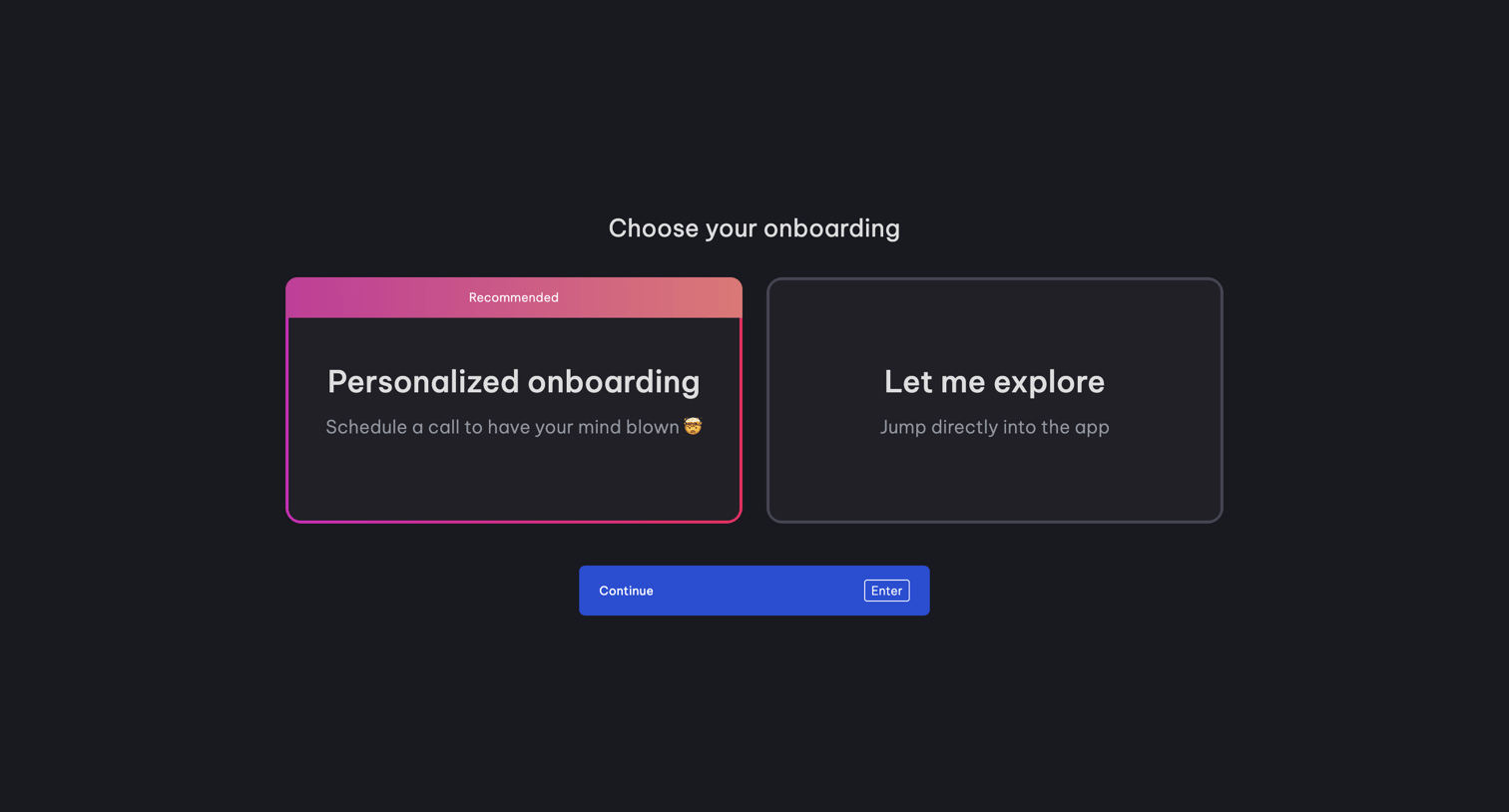
Onboarding screen where the user chooses between scheduling a personalized call and exploring the app directly.
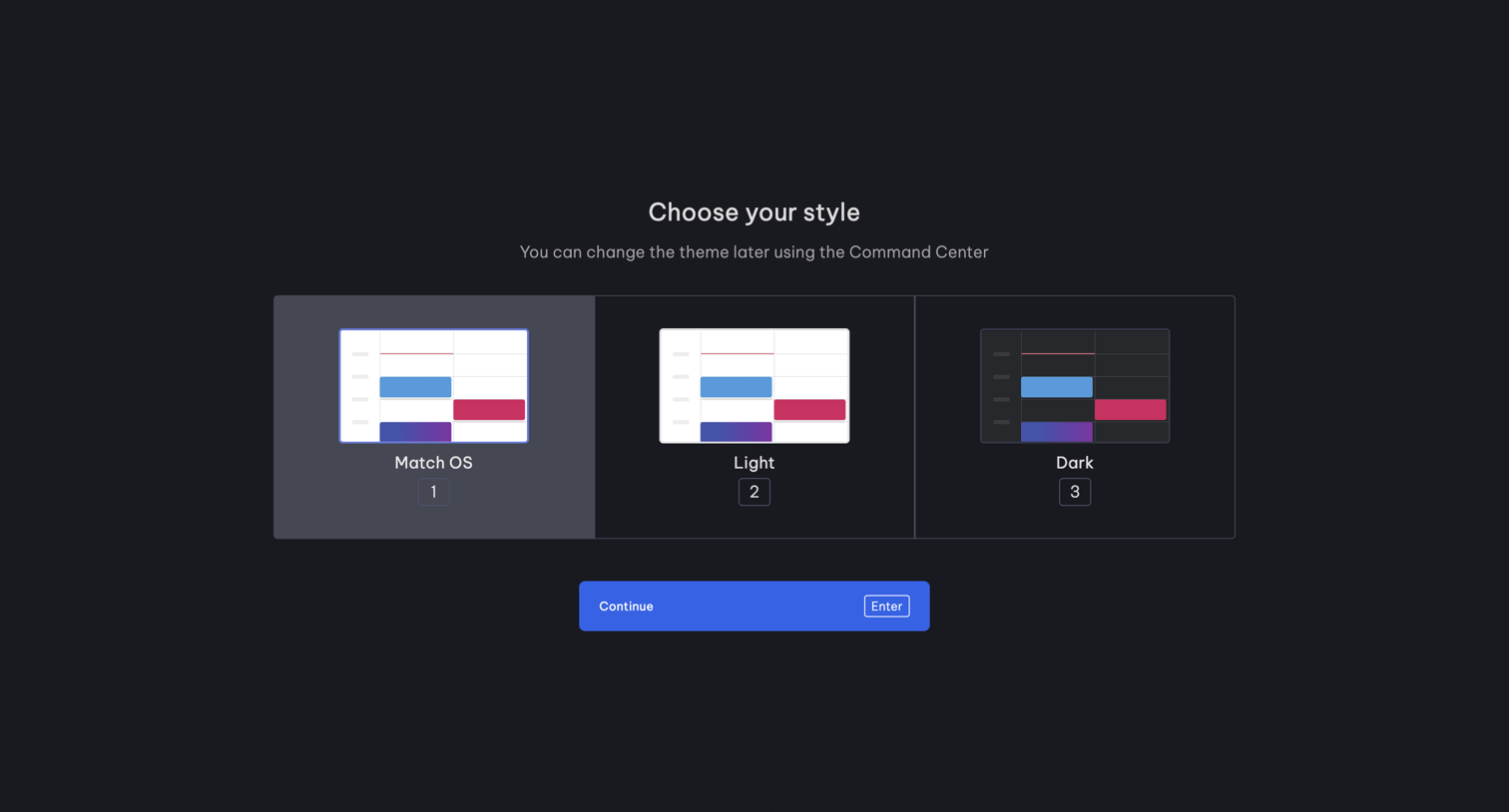
Onboarding step where the user chooses their preferred app theme between Match OS, Light, and Dark options.
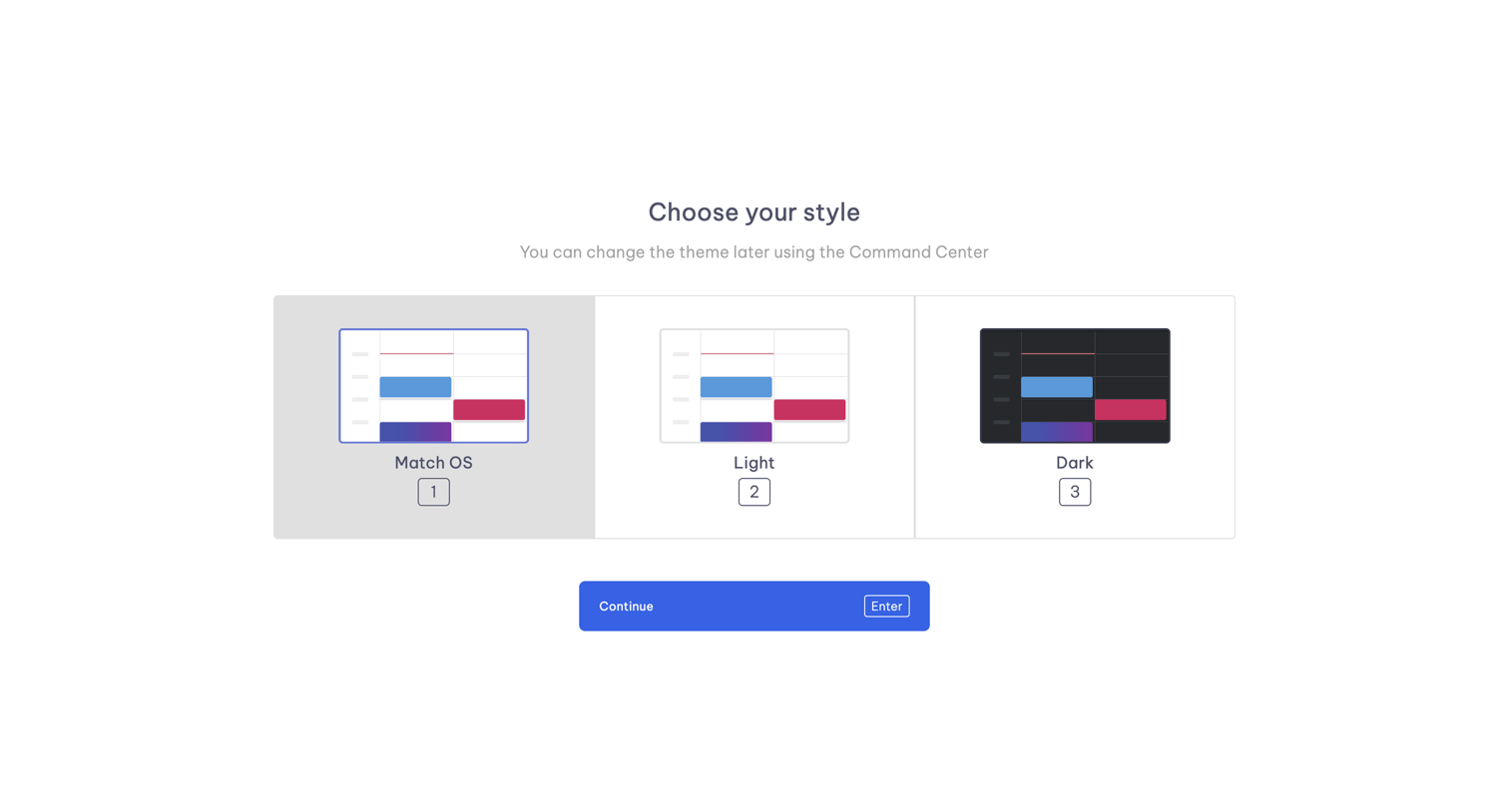
Onboarding step where the user chooses between Match OS, Light, or Dark themes for their calendar interface.
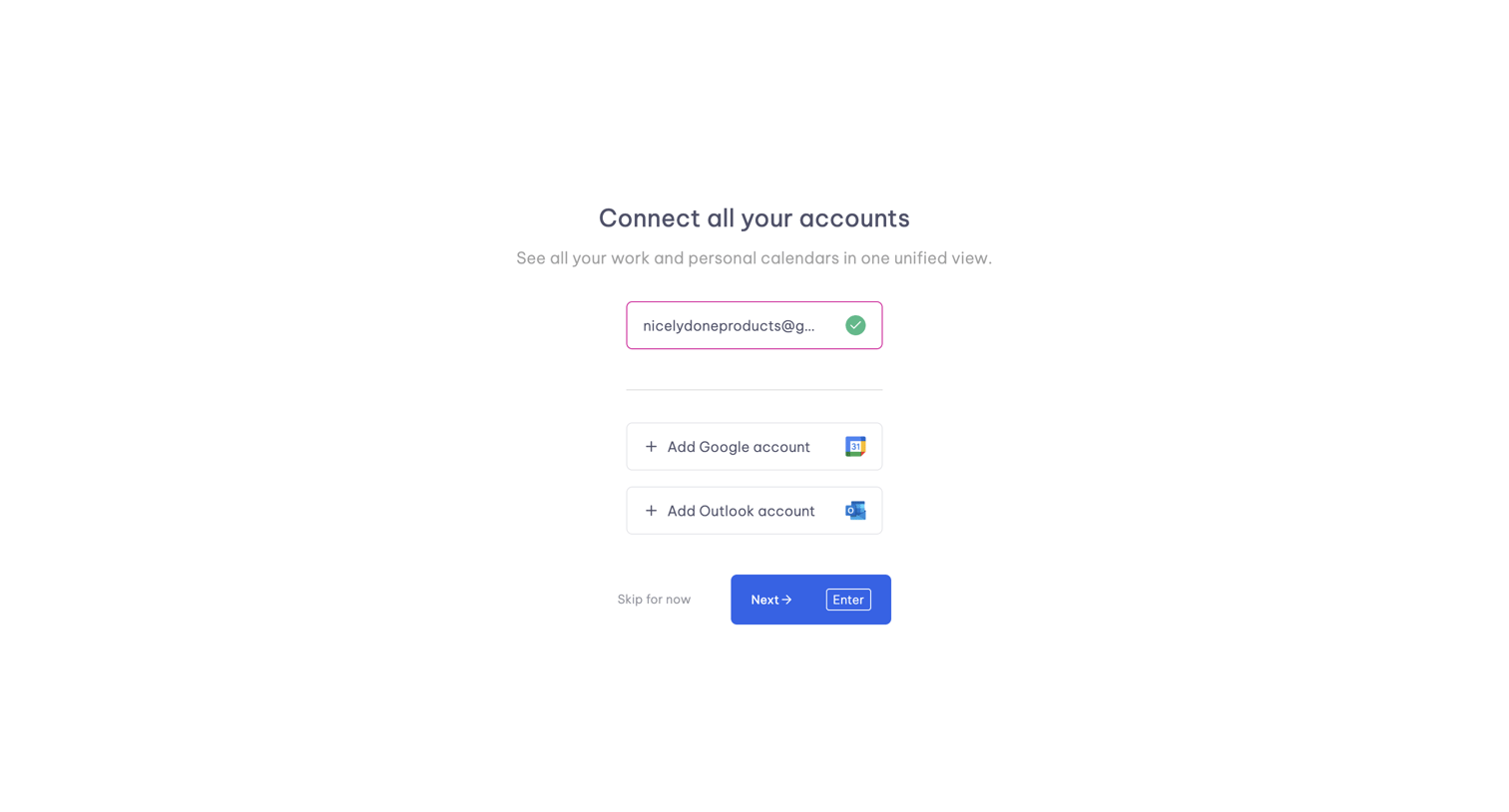
Onboarding step where the user connects their Google or Outlook calendar accounts to unify their view.
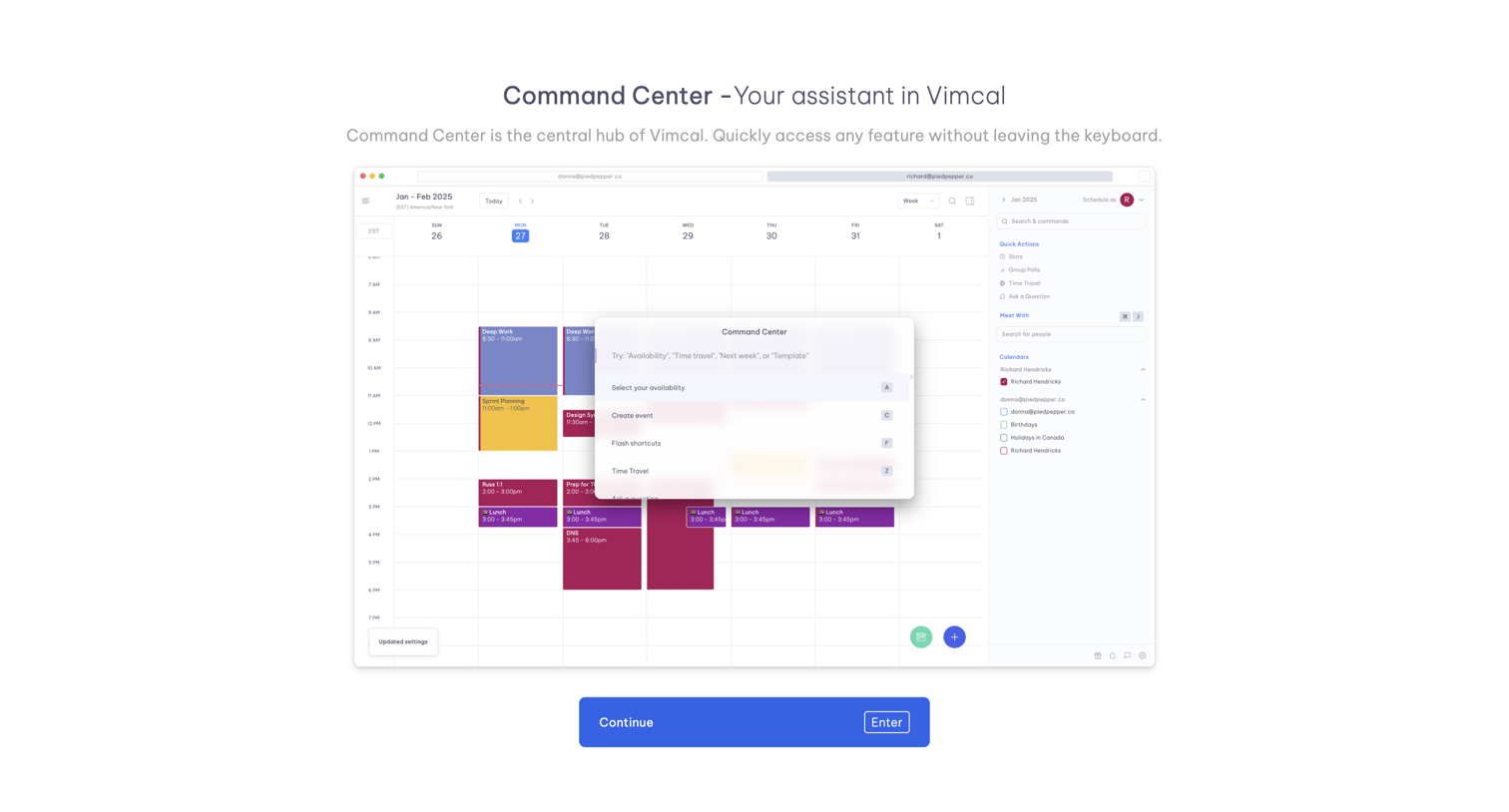
Onboarding step where the user learns about the Command Center feature via a product screenshot and clicks continue to proceed.
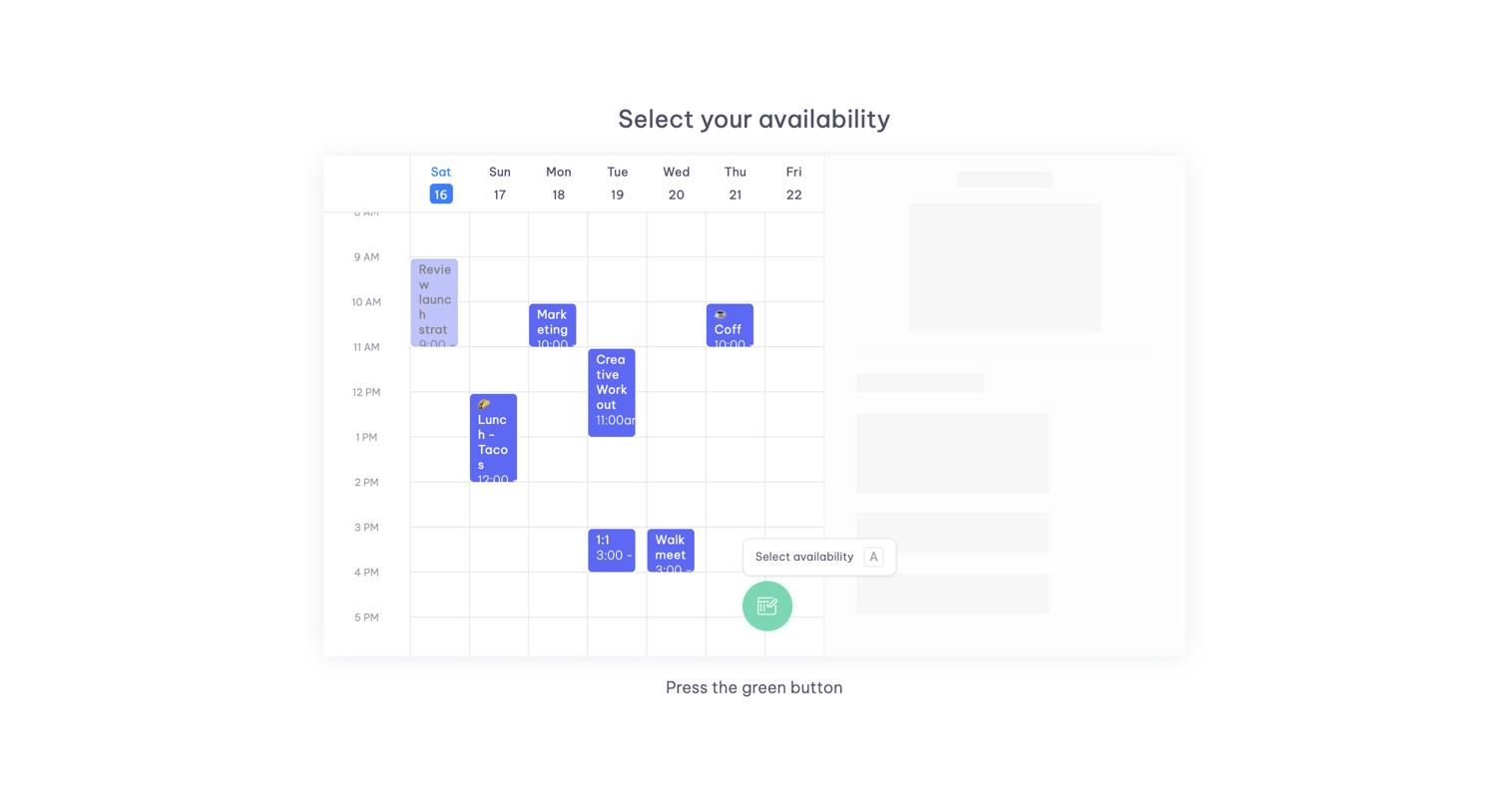
Onboarding step where a product tour guides the user to press a green floating button to select availability on a calendar.
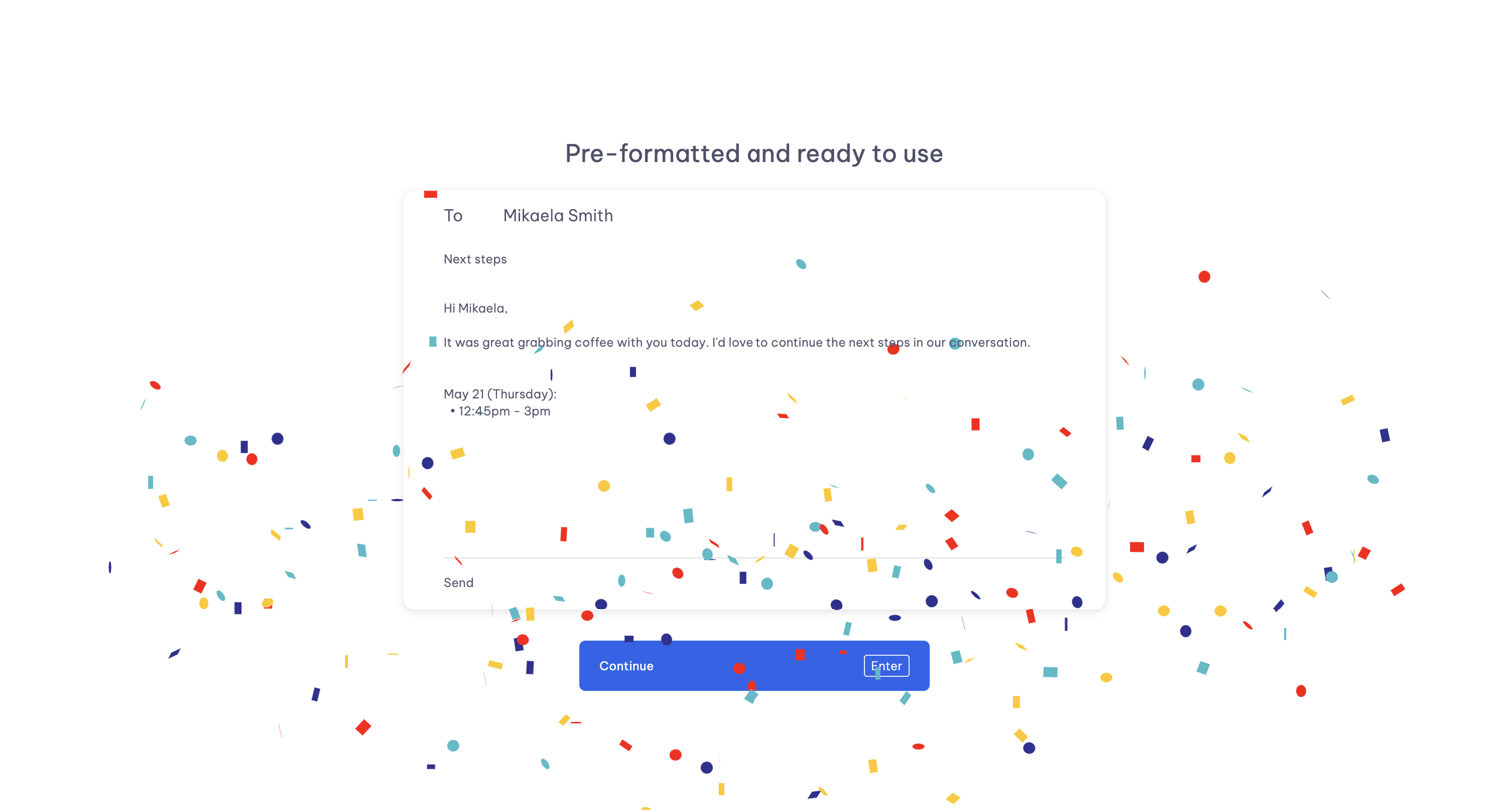
Onboarding step showcasing a pre-formatted email template feature with a mock composer, a continue button, and a progress indicator.
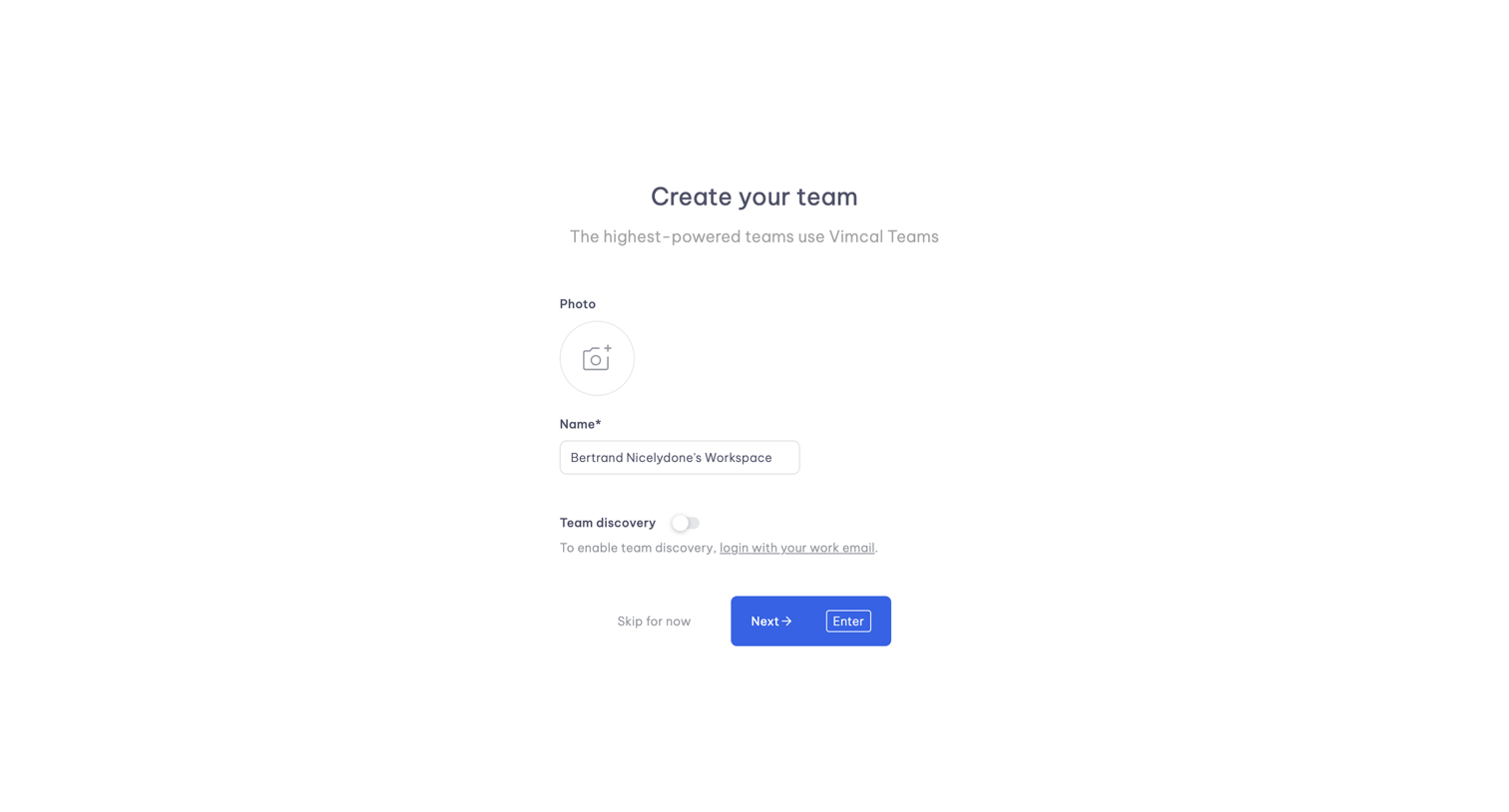
Onboarding step where the user names their workspace, uploads a team photo, and configures team discovery.
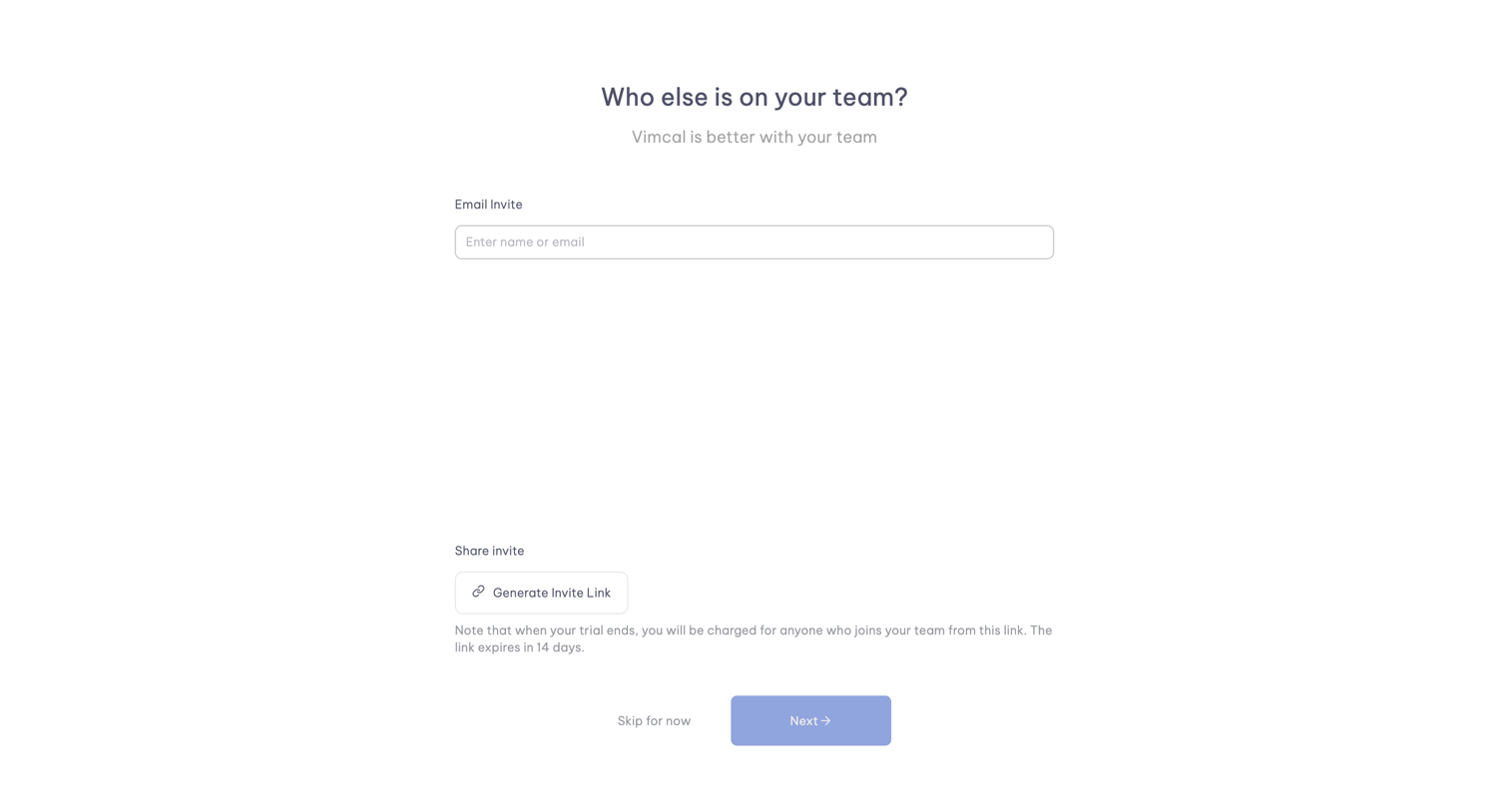
Onboarding step where the user invites teammates by entering email addresses or generating a shareable invite link before completing setup.
Explore the full SaaS screen library
Upgrade to unlock the full library.
Trusted by the best teams







