
Vimcal marketing pages examples
Explore Vimcal website design examples. Preview marketing pages and browse related SaaS page designs. The calendar for people with too many meetings.
Explore the examples
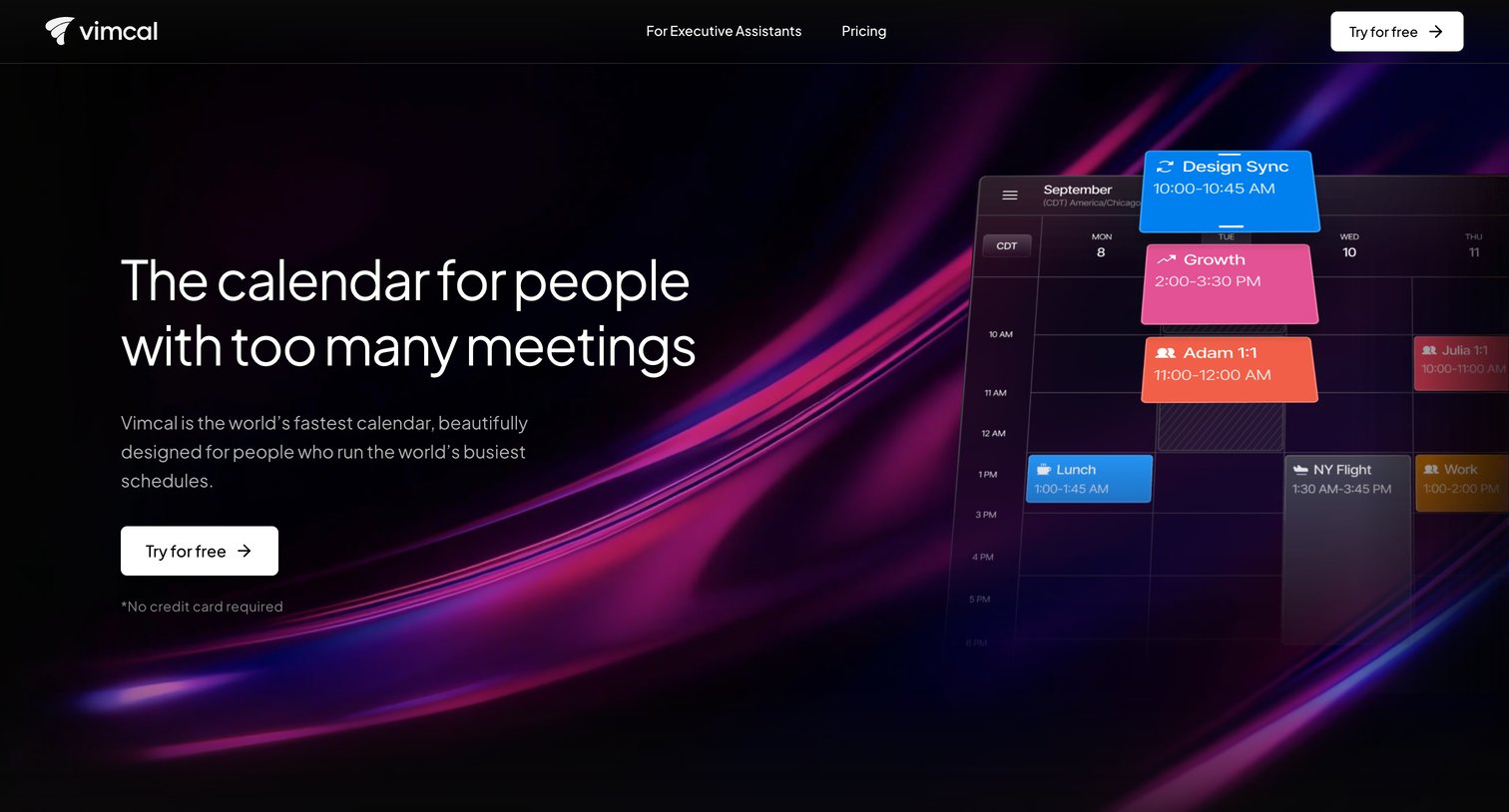
Landing page for a calendar application highlighting features like AI scheduling, time zone math, and keyboard shortcuts, with a specific callout for executive assistants.
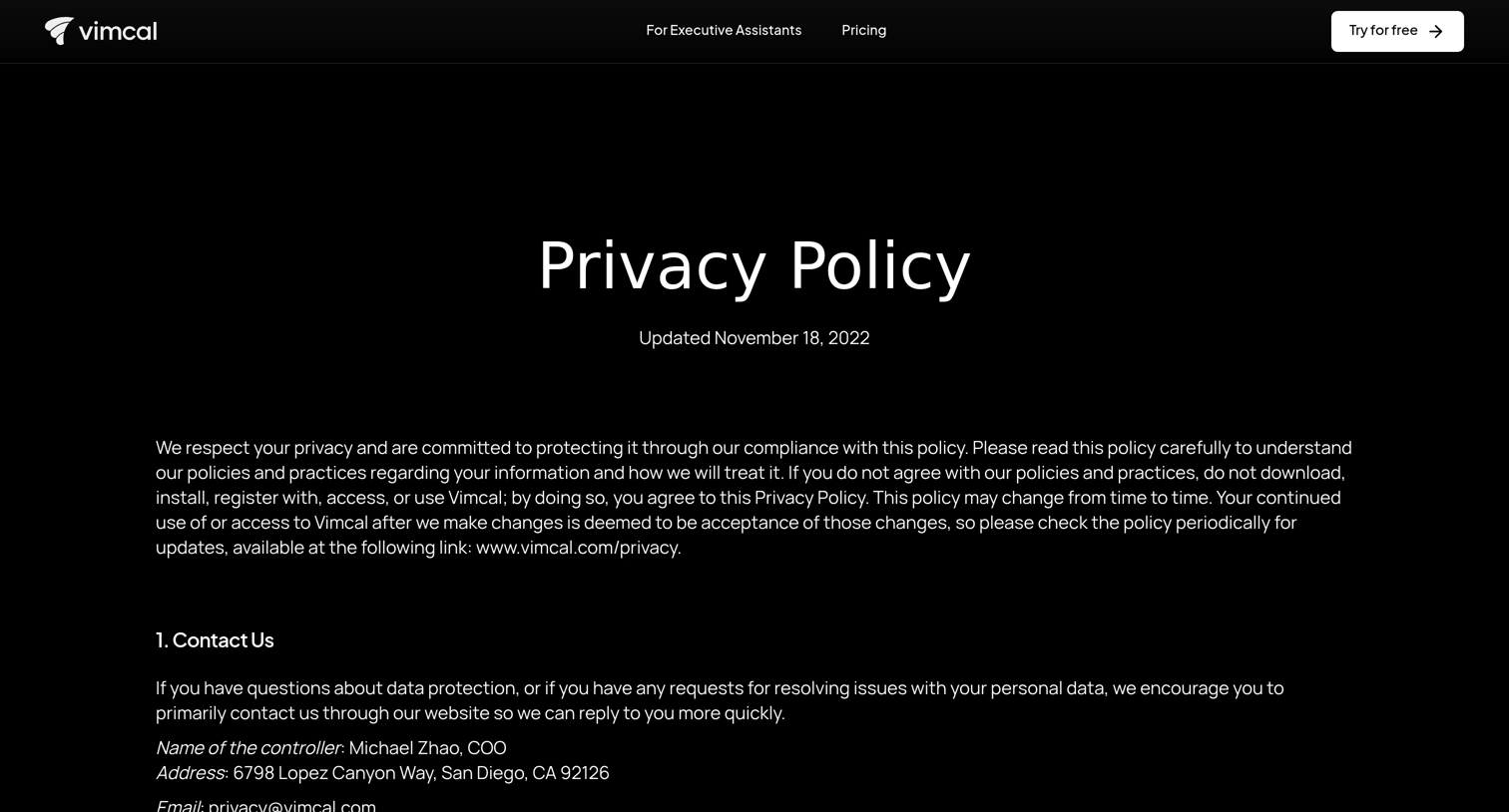
Privacy policy page detailing how the company collects, uses, and protects user data, including contact information and user rights.
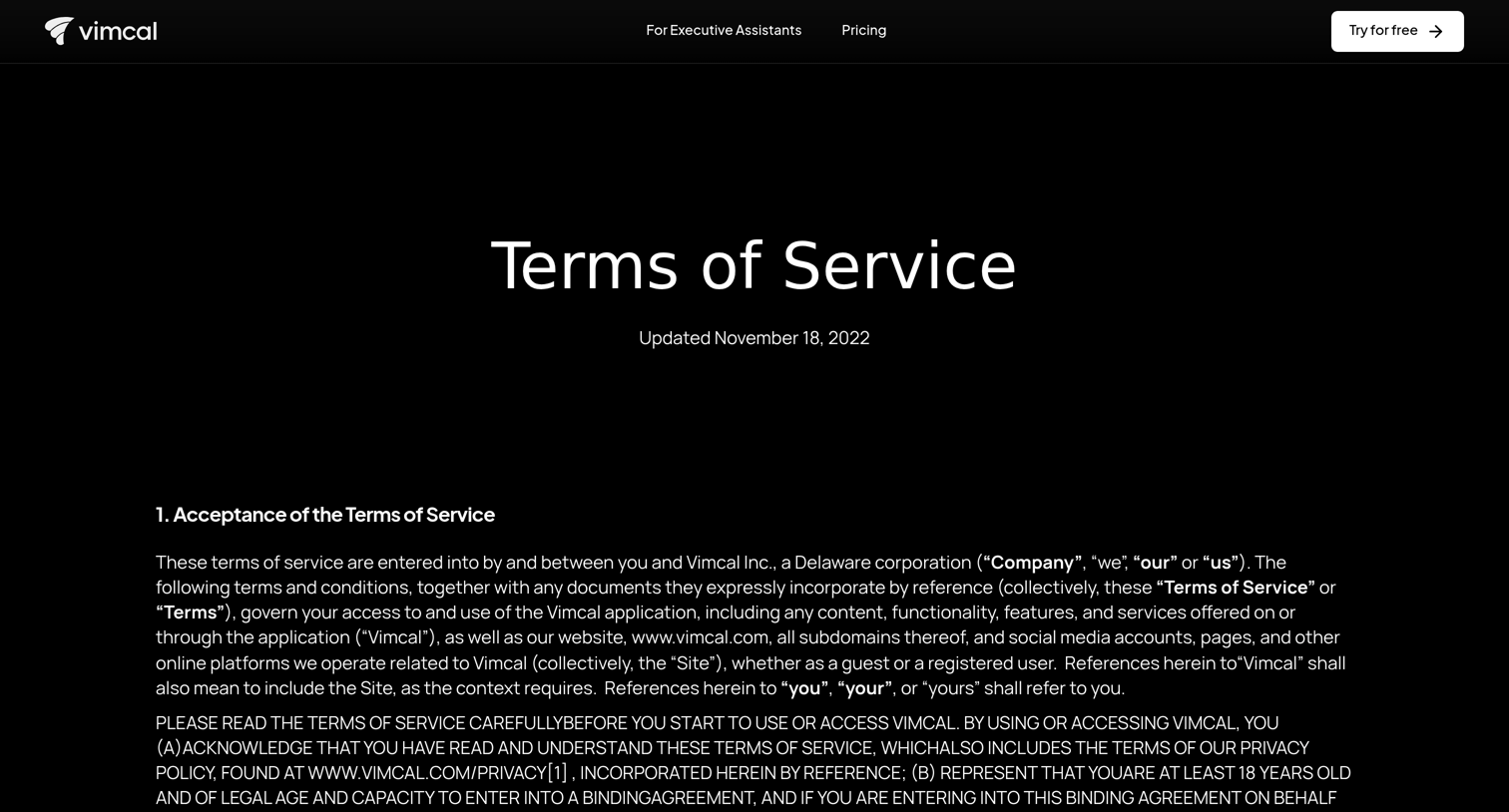
Terms of service page for Vimcal outlining the legal agreement, including sections on account security, license grants, intellectual property, and dispute resolution.
Contact page providing a direct email address for questions, feature requests, and general inquiries.
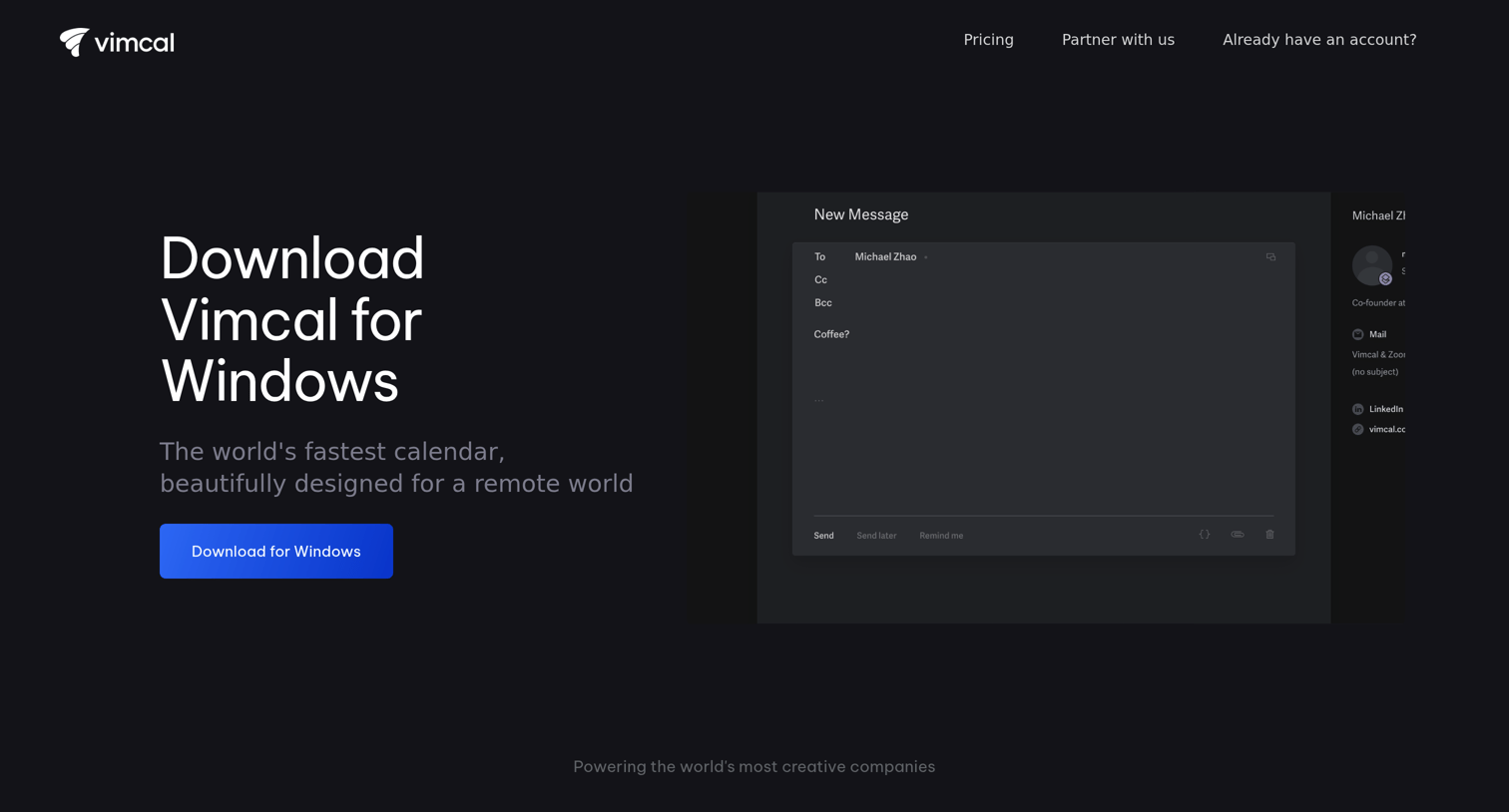
Application download page for the Vimcal Windows app featuring a hero section with a download button, a product preview, and a customer logo wall.
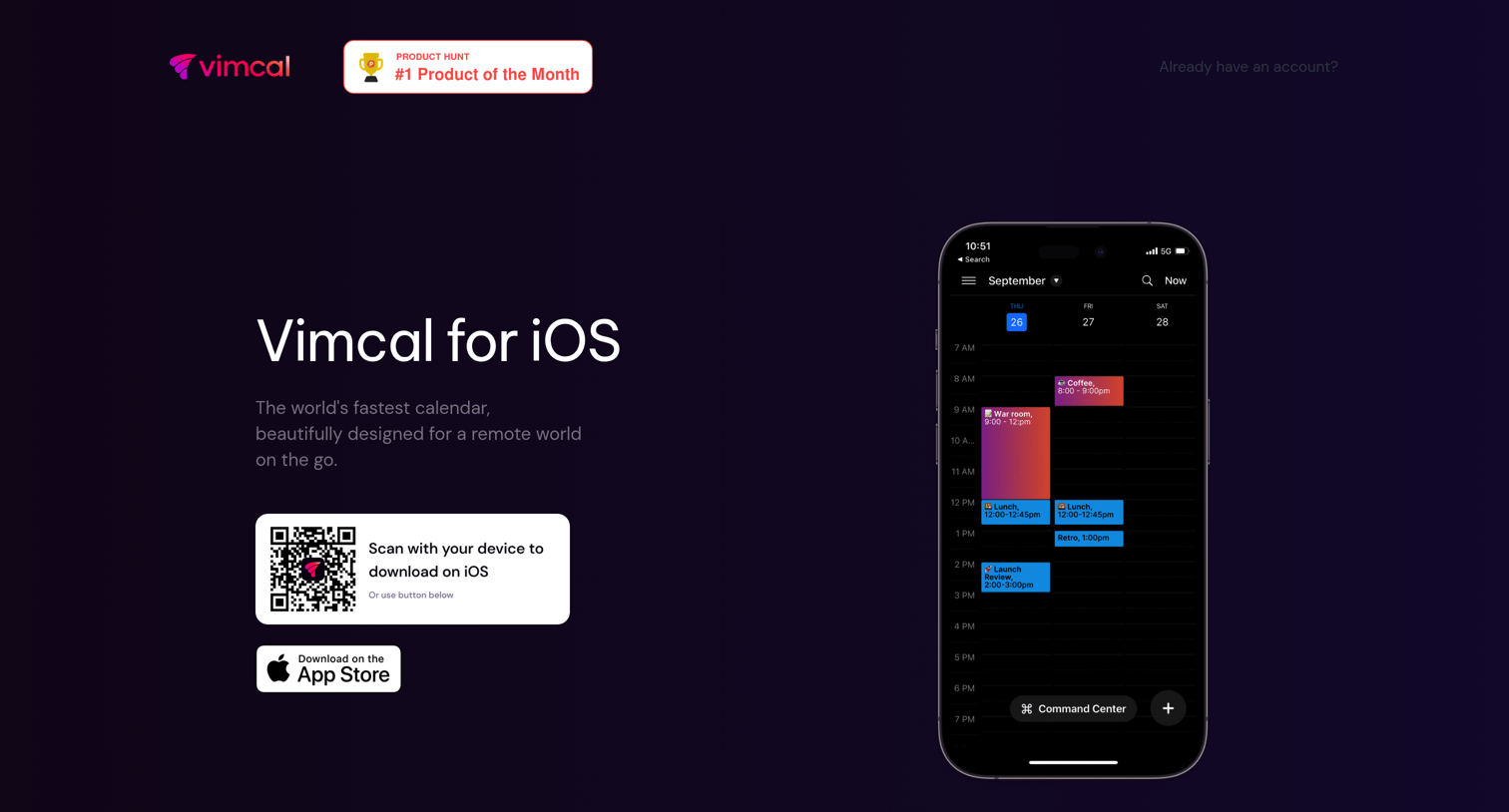
Application download page for Vimcal's iOS calendar app, featuring a QR code for quick install, feature highlights like time zone scheduling and booking links, and customer testimonials.
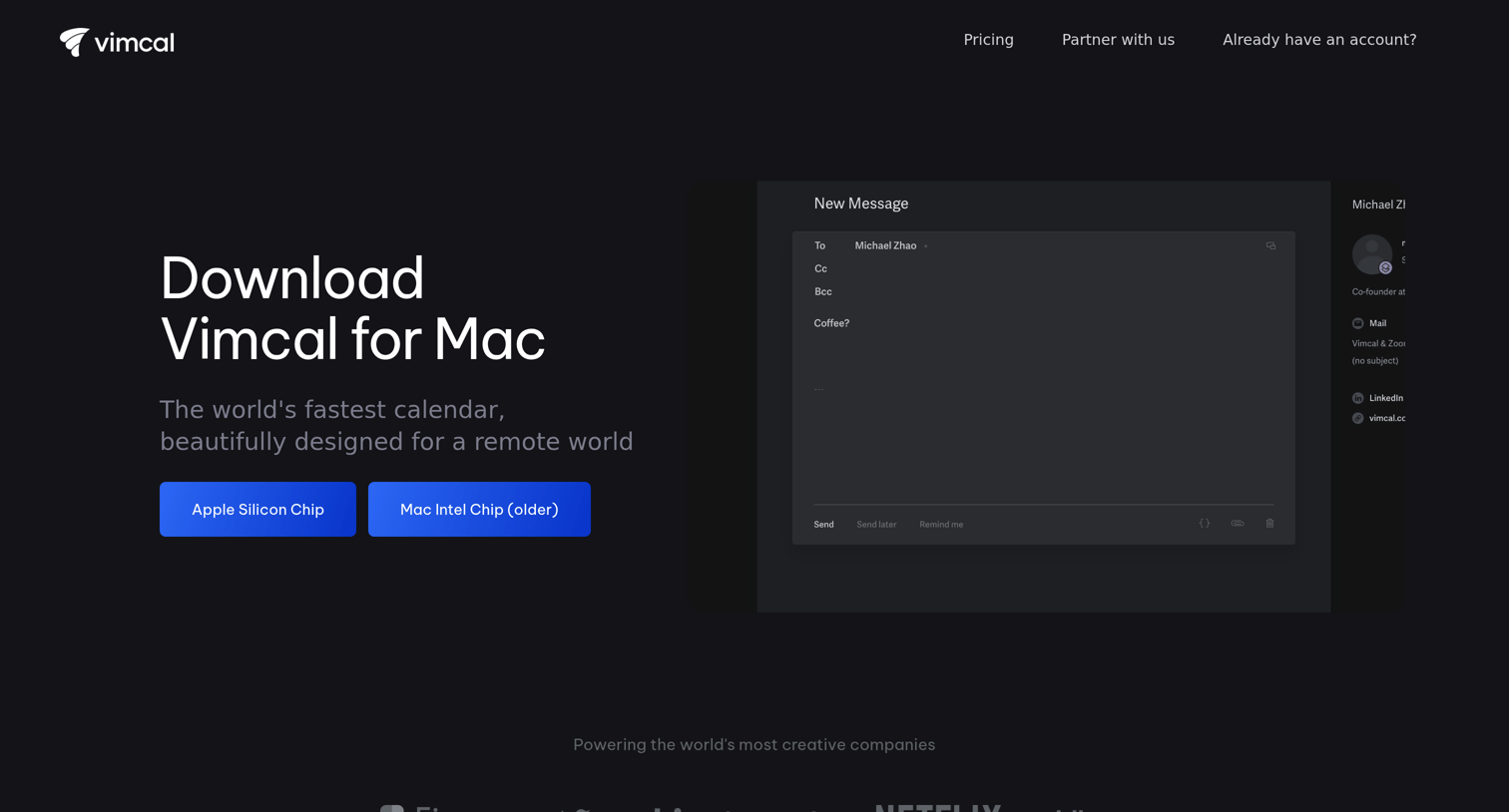
Application download page where the user chooses between Apple Silicon and Intel versions of the Mac client.
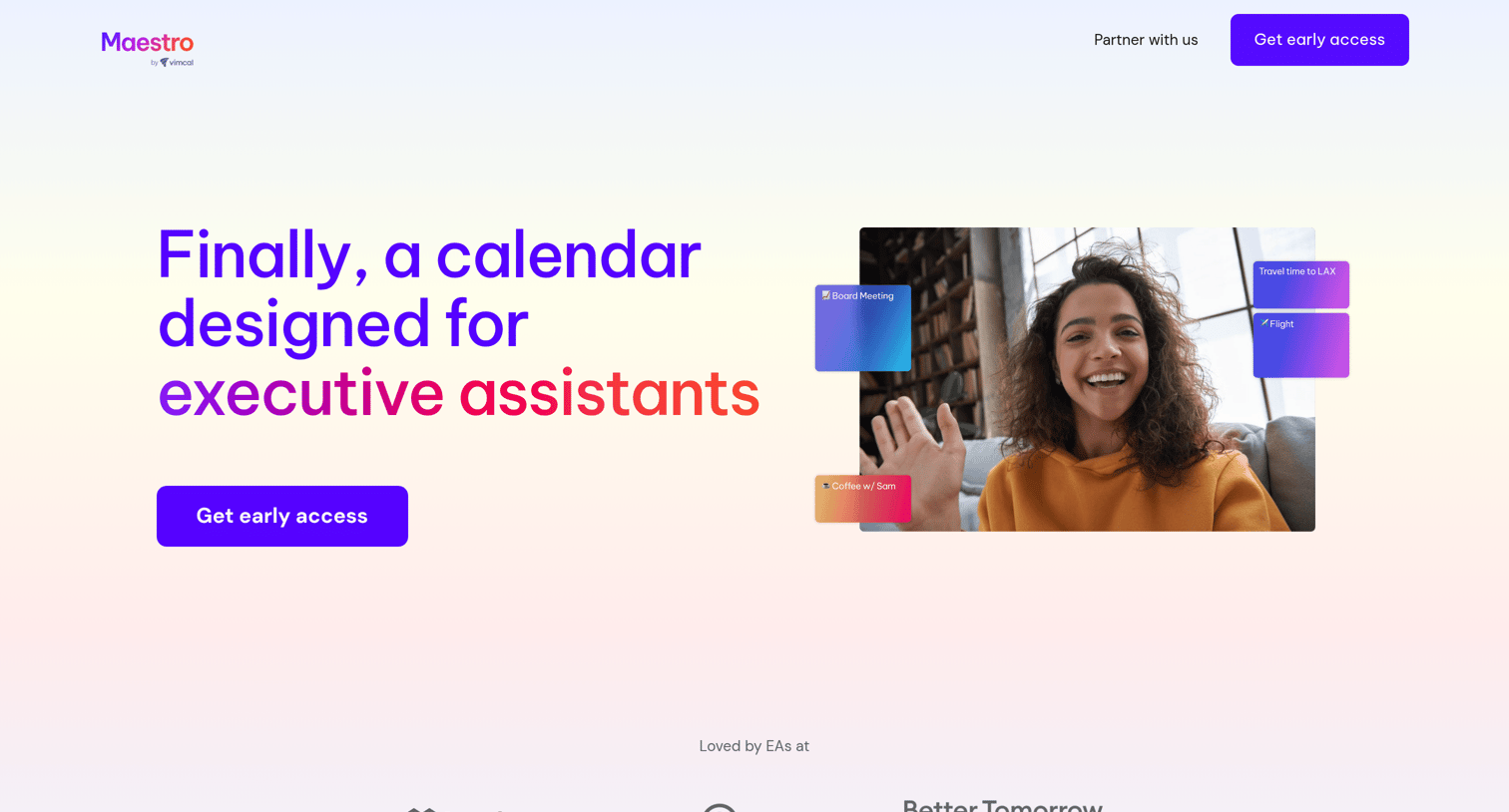
Landing page for Maestro, a calendar tool designed for executive assistants, featuring product benefits, testimonials, and an embedded qualification form to request early access.
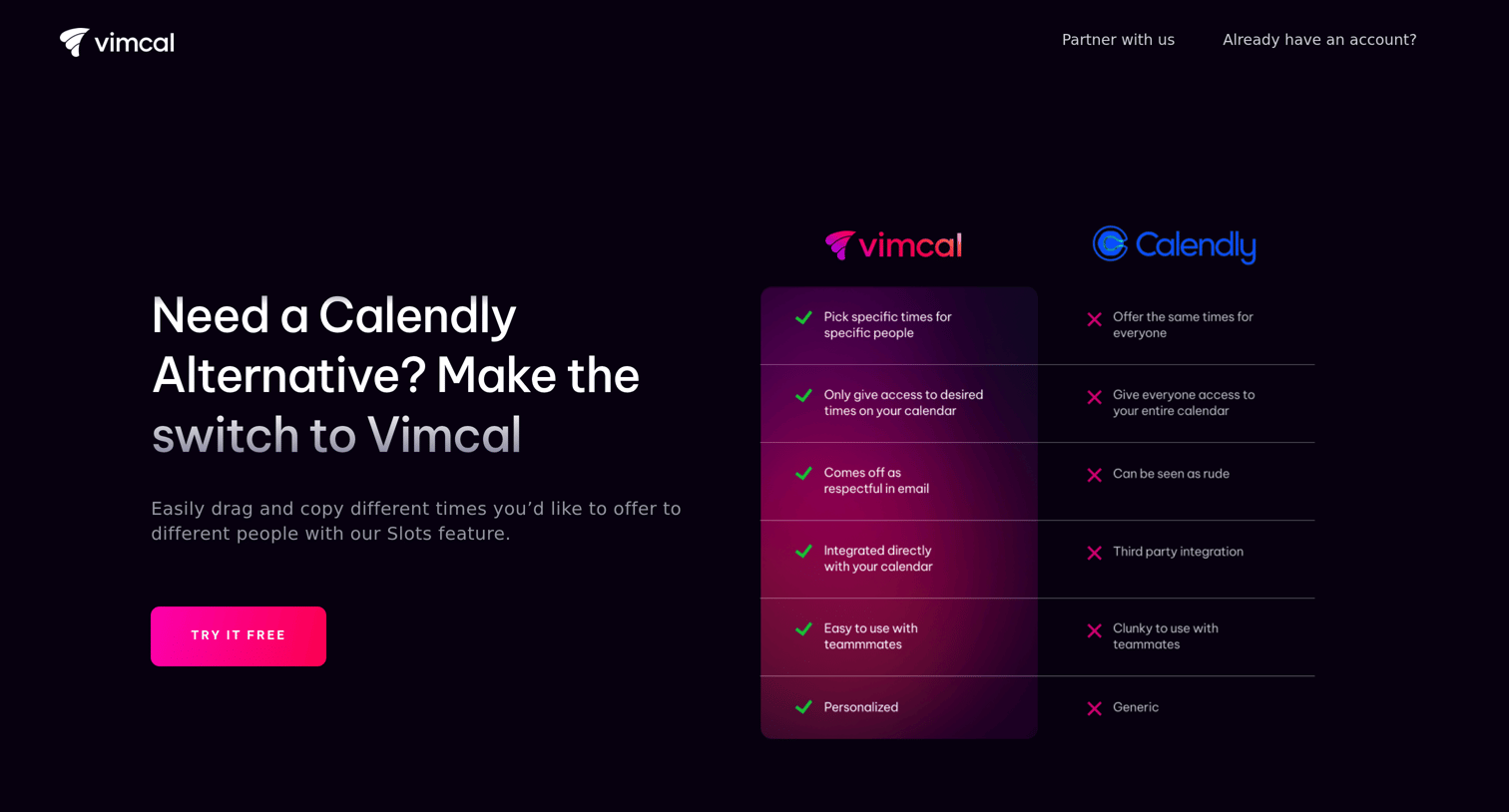
Marketing page positioning Vimcal as an alternative to Calendly, highlighting features like handpicking times and avoiding surprise meetings, supported by comparison tables and a logo wall.
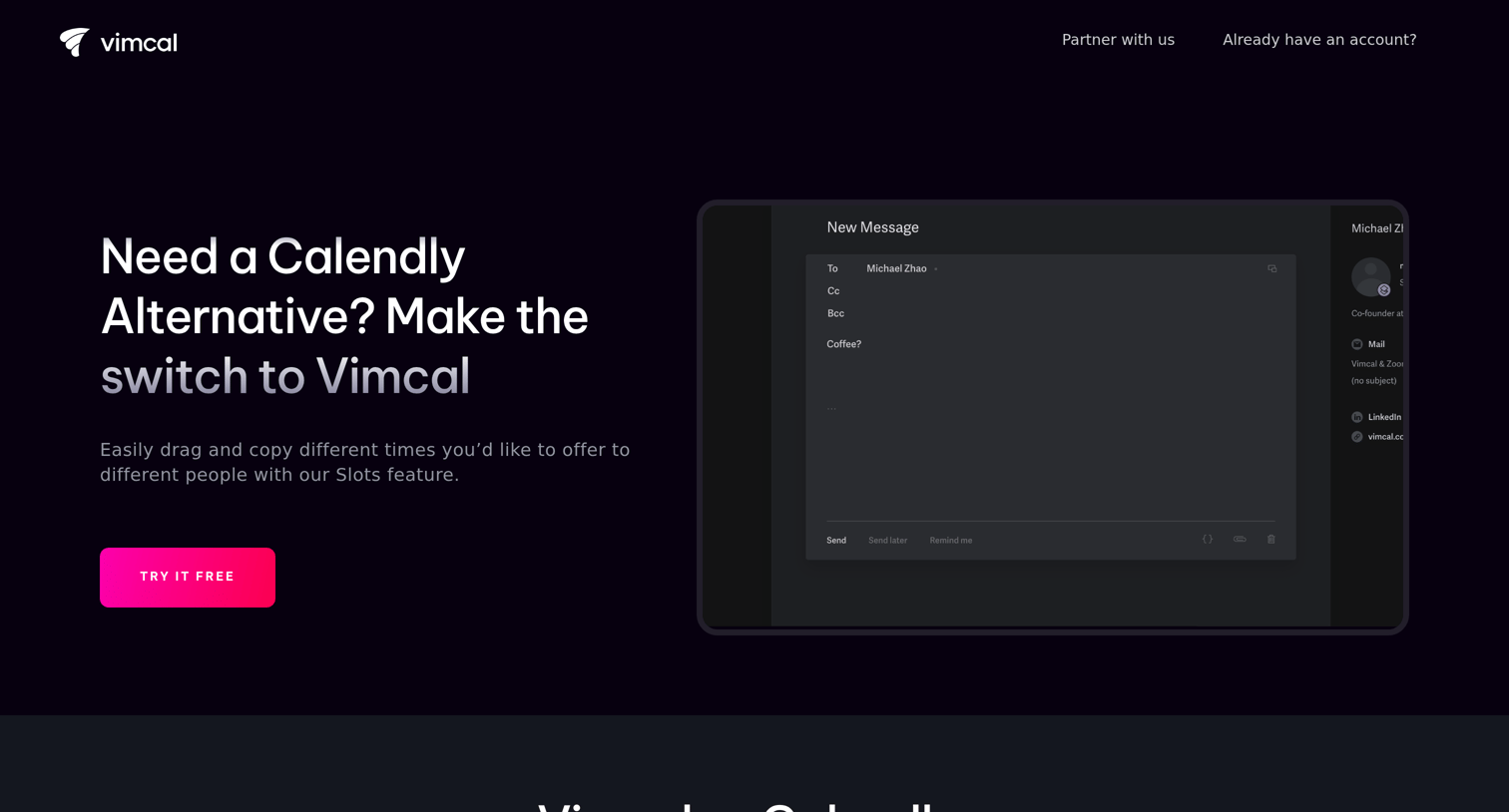
Competitive alternative page comparing Vimcal to Calendly, highlighting specific features like handpicking times and avoiding surprise meetings, supported by customer logos and a testimonial.
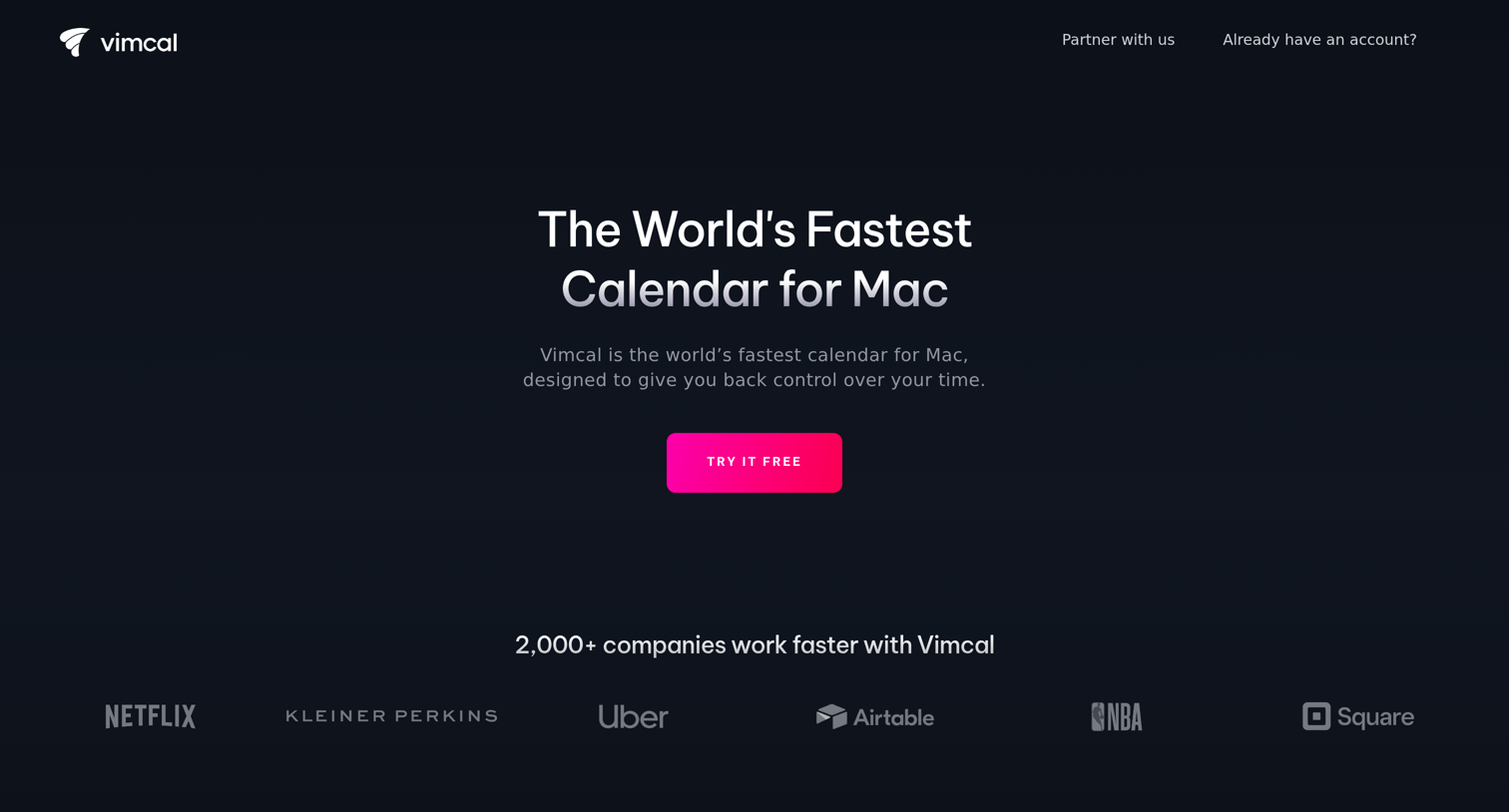
Landing page for a Mac calendar app highlighting features like booking slots, do not disturb mode, and unified accounts, with a prominent free trial call to action.
Explore the full SaaS screen library
Upgrade to unlock the full library.
Trusted by the best teams







