
Vimcal user flows examples
Explore Vimcal user flow examples. Preview the opening screens and steps for each task. The calendar for people with too many meetings.
Preview these flows
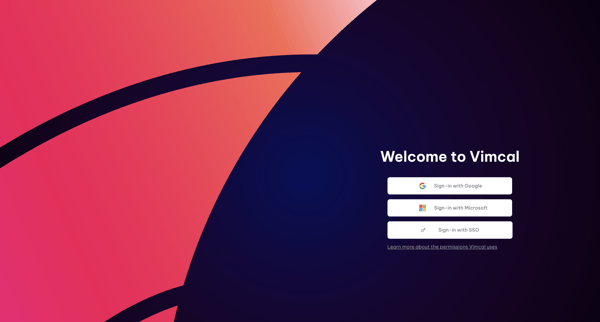
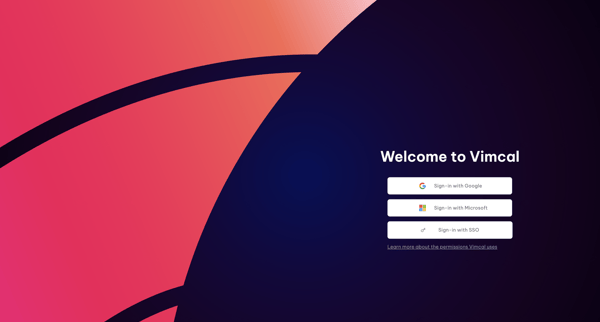
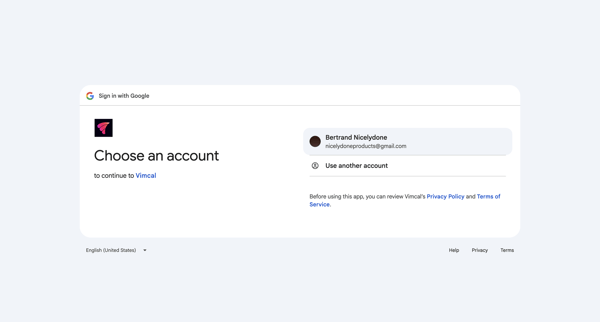
OAuth authentication journey starting from Vimcal sign-in options, proceeding through Google account selection and permission grants, ending at app loading screen
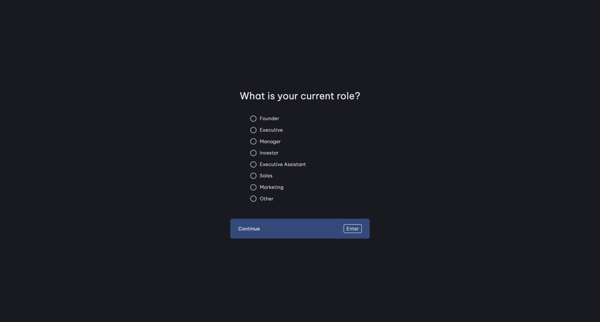
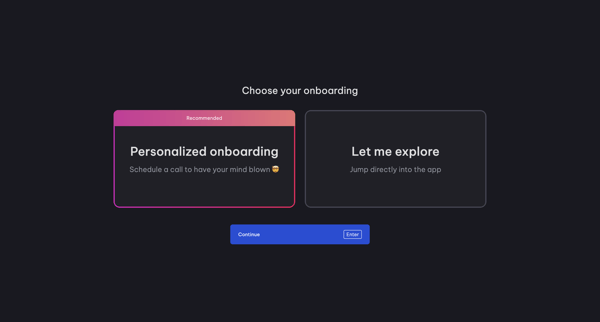
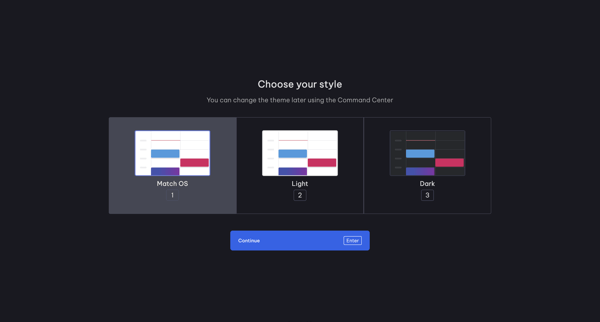
Onboarding journey in Vimcal where user selects role, onboarding path, theme, connects calendar accounts, follows product tours for Command Center, Slots and availability, then creates workspace and invites teammates
User selects role then chooses between personalized call or self-exploration during Vimcal onboarding
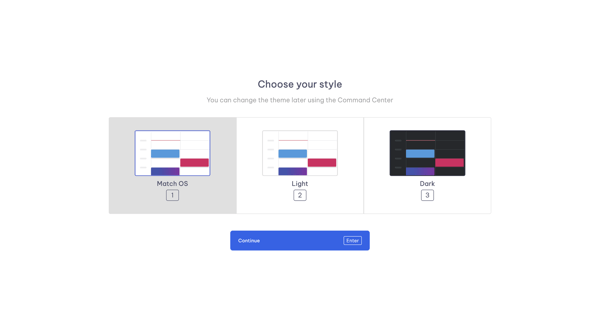
Onboarding step offering Match OS, Light, and Dark theme choices with note about later changes via Command Center
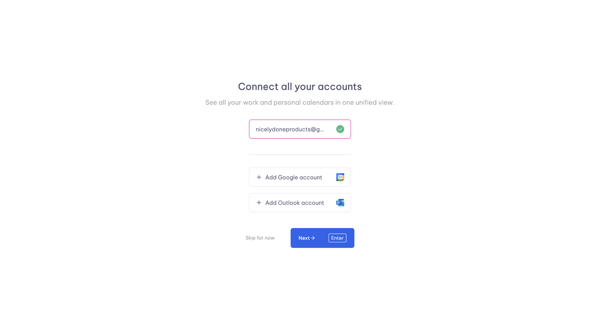
Onboarding step to connect Google or Outlook accounts for unified calendar view in Vimcal
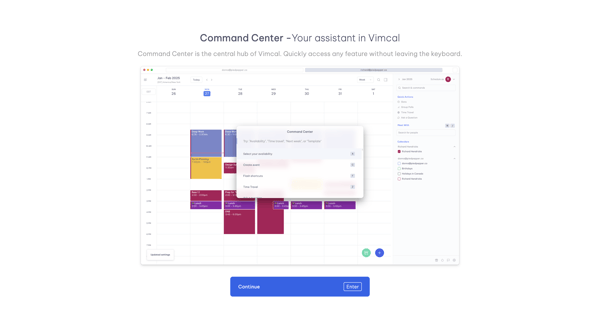
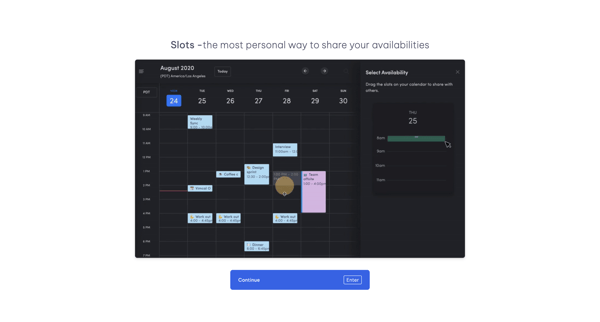
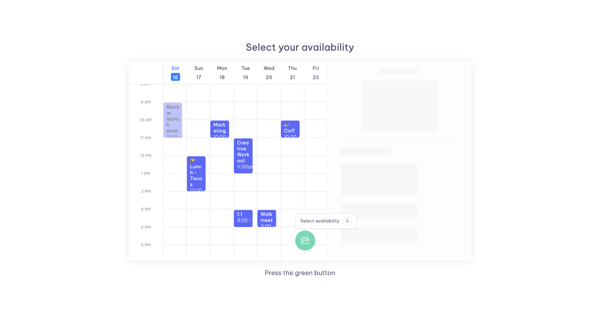
User advances through a 6-step Vimcal onboarding tour highlighting Command Center, Slots availability sharing, calendar selection via floating button, and pre-formatted email templates
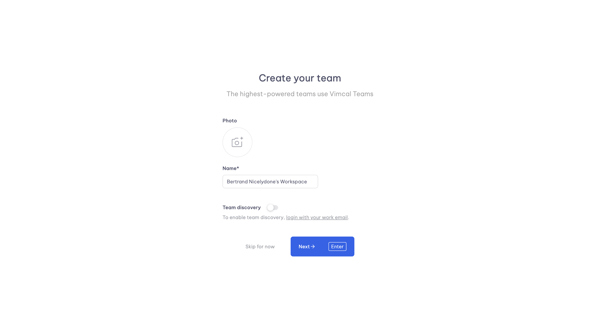
Onboarding step to name workspace, upload team photo, and configure team discovery in Vimcal
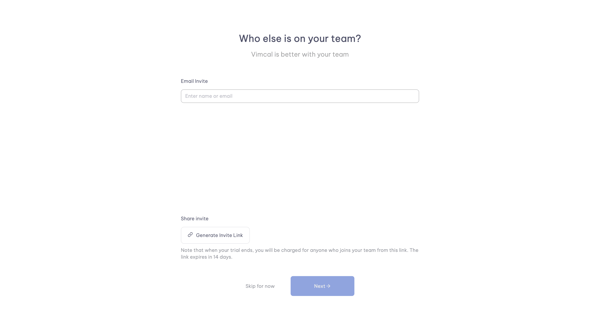
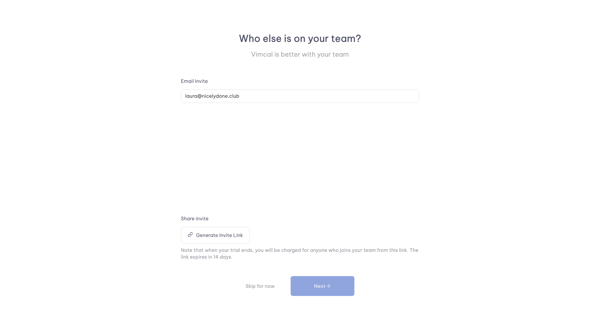
Onboarding step in Vimcal where user enters emails or generates shareable invite link before completing workspace setup
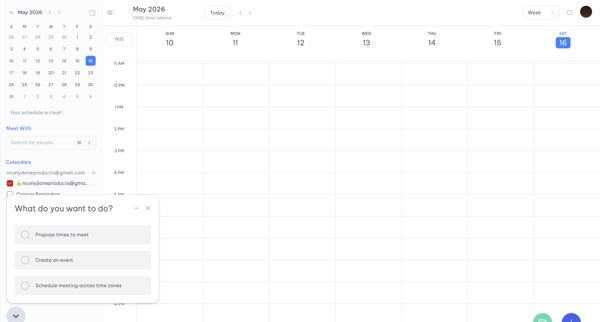
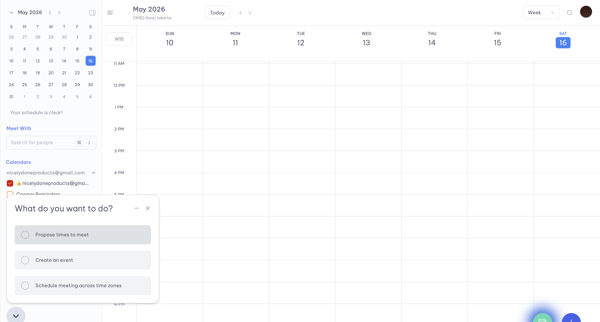
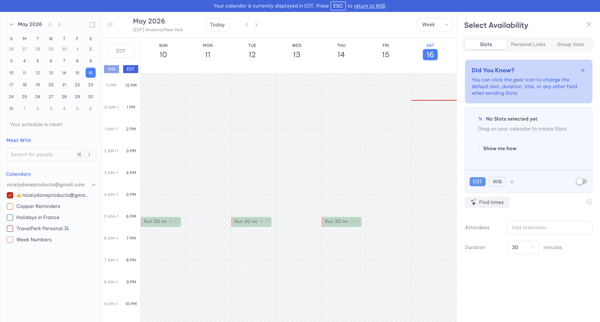
From weekly calendar view, open quick-action menu, select time slots in availability picker across timezones, generate booking text and link for clipboard copy
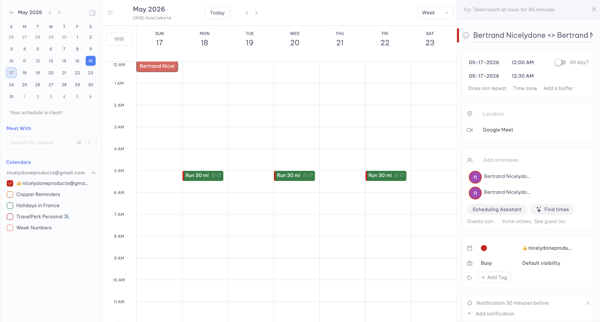
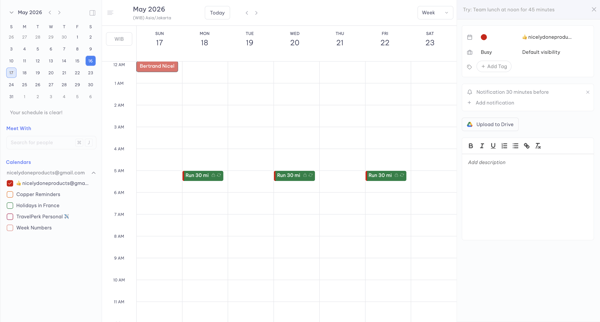
Calendar weekly view opens right sidebar to draft and configure a new event with attendees, time, location, and notifications
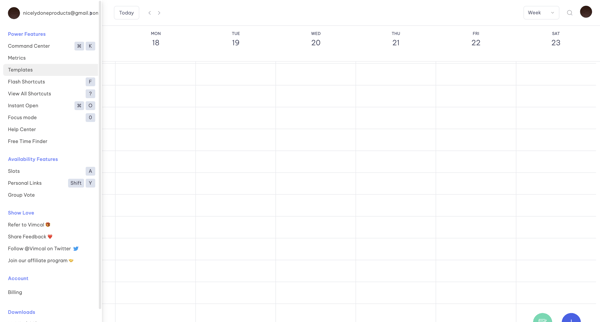
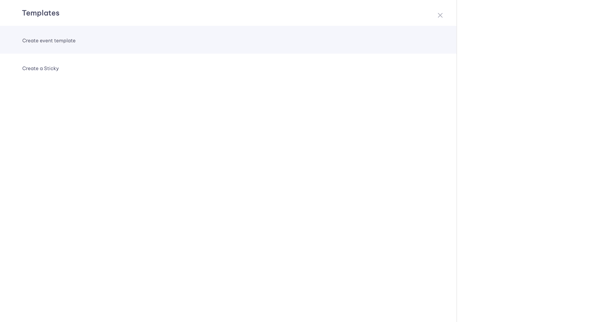
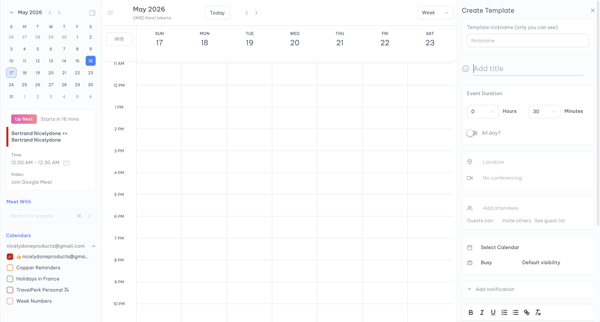
User navigates from weekly calendar view to template menu, selects event template, and populates details in a persistent side panel editor
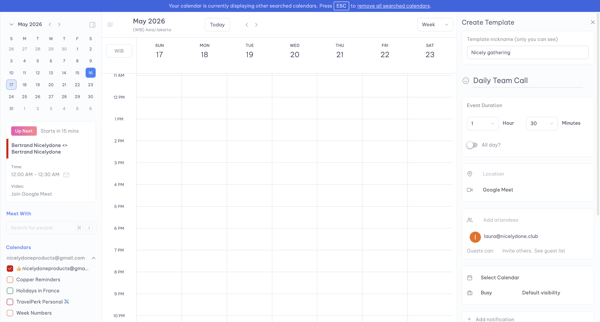
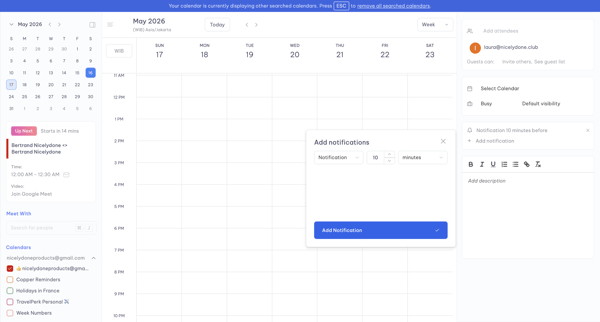
User opens Create Template panel from calendar week view and adds a notification via modal while editing event template details
Explore the full SaaS flow library
Browse the full SaaS flow library.
Trusted by the best teams







