Videoask design examples
Explore Videoask UI design examples. The best Interface Is your Face
Product screens


Landing page for a video conversation tool highlighting features like asynchronous messaging, human data collection, and multiple response options.


Password recovery screen where the user enters their email address to request a reset link.
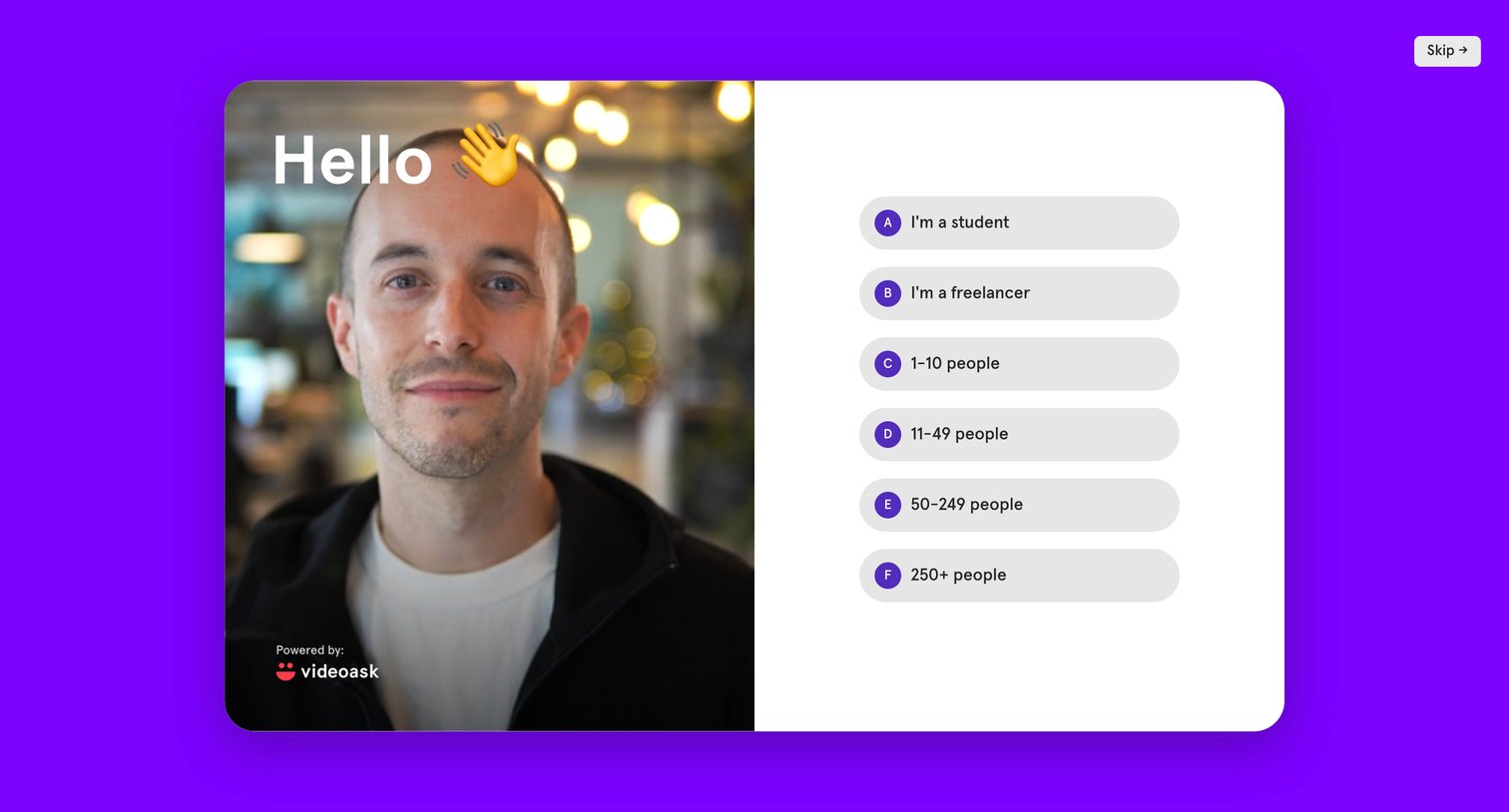
Onboarding step where the user selects their role or company size from a list of options next to a video greeting.

Dashboard empty state welcoming the user and prompting them to create their first videoask, alongside an introductory video.

Inbox feed where the user sees an empty state message and an onboarding video while waiting for their first interactions.

Creation wizard step where the user selects a background video from Pexels, uploads their own, or uses Giphy to start building their interactive video form.

Creation wizard step where the user uploads a video file or selects one from integrations, with a live device preview on the right.

Creation wizard step where the user adds a text overlay to their video, toggles readability settings, and views a live scaled-down preview across device types.

Creation wizard step where the user selects the interaction format for their video prompt, choosing between open-ended, multiple choice, or calendar booking options.

Creation wizard step where the user names their videoask, configures contact details, language, branding, and colors, while viewing a live device preview.
Browse the full SaaS app library
Explore real SaaS apps with their product screens, marketing screens, flows, and components.
Trusted by the best teams







