Typefully product screens examples
Browse Typefully screen design examples. Preview the interface screenshots and explore related UI patterns. Distraction-free editor to write & publish tweets and threads.
Explore the examples
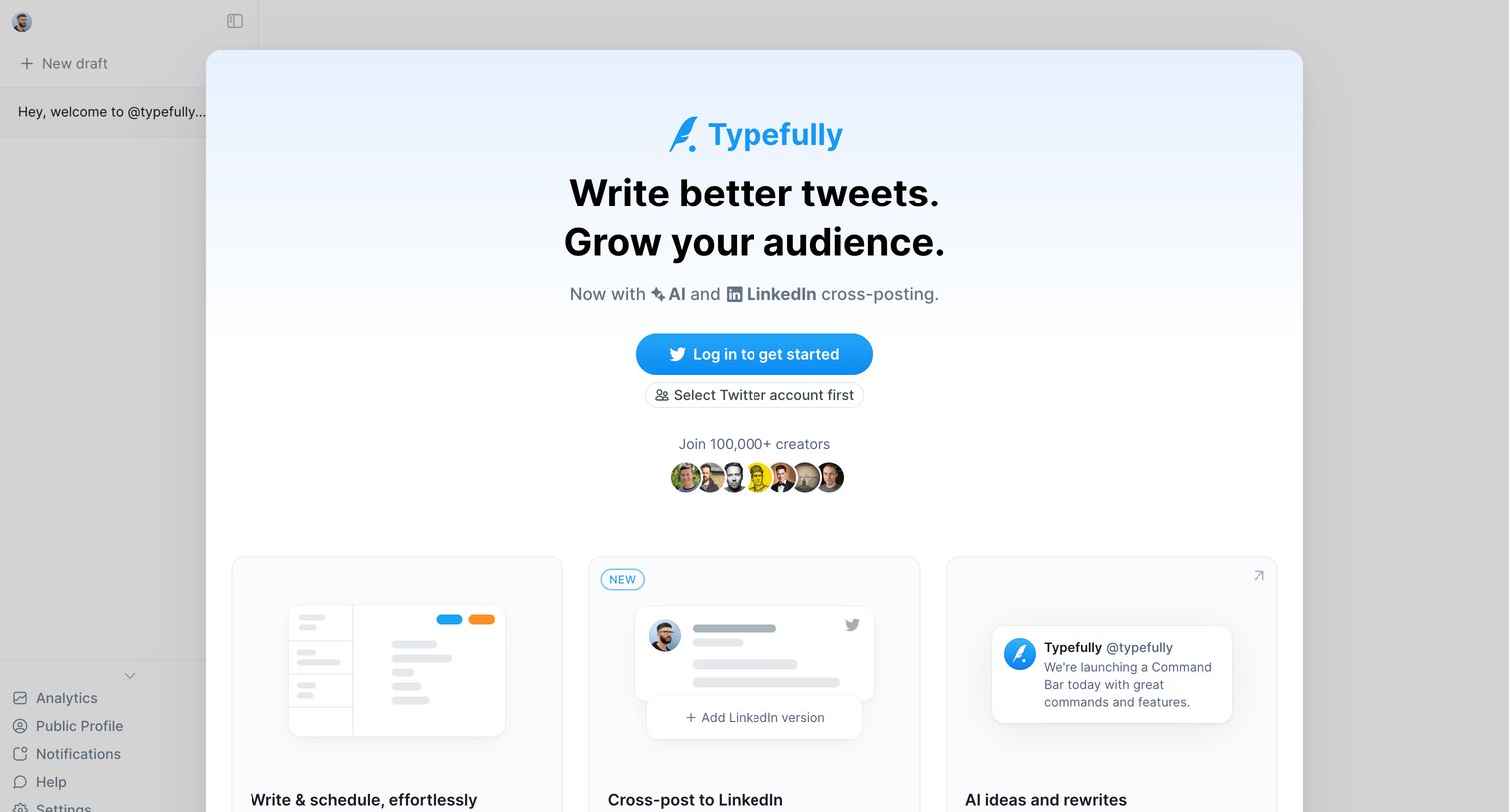

Signup overlay pitching the product's value with feature cards and social proof, prompting the user to authenticate with Twitter to access the underlying app.
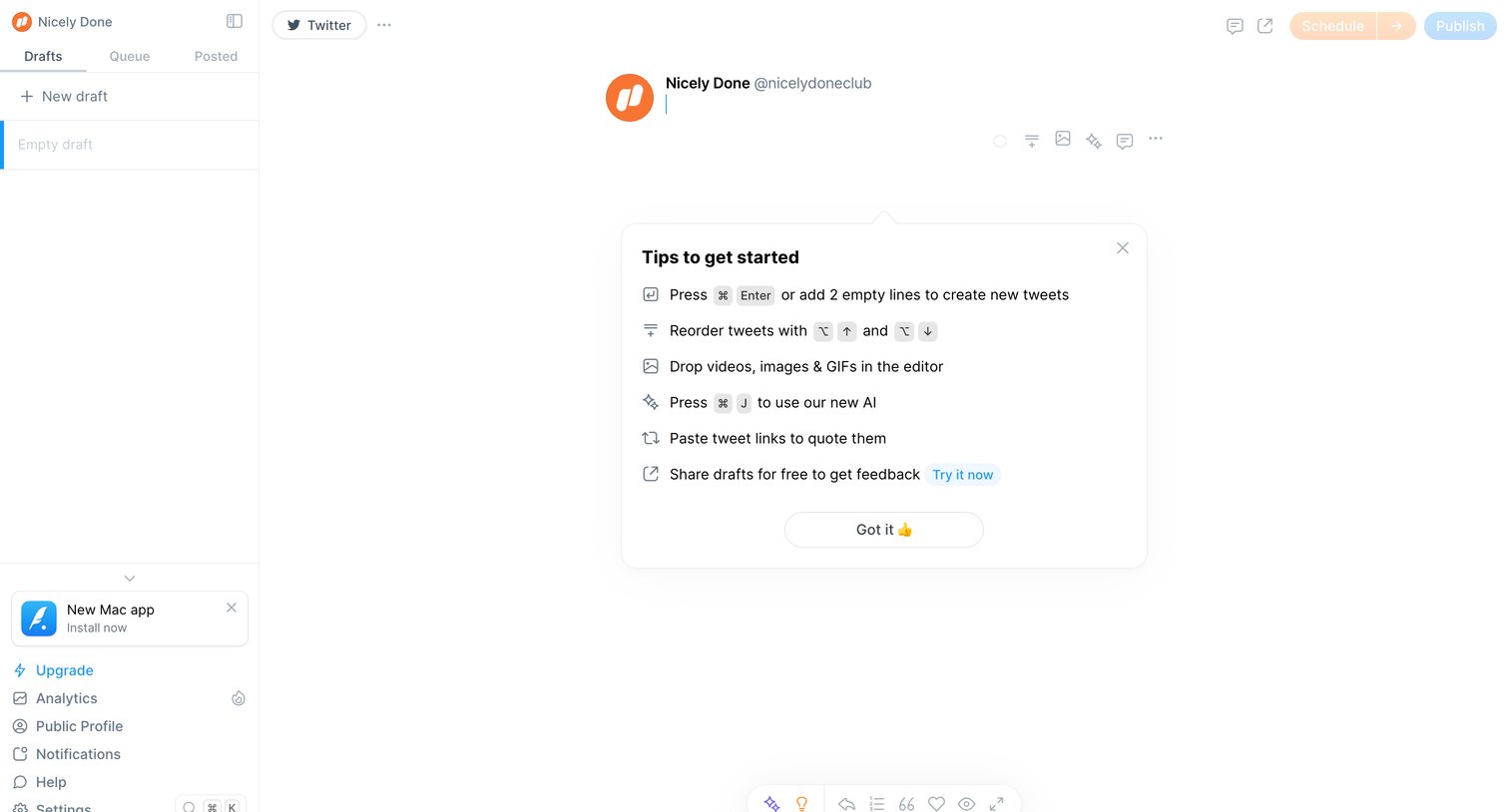
Content editor where the user drafts a new social media thread with an onboarding tips popover visible.
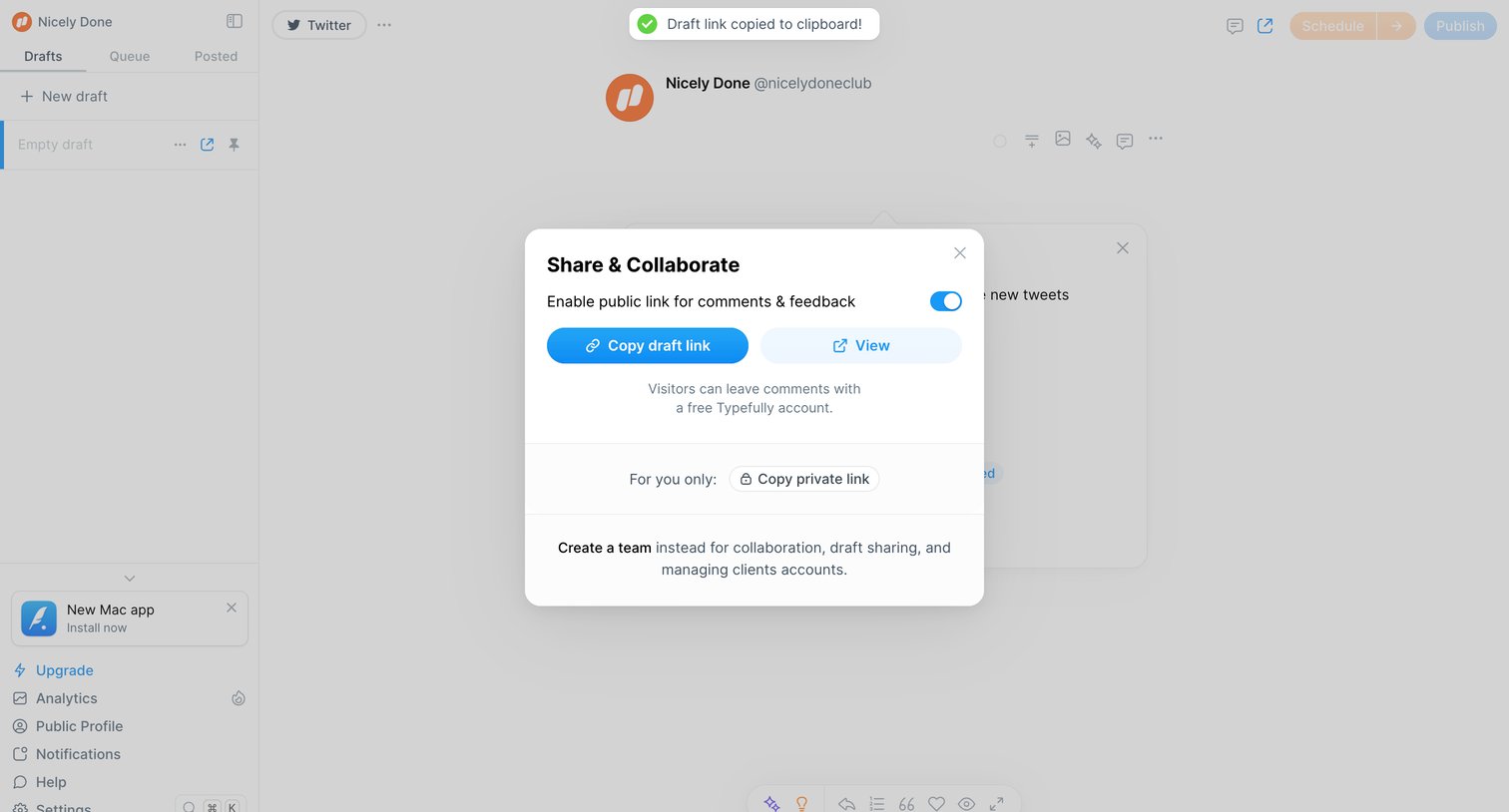
Content editor where the user has opened a modal to enable public sharing for a draft, accompanied by a success toast confirming the link was copied.
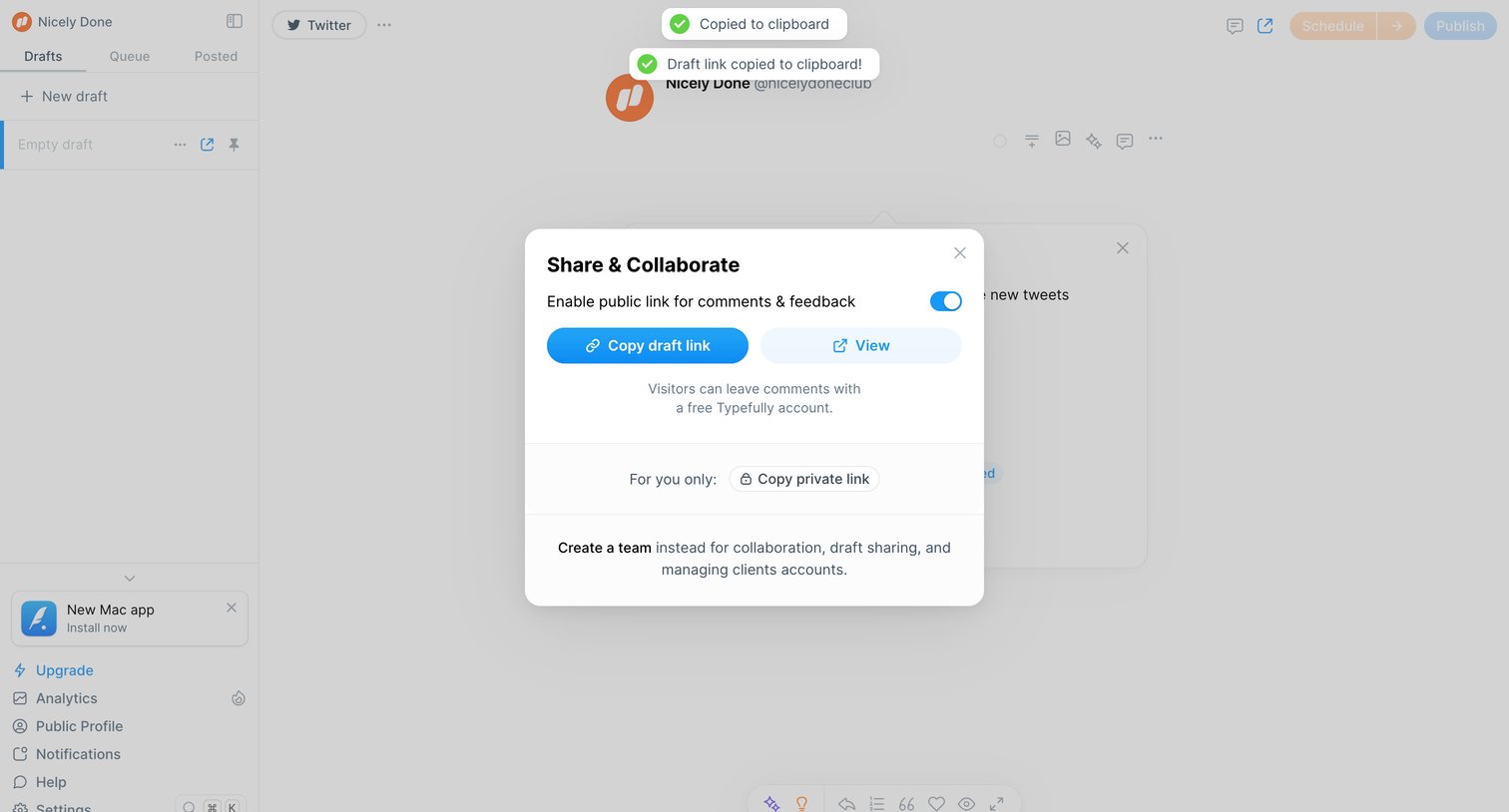
Content editor showing a modal to enable a public link and copy a draft URL for feedback.
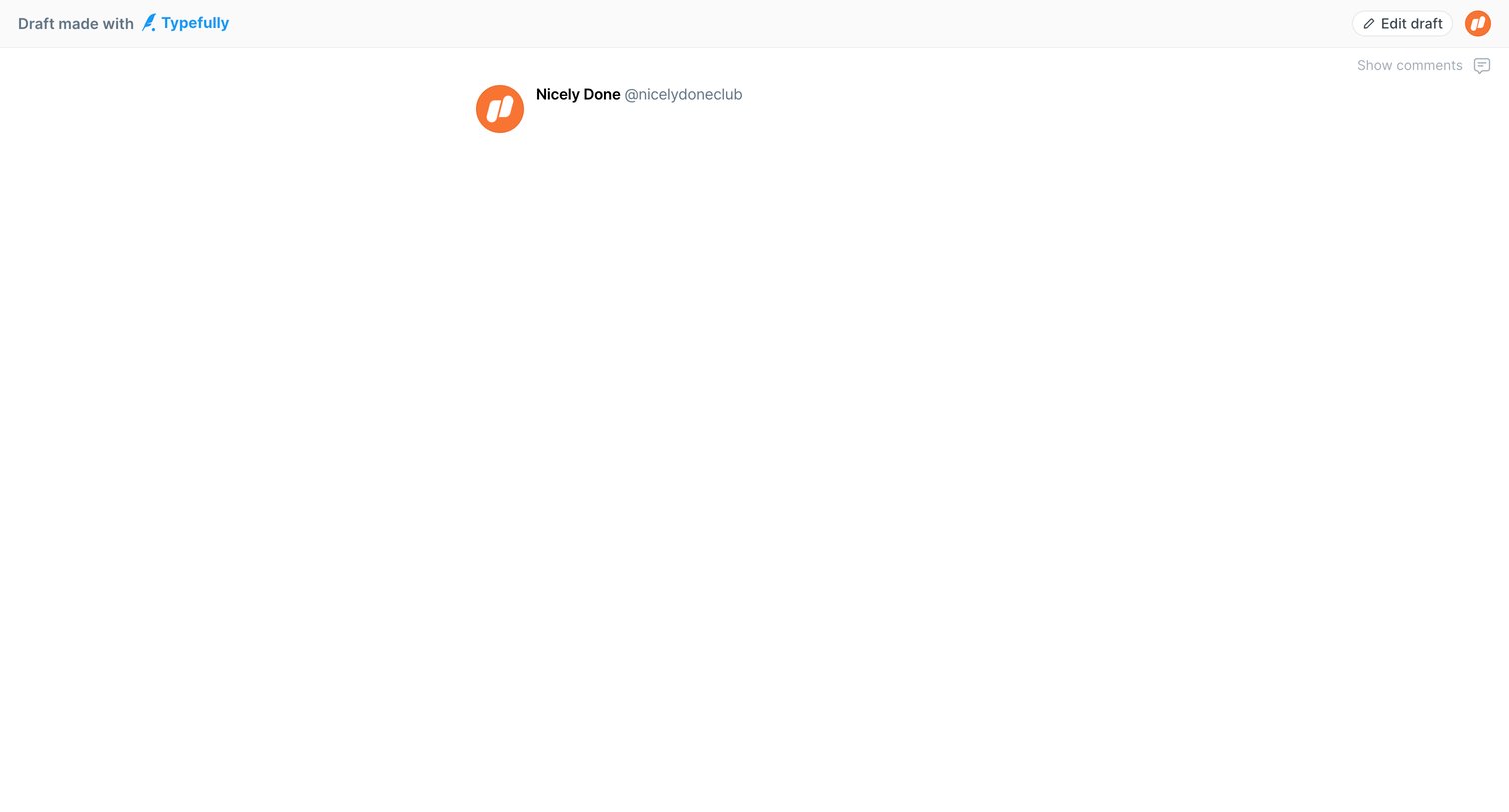
Detail page where a user views a shared draft post with an empty content area and options to edit or show comments.
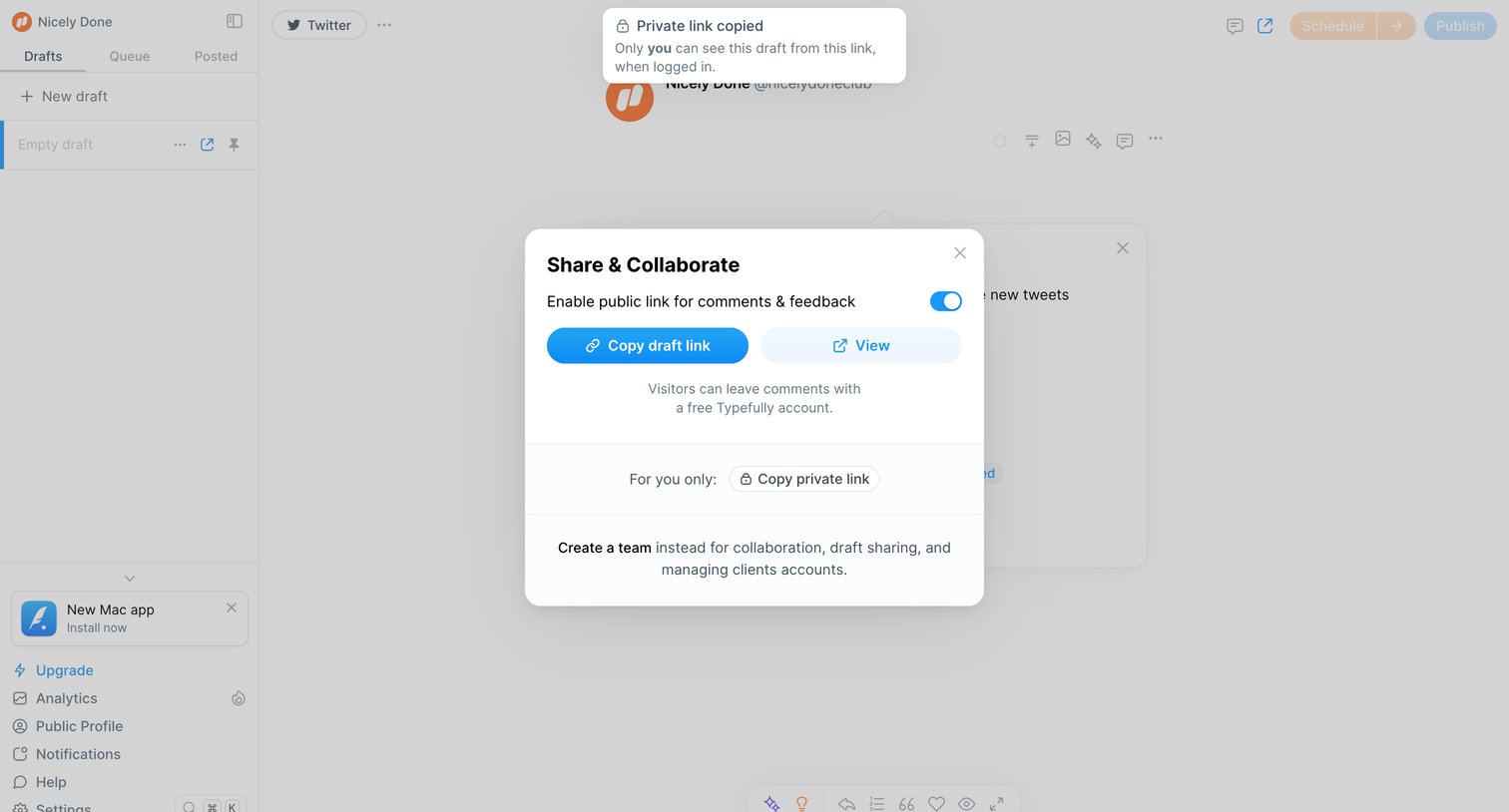
Content editor where the user has opened a modal to enable a public link for comments and copy the draft URL.
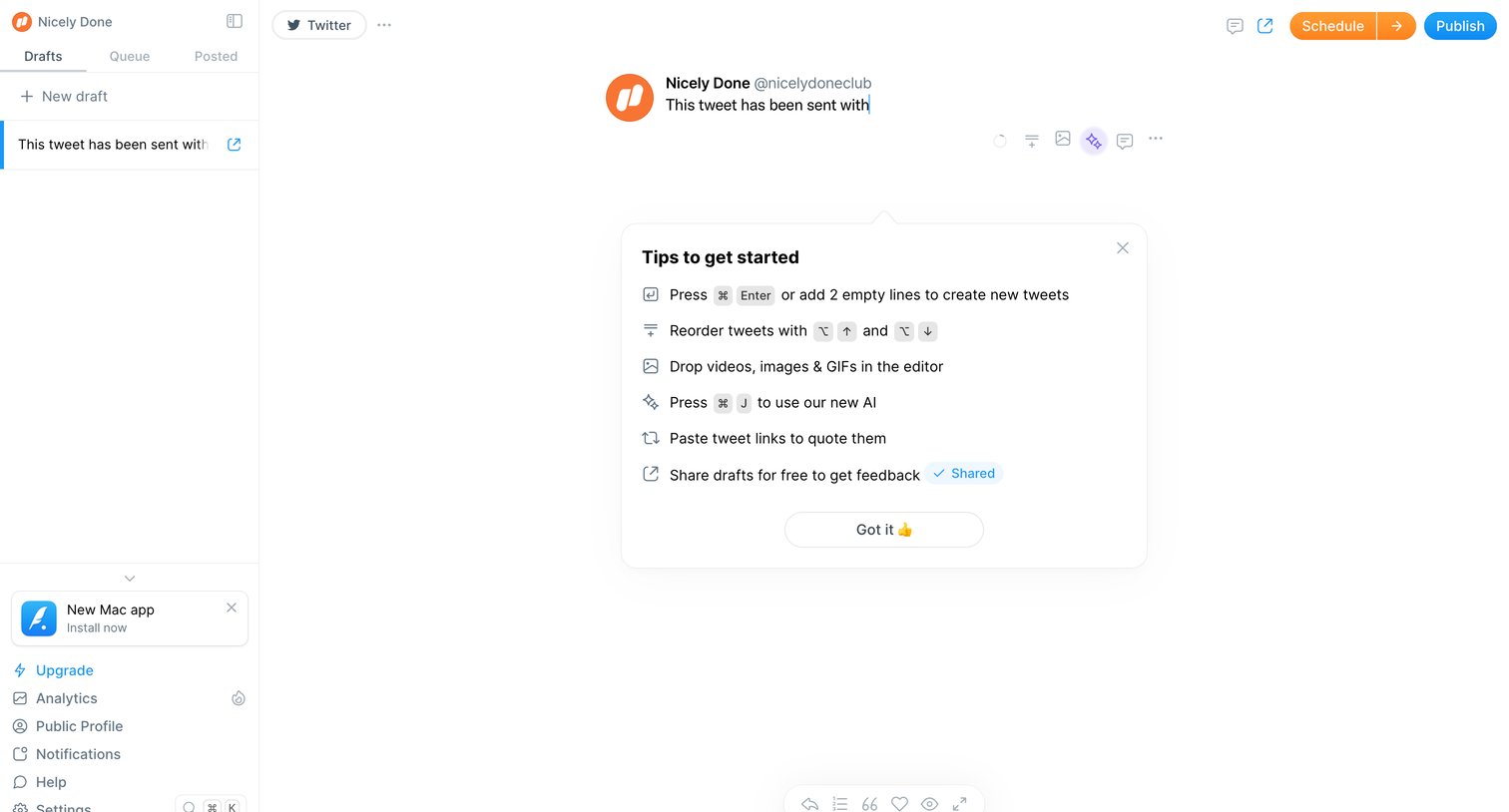
Content editor where the user drafts a new tweet, featuring an onboarding popover that explains keyboard shortcuts for formatting and publishing.
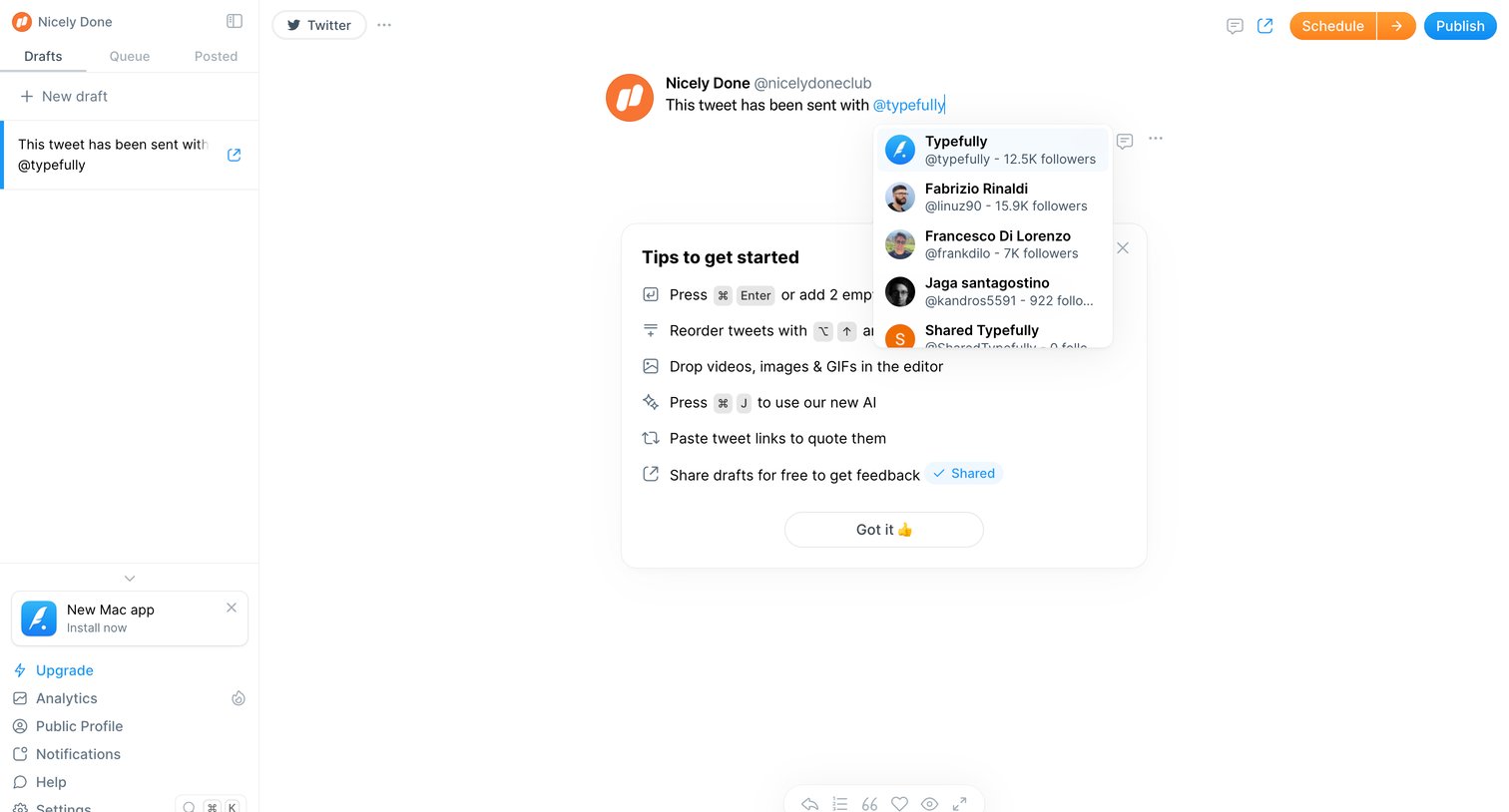
Content editor where the user drafts a tweet and selects an account from an @mention autocomplete dropdown.
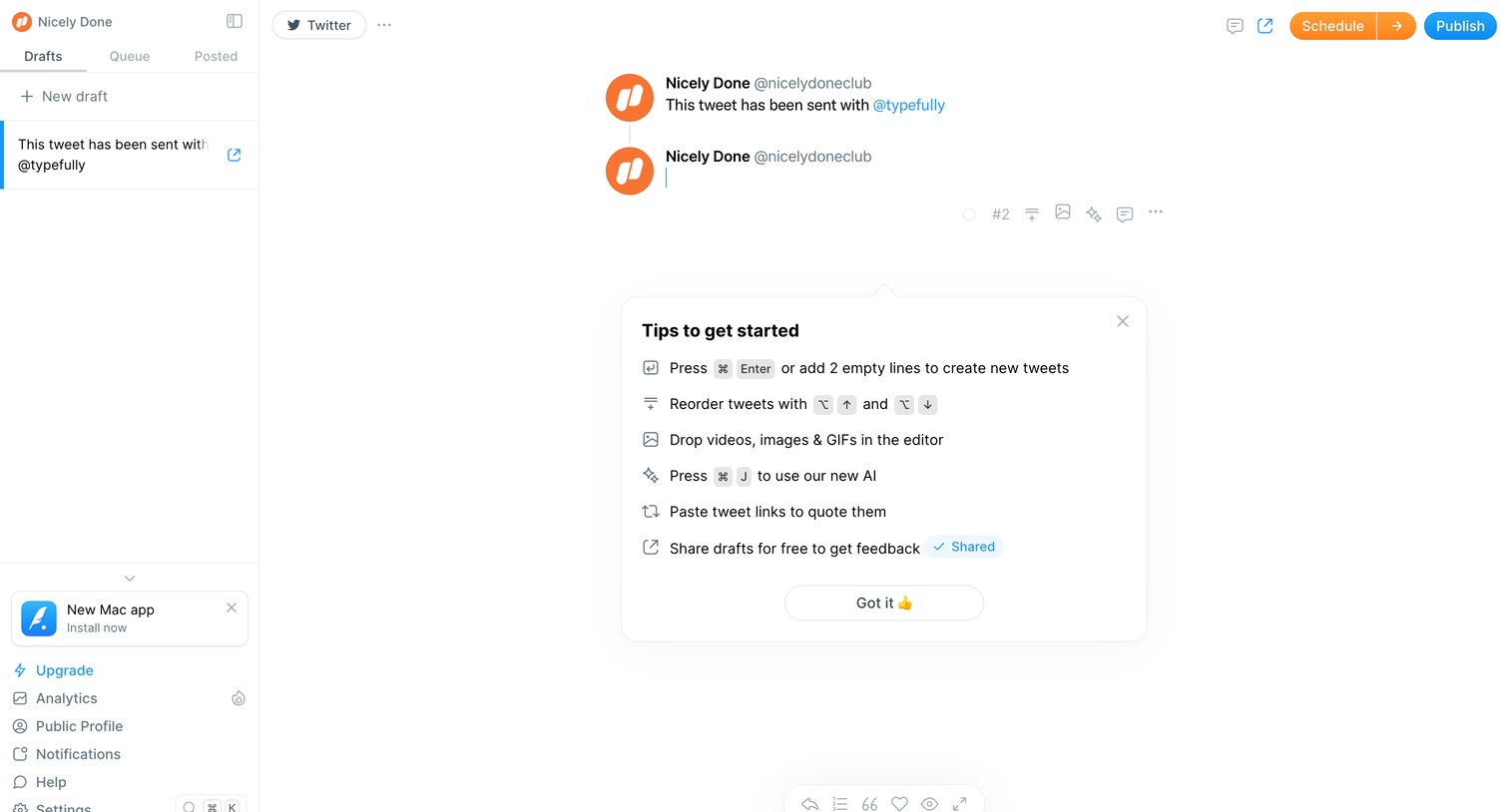
Content editor where the user drafts a Twitter thread, featuring an open popover with keyboard shortcuts and tips to get started.
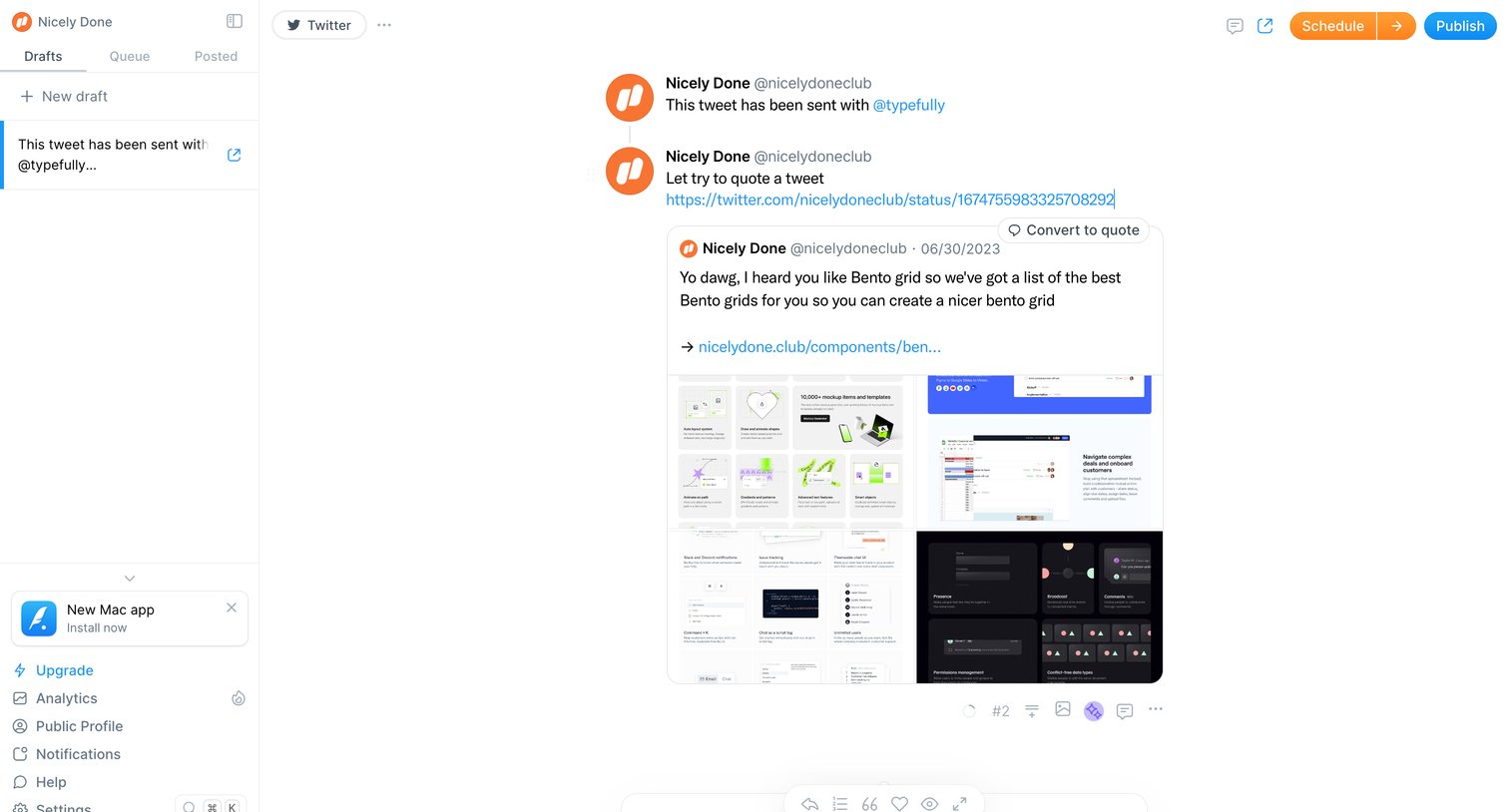
Content editor where the user drafts a multi-post Twitter thread with a quoted tweet preview and options to schedule or publish.
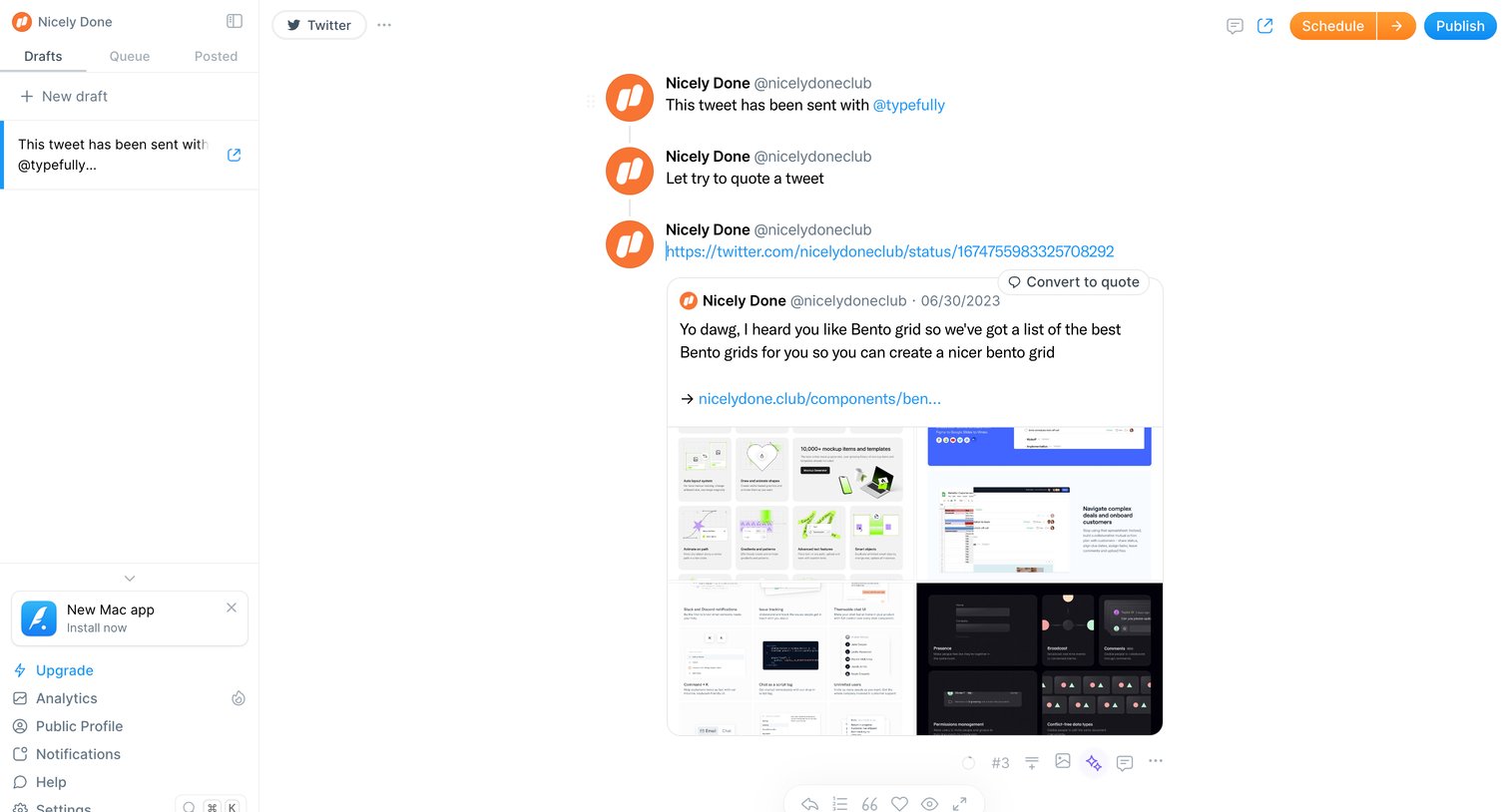
Content editor where the user drafts a multi-part Twitter thread with a quoted tweet preview and scheduling options.
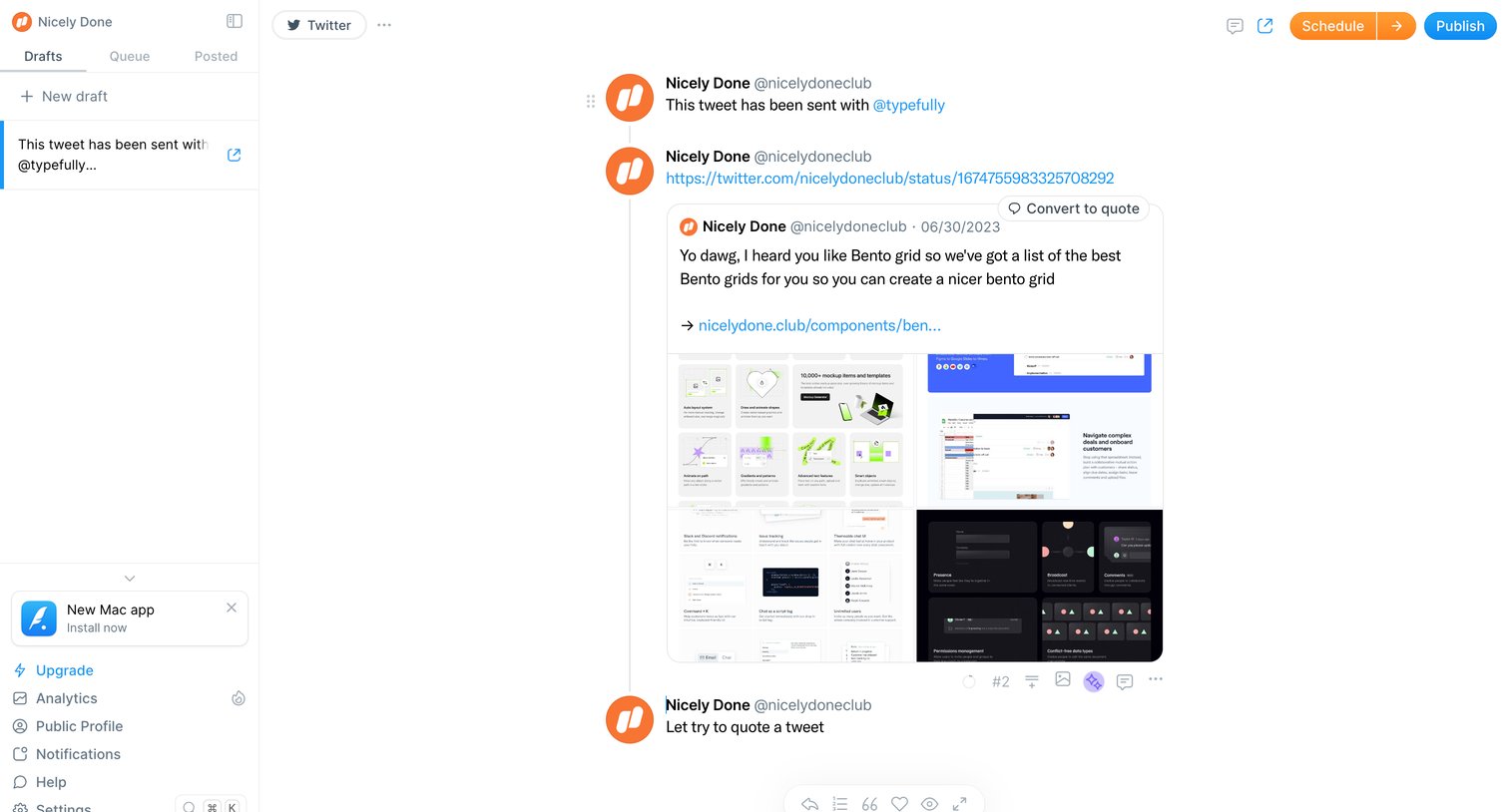
Content editor where the user is drafting a multi-part Twitter thread featuring an embedded quote tweet, with options to schedule or publish immediately.
Explore the full SaaS screen library
Upgrade to unlock the full library.
Trusted by the best teams







