Typefully user flows examples
Explore Typefully user flow examples. Preview the opening screens and steps for each task. Distraction-free editor to write & publish tweets and threads.
Preview these flows


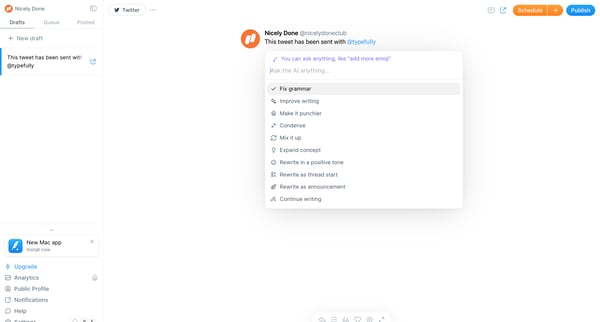
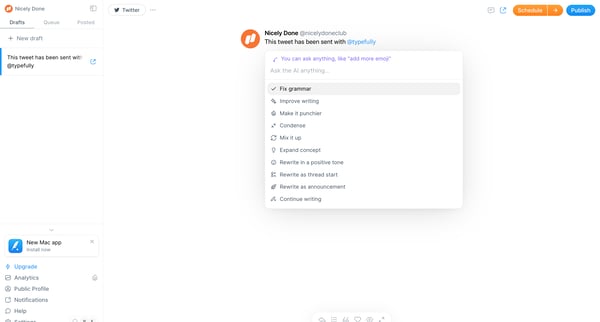
This user flow guides the user through enhancing a draft tweet using artificial intelligence, from initiating an AI-assisted edit to copying the refined text.
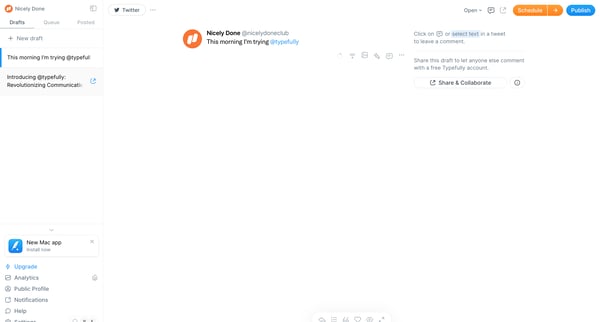
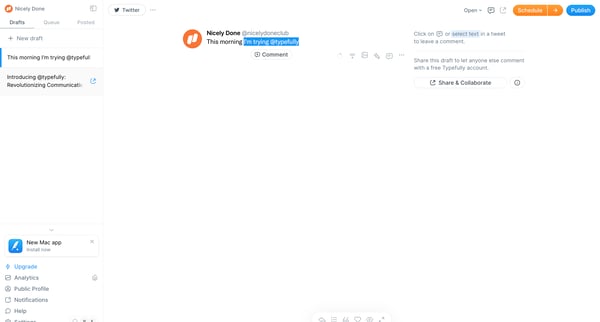
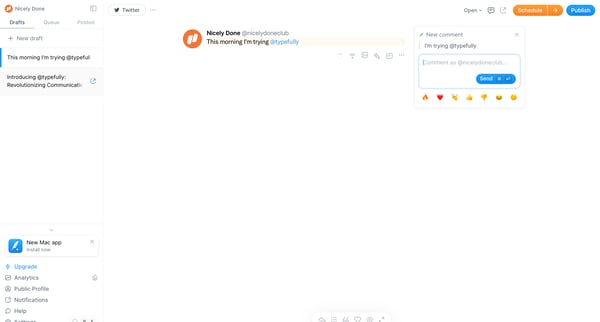
This flow enables users to interact with drafts by commenting and reacting, enhancing collaborative feedback and engagement.
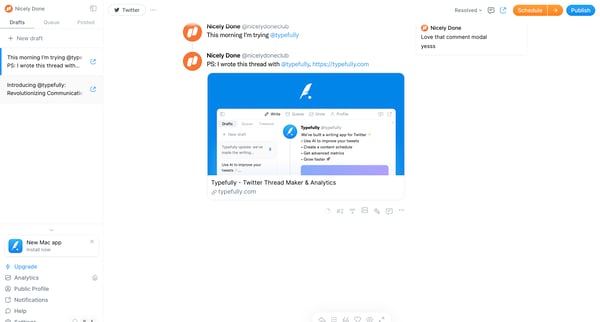
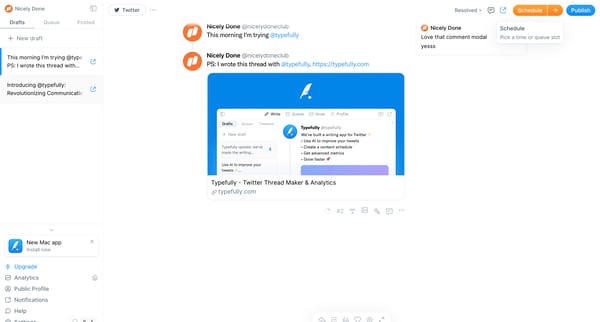
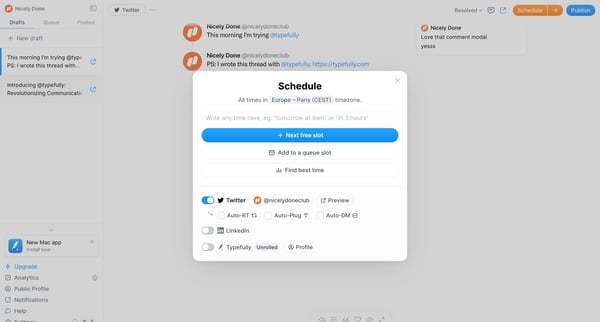
This flow enables users to create, schedule, and publish tweets, utilizing features to find the best time for posting and managing their tweet schedule.
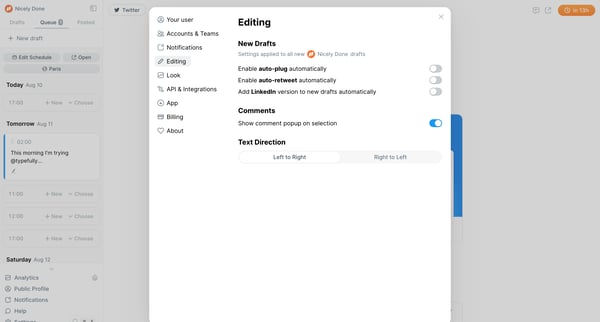
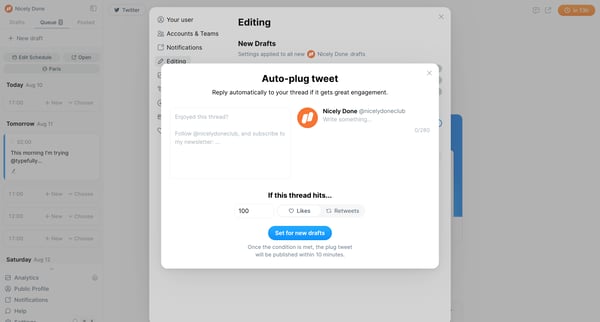
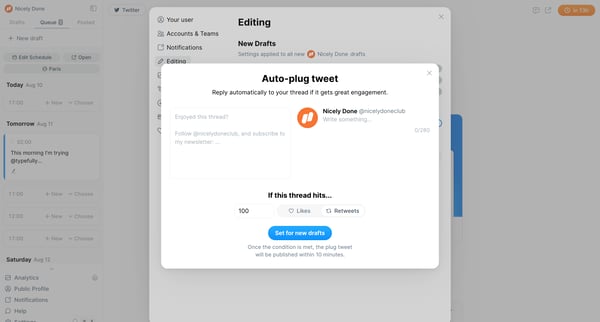
This flow automates the process of preparing and setting conditions for engagement-triggered replies on social drafts, incorporating settings adjustments and error notification handling.
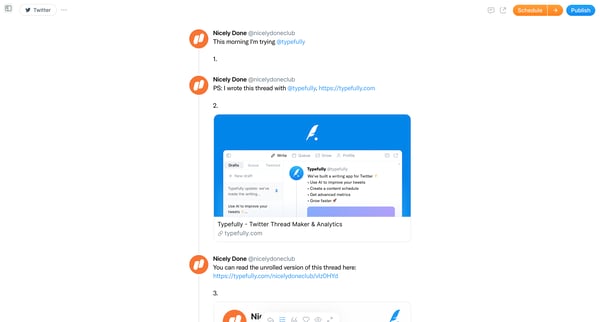
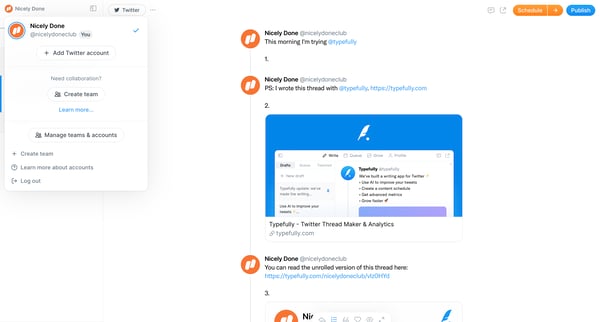
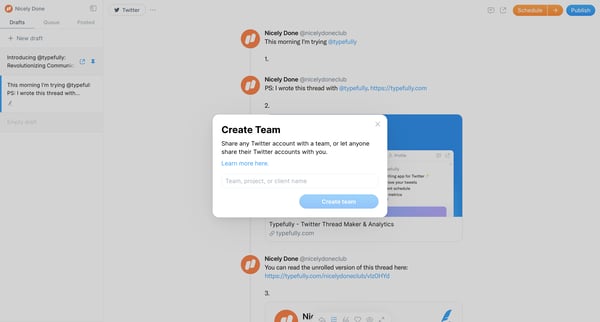
This flow outlines the process of creating a team within a Twitter management app, enabling collaboration by sharing Twitter accounts and setting permissions for team members.
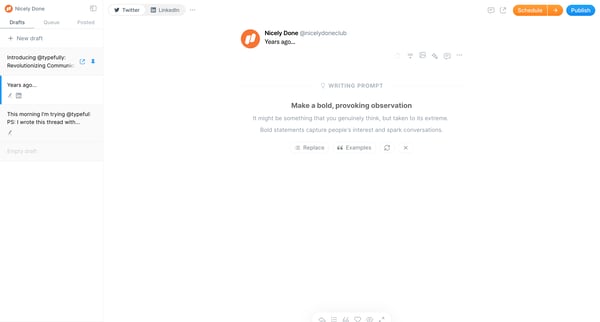
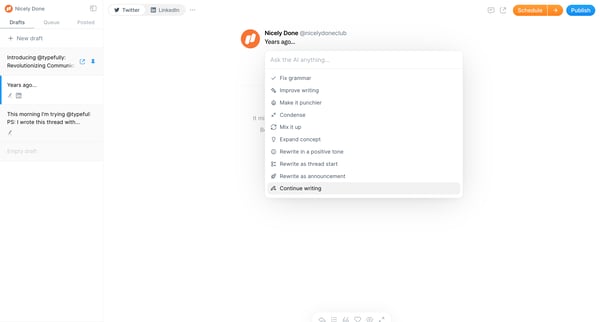
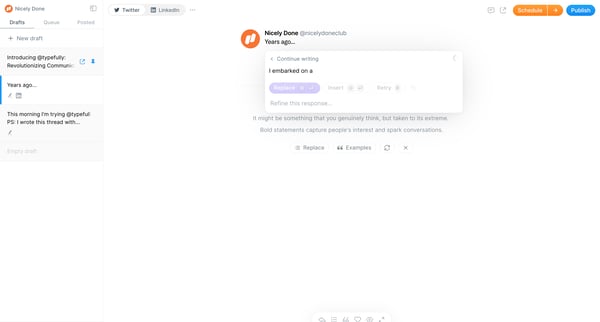
This user flow guides a user through drafting, refining with AI suggestions, and condensing a written piece before preparing to publish.
Explore the full SaaS flow library
Browse the full SaaS flow library.
Trusted by the best teams







