Stream design examples
Explore Stream UI design examples. The API for scalable feeds
Product screens

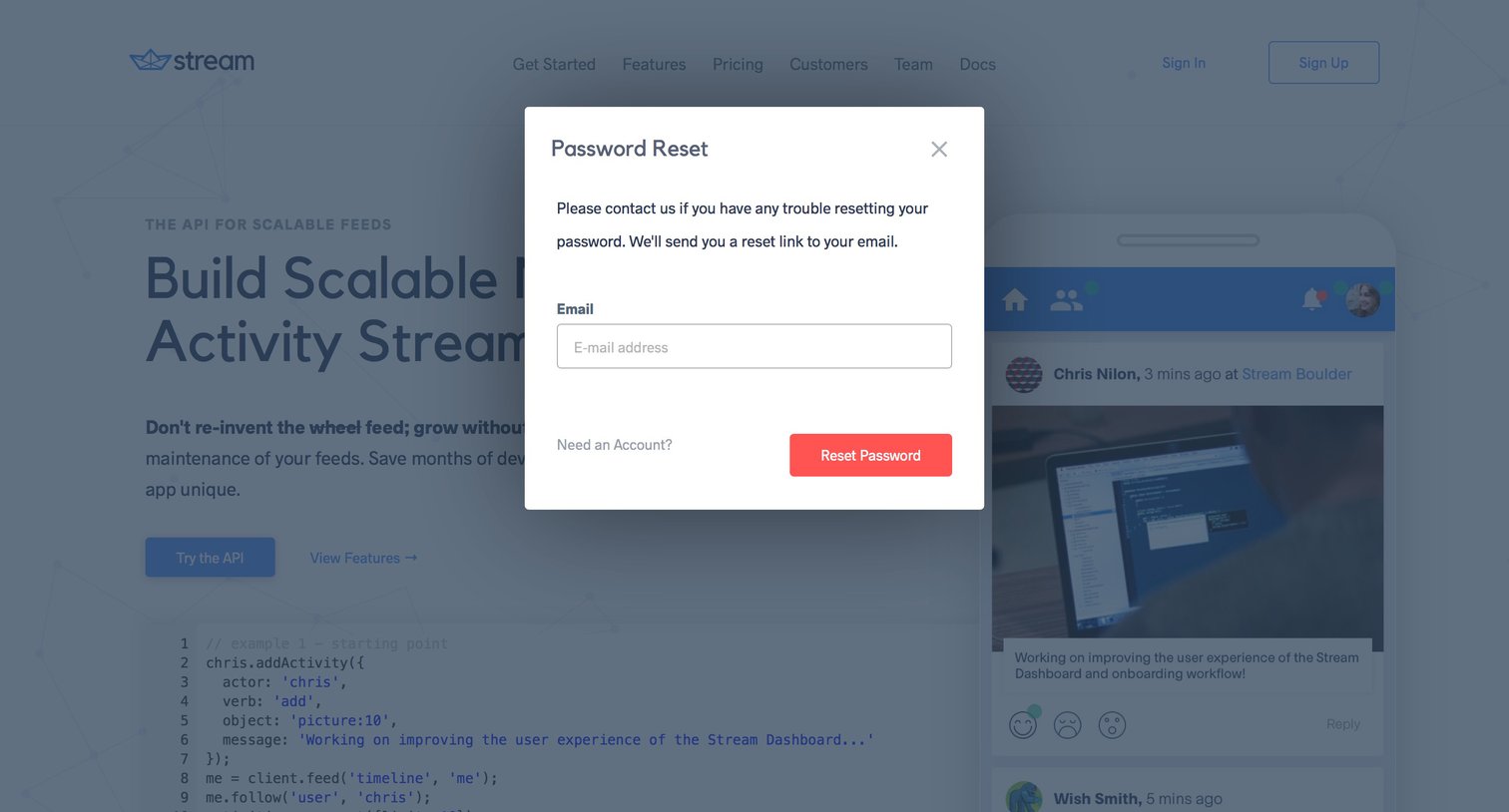

Password recovery modal where the user enters their email address to receive a reset link, overlaid on the marketing homepage.

Signup modal where the user creates a free account using GitHub or by providing a username, email, and password.

Onboarding step where the user begins a 5-part interactive tutorial to build a scalable newsfeed using their generated API key.
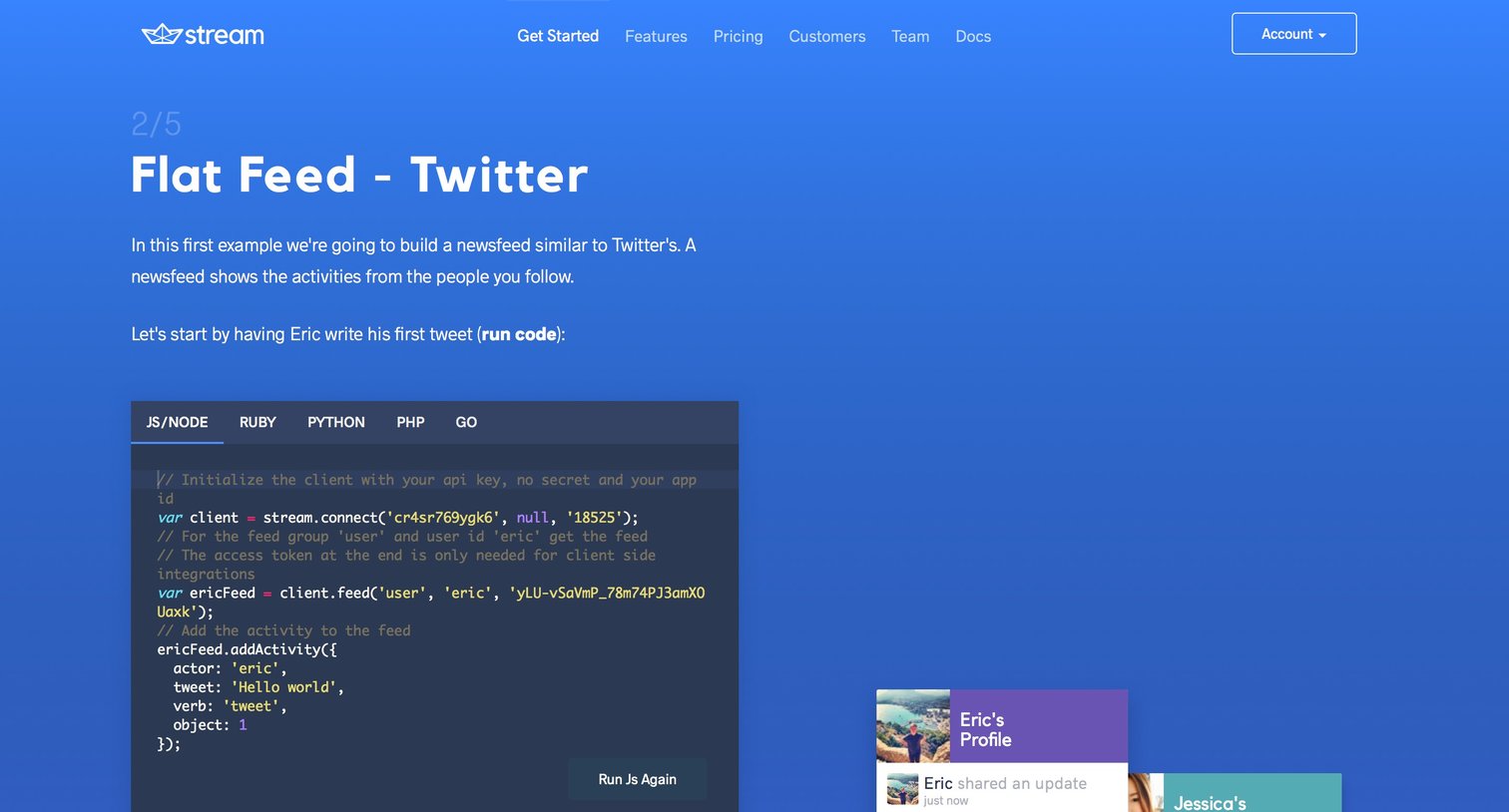
Interactive developer demo step where the user runs a code snippet to add an activity to a feed and sees the live result in a simulated UI.
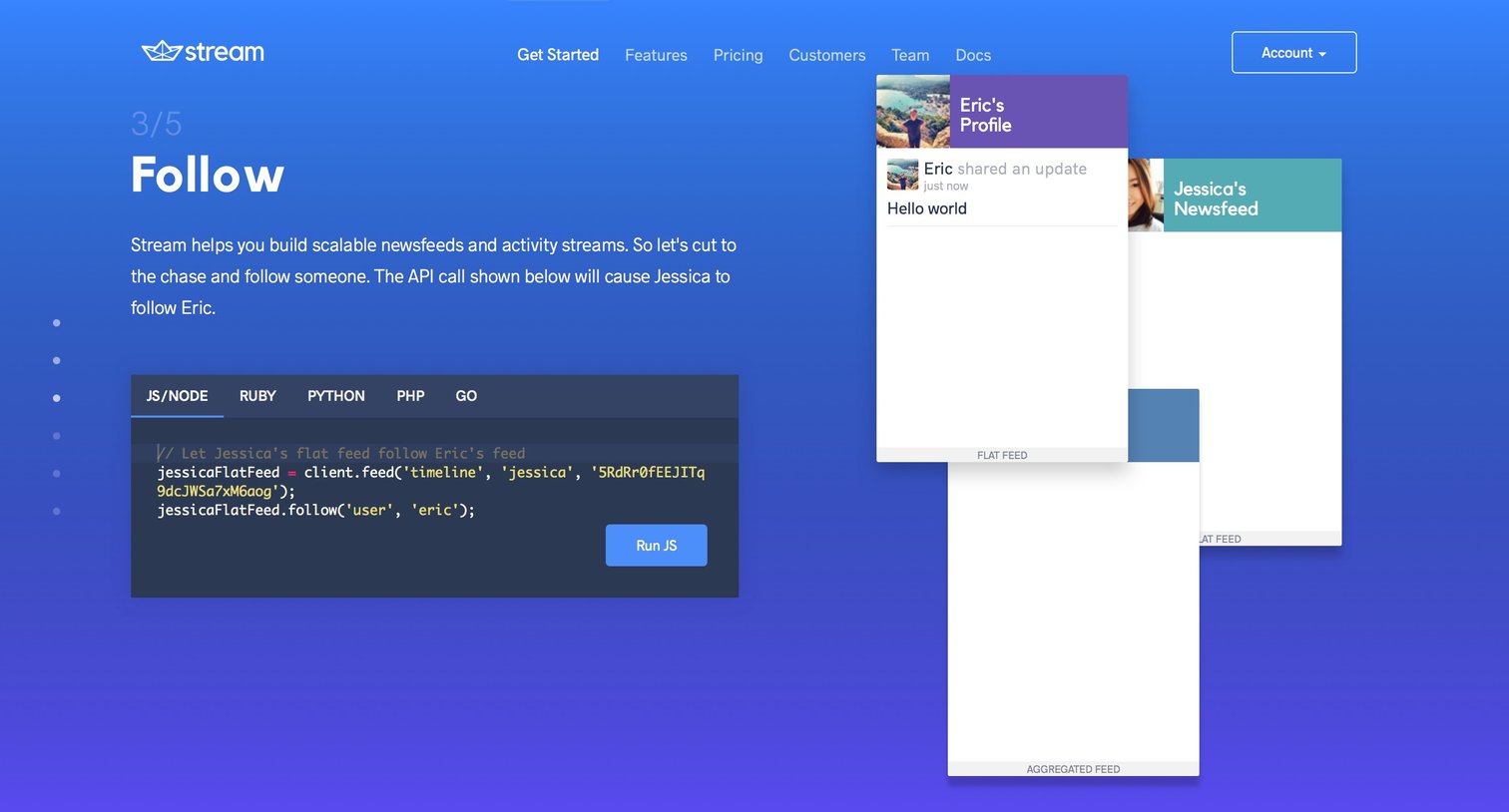
Interactive demo step explaining how to build a follow feature using the API, featuring a multi-language code snippet and a visual representation of cascading feeds.

Feature page explaining aggregated feeds with an interactive code editor and visual feed examples.

Interactive tutorial step demonstrating real-time feed updates with a runnable code snippet and live visual previews.
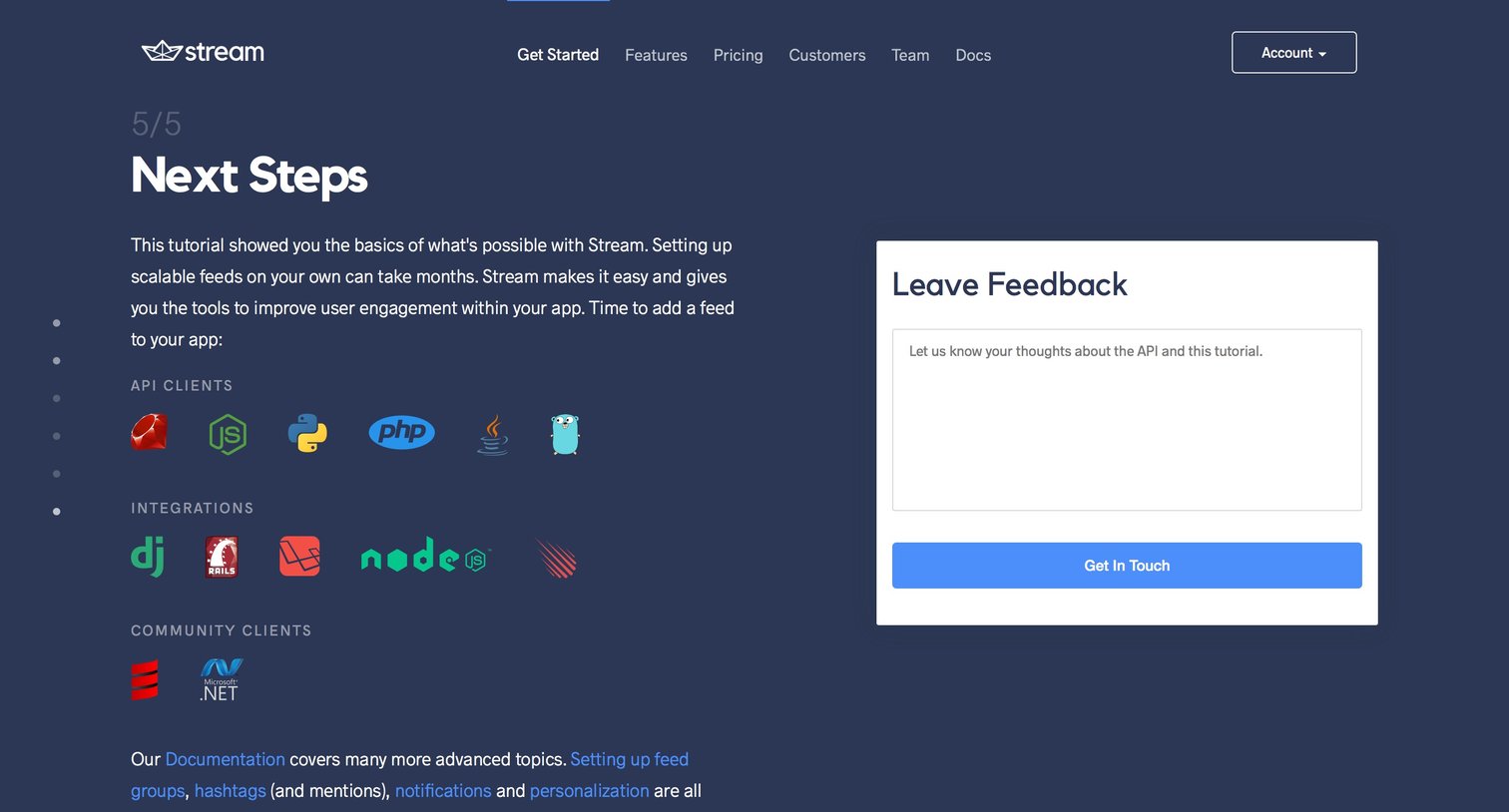

Dashboard showing API usage metrics and application credentials for an organization.

Settings page where an admin invites new users to their organization by entering an email address and selecting between Admin or Read Only access levels.
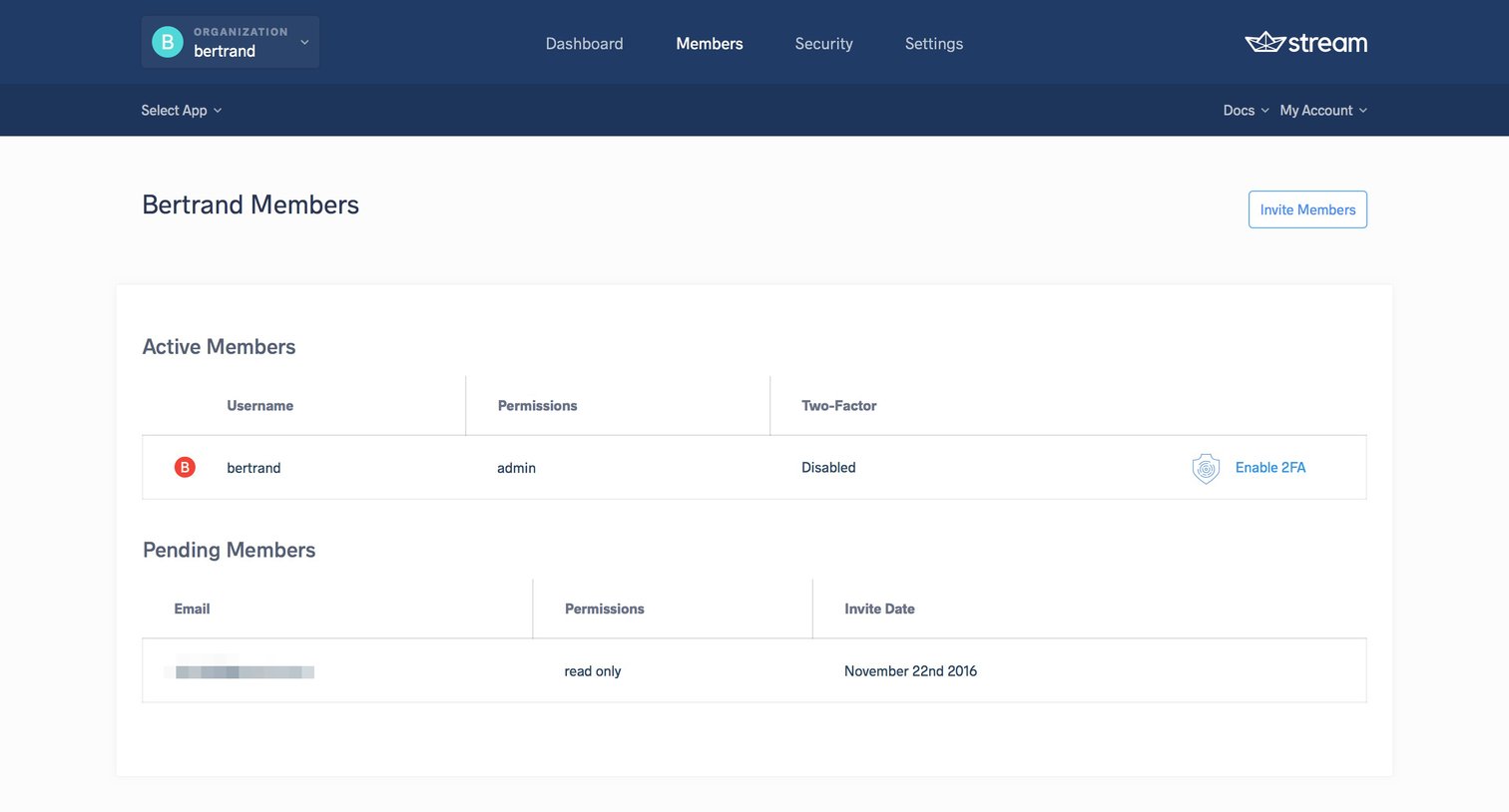
Settings page where the user manages active and pending team members, views their permission levels, and checks two-factor authentication status.
Browse the full SaaS app library
Explore real SaaS apps with their product screens, marketing screens, flows, and components.
Trusted by the best teams







