Splitbee product screens examples
Browse Splitbee screen design examples. Preview the interface screenshots and explore related UI patterns. Your friendly all-in-one analytics & conversion tool
Explore the examples
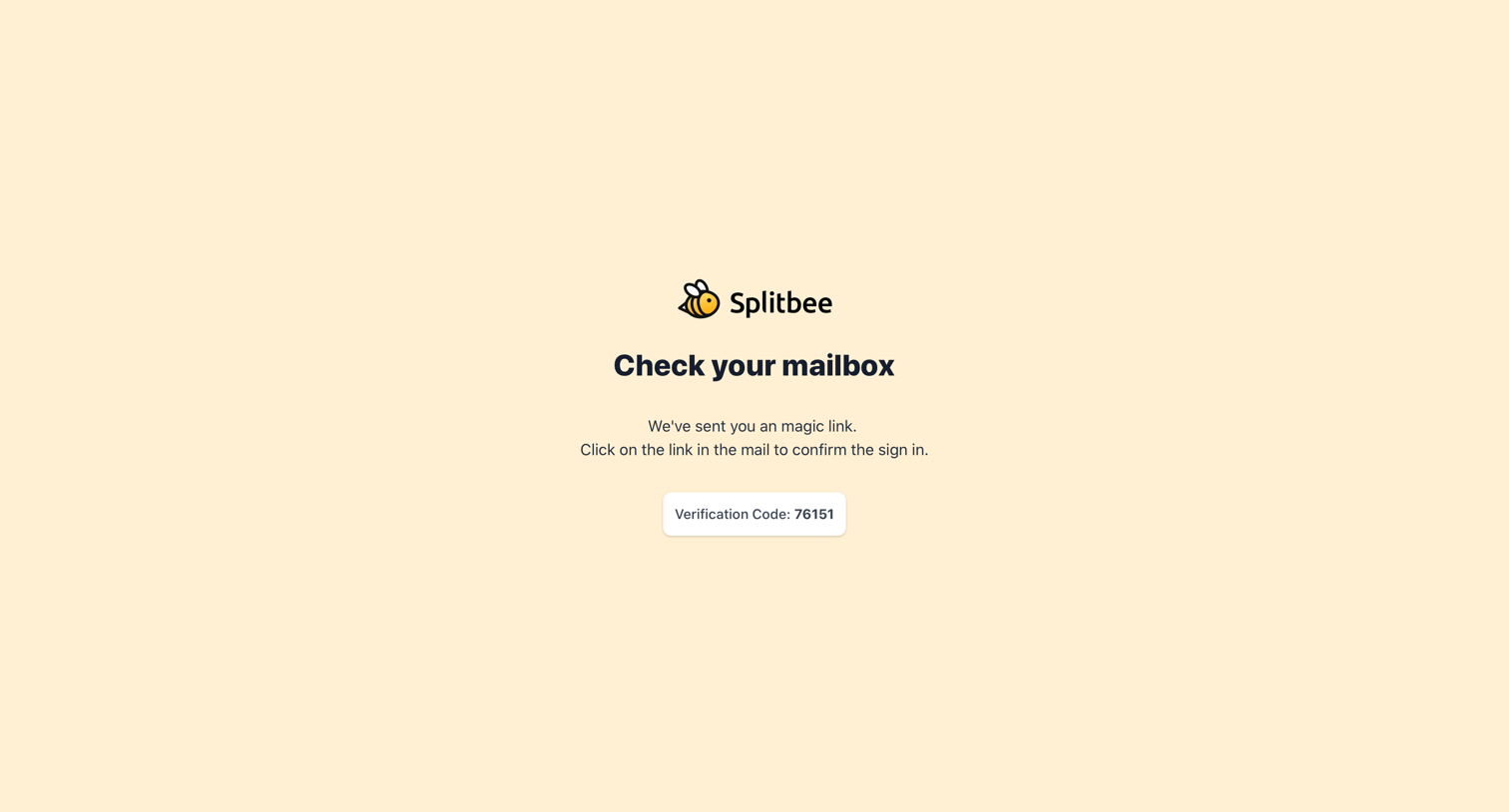

Verification screen where the user is instructed to check their email for a magic link and a confirmation code to complete sign in.
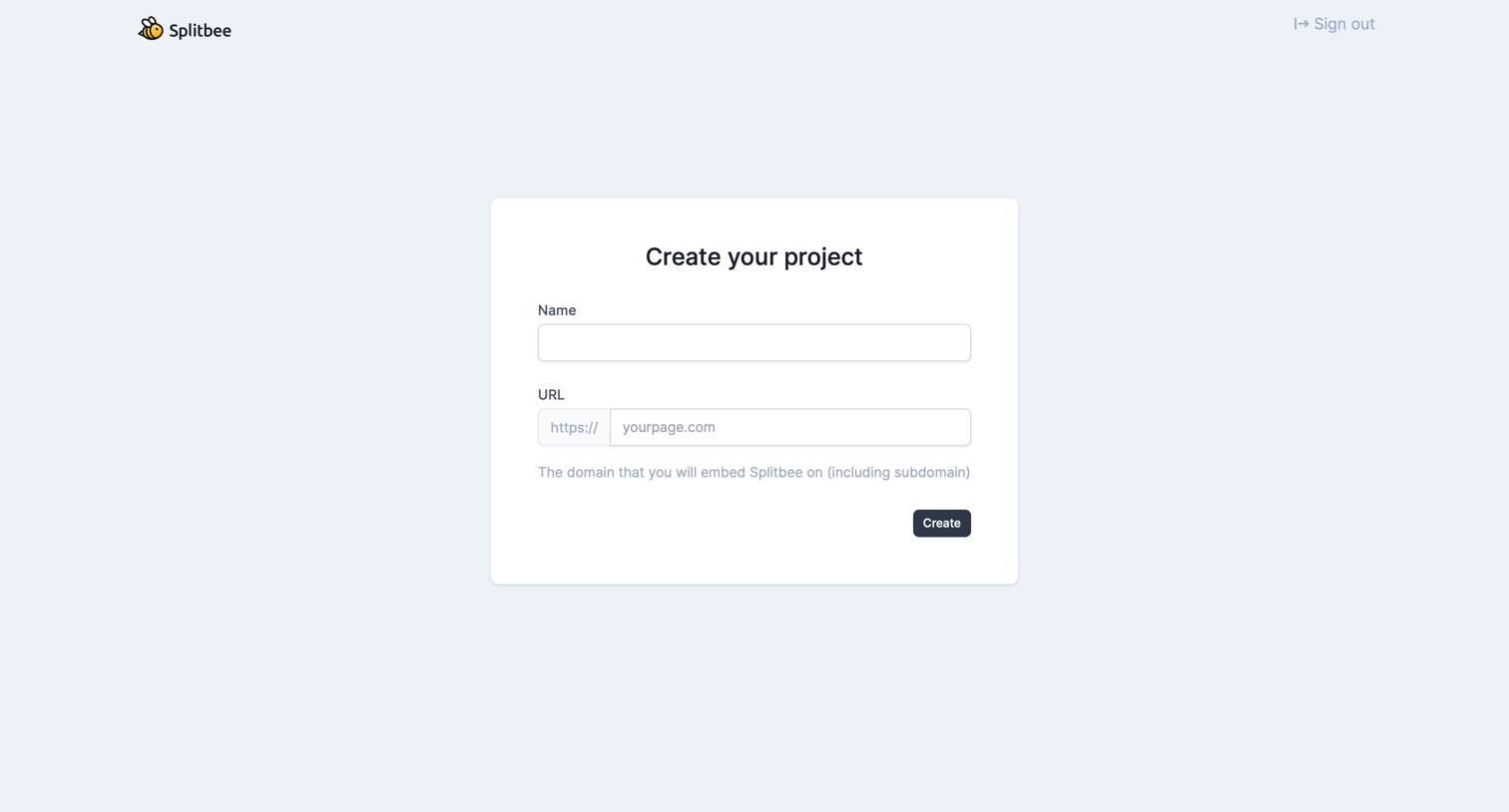
Creation screen where the user sets up a new project by providing a name and URL.
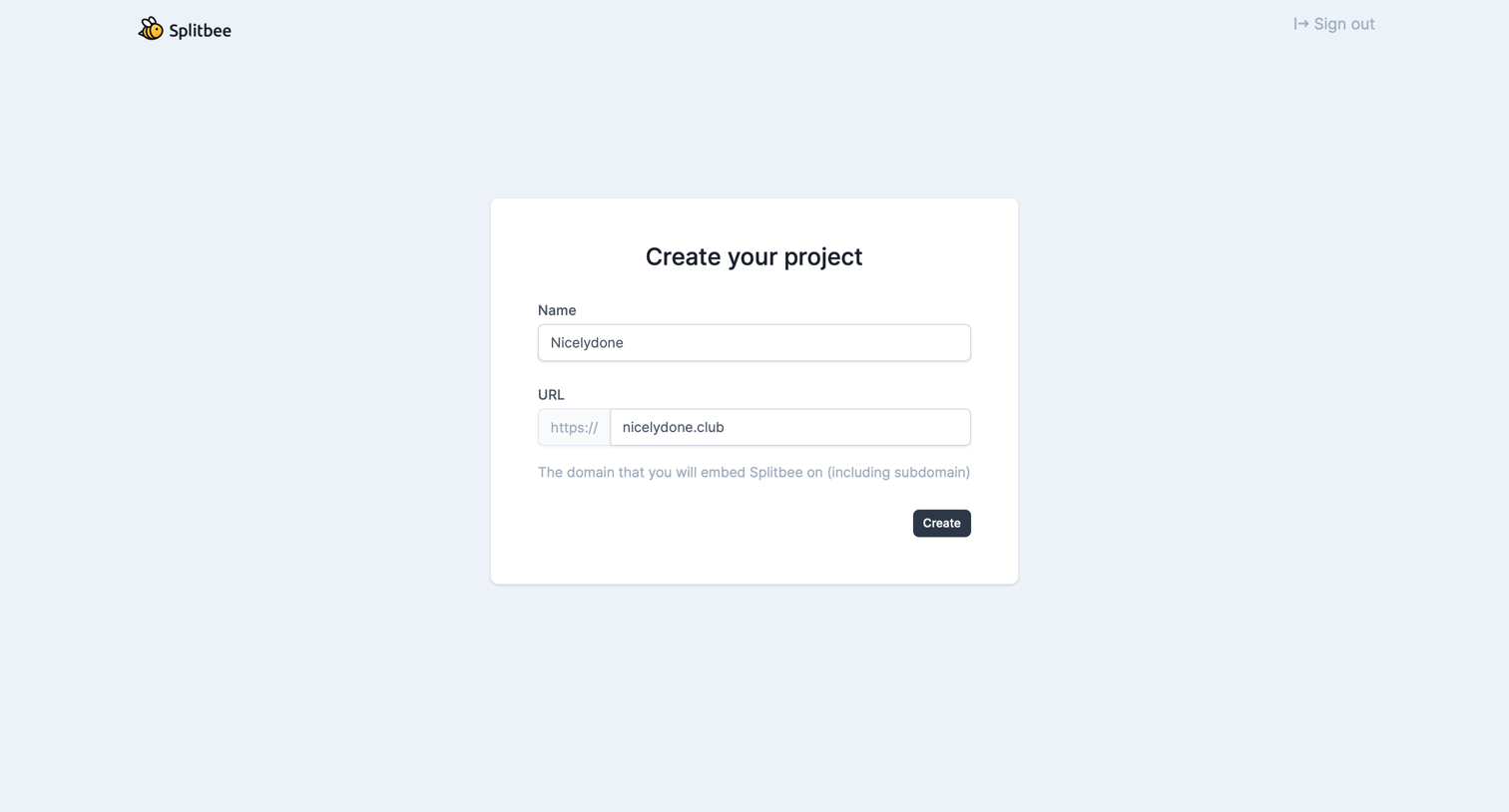
Create screen where the user sets up a new project by entering its name and target URL.
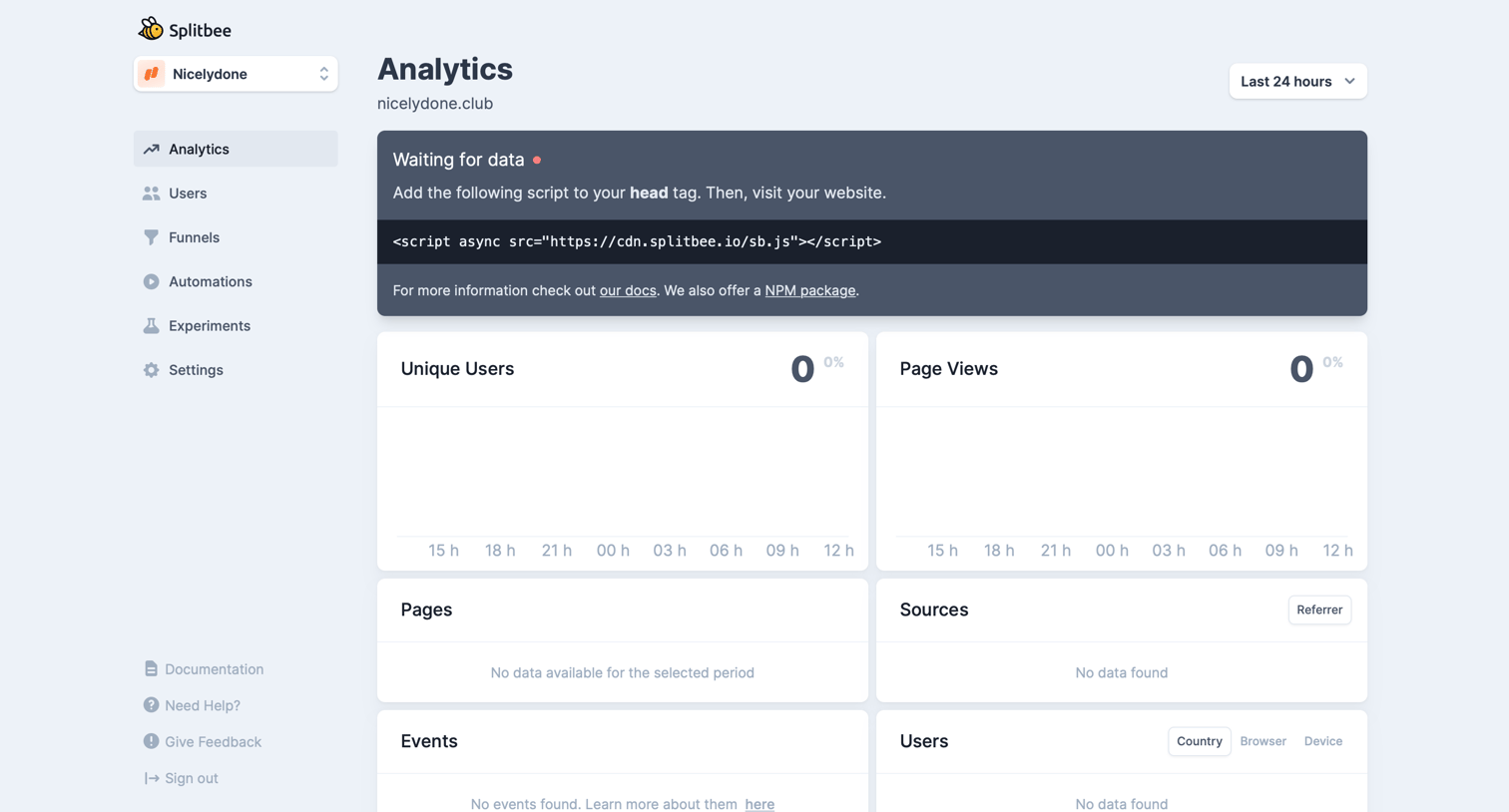
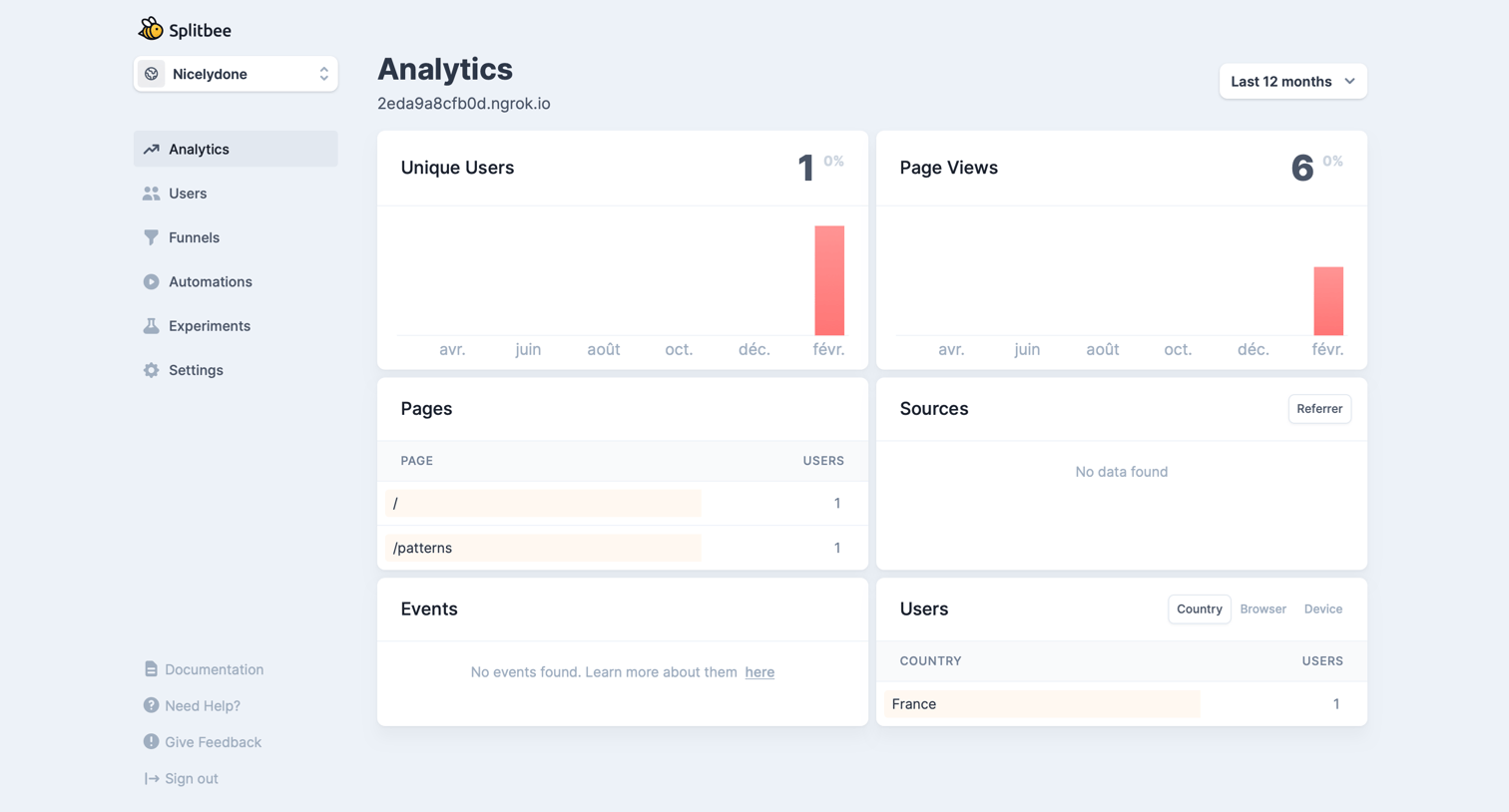
Analytics dashboard in an empty state, providing a tracking script snippet for the user to install on their website to begin collecting data.
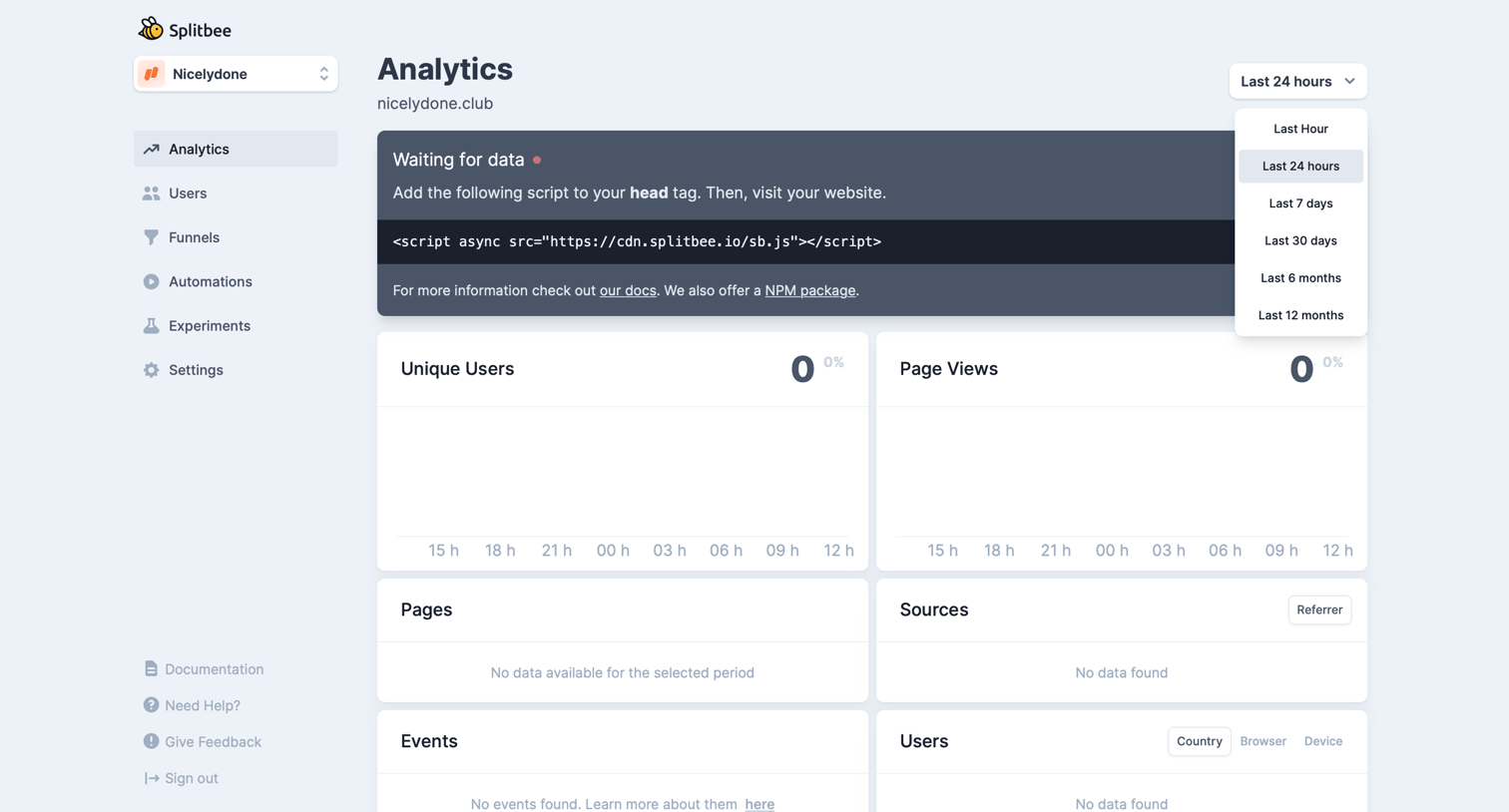
Dashboard empty state where the user is prompted to add a tracking script to their website to start receiving analytics data.
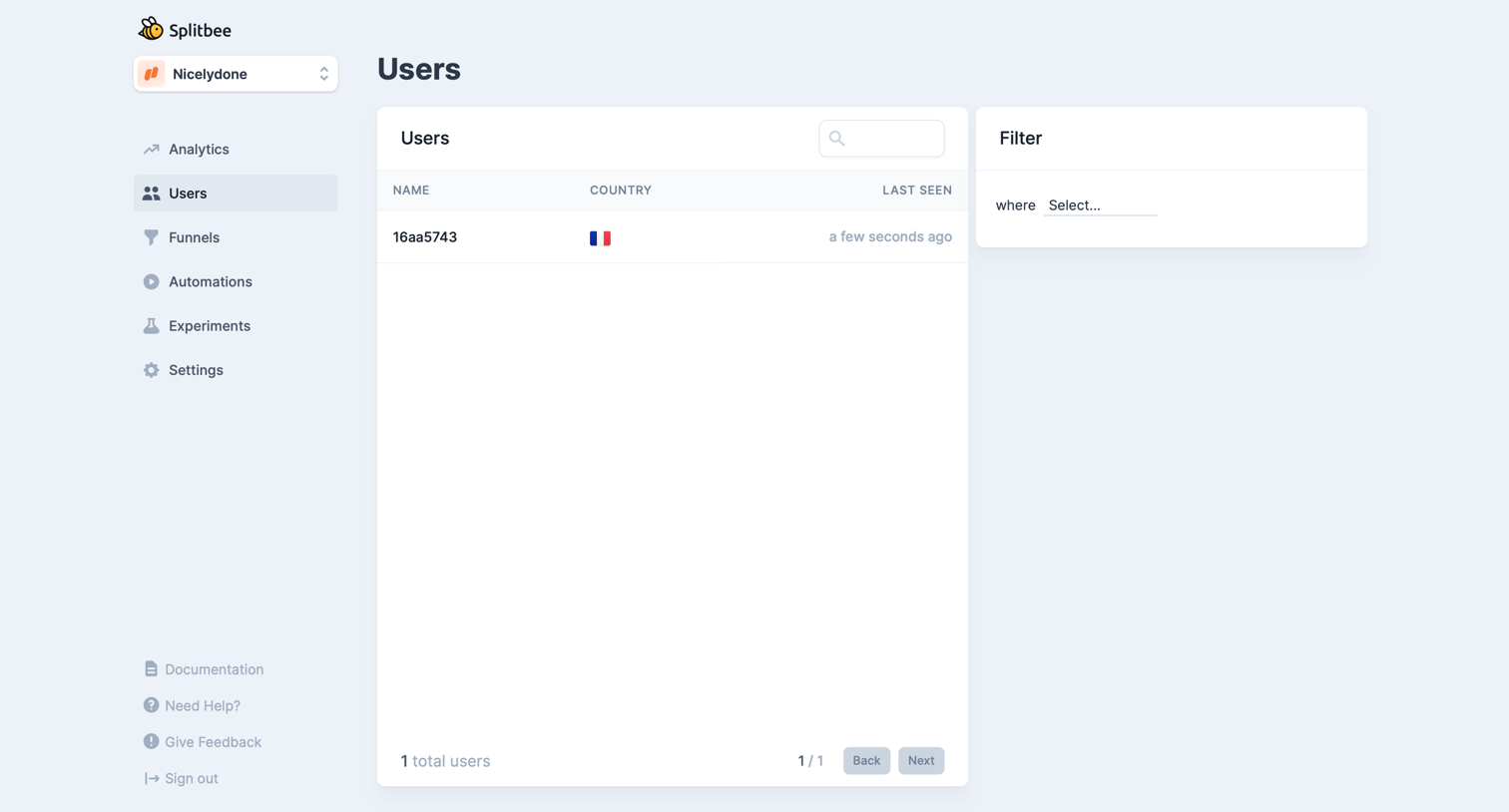
List view where the user can search and filter the directory of tracked users by attributes like country and last seen time.
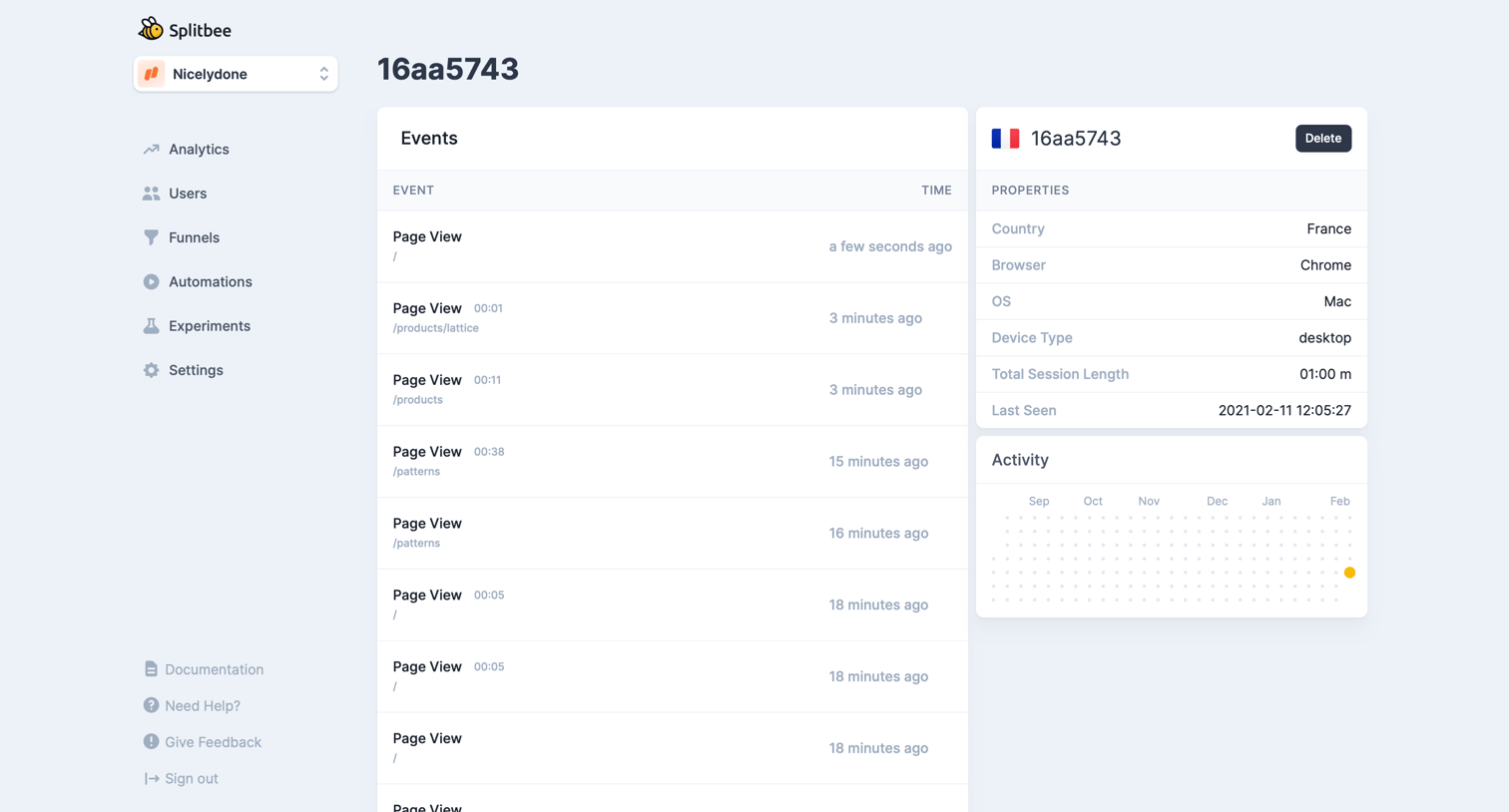
Detail page for a specific user session showing a timeline of page views, device properties, and an activity heatmap.
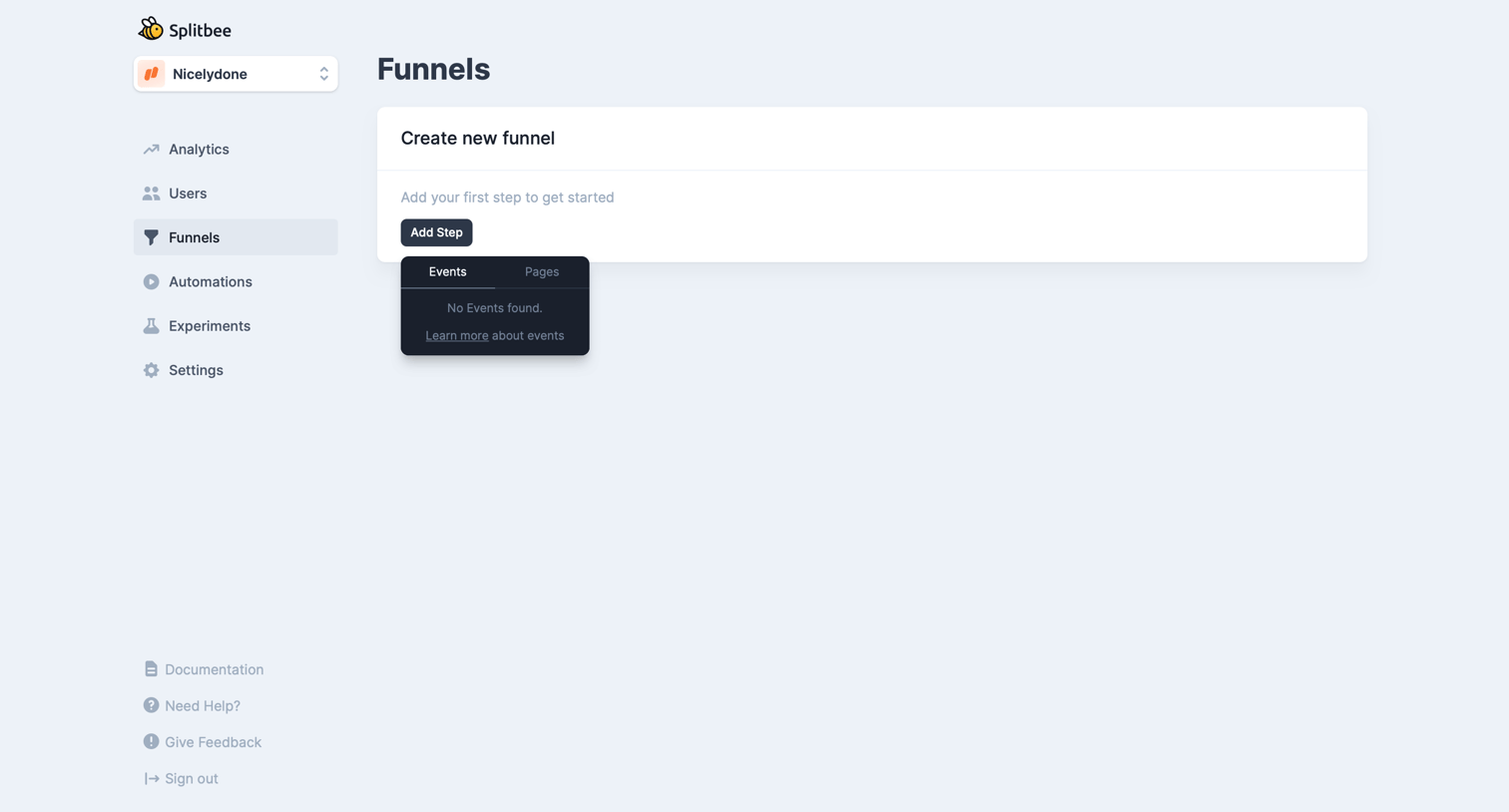
Analytics funnel creation page where the user is prompted to add their first step but has no events configured yet.
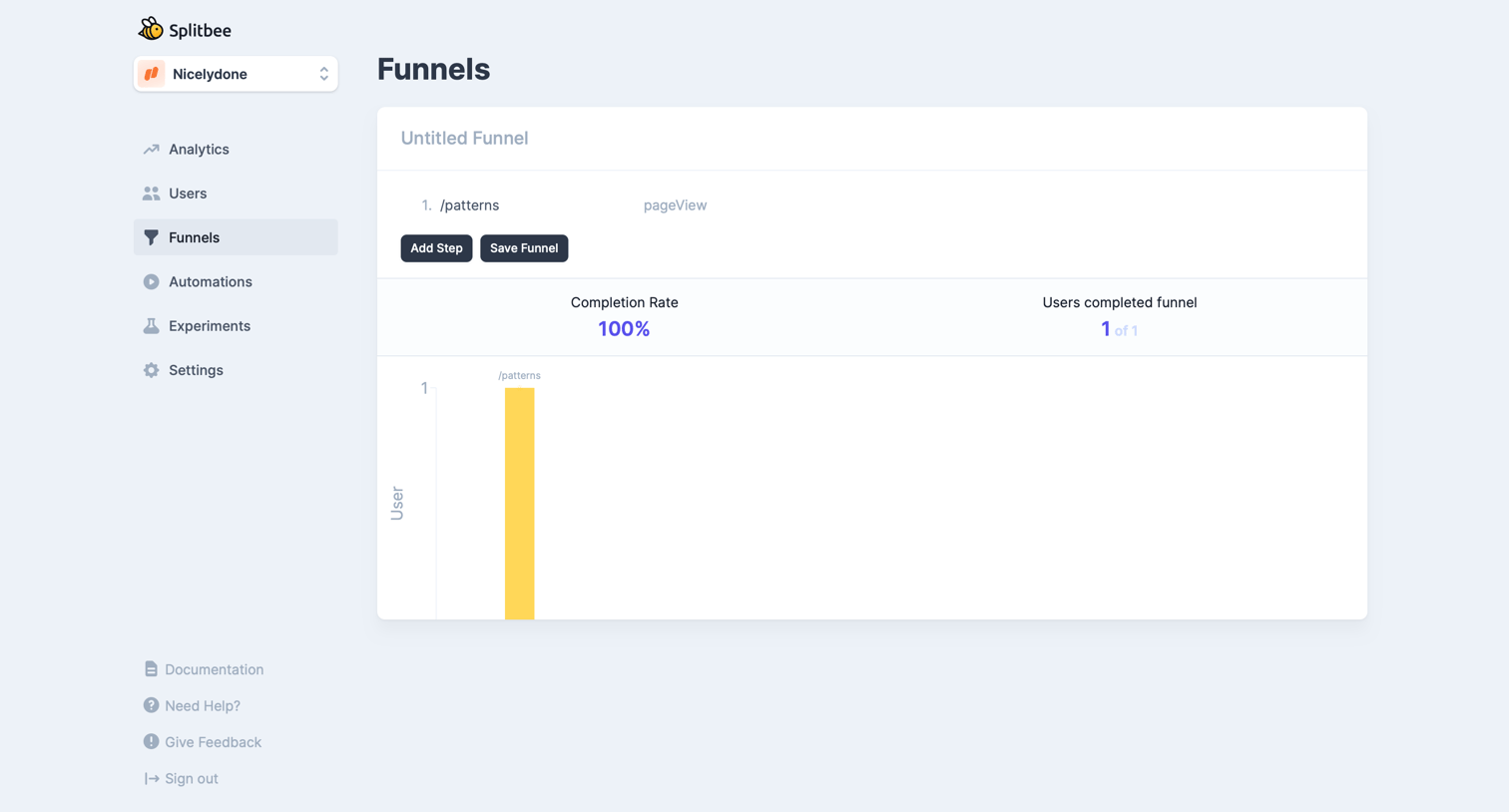
Explore the full SaaS screen library
Upgrade to unlock the full library.
Trusted by the best teams







