
Sendgrid design examples
Explore Sendgrid UI design examples. Marketing & transactional email service
Product screens
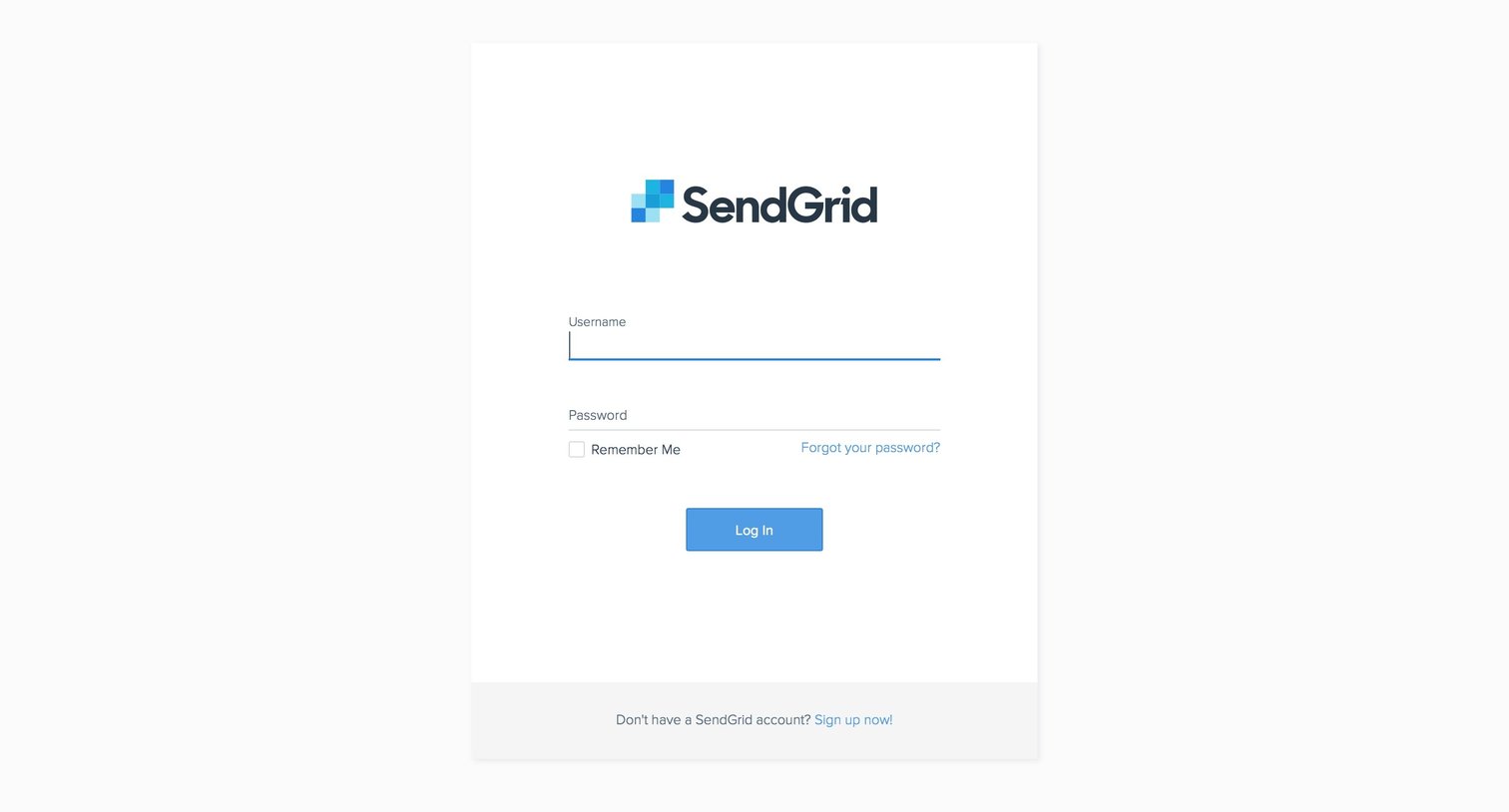
Sign-in screen where the user authenticates with their username and password, with options to recover their password or create a new account.
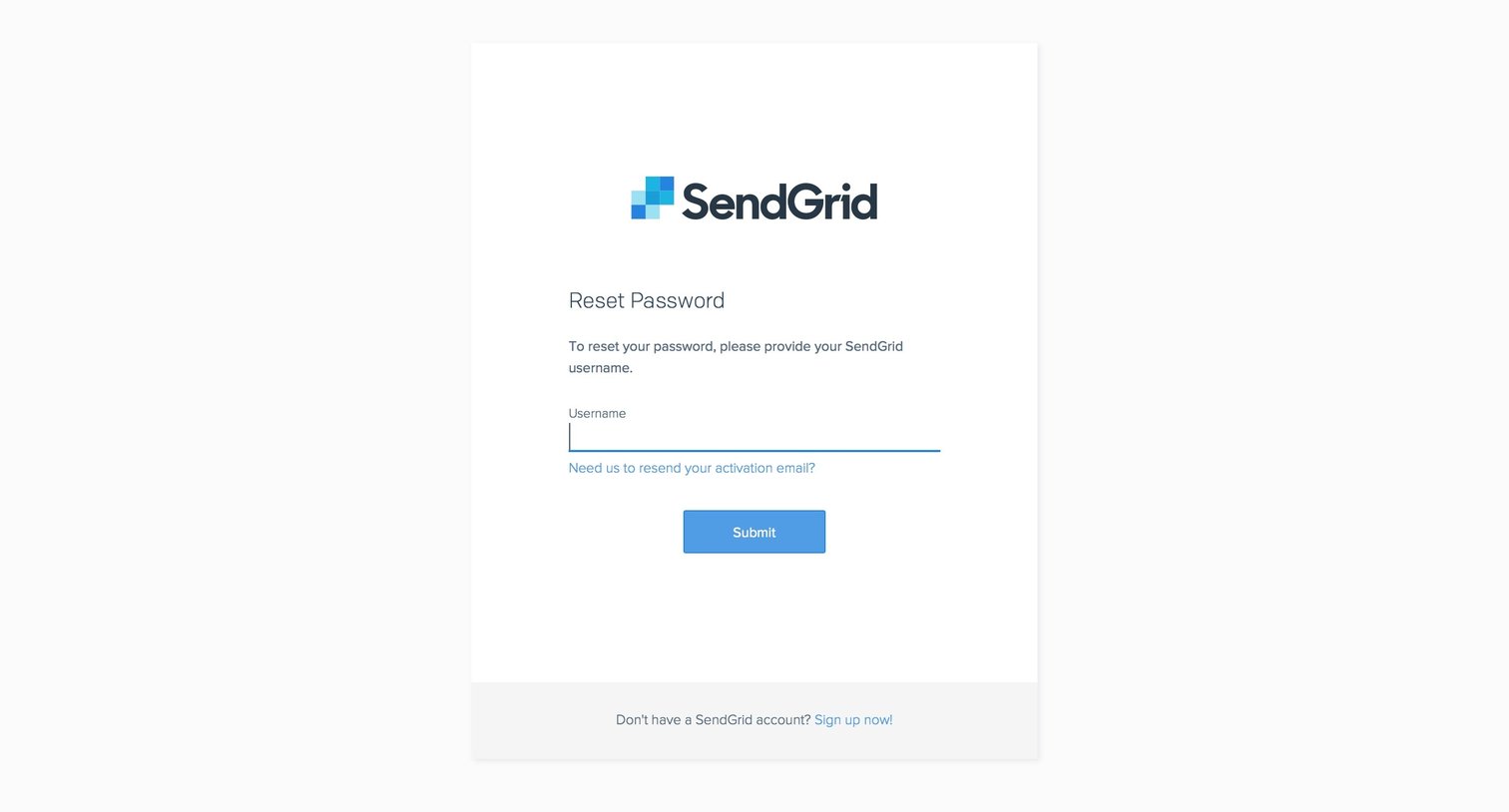
Password recovery screen where the user enters their SendGrid username to request a reset link.
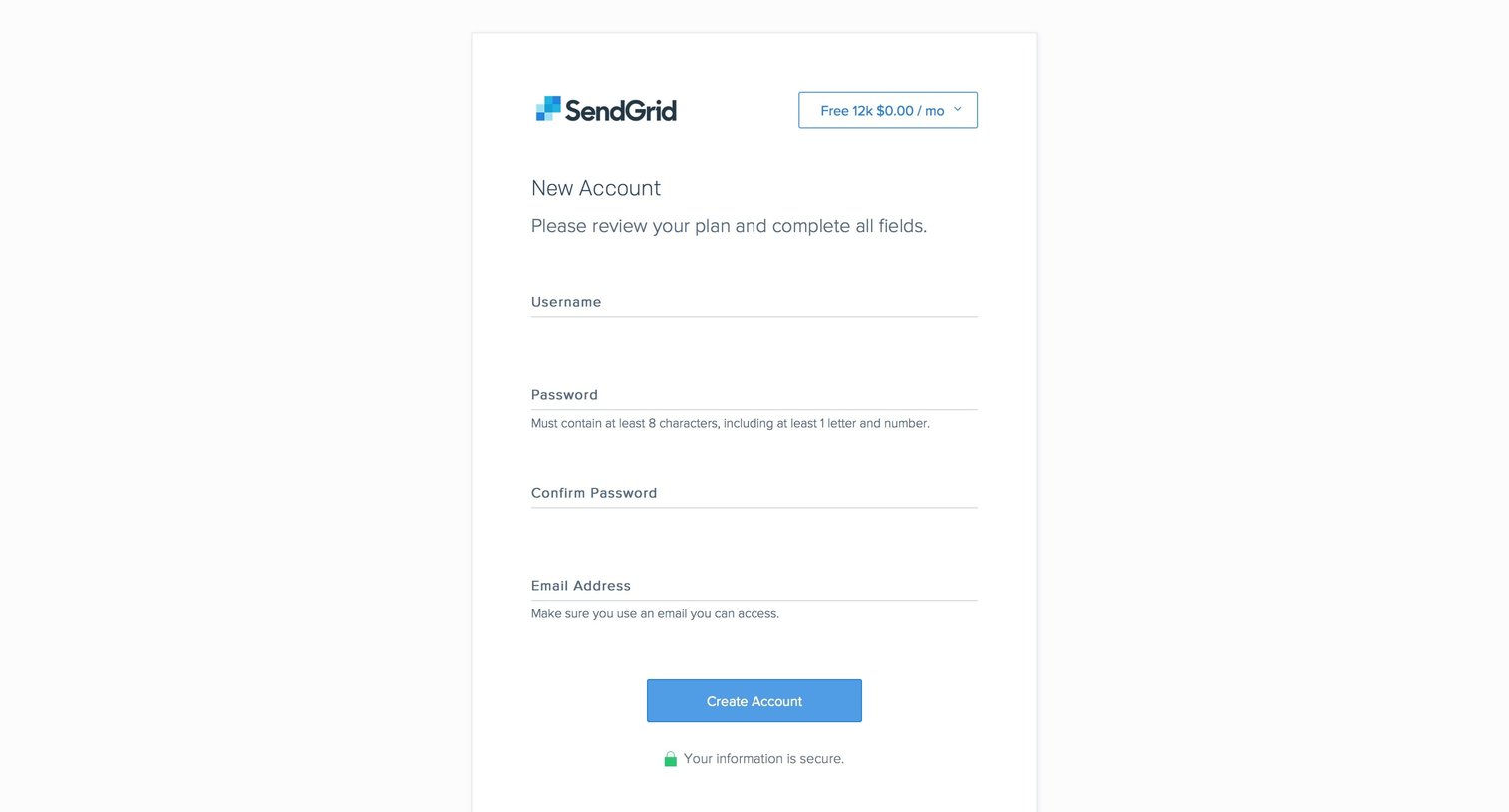
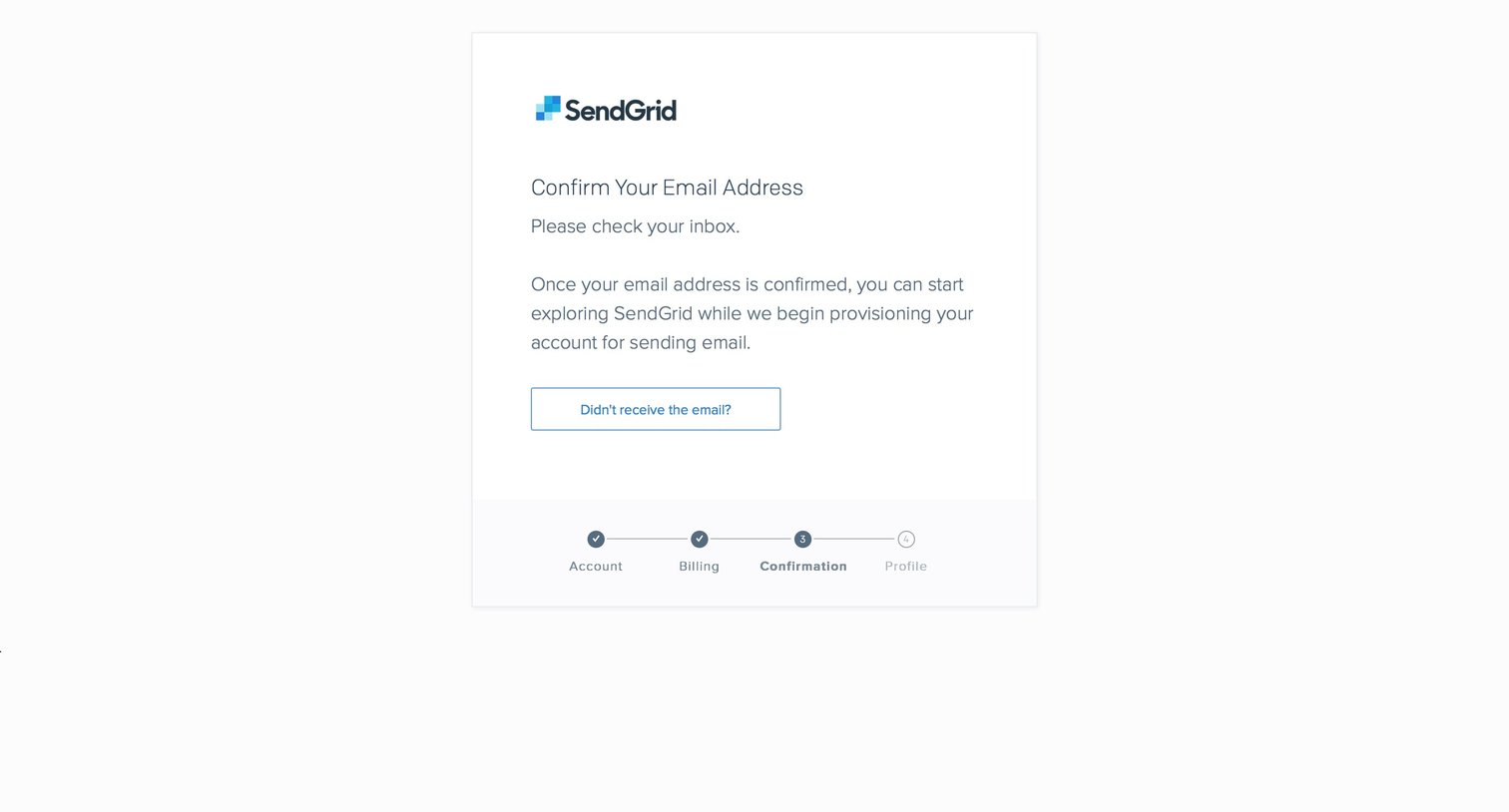
Verification screen in an onboarding flow instructing the user to check their inbox to confirm their email address before proceeding to the profile setup.
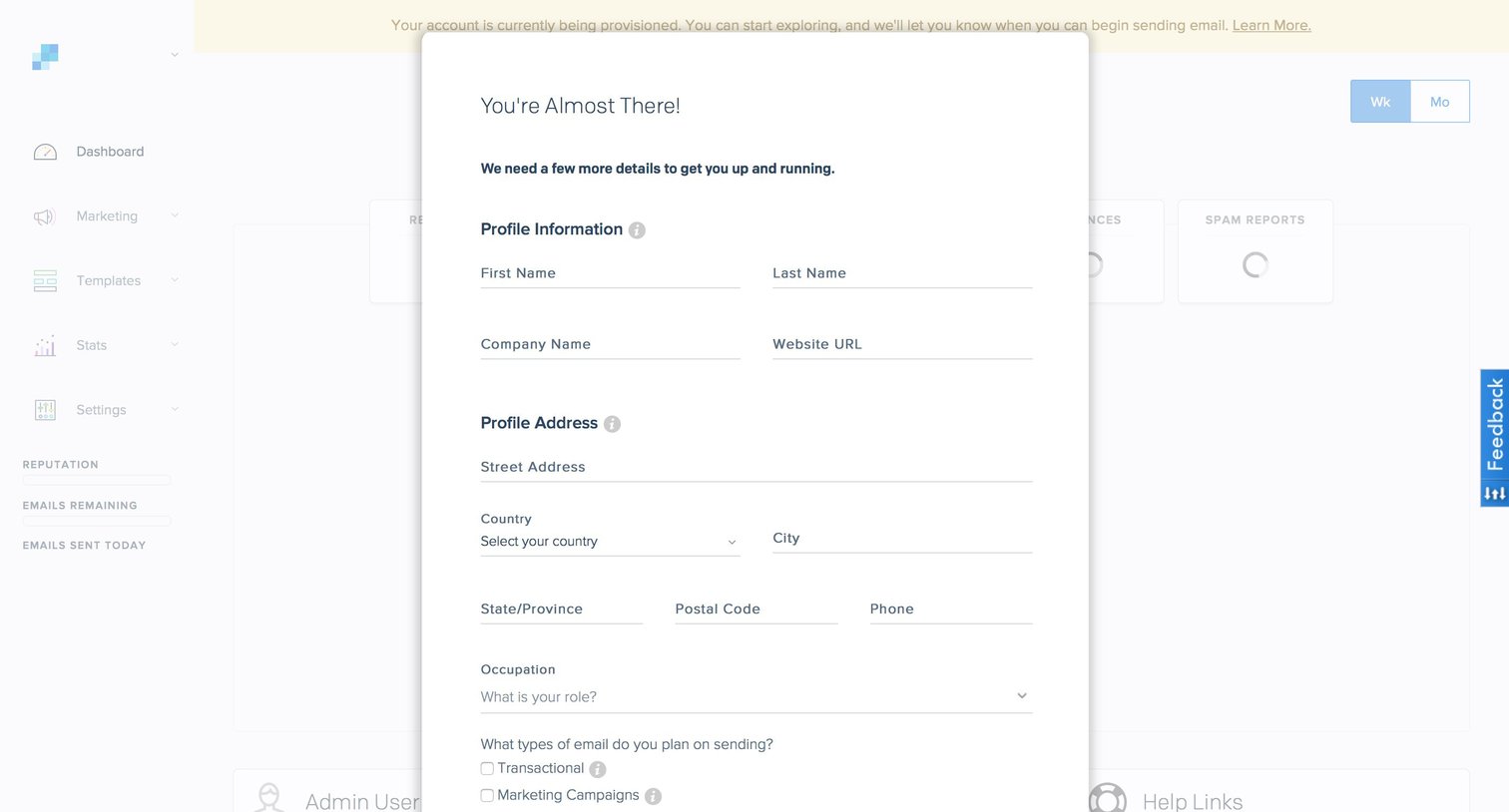
Onboarding step where the user provides their profile information, address, and intended email usage to complete account setup while the background dashboard provisions.
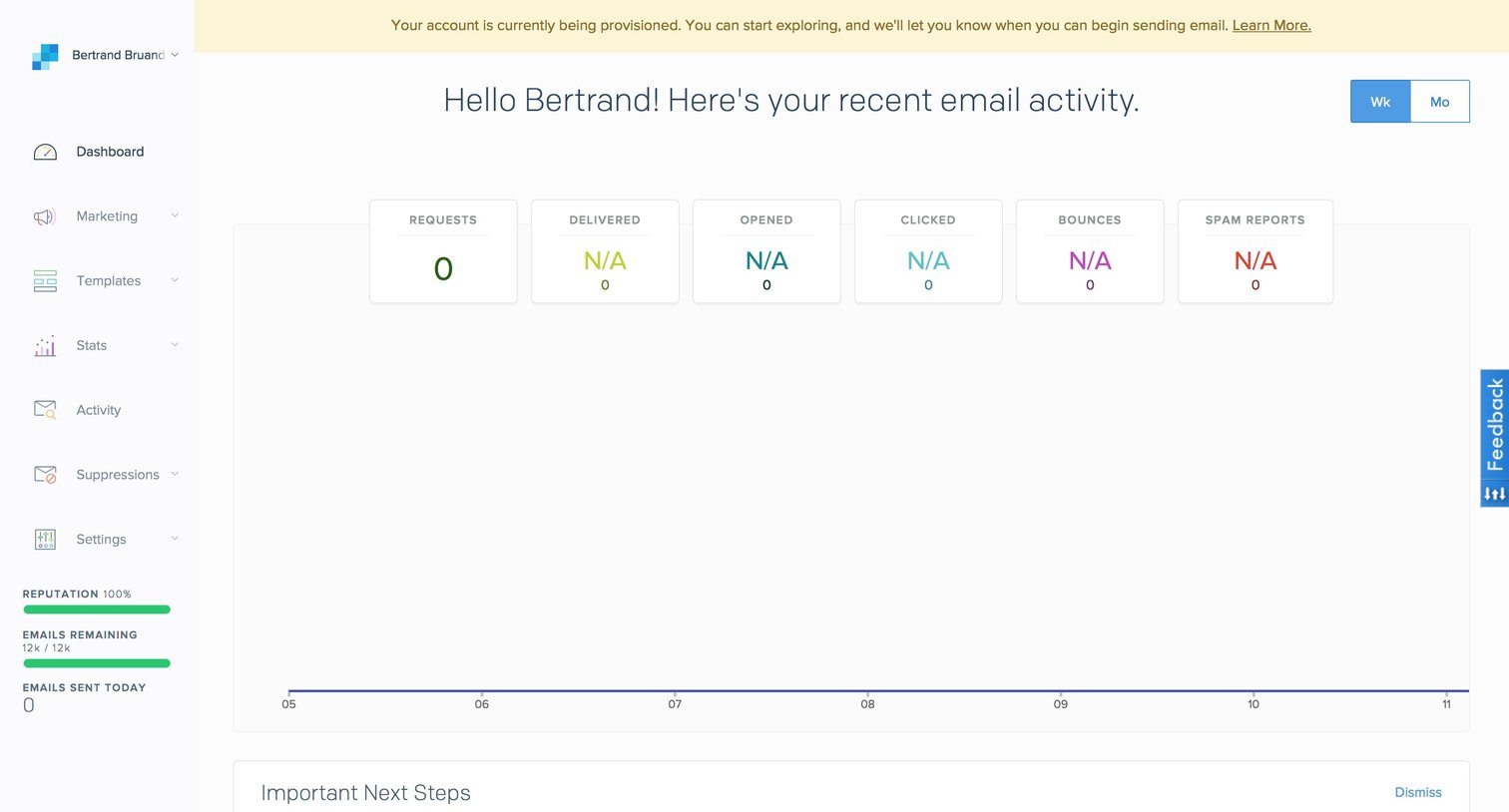
Dashboard for a newly provisioned account showing empty email activity metrics and an onboarding checklist for configuring whitelabels and templates.
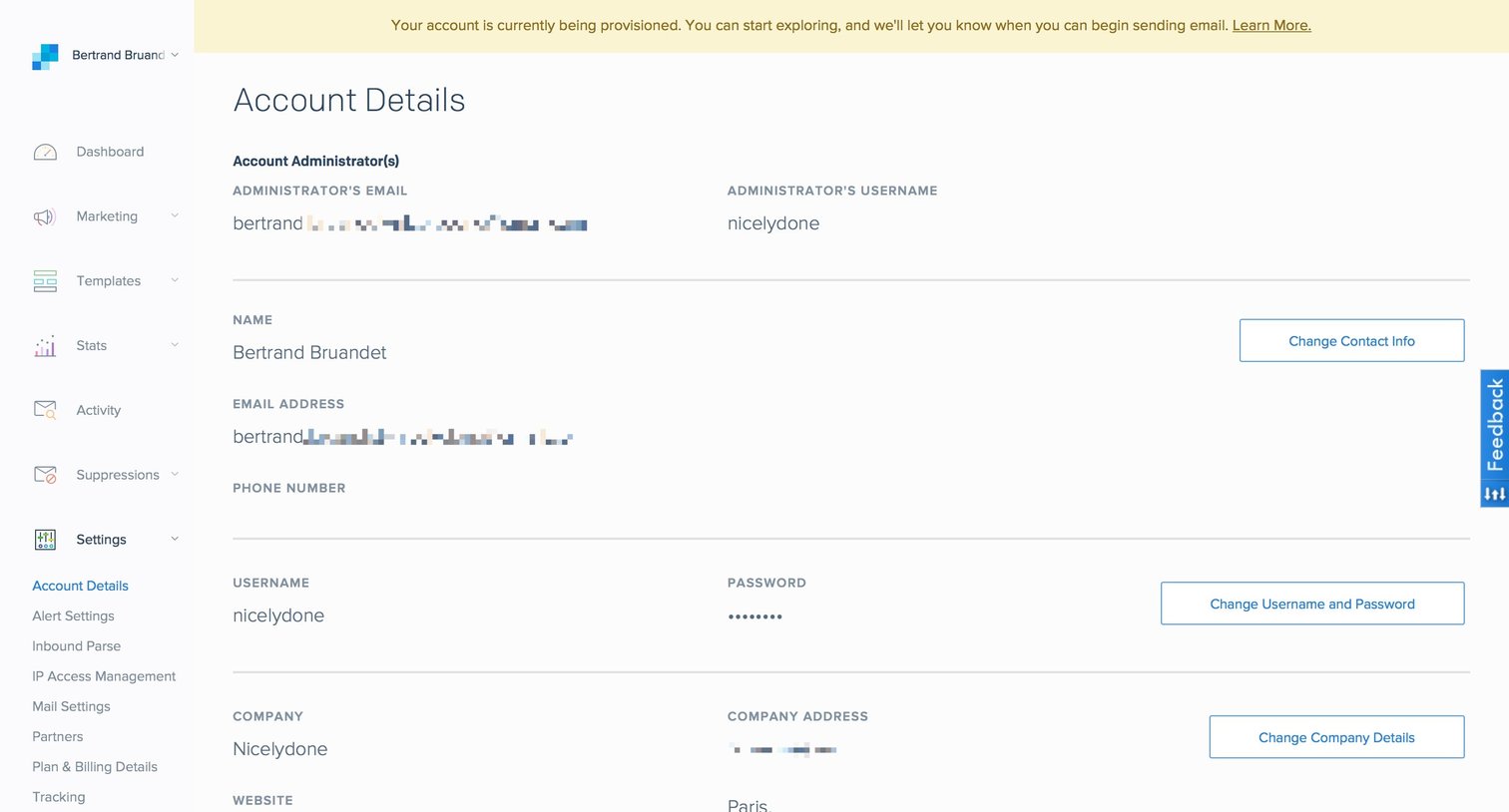
Settings page where the user views their account details, contact information, and company profile, with options to edit each section.
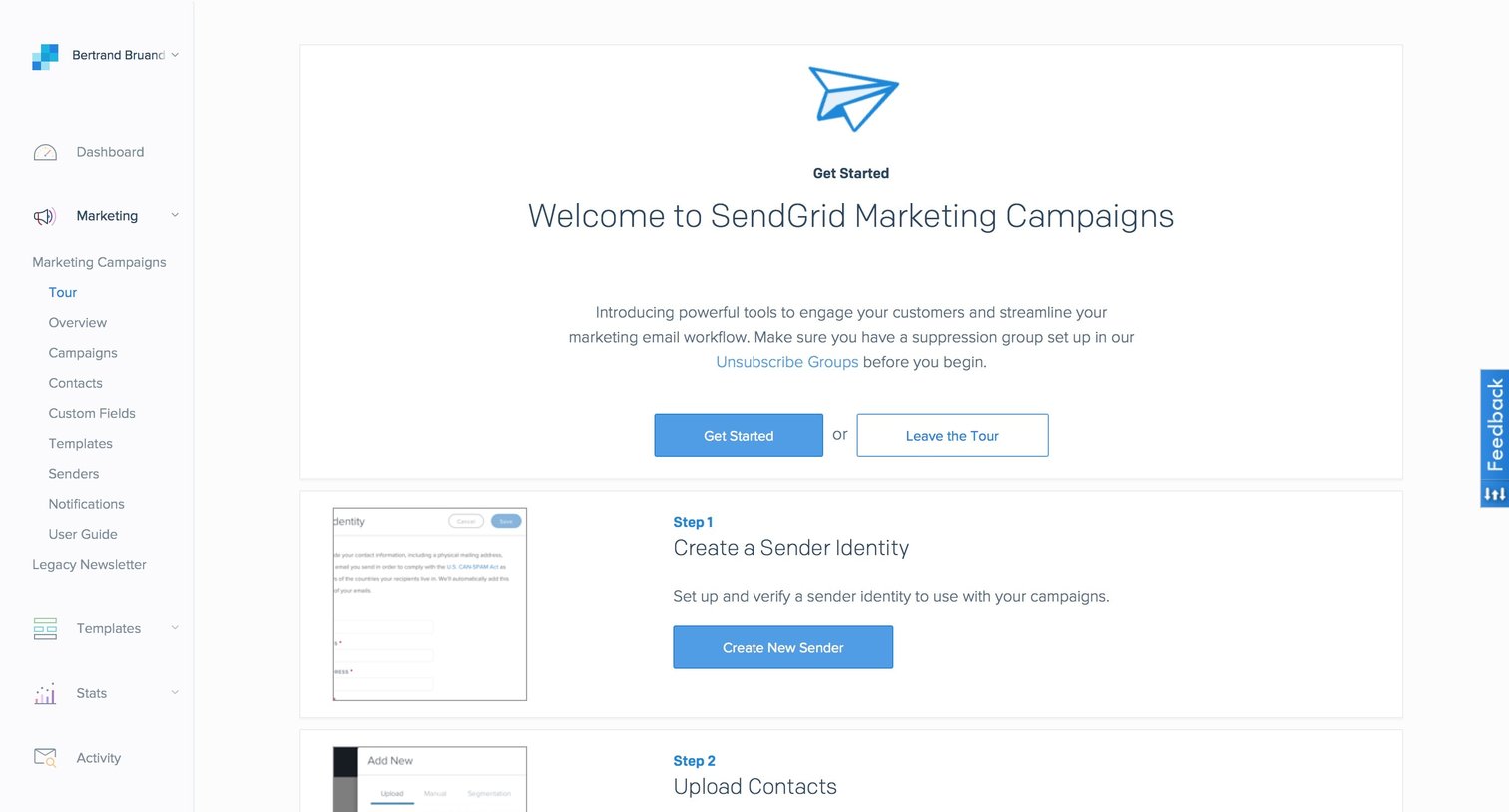
Onboarding screen where the user follows a step-by-step tour to set up sender identity, upload contacts, configure unsubscribe groups, and create their first campaign.
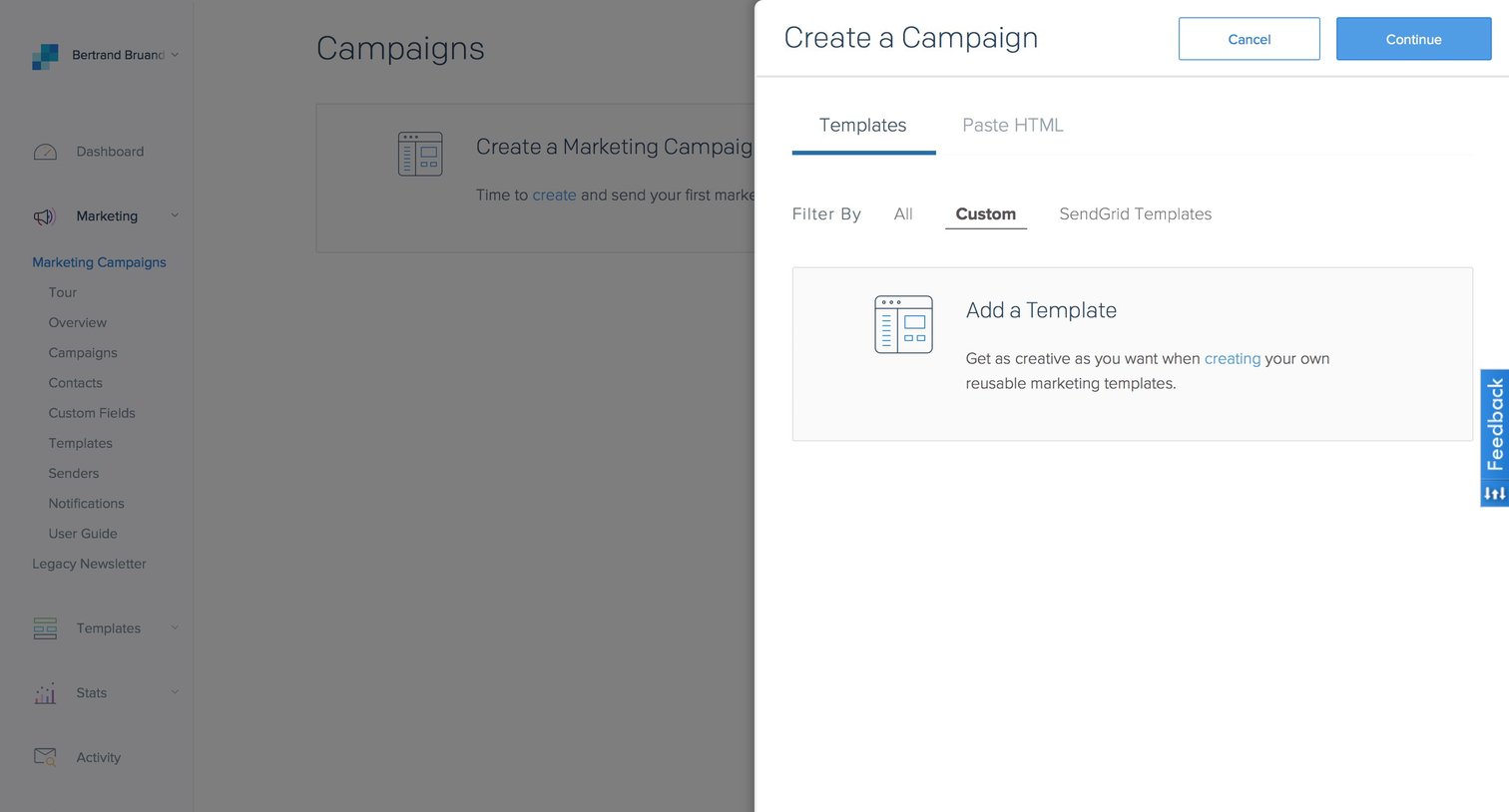
Drawer for creating a new marketing campaign where the user can choose to start from a custom template, SendGrid templates, or paste HTML.
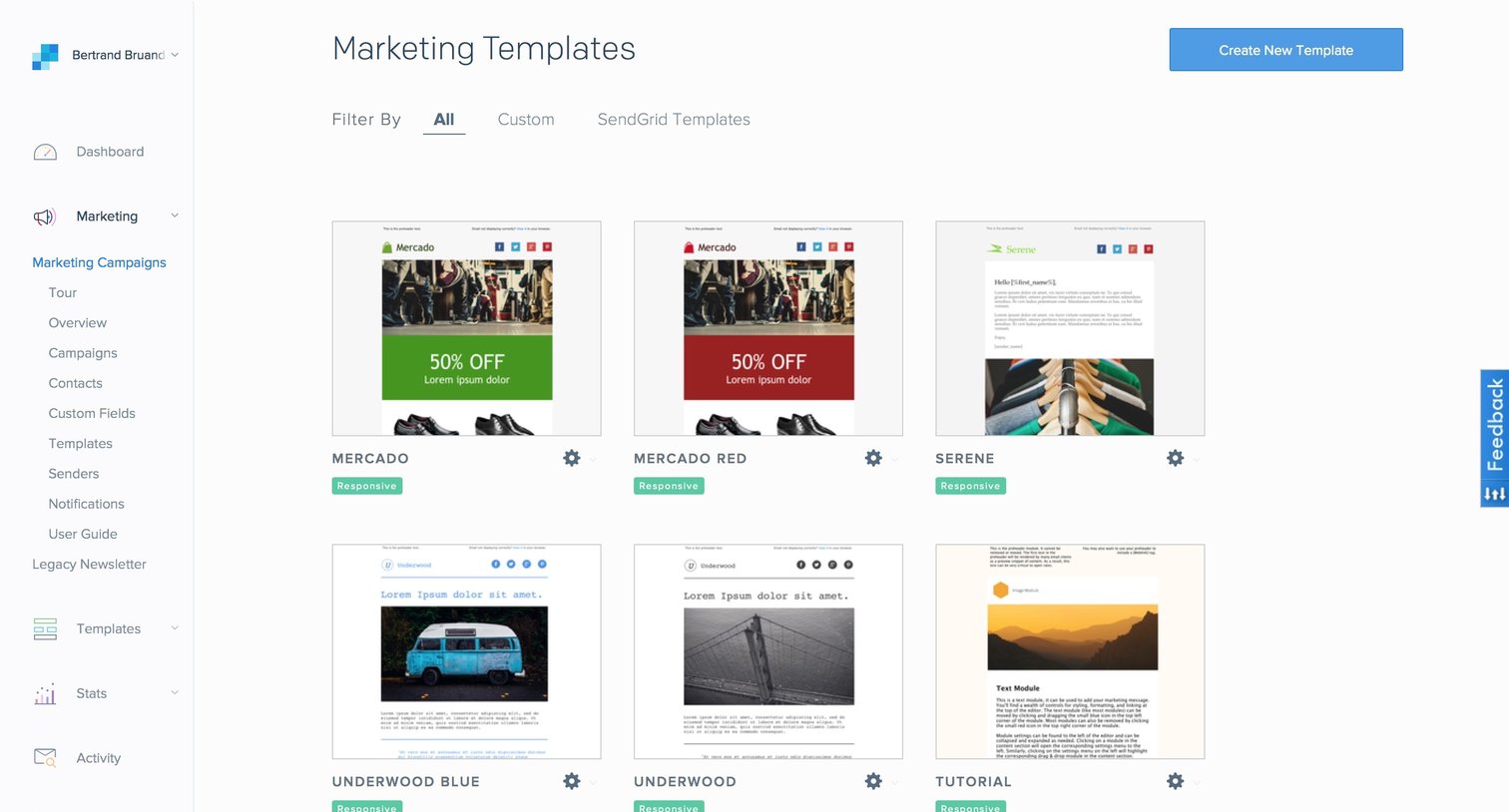
List view where the user browses and filters available email marketing templates to start a new campaign.
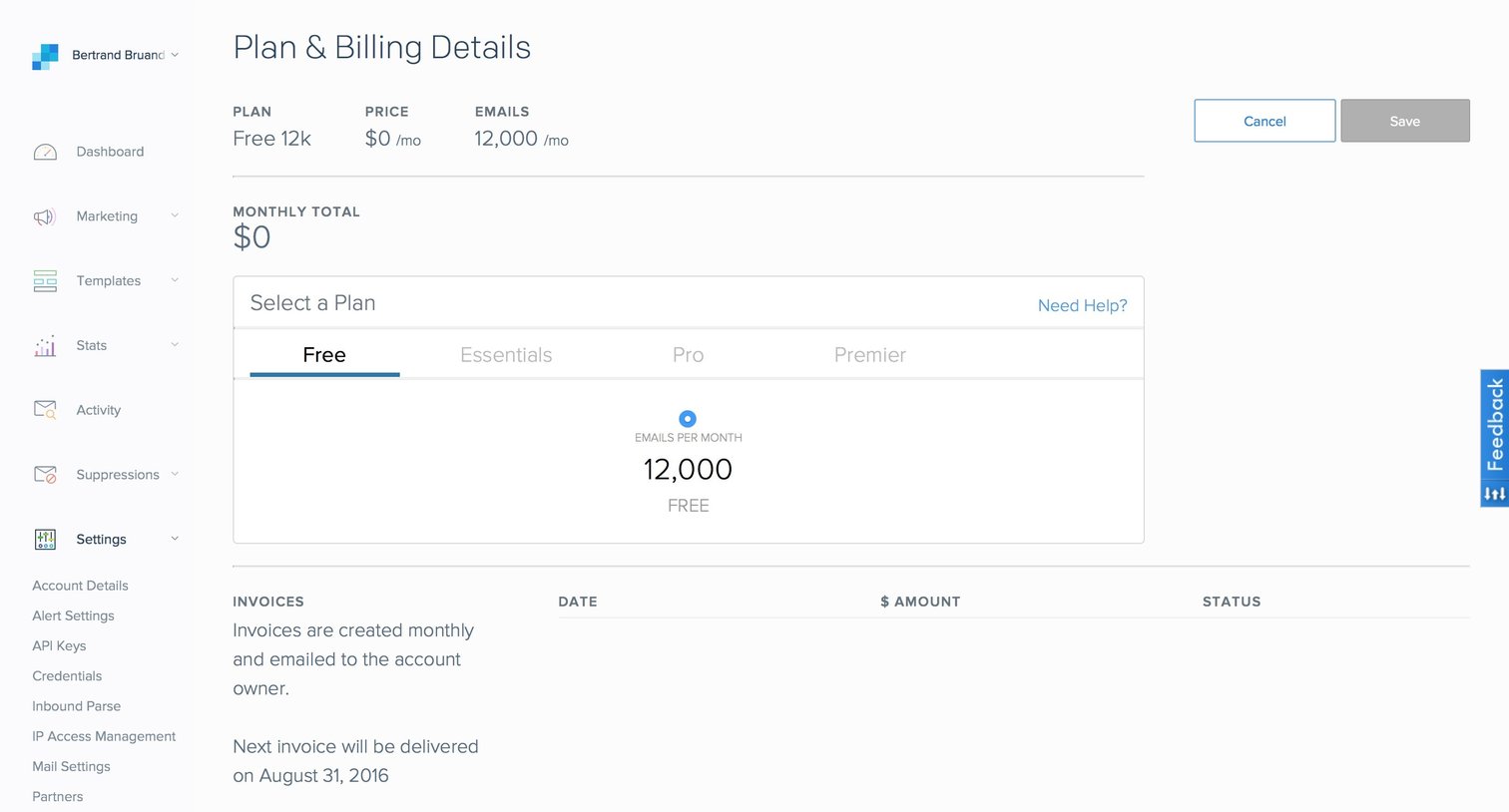
Settings page where the user views their current free plan, monthly email limits, invoice history, and can cancel their account.
Browse the full SaaS app library
Explore real SaaS apps with their product screens, marketing screens, flows, and components.
Trusted by the best teams







