Segment product screens examples
Browse Segment screen design examples. Preview the interface screenshots and explore related UI patterns. Analytics API and customer data hub
Explore the examples

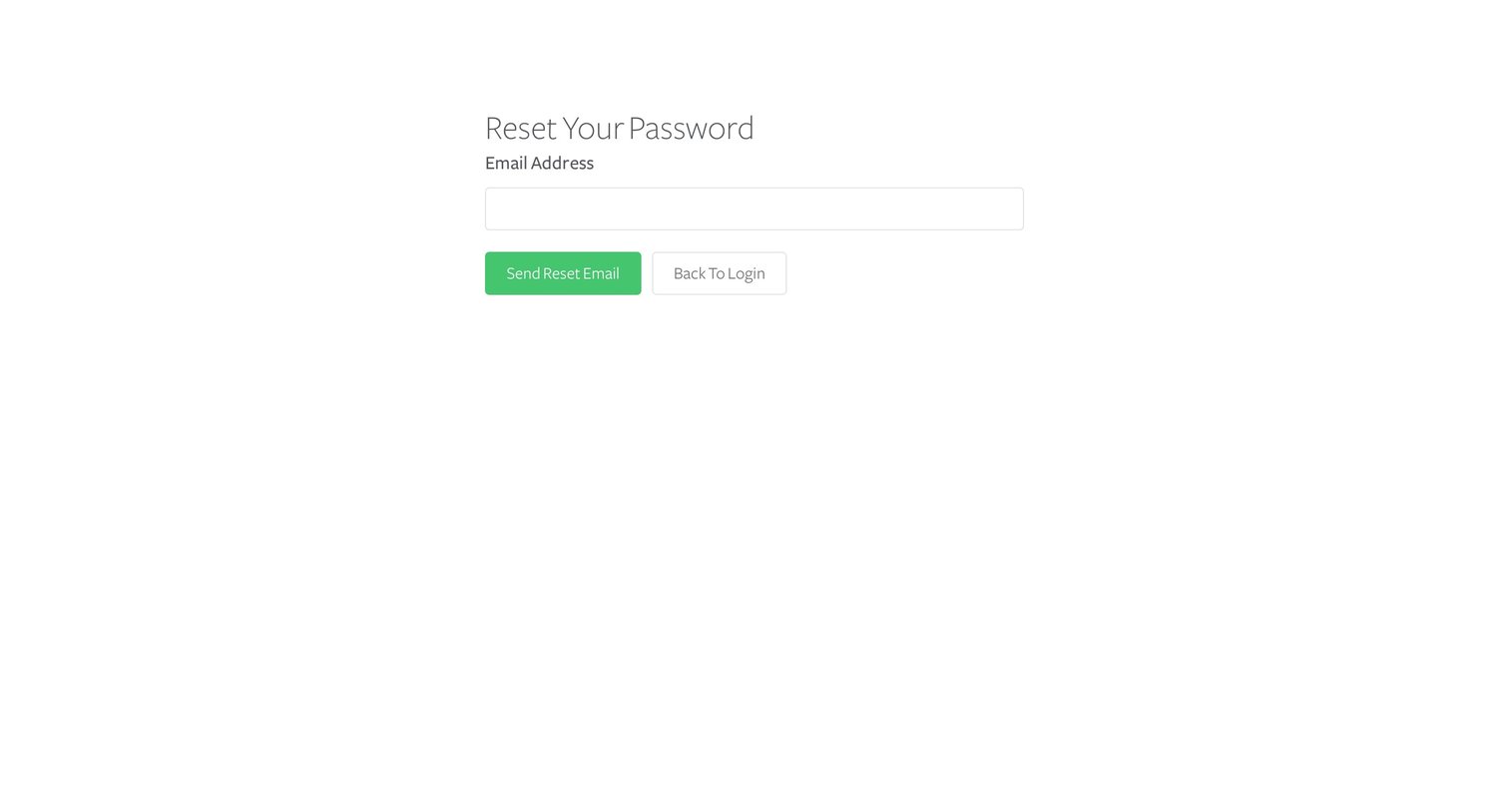

Password recovery screen where the user enters their email address to receive a reset link.


Onboarding step where the user selects data sources like Website, iOS App, or Server to connect to their workspace.

Onboarding step where the user selects between integrations or data warehouses as their data destination to finish setup.

Onboarding screen where the user is welcomed and prompted to add their first data sources, integrations, and data warehouses to get data flowing.
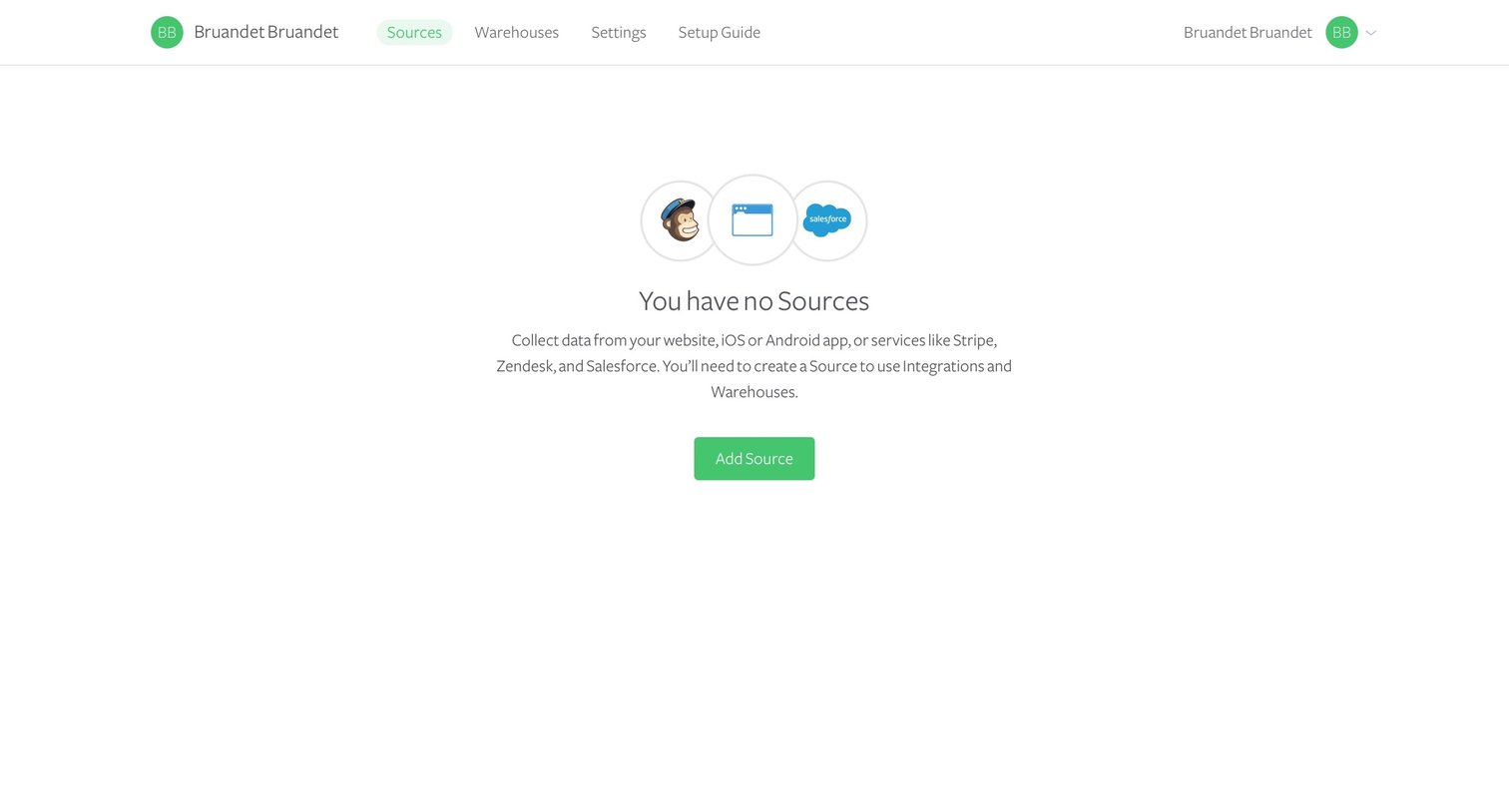
Onboarding Data management
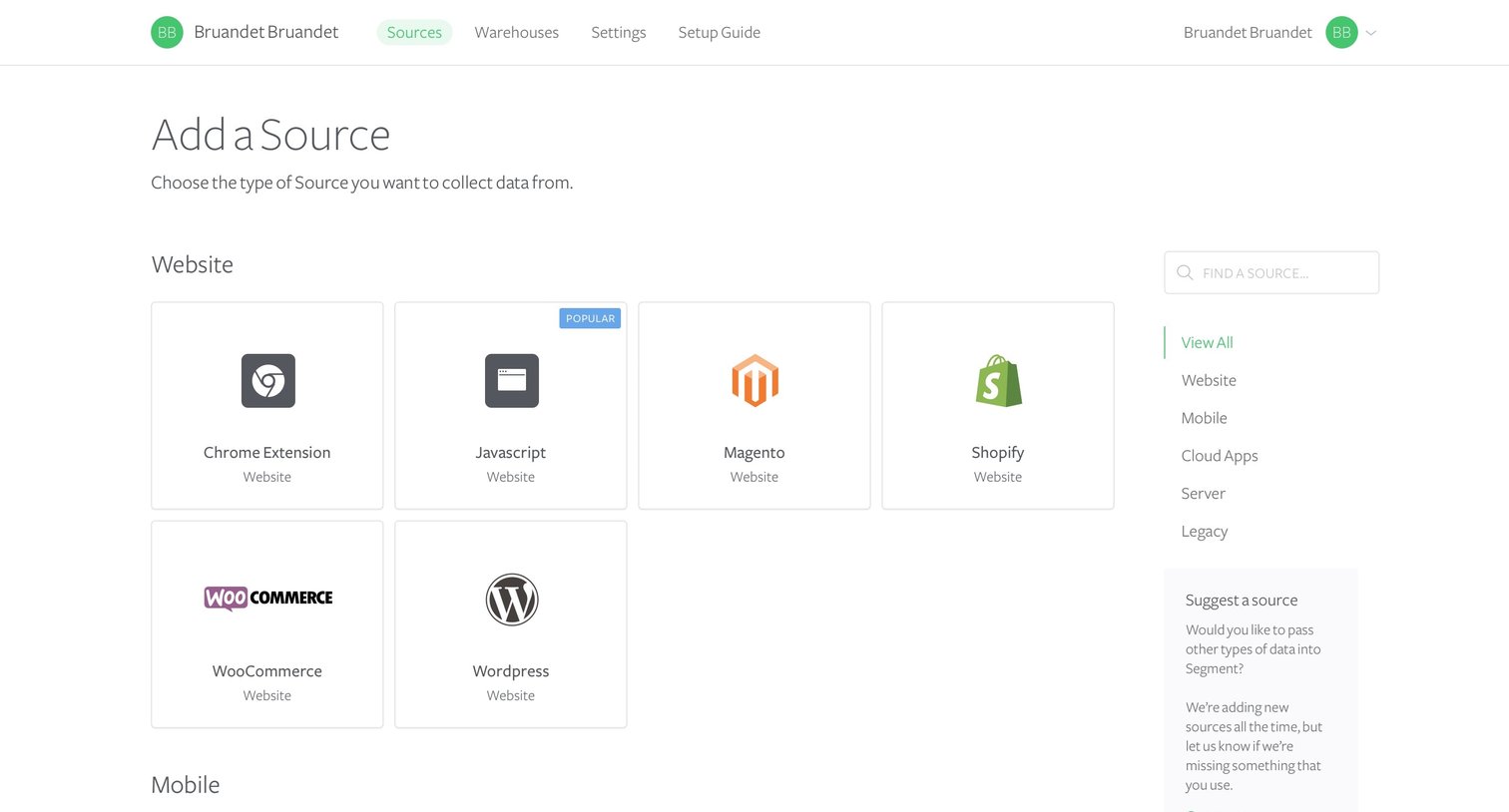
Create page where the user browses and searches a catalog of data source integrations categorized by Website, Mobile, Cloud Apps, Server, and Legacy.

Create page where the user browses a catalog of website and mobile data sources and views setup details for a Chrome extension in a side drawer.

List view where the user manages connected data sources and can add new ones via a grid or right-hand action panel.
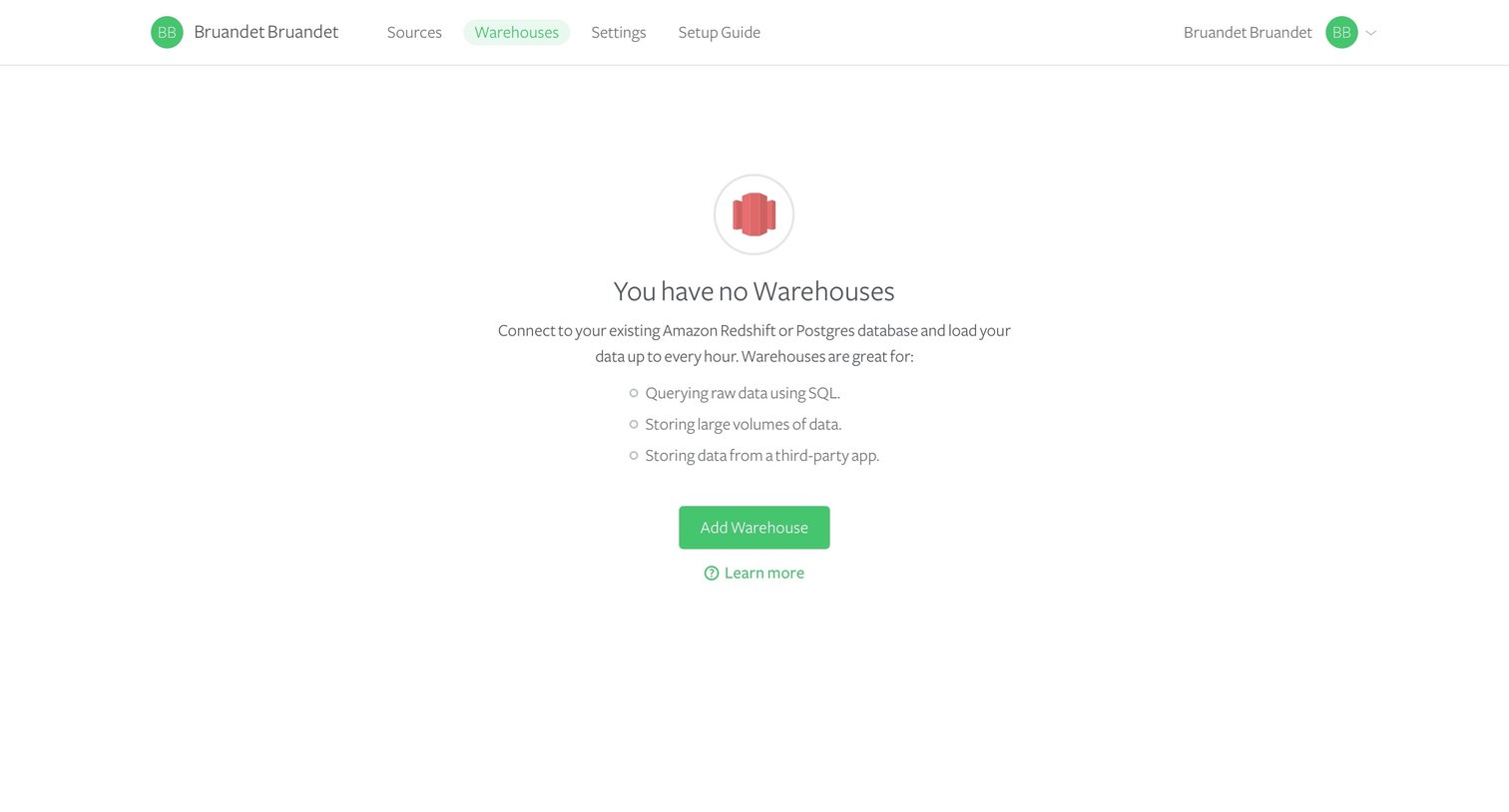
Empty state for the warehouses list prompting the user to connect a database like Amazon Redshift or Postgres.
Explore the full SaaS screen library
Upgrade to unlock the full library.
Trusted by the best teams







